Match the card layout
The selected option determines the printing and encoding features.
Check the full product specification before ordering.
SKU: 3300-0021/3
Choose an option to see stock
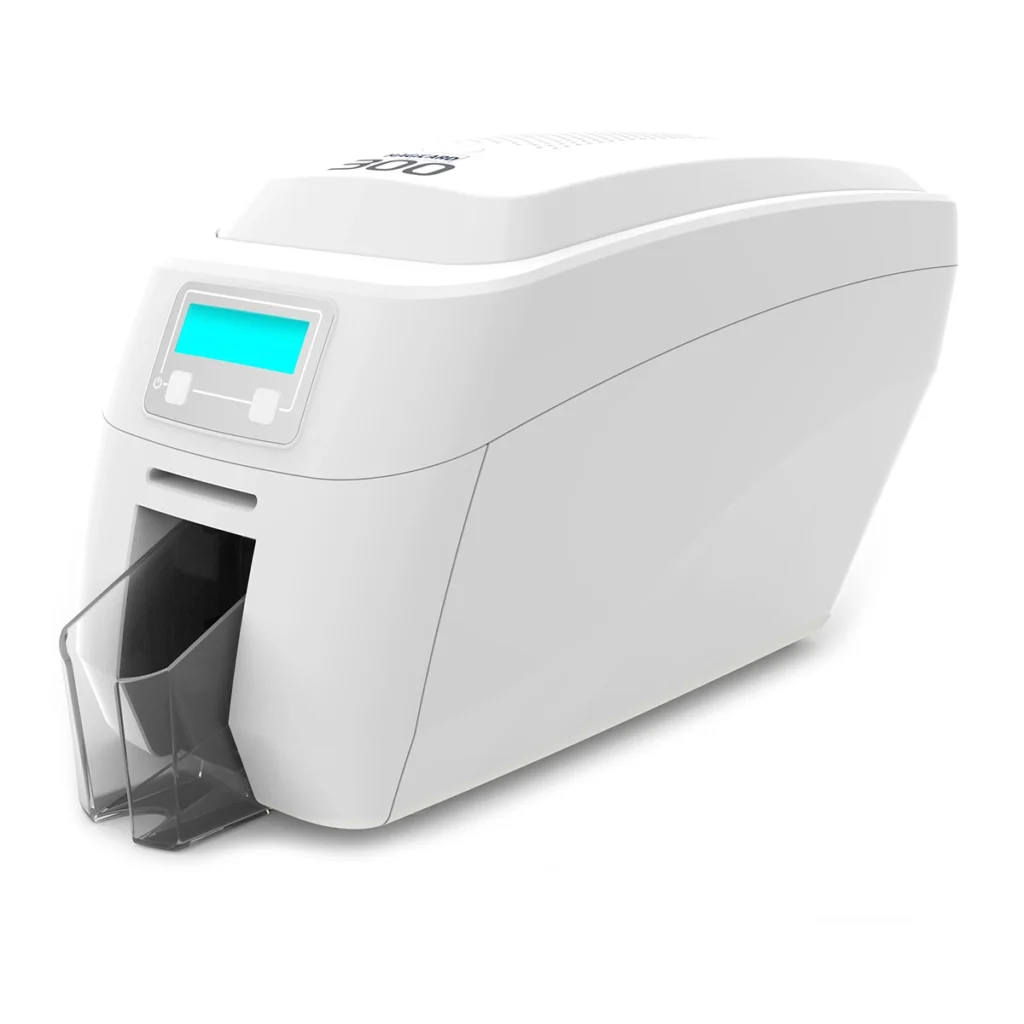
Print photo ID, staff and membership cards with the Magicard 300. Choose the exact printer option for your card design and encoding requirements.
Choose the supplied configuration. This listing includes single-sided, dual-sided and encoder options. The selected option determines the exact reference and price; printing on both sides and encoding are separate functions.
The selected option determines the printing and encoding features.
Check hopper capacity and the selected print mode.
Confirm supplies, host software and any fitted encoding options.
The Magicard 300 ID card printer suits organisations issuing photo ID, staff badges and membership cards in batches. Its 100-card input hopper handles routine runs, while the hand-feed slot supports individual replacements.
Choose single-sided printing for a design on one face, or the Duo configuration for automatic printing on both faces. For an encoder option, ask ACB to confirm the complete printer configuration, supported card technology and required software. Both encoder options listed here are dual-sided printer configurations.
The 300 provides 300 × 300 dpi printing, HoloKote watermark features and digital shredding of used print-job data. Published single-face speed figures do not represent the output rate for every two-sided design.
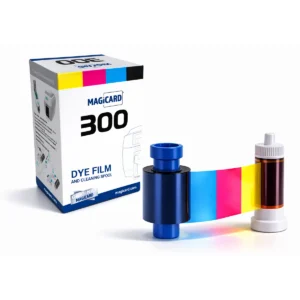
Start with the MC300YMCKO colour ribbon and suitable blank white PVC cards. Select an approved MC ribbon for the printer region, print mode and card material. The MC250YMCKOK option supports colour on the front and black on the reverse with the appropriate setup. Ask about the 3633-0053 cleaning kit.
Before ordering, confirm the supplied items, software licence, current driver support, warranty terms and delivery date with ACB. Printing a barcode, QR code or artwork does not encode a card’s chip or magnetic stripe.
You can compare Magicard printers, or choose our photo ID card printing service if you prefer finished cards supplied by ACB.
Magicard 300 manufacturer specifications.
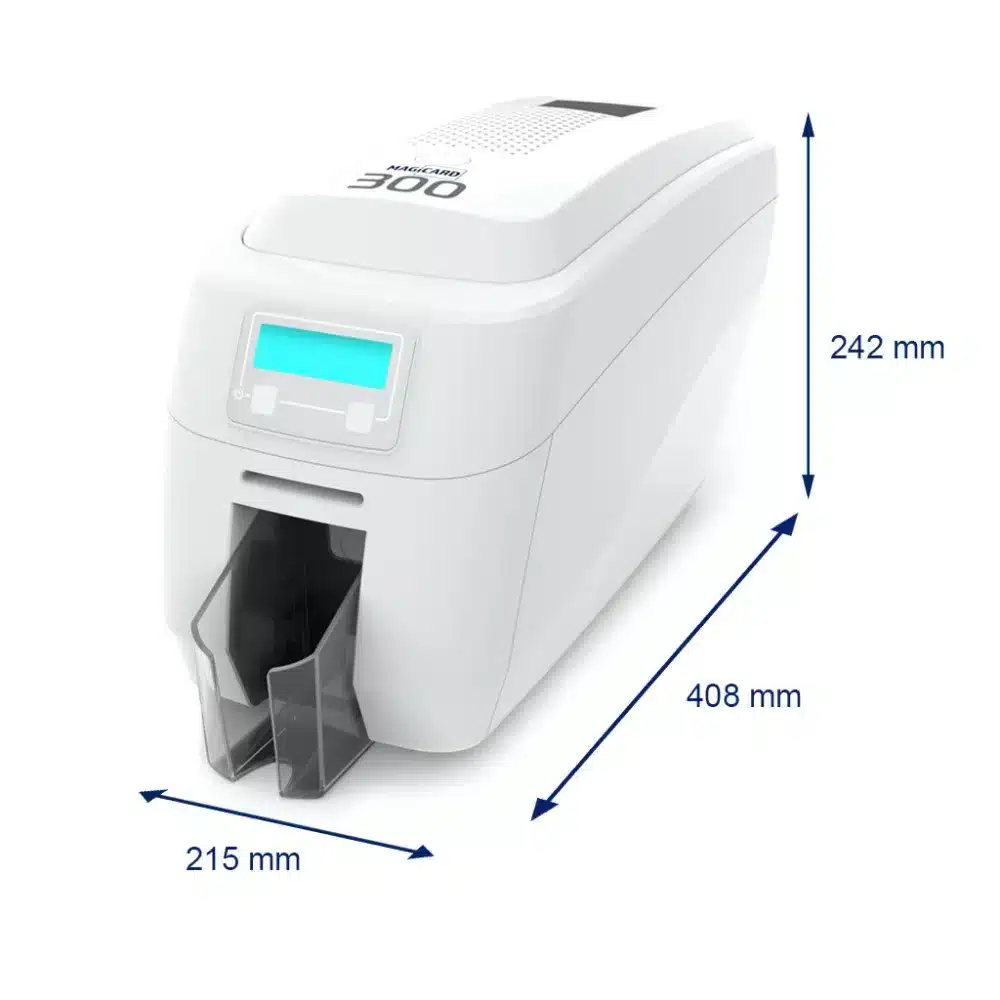
Choose single-sided if all the card details fit on one face. For example, a photograph, name and role may be enough for a staff badge. Choose the Duo option if you also need information on the reverse, such as return details or membership terms. Automatic two-sided printing avoids turning each card over by hand.
Match the ribbon to the artwork on both faces. MC300YMCKO is a full-colour ribbon, while MC250YMCKOK adds a black panel for the reverse. Therefore, tell ACB whether you need colour on one face or both before choosing supplies. Ribbon capacity is a print-panel rating, so two-sided artwork can change the number of finished cards produced.
It can print suitable card surfaces, subject to the approved material and thickness. However, the access system also needs the correct chip technology and credentials. Tell us which reader or access system you use. We can then help you check the card and any encoder requirements before you order.
HoloKote adds a visible watermark to the printed card for a visual authenticity check. It is a separate feature from chip encoding. Likewise, digital shredding removes used print-job data from the printer; it does not replace your organisation’s rules for storing personal information.
Plan for the Magicard 300 ID card printer, compatible cards, the correct ribbon, cleaning supplies and card-design software. Also check how your computer will connect and who will prepare the artwork. Confirm the contents of the selected offer with ACB, especially when comparing printer-only prices with starter bundles.
| Model | Magicard 300 range |
|---|---|
| Printing | Single- or dual-sided: selected configuration |
| Technology | Direct-to-card dye sublimation / thermal transfer |
| Resolution | 300 × 300 dpi |
| Connections | USB 2.0 and Ethernet |
| Card handling | 100-card feeder / 70-card output; hand feed |
| Published print-mode rating | 160/hour colour and 720/hour mono are single-face figures |
| Card stock | Approved CR80 card stock; confirm finish and thickness |
| Brand | Magicard |
| Product code | 3300-0021/3 |
| Printer Options | Single Sided | Dual Sided | Dual Sided + Magnetic Stripe Encoder | Dual Sided + Elatec TWN4 Encoder |
Check the complete manufacturer specification, selected options and included items before ordering.
Dispatch depends on the exact product and availability. Confirm any required date with ACB. For personalised products, production follows artwork/proof approval and courier transit is separate.
Read the delivery & returns policyHave the product code, existing equipment or card reference, quantity and intended use ready. ACB can help you check what needs confirming.
Call 01308 426312PLAN YOUR CARD PRINTING
Compare the single-sided and dual-sided configurations for the information you need on each card. A 100-card feeder supports batch issue; magnetic-stripe and smart-card encoding require the appropriate configuration.
MC colour ribbons are the starting point for this model. YMCKO prints colour with an overlay; YMCKOK includes a black panel for the reverse. Match the regional reference and print mode.
Ask ACB to confirm the supplied configuration, included items, software licence, applicable warranty terms and delivery arrangements. Allow for consumables and maintenance when comparing the complete cost of issuing cards.
Check the exact reference, region and pack contents on each listing. Listed prices exclude VAT; these items are separate products unless confirmed in your quotation.
Match the exact model, card format or attachment when choosing supplies and accessories.
CONTINUE EXPLORING
Explore more products and check the exact model, fitting or technology before ordering.


SKU: ACB-SMART31D
Choose an option to see stock