
Magicard
Magicard Printer Ribbons
The right ribbon. The right printer.
Explore the listed Magicard ribbons and films. Start with your printer model and match the full consumable reference.
36 available listings Explore the options with ACB
START WITH THE PRINTER ON YOUR DESK
Your printer. Your ribbon range.
Choose the name on your printer, then match the full ribbon reference and region. Original Pronto and Pronto100 use different colour films.

Original Pronto
MA colour family8 available ribbon listingsFind my ribbons
Pronto100
MD colour family7 available ribbon listingsFind my ribbons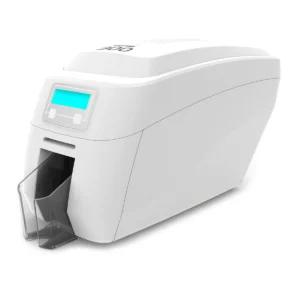
Magicard 300
MC colour family9 available ribbon listingsFind my ribbons
Magicard 600 Duo
MB colour family9 available ribbon listingsFind my ribbonsMA, MD, MC and MB are different standard colour-ribbon families. Check the complete reference and approved card material. Some monochrome ribbons fit more than one model; check their individual compatibility.
Another Magicard model?
Save 10% with code MAG10Enter the code at checkout on eligible orders. Minimum spend £50.00. Existing offer terms apply.
EXPLORE THE CURRENT RANGE
Shop this Magicard range.
Use the filters to narrow your choices.
Check the exact reference and options on each listing.

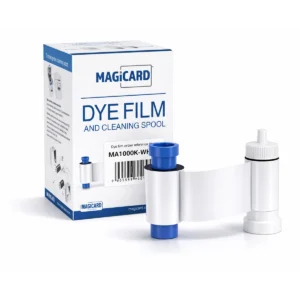
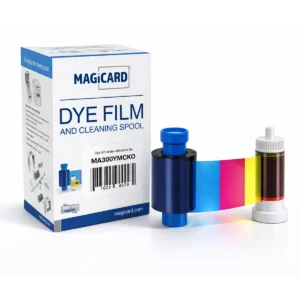
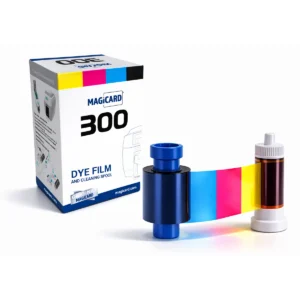
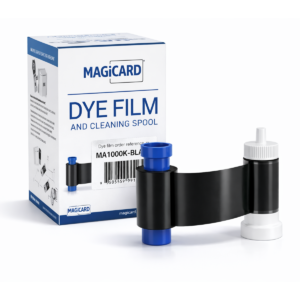
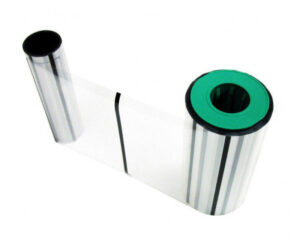
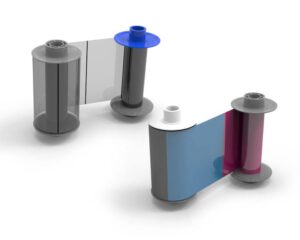
Magicard Ultima HE3000S Secure Ribbon and Retransfer Film Set (3000 Prints)
SKU: SET-HE3000S
£1195.00ex. VAT
5 in stock
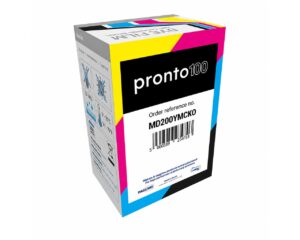
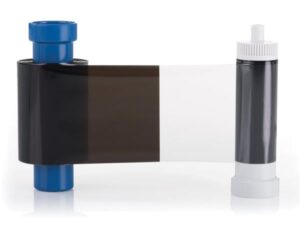
Magicard MB600KO Black Ribbon with Overlay (600 Prints)
SKU: MB600KO/3
£43.95ex. VAT
Availability awaiting confirmation
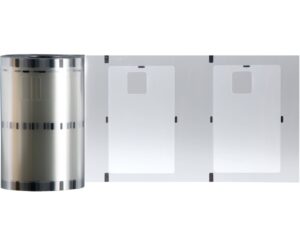
Magicard Prima 463 0.6mil Clear Chip Patch Laminate (600 Prints)
SKU: PRIMA463
£220.00ex. VAT
1 in stock
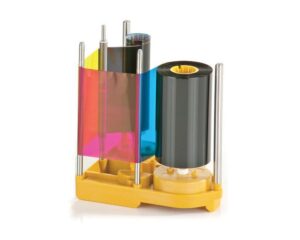
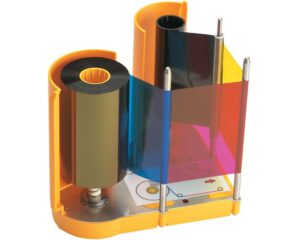
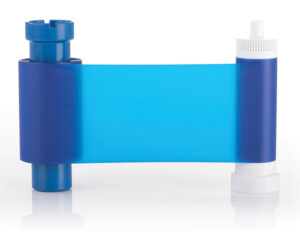
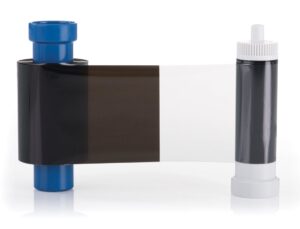
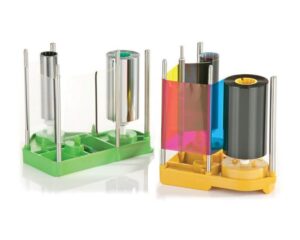
Magicard Prima 831 YMCK Ribbon and Retransfer Film Set (1000 Prints)
SKU: PRIMA831
£325.00ex. VAT
326 in stock
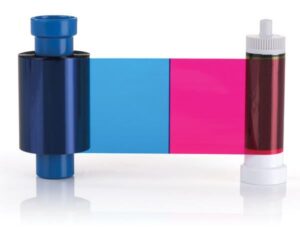
Magicard MB200YMCKO Colour Ribbon (200 Prints)
SKU: MB200YMCKO/3
£47.99ex. VAT
Availability awaiting confirmation
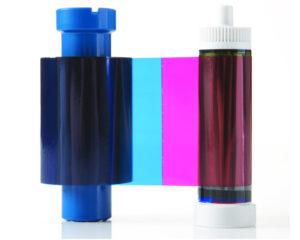
Magicard MA450YMCKO Half Panel Colour Ribbon (450 Prints)
SKU: MA450YMCKO-HALF
£68.50ex. VAT
101 in stock
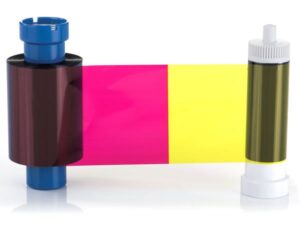
Magicard MB250YMCKOK Colour Ribbon (250 Prints)
SKU: MB250YMCKOK/3
£78.99ex. VAT
Availability awaiting confirmation
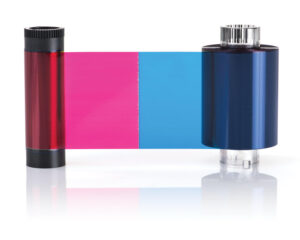
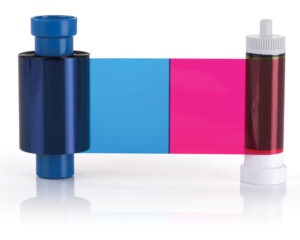


Magicard Ultima HE750YMCKK Full Colour Dye Film (750 prints)
SKU: HE750YMCKK
£265.00ex. VAT
17 in stock
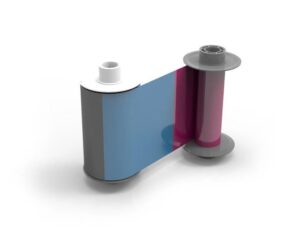
Magicard Ultima HE1000 YMCK Full Colour Dye Film - 1000 Prints
SKU: HE1000YMCK
£265.00ex. VAT
61 in stock


Magicard Ultima YMCK Ribbon and Retransfer Film Single Set
SKU: HE4000-SINGLESET
£270.00ex. VAT
54 in stock
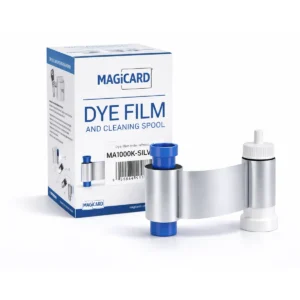
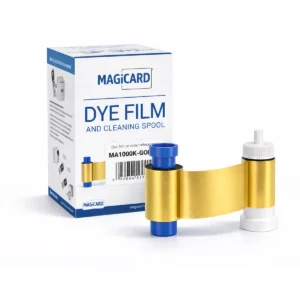
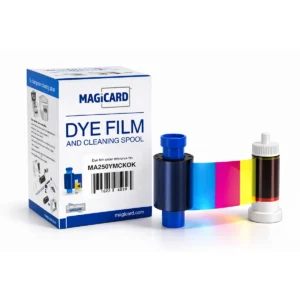

Prices exclude VAT. Confirm pack quantities, selected options and volume pricing on the product page.
Find your Magicard range
Use the exact model before comparing ribbons or planning a replacement printer.
For another Magicard model, share the printer name and current ribbon code with ACB so the reference and region can be checked.
HELP WITH YOUR CHOICE
Magicard Ribbons buying questions
Are original Pronto and Pronto100 ribbons interchangeable?
Do not order on the word Pronto alone. Magicard treats the original Pronto and Pronto100 as separate models in its consumables catalogue. Use the exact model and full ribbon code, including any suffix, to select the correct replacement.
Does a Magicard retransfer printer need ribbon and film?
Retransfer printing uses an image ribbon together with compatible transfer film. Check both references and whether the product is one component or a set. Ribbon and film yields describe the components used together; adding the two figures does not give the number of finished cards.
What information helps ACB identify a Magicard ribbon?
Provide the full printer model, the reference on the current ribbon box or label, and the required colour or monochrome layout. Mention whether you print on both sides. If you are changing the design, confirm the suitable ribbon and expected yield for that layout before placing a repeat order.
COMPLETE YOUR SETUP
The right details. Working together.
Check the exact part number, print yield and any film required on the product listing.
Need help with the exact reference?
Tell ACB what you use now and what you need your cards or accessories to do.