Net2 credentials
For compatible Paxton Net2 installations.
Check the full product specification before ordering.
SKU: 695-644
1,200 in stockLast stock check: 14:02, 12 Nov 2026 UK time
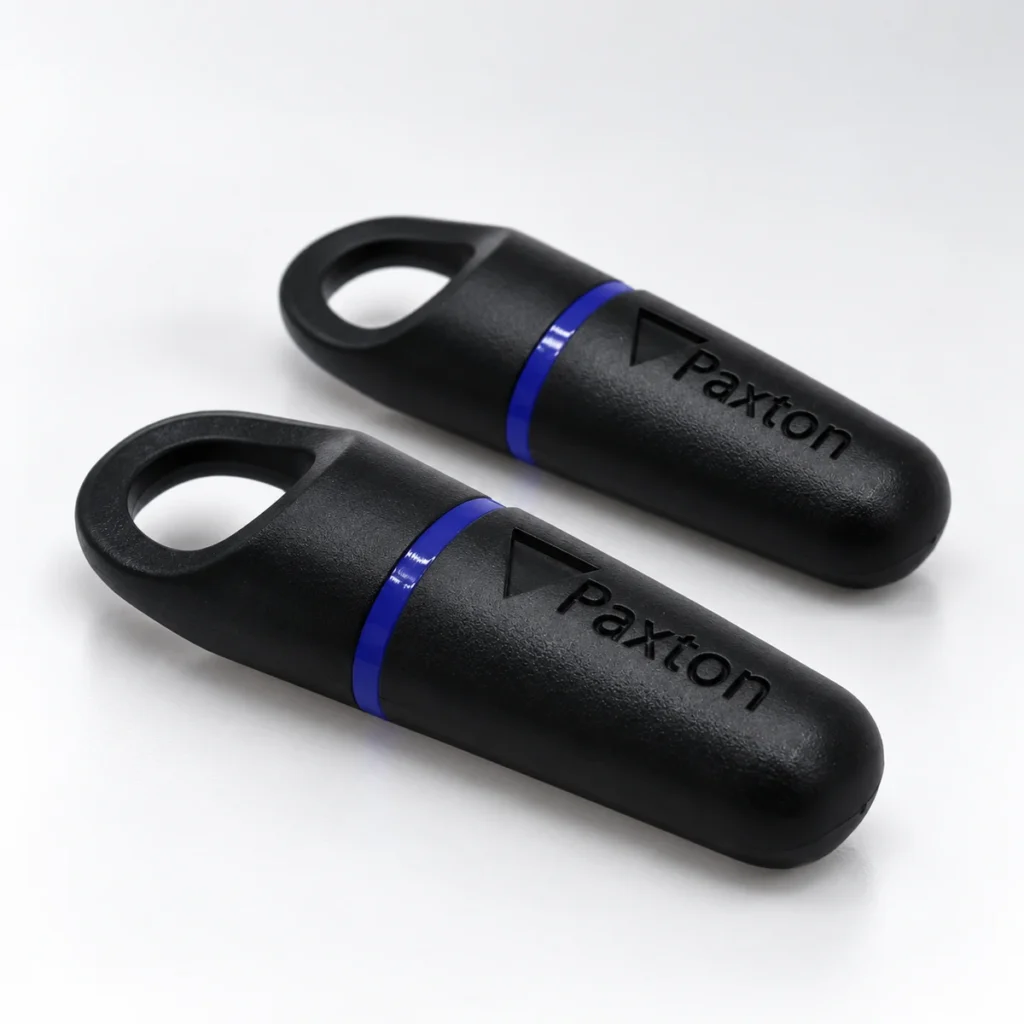
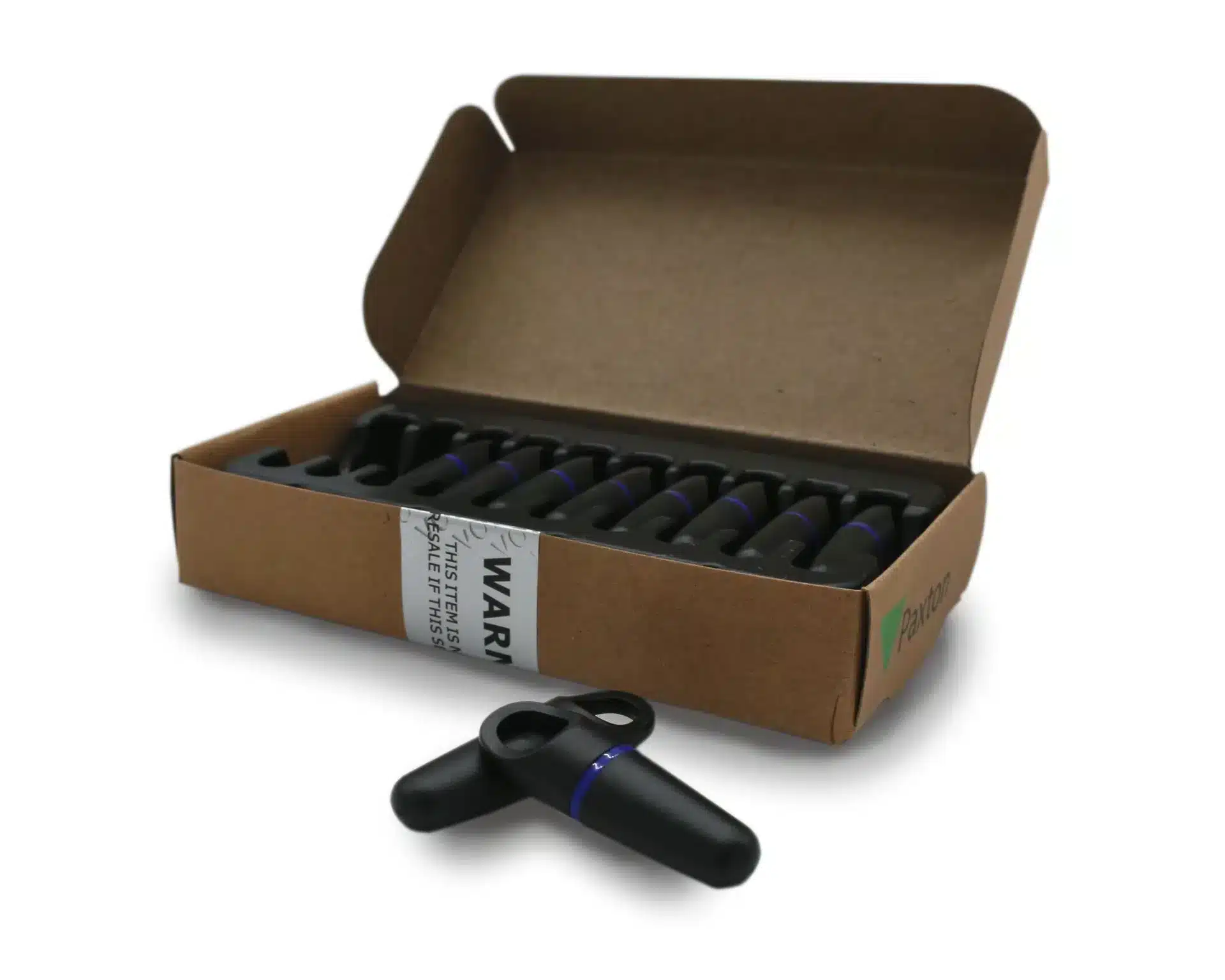
Paxton 695-644 key fobs provide a compact token format for compatible Net2 access installations. ACB supplies this reference in packs of ten. Check the existing system, allow for new users and replacements, and prepare the authorised Net2 enrolment process before distributing the fobs to users.
1,200 in stockLast stock check: 14:02, 12 Nov 2026 UK time
Prices exclude VAT. Choose the exact pack or option you need.
For compatible Paxton Net2 installations.
Frequency specified by Paxton for this reference.
Register tokens and assign each user's access permissions.
Paxton 695-644 key fobs provide a compact token format for compatible Net2 access installations. ACB supplies this reference in packs of ten. Check the existing system, allow for new users and replacements, and prepare the authorised Net2 enrolment process before distributing the fobs to users.
Add the user's details in Net2 software, then register the token using a desktop reader. Access is granted or denied according to the permissions set in your system.
Paxton describes proprietary Hitag2 encoding with password-exchange authentication. This is not a guarantee that a token cannot be copied.
See Paxton's technical datasheet, or ask ACB to check your exact model before ordering.
Order Paxton 695-644 key fobs using the exact reference recorded for the site. Include a sensible allowance for test tokens and replacements in the quantity plan. Record issued tokens against the appropriate users and confirm that the site administrator can withdraw a lost token through the installed system.
Test a newly enrolled fob at the readers and doors it is intended to use, with the permissions set by the administrator. If users also need a visible badge, compare Net2 ISO cards or order the visual ID separately. For a standalone shadow-card installation, assess the Switch2/Compact card pack as a different product type.
Choose the reference and technology approved for the system. Net2 and Paxton10 product names should not be treated as an automatic compatibility match.
The authorised site configuration determines permissions. Enrol the token through the specified Net2 workflow and check the user's allowed doors and times.
A fob does not require card-surface printing for its electronic function. You still need the supported enrolment equipment, software and authorised user record for the installation.
Check the selected quantity and specification before adding this product to your basket. For help matching a card, reader or wearing accessory to your requirements, contact ACB.
| Part number | 695-644 |
|---|---|
| System | Paxton Net2 |
| Carrier frequency | 125 kHz |
| Pack quantity | 10 |
| Material | ABS/plastic |
| Manufacturer dimensions | 45 × 14 × 10 mm |
| Brand | Paxton |
| Product code | 695-644 |
Check the complete manufacturer specification, selected options and included items before ordering.
Dispatch depends on the exact product and availability. Personalised cards and lanyards also need production time after artwork and proof approval. If you have an event or a required arrival date, please check with ACB before ordering.
For orders dispatched by ACB, UK letters and large letters use Royal Mail, and UK parcels use Parcelforce. Checkout shows the services and charge available for your order. Express delivery does not shorten artwork approval or production time.
Your dispatch email and account order details show the delivery references we have received. Royal Mail 24/48 provides delivery confirmation, rather than full tracking. For tracked services, use the carrier link for parcel updates.
Please contact ACB with your delivery country, postcode and order details so we can confirm the available service and delivery price before you order.
Have the product code, existing equipment or card reference, quantity and intended use ready. ACB can help you check what needs confirming.
Call 01308 426312Match the exact model, card format or attachment when choosing supplies and accessories.
CONTINUE EXPLORING
Explore more products and check the exact model, fitting or technology before ordering.