
Automatic two-sided printing
Print both faces in one job without manual card turning.
Check the full product specification before ordering.
Available to order
Dual-sided Primacy 2 Expert for CR80 cards, with USB and Ethernet. Choose Base Model (PM2-0025) or Magnetic Encoder (PM2-0027); confirm software and ribbon requirements.
Prices exclude VAT. Choose the exact pack or option you need.
Evolis Primacy 2 · Original manufacturer PDF.
Check the selected configuration and bundle contents against this product listing.
Print both faces in one job without manual card turning.
Base and magnetic encoder options have separate part references.
USB and Ethernet support your chosen desktop or shared setup.
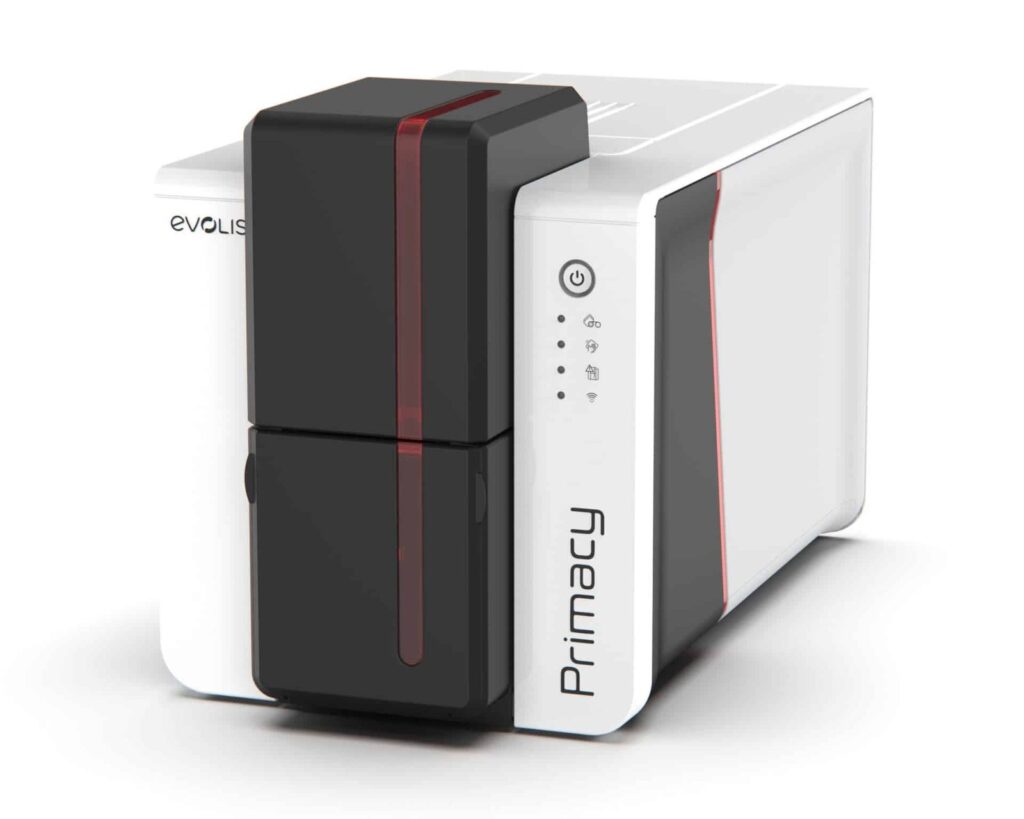
The Evolis Primacy 2 Duplex Expert is a dual-sided direct-to-card printer for CR80 plastic cards. Keep a photograph and name on the front, with contact details, conditions or a barcode on the reverse. Its automatic card-flipping mechanism prints both faces without manually turning each card.
This listing offers Base Model (PM2-0025) and Magnetic Encoder (PM2-0027) configurations. Select Magnetic Encoder if you need to write a compatible magnetic stripe, and check that your card-design software supports the encoding workflow. The base option does not include that encoder. Contactless or contact-chip encoding is a separate requirement to discuss with ACB.
Standard connections are USB and Ethernet, with 100-card input and output capacities at 0.76 mm. Normal resolution is 300 × 300 dpi; enhanced 300 × 600 dpi supports colour and monochrome, while 300 × 1200 dpi is monochrome only. Output speed varies with ribbon, resolution, printed sides and encoding.
The supported thickness range is 0.25–1.25 mm, with 0.25 mm cards restricted to monochrome printing. Use printer-approved cards and adjust the card gauge for the stock. Confirm the required ribbon and software licence for your workstation before ordering.
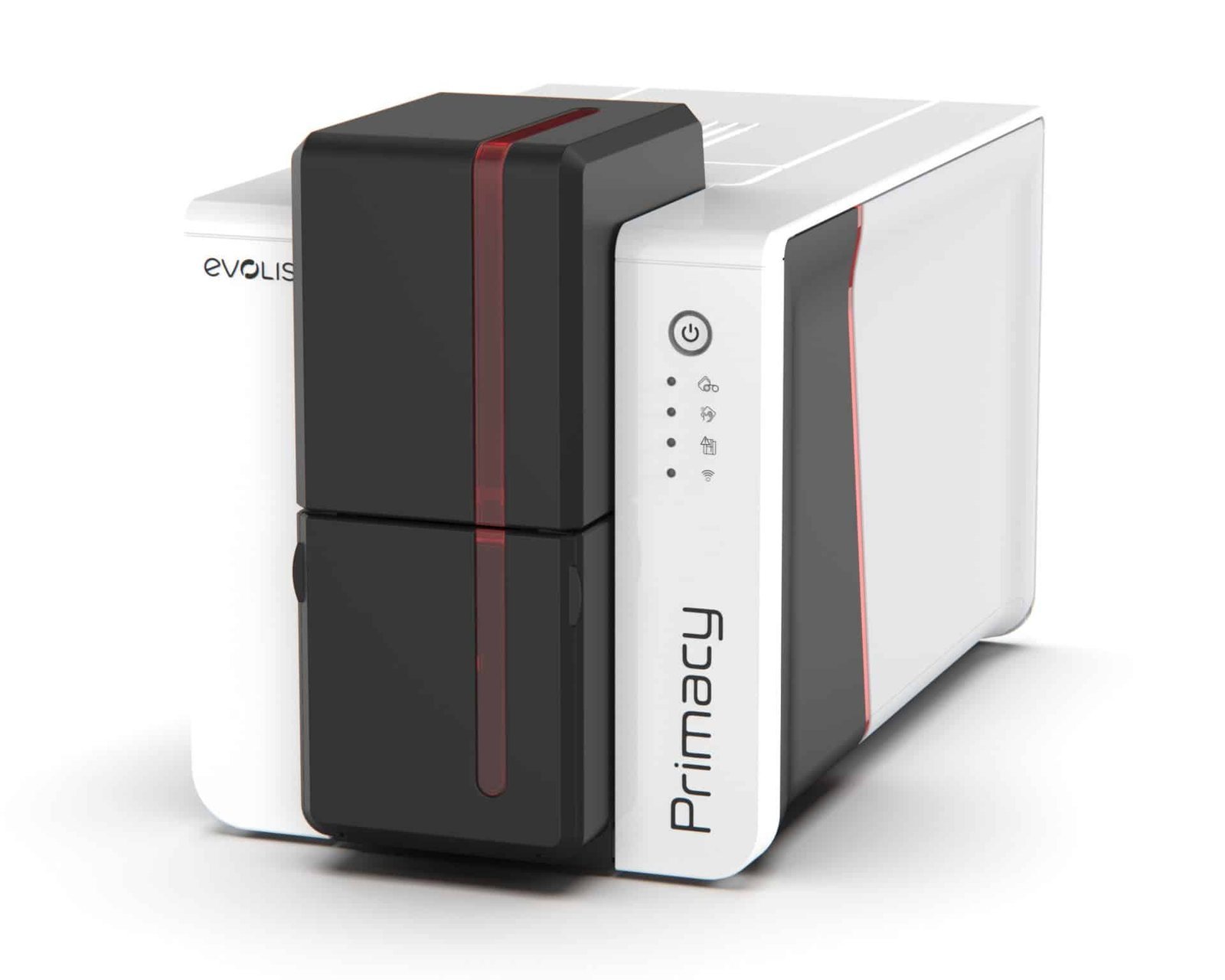
Start with the artwork for each face. Colour on both sides uses a different panel sequence from colour on the front and black text on the reverse. Choose an approved Primacy 2 ribbon and the matching driver mode, then plan the yield for completed cards. Browse our Evolis ribbons for the available supplies.
The printer turns the card during the print job. Therefore, staff do not need to reinsert each card to print the second face. This is useful for employee badges with a photograph on the front and return instructions on the reverse, or membership cards with terms on the back.
Printing the design and writing access credentials are separate tasks. Choose the Magnetic Encoder option only for the relevant magnetic-stripe workflow. Contactless or contact-chip work needs the appropriate encoder, software and card technology. Give ACB the reader or access-system details so the complete setup can be checked.
Allow for suitable blank white PVC cards, ribbon, cleaning supplies and card-design software. If you need a listed starter package, compare the Primacy 2 GO Pack Duplex bundle. Alternatively, ACB can supply finished cards through our photo ID card printing service.
Compare the single-sided Primacy 2. See the Evolis Primacy 2 product information and manufacturer technical sheet for platform specifications.
| Model | Evolis Primacy 2 Duplex Expert |
|---|---|
| Print mode | Dual-sided, direct-to-card |
| Base / magnetic option | PM2-0025 / PM2-0027 |
| Card format | CR80 |
| Card thickness | 0.25–1.25 mm; 0.25 mm is mono only |
| Normal resolution | 300 × 300 dpi |
| Enhanced resolution | 300 × 600 dpi; 300 × 1200 dpi mono only |
| Input / output | 100 / 100 cards at 0.76 mm |
| Connections | USB and Ethernet |
| Magnetic encoding | Included only with Magnetic Encoder option |
| Brand | Evolis |
| Printer Options | Base Model, Magnetic Encoder |
Check the complete manufacturer specification, selected options and included items before ordering.
Dispatch depends on the exact product and availability. Confirm any required date with ACB. For personalised products, production follows artwork/proof approval and courier transit is separate.
Read the delivery & returns policyHave the product code, existing equipment or card reference, quantity and intended use ready. ACB can help you check what needs confirming.
Call 01308 426312Match the exact model, card format or attachment when choosing supplies and accessories.
CONTINUE EXPLORING
Explore more products and check the exact model, fitting or technology before ordering.

SKU: 651302


