
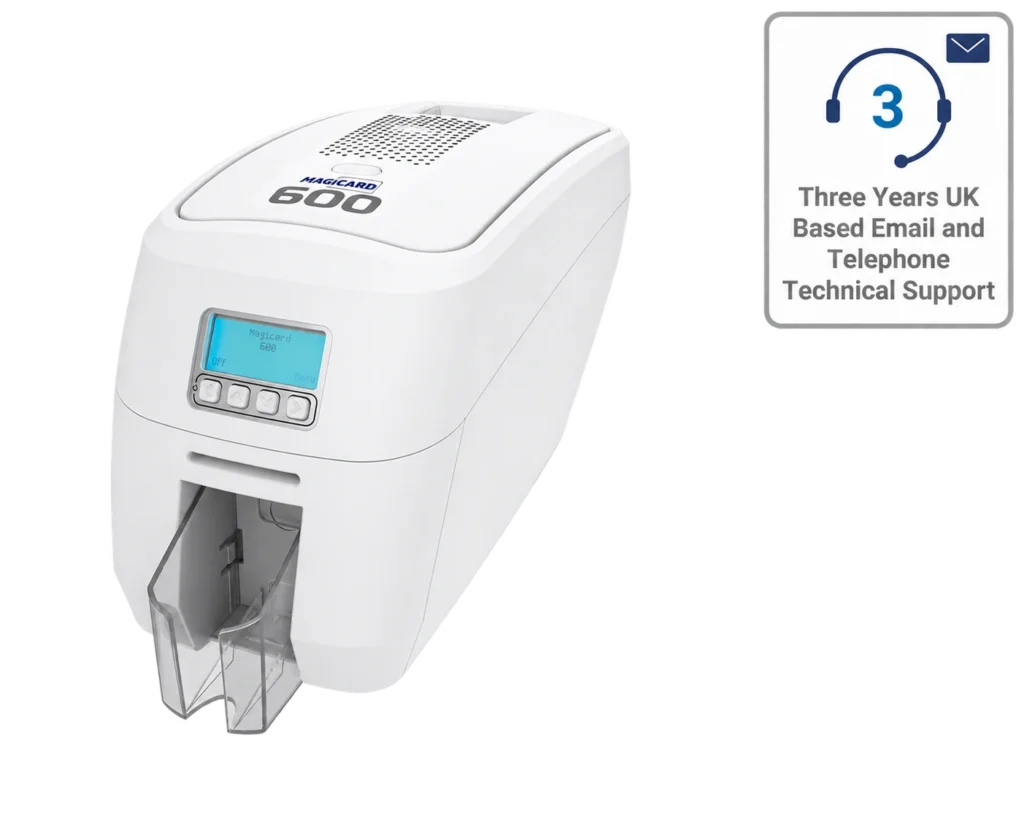
Magicard 300 ID Card Printer – Single & Dual-Sided Options
SKU: 3300-0021/3
Price range: £1075.00 through £1399.00ex. VAT
Choose an option to see stock
Make every card your own.
Explore Magicard Pronto, Pronto100, 300 and 600 printers. Choose your model, then check the printing sides, encoding options and supplies for your exact setup.
4 available printer listingsConfigurations & supplies from ACB
COMPARE YOUR MAGICARD OPTIONS
Compare one-off printing with regular batches, then choose your model and its matching supplies.
| Printer model | Your printing workflow | Matching supplies | Price & options |
|---|---|---|---|
 Original Pronto |
Occasional cards issued one at a timeSingle-sidedManual card feed | MA colour ribbons | £699.00ex. VATView printer |
 Pronto100 |
Compact photo ID printing in small batchesSingle-sided50-card input / 50-card output | MD colour ribbons | £745.00ex. VATView printer |
| Magicard 300 |
Staff, school and membership-card batchesSingle- and dual-sided options100-card input / 70-card output | MC colour ribbons | Price range: £1075.00 through £1399.00ex. VATChoose options |
 Magicard 600 Duo |
Detailed photo ID and regular card batchesDual-sided listing100-card input / 70-card output | MB colour ribbons | Price range: £1380.00 through £1760.00ex. VATChoose options |
Prices follow the current listings. Select the exact configuration on the product page. Ribbons, cards, software and cleaning kits are separate unless included in your chosen package.
YOUR MAGICARD PRINTER SELECTION
Compare the listed models and configurations.
Select up to three printers to compare.
SKU: 3300-0021/3
Choose an option to see stock
SKU: ACB-MAG600
Choose an option to see stock
Prices exclude VAT. Confirm pack quantities, selected options and volume pricing on the product page.
HELP WITH YOUR CHOICE
Start with the number of cards you issue, whether the artwork is printed on one or both sides, and any encoding requirement. Compare the exact configuration on each listing, including card feeding and the supplies included. The original Pronto and Pronto100 are different models: keep the full model name when choosing ribbons or cleaning supplies.
Magicard lists the 300, 600 and Pronto100 among the printers supported by Magicard HUB. Its current supported operating systems are Windows 10 and 11. Do not assume the original Pronto uses the same software; check the manufacturer's support information for your model and operating system before buying.
Ask for the exact printer configuration, compatible ribbon, suitable blank cards, cleaning supplies and any required software licence or encoder. State whether you need colour on both sides or colour on the front with black on the reverse. Printing a badge and encoding an access credential are separate requirements.
KEEP YOUR PRINTER READY
Find the right supplies for your exact model.
Ask ACB if you need help checking a reference.
CHOOSE WITH ACB
Tell us which cards you issue, how often you print and whether you need encoding. We can help check the model, configuration and supplies before you order.