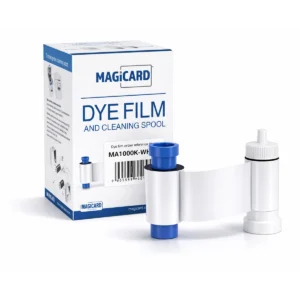
Print format and use
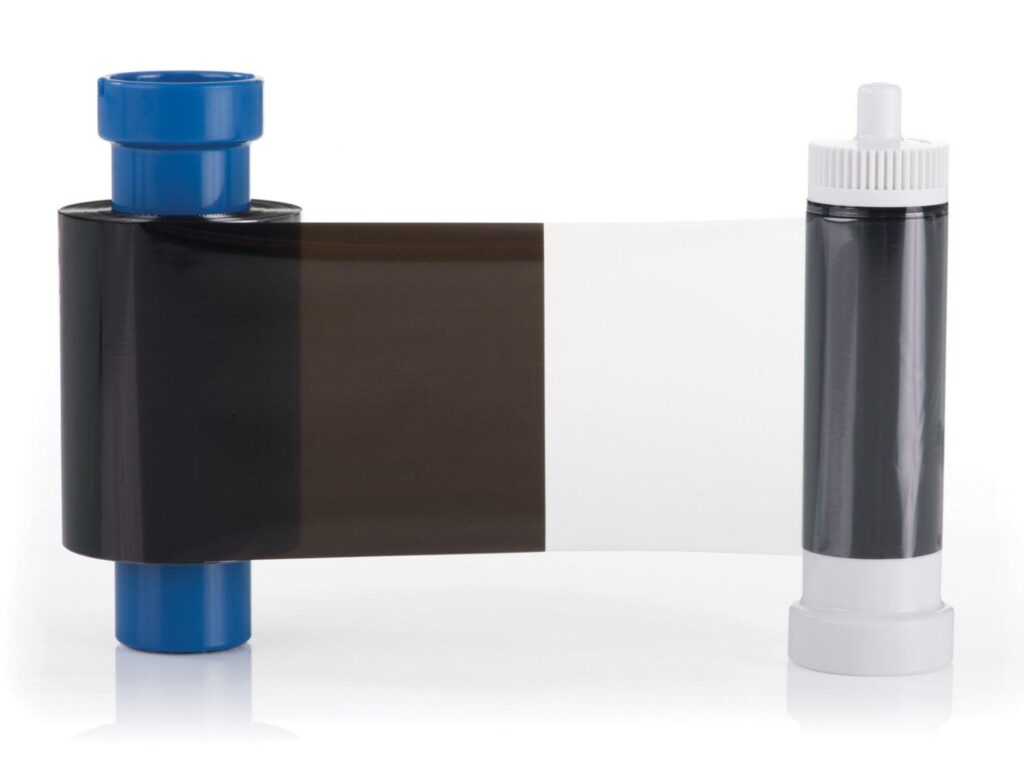
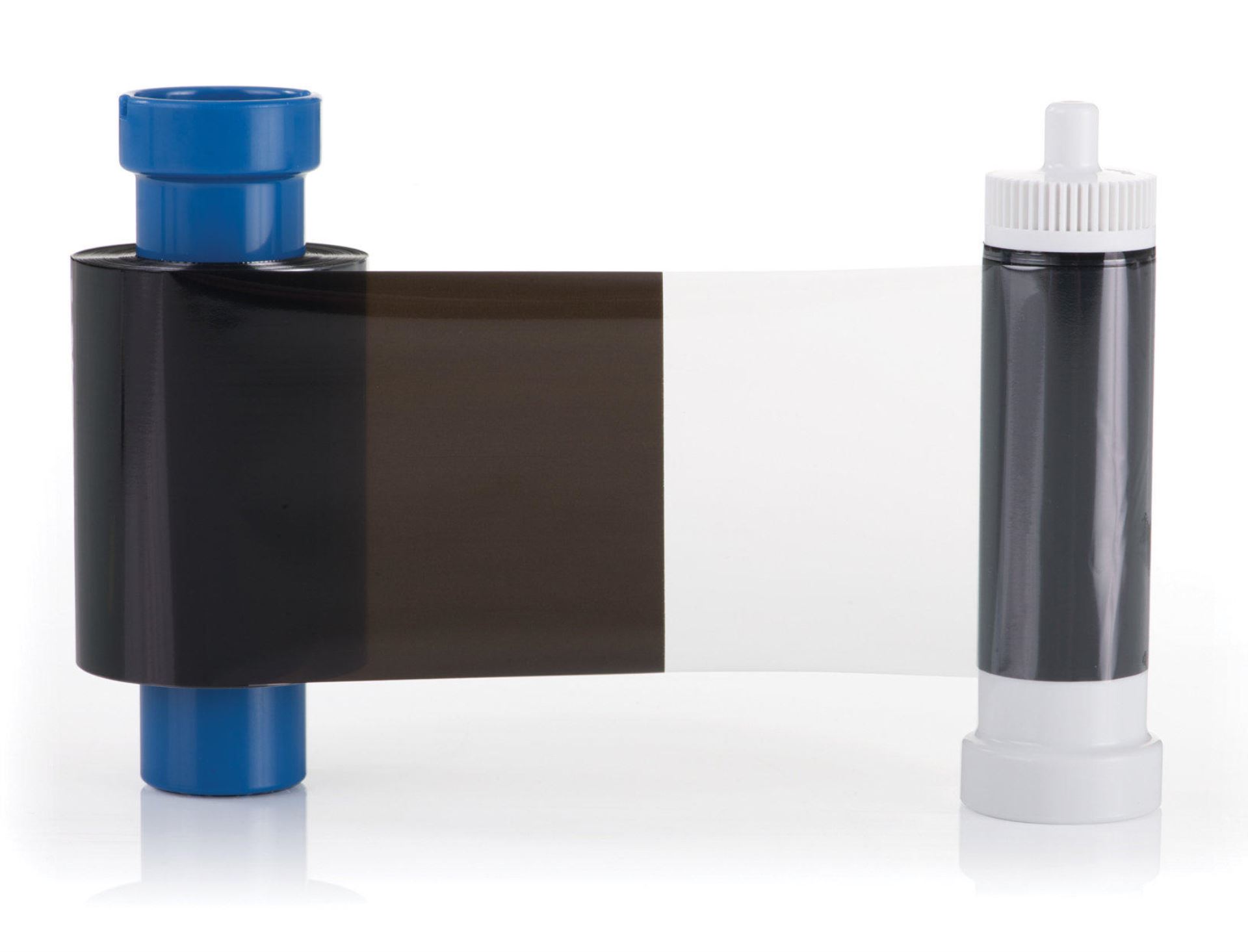
The K panel prints the black elements, while the O panel applies the protective overlay. Choose this two-panel format when the design needs monochrome printing with an overlay.
Check the full product specification before ordering.
SKU: MC600KO/3
13 in stockLast stock check: 12:29, 18 Nov 2026 UK time
Magicard MC600KO Black Ribbon with Overlay (600 Prints). KO (black and overlay) format for Magicard 300. Manufacturer reference: MC600KO/3.
13 in stockLast stock check: 12:29, 18 Nov 2026 UK time
Prices exclude VAT. Choose the exact pack or option you need.
The K panel prints the black elements, while the O panel applies the protective overlay. Choose this two-panel format when the design needs monochrome printing with an overlay.
Magicard 300. Match the exact model and complete reference.
MC600KO/3; 600 images / panel sets. Actual consumption depends on the print mode and card faces.
The Magicard MC600KO black ribbon combines a resin-black panel with a clear overlay for supported Magicard 300 printers. It is rated for up to 600 monochrome images and suits black text, line artwork and barcodes.
The K panel prints the black elements, while the O panel applies the protective overlay. Choose this two-panel format when the design needs monochrome printing with an overlay.
Magicard 300.
Match MC600KO/3 and the printer region. MC600KO and MB600KO are different consumables.
Output depends on the selected print mode and number of card faces printed. Follow the printer’s loading and cleaning instructions.
Browse Magicard printer ribbons and printer cleaning kits, or ask ACB to help match your reference.
The KO sequence provides resin-black printing and a clear overlay. It is intended for black text, line artwork and barcodes on the listed Magicard 300 system. Choose an appropriate colour ribbon when the layout includes colour photographs or branding.
Read yield as the stated capacity of the consumable, not a quantity of blank cards or extra rolls in the box. The printing mode, panel sequence and number of faces produced affect how supplies are used. For sets, use the listed roll contents and the overall set rating rather than multiplying them into an unsupported card total.
Compare the complete reference, any regional suffix and the exact printer generation with the current pack. Check whether your workflow also needs a separate ribbon, film or lamination module. Similar product names are not a substitute for a confirmed match. Keep the reference with your printer records for repeat orders.
Load and use the supply following the instructions for the exact printer and consumable. Follow its approved cleaning routine rather than applying a generic procedure to a different model. Keep unopened rolls in their original packaging and follow the storage conditions stated on the pack.
Compare the separately listed Magicard MB600KO Black Ribbon with Overlay (600 Prints) only after checking the stated printer, format and supplied contents. Ask ACB to check your reference if any detail is uncertain.
| Compatible printers | Magicard 300 |
|---|---|
| Ribbon / film type | KO (black and overlay) |
| Nominal capacity | 600 images / panel sets |
| MPN | MC600KO/3 |
| Brand | Magicard |
| Product code | MC600KO/3 |
Check the complete manufacturer specification, selected options and included items before ordering.
Dispatch depends on the exact product and availability. Personalised cards and lanyards also need production time after artwork and proof approval. If you have an event or a required arrival date, please check with ACB before ordering.
For orders dispatched by ACB, UK letters and large letters use Royal Mail, and UK parcels use Parcelforce. Checkout shows the services and charge available for your order. Express delivery does not shorten artwork approval or production time.
Your dispatch email and account order details show the delivery references we have received. Royal Mail 24/48 provides delivery confirmation, rather than full tracking. For tracked services, use the carrier link for parcel updates.
Please contact ACB with your delivery country, postcode and order details so we can confirm the available service and delivery price before you order.
Have the product code, existing equipment or card reference, quantity and intended use ready. ACB can help you check what needs confirming.
Call 01308 426312CONTINUE EXPLORING
Explore more products and check the exact model, fitting or technology before ordering.

SKU: HE1000YMCK
61 in stock


SKU: R2011
252 in stock