Check the full product specification before ordering.
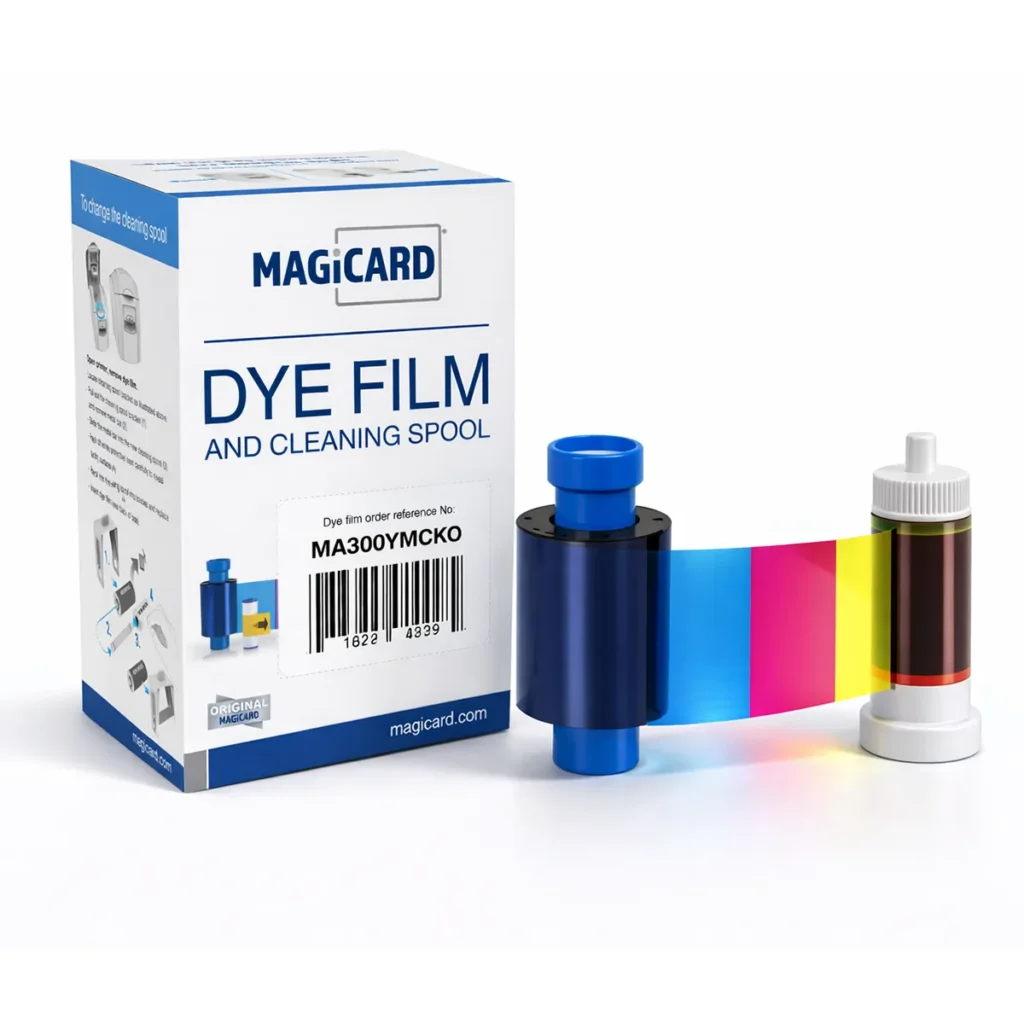
Magicard MA300YMCKO Colour Ribbon
£62.50ex. VAT
SKU: MA300YMCKO
1,334 in stockLast stock check: 16:17, 20 Nov 2026 UK time
Genuine Magicard MA300YMCKO colour ribbon, also known as EN1. Prints up to 300 full-colour card faces on the original Pronto, Enduro, Enduro3E, Rio Pro and Rio Pro 360.
Save 10% with code MAG10Enter the code at checkout on eligible orders. Minimum spend £50.00. Existing offer terms apply.
- Brand
- Magicard
- Product code
- MA300YMCKO
- GTIN
- 814711000101
1,334 in stockLast stock check: 16:17, 20 Nov 2026 UK time
Prices exclude VAT. Choose the exact pack or option you need.
About this product
Which printers use the MA300YMCKO ribbon?
Use the genuine Magicard MA300YMCKO dye film for the original Pronto, Enduro, Enduro3E, Rio Pro and Rio Pro 360. Older orders or ribbon boxes may call it EN1. Check the printer model on the badge and the full part number on the roll you are replacing.
How to tell the MA and MC ribbon boxes apart
Find the part number near the barcode. Read the first two letters, MA or MC, then match the rest of the code to your box, including any suffix. Select a picture to enlarge the label.


How many cards will one roll print?
One roll provides up to 300 full-colour images. A staff ID with a colour photograph on the front and a blank back uses one image. Printing full colour on both faces of every card uses two images per card, giving up to 150 cards on a compatible double-sided printer. The black resin panel prints names and barcodes, and the clear overlay covers the printed face.
Ordering for a different Magicard printer?
For a Magicard 300, choose the MC300YMCKO colour ribbon. For a printer labelled Pronto100, see the Pronto100 ribbon range. If the label is hard to read, contact ACB with the printer model and a photo of the old ribbon box.
Format and product references
| Brand | Magicard |
|---|---|
| Product code | MA300YMCKO |
| GTIN | 814711000101 |
Check the complete manufacturer specification, selected options and included items before ordering.
Delivery, from order to arrival.
Before dispatch
Dispatch depends on the exact product and availability. Personalised cards and lanyards also need production time after artwork and proof approval. If you have an event or a required arrival date, please check with ACB before ordering.
Your delivery options
For orders dispatched by ACB, UK letters and large letters use Royal Mail, and UK parcels use Parcelforce. Checkout shows the services and charge available for your order. Express delivery does not shorten artwork approval or production time.
After you order
Your dispatch email and account order details show the delivery references we have received. Royal Mail 24/48 provides delivery confirmation, rather than full tracking. For tracked services, use the carrier link for parcel updates.
Republic of Ireland and European delivery
Please contact ACB with your delivery country, postcode and order details so we can confirm the available service and delivery price before you order.
Let’s check the details.
Have the product code, existing equipment or card reference, quantity and intended use ready. ACB can help you check what needs confirming.
Call 01308 426312COMPLETE YOUR CARD PRINTING SETUP
Cards and supplies for your MA300YMCKO setup
Match the exact supported printer generation and MA reference before choosing the film. A related model name is not enough.
Start with the right card surface
Smooth white PVC cards are a practical starting point for visual ID. For contactless cards, check the printer’s approved stock and card surface: embedded chips or antennae can affect direct-to-card results. Discuss a sample or retransfer printing where the finish over the chip is important.
 Economy blank white PVC cardsCR80, 760 micron. Choose a pack of 100 or 500 for visual ID printing.£8.50 ex. VAT
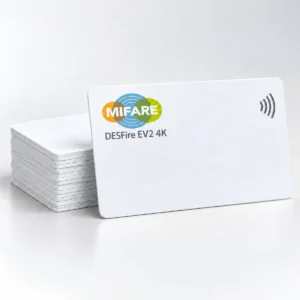 MIFARE DESFire EV2 4K cardsPack of 100. For readers and applications configured for DESFire EV2 4K.£130.00 ex. VAT
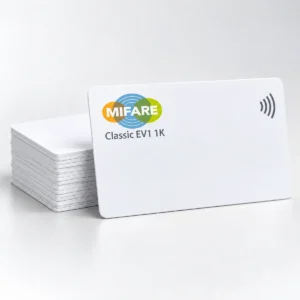 MIFARE Classic EV1 1K cardsPack of 100. Match an existing system specified for Classic EV1 1K.£47.99 ex. VAT
Printing and access control are separate. Printing the card face does not encode, enrol or activate the chip. DESFire and Classic cards are different technologies; match the system specification, keys and application setup. Classic EV1 is a replacement option for existing compatible systems, rather than a default choice for a new installation.
Card suggestions are separate products. Check the complete card, printer, ribbon and system specification before ordering. Prices and availability follow the current listings.
Explore related ranges
Match the exact model, card format or attachment when choosing supplies and accessories.
CONTINUE EXPLORING
More from this range.
Explore more products and check the exact model, fitting or technology before ordering.

Fargo 45000 YMCKO Colour Ribbon (250 Prints)
SKU: 45000
Original price was: £41.50.£30.00Current price is: £30.00.ex. VAT

Matica YMCKO Colour Ribbon 250 Prints - Diamond Line PR20305301
SKU: PR20305301
£49.99ex. VAT
195 in stock