
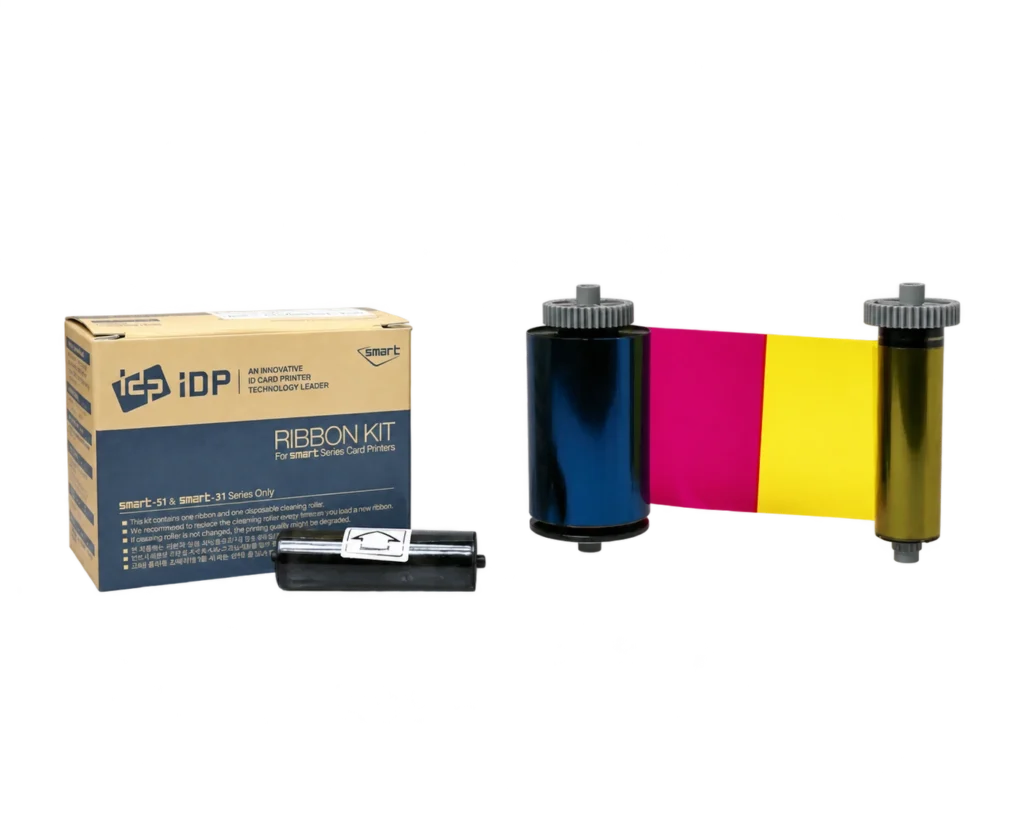

IDP SMART
IDP SMART Printer Ribbons
The right ribbon. The right printer.
Explore the listed IDP SMART ribbons and films. Start with your printer model and match the full consumable reference.
46 available listings Explore the options with ACB
MATCH YOUR PRINTER MODEL
Find your IDP SMART model.
Match both the printer model and the full ribbon reference.
EXPLORE THE CURRENT RANGE
Shop this IDP SMART range.
Use the filters to narrow your choices.
Check the exact reference and options on each listing.

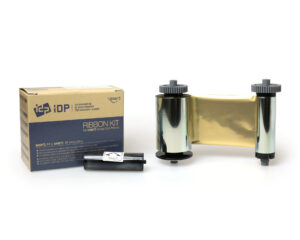
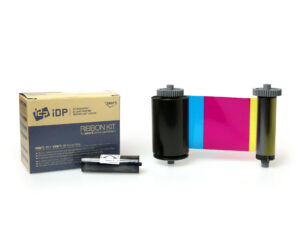
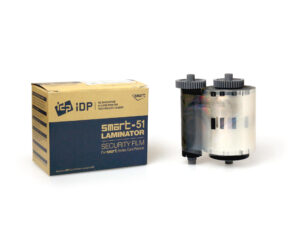
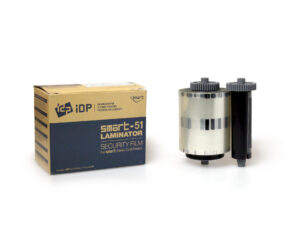
IDP Smart 659405 Celestial Globe Hologram Laminate Film (250 Prints)
SKU: 659405
£79.99ex. VAT
28 in stock
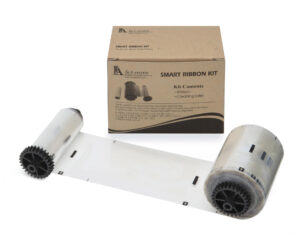
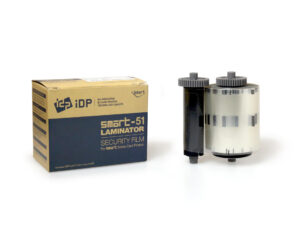
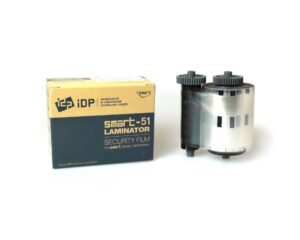
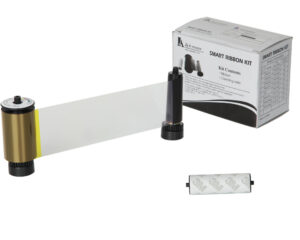
IDP Smart 659398 Smart Cut Clear Patch Laminate Film (250 Prints)
SKU: 659398
£49.95ex. VAT
27 in stock

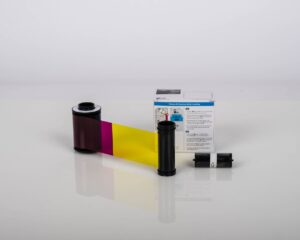
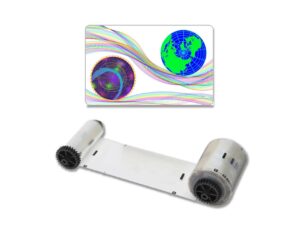
IDP Smart 653630 Celestial Globe Hologram Laminate Film (500 Prints)
SKU: 653630
£197.50ex. VAT
63 in stock
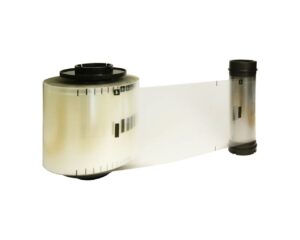
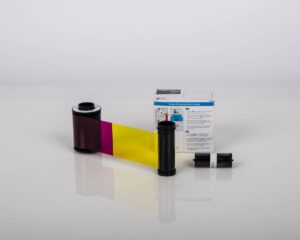
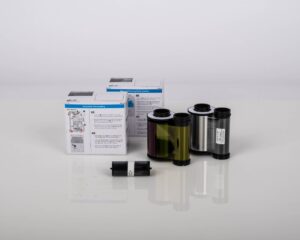
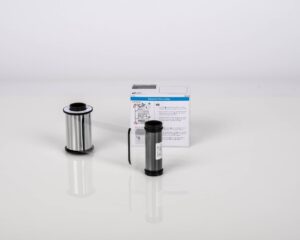
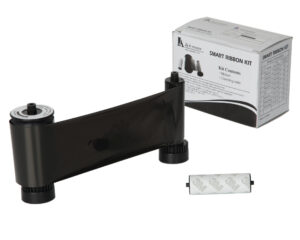
IDP Smart 653547 YMCK Ribbon & Retransfer Film Set (500 Prints)
SKU: 653547
£125.00ex. VAT
831 in stock
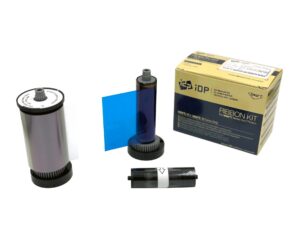
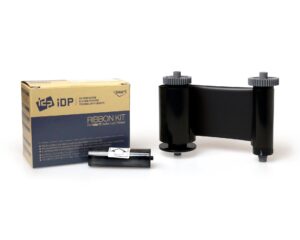
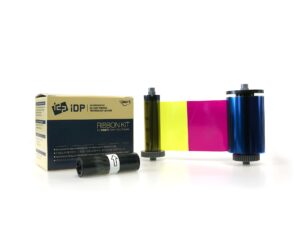
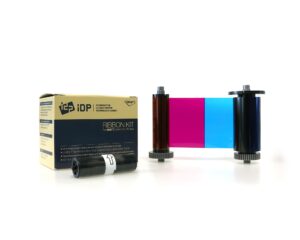
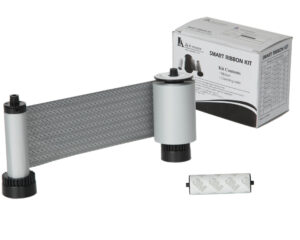
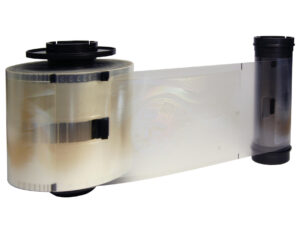
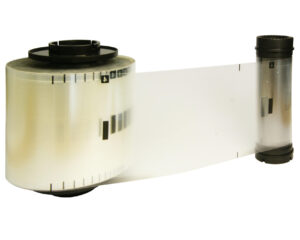
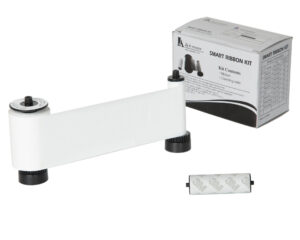
IDP Smart 659676 Clear Laminate Film (659123 Replacement) (500 Prints)
SKU: 659676
£92.50ex. VAT
40 in stock
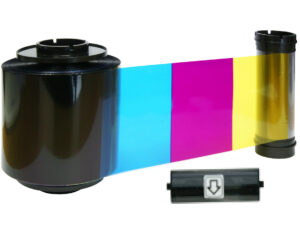
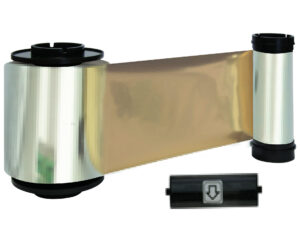
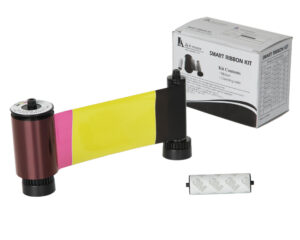
IDP Smart 659112 HYMCKO Half Panel Colour Ribbon (1,000 Prints)
SKU: 659112
£125.00ex. VAT
100 in stock

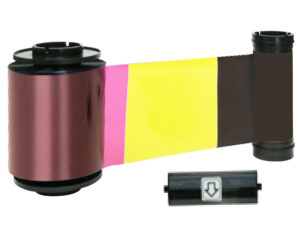

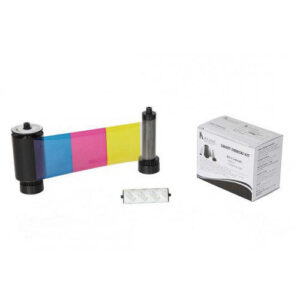
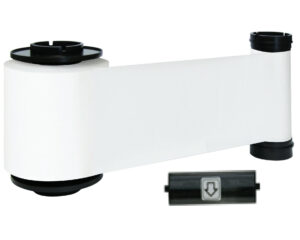

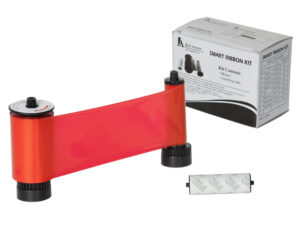
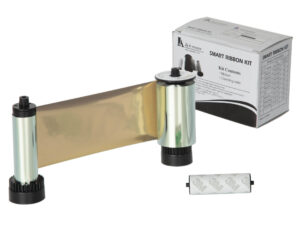
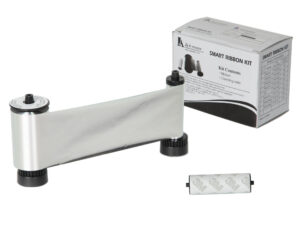


Prices exclude VAT. Confirm pack quantities, selected options and volume pricing on the product page.
COMPLETE YOUR SETUP
The right details. Working together.
Check the exact part number, print yield and any film required on the product listing.
Need help with the exact reference?
Tell ACB what you use now and what you need your cards or accessories to do.
More about IDP SMART Printer Ribbons
Compare IDP SMART colour, black, white and specialist ribbon listings. Match SMART-30/50 supplies separately from the SMART-31/51 references, and check the exact roll label, panel format and stated output.
Explore IDP SMART printers, Blank white cards, MIFARE cards, Cleaning kits. For ready-printed badges, see our photo ID card printing service.
Matching an IDP SMART ribbon
How do I identify the correct replacement ribbon?
Read the printer’s full model name and the part number on the existing ribbon or approved consumables list. Compare that exact reference with the product listing, including the colour-panel sequence and stated yield. Do not select a ribbon by the SMART brand name alone.
Does a listed yield always mean that many finished cards?
Use the manufacturer’s stated rating for the exact ribbon, then account for the print mode and the faces printed. Double-sided work, test prints and the chosen panel sequence can affect the number of finished cards. Check the specification before comparing cost per card.
What should I check when replacing the ribbon?
Follow the printer manufacturer’s handling and cleaning instructions. Check the compatible cleaning supplies and inspect your card stock. If you are unsure, send ACB the model and ribbon reference so the replacement can be matched accurately.