



Zebra
Your next Zebra starts here.
Zebra ID Card Printers
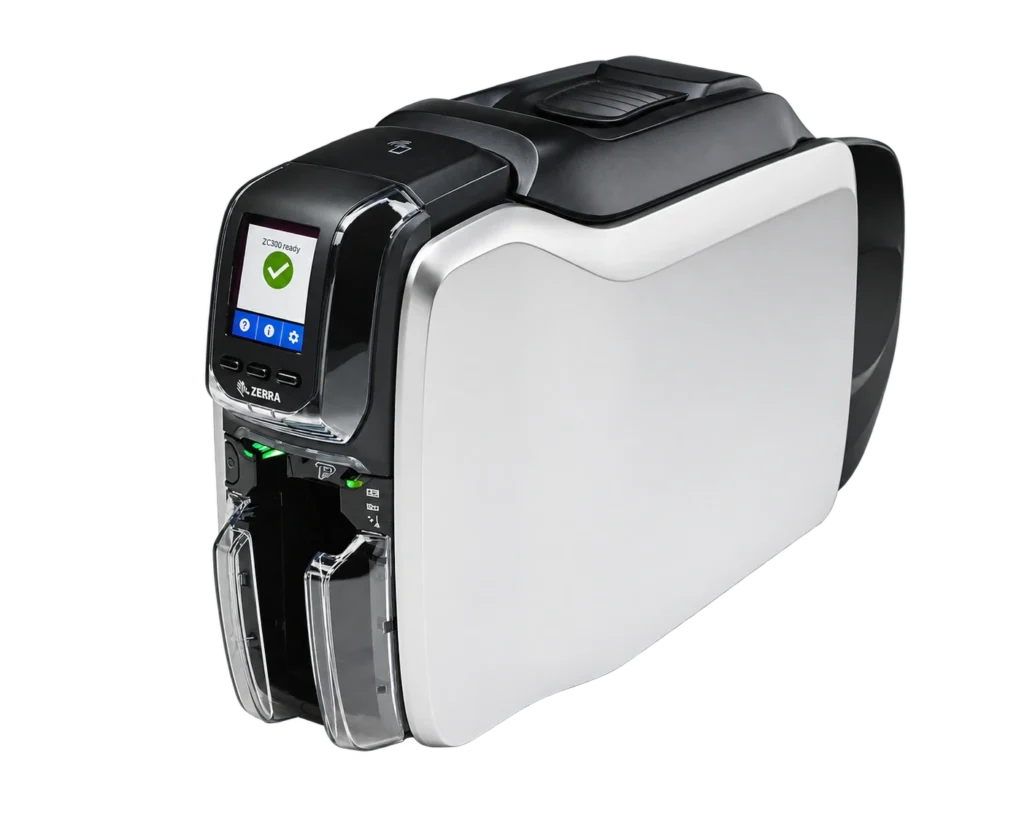
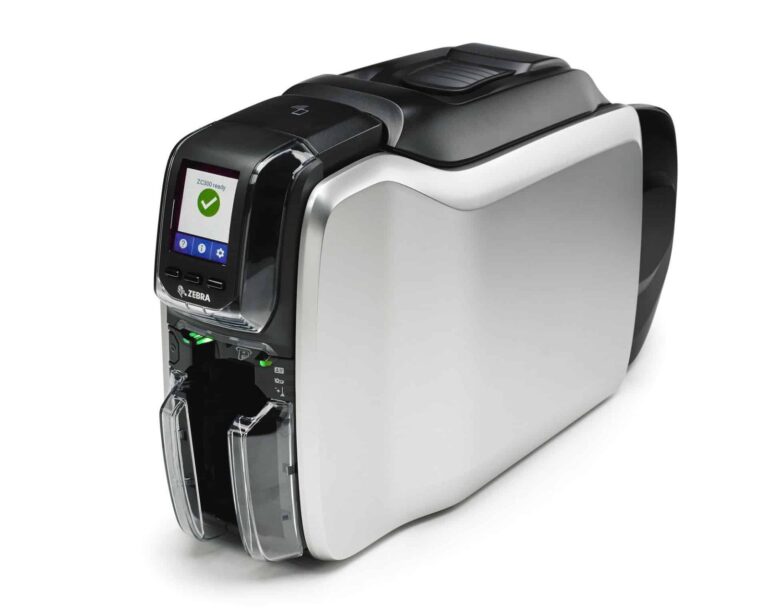
Explore Zebra ZC100 and ZC300 card printers. Compare the listed USB and Ethernet models and choose the printing sides that suit your card design.
3 available printer listingsConfigurations & supplies from ACB
EXPLORE THE MODELS
Meet the Zebra range.
A closer look at the models.
Check each listing for its exact options.
YOUR ZEBRA PRINTER SELECTION
Shop Zebra printers.
Compare the listed models and configurations.
Select up to three printers to compare.


Prices exclude VAT. Confirm pack quantities, selected options and volume pricing on the product page.
KEEP YOUR PRINTER READY
Complete your Zebra setup.
Find the right supplies for your exact model.
Ask ACB if you need help checking a reference.
CHOOSE WITH ACB
Let's find your Zebra setup.
Tell us which cards you issue, how often you print and whether you need encoding. We can help check the model, configuration and supplies before you order.
More about Zebra ID Card Printers
Browse Zebra ZC100, ZC300 and ZXP Series 7 card-printer listings. Compare single-sided and dual-sided offers, the stated USB or Ethernet connection and the configuration needed for your ID badges.
Explore Zebra ribbons, Blank white cards, Cleaning kits. For ready-printed badges, see our photo ID card printing service.
Zebra Printers buying questions
Should I choose a Zebra ZC100 or ZC300 for two-sided cards?
Zebra describes the ZC100 as a single-sided printer. The ZC300 range includes single-sided and dual-sided configurations, so check that the particular offer includes automatic two-sided printing if you need it. The family name alone does not confirm duplex capability.
How do I choose a ribbon for colour fronts and black reverses?
Specify your required layout when choosing the printer and ribbon. Zebra’s ZC-series driver supports different front-and-back panel combinations, depending on the ribbon and printer configuration. Confirm the complete ribbon reference, compatible model and intended layout instead of assuming that every colour ribbon produces the same number of finished two-sided cards.
Is a Zebra printer listing the same as a complete starter kit?
Only treat an offer as a complete kit when its contents are listed. Check the printer connection, card-design software licence, ribbon, blank cards and cleaning items. Encoding or lamination requirements should be specified separately, particularly when comparing a ZC-series printer with a ZXP Series 7 configuration.