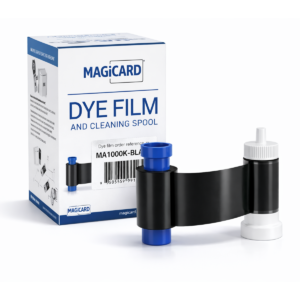
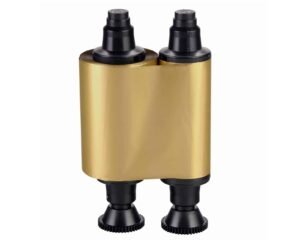
Black monochrome
For single-colour text, barcodes and graphics.
Check the full product specification before ordering.
SKU: R2011
252 in stockLast stock check: 09:58, 6 Nov 2026 UK time
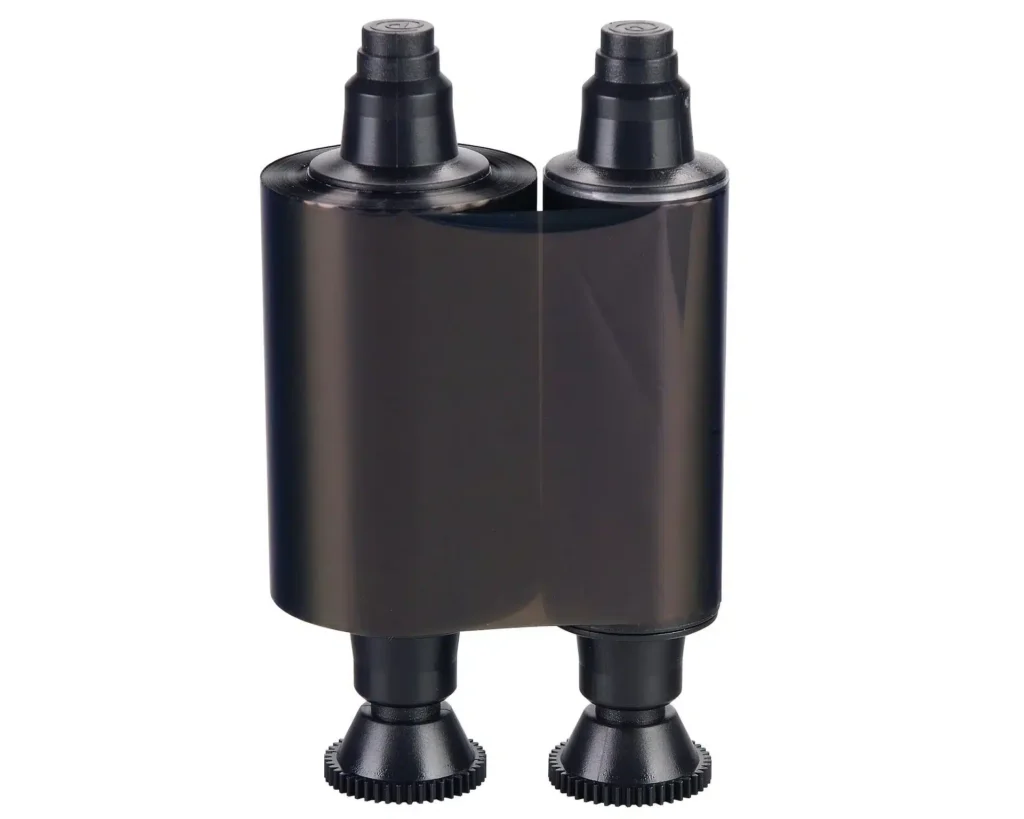
The Evolis R2011 black ribbon is a continuous black monochrome supply rated up to 1,000 prints. It is intended for the manufacturer-listed legacy printer configurations; match the exact model and ribbon code before ordering.
252 in stockLast stock check: 09:58, 6 Nov 2026 UK time
Prices exclude VAT. Choose the exact pack or option you need.
For single-colour text, barcodes and graphics.
Rated up to 1,000 prints; usage depends on the design.
Match R2011 to a manufacturer-listed printer model.
The Evolis R2011 black ribbon is a continuous black monochrome supply rated up to 1,000 prints. It is intended for the manufacturer-listed legacy printer configurations; match the exact model and ribbon code before ordering.

Evolis's legacy table lists R2011 for Pebble/Dualys and Securion. The current monochrome datasheet lists Securion. R2011 is not the black-ribbon reference shown for Quantum or Tattoo in the manufacturer table.
This monochrome ribbon does not provide full-colour printing or an overlay panel. Check your existing ribbon code rather than assuming all Evolis black ribbons are interchangeable.
See Evolis's legacy compatibility datasheet, or ask ACB to check your exact model before ordering.
Use this format for single-colour names, reference numbers, barcodes and suitable line graphics on compatible stock. Check the contrast of the complete design and test any machine-readable information with the intended reader before issuing cards.
The rating is up to 1,000 prints. A continuous monochrome roll uses ribbon according to the printed layout, so the actual output varies with the design and printer settings. Retain a tested sample when planning repeat production.
Keep the approved artwork, card stock and printer settings with your supply record. Include the number of printed faces and any sample cards needed for setup. Check remaining ribbon and the current availability before committing to the production schedule.
Check the complete item description and selected order quantity in your basket. A ribbon yield is a production rating, while the quantity ordered is the number of supplied items or sets. Keep those two figures separate in purchasing notes.
Identify each printer in the organisation’s stock record and retain the complete ribbon label with its model details. This helps the person preparing the next order distinguish similar cartridges, print colours and ribbon generations. Use the printer guide for loading and routine maintenance.
Compare the separate Evolis R2015 white ribbon as a different listed offer; check compatibility before choosing an alternative. For help identifying your replacement supply, contact ACB with the printer model and current ribbon label.
| Part number | R2011 |
|---|---|
| Print colour | Black |
| Ribbon format | Continuous monochrome |
| Rated capacity | Up to 1,000 prints |
| Listed printer families | Pebble, Dualys and Securion |
| Overlay panel | None |
| Brand | Evolis |
| Product code | R2011 |
Check the complete manufacturer specification, selected options and included items before ordering.
Dispatch depends on the exact product and availability. Personalised cards and lanyards also need production time after artwork and proof approval. If you have an event or a required arrival date, please check with ACB before ordering.
For orders dispatched by ACB, UK letters and large letters use Royal Mail, and UK parcels use Parcelforce. Checkout shows the services and charge available for your order. Express delivery does not shorten artwork approval or production time.
Your dispatch email and account order details show the delivery references we have received. Royal Mail 24/48 provides delivery confirmation, rather than full tracking. For tracked services, use the carrier link for parcel updates.
Please contact ACB with your delivery country, postcode and order details so we can confirm the available service and delivery price before you order.
Have the product code, existing equipment or card reference, quantity and intended use ready. ACB can help you check what needs confirming.
Call 01308 426312Match the exact model, card format or attachment when choosing supplies and accessories.
CONTINUE EXPLORING
Explore more products and check the exact model, fitting or technology before ordering.