
Exact monochrome reference
532000-002 identifies the specified supply.
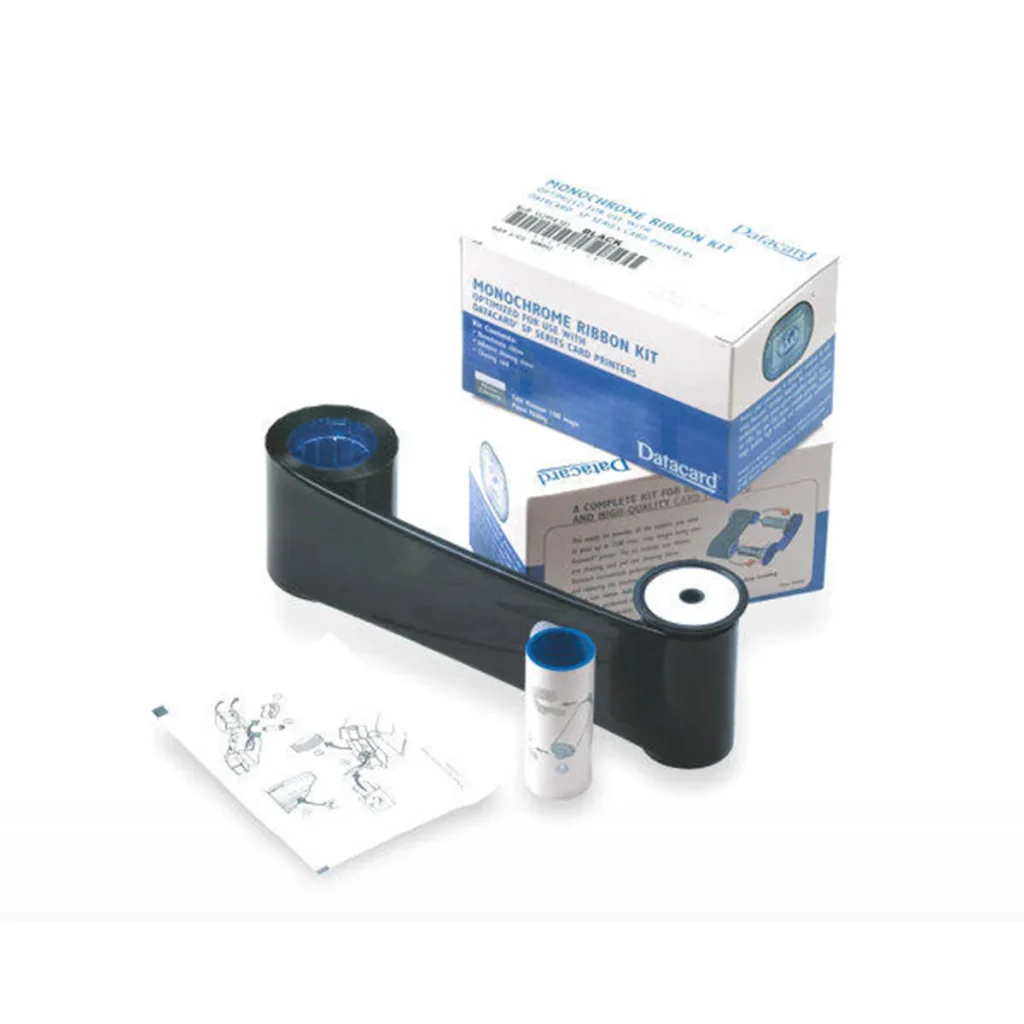
Check the full product specification before ordering.
SKU: 532000-002
Available to order
The Datacard 532000-002 black ribbon is an Entrust Datacard monochrome supply with the manufacturer’s legacy 1,500-image SP rating. Match the exact supported printer and firmware, and confirm the supplied kit contents before ordering.
2 in stock
Prices exclude VAT. Choose the exact pack or option you need.
532000-002 identifies the specified supply.
Use the roll and printer documentation for planning.
Confirm kit contents and required maintenance supplies.
The Datacard 532000-002 black ribbon is an Entrust Datacard monochrome supply with the manufacturer’s legacy 1,500-image SP rating. Match the exact supported printer and firmware, and confirm the supplied kit contents before ordering.
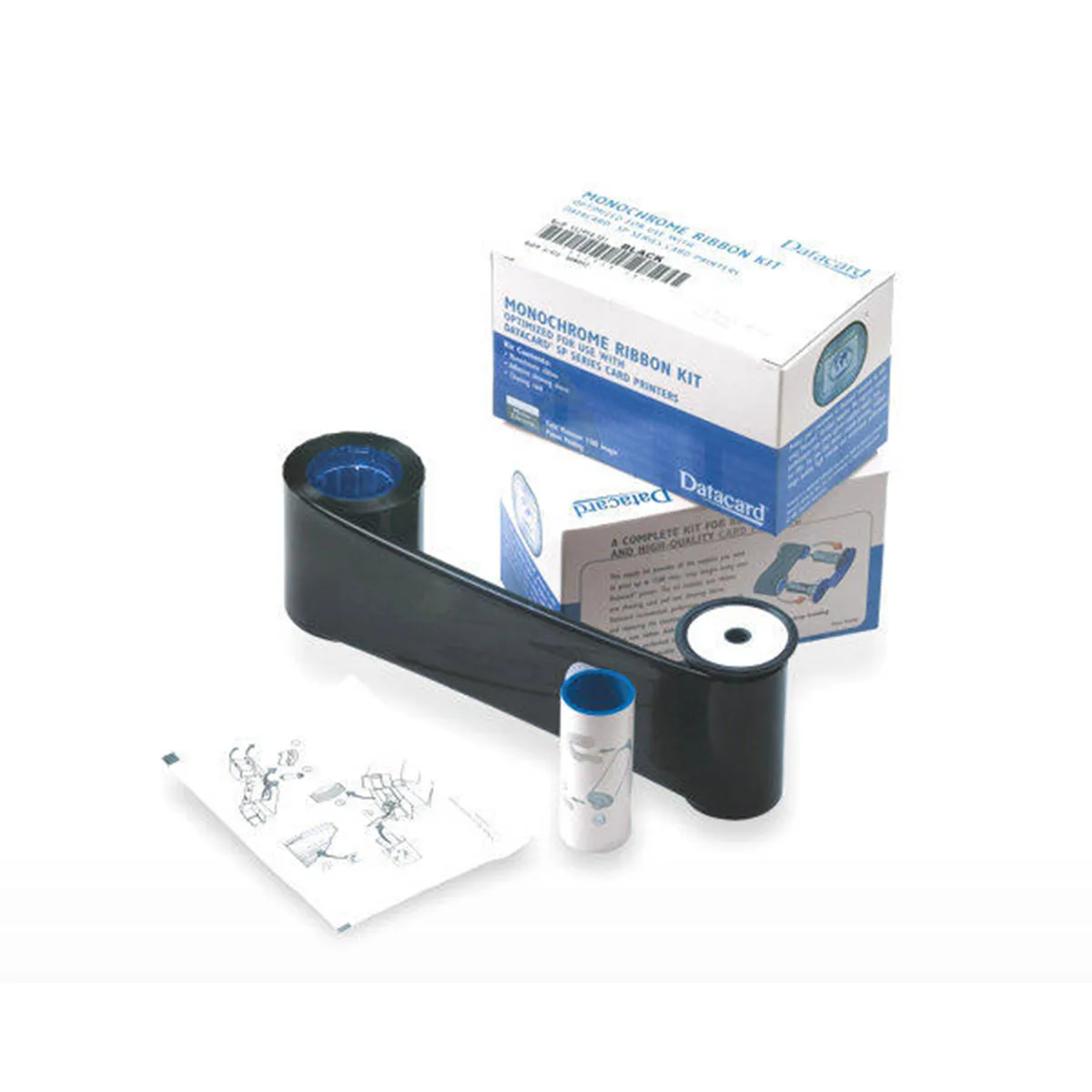
Entrust’s legacy SP/SP Plus supply table gives a 1,500-image rating for this reference. Check the exact supported SP model and required firmware before ordering.
Monochrome output is for single-colour artwork. Check the intended stock and image contrast, and verify machine readability where the design includes a barcode.
Confirm the supplied ribbon kit and cleaning components with ACB. Follow the printer guide when loading the roll and cleaning the card path; do not substitute a similar-looking ribbon or assume compatibility with Sigma printers.
Reference information: Entrust legacy SP supply reference.
Use the legacy 1,500-image reference as a supply rating for the listed SP arrangement. Check the actual printer model, firmware and roll label. It is not a guaranteed quantity of finished cards for every layout or printing mode.
Record the full reference, print colour, printer model and confirmed kit contents. Check card contrast and the driver’s monochrome settings with a sample. Follow the model’s loading and maintenance procedure, and order any separately required cleaning supplies.
Keep the approved artwork, card stock and printer settings with your supply record. Include the number of printed faces and any sample cards needed for setup. Check remaining ribbon and the current availability before committing to the production schedule.
Check the complete item description and selected order quantity in your basket. A ribbon yield is a production rating, while the quantity ordered is the number of supplied items or sets. Keep those two figures separate in purchasing notes.
Identify each printer in the organisation’s stock record and retain the complete ribbon label with its model details. This helps the person preparing the next order distinguish similar cartridges, print colours and ribbon generations. Use the printer guide for loading and routine maintenance.
Compare the separate Datacard 532000-004 white ribbon as a different listed offer; check compatibility before choosing an alternative. For help identifying your replacement supply, contact ACB with the printer model and current ribbon label.
| Reference | 532000-002 |
|---|---|
| Print type | Black monochrome |
| Rating | Legacy SP reference: 1,500 images |
| Printer check | Exact legacy model and firmware |
| Sigma compatibility | Do not assume interchangeability |
| Brand | Datacard |
| Product code | 532000-002 |
Check the complete manufacturer specification, selected options and included items before ordering.
Dispatch depends on the exact product and availability. Confirm any required date with ACB. For personalised products, production follows artwork/proof approval and courier transit is separate.
Read the delivery & returns policyHave the product code, existing equipment or card reference, quantity and intended use ready. ACB can help you check what needs confirming.
Call 01308 426312Match the exact model, card format or attachment when choosing supplies and accessories.
CONTINUE EXPLORING
Explore more products and check the exact model, fitting or technology before ordering.


