
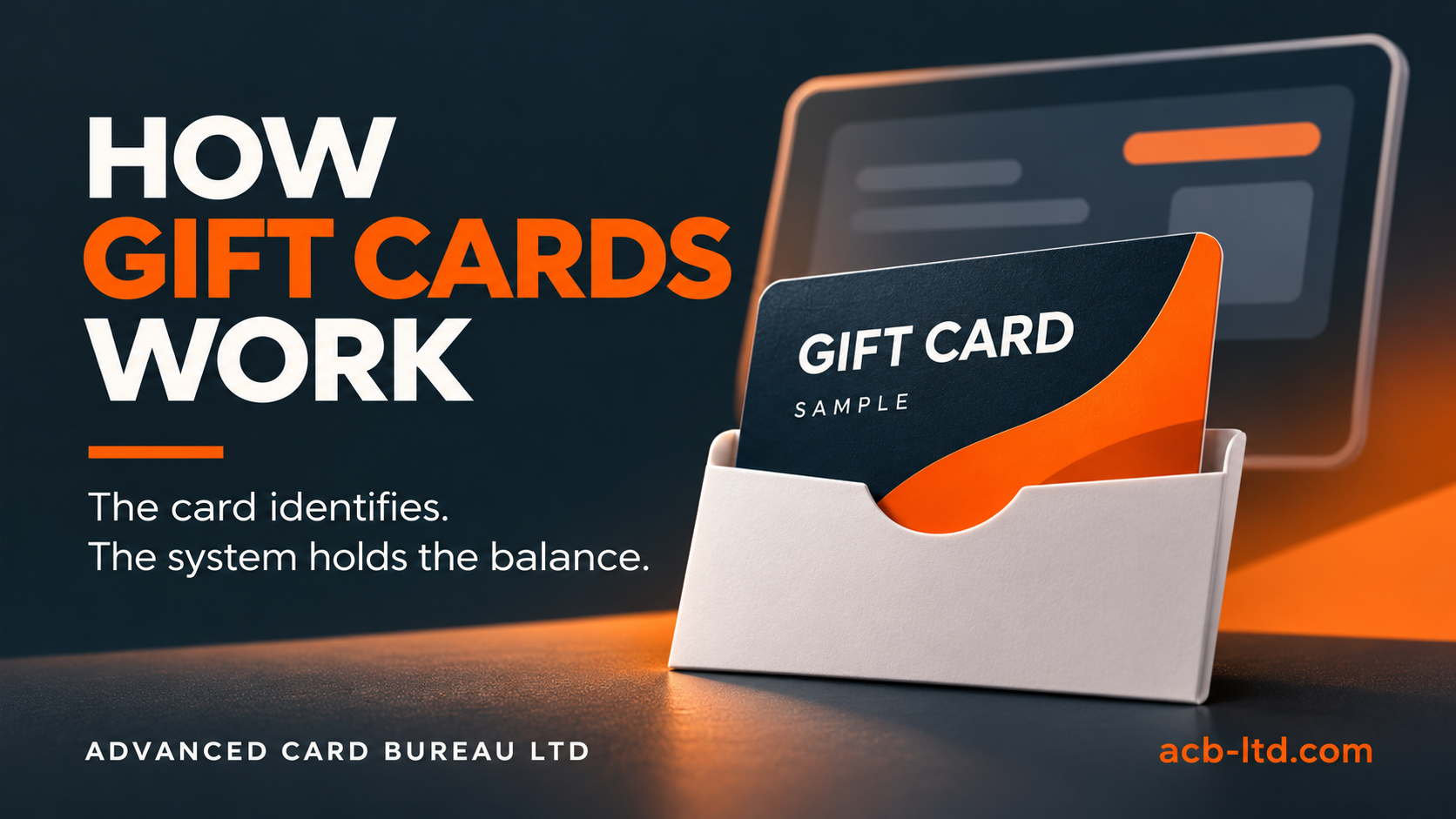
In a system-managed gift-card scheme, the software holds the balance and transaction record. The physical card supplies the identifier used to find that record. Printing the card does not add money to it or activate a balance. Your gift-card or EPOS system controls those steps.
That distinction matters when ordering custom printed gift cards. The design needs to look right, but its code or credential must also fit the system your staff will use. Agree the system requirements before generating production artwork or card numbers.
What happens when a customer buys and uses a card?
- Identify the card. A printed code, magnetic stripe or supported contactless credential identifies the correct system record.
- Activate or issue it. Staff follow the platform’s process to associate the card with the purchased value. The exact sequence varies by system.
- Redeem value. At a later transaction, the platform finds the record and applies the permitted amount to the purchase.
- Update the record. The system records the transaction and any remaining balance.
For example, a customer might buy £50 of gift value and later spend £18. If the scheme supports partial redemption, the system records £32 remaining. The printed card can look exactly the same before and after that purchase. This is an illustration of the workflow, not a promise about the features of a particular platform.
Choose the identifier your system requires
| Card feature | What to confirm before printing |
|---|---|
| Printed barcode | Accepted barcode type, exact data value, reader requirements and clear space around the code |
| QR code | Whether it identifies a gift-card record, opens a website or serves another purpose; confirm how staff will read it |
| Magnetic stripe | Required stripe specification, data format and who will carry out encoding |
| Contactless credential | Exact card technology, configuration and supported issuing process |
| Human-readable code | Allowed characters, length and how staff enter or verify it |
These options are not automatically interchangeable. A QR code that opens a web page on a phone does not establish that it can activate a gift card at your till. A successful scan also needs to retrieve the intended test record in the actual software.
Ask the EPOS provider these questions
- Does the platform support third-party printed physical cards?
- Who generates the identifiers, and how are they imported or assigned?
- Can staff scan the chosen code, or must they type it?
- Will the same card work online and in-store, and what configuration is required?
- How does the platform handle partial redemption, refunds, replacements and balance enquiries?
- Which sample transaction should we complete before approving the full batch?
Platform-specific requirements can differ. For example, Shopify’s current POS guidance distinguishes its own hardware-store cards from third-party cards. It describes manual entry of a unique 8–20 character alphanumeric code for third-party physical cards. Do not assume that adding your own QR code will give the same scanning workflow. Check the current documentation and your provider’s advice for your setup.
Bring the artwork and data together
Leave a clear area for the identifier and any required printed reference. Confirm which information is fixed on every card and which changes individually. Your brand colours, reverse-side instructions and any carrier should be considered together so the customer can understand how to use the card.
Treat production identifiers carefully: they may be used to locate or redeem live value. Use fictional examples for initial design discussions, supply only the information required for the job and agree the final data-transfer route with ACB. See our personalised card data checklist for file preparation and proofing checks.
Check a sample before the main run
Agree a sample and a test process with the system provider. Check the identifier, activation or issuing step, redemption and remaining-balance handling where supported. Confirm the actual scanner, till or reader will be used. Keep electronic testing separate from visual proof approval; both need a clear sign-off.
Also agree who controls unused stock, who can activate cards and what happens when a card is reported lost. The software provider and business owner define those controls; the print supplier should receive a clear production specification.
Prepare your gift-card printing brief
Tell ACB your system name, confirmed identifier specification, quantity, printed sides, variable data and required date. Include any carrier, packaging or fulfilment requirements. We can then discuss the card construction and print options for the agreed brief.
Explore gift-card printing or contact ACB with your system requirements.
Platform reference checked 8 November 2026. Confirm current requirements before ordering.
Prepared by Advanced Card Bureau Ltd · 8 November 2026.
