
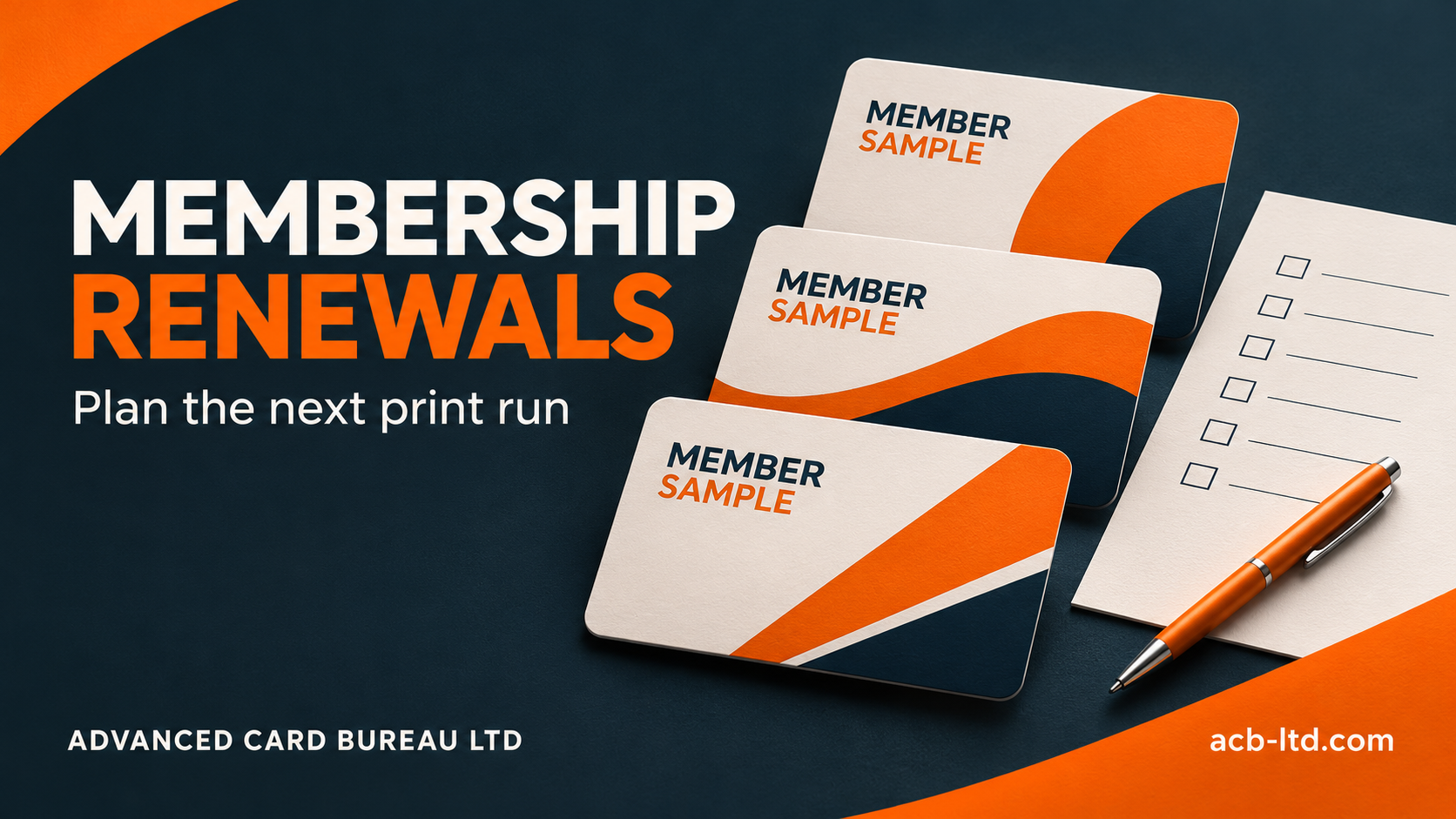
Plan a membership-card renewal by agreeing who needs a new card, confirming the card and system specification, preparing the final records, checking representative proofs and deciding how cards will be issued. Give one person responsibility for the approved version so late changes do not create competing production files.
This checklist is for clubs, gyms, associations and other organisations preparing a renewal batch. If you are still choosing the card itself, start with our membership-card selection guide. Here, the focus is turning that specification into a manageable repeat order.
1. Decide which members need a new card
A renewal date does not always mean every member needs a replacement. Establish whether the current card remains valid, whether an expiry date is printed on it and whether the membership system can renew the record without changing the physical card. Your programme administrator should make that decision before the print quantity is set.
Separate the main renewal batch from new joiners, lost-card replacements and spare stock. For example, a club with 500 members might have 420 renewing members who need cards, 30 new joiners and 10 approved replacements. That illustrative brief calls for 460 personalised cards, not an automatic order for 500. Any unpersonalised spares need a separate purpose and quantity.
2. Keep the card specification with the order
- Record the approved material, finished size, thickness and front-and-reverse artwork.
- Confirm the barcode type, magnetic stripe or exact contactless credential required by the existing system.
- Specify which printed details change: names, membership numbers, tiers, photographs or expiry dates.
- Agree whether members receive a card, a key tag or a matching set.
- Keep the previous job reference and note any deliberate changes.
A similar-looking card may use different technology. Ask your system provider to confirm requirements before changing a credential or number format. Printing a new card does not renew the membership record or grant access; those actions belong to the organisation’s system workflow.
3. Agree the data cut-off and check the totals
Set a point at which the renewal file becomes the approved production version. Log later changes separately and ask whether they can be included before production or need a follow-up order. Avoid sending several files labelled “final” without clearly withdrawing the superseded versions.
Check the number of records against the number of finished items. A card-and-tag set can contain several pieces for one member. Confirm whether those pieces share an identifier and whether duplicate identifiers are intentional. Our card printing data checklist explains leading zeros, photograph matching and sample-record checks.
4. Approve a representative proof
Include the longest names, different membership tiers, any accented characters and records with optional fields left blank. Review both sides, the spelling of the club name and the displayed expiry format. Where cards are scanned, agree a test with the actual reader and software as well as approving the visual layout.
| Check | Who should confirm it |
|---|---|
| Member eligibility and identifiers | The membership administrator |
| Design, wording and brand details | The person authorised to approve artwork |
| Reader, code or credential requirements | The system provider or administrator |
| Quantity, packing and delivery brief | The person placing the order |
5. Plan how the cards reach members
Decide whether the cards will be collected at reception, packed by location or sent with individual letters. Confirm delivery addresses, any packing order and the number of finished packs. Card, letter and envelope totals can differ, particularly where several members share an address.
Work backwards from the date the cards must be available. Allow for data preparation, proof checking, any compatibility test, production and delivery. Ask ACB to confirm a schedule for your actual specification rather than assuming the timing of a previous job still applies.
6. Make replacement orders predictable
Keep the approved artwork reference, card specification and a record of the identifiers issued. Agree who can request replacements and whether a replacement uses the previous identifier or a new one. The administrator remains responsible for withdrawing or replacing access in the membership system.
A brief you can use for your next renewal
- Programme and required issue date
- Quantity of personalised cards, matching tags and any spares
- Previous job reference and specification changes
- Variable fields and person responsible for the final data
- System requirements and any sample-testing plan
- Proof approver, packing instructions and delivery locations
Start your enquiry with this brief and invented sample records if needed. Agree the transfer route before supplying member information. Explore ACB membership-card printing or contact our team about your renewal order.
Prepared by Advanced Card Bureau Ltd · 8 November 2026.
