
Two-card display
One visible credential on each side.
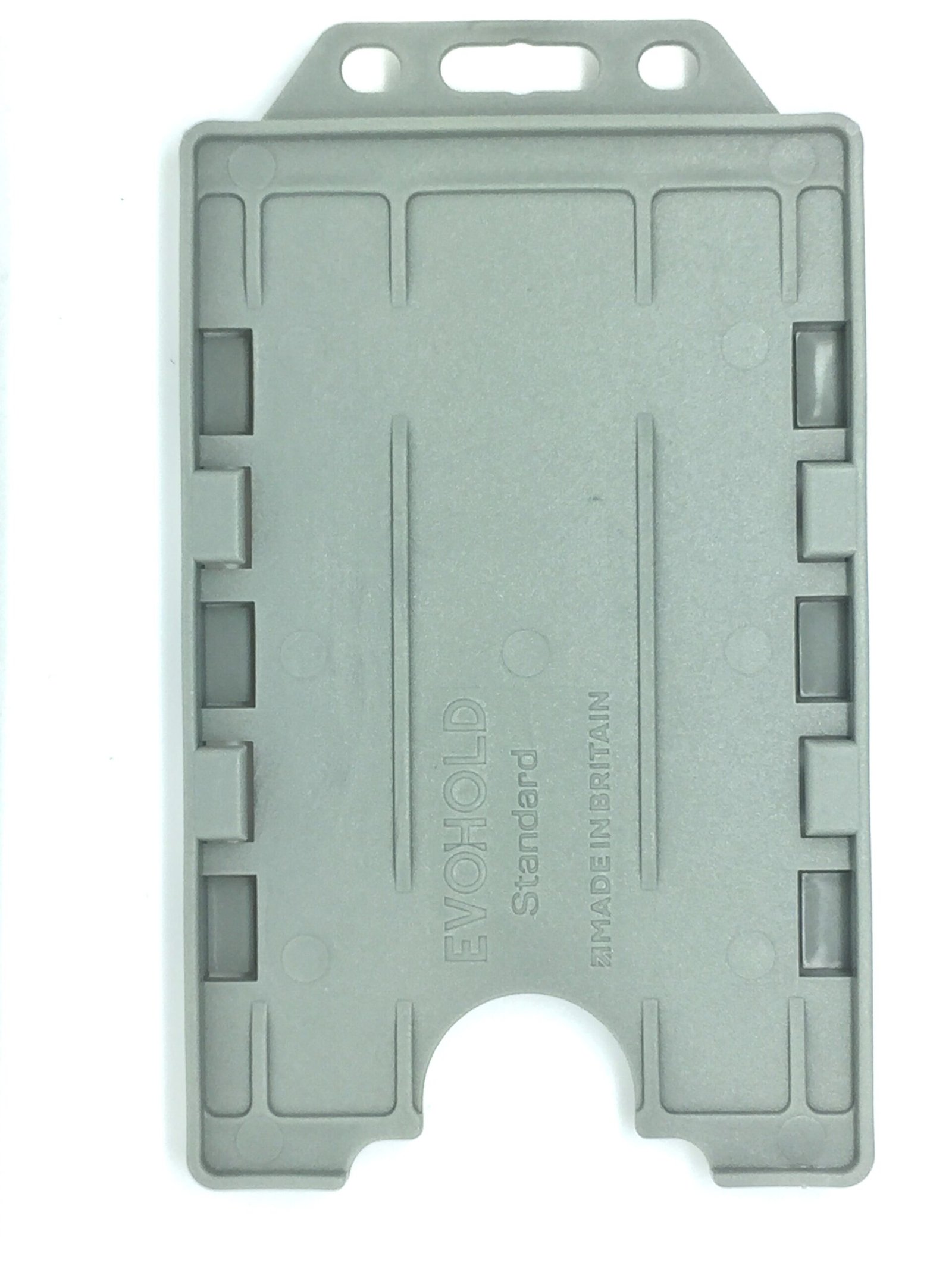
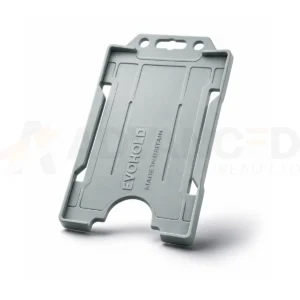
Grey Evohold double-sided portrait holder for two CR80 cards, one per side. Choose 1, 5, 10, 25, 50 or 100 holders; cards and wearing accessories are separate.
Available to order
Display two CR80 credentials, one on each side, with this grey Evohold ID card holder. The portrait format suits badges designed with a vertical layout.
Check the holder against both card thicknesses and make sure photographs, names and codes remain visible. Match the attachment point to a compatible lanyard, clip or badge reel.
Where two contactless credentials are carried together, follow your access system instructions and remove the required card for presentation when necessary.
This listing is for the Grey colour. Select 1, 5, 10, 25, 50 or 100 holders from the quantity options. The displayed price applies to the selected option. Cards, lanyards and other wearing accessories are supplied separately.
Inspect the holder for cracks and worn attachment points before reuse. Ask ACB to confirm the material specification or an accepted disposal route if your procurement policy requires it.
View all Evohold double-sided portrait holder colours to compare the available options.
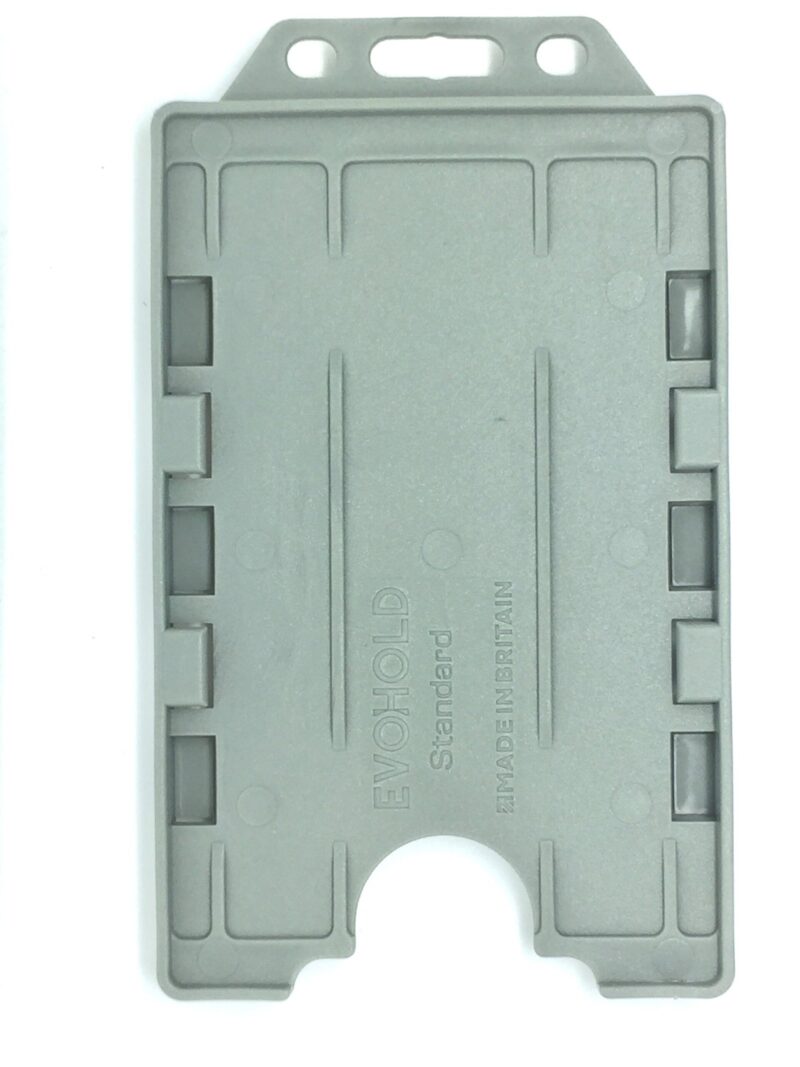
One visible credential on each side.
Choose this colour for your organisation's badge display.
Order 1, 5, 10, 25, 50 or 100 holders.
Check the product details before ordering and ask ACB if compatibility or intended use needs to be confirmed.
Products selected to complement your order and support straightforward repeat supply.
Browse compatible products
Check suitability, compatibility and ordering details before you place your order.
Yes. Tell us how you plan to use the product and we can help confirm suitability, compatibility and the supplies you may also need.
Yes. ACB supports one-off purchases, repeat ordering and ongoing supply for businesses and public-sector organisations.
Call 01308 426312 or contact the ACB team with the product, quantities and intended use. We will help you choose the right option.
Ask ACB to check compatibility, quantities and intended use before ordering.
Speak to ACB