The clear Evohold portrait holder displays two CR80 credentials, one on each side, in a vertical layout. This colour-specific product offers quantities of 1, 5, 10, 25, 50 or 100. Plan the visible information on each card and match the holder to a compatible lanyard, clip or badge reel.
**Content:** ## Clear Evohold portrait holder The clear Evohold portrait holder displays two CR80 credentials, one on each side, in a vertical layout. This colour-specific product offers quantities of 1, 5, 10, 25, 50 or 100. Plan the visible information on each card and match the holder to a compatible lanyard, clip or badge reel. ### Card and attachment fit Check the holder against both card thicknesses and make sure photographs, names and codes remain visible. Match the attachment point to a compatible lanyard, clip or badge reel. Where two contactless credentials are carried together, follow your access system instructions and remove the required card for presentation when necessary. ### Clear Evohold portrait holder for your setup This listing is for the Clear colour. Select 1, 5, 10, 25, 50 or 100 holders from the quantity options. The displayed price applies to the selected option. Cards, lanyards and other wearing accessories are supplied separately. ### Use and care Inspect the holder for cracks and worn attachment points before reuse. Ask ACB to confirm the material specification or an accepted disposal route if your procurement policy requires it. ### Browse the other colours [View all Evohold double-sided portrait holder colours](https://acb-ltd.com/evohold-double-sided-portrait-id-card-holders/) to compare the available options. ### Match the colour and the complete badge arrangement A clear frame keeps the holder visually discreet around the printed credentials. Check both cards in the actual holder to confirm that the frame and retention points leave the required information visible. Use the clear Evohold portrait holder with artwork designed for portrait viewing. Test both card thicknesses together and check that photographs, names and codes remain visible. Compare the [pink Evohold option](https://acb-ltd.com/product/evohold-double-sided-portrait-id-card-holder-pink/) for another colour in the same range. For a horizontal single-card layout, see the [black landscape holder](https://acb-ltd.com/product/black-id-card-holder-single-sided-landscape/). ## Clear Evohold portrait holder: buying questions ### Will clear exactly match an older batch from another supplier? Confirm a physical match where consistency is required. A colour name or screen image alone cannot establish that two holder stocks have the same shade. ### Does double-sided describe the printing or the holder? It describes the holder: it carries two CR80 cards, one on each side. Card printing is a separate choice. Decide which information needs to face outwards on each side. ### Can two contactless cards stay together at the reader? Follow the installed system’s instructions. Presenting two credentials together may interfere with reading, so remove the required card where the system calls for that. Check the selected quantity and specification before adding this product to your basket. For help matching a card, reader or wearing accessory to your requirements, [contact ACB](https://acb-ltd.com/contact-us/). **Product categories:** Double-Sided, ID Card Accessories, ID Card Holders **Product tags:** Double Sided, Evohold, Portrait ID holder, Professional ID accessory --- ### [Dark Blue Id Card Holder - Double-Sided Portrait](https://acb-ltd.com/product/evohold-double-sided-portrait-id-card-holder-dark-blue/) **Published:** October 24, 2026 **Author:** acb_superadmin **Excerpt:**The dark blue Evohold portrait holder displays two CR80 credentials, one on each side, in a vertical layout. This colour-specific product offers quantities of 1, 5, 10, 25, 50 or 100. Plan the visible information on each card and match the holder to a compatible lanyard, clip or badge reel.
**Content:** ## Dark Blue Evohold portrait holder The dark blue Evohold portrait holder displays two CR80 credentials, one on each side, in a vertical layout. This colour-specific product offers quantities of 1, 5, 10, 25, 50 or 100. Plan the visible information on each card and match the holder to a compatible lanyard, clip or badge reel. ### Card and attachment fit Check the holder against both card thicknesses and make sure photographs, names and codes remain visible. Match the attachment point to a compatible lanyard, clip or badge reel. Where two contactless credentials are carried together, follow your access system instructions and remove the required card for presentation when necessary. ### Dark Blue Evohold portrait holder for your setup This listing is for the Dark Blue colour. Select 1, 5, 10, 25, 50 or 100 holders from the quantity options. The displayed price applies to the selected option. Cards, lanyards and other wearing accessories are supplied separately. ### Use and care Inspect the holder for cracks and worn attachment points before reuse. Ask ACB to confirm the material specification or an accepted disposal route if your procurement policy requires it. ### Browse the other colours [View all Evohold double-sided portrait holder colours](https://acb-ltd.com/evohold-double-sided-portrait-id-card-holders/) to compare the available options. ### Match the colour and the complete badge arrangement Dark Blue provides a muted blue frame for a coordinated badge issue. Compare a physical sample with Navy Blue or Royal Blue when an exact shade is important; names and screen images do not establish a colour match. Use the dark blue Evohold portrait holder with artwork designed for portrait viewing. Test both card thicknesses together and check that photographs, names and codes remain visible. Compare the [pink Evohold option](https://acb-ltd.com/product/evohold-double-sided-portrait-id-card-holder-pink/) for another colour in the same range. For a horizontal single-card layout, see the [black landscape holder](https://acb-ltd.com/product/black-id-card-holder-single-sided-landscape/). ## Dark Blue Evohold portrait holder: buying questions ### Will dark blue exactly match an older batch from another supplier? Confirm a physical match where consistency is required. A colour name or screen image alone cannot establish that two holder stocks have the same shade. ### Does double-sided describe the printing or the holder? It describes the holder: it carries two CR80 cards, one on each side. Card printing is a separate choice. Decide which information needs to face outwards on each side. ### Can two contactless cards stay together at the reader? Follow the installed system’s instructions. Presenting two credentials together may interfere with reading, so remove the required card where the system calls for that. Check the selected quantity and specification before adding this product to your basket. For help matching a card, reader or wearing accessory to your requirements, [contact ACB](https://acb-ltd.com/contact-us/). **Product categories:** Double-Sided, ID Card Accessories, ID Card Holders **Product tags:** Double Sided, Evohold, Portrait ID holder, Professional ID accessory --- ### [Green Id Card Holder - Double-Sided Portrait](https://acb-ltd.com/product/evohold-double-sided-portrait-id-card-holder-green/) **Published:** October 24, 2026 **Author:** acb_superadmin **Excerpt:**The green Evohold portrait holder displays two CR80 credentials, one on each side, in a vertical layout. This colour-specific product offers quantities of 1, 5, 10, 25, 50 or 100. Plan the visible information on each card and match the holder to a compatible lanyard, clip or badge reel.
**Content:** ## Green Evohold portrait holder The green Evohold portrait holder displays two CR80 credentials, one on each side, in a vertical layout. This colour-specific product offers quantities of 1, 5, 10, 25, 50 or 100. Plan the visible information on each card and match the holder to a compatible lanyard, clip or badge reel. ### Card and attachment fit Check the holder against both card thicknesses and make sure photographs, names and codes remain visible. Match the attachment point to a compatible lanyard, clip or badge reel. Where two contactless credentials are carried together, follow your access system instructions and remove the required card for presentation when necessary. ### Green Evohold portrait holder for your setup This listing is for the Green colour. Select 1, 5, 10, 25, 50 or 100 holders from the quantity options. The displayed price applies to the selected option. Cards, lanyards and other wearing accessories are supplied separately. ### Use and care Inspect the holder for cracks and worn attachment points before reuse. Ask ACB to confirm the material specification or an accepted disposal route if your procurement policy requires it. ### Browse the other colours [View all Evohold double-sided portrait holder colours](https://acb-ltd.com/evohold-double-sided-portrait-id-card-holders/) to compare the available options. ### Match the colour and the complete badge arrangement Green can help organise a colour-coded badge issue. Define the colour in your own issue policy and check the holder against your existing stock, particularly where Dark Green or Light Green holders are also used. Use the green Evohold portrait holder with artwork designed for portrait viewing. Test both card thicknesses together and check that photographs, names and codes remain visible. Compare the [pink Evohold option](https://acb-ltd.com/product/evohold-double-sided-portrait-id-card-holder-pink/) for another colour in the same range. For a horizontal single-card layout, see the [black landscape holder](https://acb-ltd.com/product/black-id-card-holder-single-sided-landscape/). ## Green Evohold portrait holder: buying questions ### Will green exactly match an older batch from another supplier? Confirm a physical match where consistency is required. A colour name or screen image alone cannot establish that two holder stocks have the same shade. ### Does double-sided describe the printing or the holder? It describes the holder: it carries two CR80 cards, one on each side. Card printing is a separate choice. Decide which information needs to face outwards on each side. ### Can two contactless cards stay together at the reader? Follow the installed system’s instructions. Presenting two credentials together may interfere with reading, so remove the required card where the system calls for that. Check the selected quantity and specification before adding this product to your basket. For help matching a card, reader or wearing accessory to your requirements, [contact ACB](https://acb-ltd.com/contact-us/). **Product categories:** Double-Sided, ID Card Accessories, ID Card Holders **Product tags:** Double Sided, Evohold, Portrait ID holder, Professional ID accessory --- ### [Light Blue Id Card Holder - Double-Sided Portrait](https://acb-ltd.com/product/evohold-double-sided-portrait-id-card-holder-light-blue/) **Published:** October 24, 2026 **Author:** acb_superadmin **Excerpt:**The light blue Evohold portrait holder displays two CR80 credentials, one on each side, in a vertical layout. This colour-specific product offers quantities of 1, 5, 10, 25, 50 or 100. Plan the visible information on each card and match the holder to a compatible lanyard, clip or badge reel.
**Content:** ## Light Blue Evohold portrait holder The light blue Evohold portrait holder displays two CR80 credentials, one on each side, in a vertical layout. This colour-specific product offers quantities of 1, 5, 10, 25, 50 or 100. Plan the visible information on each card and match the holder to a compatible lanyard, clip or badge reel. ### Card and attachment fit Check the holder against both card thicknesses and make sure photographs, names and codes remain visible. Match the attachment point to a compatible lanyard, clip or badge reel. Where two contactless credentials are carried together, follow your access system instructions and remove the required card for presentation when necessary. ### Light Blue Evohold portrait holder for your setup This listing is for the Light Blue colour. Select 1, 5, 10, 25, 50 or 100 holders from the quantity options. The displayed price applies to the selected option. Cards, lanyards and other wearing accessories are supplied separately. ### Use and care Inspect the holder for cracks and worn attachment points before reuse. Ask ACB to confirm the material specification or an accepted disposal route if your procurement policy requires it. ### Browse the other colours [View all Evohold double-sided portrait holder colours](https://acb-ltd.com/evohold-double-sided-portrait-id-card-holders/) to compare the available options. ### Match the colour and the complete badge arrangement Light Blue provides a lighter blue frame for portrait credentials. Keep the colour reference in your stock record, and check a physical sample when matching an established lanyard or uniform scheme. Use the light blue Evohold portrait holder with artwork designed for portrait viewing. Test both card thicknesses together and check that photographs, names and codes remain visible. Compare the [pink Evohold option](https://acb-ltd.com/product/evohold-double-sided-portrait-id-card-holder-pink/) for another colour in the same range. For a horizontal single-card layout, see the [black landscape holder](https://acb-ltd.com/product/black-id-card-holder-single-sided-landscape/). ## Light Blue Evohold portrait holder: buying questions ### Will light blue exactly match an older batch from another supplier? Confirm a physical match where consistency is required. A colour name or screen image alone cannot establish that two holder stocks have the same shade. ### Does double-sided describe the printing or the holder? It describes the holder: it carries two CR80 cards, one on each side. Card printing is a separate choice. Decide which information needs to face outwards on each side. ### Can two contactless cards stay together at the reader? Follow the installed system’s instructions. Presenting two credentials together may interfere with reading, so remove the required card where the system calls for that. Check the selected quantity and specification before adding this product to your basket. For help matching a card, reader or wearing accessory to your requirements, [contact ACB](https://acb-ltd.com/contact-us/). **Product categories:** Double-Sided, ID Card Accessories, ID Card Holders **Product tags:** Double Sided, Evohold, Portrait ID holder, Professional ID accessory --- ### [Navy Blue Id Card Holder - Double-Sided Portrait](https://acb-ltd.com/product/evohold-double-sided-portrait-id-card-holder-navy-blue/) **Published:** October 24, 2026 **Author:** acb_superadmin **Excerpt:**The navy blue Evohold portrait holder displays two CR80 credentials, one on each side, in a vertical layout. This colour-specific product offers quantities of 1, 5, 10, 25, 50 or 100. Plan the visible information on each card and match the holder to a compatible lanyard, clip or badge reel.
**Content:** ## Navy Blue Evohold portrait holder The navy blue Evohold portrait holder displays two CR80 credentials, one on each side, in a vertical layout. This colour-specific product offers quantities of 1, 5, 10, 25, 50 or 100. Plan the visible information on each card and match the holder to a compatible lanyard, clip or badge reel. ### Card and attachment fit Check the holder against both card thicknesses and make sure photographs, names and codes remain visible. Match the attachment point to a compatible lanyard, clip or badge reel. Where two contactless credentials are carried together, follow your access system instructions and remove the required card for presentation when necessary. ### Navy Blue Evohold portrait holder for your setup This listing is for the Navy Blue colour. Select 1, 5, 10, 25, 50 or 100 holders from the quantity options. The displayed price applies to the selected option. Cards, lanyards and other wearing accessories are supplied separately. ### Use and care Inspect the holder for cracks and worn attachment points before reuse. Ask ACB to confirm the material specification or an accepted disposal route if your procurement policy requires it. ### Browse the other colours [View all Evohold double-sided portrait holder colours](https://acb-ltd.com/evohold-double-sided-portrait-id-card-holders/) to compare the available options. ### Match the colour and the complete badge arrangement Navy Blue provides a deep blue frame for a coordinated portrait badge arrangement. Compare a physical sample where it needs to match existing stock, particularly if Dark Blue or Royal Blue versions are also in use. Use the navy blue Evohold portrait holder with artwork designed for portrait viewing. Test both card thicknesses together and check that photographs, names and codes remain visible. Compare the [pink Evohold option](https://acb-ltd.com/product/evohold-double-sided-portrait-id-card-holder-pink/) for another colour in the same range. For a horizontal single-card layout, see the [black landscape holder](https://acb-ltd.com/product/black-id-card-holder-single-sided-landscape/). ## Navy Blue Evohold portrait holder: buying questions ### Will navy blue exactly match an older batch from another supplier? Confirm a physical match where consistency is required. A colour name or screen image alone cannot establish that two holder stocks have the same shade. ### Does double-sided describe the printing or the holder? It describes the holder: it carries two CR80 cards, one on each side. Card printing is a separate choice. Decide which information needs to face outwards on each side. ### Can two contactless cards stay together at the reader? Follow the installed system’s instructions. Presenting two credentials together may interfere with reading, so remove the required card where the system calls for that. Check the selected quantity and specification before adding this product to your basket. For help matching a card, reader or wearing accessory to your requirements, [contact ACB](https://acb-ltd.com/contact-us/). **Product categories:** Double-Sided, ID Card Accessories, ID Card Holders **Product tags:** Double Sided, Evohold, Portrait ID holder, Professional ID accessory --- ### [Purple Id Card Holder - Double-Sided Portrait](https://acb-ltd.com/product/evohold-double-sided-portrait-id-card-holder-purple/) **Published:** October 24, 2026 **Author:** acb_superadmin **Excerpt:**The purple Evohold portrait holder displays two CR80 credentials, one on each side, in a vertical layout. This colour-specific product offers quantities of 1, 5, 10, 25, 50 or 100. Plan the visible information on each card and match the holder to a compatible lanyard, clip or badge reel.
**Content:** ## Purple Evohold portrait holder The purple Evohold portrait holder displays two CR80 credentials, one on each side, in a vertical layout. This colour-specific product offers quantities of 1, 5, 10, 25, 50 or 100. Plan the visible information on each card and match the holder to a compatible lanyard, clip or badge reel. 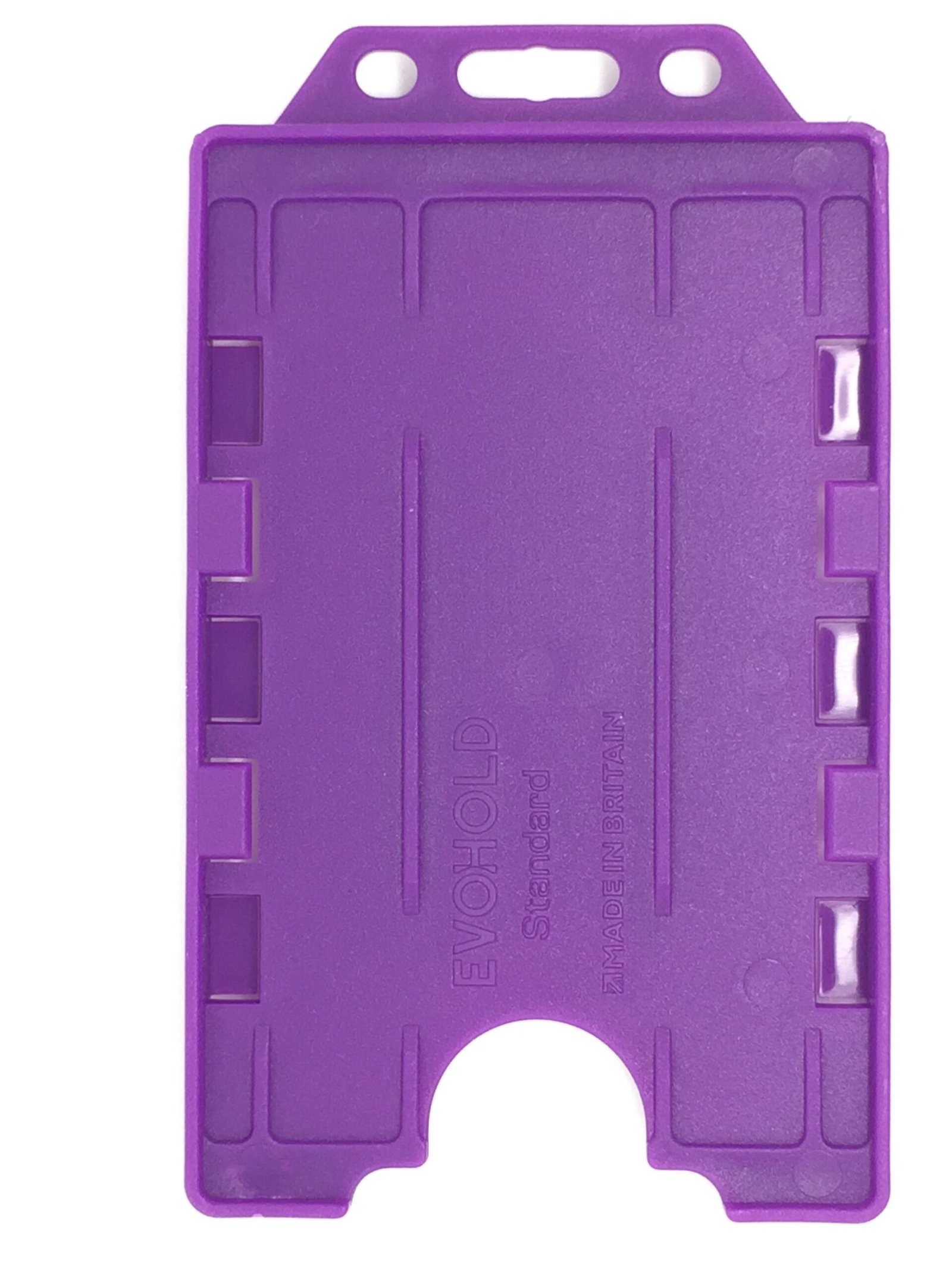### Card and attachment fit Check the holder against both card thicknesses and make sure photographs, names and codes remain visible. Match the attachment point to a compatible lanyard, clip or badge reel. Where two contactless credentials are carried together, follow your access system instructions and remove the required card for presentation when necessary. ### Purple Evohold portrait holder for your setup This listing is for the Purple colour. Select 1, 5, 10, 25, 50 or 100 holders from the quantity options. The displayed price applies to the selected option. Cards, lanyards and other wearing accessories are supplied separately. ### Use and care Inspect the holder for cracks and worn attachment points before reuse. Ask ACB to confirm the material specification or an accepted disposal route if your procurement policy requires it. ### Browse the other colours [View all Evohold double-sided portrait holder colours](https://acb-ltd.com/evohold-double-sided-portrait-id-card-holders/) to compare the available options. ### Match the colour and the complete badge arrangement Purple gives a distinct colour choice for a portrait badge issue. Decide what the colour means within your organisation and test the complete assembly with the printed cards and intended attachment. Use the purple Evohold portrait holder with artwork designed for portrait viewing. Test both card thicknesses together and check that photographs, names and codes remain visible. Compare the [pink Evohold option](https://acb-ltd.com/product/evohold-double-sided-portrait-id-card-holder-pink/) for another colour in the same range. For a horizontal single-card layout, see the [black landscape holder](https://acb-ltd.com/product/black-id-card-holder-single-sided-landscape/). ## Purple Evohold portrait holder: buying questions ### Will purple exactly match an older batch from another supplier? Confirm a physical match where consistency is required. A colour name or screen image alone cannot establish that two holder stocks have the same shade. ### Does double-sided describe the printing or the holder? It describes the holder: it carries two CR80 cards, one on each side. Card printing is a separate choice. Decide which information needs to face outwards on each side. ### Can two contactless cards stay together at the reader? Follow the installed system’s instructions. Presenting two credentials together may interfere with reading, so remove the required card where the system calls for that. Check the selected quantity and specification before adding this product to your basket. For help matching a card, reader or wearing accessory to your requirements, [contact ACB](https://acb-ltd.com/contact-us/). **Product categories:** Double-Sided, ID Card Accessories, ID Card Holders **Product tags:** Double Sided, Evohold, Portrait ID holder, Professional ID accessory --- ### [Red Id Card Holder - Double-Sided Portrait](https://acb-ltd.com/product/evohold-double-sided-portrait-id-card-holder-red/) **Published:** October 24, 2026 **Author:** acb_superadmin **Excerpt:**The red Evohold portrait holder displays two CR80 credentials, one on each side, in a vertical layout. This colour-specific product offers quantities of 1, 5, 10, 25, 50 or 100. Plan the visible information on each card and match the holder to a compatible lanyard, clip or badge reel.
**Content:** ## Red Evohold portrait holder The red Evohold portrait holder displays two CR80 credentials, one on each side, in a vertical layout. This colour-specific product offers quantities of 1, 5, 10, 25, 50 or 100. Plan the visible information on each card and match the holder to a compatible lanyard, clip or badge reel. ### Card and attachment fit Check the holder against both card thicknesses and make sure photographs, names and codes remain visible. Match the attachment point to a compatible lanyard, clip or badge reel. Where two contactless credentials are carried together, follow your access system instructions and remove the required card for presentation when necessary. ### Red Evohold portrait holder for your setup This listing is for the Red colour. Select 1, 5, 10, 25, 50 or 100 holders from the quantity options. The displayed price applies to the selected option. Cards, lanyards and other wearing accessories are supplied separately. ### Use and care Inspect the holder for cracks and worn attachment points before reuse. Ask ACB to confirm the material specification or an accepted disposal route if your procurement policy requires it. ### Browse the other colours [View all Evohold double-sided portrait holder colours](https://acb-ltd.com/evohold-double-sided-portrait-id-card-holders/) to compare the available options. ### Match the colour and the complete badge arrangement Red provides a prominent frame colour for a portrait badge issue. Use it according to your organisation’s own colour policy; the holder colour alone does not identify a role or grant access. Use the red Evohold portrait holder with artwork designed for portrait viewing. Test both card thicknesses together and check that photographs, names and codes remain visible. Compare the [pink Evohold option](https://acb-ltd.com/product/evohold-double-sided-portrait-id-card-holder-pink/) for another colour in the same range. For a horizontal single-card layout, see the [black landscape holder](https://acb-ltd.com/product/black-id-card-holder-single-sided-landscape/). ## Red Evohold portrait holder: buying questions ### Will red exactly match an older batch from another supplier? Confirm a physical match where consistency is required. A colour name or screen image alone cannot establish that two holder stocks have the same shade. ### Does double-sided describe the printing or the holder? It describes the holder: it carries two CR80 cards, one on each side. Card printing is a separate choice. Decide which information needs to face outwards on each side. ### Can two contactless cards stay together at the reader? Follow the installed system’s instructions. Presenting two credentials together may interfere with reading, so remove the required card where the system calls for that. Check the selected quantity and specification before adding this product to your basket. For help matching a card, reader or wearing accessory to your requirements, [contact ACB](https://acb-ltd.com/contact-us/). **Product categories:** Double-Sided, ID Card Accessories, ID Card Holders **Product tags:** Double Sided, Evohold, Portrait ID holder, Professional ID accessory --- ### [Royal Blue Id Card Holder - Double-Sided Portrait](https://acb-ltd.com/product/evohold-double-sided-portrait-id-card-holder-royal-blue/) **Published:** October 24, 2026 **Author:** acb_superadmin **Excerpt:**The royal blue Evohold portrait holder displays two CR80 credentials, one on each side, in a vertical layout. This colour-specific product offers quantities of 1, 5, 10, 25, 50 or 100. Plan the visible information on each card and match the holder to a compatible lanyard, clip or badge reel.
**Content:** ## Royal Blue Evohold portrait holder The royal blue Evohold portrait holder displays two CR80 credentials, one on each side, in a vertical layout. This colour-specific product offers quantities of 1, 5, 10, 25, 50 or 100. Plan the visible information on each card and match the holder to a compatible lanyard, clip or badge reel. ### Card and attachment fit Check the holder against both card thicknesses and make sure photographs, names and codes remain visible. Match the attachment point to a compatible lanyard, clip or badge reel. Where two contactless credentials are carried together, follow your access system instructions and remove the required card for presentation when necessary. ### Royal Blue Evohold portrait holder for your setup This listing is for the Royal Blue colour. Select 1, 5, 10, 25, 50 or 100 holders from the quantity options. The displayed price applies to the selected option. Cards, lanyards and other wearing accessories are supplied separately. ### Use and care Inspect the holder for cracks and worn attachment points before reuse. Ask ACB to confirm the material specification or an accepted disposal route if your procurement policy requires it. ### Browse the other colours [View all Evohold double-sided portrait holder colours](https://acb-ltd.com/evohold-double-sided-portrait-id-card-holders/) to compare the available options. ### Match the colour and the complete badge arrangement Royal Blue provides a brighter blue frame for a coordinated portrait badge scheme. Compare it with Dark Blue, Navy Blue and Light Blue when planning replacement stock or a new colour-coded issue. Use the royal blue Evohold portrait holder with artwork designed for portrait viewing. Test both card thicknesses together and check that photographs, names and codes remain visible. Compare the [pink Evohold option](https://acb-ltd.com/product/evohold-double-sided-portrait-id-card-holder-pink/) for another colour in the same range. For a horizontal single-card layout, see the [black landscape holder](https://acb-ltd.com/product/black-id-card-holder-single-sided-landscape/). ## Royal Blue Evohold portrait holder: buying questions ### Will royal blue exactly match an older batch from another supplier? Confirm a physical match where consistency is required. A colour name or screen image alone cannot establish that two holder stocks have the same shade. ### Does double-sided describe the printing or the holder? It describes the holder: it carries two CR80 cards, one on each side. Card printing is a separate choice. Decide which information needs to face outwards on each side. ### Can two contactless cards stay together at the reader? Follow the installed system’s instructions. Presenting two credentials together may interfere with reading, so remove the required card where the system calls for that. Check the selected quantity and specification before adding this product to your basket. For help matching a card, reader or wearing accessory to your requirements, [contact ACB](https://acb-ltd.com/contact-us/). **Product categories:** Double-Sided, ID Card Accessories, ID Card Holders **Product tags:** Double Sided, Evohold, Portrait ID holder, Professional ID accessory --- ### [Metal ID Strap Clips – Pack of 100](https://acb-ltd.com/product/metal-id-strap-clips-pack-of-100/) **Published:** October 23, 2026 **Author:** acb_superadmin **Excerpt:**Metal ID strap clips supplied in a pack of 100 with clear badge attachment straps. For a compatible slotted badge or card holder. Metal clip option selected automatically; cards and holders are separate.
**Content:** ## Metal ID strap clips, pack of 100 Metal ID strap clips attach a compatible slotted badge or card holder to a suitable wearing point. This pack contains 100 clips in the Metal option, each with a clear attachment strap. Match the strap and clip to the badge arrangement before preparing a staff or visitor issue. 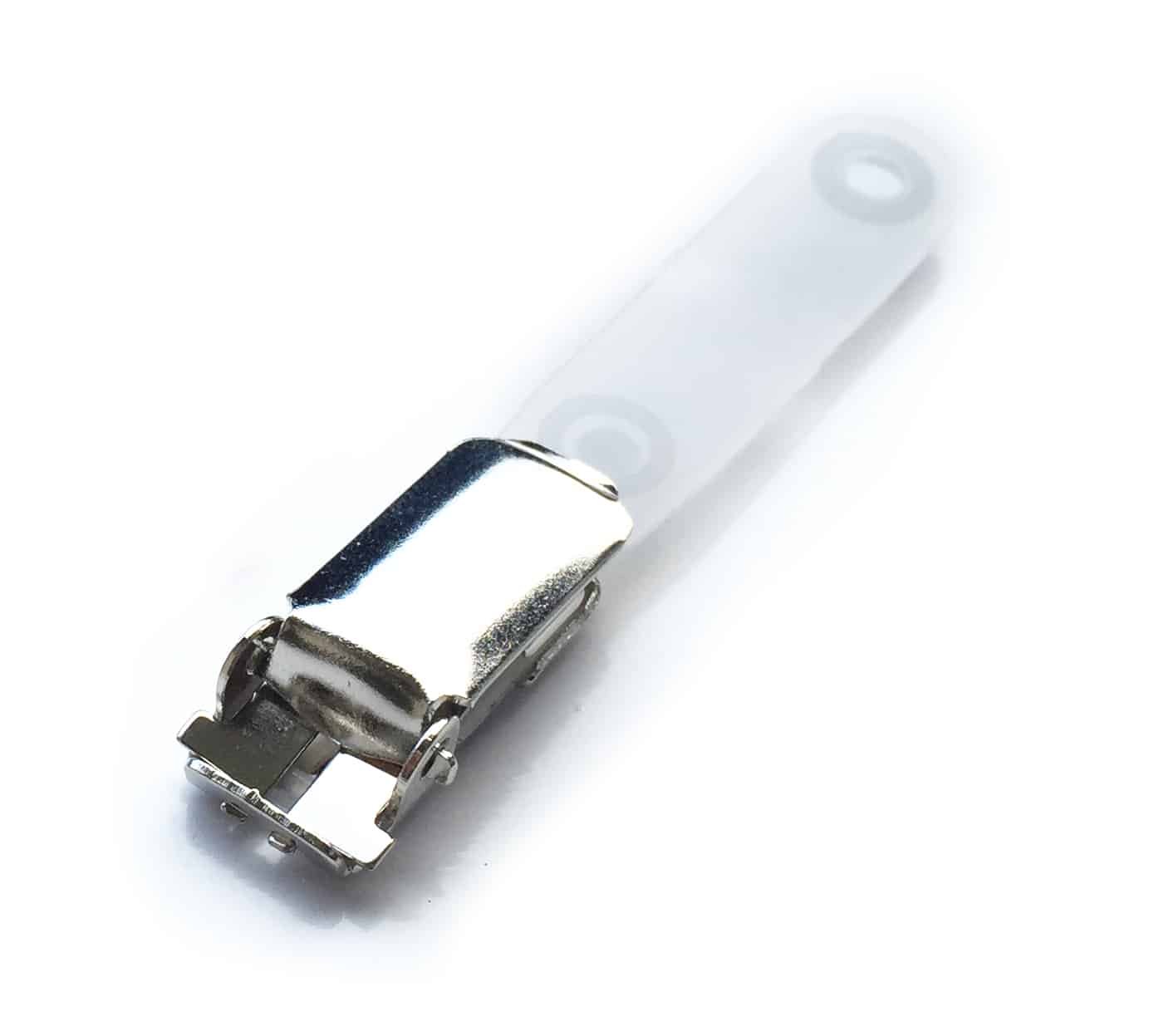### Metal clip option with a clear strap This listing is for the Metal clip option. Check it against the holder aperture and the way the badge will be worn. The clear strap connects to a compatible slot or attachment point. Use an appropriate holder for cards that must not be slot-punched, including cards with internal electronics or an antenna. ### Issue and replacement Allocate clips with the staff or visitor passes they will carry. Check the strap fastening and clip grip before reuse, and replace worn or damaged components. Printed branding and bespoke finishes are separate enquiries; they are not included automatically with this stock pack. ### Prepare a consistent badge issue Approve one complete assembly with the finished card, holder and selected clip before ordering for a larger group. Check that the badge hangs in the intended orientation and that the fastening leaves names, photographs and codes visible. Keep the clip option in your stock record so replacements match the original issue. ## Metal ID strap clips: buying questions ### How many clips are in the pack? This offer contains 100 metal ID strap clips. The Metal option is selected automatically on this individual listing. Cards and holders are separate parts of the wearing arrangement, so include those in your order planning. ### Can I fasten a clip directly to a card? Use a compatible slot or attachment point. If a card contains a chip or antenna, use a suitable holder rather than punching the card unless the card and system supplier have approved the position and method. ### Which clip option should I choose? Match the existing badge setup, holder aperture and intended clothing attachment. Test the fastening with a sample and follow your organisation’s wearing policy. Choose a consistent finish when clips form part of a repeated staff or visitor issue. Pair Metal ID strap clips with the [clear landscape card holder](https://acb-ltd.com/product/clear-id-card-holder-single-sided-landscape/) for a horizontal credential. For help checking an existing fitting, [contact ACB](https://acb-ltd.com/contact-us/). ### Other clip options Need another colour or finish? Compare [Black ID strap clips](https://acb-ltd.com/product/black-id-strap-clips-pack-of-100/), [Blue ID strap clips](https://acb-ltd.com/product/blue-id-strap-clips-pack-of-100/), [Red ID strap clips](https://acb-ltd.com/product/red-id-strap-clips-pack-of-100/) or browse [all ID strap clips](https://acb-ltd.com/id-card-accessories/plastic-loop-clips/). **Product categories:** ID Card Accessories, ID Strap Clips **Product tags:** ID Strap Clip, ID Strap Clip bulk, ID Strap Clip for badges, ID Strap Clip for conferences, ID Strap Clip for events, ID Strap Clip for ID cards, ID Strap Clip for offices., ID Strap Clip for schools, ID Strap Clip pack of 100, ID Strap Clip wholesale --- ### [Red ID Strap Clips – Pack of 100](https://acb-ltd.com/product/red-id-strap-clips-pack-of-100/) **Published:** October 23, 2026 **Author:** acb_superadmin **Excerpt:**Red ID strap clips supplied in a pack of 100 with clear badge attachment straps. For a compatible slotted badge or card holder. Red clip option selected automatically; cards and holders are separate.
**Content:** ## Red ID strap clips, pack of 100 Red ID strap clips attach a compatible slotted badge or card holder to a suitable wearing point. This pack contains 100 clips in the Red option, each with a clear attachment strap. Match the strap and clip to the badge arrangement before preparing a staff or visitor issue. 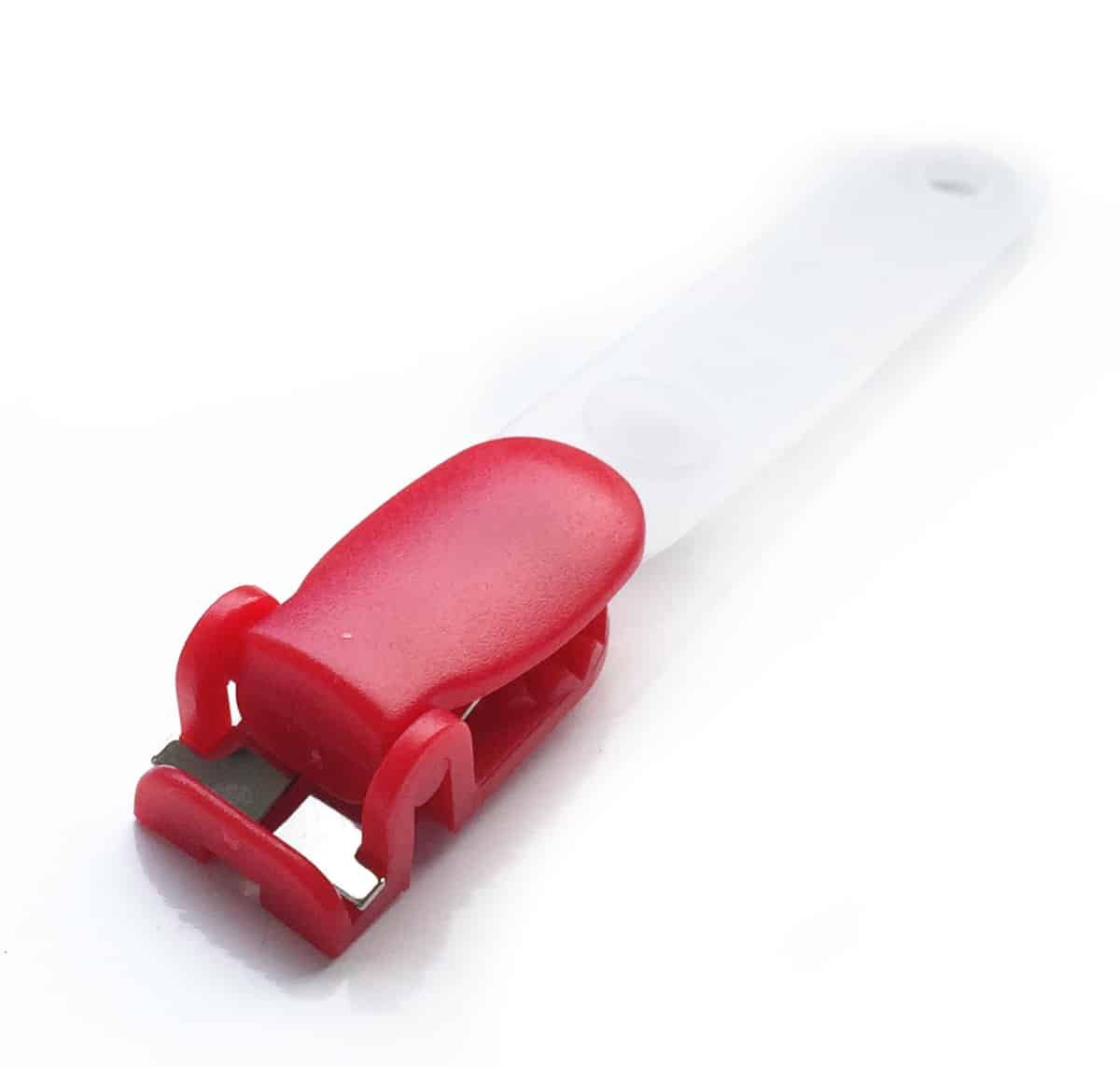### Red clip option with a clear strap This listing is for the Red clip option. Check it against the holder aperture and the way the badge will be worn. The clear strap connects to a compatible slot or attachment point. Use an appropriate holder for cards that must not be slot-punched, including cards with internal electronics or an antenna. ### Issue and replacement Allocate clips with the staff or visitor passes they will carry. Check the strap fastening and clip grip before reuse, and replace worn or damaged components. Printed branding and bespoke finishes are separate enquiries; they are not included automatically with this stock pack. ### Prepare a consistent badge issue Approve one complete assembly with the finished card, holder and selected clip before ordering for a larger group. Check that the badge hangs in the intended orientation and that the fastening leaves names, photographs and codes visible. Keep the clip option in your stock record so replacements match the original issue. ## Red ID strap clips: buying questions ### How many clips are in the pack? This offer contains 100 red ID strap clips. The Red option is selected automatically on this individual listing. Cards and holders are separate parts of the wearing arrangement, so include those in your order planning. ### Can I fasten a clip directly to a card? Use a compatible slot or attachment point. If a card contains a chip or antenna, use a suitable holder rather than punching the card unless the card and system supplier have approved the position and method. ### Which clip option should I choose? Match the existing badge setup, holder aperture and intended clothing attachment. Test the fastening with a sample and follow your organisation’s wearing policy. Choose a consistent finish when clips form part of a repeated staff or visitor issue. Pair Red ID strap clips with the [clear landscape card holder](https://acb-ltd.com/product/clear-id-card-holder-single-sided-landscape/) for a horizontal credential. For help checking an existing fitting, [contact ACB](https://acb-ltd.com/contact-us/). ### Other clip options Need another colour or finish? Compare [Black ID strap clips](https://acb-ltd.com/product/black-id-strap-clips-pack-of-100/), [Blue ID strap clips](https://acb-ltd.com/product/blue-id-strap-clips-pack-of-100/), [Metal ID strap clips](https://acb-ltd.com/product/metal-id-strap-clips-pack-of-100/) or browse [all ID strap clips](https://acb-ltd.com/id-card-accessories/plastic-loop-clips/). **Product categories:** ID Card Accessories, ID Strap Clips **Product tags:** ID Strap Clip, ID Strap Clip bulk, ID Strap Clip for badges, ID Strap Clip for conferences, ID Strap Clip for events, ID Strap Clip for ID cards, ID Strap Clip for offices., ID Strap Clip for schools, ID Strap Clip pack of 100, ID Strap Clip wholesale --- ### [Blue ID Strap Clips – Pack of 100](https://acb-ltd.com/product/blue-id-strap-clips-pack-of-100/) **Published:** October 23, 2026 **Author:** acb_superadmin **Excerpt:**Blue ID strap clips supplied in a pack of 100 with clear badge attachment straps. For a compatible slotted badge or card holder. Blue clip option selected automatically; cards and holders are separate.
**Content:** ## Blue ID strap clips, pack of 100 Blue ID strap clips attach a compatible slotted badge or card holder to a suitable wearing point. This pack contains 100 clips in the Blue option, each with a clear attachment strap. Match the strap and clip to the badge arrangement before preparing a staff or visitor issue. 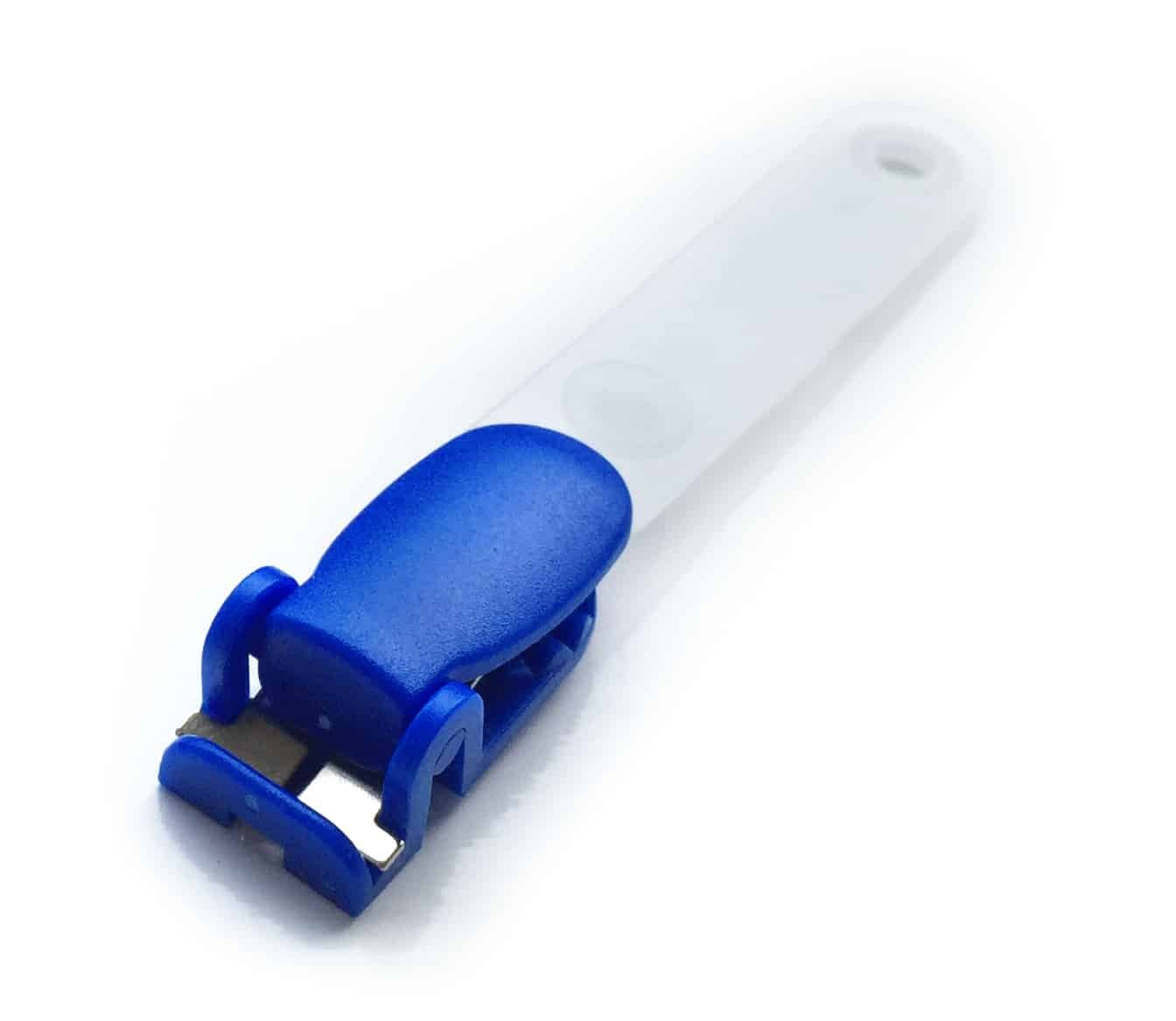### Blue clip option with a clear strap This listing is for the Blue clip option. Check it against the holder aperture and the way the badge will be worn. The clear strap connects to a compatible slot or attachment point. Use an appropriate holder for cards that must not be slot-punched, including cards with internal electronics or an antenna. ### Issue and replacement Allocate clips with the staff or visitor passes they will carry. Check the strap fastening and clip grip before reuse, and replace worn or damaged components. Printed branding and bespoke finishes are separate enquiries; they are not included automatically with this stock pack. ### Prepare a consistent badge issue Approve one complete assembly with the finished card, holder and selected clip before ordering for a larger group. Check that the badge hangs in the intended orientation and that the fastening leaves names, photographs and codes visible. Keep the clip option in your stock record so replacements match the original issue. ## Blue ID strap clips: buying questions ### How many clips are in the pack? This offer contains 100 blue ID strap clips. The Blue option is selected automatically on this individual listing. Cards and holders are separate parts of the wearing arrangement, so include those in your order planning. ### Can I fasten a clip directly to a card? Use a compatible slot or attachment point. If a card contains a chip or antenna, use a suitable holder rather than punching the card unless the card and system supplier have approved the position and method. ### Which clip option should I choose? Match the existing badge setup, holder aperture and intended clothing attachment. Test the fastening with a sample and follow your organisation’s wearing policy. Choose a consistent finish when clips form part of a repeated staff or visitor issue. Pair Blue ID strap clips with the [clear landscape card holder](https://acb-ltd.com/product/clear-id-card-holder-single-sided-landscape/) for a horizontal credential. For help checking an existing fitting, [contact ACB](https://acb-ltd.com/contact-us/). ### Other clip options Need another colour or finish? Compare [Black ID strap clips](https://acb-ltd.com/product/black-id-strap-clips-pack-of-100/), [Red ID strap clips](https://acb-ltd.com/product/red-id-strap-clips-pack-of-100/), [Metal ID strap clips](https://acb-ltd.com/product/metal-id-strap-clips-pack-of-100/) or browse [all ID strap clips](https://acb-ltd.com/id-card-accessories/plastic-loop-clips/). **Product categories:** ID Card Accessories, ID Strap Clips **Product tags:** ID Strap Clip, ID Strap Clip bulk, ID Strap Clip for badges, ID Strap Clip for conferences, ID Strap Clip for events, ID Strap Clip for ID cards, ID Strap Clip for offices., ID Strap Clip for schools, ID Strap Clip pack of 100, ID Strap Clip wholesale --- ### [Black ID Strap Clips – Pack of 100](https://acb-ltd.com/product/black-id-strap-clips-pack-of-100/) **Published:** October 23, 2026 **Author:** acb_superadmin **Excerpt:**Black ID strap clips supplied in a pack of 100 with clear badge attachment straps. For a compatible slotted badge or card holder. Black clip option selected automatically; cards and holders are separate.
**Content:** ## Black ID strap clips, pack of 100 Black ID strap clips attach a compatible slotted badge or card holder to a suitable wearing point. This pack contains 100 clips in the Black option, each with a clear attachment strap. Match the strap and clip to the badge arrangement before preparing a staff or visitor issue. 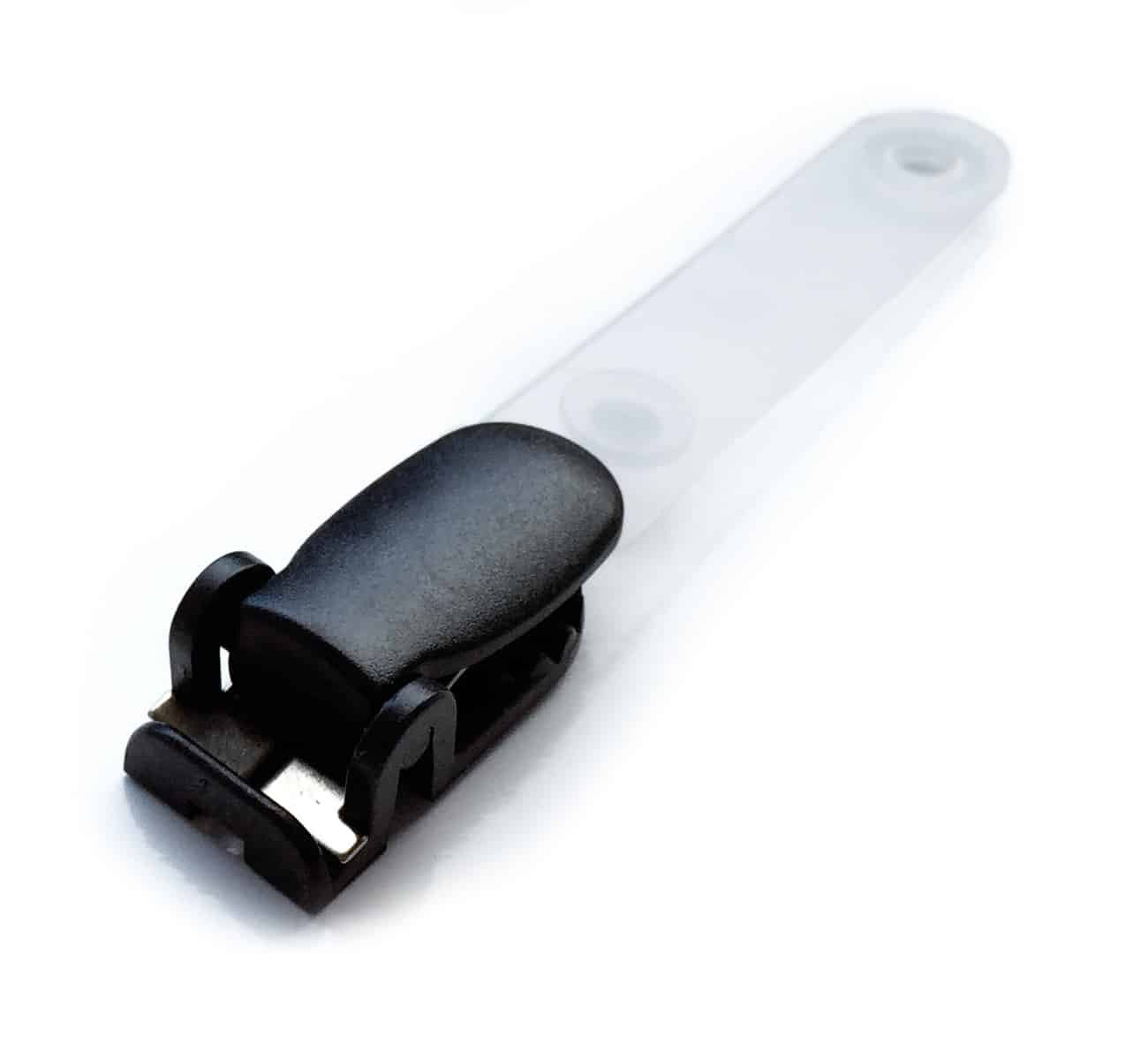### Black clip option with a clear strap This listing is for the Black clip option. Check it against the holder aperture and the way the badge will be worn. The clear strap connects to a compatible slot or attachment point. Use an appropriate holder for cards that must not be slot-punched, including cards with internal electronics or an antenna. ### Issue and replacement Allocate clips with the staff or visitor passes they will carry. Check the strap fastening and clip grip before reuse, and replace worn or damaged components. Printed branding and bespoke finishes are separate enquiries; they are not included automatically with this stock pack. ### Prepare a consistent badge issue Approve one complete assembly with the finished card, holder and selected clip before ordering for a larger group. Check that the badge hangs in the intended orientation and that the fastening leaves names, photographs and codes visible. Keep the clip option in your stock record so replacements match the original issue. ## Black ID strap clips: buying questions ### How many clips are in the pack? This offer contains 100 black ID strap clips. The Black option is selected automatically on this individual listing. Cards and holders are separate parts of the wearing arrangement, so include those in your order planning. ### Can I fasten a clip directly to a card? Use a compatible slot or attachment point. If a card contains a chip or antenna, use a suitable holder rather than punching the card unless the card and system supplier have approved the position and method. ### Which clip option should I choose? Match the existing badge setup, holder aperture and intended clothing attachment. Test the fastening with a sample and follow your organisation’s wearing policy. Choose a consistent finish when clips form part of a repeated staff or visitor issue. Pair Black ID strap clips with the [clear landscape card holder](https://acb-ltd.com/product/clear-id-card-holder-single-sided-landscape/) for a horizontal credential. For help checking an existing fitting, [contact ACB](https://acb-ltd.com/contact-us/). ### Other clip options Need another colour or finish? Compare [Blue ID strap clips](https://acb-ltd.com/product/blue-id-strap-clips-pack-of-100/), [Red ID strap clips](https://acb-ltd.com/product/red-id-strap-clips-pack-of-100/), [Metal ID strap clips](https://acb-ltd.com/product/metal-id-strap-clips-pack-of-100/) or browse [all ID strap clips](https://acb-ltd.com/id-card-accessories/plastic-loop-clips/). **Product categories:** ID Card Accessories, ID Strap Clips **Product tags:** ID Strap Clip, ID Strap Clip bulk, ID Strap Clip for badges, ID Strap Clip for conferences, ID Strap Clip for events, ID Strap Clip for ID cards, ID Strap Clip for offices., ID Strap Clip for schools, ID Strap Clip pack of 100, ID Strap Clip wholesale --- ### [Blue Translucent Retractable ID Badge Reel](https://acb-ltd.com/product/translucent-retractable-id-badge-reel-for-secure-identification/) **Published:** August 3, 2025 **Author:** acb_superadmin **Excerpt:** A blue translucent retractable reel for carrying an ID badge or compatible card holder. The cord extends the attached credential towards a reader and retracts it after use. **Content:** ## Blue Translucent Retractable Badge Reel A blue translucent retractable reel for carrying an ID badge or compatible card holder. The cord extends the attached credential towards a reader and retracts it after use. ### Connect and use the badge Attach the clip to a suitable clothing or carrying point and connect a compatible card holder to the strap. Guide the badge back after extending it. The translucent finish describes the reel housing. It does not make a card enclosed inside a separate holder visible or establish compatibility with every reader. ### Select the quantity Available quantity options: 1, 5, 10, 25, 50, 100. Check the chosen quantity and any separately ordered card holder before checkout. Ask ACB to confirm a precise cord reach, load rating or printed logo requirement. Those values and bespoke printing are not assumed for the stock reel. **Product categories:** Badge Reels, ID Card Accessories **Product tags:** Badge Holder Clip, Badge Reel Clip, Badge Reel with Belt Clip, ID Badge Holder, retractable badge reel, Retractable ID Badge Holder., Translucent Badge Reel, Translucent ID Badge Reel --- ### [Red Translucent Retractable ID Badge Reel](https://acb-ltd.com/product/red-translucent-retractable-id-badge-reel/) **Published:** September 5, 2025 **Author:** acb_superadmin **Excerpt:** Keep a staff or access badge attached while bringing it towards a reader with this red translucent retractable badge reel. Check the badge attachment and the selected quantity before ordering. **Content:** ## Red Translucent Retractable Badge Reel Keep a staff or access badge attached while bringing it towards a reader with this red translucent retractable badge reel. Check the badge attachment and the selected quantity before ordering. ### Connect the badge Attach the reel to a suitable clothing or carrying point, then connect a compatible card holder or badge to its strap. Guide the badge back after use rather than letting the cord snap back. A reel keeps the badge attached while it extends; it does not establish compatibility with every reader. Follow the reader’s instructions if the card must be removed from its holder. ### Select the order Quantity options: 1, 5, 10, 25, 50, 100. This listing is for the red translucent finish. If a precise cord reach, load rating, locking mechanism or branded reel is required, ask ACB to confirm that specification before purchase. Stock reels are intended for identification accessories; do not assume suitability for heavier equipment. **Product categories:** Badge Reels, ID Card Accessories **Product tags:** Badge Holder Clip, Badge Reel Clip, Badge Reel with Belt Clip, ID Badge Holder, retractable badge reel, Retractable ID Badge Holder., Translucent Badge Reel, Translucent ID Badge Reel --- ### [Pointman NUVIA N25 ID Card Printer (Dual-Sided)](https://acb-ltd.com/product/pointman-nuvia-n25-id-card-printer-dual-sided/) **Published:** August 3, 2025 **Author:** acb_superadmin **Excerpt:** Dual-sided Pointman NUVIA N25 direct-to-card printer with 300 dpi output, a 100-card input hopper and USB/Ethernet. Confirm software, ribbon and any fitted encoder for the intended card layout. **Content:** ## Pointman NUVIA N25 ID card printer for front-and-back designs The **Pointman NUVIA N25 ID card printer** automatically prints both card faces at 300 dpi. Put the photograph, name and branding on the front, then use the reverse for membership details, a barcode or organisation contact information. Duplex printing helps keep the front design clear while making use of the space on the back. ### Pointman NUVIA N25 ID card printer: plan both card faces The N25 uses direct-to-card dye-sublimation and resin printing. A colour front with black text on the reverse is different from a full-colour design on each face. Agree the artwork and ribbon mode together so that supplies and driver settings match the job. Pointman’s published duplex ratings distinguish approximately 140 cards per hour in YMCKOK mode from 95 in the stated YMCKO duplex mode. These are mode-specific figures. Encoding, artwork processing and handling affect the time needed for a finished batch, so the faster single-sided colour figure should not be treated as a two-sided production promise. ### Pointman NUVIA N25 ID card printer supplies and setup The automatic input hopper holds 100 cards at standard 0.76 mm thickness. Select approved CR80 stock with the correct material, printable finish and thickness for the supplied unit. Browse our [blank plastic cards](https://acb-ltd.com/blank-plastic-cards/) or compare [blank white PVC cards](https://acb-ltd.com/product/premium-blank-white-pvc-plastic-cards/) for everyday photo identification. The printer provides USB 2.0 and built-in 10/100 Ethernet. Published Pointman documentation lists Windows drivers; check your operating-system version and card-design software requirements before ordering. A printer driver enables communication, while the design-software licence determines how you manage layouts and records. Choose the exact N25-compatible ribbon for the front and reverse artwork. Arrange approved cleaning supplies and follow the user guide when replacing consumables. Direct-to-card printing does not require separate retransfer film, and a ribbon for another printer family is not a substitute solely because it has the same colour panels. ### Pointman NUVIA N25 ID card printer questions #### Do I need the N25 for every two-sided card? N15 model shown for comparison with the N25 duplex option. Confirm the exact supplied N25 configuration with ACB.Choose it when both faces need automatic personalisation. If the reverse is blank or already carries suitable generic information, compare the [single-sided NUVIA N15](https://acb-ltd.com/product/pointman-nuvia-n15-id-card-printer-single-sided/). Match the choice to what changes on each card, rather than just whether the final card has something printed on its back. #### Can the N25 encode contactless or magnetic cards? The platform offers encoding options, but the appropriate hardware must be fitted. It must also work with your software and the exact card technology. Printing a design onto a contactless card does not activate access permissions or write chip data. #### Are cards, ribbon and software included? Confirm the contents of the supplied configuration with ACB. Plan for the compatible ribbon, card stock, software licence and any encoder required for your workflow. Ask ACB to confirm the supplied package before placing the order. #### Where can I get help choosing the setup? For a Pointman NUVIA N25 ID card printer quote, send ACB a sample of each card face, your batch size and the software you plan to use. Include any magnetic-stripe or contactless encoding requirement so the supplied hardware can be checked against the job. Read [Pointman’s N15/N25 product information](https://www.pointman.co.kr/ENG/product/CARD-PRINTER/nuvia-N15.php) and [contact ACB](https://acb-ltd.com/contact-us/) with your card design and system requirements. If supplied finished badges fit your needs better, compare our [photo ID card printing service](https://acb-ltd.com/photo-id-card-printing/). **Product brands:** Pointman **Product categories:** ID Card Printers **Product tags:** compact ID card printer, corporate ID card printer, custom ID cards, fast ID card printing, high-quality ID card printer, personalised ID cards, photo ID cards, Pointman NUVIA N25, professional ID card printing, reliable ID card printer, student ID card printer --- ### [Fargo HDP6600 Retransfer Plastic Card Printer (Dual-Sided)](https://acb-ltd.com/product/fargo-hdp6600-retransfer-plastic-card-printer-dual-sided/) **Published:** August 3, 2025 **Author:** acb_superadmin **Excerpt:** Dual-sided FARGO HDP6600 retransfer printer for automatic front-and-back card personalisation at 600 dpi. Requires matching ribbon and HDP film. Lamination and encoders are separate configured options. **Content:** ## Fargo HDP6600 dual-sided printer for detailed ID cards The **Fargo HDP6600 dual-sided printer** combines 600 dpi retransfer output with automatic front-and-back card printing. It gives you room for a clear photo ID design on the front and useful supporting information on the reverse. Consider this configuration for staff, campus or membership programmes where both faces need personalisation. 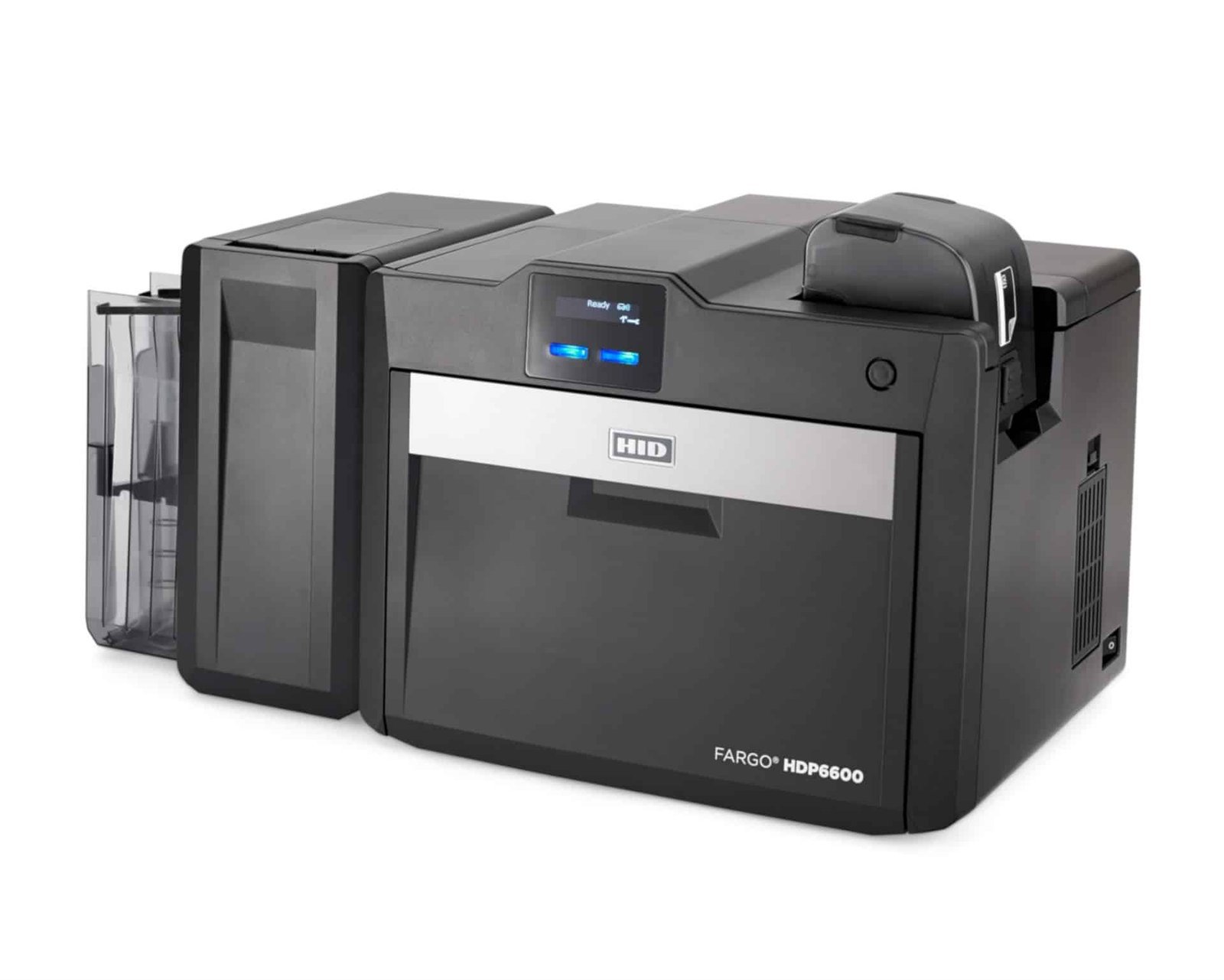### Fargo HDP6600 dual-sided printer: plan both card faces Place the photograph, name and visual identification on the front. The reverse can hold organisation contact details, a barcode, instructions or terms relevant to the holder. Agree the layout before ordering supplies, since a colour front with black text on the reverse uses a different ribbon plan from full-colour artwork on both faces. The HDP6600 forms the image on HDP film before transferring it to the card. Retransfer printing supports an over-the-edge finish on suitable stock. A high-quality source image remains important for sharp results; 600 dpi describes the printer resolution rather than guaranteeing that every supplied photograph will reproduce well. ### Plan for the complete print job HID’s headline rate is up to 230 cards per hour for YMCK printing with transfer. Printing both faces, adding encoding or using a lamination module changes production time. Use timings for your intended layout when planning an issue deadline, and allow time for preparation and quality checks. The standard input hopper holds 100 cards, with expanded or dual input arrangements available as options. Approved CR80 stock at 30–40 mil, approximately 0.762–1.01 mm, can include suitable PVC, composite, PET, PETG or polycarbonate materials. Select the exact card construction for the print process and any additional lamination requirement. ### Fargo HDP6600 dual-sided printer ribbon and film A matching print ribbon and separate HDP transfer film are both required. Their stated capacities measure different consumables, and printing two faces can change the number of completed cards produced. Check the exact HDP6600 references and layout with ACB before choosing from the [Fargo consumables range](https://acb-ltd.com/printer-ribbons/fargo-ribbons/). Start with our [blank plastic cards](https://acb-ltd.com/blank-plastic-cards/) when comparing stock. A technology card also needs the correct chip specification for your system. For encoding, the printer must have the appropriate fitted hardware and compatible software. Artwork printed on a smart card and data written to its chip are separate parts of personalisation. ### Fargo HDP6600 dual-sided printer questions #### Does this configuration include LMX lamination? Dual-sided printing does not imply a lamination module. LMX lamination is an optional configured process with its own materials. HDP transfer film is required for printing but is not the same component as a separate protective laminate. #### Would a single-sided printer be sufficient? If all variable information is on the front, compare the [single-sided HDP6600](https://acb-ltd.com/product/fargo-hdp6600-retransfer-plastic-card-printer-single-sided/). Choose duplex when automatic printing of each face is part of the routine job, rather than selecting it solely because a card has a generic preprinted reverse. #### How should I prepare the first order? Confirm the printer configuration, card stock, software licence, operating-system support, ribbon, film and any encoder or laminator. Arrange model-compatible cleaning supplies as well. Consult [HID’s HDP6600 specifications](https://www.hidglobal.com/products/hdp6600) or [ask ACB](https://acb-ltd.com/contact-us/) to help match the setup. Our [photo ID card printing service](https://acb-ltd.com/photo-id-card-printing/) also offers a route to finished badges without running a printer yourself. **Product brands:** Fargo, HID **Product categories:** Fargo Printers, ID Card Printers **Product tags:** corporate ID card printer, custom ID cards, Fargo HDP6600, fast ID card printing, government ID card printer, high-definition ID card printer, personalised ID cards, photo ID cards, professional ID card printing, reliable ID card printer, retransfer ID card printer, student ID card printer --- ### [Fargo HDP6600 Retransfer Plastic Card Printer (single-sided)](https://acb-ltd.com/product/fargo-hdp6600-retransfer-plastic-card-printer-single-sided/) **Published:** August 3, 2025 **Author:** acb_superadmin **Excerpt:** Single-sided FARGO HDP6600 retransfer printer with 600 dpi resolution and a standard 100-card input hopper. Requires matching ribbon and separate HDP film. Encoding and lamination are optional configurations. **Content:** ## Fargo HDP6600 single-sided printer with 600 dpi output The **Fargo HDP6600 single-sided printer** produces detailed photo ID cards using 600 dpi retransfer printing. It suits front-face designs with photographs, branding and fine text, including approved technology cards. Choose this configuration when the information fits on one face and automatic reverse-side printing is not required. ### Fargo HDP6600 single-sided printer: the retransfer process The printer first builds the image on HDP film, then transfers it onto the card. This separates image formation from the final card surface and supports an over-the-edge finish on suitable stock. Prepare artwork at an appropriate quality: a higher print resolution cannot restore detail missing from a low-resolution source photograph. For cards needing personalised information on both faces, compare the [dual-sided HDP6600](https://acb-ltd.com/product/fargo-hdp6600-retransfer-plastic-card-printer-dual-sided/). Planning the reverse design now helps you choose the right printer configuration and consumables rather than relying on a manual second pass later. ### Match the card material and production volume HID specifies CR80 cards at 30–40 mil, approximately 0.762–1.01 mm. Approved materials include PVC, composite, PET, PETG and polycarbonate suited to the process. Check the exact card construction and print surface, especially for contactless or other technology cards. Browse our [blank plastic card range](https://acb-ltd.com/blank-plastic-cards/) and confirm suitability before ordering a production quantity. The standard input hopper holds 100 cards; larger or dual input hopper arrangements are options. HID quotes up to 230 cards per hour in YMCK mode with transfer. Artwork, driver settings, encoding and added processes affect the finished-job rate. Allow time for sample approval, record preparation and supply changes when planning a batch. ### Fargo HDP6600 single-sided printer ribbon and film The HDP6600 requires a compatible print ribbon and a separate HDP transfer film. They perform different jobs and have separate image ratings. Match both to the supplied printer and intended artwork. A ribbon for a direct-to-card Fargo printer is not a substitute, and a film rating does not automatically equal the number of completed cards for every print layout. Use the [Fargo consumables range](https://acb-ltd.com/printer-ribbons/fargo-ribbons/) as a starting point and ask ACB to confirm the exact HDP6600 references. Keep approved cleaning supplies available and follow the manufacturer maintenance instructions. Cleaning kits are model-specific, so avoid choosing one solely because it carries the Fargo name. ### Fargo HDP6600 single-sided printer questions #### Is a laminator included with retransfer printing? No. HDP film is part of the retransfer printing process. Optional LMX lamination applies an additional material using a configured lamination module. Specify that requirement separately if your cards need it. #### Can it create working access-control cards? It can print suitable card surfaces. Writing chip or magnetic-stripe data additionally requires a compatible fitted encoder, appropriate software and the correct credential technology. Printing a design onto a contactless card does not activate it in an access system. #### What should I check before buying? Confirm the supplied single-sided configuration, operating-system driver, design software, cards, ribbon, film and any required modules. Read [HID’s HDP6600 product information](https://www.hidglobal.com/products/hdp6600) for platform specifications or [contact ACB](https://acb-ltd.com/contact-us/) with your requirements. If you need finished cards rather than equipment, our [photo ID card printing service](https://acb-ltd.com/photo-id-card-printing/) is another option. **Product brands:** Fargo, HID **Product categories:** Fargo Printers, ID Card Printers **Product tags:** corporate ID card printer, custom ID cards, Fargo HDP6600, fast ID card printing, government ID card printer, high-definition ID card printer, personalised ID cards, photo ID cards, professional ID card printing, reliable ID card printer, retransfer ID card printer, student ID card printer --- ### [Swiftpro K30D Retransfer ID Card Printer (Dual-Sided)](https://acb-ltd.com/product/swiftpro-k30d-retransfer-id-card-printer-dual-sided/) **Published:** August 3, 2025 **Author:** acb_superadmin **Excerpt:** Dual-sided Swiftpro K30D retransfer printer with 300 × 300 dpi output and 100-card input/output hoppers. Requires compatible ribbon and separate InTM film. Encoding and lamination need the appropriate configuration. **Content:** ## Swiftpro K30D retransfer printer for two-sided cards The **Swiftpro K30D retransfer printer** prints both faces of an ID card automatically at 300 × 300 dpi. Use the front for a clear photograph and identification, then add contact details, membership information or a barcode on the reverse. Retransfer printing forms the design on InTM film before applying it to approved card stock. Swiftpro platform illustration. Confirm the supplied K30D configuration and fitted options for your order.### Swiftpro K30D retransfer printer: plan both card faces Automatic duplex printing helps when each card carries personalised information on both faces. Choose the artwork before selecting consumables: a colour front with a black-text reverse is a different job from colour on both faces. If only the front needs personalisation, compare the [single-sided Swiftpro K30](https://acb-ltd.com/product/swiftpro-k30-retransfer-id-card-printer-single-sided/) instead. Swiftpro’s support guidance gives up to 65 cards per hour for a YMCK-K front and black reverse using InTM film. That should not be confused with its 120-card-per-hour single-sided YMCK figure. Your design, settings and any encoding affect the production rate, so plan for the complete job rather than a headline number alone. ### Choose cards, ribbon and film for the configuration The standard input and output hoppers each hold 100 cards. A 250-card input hopper is an optional upgrade; it does not increase the standard output capacity. The manufacturer specifies CR80 cards at 0.25–1.00 mm thickness. Material, surface finish and any lamination requirement must also be checked. A matching print ribbon and separate InTM transfer film are both needed. Their image ratings do not necessarily equal the same number of completed two-sided cards. Confirm the exact references and print layout with ACB before ordering supplies. Start with our [blank plastic card range](https://acb-ltd.com/blank-plastic-cards/) when comparing suitable stock. ### Check drivers and fitted options USB 2.0 and Ethernet are available printer connections. Swiftpro’s separate Mac and Linux driver notes require current firmware and USB operation. Check the driver for your precise operating-system version, together with the design-software licence and features needed for your records. Magnetic-stripe, contact and contactless encoding are configuration choices, not automatic inclusions with duplex printing. The encoder, software and card technology must work together. Printing an access-card design only personalises its surface; writing a chip or stripe is a separate operation. ### Swiftpro K30D retransfer printer questions #### Does two-sided printing include lamination? No. A compatible L10 or L10D module is needed for additional lamination, with its own materials. InTM transfer film is required for printing and serves a different purpose. Confirm any module and suitable card stock with ACB. #### What should I check for an existing access system? Identify the exact credential technology and required encoding workflow before choosing cards. A matching card size alone is insufficient. Confirm the fitted encoder, supported software and any system-specific requirements before placing an equipment order. #### What is needed to start printing? Arrange approved cards, matching ribbon and film, design software, a supported computer and suitable cleaning supplies. Use [Swiftpro’s K30D specifications](https://www.swiftpro-printer.com/products/k30d-printer-product/) and [driver and support guidance](https://www.swiftpro-printer.com/support/k30d-printer/) for technical checks. [Ask ACB](https://acb-ltd.com/contact-us/) to help configure the setup, or compare our [photo ID card printing service](https://acb-ltd.com/photo-id-card-printing/) for supplied finished badges. **Product categories:** ID Card Printers, Swiftpro Printers **Product tags:** corporate ID card printer, custom ID cards, fast ID card printing, government ID card printer, high-definition ID card printer, personalised ID cards, photo ID cards, professional ID card printing, reliable ID card printer, retransfer ID card printer, student ID card printer, Swiftpro K30D --- ### [Fargo HDP5000 Retransfer Plastic Card Printer (Single-Sided)](https://acb-ltd.com/product/fargo-hdp5000-retransfer-plastic-card-printer-single-sided/) **Published:** August 3, 2025 **Author:** acb_superadmin **Excerpt:** Original single-sided FARGO HDP5000 retransfer printer with 300 dpi output. Requires matching print ribbon and separate HDP film. Discontinued generation: confirm availability, compatible drivers and support. **Content:** ## Fargo HDP5000 single-sided printer for photo ID cards The **Fargo HDP5000 single-sided printer** uses 300 dpi retransfer technology to personalise the front of a plastic ID card. It is a choice for layouts that keep the photograph, name and organisation branding on one face. This product is the original HDP5000, rather than the later HDP5000e generation. 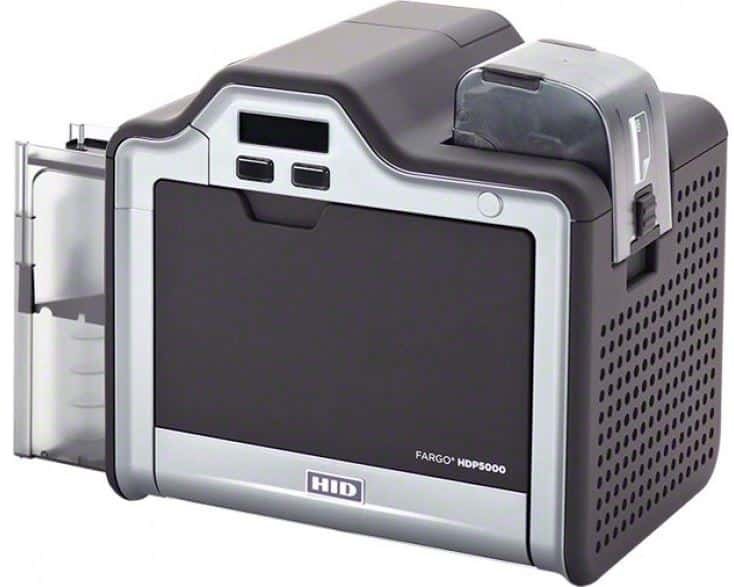### Fargo HDP5000 single-sided printer: the original platform HID marks the original model as discontinued. Before ordering, confirm the supplied unit, availability, condition, compatible computer driver and support terms with ACB. These checks matter when you want to keep an existing workflow or standardise supplies. Avoid treating the HDP5000 and HDP5000e names as interchangeable when choosing accessories or reading specifications. The image is printed onto HDP film first, then transferred to suitable card stock. This process supports an over-the-edge design and is useful for approved printable technology cards. Prepare good-quality photographs and artwork before production; the printer resolution alone cannot improve an unclear source image. ### Choose single-sided output for the right layout This configuration prints one card face automatically. It suits designs with a blank reverse or suitable generic information already preprinted there. If the reverse needs holder-specific details, compare the [dual-sided HDP5000](https://acb-ltd.com/product/fargo-hdp5000-retransfer-plastic-card-printer-dual-sided/). Alternatively, compare the [single-sided HDP6600](https://acb-ltd.com/product/fargo-hdp6600-retransfer-plastic-card-printer-single-sided/) for a different 600 dpi retransfer platform. The original HDP5000 takes approved CR80 cards 0.762–1.27 mm thick. Standard capacities are 100 cards in the input hopper and 200 in the output hopper. An optional dual input hopper is rated for 30–40 mil stock, so its card range must be checked separately. USB 2.0 and Ethernet connections provide local and network setup options. ### Select matching ribbon, HDP film and card stock Both a compatible ribbon and separate transfer film are required for retransfer printing. Choose references for the original HDP5000 and match the ribbon to the artwork. Colour panels and resin-black printing serve different parts of the design. Confirm supply availability with ACB when browsing the [Fargo ribbon range](https://acb-ltd.com/printer-ribbons/fargo-ribbons/). Compare our [blank plastic cards](https://acb-ltd.com/blank-plastic-cards/) after confirming material, thickness and printable finish. If lamination or encoding is needed, the stock must suit those processes too. A card’s dimensions alone do not establish compatibility with every printer setup or access system. ### Fargo HDP5000 single-sided printer questions #### What production speed should I use for planning? The original user guide lists normal-mode rates of 103 cards per hour for YMCK and 73 for YMCKK. The 150-card-per-hour headline refers to YMC in performance mode, a different setting. Allow for artwork processing, encoding and additional processes when estimating a completed batch. #### Are lamination and encoding included? These are separately configured options. HDP film is part of the printing process, while a laminator applies additional material. A magnetic or contactless encoder needs to match the card technology and software. Printing an access-card design does not itself write data to its chip. #### What should I arrange alongside the printer? Confirm design software, a supported workstation, ribbon, film, approved cards and model-compatible cleaning supplies. Check [HID’s original HDP5000 page](https://www.hidglobal.com/products/hdp5000) and [manufacturer user guide](https://www.hidglobal.com/documents/fargo-hdp5000-hdp5600-and-hdpii-plus-high-definition-card-printerencoder), then [ask ACB](https://acb-ltd.com/contact-us/) about the supplied configuration. If owning equipment is unnecessary for your job, our [photo ID card printing service](https://acb-ltd.com/photo-id-card-printing/) provides another route to finished badges. **Product brands:** Fargo, HID **Product categories:** Fargo Printers, ID Card Printers **Product tags:** corporate ID card printer, custom ID cards, Fargo HDP5000, fast ID card printing, government ID card printer, high-definition ID card printer, personalised ID cards, photo ID cards, professional ID card printing, reliable ID card printer, retransfer ID card printer, student ID card printer --- ### [Zebra ZC300 Plastic Card Printer with Ethernet (Single-Sided)](https://acb-ltd.com/product/zebra-zc300-plastic-card-printer-with-ethernet-single-sided/) **Published:** August 3, 2025 **Author:** acb_superadmin **Excerpt:** Single-sided Zebra ZC300 with USB and Ethernet, 300 dpi direct-to-card printing, a colour LCD and 100-card input/output at 0.76 mm. Ideal for front-only staff and membership designs; confirm software and consumables. **Content:** ## Zebra ZC300 single-sided card printer with Ethernet The Zebra ZC300 single-sided card printer brings 300 dpi colour or monochrome printing to a desktop or network issuing station. This USB and Ethernet configuration is suited to staff ID, visitor and membership cards with a complete design on one face. A colour graphical LCD gives the operator clear status information and prompts. Single-sided ZC300: USB and Ethernet connectivity for your card issuing station.### Choose the right workflow for your organisation Put the photograph, name, organisation and any barcode on the front of your card template. Automatic card-thickness adjustment and 100-card input/output hoppers at 0.76 mm support repeat batches. Use the manual feed when a single replacement card is needed. Zebra specifies up to 200 YMCKO colour cards or 900 monochrome cards per hour for single-sided USB batch printing. These are mode-specific ratings; artwork processing, encoding, computer configuration and handling affect the finished job. Test your actual template before planning an issuing session. ### Cards, ribbon and maintenance supplies For card stock, start with [premium blank white PVC cards](https://acb-ltd.com/product/premium-blank-white-pvc-plastic-cards/) and confirm the selected size and thickness. Choose genuine, model-compatible supplies from our [Zebra printer ribbons](https://acb-ltd.com/printer-ribbons/zebra-ribbons/) range. The [Zebra ZC100/300 cleaning-card pack](https://acb-ltd.com/product/zebra-zc100-300-cleaning-card-kit-5-cards/) supports routine maintenance following the manufacturer instructions. Choose a colour ribbon for photo badges, or a compatible black ribbon for monochrome text and graphics. Match the exact reference, printer model and regional supply requirements before ordering. Keep unprinted cards clean and handle them by their edges to help avoid marks on the print surface. ### Zebra ZC300 single-sided buying questions #### Is Ethernet included in this configuration? Yes. This listing specifies USB 2.0 and built-in 10/100 Ethernet. Plan the network connection with your IT team and check the current driver for the computers that will submit print jobs. Wi-Fi is a separate option and is not established by the Ethernet specification. #### Should I choose single-sided or dual-sided? Choose single-sided when all information fits clearly on the front. For automatic reverse printing of terms, contact details or a second design, see the [Zebra ZC300 dual-sided card printer](https://acb-ltd.com/product/zebra-zc300-plastic-card-printer-with-ethernet-dual-sided/). Buying the intended configuration helps keep the day-to-day issuing process straightforward. #### Does it print onto MIFARE access cards? Use only stock whose surface, dimensions and construction are approved for the printer. An access card must also match your existing reader system. Writing data to its chip needs appropriate fitted encoding hardware and compatible software. Print Touch NFC provides printer-help information and is not evidence of a fitted card encoder. #### What else do I need to start printing? Prepare a design template, photographs or other data, compatible ribbon, blank cards and an appropriate software licence. Confirm the items included in the ACB offer before ordering. A ribbon’s image count should be assessed against your chosen layout and print settings. #### How does it compare with the ZC100? ACB’s [USB ZC100](https://acb-ltd.com/product/zebra-zc100-plastic-card-printer-with-usb-single-sided/) also handles single-sided cards. The ZC300 offer adds the specified Ethernet connection, a graphical LCD and higher published single-sided throughput. Compare those practical requirements with your card volume and budget. For occasional orders, you can also use our [photo ID card printing service](https://acb-ltd.com/photo-id-card-printing/). Technical reference: [Zebra ZC300 manufacturer specification sheet](https://www.zebra.com/content/dam/zebra_dam/en/spec-sheets/zc300-spec-sheet-la-apac-emea-en-us.pdf). **Product brands:** Zebra **Product categories:** ID Card Printers, Zebra Printers **Product tags:** Ethernet card printer, high-quality card printing, ID Card Printer, membership card printer, Plastic Card Printer, Zebra ZC300 --- ### [Pointman NUVIA N15 ID Card Printer Bundle (Single-Sided)](https://acb-ltd.com/product/pointman-nuvia-n15-id-card-printer-bundle-single-sided/) **Published:** August 3, 2025 **Author:** acb_superadmin **Excerpt:** Single-sided Pointman NUVIA N15 bundle with EasyBadge Lite for Windows, a colour ribbon and starter blank cards. The printer offers 300 dpi output and USB/Ethernet. Confirm supply quantities and ribbon reference. **Content:** ## Pointman NUVIA N15 printer bundle for photo ID cards The **Pointman NUVIA N15 printer bundle** brings together a single-sided card printer, starter software and consumables for producing photo ID badges in-house. Use it for staff, visitor, student or membership layouts with personalised information on the front. The N15 applies the artwork directly onto approved plastic cards at 300 dpi. ### What is included in ACB’s bundle? - Pointman NUVIA N15 single-sided ID card printer. - EasyBadge Lite card-design software. - A full-colour printer ribbon. - A starter pack of blank PVC cards. Confirm the ribbon reference and number of starter cards with ACB before ordering. This helps you plan the first batch and any additional supplies. Ask us to match the package to the size of your print job and include any extra cards or ribbon you need. ### Check the EasyBadge Lite record limit EasyBadge Lite is a Windows desktop application. It supports card layouts with photographs, text and barcodes, but its database has a 100-record limit. The software provider states that records cannot be edited or re-added once that limit is reached. Choose a suitable higher edition before relying on the bundle for a growing database. Lite does not include contactless encoding. A mobile app for uploading records does not turn the desktop application into a native Mac application. Check the supported Windows version, activation requirements and features you need against the [EasyBadge edition specifications](https://www.easybadge.com/Info/Technical_Specifications). ### Match the printing workflow The N15 is single-sided, making it suitable for a photo, name and organisation details on the front. If the reverse needs automatic personalisation, compare the [Pointman NUVIA N25 dual-sided printer](https://acb-ltd.com/product/pointman-nuvia-n25-id-card-printer-dual-sided/). If you already have appropriate design software and supplies, the [standalone N15 listing](https://acb-ltd.com/product/pointman-nuvia-n15-id-card-printer-single-sided/) may fit your existing setup. A 100-card input hopper at standard 0.76 mm thickness feeds the printer automatically. USB 2.0 and built-in 10/100 Ethernet offer local or network connection options. Pointman quotes approximately 180–200 colour cards per hour for the stated single-sided mode; artwork processing, preparation and handling affect the completed-job rate. ### Pointman NUVIA N15 printer bundle questions #### What supplies will I need after the starter pack? Choose a compatible N15 ribbon, approved CR80 cards and model-specific cleaning products. Compare our [premium blank white PVC cards](https://acb-ltd.com/product/premium-blank-white-pvc-plastic-cards/) after confirming the material, finish and thickness required for your job. Direct-to-card printing does not use separate retransfer film. #### Can this bundle encode access cards? Contactless encoding needs appropriate fitted hardware, a supported software edition and the correct card technology. EasyBadge Lite does not provide that function. Printing a photograph or barcode is separate from programming an access-control chip. #### How can I check that the package suits my job? Prepare the proposed layout, expected number of records and computer details, then [ask ACB](https://acb-ltd.com/contact-us/) to confirm the configuration and supply quantities. See [Pointman’s N15/N25 information](https://www.pointman.co.kr/ENG/product/CARD-PRINTER/nuvia-N15.php) for the platform. For occasional batches without managing equipment, compare our [photo ID card printing service](https://acb-ltd.com/photo-id-card-printing/). **Product brands:** Pointman **Product categories:** ID Card Printers **Product tags:** compact ID card printer, corporate ID card printer, custom ID cards, fast ID card printing, high-quality ID card printer, ID card printer bundle, personalised ID cards, photo ID cards, Pointman NUVIA N15, professional ID card printing, reliable ID card printer, student ID card printer --- ### [Pointman NUVIA N15 ID Card Printer (Single-Sided)](https://acb-ltd.com/product/pointman-nuvia-n15-id-card-printer-single-sided/) **Published:** August 3, 2025 **Author:** acb_superadmin **Excerpt:** Single-sided Pointman NUVIA N15 direct-to-card printer with 300 dpi output, a 100-card input hopper and USB/Ethernet. Match the software licence, ribbon and blank cards to your requirements. **Content:** ## Pointman NUVIA N15 ID card printer for single-sided badges The **Pointman NUVIA N15 ID card printer** produces single-sided staff badges, visitor passes, student identification and membership cards. Its automatic card feed suits repeat batches and replacements, while 300 dpi direct-to-card printing applies photographs, text and branding straight onto approved blank stock. ### Choose the right way to start printing This printer listing lets you plan the required software and supplies around your own workflow. If you need a starter package, compare the [Pointman NUVIA N15 printer bundle](https://acb-ltd.com/product/pointman-nuvia-n15-id-card-printer-bundle-single-sided/), which lists EasyBadge Lite, a colour ribbon and starter cards. Check what is included in the chosen offer rather than assuming that every printer package has the same contents. The N15 prints one face automatically. It is suitable when all personalised information belongs on the front, with a blank or suitable preprinted reverse. For automatic personalisation of both faces, compare the [Pointman NUVIA N25 dual-sided printer](https://acb-ltd.com/product/pointman-nuvia-n25-id-card-printer-dual-sided/) before ordering. ### Match card stock and ribbon to the artwork The input hopper holds 100 cards at standard 0.76 mm thickness. Use approved CR80 stock with a printable material and surface finish suited to the printer. Our [premium blank white PVC cards](https://acb-ltd.com/product/premium-blank-white-pvc-plastic-cards/) provide a starting point for everyday badges; confirm the exact card requirements for your setup. Full-colour photo designs need a compatible colour ribbon. A supported monochrome ribbon can suit single-colour text or graphics. Match the exact consumable reference and driver settings to the design, and arrange replacements before the starter supply runs out. The N15 is a direct-to-card printer and does not use separate retransfer film. ### Prepare the workstation and production plan USB 2.0 and built-in 10/100 Ethernet provide local and network connection options. The published printer documentation lists Windows drivers. Check current support for your precise operating-system version and confirm the card-design software licence that will be supplied or used with an existing installation. Pointman’s published single-sided colour rate is approximately 180–200 cards per hour, depending on the stated mode. Monochrome output is a separate measurement and should not be read as the full-colour photo-card rate. Allow time for artwork processing, record preparation, loading and quality checks when planning a complete batch. ### Pointman NUVIA N15 ID card printer questions #### Can it personalise access-control cards? It can print an approved card surface. Encoding chip or magnetic-stripe data requires the appropriate fitted hardware, compatible software and the right card technology. A photograph or barcode printed on the surface does not programme the chip. #### Can it print on the reverse automatically? No. This is the single-sided N15 configuration. Choose the N25 when automatic front-and-back personalisation is part of your regular printing requirement. #### What should I order alongside the printer? Confirm the design licence, compatible ribbon, approved cards and model-specific cleaning products. Follow maintenance instructions for the supplied printer. Consult [Pointman’s N15/N25 product information](https://www.pointman.co.kr/ENG/product/CARD-PRINTER/nuvia-N15.php) or [contact ACB](https://acb-ltd.com/contact-us/) about compatibility. For a finished batch without owning equipment, explore our [photo ID card printing service](https://acb-ltd.com/photo-id-card-printing/). **Product brands:** Pointman **Product categories:** ID Card Printers **Product tags:** compact ID card printer, corporate ID card printer, custom ID cards, fast ID card printing, high-quality ID card printer, personalised ID cards, photo ID cards, Pointman NUVIA N15, professional ID card printing, reliable ID card printer, student ID card printer --- ### [Swiftpro K30 Retransfer ID Card Printer (Single-Sided)](https://acb-ltd.com/product/swiftpro-k30-retransfer-id-card-printer-single-sided/) **Published:** August 3, 2025 **Author:** acb_superadmin **Excerpt:** Single-sided Swiftpro K30 retransfer printer with 300 × 300 dpi output, USB/Ethernet and 100-card input/output hoppers. Uses compatible ribbon and separate InTM film. Confirm software and any required upgrades. **Content:** ## Swiftpro K30 retransfer printer for single-sided ID cards The **Swiftpro K30 retransfer printer** produces single-sided photo ID cards, membership cards and passes at 300 × 300 dpi. It prints the image onto InTM film before transferring it onto approved card stock. This process supports over-the-edge artwork and offers a useful route to personalising suitable technology cards. ### Choose the single-sided layout The K30 suits a card with the holder’s photograph, name and organisation details on the front. The reverse can stay blank or carry suitable preprinted information. If both faces need variable artwork, compare the [Swiftpro K30D dual-sided printer](https://acb-ltd.com/product/swiftpro-k30d-retransfer-id-card-printer-dual-sided/). Check the full required configuration before buying rather than assuming an optional flipper or encoder is fitted. Standard input and output hoppers hold 100 cards each, with a 250-card input hopper available as an upgrade. The manufacturer specifies CR80 cards measuring approximately 85.6 × 54 mm, at 0.25–1.00 mm thickness. Choose an approved material and finish that suit the intended printing and any additional processes. ### Plan ribbon and transfer film together The K30 requires a compatible colour ribbon and separate InTM film. A ribbon creates the image; the film carries it onto the card. Their stated capacities describe different supplies, so consider both when working out the consumables needed for a batch. Do not substitute a ribbon or film solely because another retransfer printer looks similar. Ask ACB to match the exact references, card stock and print settings to your artwork. Browse our [blank plastic cards](https://acb-ltd.com/blank-plastic-cards/) after checking compatibility. Keep approved cleaning supplies available and follow the manufacturer’s maintenance instructions when changing consumables or preparing regular production runs. ### Match the workstation and connection The printer offers USB 2.0 and Ethernet connections. Swiftpro provides Windows drivers and separate Mac and Linux downloads. Its Mac and Linux support notes specify current firmware and USB connections only. Check the precise operating-system version and design-software support before planning a networked installation. Swiftpro quotes up to 120 cards per hour in single-sided YMCK mode with InTM film. This is a specified print mode, rather than a promise for every finished job. Allow time for preparing records, processing artwork, loading supplies and checking the first printed card. ### Swiftpro K30 retransfer printer questions #### Can this printer encode smart cards? Contact or contactless encoding needs the appropriate configured hardware, compatible software and the correct credential technology. Magnetic-stripe encoding requires a duplex configuration. Printing a photograph or barcode on a card does not itself write data to its chip or stripe. #### Does the transfer film provide separate lamination? InTM film is part of the retransfer printing process. Additional lamination uses a compatible L10 or L10D module and its own materials. Confirm that option and the suitable card construction if a separate protective laminate is required. #### Where can I check the setup requirements? Read the [manufacturer’s K30 specifications](https://www.swiftpro-printer.com/products/k30-printer-product/) and [K30 driver and support information](https://www.swiftpro-printer.com/support/k30-printer/). [Contact ACB](https://acb-ltd.com/contact-us/) to match software and supplies, or compare our [photo ID card printing service](https://acb-ltd.com/photo-id-card-printing/) if you prefer finished badges supplied to you. **Product categories:** ID Card Printers, Swiftpro Printers **Product tags:** corporate ID card printer, custom ID cards, fast ID card printing, government ID card printer, high-definition ID card printer, personalised ID cards, photo ID cards, professional ID card printing, reliable ID card printer, retransfer ID card printer, student ID card printer, Swiftpro K30 --- ### [Fargo HDP5000 Retransfer Plastic Card Printer (Dual-Sided)](https://acb-ltd.com/product/fargo-hdp5000-retransfer-plastic-card-printer-dual-sided/) **Published:** August 3, 2025 **Author:** acb_superadmin **Excerpt:** Original dual-sided FARGO HDP5000 retransfer printer with 300 dpi output and automatic front-and-back printing. Requires matching ribbon and HDP film. Discontinued generation: confirm availability, drivers and support. **Content:** ## Fargo HDP5000 dual-sided printer for retransfer ID cards The **Fargo HDP5000 dual-sided printer** personalises both faces of an ID card using 300 dpi retransfer printing. Put the photograph and holder details on the front, then use the reverse for contact information, a barcode or membership conditions. This listing is for the original HDP5000 generation, separate from the newer HDP5000e. ### Check the original printer generation before ordering HID identifies the original HDP5000 as discontinued. That makes the exact supplied unit, driver support and future consumables important buying checks. Confirm availability, condition and support terms with ACB, especially when adding equipment to an existing card-production setup. Do not assume a specification or accessory for the HDP5000e applies to this printer. If your design only needs personalised printing on the front, compare the [single-sided HDP5000](https://acb-ltd.com/product/fargo-hdp5000-retransfer-plastic-card-printer-single-sided/). For a different retransfer platform with finer print resolution, explore the [600 dpi HDP6600 dual-sided printer](https://acb-ltd.com/product/fargo-hdp6600-retransfer-plastic-card-printer-dual-sided/) and check the full setup costs as well as the printer price. ### Prepare artwork for both card faces Retransfer printing builds the image on HDP film and transfers it onto suitable card stock. It supports an over-the-edge finish and can be useful when personalising approved technology cards. Plan each face at the design stage: a colour front with a black-text reverse differs from full-colour artwork on both faces. The original HDP5000 accepts approved CR80 cards 0.762–1.27 mm thick. Standard hopper capacities are 100 cards input and 200 cards output. The optional dual input hopper has a narrower 30–40 mil card range. USB 2.0 and Ethernet support local or networked connections, subject to the correct installed driver and workstation setup. ### Allow for ribbon, film and maintenance You need a compatible print ribbon and separate HDP transfer film. Match both references to the original HDP5000 and the chosen artwork. An image rating on film does not automatically equal the number of completed two-sided cards. Ask ACB to confirm suitable products when browsing the [Fargo consumables range](https://acb-ltd.com/printer-ribbons/fargo-ribbons/). The manufacturer user guide distinguishes normal-mode rates of 103 cards per hour for YMCK and 73 for YMCKK. Higher headline rates describe other modes and settings. Encoding, image processing and optional lamination require additional consideration when estimating how long a finished batch will take. ### Fargo HDP5000 dual-sided printer questions #### Does retransfer film replace a laminator? HDP film is a required part of printing. A separate lamination module applies additional protective material and must be specified as its own configured option. Automatic printing on both faces does not mean that dual-sided lamination is included. #### Can it print and encode contactless cards? It can print approved card surfaces. Encoding requires a compatible fitted encoder, appropriate software and the exact card technology used by your system. Choose from our [blank card range](https://acb-ltd.com/blank-plastic-cards/) only after confirming those requirements; printed artwork does not activate access permissions. #### Where can I check technical information? Use [HID’s original HDP5000 information](https://www.hidglobal.com/products/hdp5000) and the [manufacturer user guide](https://www.hidglobal.com/documents/fargo-hdp5000-hdp5600-and-hdpii-plus-high-definition-card-printerencoder). [Contact ACB](https://acb-ltd.com/contact-us/) to check drivers, supplies, cleaning products and support before ordering. For a supplied batch of finished badges, compare our [photo ID card printing service](https://acb-ltd.com/photo-id-card-printing/). **Product brands:** Fargo, HID **Product categories:** Fargo Printers, ID Card Printers **Product tags:** corporate ID card printer, custom ID cards, Fargo HDP5000, fast ID card printing, government ID card printer, high-definition ID card printer, personalised ID cards, photo ID cards, professional ID card printing, reliable ID card printer, retransfer ID card printer, student ID card printer --- ### [Fargo DTC4500e Plastic Card Printer (Dual-Sided)](https://acb-ltd.com/product/fargo-dtc4500e-plastic-card-printer-dual-sided/) **Published:** August 3, 2025 **Author:** acb_superadmin **Excerpt:** Dual-sided FARGO DTC4500e direct-to-card printer with automatic front-and-back output, a 200-card dual input hopper, USB and Ethernet. Lamination and encoding are separate options. **Content:** ## Fargo DTC4500e dual-sided printer for front-and-back ID The **Fargo DTC4500e dual-sided printer** automatically turns each card to personalise both faces. Keep the photograph and identification details clear on the front, then use the reverse for contact information, a barcode or membership terms. This makes it easier to fit useful information onto a badge without crowding the main design. 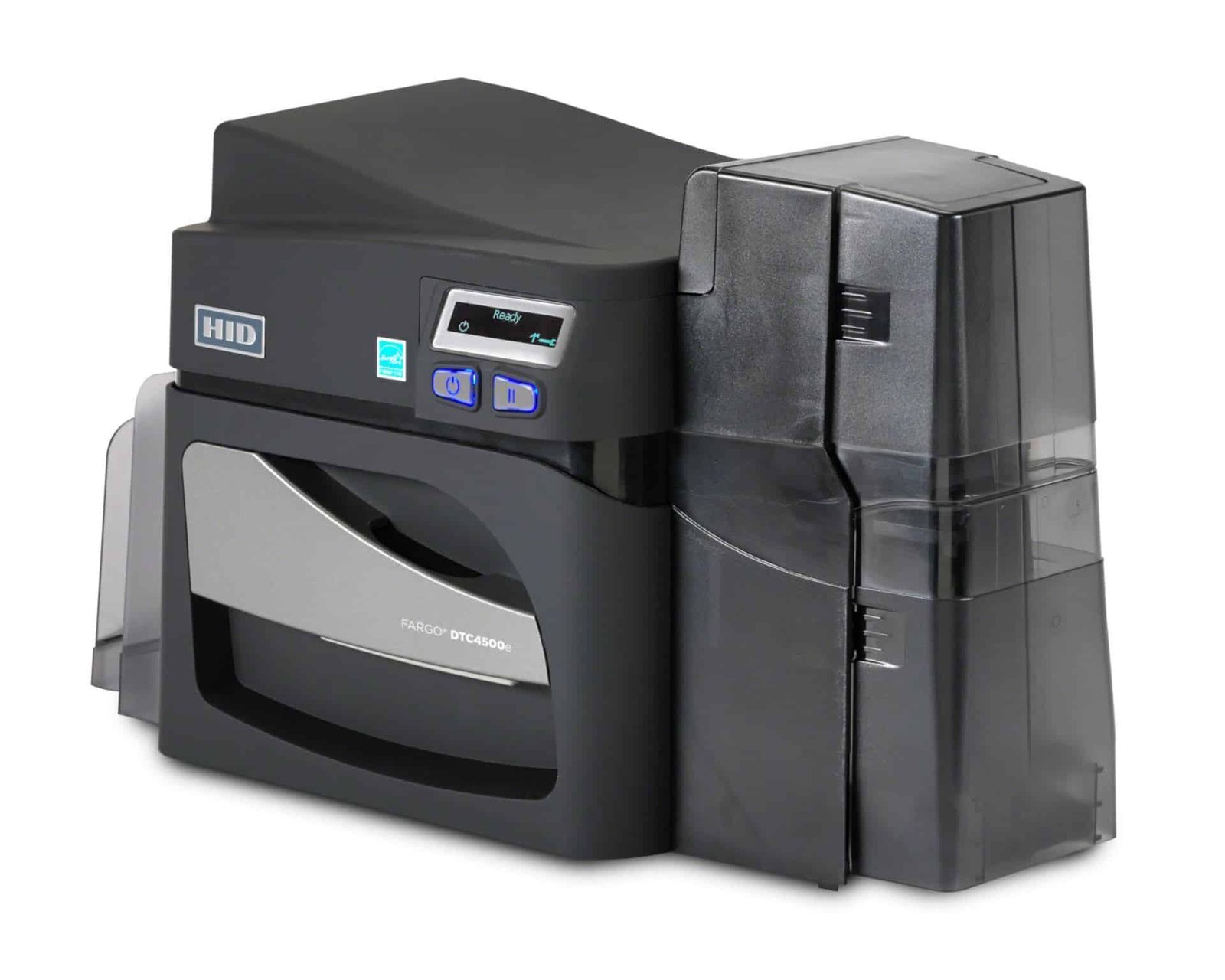### Build a complete two-sided card layout Choose the artwork for each face before selecting the ribbon. A colour front and black-text reverse needs a different print plan from a design with full colour on both faces. Compatible YMCKOK ribbons provide colour, two resin-black panels and an overlay panel; ask ACB to match the ribbon and driver settings to your actual layout. If only one face needs personalised printing, the [single-sided DTC4500e](https://acb-ltd.com/product/fargo-dtc4500e-plastic-card-printer-single-sided/) may suit the task. This duplex configuration is useful for repeated batches of staff badges, student identification and membership cards where reverse-side details change for each person. ### Use the hopper capacity effectively The DTC4500e has a combined 200-card dual input hopper and a 100-card output hopper, measured with standard 0.762 mm stock. USB and Ethernet provide local and network connection choices. Check driver support for your computer and confirm the card-design software licence required for your data source. Direct-to-card dye-sublimation and resin printing applies the design straight onto approved card stock. Standard resolution is 300 × 300 dpi, with an optimised 300 × 600 dpi mode listed in current HID specifications. The supplied unit, driver, card surface and print settings must be considered together when preparing the job. ### Order compatible cards, ribbon and cleaning supplies Approved CR80 cards and supported CR79 adhesive-backed cards are accepted formats. Browse [blank white PVC cards](https://acb-ltd.com/product/premium-blank-white-pvc-plastic-cards/) for everyday badges, checking thickness and finish. For a technology card, confirm both the printable surface and the chip specification. Adding artwork does not itself programme an access credential. Choose the exact DTC4500e-compatible ribbon from the [Fargo printer ribbon range](https://acb-ltd.com/printer-ribbons/fargo-ribbons/). Plan for routine cleaning using the user guide and suitable products, including the [Fargo 86177 cleaning kit](https://acb-ltd.com/product/fargo-86177-printer-cleaning-kit-pack-of-4/). HID lists this kit under reference 086177. ### Fargo DTC4500e dual-sided printer questions #### Is dual-sided printing the same as dual-sided lamination? No. Duplex printing applies your artwork to both faces. Lamination adds a separate protective material through an appropriately configured module. The dual-sided description of this printer does not mean a laminator or encoder is included. #### How fast can it produce two-sided cards? HID’s user guide gives approximate batch timings of 16 seconds for YMCKO and 24 seconds for YMCKOK. These are different ribbon modes. Encoding and computer image processing are excluded, so do not interpret 225 YMCKO cards per hour as a promise for every two-sided design. #### What is needed for magnetic or smart-card encoding? The correct encoder must be fitted and work with your card technology, software and access system. Confirm the supplied configuration before ordering. See [HID’s DTC4500e specifications](https://www.hidglobal.com/products/dtc4500e) or [ask ACB](https://acb-ltd.com/contact-us/) to help match the setup. For occasional batches without owning equipment, compare our [photo ID card printing service](https://acb-ltd.com/photo-id-card-printing/). **Product brands:** Fargo, HID **Product categories:** Fargo Printers, ID Card Printers **Product tags:** corporate ID card printer, custom ID cards, Fargo DTC4500e, fast ID card printing, high-quality ID card printer, modular ID card printer, personalised ID cards, photo ID cards, professional ID card printing, reliable ID card printer, student ID card printer --- ### [Entrust 525100-016 YMCKL-KT Luster Ribbon (300 Sets)](https://acb-ltd.com/product/entrust-525100-016-ymckl-kt-colour-luster-ribbon-300-images/) **Published:** August 3, 2025 **Author:** acb_superadmin **Excerpt:** Entrust 525100-016 ymckl-kt luster ribbon, nominally 300 panel sets. Includes manufacturer-listed cleaning card and roller. Confirm printer, full reference and print mode. **Content:** ## Entrust 525100-016 ymckl-kt luster ribbon The Entrust 525100-016 YMCKL-KT luster ribbon combines colour artwork with a configurable iridescent feature. Its L panel creates the luster effect, while the full sequence also provides black and topcoat panels. Confirm the artwork, print mode and card requirements before ordering this 300-set supply. ### Luster artwork that adds a visible detail Entrust describes luster as a visible iridescent feature with UV fluorescence. It can add a decorative or checking element to an approved card design. Decide where the feature belongs in the artwork and test it under the lighting used for inspection. It is one visual element, not a guarantee that a card cannot be copied. ### Understand the 300-set capacity Entrust lists a nominal 300 rating for this ribbon. Finished-card output depends on the configuration: the manufacturer’s luster sheet distinguishes simplex, duplex and laminator workflows. Applying colour and luster to both faces can use the ribbon differently from a colour front with black reverse. Confirm the planned mode instead of assuming 300 finished duplex cards. ### Compare luster with fluorescent printing The [525100-011 YMCKF-KT ribbon](https://acb-ltd.com/product/entrust-525100-011-ymckf-kt-printer-ribbon-300-images/) is a separate UV-fluorescent option. Choose the feature required by your card programme rather than treating F and L panels as identical. Entrust lists 525100-016 for Sigma DS1, DS2 and DS3; check the exact setup and supported artwork settings. ### Cards and routine supply replacement The manufacturer kit lists a cleaning card and adhesive roller. Use approved stock, follow the cleaning instructions and retain a sample of the approved finish for repeat jobs. ACB can help check the ribbon against your printer and planned design. Check the range in the [Entrust Sigma supplies guide](https://www.entrust.com/sites/default/files/documentation/datasheets/sigma-ds1-ds2-supplies-ds.pdf), or [contact ACB](https://acb-ltd.com/contact-us/) with your printer and old ribbon reference. ## Frequently asked questions ### What does the L panel do? It creates the configured luster detail, which has an iridescent visible appearance and UV fluorescence. ### Is this the same as a holographic laminate? No. It is a specialty print ribbon. A dedicated laminate is a different supply and process. ### Does 300 mean 300 cards with luster on both sides? Not necessarily. The exact finished-card yield depends on the chosen simplex, duplex or laminator workflow. **Product categories:** Entrust Ribbons, Entrust Sigma DS1 Ribbons, Entrust Sigma DS2 Ribbons, Printer Ribbons --- ### [IDP Smart 51 Plastic Card Printer (Dual-Sided)](https://acb-ltd.com/product/idp-smart-51-plastic-card-printer-dual-sided/) **Published:** August 3, 2025 **Author:** acb_superadmin **Excerpt:** Automatic dual-sided CR80 card printing with a high-capacity input hopper. Select the required configuration; Ethernet and encoding are optional. **Content:** ## IDP Smart 51 dual-sided ID card printer The IDP Smart 51 dual-sided ID card printer (SMART-51D) provides automatic printing on both faces of staff, student, visitor and membership cards. Use the front for a photo and identification, and the reverse for supporting information, barcodes or terms. The SMART-51 platform uses a metal frame and an input hopper rated for 100 standard cards with the cover closed, or up to 200 with it open. ### Compare the correct printing modes IDP distinguishes 212 cards per hour in YMCKO mode from 164 cards per hour in YMCKOK duplex mode (22 seconds per card). Monochrome is rated at 720 cards per hour. Actual job speed depends on the ribbon, print mode, encoding, design and card handling. Colour resolution is 300 dpi; 600 and 1200 dpi settings are monochrome-only modes. ### IDP Smart 51 dual-sided hardware options Use the Printer Options selector for the base model, Ethernet connectivity, magnetic encoder or contactless/MIFARE encoder configuration. These selections do not imply that every option is fitted together. Ask ACB if you need a combined network-and-encoder specification, and check that the encoder and software support your exact card technology. The standard format is CR80, with 0.38–1.0 mm supported in the manufacturer’s model specifications. Use suitable printable stock and check current drivers, software compatibility and the applicable UK warranty. Compare the matching [single-sided SMART-51 listing](https://acb-ltd.com/product/idp-smart-51-plastic-card-printer-single-sided/), or read [IDP’s SMART-51D specifications](https://www.idpamericas.com/card-printers/smart-51d/). ### IDP Smart 51 dual-sided supplies and setup 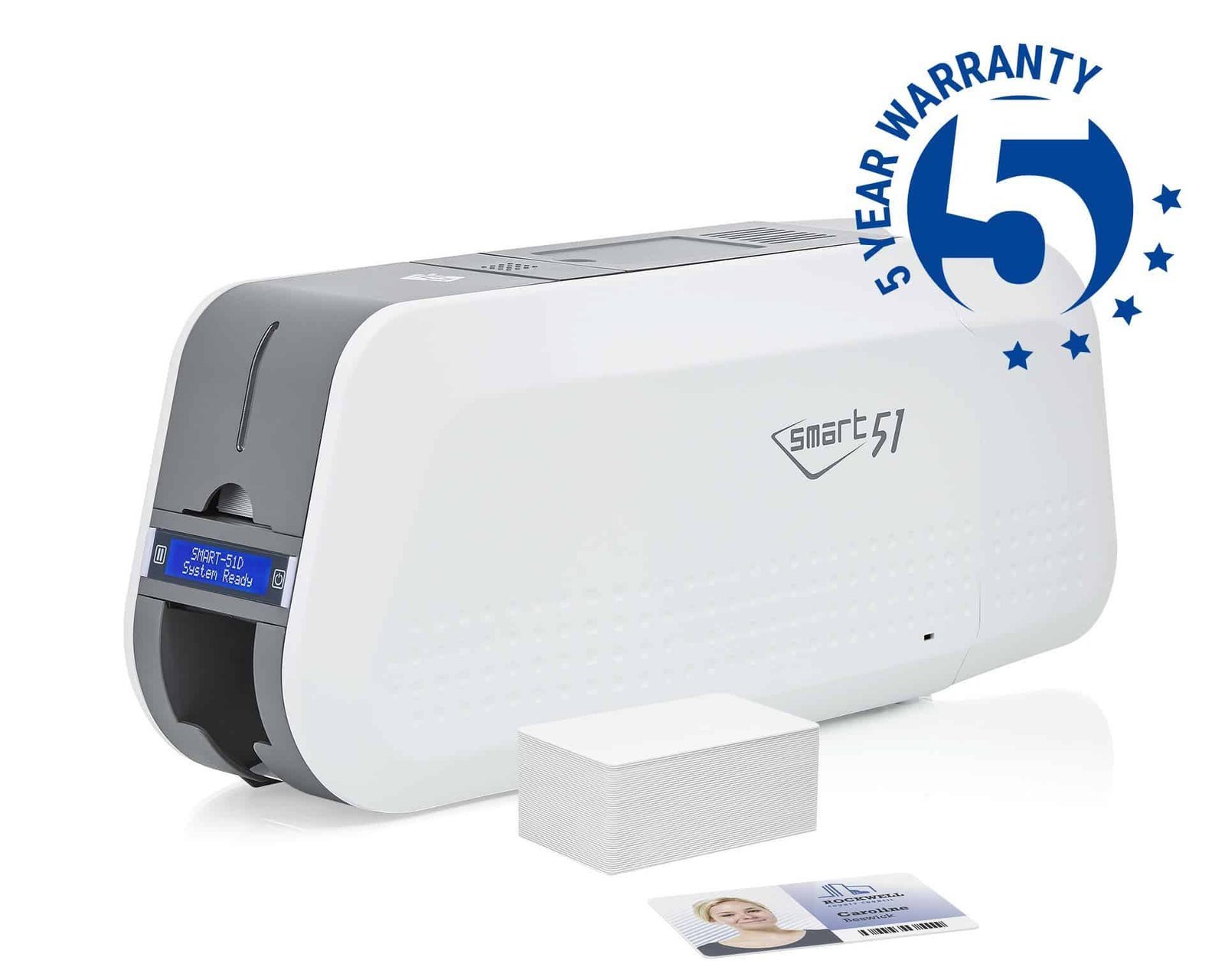SMART-51D: automatic two-sided card printing on the metal-frame platform.The [IDP 659376 YMCKOK colour ribbon](https://acb-ltd.com/product/smart-51-31-ymckok-full-colour-659376-ribbon-200-prints/) supports a colour front and black reverse, with a nominal capacity of 200 prints in the intended mode. For colour on both faces, confirm the supported ribbon and driver settings. A one-face ribbon image count should not be assumed to equal the number of finished two-sided cards. Choose [printable blank white PVC cards](https://acb-ltd.com/product/premium-blank-white-pvc-plastic-cards/) within the approved size and thickness range. Add the [IDP 659909 long cleaning-card kit](https://acb-ltd.com/product/idp-smart-31-51-659909-long-sleeve-cleaning-card-kit-pack-of-10/) and follow the maintenance routine. Use the [compatible black ribbon](https://acb-ltd.com/product/smart-51-31-monochrome-black-ribbon-with-cleaning-roller-1200-prints/) where a monochrome layout meets your needs. ### SMART-51D buying questions #### Which speed applies to a colour-front, black-reverse card? The manufacturer specifies 164 cards per hour in YMCKOK duplex mode. The 212-card YMCKO figure describes a different print mode. Your finished-job time also includes preparing data, sending artwork, any encoding and handling the cards. #### Does automatic duplex printing include lamination? This listing provides automatic front-and-reverse printing. A ribbon overlay and a separate laminate are different processes. If you need a laminated credential, compare the [Smart 51L lamination model](https://acb-ltd.com/product/idp-smart-51l-plastic-card-printer-lamination-dual-sided/) and confirm the required consumables and hardware. #### Can I choose Ethernet and a MIFARE encoder together? The options on this page represent separate configurations. Ask ACB to check a combined specification if you need networking and encoding in one machine. Match the encoder, software and precise card technology to your existing reader system. #### Is the higher resolution available in full colour? Colour printing is 300 dpi. The 600 and 1200 dpi settings apply to monochrome. Approve a sample of both faces to check portraits, fine text and any machine-readable code before releasing a large print run. #### Would a smaller printer suit my workload? Compare the [Smart 31 dual-sided printer](https://acb-ltd.com/product/idp-smart-31-id-card-printer-dual-sided/) if its feeder capacity and lower published duplex rate suit your issuing volume. For a front-only layout, see the [single-sided Smart 51](https://acb-ltd.com/product/idp-smart-51-plastic-card-printer-single-sided/). ACB also offers a [photo ID card printing service](https://acb-ltd.com/photo-id-card-printing/) for organisations ordering finished cards. **Product brands:** IDP **Product categories:** ID Card Printers, IDP Smart Printers **Product tags:** compact ID card printer, corporate ID card printer, custom ID cards, fast ID card printing, high-quality ID card printer, IDP Smart 51, personalised ID cards, photo ID cards, professional ID card printing, reliable ID card printer, student ID card printer --- ### [IDP Smart 31 ID Card Printer (Single-Sided)](https://acb-ltd.com/product/idp-smart-31-id-card-printer-single-sided/) **Published:** August 3, 2025 **Author:** acb_superadmin **Excerpt:** Single-sided CR80 card printing with an 80-card input hopper. Select the required configuration; Ethernet and encoding are optional. **Content:** ## IDP Smart 31 single-sided ID card printer The IDP Smart 31 single-sided ID card printer (SMART-31S) prints one face of staff, student, visitor and membership cards. It suits designs that place the required photo, name and other information on one card face. Its automatic input hopper holds up to 80 cards. ### Compare the correct printing modes IDP rates the YMCKO colour mode at 180 cards per hour (20 seconds per card). Monochrome is rated at 720 cards per hour. Actual job speed depends on the ribbon, print mode, encoding, design and card handling. Colour resolution is 300 dpi; 600 and 1200 dpi settings are monochrome-only modes. ### Select the required hardware option Use the Printer Options selector for the base model, Ethernet connectivity, magnetic encoder or contactless/MIFARE encoder configuration. These selections do not imply that every option is fitted together. Ask ACB if you need a combined network-and-encoder specification, and check that the encoder and software support your exact card technology. The standard format is CR80, with 0.38–0.76 mm supported in the manufacturer’s model specifications. Use suitable printable stock and check current drivers, software compatibility and the applicable UK warranty. For automatic two-sided printing, compare the [dual-sided SMART-31 listing](https://acb-ltd.com/product/idp-smart-31-id-card-printer-dual-sided/), or read [IDP’s SMART-31S specifications](https://www.idpamericas.com/card-printers/smart-31s/). ### IDP Smart 31 single-sided supplies and setup 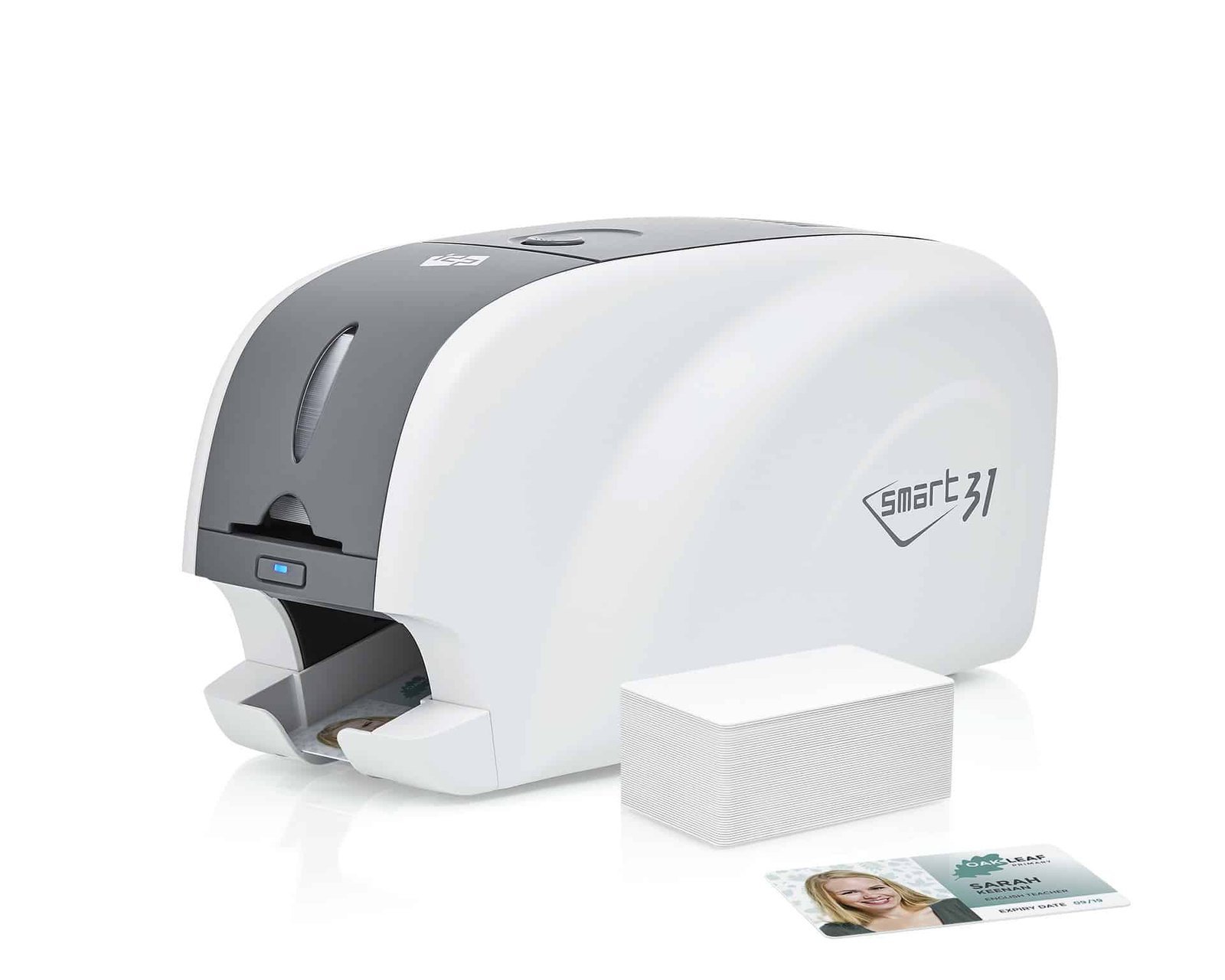SMART-31S: automatic card feeding for single-sided badges.Plan the complete issuing station around your card design. The [IDP 659366 YMCKO colour ribbon](https://acb-ltd.com/product/smart-51-31-ymcko-full-colour-ribbon-inc-cleaning-roller-659366-250-prints/) supports photographs, branding and black text, with a nominal 250-print capacity. For single-colour names and graphics, compare the [compatible black monochrome ribbon](https://acb-ltd.com/product/smart-51-31-monochrome-black-ribbon-with-cleaning-roller-1200-prints/). Ribbon consumption depends on the chosen layout and settings. Add [printable blank white PVC cards](https://acb-ltd.com/product/premium-blank-white-pvc-plastic-cards/) in a supported thickness, plus the [IDP 659909 long cleaning-card kit](https://acb-ltd.com/product/idp-smart-31-51-659909-long-sleeve-cleaning-card-kit-pack-of-10/). Keep unused cards clean, handle their edges and follow IDP’s maintenance instructions. ### SMART-31S buying questions #### Is the Smart 31 suitable for my card design? The single-sided model suits a front-only staff badge, membership card or visitor pass. Prepare a clear template with room for the photograph, name and organisation. If you need automatic reverse printing for return details or terms, choose the [Smart 31 dual-sided printer](https://acb-ltd.com/product/idp-smart-31-id-card-printer-dual-sided/). #### How do I choose an Ethernet or encoder option? Use the Printer Options selector for the configuration you require. Selecting Ethernet does not also select a magnetic or contactless encoder. Send ACB your connection and card-technology requirements if you need several functions together, so the exact hardware can be checked. #### Does higher resolution mean 1200 dpi colour photographs? Colour printing is 300 dpi. The higher 600 and 1200 dpi settings are monochrome modes. Choose the mode for the actual design and test small text and machine-readable codes with your intended reader. #### Are software and consumables part of this offer? Confirm the included items with ACB before ordering. You need a supported computer, an appropriate design-software licence, compatible ribbon and blank cards. Compare the separate [Smart 31 Pro printer bundle](https://acb-ltd.com/product/idp-smart-31-pro-id-card-printer-bundle-single-sided/) if you prefer to review a packaged setup. #### Would another printing method suit my cards? For access cards, check both the printable surface and the technology required by your reader. Ask for a print test if a chip or antenna affects the surface. For occasional finished-card orders, compare our [photo ID card printing service](https://acb-ltd.com/photo-id-card-printing/). **Product brands:** IDP **Product categories:** ID Card Printers, IDP Smart Printers **Product tags:** compact ID card printer, corporate ID card printer, custom ID cards, fast ID card printing, high-quality ID card printer, IDP Smart 31, personalised ID cards, photo ID cards, professional ID card printing, reliable ID card printer, student ID card printer --- ### [IDP Smart 21R Rewritable ID Card Printer (Single-Sided)](https://acb-ltd.com/product/idp-smart-21r-rewritable-id-card-printer-single-sided/) **Published:** August 3, 2025 **Author:** acb_superadmin **Excerpt:** IDP Smart 21R single-sided thermal-rewritable printer with manual card feed and USB. Requires compatible 0.76 mm CR80 rewrite media. Check the card coating, software and any separate encoding requirements. **Content:** ## IDP Smart 21R rewritable printer Illustration of the SMART-21 desktop format. Confirm the exact rewritable model and approved card stock with ACB.The IDP Smart 21R rewritable printer is designed to erase and update the printed information on compatible thermal-rewritable cards. It suits temporary passes, changing visitor details and other card programmes that reuse a suitable card surface. Cards are fed individually for a single-sided workflow. ### Cards for the IDP Smart 21R rewritable printer Start with the exact card reference you intend to use. A thermal-rewritable coating responds to the printer’s heating process so information can be removed and printed again. Ordinary blank PVC card stock does not provide that function. The model specification identifies hand-fed CR80 cards at 0.76 mm and a 12-second rewrite mode. These are equipment ratings. Loading, software, the card’s condition and the area being updated affect the full issuing process. ### Plan how passes will be updated First, decide which information must change, such as a name, date or visitor reference. Then check the size and position of the card’s rewritable area. Permanent artwork and any fixed card information need to work around that area. Ask ACB to check your rewrite-card reference, operating system and intended software before ordering. Include details of any reader, magnetic stripe or contactless chip in the system. USB printing and card encoding are separate requirements. ### IDP Smart 21R rewritable printer questions #### Can I print a full-colour photograph with this rewrite process? This listing is for thermal-rewritable printing. If you need ribbon-based colour photographs and branding, compare the [Smart 21S colour card printer](https://acb-ltd.com/product/idp-smart-21s-id-card-printer-single-sided/) or its [starter bundle](https://acb-ltd.com/product/idp-smart-21s-id-card-printer-bundle-single-sided/). Choose the process that matches the finished card design. #### How many times can a card be reused? Reuse depends on the card coating, its condition and how it is handled. Approve the actual card stock and update process before setting a replacement policy. A maximum reuse claim should not be treated as a guaranteed result for every card. #### Will erasing the face also reset the RFID chip? No. Updating printed information and writing electronic card data are separate operations. Any chip or stripe must be supported by the reader system, suitable encoding hardware and the chosen software. #### Which colour and area will the updated text use? Those depend on the approved rewritable card coating and design. Supply an existing sample or the full media reference so the printing area and appearance can be checked. Test the result in the lighting and reader environment where it will be used. #### What should I check before replacing another printer? Check card size, thickness, coating, software support and the way your current system sends jobs. Also confirm any encoding requirements. Matching only the words “rewritable card” may overlook an important difference in media or workflow. For organisations that prefer to order finished cards, see ACB’s [photo ID card printing service](https://acb-ltd.com/photo-id-card-printing/). Manufacturer references: [IDP Smart 21R product entry](https://www.idp-corp.com/us_en/s1/s1_1.php?idx=411) and [IDP Smart 21 series datasheet](https://www.idp-corp.com/index_kor/bbs/download.php?bo_table=s4_1&no=1&wr_id=84). **Product brands:** IDP **Product categories:** ID Card Printers, IDP Smart Printers **Product tags:** compact ID card printer, cost-effective ID card printer, customisable ID cards, environmentally friendly ID card printer, event passes, high-quality ID card printing, IDP Smart 21R, Loyalty cards, Membership cards, rewritable ID card printer, temporary ID cards, visitor badges --- ### [IDP Smart 21S ID Card Printer (Single-Sided)](https://acb-ltd.com/product/idp-smart-21s-id-card-printer-single-sided/) **Published:** August 3, 2025 **Author:** acb_superadmin **Excerpt:** Hand-fed, single-sided IDP Smart 21S with USB and 300 dpi colour printing. Uses approved CR80 cards at 0.76 mm. Choose suitable ribbon and software, or compare the separate ACB starter bundle. **Content:** ## IDP Smart 21S ID card printer for individual cards The IDP Smart 21S is a compact, single-sided printer for staff badges, visitor passes and membership cards. Feed one card at a time when you need a new pass or a replacement. Its USB connection suits a desktop issuing station where card volumes make manual handling practical. SMART-21S: hand-fed printing for individual photo ID cards.### IDP Smart 21S: plan a simple issuing station First, prepare a card template with a clear photograph, name and organisation. Next, choose a compatible colour or monochrome ribbon and approved CR80 stock. The Smart 21S uses 0.76 mm cards and direct-to-card printing. Colour output is 300 dpi. The 600 and 1200 dpi settings are monochrome modes. IDP rates the colour YMCKO mode at 24 seconds per card and monochrome at 6 seconds. Allow extra time to load cards, prepare data and check the finished result. ### Choose your cards, software and supplies Our [premium blank white PVC cards](https://acb-ltd.com/product/premium-blank-white-pvc-plastic-cards/) offer a starting point for standard photo ID designs; select the supported size and thickness. Check the precise Smart 21S reference when ordering from the [IDP ribbon range](https://acb-ltd.com/printer-ribbons/idp-ribbons/). Confirm the design-software licence and current driver support for your computer. If you prefer to buy the listed starter items together, compare the [Smart 21S printer bundle](https://acb-ltd.com/product/idp-smart-21s-id-card-printer-bundle-single-sided/). Its contents are listed separately so you can compare them with any cards or software you already own. ### IDP Smart 21S buying questions #### Does this printer have an automatic hopper? No. You feed cards by hand. For batches that need automatic loading, compare the [Smart 31 single-sided printer](https://acb-ltd.com/product/idp-smart-31-id-card-printer-single-sided/). Think about the number of cards you issue in one session as well as the annual total. #### Can it print both faces automatically? This is a single-sided model. Choose a duplex printer, such as the [Smart 31 dual-sided version](https://acb-ltd.com/product/idp-smart-31-id-card-printer-dual-sided/), if your design needs an automatic reverse for terms, return instructions or other details. #### Can I reuse cards with this model? The Smart 21S uses colour or monochrome ribbon printing. If you want to erase and update a thermal-rewritable surface, review the separate [Smart 21R rewritable printer](https://acb-ltd.com/product/idp-smart-21r-rewritable-id-card-printer-single-sided/) and its specialist card requirements. #### Can I print an access-control badge? Check that the card’s surface and construction are suitable for direct-to-card printing. The chip or stripe must also match your reader system. Encoding needs the appropriate hardware and software, so confirm the exact setup before ordering. #### Would outsourced printing suit an occasional order? Compare the complete printer, software, consumable and staff-time costs with ACB’s [photo ID card printing service](https://acb-ltd.com/photo-id-card-printing/). For small orders at long intervals, ordering finished cards may be a useful alternative. Manufacturer reference: [IDP Smart 21 technical information](https://www.idpamericas.com/card-printers/smart-21/). **Product brands:** IDP **Product categories:** ID Card Printers, IDP Smart Printers **Product tags:** affordable ID card printer, compact ID card printer, corporate ID card printer, custom ID cards, fast ID card printing, high-quality ID card printer, IDP Smart 21S, personalised ID cards, photo ID cards, professional ID card printing, reliable ID card printer, student ID card printer --- ### [IDP Smart 31 ID Card Printer Bundle (Dual-Sided)](https://acb-ltd.com/product/idp-smart-31-id-card-printer-bundle-dual-sided/) **Published:** August 3, 2025 **Author:** acb_superadmin **Excerpt:** Smart 31D duplex bundle with EasyBadge Professional for Windows, a 659366 YMCKO ribbon and cleaning roller, plus 100 white cards. Match ribbon mode to the two-sided design; confirm encoding or network options separately. **Content:** ## IDP Smart 31 dual-sided bundle The IDP Smart 31 dual-sided bundle combines automatic front-and-reverse printing with EasyBadge Professional for Windows and starter supplies. Use the front for the photograph and key details, then place terms, return information or other artwork on the reverse. Dual-sided Smart 31 bundle for issuing cards with information on both faces.### What the IDP Smart 31 dual-sided bundle includes - IDP Smart 31D dual-sided printer - EasyBadge Professional ID card design software - IDP 659366 YMCKO ribbon with cleaning roller, nominal 250 prints - 100 blank white cards The supplied ribbon is YMCKO. Its 250-print rating does not establish 250 completed two-sided cards. Ask ACB to match the print mode and panel use to your front-and-reverse artwork. ### Plan the printing and software setup The printer offers 300 dpi colour output, an 80-card input hopper and USB. IDP’s 138-card/hour figure applies to its YMCKOK duplex mode, which uses a different ribbon from the supplied YMCKO. Keep that distinction in mind when comparing bundles and output rates. EasyBadge Professional provides a Windows design and data-management workflow. Check your current operating system and licence requirements before installation. Network connectivity and any encoder must be part of the specified hardware configuration. ### Smart 31 dual-sided bundle buying questions #### Which ribbon suits a colour front and black reverse? Compare the [IDP 659376 YMCKOK ribbon](https://acb-ltd.com/product/smart-51-31-ymckok-full-colour-659376-ribbon-200-prints/) for that intended duplex layout. The extra K panel supports black reverse artwork. The included [659366 YMCKO ribbon](https://acb-ltd.com/product/smart-51-31-ymcko-full-colour-ribbon-inc-cleaning-roller-659366-250-prints/) is a separate consumable; choose the correct driver mode for the actual job. #### Can I print colour on both faces? Confirm the supported mode and ribbon use for your design. Colour on two faces can consume more panels per finished card than a one-face colour job. Approve a sample of both sides and calculate supplies from that workflow. #### Does Professional software include contactless encoding? The publisher’s feature table lists contactless encoding in its Smart and Bureau editions. Professional supports magnetic encoding with suitable hardware. Match the software edition, fitted encoder and card technology before specifying MIFARE or another contactless workflow. #### What stock and maintenance items should I order? Choose [printable blank white PVC cards](https://acb-ltd.com/product/premium-blank-white-pvc-plastic-cards/) within the printer’s CR80, 0.38–0.76 mm specification. Add [IDP 659909 cleaning cards](https://acb-ltd.com/product/idp-smart-31-51-659909-long-sleeve-cleaning-card-kit-pack-of-10/) and follow the maintenance instructions. Keep unprinted stock clean and test any barcode with its intended reader. #### Is the duplex bundle right for a front-only design? Compare the [single-sided Smart 31 Pro bundle](https://acb-ltd.com/product/idp-smart-31-pro-id-card-printer-bundle-single-sided/) if all information fits on one face. If you prefer to buy hardware separately, see the [Smart 31D printer configurations](https://acb-ltd.com/product/idp-smart-31-id-card-printer-dual-sided/). Our [photo ID card printing service](https://acb-ltd.com/photo-id-card-printing/) provides an alternative for finished-card orders. References: [IDP Smart 31D specifications](https://www.idpamericas.com/card-printers/smart-31d/) and [EasyBadge edition features](https://www.easybadge.com/Info/Technical_Specifications). **Product brands:** IDP **Product categories:** ID Card Printers, IDP Smart Printers **Product tags:** compact ID card printer, corporate ID card printer, custom ID cards, double-sided ID card printer, fast ID card printing, high-quality ID card printer, ID card printer bundle, IDP Smart 31 Pro, IDP Smart 31 Pro bundle, personalised ID cards, photo ID cards, professional ID card printing, reliable ID card printer, student ID card printer --- ### [IDP Smart 659367 Black Monochrome Ribbon (1,200 Prints)](https://acb-ltd.com/product/smart-51-31-monochrome-black-ribbon-with-cleaning-roller-1200-prints/) **Published:** August 3, 2025 **Author:** acb_superadmin **Excerpt:** IDP Smart 659367 black monochrome ribbon for SMART-31 and SMART-51 printers. Nominal 1,200-print rating with a cleaning roller. Suitable for black text, numbering, line graphics and tested barcode designs. **Content:** ## IDP Smart 659367 black monochrome ribbon The IDP Smart 659367 ribbon prints black text, numbering, line graphics and suitable barcode artwork on SMART-31 and SMART-51 cards. IDP lists a nominal 1,200-print capacity and includes a cleaning roller. It is a practical supply when the card design needs a single printed colour. 659367: black monochrome printing for compatible SMART-31 and SMART-51 models.### IDP Smart 659367: choosing black-only artwork Staff names, membership numbers and simple line logos can often be prepared as a monochrome layout. Use a contrasting printable surface and check the artwork at its final size. For colour photographs or multi-colour branding, choose the [IDP 659366 YMCKO colour ribbon](https://acb-ltd.com/product/smart-51-31-ymcko-full-colour-ribbon-inc-cleaning-roller-659366-250-prints/) instead. The quoted print capacity is a nominal consumable rating. Layout and print settings affect ribbon use, so calculate requirements from your actual job and allow for sample prints. Do not assume every two-sided design produces a fixed number of completed cards from one roll. ### Choose suitable cards and cleaning supplies Start with [premium blank white PVC cards](https://acb-ltd.com/product/premium-blank-white-pvc-plastic-cards/) in a size and thickness supported by your printer. For access-control projects, review our [MIFARE Classic 1K cards](https://acb-ltd.com/product/mifare-classic-1k-nxp-ev1-cards/) only after confirming your reader technology, card construction and any required encoder. Ribbon choice controls the printed artwork; access-system compatibility depends on the card and encoding setup. Use the supplied cleaning roller as directed and keep [IDP 659909 long cleaning cards](https://acb-ltd.com/product/idp-smart-31-51-659909-long-sleeve-cleaning-card-kit-pack-of-10/) available for the prescribed maintenance routine. Clean card surfaces and correct driver settings are useful starting points when checking print consistency. ### IDP 659367 buying questions #### Which printers does this reference support? IDP lists 659367 in its SMART-31 and SMART-51 consumables information. Check the printer label and existing supply reference before replacement. A black ribbon intended for another IDP model should not be assumed interchangeable. #### Will it print full-colour photographs? This is a black monochrome ribbon. Use a supported full-colour ribbon where the design needs colour portraits or branding. A black-only photographic design should still be tested for the intended visual result. #### Can I print black onto a dark card? The printed information needs adequate contrast. White card stock is a useful starting point for black text. If your approved card surface is dark, review the [IDP 659370 white monochrome ribbon](https://acb-ltd.com/product/smart-51-31-monochrome-white-ribbon-with-cleaning-roller-659370-1200-prints/) and test the result rather than expecting black artwork to remain clear. #### Can I use it for barcodes? It can print suitable black barcode artwork. Prepare the correct dimensions and black settings, then scan sample cards using the actual reader. Card contrast, printing quality and code placement all contribute to reliable reading. #### Does the cleaning roller replace a cleaning cycle? The included roller is one part of the printer’s maintenance process. Follow the manufacturer’s loading, roller replacement and cleaning instructions, and use the specified cleaning cards when required. For a colour front and black reverse, compare the [659376 YMCKOK ribbon](https://acb-ltd.com/product/smart-51-31-ymckok-full-colour-659376-ribbon-200-prints/) with the correct duplex printer. Manufacturer reference: [IDP SMART-31S consumables list](https://www.idpamericas.com/card-printers/smart-31s/). **Product brands:** IDP **Product categories:** IDP Ribbons, Printer Ribbons, Smart 31 Printer Ribbons, Smart 51 Printer Ribbons --- ### [IDP Smart 659376 YMCKOK Colour Ribbon (200 Prints)](https://acb-ltd.com/product/smart-51-31-ymckok-full-colour-659376-ribbon-200-prints/) **Published:** August 3, 2025 **Author:** acb_superadmin **Excerpt:** IDP Smart 659376 YMCKOK ribbon for colour-front and black-reverse printing on the appropriate SMART-31/51 duplex configuration. Nominal 200-print capacity with a cleaning roller. Match the printer hardware and driver mode. **Content:** ## IDP Smart 659376 YMCKOK colour ribbon The IDP Smart 659376 ribbon supports a full-colour front and a black reverse on compatible SMART-31 and SMART-51 dual-sided printers. The six-panel YMCKOK sequence includes a second resin-black panel for reverse-side text and graphics. IDP lists a nominal 200-print capacity and includes a cleaning roller. 659376: colour-front and black-reverse ribbon for the appropriate duplex configuration.### IDP Smart 659376: plan a clear two-sided card Use the front for a portrait, name and organisation branding. The reverse can carry return details, terms, a barcode or other black artwork. Select the correct ribbon mode so the second K panel is used for the intended face. YMC produces the colour image, the first K panel supports front-side black elements, O provides the overlay, and the final K panel supports the black reverse. For colour on both faces, confirm the supported ribbon and settings for that different layout. ### Choose suitable cards and cleaning supplies Start with [premium blank white PVC cards](https://acb-ltd.com/product/premium-blank-white-pvc-plastic-cards/) in a size and thickness supported by your printer. For access-control projects, review our [MIFARE Classic 1K cards](https://acb-ltd.com/product/mifare-classic-1k-nxp-ev1-cards/) only after confirming your reader technology, card construction and any required encoder. Ribbon choice controls the printed artwork; access-system compatibility depends on the card and encoding setup. Use the supplied cleaning roller as directed and keep [IDP 659909 long cleaning cards](https://acb-ltd.com/product/idp-smart-31-51-659909-long-sleeve-cleaning-card-kit-pack-of-10/) available for the prescribed maintenance routine. Clean card surfaces and correct driver settings are useful starting points when checking print consistency. ### IDP 659376 buying questions #### Should I choose YMCKOK or YMCKO? Choose this YMCKOK reference when the duplex design needs a colour front and black reverse. The [IDP 659366 YMCKO ribbon](https://acb-ltd.com/product/smart-51-31-ymcko-full-colour-ribbon-inc-cleaning-roller-659366-250-prints/) has five panels and is a different supply. Match the ribbon to the printer configuration and intended print job. #### Will this make a single-sided printer print both faces? Automatic reverse printing requires the appropriate dual-sided hardware. Compare the [Smart 31 dual-sided printer](https://acb-ltd.com/product/idp-smart-31-id-card-printer-dual-sided/) or [Smart 51 dual-sided printer](https://acb-ltd.com/product/idp-smart-51-plastic-card-printer-dual-sided/). The extra panel in a ribbon does not add a card-flipping mechanism. #### Is the 200-print rating guaranteed finished output? It is the manufacturer’s nominal rating for the consumable. Settings, design, samples and the printing workflow affect actual use. Confirm the complete mode before ordering for a fixed number of issued cards. #### Can the reverse include a barcode? The black panel can print suitable barcode artwork. Configure size, placement and black extraction for your application, then test the actual finished card with its intended reader. Readability depends on more than the ribbon reference alone. #### What if my design is entirely black? For black text and line art on both faces, compare the [659367 monochrome black ribbon](https://acb-ltd.com/product/smart-51-31-monochrome-black-ribbon-with-cleaning-roller-1200-prints/) in a supported print mode. This can avoid using colour panels where the artwork does not need them. Manufacturer reference: [IDP SMART-31D technical and consumables information](https://www.idpamericas.com/card-printers/smart-31d/). **Product brands:** IDP **Product categories:** IDP Ribbons, Printer Ribbons, Smart 31 Printer Ribbons, Smart 51 Printer Ribbons --- ### [IDP Smart 659380 YMCFKO UV Ribbon (200 Prints)](https://acb-ltd.com/product/smart-51-31-ymcfko-full-colour-659380-ribbon-with-uv-panel-and-cleaning-roller-200-prints/) **Published:** August 3, 2025 **Author:** acb_superadmin **Excerpt:** IDP Smart 659380 six-panel YMCFKO ribbon for SMART-31 and SMART-51, with full colour, UV fluorescent, resin-black and overlay panels. Nominal 200-print capacity; cleaning roller included. Prepare suitable fluorescent artwork and settings. **Content:** ## IDP Smart 659380 YMCFKO ribbon with UV panel 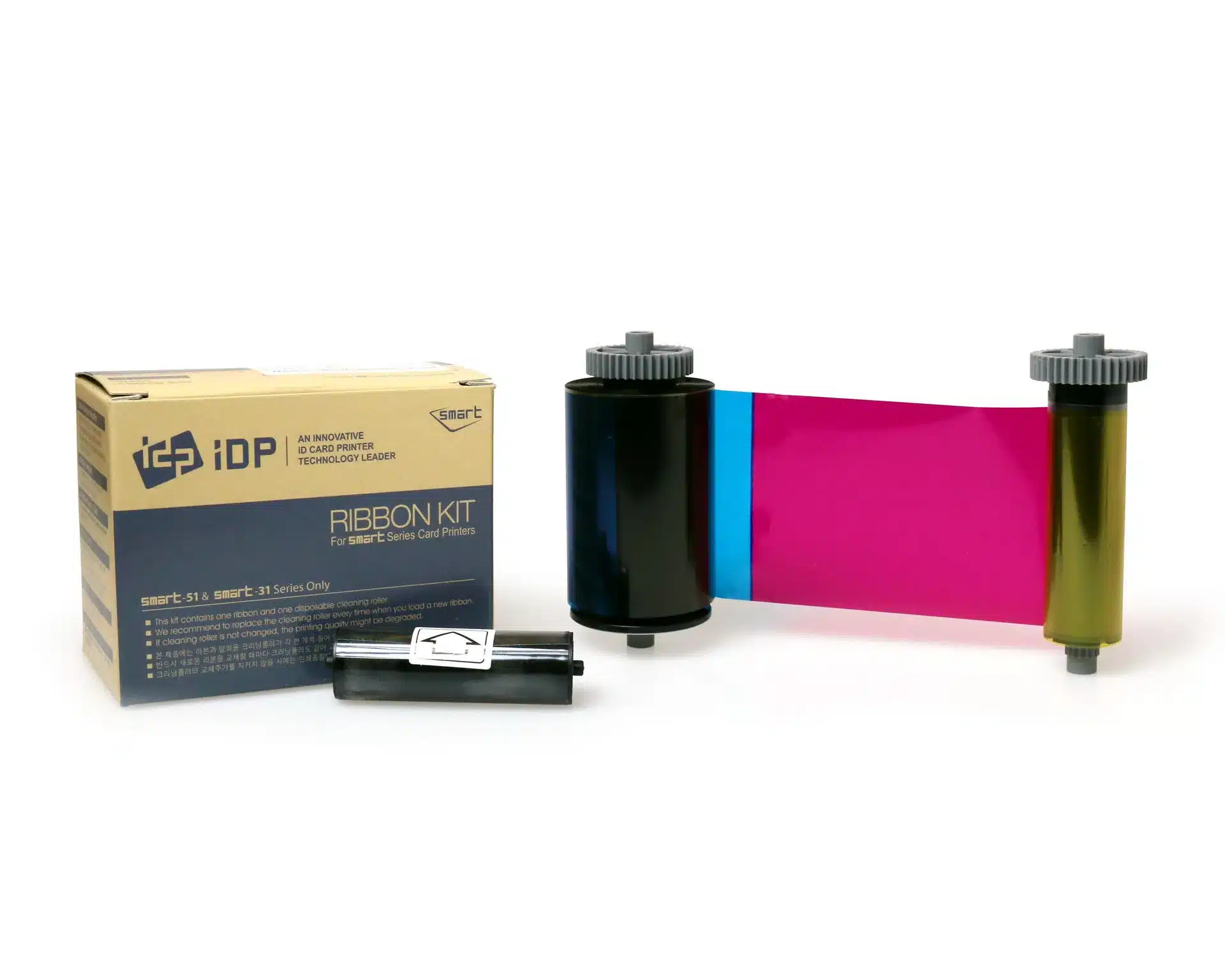Illustration of IDP colour-ribbon supplies. Confirm reference 659380 and the required UV-panel format before ordering.The IDP Smart 659380 ribbon combines full-colour printing with an additional UV fluorescent panel for SMART-31 and SMART-51 printers. IDP lists a nominal 200-print capacity and a cleaning roller. Choose it when your card design includes a fluorescent feature alongside the photograph, branding and identification details. ### IDP Smart 659380: understand the six-panel sequence YMC creates the colour image, F provides the fluorescent panel, K supplies resin black, and O applies the clear overlay. YMCFKO therefore has six panels. Prepare the fluorescent artwork and the matching software or driver settings so that the extra panel is used deliberately. Approve a sample under the intended viewing light before issuing cards. A UV-visible design can support a visual checking process, but the ribbon alone does not establish that a card or an access-control system cannot be copied. ### Choose suitable cards and cleaning supplies Start with [premium blank white PVC cards](https://acb-ltd.com/product/premium-blank-white-pvc-plastic-cards/) in a size and thickness supported by your printer. For access-control projects, review our [MIFARE Classic 1K cards](https://acb-ltd.com/product/mifare-classic-1k-nxp-ev1-cards/) only after confirming your reader technology, card construction and any required encoder. Ribbon choice controls the printed artwork; access-system compatibility depends on the card and encoding setup. Use the supplied cleaning roller as directed and keep [IDP 659909 long cleaning cards](https://acb-ltd.com/product/idp-smart-31-51-659909-long-sleeve-cleaning-card-kit-pack-of-10/) available for the prescribed maintenance routine. Clean card surfaces and correct driver settings are useful starting points when checking print consistency. ### IDP 659380 buying questions #### How is this different from a standard colour ribbon? The [IDP 659366 YMCKO ribbon](https://acb-ltd.com/product/smart-51-31-ymcko-full-colour-ribbon-inc-cleaning-roller-659366-250-prints/) provides colour, black and overlay. This 659380 YMCFKO reference adds the fluorescent F panel. Select the supply that matches your actual design rather than expecting a UV feature from a standard YMCKO roll. #### Will the UV artwork appear automatically? You need an intended fluorescent design and the appropriate printing settings. Check that your software can prepare the required feature and test the finished card with the light used by the people checking it. #### Which printer families does IDP list? The manufacturer lists 659380 for SMART-31 and SMART-51 models. Match the exact printer and full supply reference, and confirm the required print mode. A ribbon name that simply says “Smart” is not enough to identify the correct consumable. #### How should I estimate the number of cards? The roll has a nominal 200-print rating. Finished-card output depends on which faces and panels your job uses. Include sample prints in the production plan and check the consumption for any two-sided design. #### Does the UV ribbon encode the card chip? This ribbon adds printed features to the card surface. Chip or magnetic-stripe encoding requires compatible card technology, fitted encoding hardware and suitable software. Plan those requirements separately when specifying an access credential. For standard colour-front and black-reverse artwork, compare the [659376 YMCKOK ribbon](https://acb-ltd.com/product/smart-51-31-ymckok-full-colour-659376-ribbon-200-prints/). Manufacturer reference: [IDP SMART-31D consumables information](https://www.idpamericas.com/card-printers/smart-31d/). **Product brands:** IDP **Product categories:** IDP Ribbons, Printer Ribbons, Smart 31 Printer Ribbons, Smart 51 Printer Ribbons --- ### [IDP Smart 659366 YMCKO Colour Ribbon (250 Prints)](https://acb-ltd.com/product/smart-51-31-ymcko-full-colour-ribbon-inc-cleaning-roller-659366-250-prints/) **Published:** August 3, 2025 **Author:** acb_superadmin **Excerpt:** IDP Smart 659366 five-panel YMCKO colour ribbon for SMART-31 and SMART-51 printers. Nominal 250-print capacity with a cleaning roller. Suitable for colour photographs, branding and black text; match the exact printer and print mode. **Content:** ## IDP Smart 659366 YMCKO colour ribbon Illustration of IDP colour-ribbon supplies. Confirm reference 659366 and the supplied panel format before ordering.The IDP Smart 659366 ribbon is a five-panel YMCKO supply for the SMART-31 and SMART-51 printer families. Use it for staff photographs, membership designs and branded cards with colour artwork and black text. The manufacturer lists a nominal 250-print capacity and includes a cleaning roller. ### What the YMCKO panels do Yellow, magenta and cyan reproduce the colour image. Resin black supports sharp text, line graphics and suitable barcodes, while the clear overlay covers the printed surface. Prepare your design and black-panel settings together, then check a sample with the intended barcode reader before a production run. This ribbon suits a colour design on one face. If your card needs a colour front and a black reverse in automatic duplex mode, compare the [IDP 659376 YMCKOK ribbon](https://acb-ltd.com/product/smart-51-31-ymckok-full-colour-659376-ribbon-200-prints/). For an additional fluorescent design feature, see the [659380 UV-panel ribbon](https://acb-ltd.com/product/smart-51-31-ymcfko-full-colour-659380-ribbon-with-uv-panel-and-cleaning-roller-200-prints/). ### Choose suitable cards and cleaning supplies Start with [premium blank white PVC cards](https://acb-ltd.com/product/premium-blank-white-pvc-plastic-cards/) in a size and thickness supported by your printer. For access-control projects, review our [MIFARE Classic 1K cards](https://acb-ltd.com/product/mifare-classic-1k-nxp-ev1-cards/) only after confirming your reader technology, card construction and any required encoder. Ribbon choice controls the printed artwork; access-system compatibility depends on the card and encoding setup. Use the supplied cleaning roller as directed and keep [IDP 659909 long cleaning cards](https://acb-ltd.com/product/idp-smart-31-51-659909-long-sleeve-cleaning-card-kit-pack-of-10/) available for the prescribed maintenance routine. Clean card surfaces and correct driver settings are useful starting points when checking print consistency. ### IDP 659366 buying questions #### Which printers is this ribbon listed for? IDP lists 659366 in its SMART-31 and SMART-51 consumables information. Check the exact model and reference on the existing roll before replacing it. A similar colour sequence on another printer family does not establish compatibility. #### Does 250 prints mean 250 double-sided cards? The 250 figure is the nominal ribbon rating. Two-sided colour work can consume more panels per completed card than a one-face job. Confirm the supported print mode and ribbon consumption for your front-and-reverse layout before calculating order quantities. #### Does the overlay replace lamination? The overlay is a panel applied during printing. A separate laminate uses appropriate lamination hardware and supplies. If a project requires a laminated finish, specify that process as part of the complete printer setup. #### Is a colour ribbon needed for black-only cards? If the design contains only black text, numbering or line art, compare the [IDP 659367 black monochrome ribbon](https://acb-ltd.com/product/smart-51-31-monochrome-black-ribbon-with-cleaning-roller-1200-prints/). Keep a colour ribbon for photographs and artwork that need multiple colours. #### What should I check when changing the ribbon? Follow the printer’s loading and cleaning instructions, fit the cleaning roller as directed and choose the correct ribbon mode in the driver. Print a sample to check colour, text and placement before issuing the full batch. Manufacturer reference: [IDP SMART-31S specifications and consumables](https://www.idpamericas.com/card-printers/smart-31s/). **Product brands:** IDP **Product categories:** IDP Ribbons, Printer Ribbons, Smart 31 Printer Ribbons, Smart 51 Printer Ribbons --- ### [Evolis R2016 Metallic Gold Ribbon (1,000 Prints)](https://acb-ltd.com/product/evolis-metallic-gold-r2016-1000-prints-high-quality-printer-ribbon/) **Published:** August 3, 2025 **Author:** acb_superadmin **Excerpt:** Metallic gold monochrome ribbon, reference R2016, nominally rated for 1,000 prints. For compatible legacy Evolis printers, including Securion and Quantum 2 as listed in the manufacturer chart. **Content:** ## Evolis R2016 metallic gold ribbon for card personalisation The **Evolis R2016 metallic gold ribbon** prints single-colour gold text, numbers and line graphics on suitable plastic cards. It can add a metallic name or design detail to an approved membership or identification layout. Its published nominal capacity is 1,000 prints per roll. ### Evolis R2016 metallic gold ribbon: legacy printer check The manufacturer currently lists R2016 for Securion and Quantum 2. Check another older Evolis printer against its original consumables guide before ordering, including the exact generation of any Pebble or Dualys unit. Keep the complete reference with your printer records for future reorders. For original Zenius or Primacy printers, compare the [RCT016NAA metallic gold ribbon](https://acb-ltd.com/product/evolis-rct016naa-gold-monochrome-ribbon-1000-prints/) and its compatibility information. Primacy 2 and Zenius 2 use a separate newer reference. Selecting the same colour alone is insufficient when changing between printer families. ### Plan the metallic artwork and card stock A gold detail can be used for an individual name, a membership number or a simple graphic. Prepare a sample to assess contrast with the card’s background and the appearance under typical lighting. Printed metallic artwork is flat; embossed lettering or a holographic effect requires a different production choice. Evolis specifies compatible PVC or composite stock for standard monochrome ribbons. Choose from our [blank plastic cards](https://acb-ltd.com/blank-plastic-cards/) after checking the printer’s permitted material, thickness and finish. Follow the cleaning instructions and keep dust away from cards and consumables. ### Evolis R2016 metallic gold ribbon questions #### How should I estimate ribbon consumption? The nominal 1,000-print figure is a starting point. This continuous ribbon advances according to the layout and supported ribbon-saving settings. A small printed area and a card-wide graphic use different lengths; printing two faces also changes the completed-card yield. #### Can I use gold for a barcode? Check a finished sample with the intended reader before production. The reflective finish, contrast and printed size can affect scanning. Ask ACB about the appropriate black ribbon if the application needs a different reading result. #### Is a silver option available? Compare the [R2017 metallic silver ribbon](https://acb-ltd.com/product/evolis-r2017-metallic-silver-monochrome-ribbon-1000-prints/) for compatible legacy equipment. Consult the [Evolis consumables chart](https://downloads.evolis.com/evolis/documents/consumables-compatibility-chart.pdf) and [standard monochrome datasheet](https://fr.evolis.com/wp-content/uploads/2024/01/datasheet-monochrome-ribbons-eng.pdf), or [contact ACB](https://acb-ltd.com/contact-us/) to confirm the reference and suitable supplies for your printer. **Product brands:** Evolis **Product categories:** Evolis Pebble Printer Ribbons, Evolis Quantum Printer Ribbons, Evolis Ribbons, Evolis Tattoo Printer Ribbons, Printer Ribbons **Product tags:** 1000 Prints, Card Printer, Evolis, Gold Monochrome, ID Card Printing, Monochrome Printing, Printer Ribbon, R2016, Ribbon, Thermal Transfer --- ### [Custom Printed Medical ID Card](https://acb-ltd.com/product/custom-printed-medical-id-card/) **Published:** August 3, 2025 **Author:** acb_superadmin **Excerpt:** A personalised medical information card carries the medical and contact details you choose to provide in a wallet-sized printed format. ACB personalises the layout for clear everyday carrying and reference. **Content:** ## Personalised Medical Information Card A personalised medical information card carries the medical and contact details you choose to provide in a wallet-sized printed format. ACB personalises the layout for clear everyday carrying and reference. 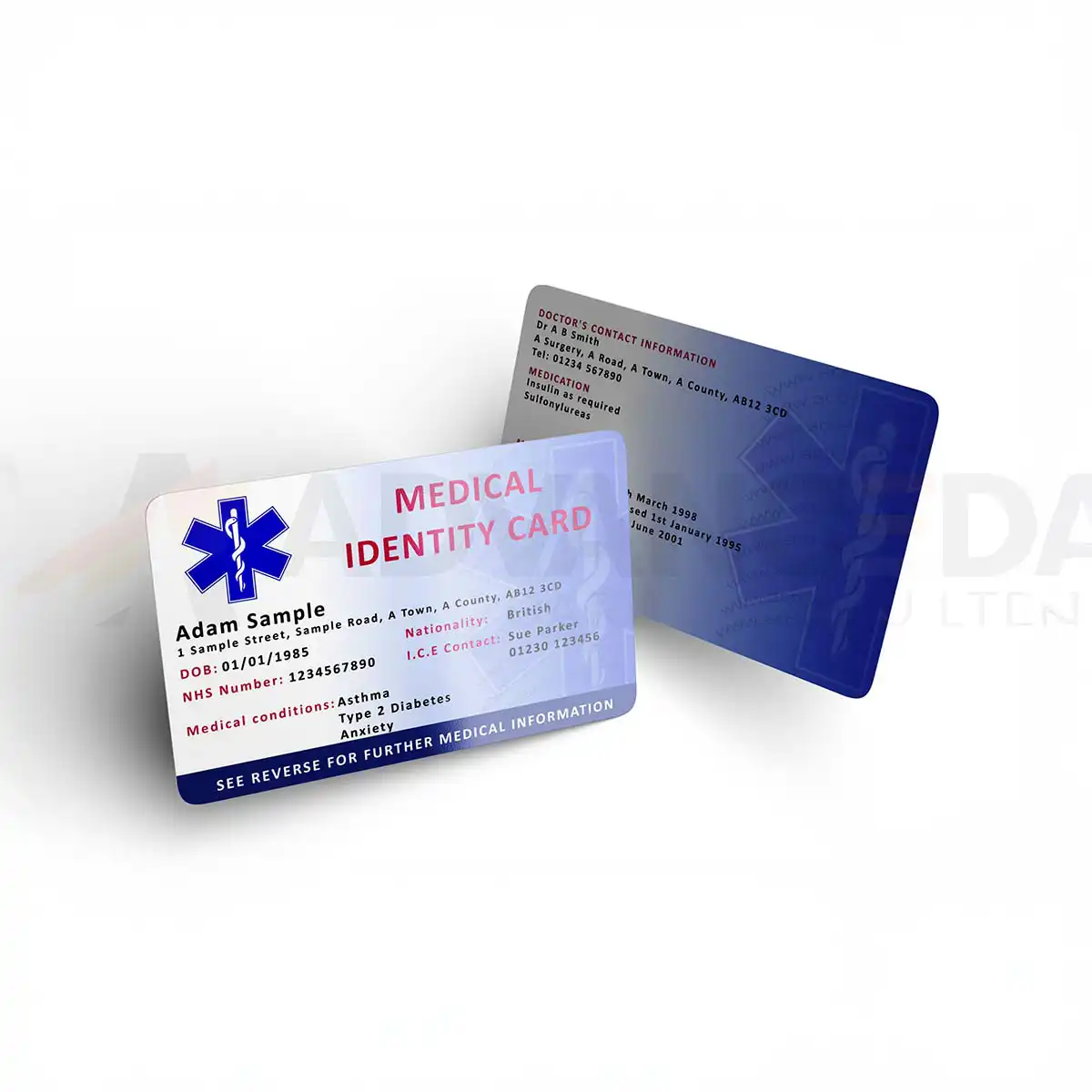Example design. Check and approve your own details before printing.## Personalised medical information card: ordering questions ### What can I have printed? Choose the information you want to carry, such as your name, selected medical details and an emergency contact. Decide what is essential before preparing the wording. A short, clear layout leaves more room for readable text than a dense list of small print. ### Which design colours can I choose? The published Colour selector offers Blue and Pink. Choose the available option when ordering and review the completed proof. If you need a different layout, larger wording or a particular holder fit, discuss the requirement with ACB first. ### How do I check the proof? Read the name, chosen wording and every telephone number carefully. Check the layout at its intended wallet size and confirm the information before printing. A personalised medical information card reproduces the details you provide; ACB does not check clinical records or select medical advice for you. ### Can I change the information after printing? Printed wording does not update automatically. Arrange a replacement if the details or contact numbers change. Keep a copy of the approved design so you can identify which part needs revising when you reorder. ### Are digital profiles or accessories included? This listing describes a printed card. It does not promise an online medical profile, NFC service or emergency-response subscription. A holder or lanyard is separate unless expressly included. Browse [card holders](https://acb-ltd.com/id-card-accessories/id-card-holders/) or [lanyards](https://acb-ltd.com/lanyards/), and confirm the size before choosing an accessory. ### Can I use this for staff identification? This product carries the personal information you choose. If you need organisation-branded staff badges with photographs and job titles, compare our separate [photo ID card printing product](https://acb-ltd.com/product/id-card-printing/). For help preparing a personalised medical information card layout, [contact ACB](https://acb-ltd.com/contact-us/). ### Choose the details to display Your layout can include your name, chosen medical information and an emergency-contact name and telephone number. Include only details you want carried on the card, and check spelling, numbers and the accuracy of the information. Confirm any need for larger text, a particular card orientation or a matching holder with ACB before ordering. Space is limited on a wallet-sized card, so keep the content focused and readable. ### Approve and maintain the card Check the completed proof before printing. Arrange a replacement when the printed details change. The service prints the information supplied; it does not verify clinical records or promise a particular emergency outcome. A lanyard or holder is a separate option unless expressly included in the selected offer. **Product categories:** Printed Cards --- ### [UK CAA Flyer ID Card, Holder and Lanyard Pack](https://acb-ltd.com/product/uk-caa-drone-flyer-id-card-a1-a3/) **Published:** August 3, 2025 **Author:** acb_superadmin **Excerpt:** The CAA Flyer ID card pack from ACB carries a printed copy of your existing valid UK CAA Flyer ID details. The listed offer includes one printed plastic card, one card holder and one lanyard. **Content:** ## CAA Flyer ID card pack with holder and lanyard The CAA Flyer ID card pack from ACB carries a printed copy of your existing valid UK CAA Flyer ID details. The listed offer includes one printed plastic card, one card holder and one lanyard. 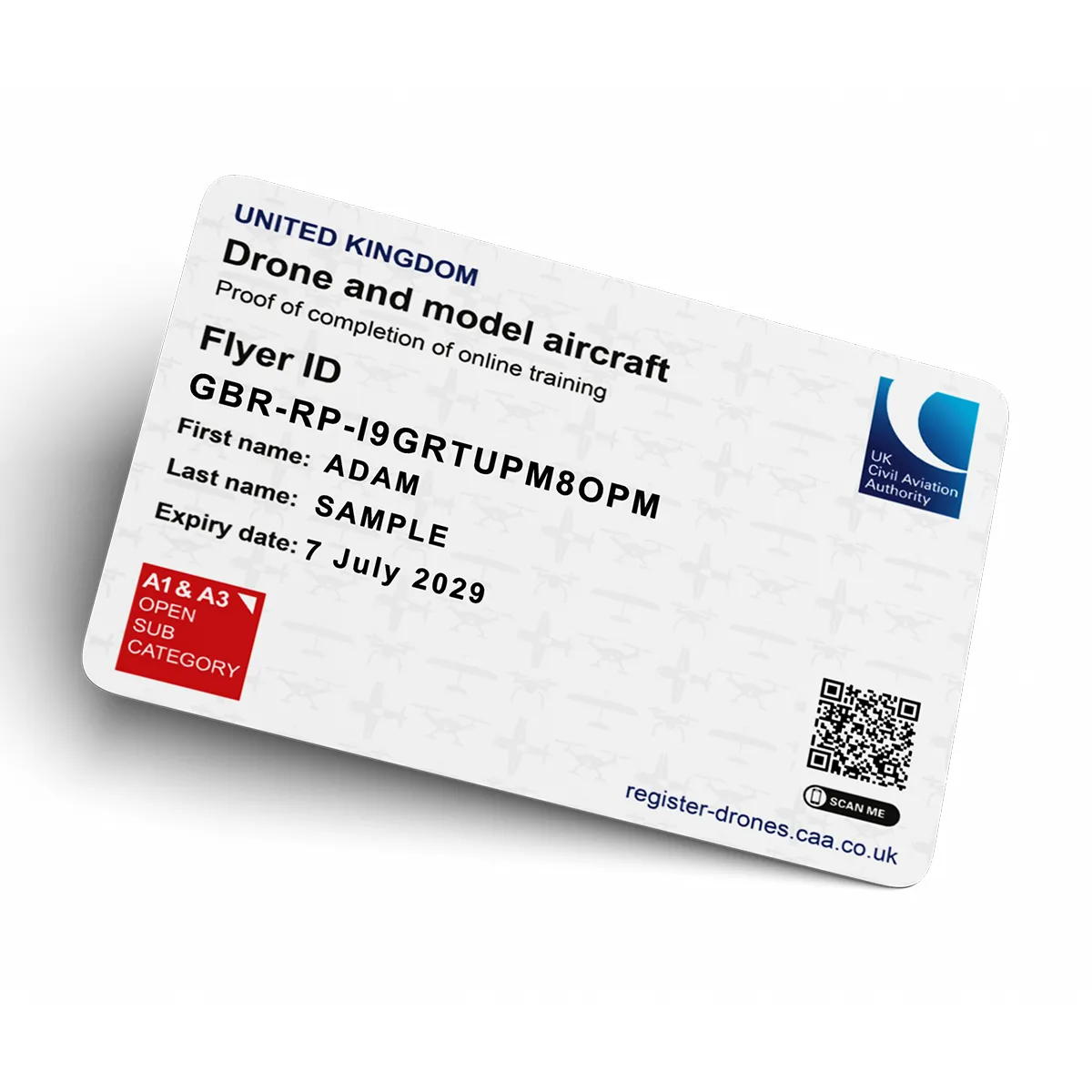Example design. Check and approve your own details before printing.## CAA Flyer ID card pack: ordering questions ### What does this pack include? One personalised printed card, one holder and one lanyard make up the listed pack. Other sellers may include operator labels or an arm holder; those extra items are not part of this ACB offer. Check the product contents rather than assuming every drone-card bundle contains the same accessories. ### Can I buy the pack before obtaining my Flyer ID? Obtain your valid details through the CAA first. ACB prints the information you supply and asks you to check the proof. The CAA Flyer ID card pack is a separate print purchase; its price does not pay a CAA registration fee or replace a required test. ### Which details should I check on the proof? Compare the name, complete Flyer ID and any displayed date with your current registration record. Check each character before approving the artwork. Ask ACB about any special layout or accessory colour before placing the order, then keep the approved proof for a replacement. ### Is a Flyer ID the same as an Operator ID? The CAA describes these as different IDs. Use its [Flyer ID and Operator ID guidance](https://www.caa.co.uk/drones/open-category/getting-started-with-drones-and-model-aircraft/flyer-ids-and-operator-ids) to check your own requirements. This printed pack does not register an aircraft or supply an operator-label service. ### How do I replace an out-of-date card? Manage the registration with the CAA, then provide the current details for a new print order. To discuss the CAA Flyer ID card pack, [contact ACB](https://acb-ltd.com/contact-us/). For staff badges rather than drone registration details, see our [photo ID card printing product](https://acb-ltd.com/product/id-card-printing/). ### A printed record of your existing details This is a privately produced printed card pack, not an official card issued by the CAA. Buying it does not take a test, register a drone, issue a Flyer ID or grant a flying qualification. Obtain and manage your registration directly with the CAA. Provide the valid Flyer ID details you want reproduced and check names, numbers and dates carefully before approving the artwork. ### Check the supplied pack ACB’s listed pack is one card with a holder and lanyard. Confirm any required accessory colour or special artwork with ACB before ordering. Keep the printed details current when your registration changes. Reference information: [CAA Flyer ID information](https://www.caa.co.uk/drones/open-category/getting-started-with-drones-and-model-aircraft/get-a-flyer-id/). **Product brands:** ACB Ltd **Product categories:** Printed Cards --- ### [Photo Id Card Printing](https://acb-ltd.com/product/id-card-printing/) **Published:** August 3, 2025 **Author:** acb_superadmin **Excerpt:** Order printed photo ID cards for staff, students, contractors or visitors. Use ACB’s online designer or provide your own artwork, then check and approve the personalised details before printing. **Content:** ## **Order Photo ID Cards Online** Order photo ID cards online for staff, students, contractors and visitors. Choose your quantity, then use ACB’s online designer or upload your own artwork. Create one replacement card or a personalised set with photographs, logos, names, job titles, employee numbers, QR codes and barcodes. ACB checks your approved artwork before printing the cards in the UK. For ongoing staff or multi-site card programmes, see our [photo ID card printing services](https://acb-ltd.com/photo-id-card-printing/) for branded portals, repeat orders and fulfilment. ## What’s included with every ID card Each card can be produced with the core features needed for clear day-to-day identification: - Full-colour, high-resolution printing - Staff photo, name and job title - Company, school or organisation logo - Barcode or QR code if required - Issue and expiry dates - Portrait or landscape layout - Standard CR80 card size - Durable print for regular everyday use These cards are suitable for staff identification, visitor cards, student cards, contractor cards and general workplace ID use. ## Card material options Choose the material that best suits your order and your organisation’s priorities: **Premium PVC** A durable option for everyday ID cards where strength and long-lasting print quality are important. **Recycled PVC** An option containing recycled PVC; confirm the current stock specification for your project. **Degradable PVC** Ask ACB about the available degradable PVC stock, its specification and disposal requirements. **Fibre card options** Confirm the fibre card construction and printing requirements for your visual ID application. Compare our [eco card materials](https://acb-ltd.com/eco-cards/), or [contact ACB](https://acb-ltd.com/contact-us/) to confirm the stock, printing requirements and price before ordering. ## Personalisation and print options Our custom photo ID cards can be personalised with the details your organisation needs. Depending on the application, options may include: - Individual names - Job titles - Departments - Staff or student photos - Sequential numbering - Issue dates - Expiry dates - Barcodes - QR codes - Signature panels - Magnetic stripe - RFID or contactless card print onto compatible cards - Custom background graphics agreed with ACB - UV security mark where required Agree the names, photo crop and any code data before you approve your Design Proof. For access-control cards, confirm the card technology with ACB before ordering. ## Order photo ID cards online This page is designed for direct online ordering. It is a good fit if you want a straightforward route to buy photo ID cards without setting up a full managed ordering system. Typical uses include: - New starter cards - Replacement staff cards - Small office teams - Visitor and temporary passes - Contractor identification - School and college ID cards - One-off or occasional card orders For controlled templates, multiple users and regular staff-card requests, explore our [photo ID card printing service and ordering portal](https://acb-ltd.com/photo-id-card-printing/). ## Design your ID cards online First, choose a template or start with a blank card in ACB’s online ID card designer. Then upload photographs and logos, and add the names, numbers, QR codes or barcodes you need. Before you order photo ID cards online, prepare a clear portrait, the organisation logo and the exact names and roles for each person. Check that names match their photographs, and keep text comfortably inside the design guides. Review both faces of every Design Proof, including QR destinations and barcode values. Tell ACB about a required delivery date before ordering so we can confirm the production schedule for your chosen stock and artwork. A holder or lanyard is a separate purchase unless your selected offer expressly includes it. Create multiple personalised cardholders in one order, review the front and reverse of every card, download a Design Proof and approve the designs before checkout. [Start designing your ID cards](https://acb-ltd.com/card-designer/?product_id=8974) Already have artwork? Use the upload option on this page and confirm the current artwork requirements with ACB before ordering. ## Suitable for a wide range of sectors These custom ID cards are suitable for many UK organisations, including: - Offices and corporate teams - Schools, colleges and universities - Construction and site teams - Healthcare and support services - Retail and hospitality - Charities and volunteer groups - Events and visitor control - Facilities management and contractor operations If you need a more tailored solution for regular ordering, role-based templates or larger staff rollouts, our main photo ID card service page may be the better route. ## Why order ID cards from ACB Ltd? Customers choose ACB Ltd when they need a practical and professional UK supplier for custom ID cards. Reasons to order from us include: - Simple online ordering - Fast UK production - Professional print quality - Durable card material options - Material choices for different card applications - Personalisation for names, photos and variable data - Suitable for one-off or repeat orders - Trusted UK supplier with extensive industry experience - Competitive pricing for both smaller and larger quantities ## How to order your ID cards Ordering is simple: 1. Select your quantity and preferred card material 2. Upload your artwork, photos or cardholder details 3. Confirm any required personalisation 4. Approve your proof if applicable 5. Add to basket and checkout 6. We print and dispatch your order from our UK production facility This page is intended to give customers a fast and direct route to ordering custom photo ID cards online. ## Related products and accessories You may also need related ID products and accessories, such as: - [Card holders](https://acb-ltd.com/id-card-accessories/id-card-holders/) - [Lanyards](https://acb-ltd.com/lanyards/) - [Badge reels](https://acb-ltd.com/id-card-accessories/badge-reels/) - [Access control cards](https://acb-ltd.com/access-control/) - Eco card accessories Explore our [printed card services](https://acb-ltd.com/plastic-cards/) for membership, gift, loyalty and event cards, or discuss printed RFID and access cards with ACB. ## FAQs ### Can I order just one ID card? Yes. This page is suitable for one-off replacement cards as well as larger orders. ### Can I upload names and photos for multiple people? Yes. We can work with uploaded data and photos for multi-person card orders. ### What alternative card materials are available? Yes. Recycled PVC, degradable PVC and fibre-based options are available depending on the application. ### How quickly can my cards be printed? We offer fast UK production, and turnaround will depend on the order size, artwork readiness and chosen options. ### Can you print onto RFID or contactless cards? Yes. We can print onto compatible RFID and contactless cards for visual identification purposes. ### What if I need an ordering portal for repeat card requests? For ongoing card issue, see our [photo ID card printing service](https://acb-ltd.com/photo-id-card-printing/). We can discuss a branded portal, approved templates, multiple users and repeat orders. **Product brands:** ACB Ltd **Product categories:** Photo ID Cards, Printed Cards --- ### [Fargo DTC4500e Plastic Card Printer (Single-Sided)](https://acb-ltd.com/product/fargo-dtc4500e-plastic-card-printer-single-sided/) **Published:** August 3, 2025 **Author:** acb_superadmin **Excerpt:** Single-sided FARGO DTC4500e direct-to-card printer with a 200-card dual input hopper, USB and Ethernet. Match cards, ribbon, software and any optional encoder to your setup. **Content:** ## Fargo DTC4500e single-sided printer for ID cards The **Fargo DTC4500e single-sided printer** suits organisations issuing staff badges, student passes and membership cards with all essential information on the front. Its dual input hopper helps you work through batches without repeatedly loading small stacks. Print a photograph, name, role and branding on approved plastic cards, then issue replacements as your records change. ### Keep front-face card production straightforward This configuration prints one face automatically. It is a practical choice when the reverse is blank or already carries suitable preprinted information. If each card needs a personalised reverse, compare the [Fargo DTC4500e dual-sided printer](https://acb-ltd.com/product/fargo-dtc4500e-plastic-card-printer-dual-sided/) before ordering. Automatic two-sided printing avoids a separate manual turning stage. The standard dual input hopper holds a combined 200 cards at 0.762 mm thickness, while the output hopper holds 100. USB supports a local connection and Ethernet allows a networked setup. Confirm the workstation, driver and card-design software licence that will be used; a diagnostic utility and a design licence serve different purposes. ### Choose cards and ribbon for the intended artwork The DTC4500e uses direct-to-card dye-sublimation and resin thermal transfer. Standard resolution is 300 × 300 dpi; current HID information also lists an optimised 300 × 600 dpi mode. Check the supplied unit and driver for the settings available. Approved CR80 stock and supported CR79 adhesive-backed cards provide different ways to produce a credential. For everyday photo badges, start with [premium blank white PVC cards](https://acb-ltd.com/product/premium-blank-white-pvc-plastic-cards/), subject to the required thickness and finish. A compatible YMCKO ribbon combines colour, resin black and overlay. Select a monochrome ribbon when the design only needs supported single-colour output. Order a DTC4500e-compatible reference from the [Fargo ribbon range](https://acb-ltd.com/printer-ribbons/fargo-ribbons/); ribbons for other Fargo models are not automatically interchangeable. ### Plan throughput and maintenance together HID rates YMCKO batch printing at approximately 16 seconds per card, or 225 cards per hour. This measurement excludes computer image processing and encoding. Allow time for preparing records, loading supplies and checking completed cards rather than using the headline figure as an end-to-end production promise. Clean the printer according to its user guide and on-screen prompts. The [Fargo 86177 cleaning kit](https://acb-ltd.com/product/fargo-86177-printer-cleaning-kit-pack-of-4/) corresponds to the 086177 reference HID lists for this model. Keep suitable supplies available when planning regular batches. ### Fargo DTC4500e single-sided printer questions #### Does this printer need retransfer film? No. It prints directly onto approved cards using a suitable ribbon. Separate HDP retransfer film belongs to a different printing process. Optional card lamination is also a separate configured process. #### Can it print access-control cards? It can personalise an approved printable card surface. Writing data to a chip or magnetic stripe additionally requires the correct fitted encoder, compatible card technology and suitable software. Discuss these requirements with ACB before choosing cards. #### What should I confirm before ordering? Check the printer configuration, operating system, design licence, ribbon, card stock and any encoding or lamination requirements. Refer to [HID’s DTC4500e information](https://www.hidglobal.com/products/dtc4500e) for the platform specifications. If you prefer finished badges supplied to you, explore our [photo ID card printing service](https://acb-ltd.com/photo-id-card-printing/) or [contact ACB](https://acb-ltd.com/contact-us/) for help comparing the options. **Product brands:** Fargo, HID **Product categories:** Fargo Printers, ID Card Printers **Product tags:** corporate ID card printer, custom ID cards, Fargo DTC4500e, fast ID card printing, high-quality ID card printer, modular ID card printer, personalised ID cards, photo ID cards, professional ID card printing, reliable ID card printer, student ID card printer --- ### [Fargo DTC4250e Plastic Card Printer (Dual-Sided)](https://acb-ltd.com/product/fargo-dtc4250e-plastic-card-printer-dual-sided/) **Published:** August 3, 2025 **Author:** acb_superadmin **Excerpt:** Legacy Fargo DTC4250e with automatic two-sided colour or monochrome card printing at 300 dpi. HID marks the model discontinued. Confirm supplied stock, consumables, current drivers and applicable support. **Content:** ## FARGO DTC4250e dual-sided ID card printer The FARGO DTC4250e dual-sided printer produces colour or monochrome plastic ID cards directly onto approved card stock. The duplex configuration automatically turns each card, allowing a photograph and name on the front with contact details, terms or a barcode on the reverse. ### Choose the supplied configuration HID marks the DTC4250e as discontinued. Confirm the supplied unit, available consumables, operating-system driver and applicable support terms with ACB before ordering for a new installation. Its replacement models have separate specifications. ### Cards, resolution and output The printer uses 300 dpi direct-to-card printing for approved CR80 stock or supported CR79 adhesive-backed cards. The user guide specifies 0.229–1.016 mm cards. USB and network capability depend on the supplied configuration; check networking and any encoder requirement rather than assuming all options are fitted. Published timings are approximately 16 seconds per YMCKO card and 24 seconds in YMCKOK mode. The 225-card/hour YMCKO headline is not a universal two-sided colour throughput guarantee. Allow for image processing, encoding and job settings. Compare the [single-sided DTC4250e](https://acb-ltd.com/product/fargo-dtc4250e-plastic-card-printer-single-sided/). See the [HID legacy product and discontinuation information](https://www.hidglobal.com/products/dtc4250e) and [manufacturer technical documentation](https://www.hidglobal.com/documents/fargo-dtc1250e-1000me-dtc4250e-and-dtcii-plus-user-guide). Contact ACB to match software, consumables and any required encoding to the supplied printer. ### Plan a two-sided card workflow Legacy DTC4250e duplex model for automatic front-and-reverse card printing.Use the front for a clear portrait and identification details. Put supporting information on the reverse, keeping both templates consistent. Test the final artwork and any barcode with the reader used in your organisation. ### Cards, ribbons and routine cleaning Review our [premium blank white PVC cards](https://acb-ltd.com/product/premium-blank-white-pvc-plastic-cards/) in an approved size and thickness. Match the ribbon reference and driver mode to the supplied printer when ordering from the [Fargo ribbon range](https://acb-ltd.com/printer-ribbons/fargo-ribbons/). The [Fargo 86177 cleaning kit](https://acb-ltd.com/product/fargo-86177-printer-cleaning-kit-pack-of-4/) is listed by HID for the DTC4250e. Follow the guide for each cleaning card or swab. Keep unprinted stock clean and handle the edges to reduce marks on the printing surface. ### DTC4250e dual-sided buying questions #### How should I assess a discontinued printer offer? Confirm the supplied unit, actual stock, consumable availability, driver support and applicable service terms with ACB. Compare the complete offer with the current [Fargo range](https://acb-ltd.com/id-card-printers/fargo-printers/). A successor has its own specification and supply requirements. #### Which ribbon suits a colour front and black reverse? Choose the compatible YMCKOK reference for that intended mode. The second K panel supports reverse-side black artwork. Colour on both faces uses a different panel workflow, so confirm the correct supply and settings. #### Can I use the 225-card/hour rate to plan every duplex job? That headline is the YMCKO mode rating. The guide lists about 24 seconds for YMCKOK and excludes image processing and encoding from the timing. Plan a sample job to estimate completed output for your actual design. #### Does this include networking and chip encoding? Check the precise configuration being supplied. USB, network features and any magnetic or smart-card encoder need to match your workstation and reader requirements. Automatic two-sided printing does not establish that every optional function is fitted. #### What if the reverse is blank? Compare the [single-sided DTC4250e](https://acb-ltd.com/product/fargo-dtc4250e-plastic-card-printer-single-sided/) for a front-only design. If you prefer finished cards, review ACB’s [photo ID card printing service](https://acb-ltd.com/photo-id-card-printing/) alongside the total cost of operating a printer. **Product brands:** Fargo, HID **Product categories:** Fargo Printers, ID Card Printers **Product tags:** corporate ID card printer, custom ID cards, Fargo DTC4250e, fast ID card printing, high-quality ID card printer, modular ID card printer, personalised ID cards, photo ID cards, professional ID card printing, reliable ID card printer, student ID card printer --- ### [Fargo DTC4250e Plastic Card Printer (Single-Sided)](https://acb-ltd.com/product/fargo-dtc4250e-plastic-card-printer-single-sided/) **Published:** August 3, 2025 **Author:** acb_superadmin **Excerpt:** Legacy Fargo DTC4250e for single-sided colour or monochrome cards at 300 dpi. HID marks the model discontinued. Confirm ACB's supplied stock, compatible consumables, current drivers and applicable support. **Content:** ## FARGO DTC4250e single-sided ID card printer The FARGO DTC4250e single-sided printer produces colour or monochrome plastic ID cards directly onto approved card stock. This configuration prints one face automatically, making it suitable for staff, student and membership designs whose information fits on the front. ### Choose the supplied configuration HID marks the DTC4250e as discontinued. Confirm the supplied unit, available consumables, operating-system driver and applicable support terms with ACB before ordering for a new installation. Its replacement models have separate specifications. ### Cards, resolution and output The printer uses 300 dpi direct-to-card printing for approved CR80 stock or supported CR79 adhesive-backed cards. The user guide specifies 0.229–1.016 mm cards. USB and network capability depend on the supplied configuration; check networking and any encoder requirement rather than assuming all options are fitted. Published timings are approximately 16 seconds per YMCKO card and 24 seconds in YMCKOK mode. The 225-card/hour YMCKO headline is not a universal two-sided colour throughput guarantee. Allow for image processing, encoding and job settings. Compare the [dual-sided DTC4250e](https://acb-ltd.com/product/fargo-dtc4250e-plastic-card-printer-dual-sided/). See the [HID legacy product and discontinuation information](https://www.hidglobal.com/products/dtc4250e) and [manufacturer technical documentation](https://www.hidglobal.com/documents/fargo-dtc1250e-1000me-dtc4250e-and-dtcii-plus-user-guide). Contact ACB to match software, consumables and any required encoding to the supplied printer. ### Plan a front-only card layout 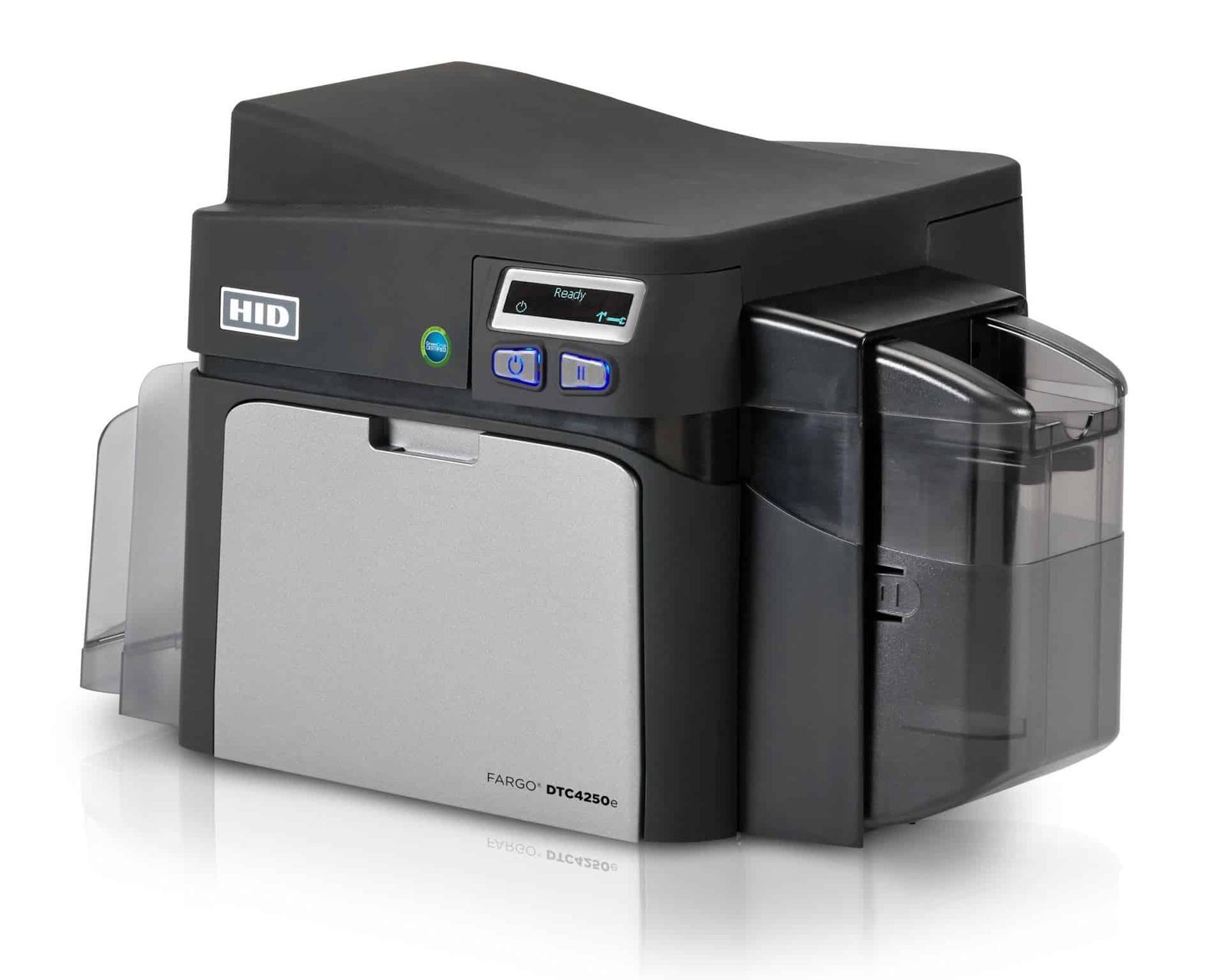Legacy DTC4250e single-sided model: check supplied stock, software and support.Use this configuration when the photo, name and other required details fit on one face. First, prepare the template and check a sample. Then match the card stock, ribbon and driver settings before printing a batch. ### Cards, ribbons and routine cleaning Review our [premium blank white PVC cards](https://acb-ltd.com/product/premium-blank-white-pvc-plastic-cards/) in an approved size and thickness. Match the ribbon reference and driver mode to the supplied printer when ordering from the [Fargo ribbon range](https://acb-ltd.com/printer-ribbons/fargo-ribbons/). The [Fargo 86177 cleaning kit](https://acb-ltd.com/product/fargo-86177-printer-cleaning-kit-pack-of-4/) is listed by HID for the DTC4250e. Follow the guide for each cleaning card or swab. Keep unprinted stock clean and handle the edges to reduce marks on the printing surface. ### DTC4250e single-sided buying questions #### Can I still buy this discontinued model? HID’s discontinued status describes the product lifecycle. Ask ACB to confirm available stock, the unit being supplied and applicable support. For a new installation, compare the current [Fargo printer range](https://acb-ltd.com/id-card-printers/fargo-printers/) and the manufacturer’s listed successor. #### Does the single-sided model print the reverse automatically? This listing prints one face automatically. Compare the [dual-sided DTC4250e](https://acb-ltd.com/product/fargo-dtc4250e-plastic-card-printer-dual-sided/) if the card needs automatic reverse printing. Confirm any upgrade hardware against the specific supplied unit. #### Is diagnostic software enough to design cards? A printer maintenance utility and a card-design application serve different tasks. Confirm the design-software edition and licence included in the ACB offer, together with current computer and driver support. #### Can it print an access-control credential? Choose approved printable stock whose technology matches your reader system. Encoding requires the appropriate hardware and software. A card with a chip or stripe should be checked for print suitability and system compatibility before a production order. #### What if I only issue cards occasionally? Compare the equipment, software, consumable and staff-time costs with ACB’s [photo ID card printing service](https://acb-ltd.com/photo-id-card-printing/). The right choice depends on the number of cards per session and how often details change. **Product brands:** Fargo, HID **Product categories:** Fargo Printers, ID Card Printers **Product tags:** corporate ID card printer, custom ID cards, Fargo DTC4250e, fast ID card printing, high-quality ID card printer, modular ID card printer, personalised ID cards, photo ID cards, professional ID card printing, reliable ID card printer, student ID card printer --- ### [Fargo DTC1250e Plastic Card Printer (Dual-Sided)](https://acb-ltd.com/product/fargo-dtc1250e-plastic-card-printer-dual-sided/) **Published:** August 3, 2025 **Author:** acb_superadmin **Excerpt:** Automatic two-sided Fargo DTC1250e, reference 50100, with 300 dpi standard output and 100-card input/output at 0.762 mm. Confirm software, ribbon reference and any network or encoding hardware for the supplied unit. **Content:** ## FARGO DTC1250e dual-sided ID card printer The FARGO DTC1250e dual-sided printer produces colour or monochrome plastic ID cards directly onto approved card stock. The duplex configuration automatically turns each card, allowing a photograph and name on the front with contact details, terms or a barcode on the reverse. ### Choose the supplied configuration This listing is the duplex DTC1250e, reference 50100. USB 2.0 is standard; Ethernet and encoding require the appropriate configuration. A dual-sided printer does not automatically include a magnetic or smart-card encoder. ### Cards, resolution and output The standard input hopper takes 100 cards at 0.762 mm. The single-sided output capacity is up to 30 cards; the duplex output capacity is up to 100. Approved card thickness is 0.229–1.016 mm, with the correct driver setting and card finish. Standard resolution is 300 × 300 dpi. HID’s current platform documentation also describes an optimised 300 × 600 dpi mode; confirm feature support for the supplied unit and its driver/firmware version. The published timings are 16 seconds for YMCKO and 24 seconds for YMCKOK. They are approximate batch-mode ratings, excluding image processing and encoding time. Compare the [single-sided DTC1250e](https://acb-ltd.com/product/fargo-dtc1250e-plastic-card-printer-single-sided/). See the [manufacturer product information](https://www.hidglobal.com/products/dtc1250e) and [manufacturer technical documentation](https://www.hidglobal.com/documents/fargo-dtc1250e-direct-card-printer). Contact ACB to match software, consumables and any required encoding to the supplied printer. ### Put useful information on both faces DTC1250e duplex configuration for automatic front-and-reverse printing.Keep the portrait and main identification clear on the front. Use the reverse for return details, terms or other information. Automatic duplex printing handles both faces within the same job, reducing manual turning during a batch. ### Cards, ribbons and routine cleaning Review our [premium blank white PVC cards](https://acb-ltd.com/product/premium-blank-white-pvc-plastic-cards/) in an approved size and thickness. Match the ribbon reference and driver mode to the supplied printer when ordering from the [Fargo ribbon range](https://acb-ltd.com/printer-ribbons/fargo-ribbons/). The [Fargo 86177 cleaning kit](https://acb-ltd.com/product/fargo-86177-printer-cleaning-kit-pack-of-4/) is listed by HID for the DTC1250e. Follow the guide for each cleaning card or swab. Keep unprinted stock clean and handle the edges to reduce marks on the printing surface. ### DTC1250e dual-sided buying questions #### Which rate applies to colour-front, black-reverse cards? Use the YMCKOK mode rating when comparing that layout. The 16-second YMCKO figure describes a different panel sequence. Finished output also includes computer processing, any encoding and handling. #### Can both faces be full colour? Confirm the supported ribbon and driver mode for your design. Two colour faces can consume more panels per completed card than a one-face job. Approve both faces and calculate consumables from that actual workflow. #### Does a duplex printer include an access-card encoder? Automatic card turning and card-data encoding are separate functions. Check the fitted encoder, software licence and exact card technology if you need to write to a chip or magnetic stripe. #### How do I choose replacement cartridges? Match the cartridge code to your unit and print mode. The [earlier 45000 YMCKO reference](https://acb-ltd.com/product/fargo-45000-ymcko-colour-ribbon-250-print-capacity/) and newer HID supply references need a compatibility check. Do not choose only by the DTC1250e family name or a similar cartridge appearance. #### Would a single-sided printer suit my design? Compare the [single-sided DTC1250e configurations](https://acb-ltd.com/product/fargo-dtc1250e-plastic-card-printer-single-sided/) if all required details fit on the front. ACB’s [photo ID card printing service](https://acb-ltd.com/photo-id-card-printing/) is another option if you prefer finished cards. **Product brands:** Fargo, HID **Product categories:** Fargo Printers, ID Card Printers **Product tags:** compact ID card printer, corporate ID card printer, custom ID cards, Fargo DTC1250e, fast ID card printing, high-quality ID card printer, personalised ID cards, photo ID cards, professional ID card printing, reliable ID card printer, student ID card printer --- ### [Fargo DTC1250e Plastic Card Printer (Single-Sided)](https://acb-ltd.com/product/fargo-dtc1250e-plastic-card-printer-single-sided/) **Published:** August 3, 2025 **Author:** acb_superadmin **Excerpt:** Single-sided Fargo DTC1250e with Base 50000 or Magnetic Encoder 50010 configurations. USB is standard; confirm Ethernet separately. Match software, approved cards and the full ribbon reference to your unit. **Content:** ## FARGO DTC1250e single-sided ID card printer The FARGO DTC1250e single-sided printer produces colour or monochrome plastic ID cards directly onto approved card stock. This configuration prints one face automatically, making it suitable for staff, student and membership designs whose information fits on the front. ### Choose the supplied configuration Choose Base Model (50000) or Magnetic Encoder (50010) for this single-sided listing. The magnetic option needs matching stripe cards and encoding software. Ethernet is a separate printer configuration to confirm with ACB; USB 2.0 is the standard connection. ### Cards, resolution and output The standard input hopper takes 100 cards at 0.762 mm. The single-sided output capacity is up to 30 cards; the duplex output capacity is up to 100. Approved card thickness is 0.229–1.016 mm, with the correct driver setting and card finish. Standard resolution is 300 × 300 dpi. HID’s current platform documentation also describes an optimised 300 × 600 dpi mode; confirm feature support for the supplied unit and its driver/firmware version. The published timings are 16 seconds for YMCKO and 24 seconds for YMCKOK. They are approximate batch-mode ratings, excluding image processing and encoding time. Compare the [dual-sided DTC1250e](https://acb-ltd.com/product/fargo-dtc1250e-plastic-card-printer-dual-sided/). See the [manufacturer product information](https://www.hidglobal.com/products/dtc1250e) and [manufacturer technical documentation](https://www.hidglobal.com/documents/fargo-dtc1250e-direct-card-printer). Contact ACB to match software, consumables and any required encoding to the supplied printer. ### Plan your single-sided issuing station 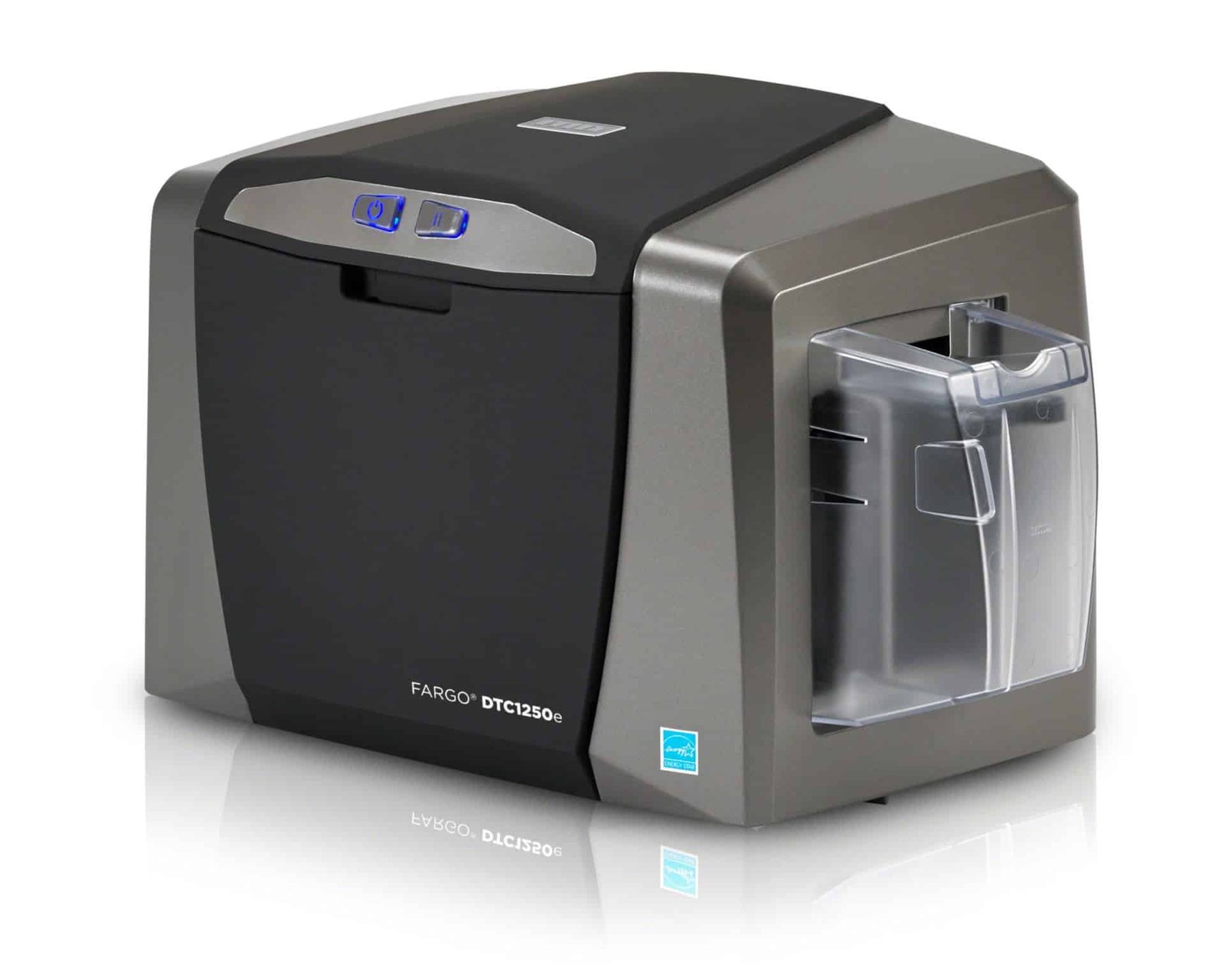DTC1250e single-sided configuration: choose the base or magnetic option for your workflow.First, prepare a front-only template with the photograph, name and organisation. Then check any small text or barcode on a sample card. The base model and magnetic option suit different requirements; select the option that matches your cards and software. ### Cards, ribbons and routine cleaning Review our [premium blank white PVC cards](https://acb-ltd.com/product/premium-blank-white-pvc-plastic-cards/) in an approved size and thickness. Match the ribbon reference and driver mode to the supplied printer when ordering from the [Fargo ribbon range](https://acb-ltd.com/printer-ribbons/fargo-ribbons/). The [Fargo 86177 cleaning kit](https://acb-ltd.com/product/fargo-86177-printer-cleaning-kit-pack-of-4/) is listed by HID for the DTC1250e. Follow the guide for each cleaning card or swab. Keep unprinted stock clean and handle the edges to reduce marks on the printing surface. ### DTC1250e single-sided buying questions #### Does the magnetic option also add network printing? The listed Base Model 50000 and Magnetic Encoder 50010 are separate configurations. Ethernet needs its own specification check. Tell ACB if you need both network printing and encoding so the complete hardware can be matched to your system. #### Is this the right model for automatic reverse printing? This is the single-sided listing. For automatic two-sided work, compare the [DTC1250e dual-sided printer](https://acb-ltd.com/product/fargo-dtc1250e-plastic-card-printer-dual-sided/). Decide where return details, terms or a second design will sit before choosing the hardware. #### Which colour-ribbon reference should I reorder? Match the full cartridge code for the exact printer version. ACB’s [45000 YMCKO listing](https://acb-ltd.com/product/fargo-45000-ymcko-colour-ribbon-250-print-capacity/) describes the earlier 250-image reference; HID’s current consumables documentation includes newer references. Check the existing cartridge and printer requirements before substitution. #### What else do I need to print cards? Confirm the design-software licence and included items with ACB. Prepare suitable cards and ribbon, a supported computer and the appropriate driver. For occasional finished-card orders, compare our [photo ID card printing service](https://acb-ltd.com/photo-id-card-printing/). **Product brands:** Fargo, HID **Product categories:** Fargo Printers, ID Card Printers **Product tags:** compact ID card printer, corporate ID card printer, custom ID cards, Fargo DTC1250e, fast ID card printing, high-quality ID card printer, personalised ID cards, photo ID cards, professional ID card printing, reliable ID card printer, student ID card printer --- ### [IDP Smart 31 Pro ID Card Printer Bundle (Single-Sided)](https://acb-ltd.com/product/idp-smart-31-pro-id-card-printer-bundle-single-sided/) **Published:** August 3, 2025 **Author:** acb_superadmin **Excerpt:** Single-sided Smart 31S bundle with EasyBadge Professional for Windows, a 659366 YMCKO ribbon and cleaning roller, plus 100 white cards. Automatic 80-card input; confirm any network or encoding hardware separately. **Content:** ## IDP Smart 31 Pro bundle for single-sided cards The IDP Smart 31 Pro bundle brings together a single-sided Smart 31S printer, EasyBadge Professional software and starter consumables. It suits staff photo ID, visitor passes and membership cards with the required information on the front. Single-sided Smart 31 bundle with software, colour ribbon and starter cards.### What is included? - IDP Smart 31S single-sided printer - EasyBadge Professional design software for Windows - IDP 659366 YMCKO ribbon with cleaning roller, nominal 250 prints - 100 blank white cards The ribbon capacity is greater than the number of supplied cards. Add suitable stock if you want to use the remaining capacity. Actual use depends on the design, settings and sample prints. ### Start with a clear card template First, prepare a layout with readable names, a photograph and your organisation’s branding. Then import or enter the card data in the software and approve a sample. The printer’s automatic 80-card input hopper reduces manual loading during a batch. The Smart 31S prints colour at 300 dpi and has USB connectivity. Its YMCKO mode is rated at up to 180 cards per hour. Computer processing, optional encoding and handling affect completed-job output. ### Smart 31 Pro bundle buying questions #### Does “Pro” mean a different printer model? This package contains the Smart 31S and EasyBadge Professional software. Assess the listed printer and software together when comparing bundles. The supplied print function is single-sided. #### Can the bundled software run on a Mac? EasyBadge Professional is a Windows desktop application. Check the publisher’s current requirements for your computer. Separate printer-driver availability does not make that software edition Mac-compatible. #### Can this bundle encode MIFARE cards? EasyBadge’s published edition table reserves its listed contactless encoding functions for the Smart and Bureau editions. Professional supports magnetic encoding with suitable hardware. Ask ACB to check the complete card, encoder and software specification if contactless encoding is required. #### Which supplies should I buy next? Use the [659366 YMCKO colour ribbon](https://acb-ltd.com/product/smart-51-31-ymcko-full-colour-ribbon-inc-cleaning-roller-659366-250-prints/) for the listed colour workflow, [approved blank white PVC cards](https://acb-ltd.com/product/premium-blank-white-pvc-plastic-cards/) in the supported thickness, and [IDP 659909 cleaning cards](https://acb-ltd.com/product/idp-smart-31-51-659909-long-sleeve-cleaning-card-kit-pack-of-10/) for maintenance. Choose a [black monochrome ribbon](https://acb-ltd.com/product/smart-51-31-monochrome-black-ribbon-with-cleaning-roller-1200-prints/) when the artwork needs only black text or graphics. #### What if the card needs information on the reverse? Compare the [Smart 31 dual-sided bundle](https://acb-ltd.com/product/idp-smart-31-id-card-printer-bundle-dual-sided/) for automatic reverse printing. If you already own software and supplies, see the [Smart 31S printer configurations](https://acb-ltd.com/product/idp-smart-31-id-card-printer-single-sided/). ACB’s [photo ID card printing service](https://acb-ltd.com/photo-id-card-printing/) is another route for finished cards. References: [IDP Smart 31S technical information](https://www.idpamericas.com/card-printers/smart-31s/) and [EasyBadge edition features](https://www.easybadge.com/Info/Technical_Specifications). **Product brands:** IDP **Product categories:** ID Card Printers, IDP Smart Printers **Product tags:** compact ID card printer, corporate ID card printer, custom ID cards, fast ID card printing, high-quality ID card printer, ID card printer bundle, IDP Smart 31 Pro, IDP Smart 31 Pro bundle, personalised ID cards, photo ID cards, professional ID card printing, reliable ID card printer, student ID card printer --- ### [IDP Smart 21S ID Card Printer Bundle (Single-Sided)](https://acb-ltd.com/product/idp-smart-21s-id-card-printer-bundle-single-sided/) **Published:** August 3, 2025 **Author:** acb_superadmin **Excerpt:** Single-sided, hand-fed Smart 21S bundle listing the printer, 100 white cards, one colour ribbon and ID software. Confirm the software edition and ribbon reference for your computer and card design. **Content:** ## IDP Smart 21S bundle for desktop card issuing The IDP Smart 21S bundle combines a hand-fed printer with the starter items listed in ACB’s offer. It is a useful place to start when you want to produce individual staff badges, visitor passes or membership cards at your own desk. Smart 21S bundle: review the listed printer, cards, colour ribbon and software.### What ACB’s bundle includes - IDP Smart 21S single-sided printer - 100 blank white cards - One colour ribbon - ID card design software Confirm the exact software edition, licence and ribbon reference with ACB when ordering. This keeps the supplied package matched to your computer and card design. Package contents and software editions can differ between sellers. ### How the hand-fed printer works First, create a card template and prepare the photographs and names. Next, load the approved ribbon and feed a card when prompted. Check a sample before issuing the rest of the cards. The printer uses CR80 cards at 0.76 mm, USB and 300 dpi colour output. Higher 600 and 1200 dpi settings apply to monochrome. Its rated YMCKO colour mode is 24 seconds per card; manual loading and data preparation add time to each finished job. ### Smart 21S bundle buying questions #### Will the printer load all 100 cards automatically? No. The supplied card quantity is starter stock. The printer is hand-fed, so each card is loaded individually. Compare the [Smart 31 Pro bundle](https://acb-ltd.com/product/idp-smart-31-pro-id-card-printer-bundle-single-sided/) if you want automatic card feeding for a batch. #### Can I use the bundle with a Mac? Check both the current printer driver and the supplied design-software edition before purchase. A printer driver for an operating system does not establish that every bundled application will run on it. Tell ACB which computer and operating-system version you use. #### Can I add cards and replacement ribbons later? Yes. Review our [blank white PVC cards](https://acb-ltd.com/product/premium-blank-white-pvc-plastic-cards/) in the supported size and thickness. For ribbon replacements, match the exact Smart 21S model and regional reference within our [IDP supplies range](https://acb-ltd.com/printer-ribbons/idp-ribbons/). Check the supplied roll before ordering another one. #### Does this package include access-card encoding? An encoder is not established by the listed starter contents. Access cards must suit the printer surface requirements and your reader system. Confirm the required encoder, software edition and card technology with ACB. #### Should I buy the printer on its own? Compare the [Smart 21S printer listing](https://acb-ltd.com/product/idp-smart-21s-id-card-printer-single-sided/) if you already have suitable software and supplies. For occasional orders, also compare ACB’s [photo ID card printing service](https://acb-ltd.com/photo-id-card-printing/) with running a printer in-house. Manufacturer platform reference: [IDP Smart 21 specifications](https://www.idpamericas.com/card-printers/smart-21/). The package contents above describe ACB’s listed offer. **Product brands:** IDP **Product categories:** ID Card Printers, IDP Smart Printers **Product tags:** compact ID card printer, corporate ID card printer, custom ID cards, fast ID card printing, high-quality ID card printer, ID card printer bundle, IDP Smart 21S, personalised ID cards, photo ID cards, professional ID card printing, reliable ID card printer, student ID card printer --- ### [IDP Smart 70 Plastic Card Printer (Full System)](https://acb-ltd.com/product/idp-smart-70-plastic-card-printer-full-system/) **Published:** August 3, 2025 **Author:** acb_superadmin **Excerpt:** ACB's Smart 70 full-system listing includes the printer, duplex and lamination hardware, a 500-print colour ribbon, 500 cards, IDP software and cleaning kit. Confirm the exact module layout, laminate and encoding requirements. **Content:** ## IDP Smart 70 full system The IDP Smart 70 full system is ACB’s listed package for card printing with duplex and lamination hardware. It builds on IDP’s modular platform so that printing, flipping, card handling and film application can be matched to your credential programme. ACB’s Smart 70 full-system listing includes duplex and lamination hardware.### What ACB’s listed full package includes - Smart 70 card printer - Dual-sided module and laminator - Colour ribbon with a nominal 500-print rating - 500 blank cards - IDP card-design software and a cleaning kit Confirm the complete module layout, software edition and consumable references before ordering. “Full system” can describe different configurations across suppliers. Compare the actual included hardware, output capacity and software rather than the package name alone. ### Match the workflow to the finished card First, define the artwork on each face and which faces need laminate. Next, choose compatible cards, ribbon and film. Laminate coverage must suit any contact-chip position and the way the credential will be used. The Smart 70 platform provides 300 × 300 dpi direct-to-card printing with USB and Ethernet. IDP’s 225-card/hour YMCKO figure describes a single-printer colour mode, while 1,000 cards per hour is monochrome. A completed duplex, encoded or laminated job has its own output rate. ### Smart 70 full system buying questions #### Is this the same as every supplier’s “full” package? No. ACB’s current listing includes duplex and lamination hardware. Other offers may use the name for a different hopper or module arrangement. Ask for the exact supplied specification so that your comparison includes the same functions. #### Does the listed colour ribbon include laminating film? A colour ribbon and a separate laminate are different supplies. Confirm the film reference, thickness, coverage and quantity required for your job. The listed ribbon rating alone does not establish how many finished two-sided, laminated cards the package will produce. #### Can it encode contactless access cards? The platform supports optional encoding configurations. Match the fitted encoder, software edition and precise card technology to your reader system. A duplex module or laminator does not itself establish that an encoder is fitted. #### What should I plan for installation? Allow space for the complete connected module line, loading and output access. Check the computer, current driver, software licence and network requirements. Prepare a sample of both faces and any encoded data before planning a production batch. #### Would the starter system be enough? Compare the [Smart 70 starter system](https://acb-ltd.com/product/idp-smart-70-id-card-printer-starter-system/) if your current job needs single-sided printing. For a more compact printing-and-lamination platform, review the [Smart 51L printer and laminator](https://acb-ltd.com/product/idp-smart-51l-plastic-card-printer-lamination-dual-sided/) against your required volume and finish. Review our [blank card range](https://acb-ltd.com/blank-plastic-cards/) with ACB to confirm stock suitable for printing and lamination. Match replacement consumables through the [IDP supplies range](https://acb-ltd.com/printer-ribbons/idp-ribbons/). Our [photo ID card printing service](https://acb-ltd.com/photo-id-card-printing/) is another option for finished cards. Manufacturer reference: [IDP Smart 70 platform specifications](https://www.idpamericas.com/card-printers/smart-70/). **Product brands:** IDP **Product categories:** ID Card Printers, IDP Smart Printers **Product tags:** corporate ID card printer, custom ID cards, fast ID card printing, high-quality ID card printer, high-volume ID card printer, ID card printer full system, IDP Smart 70, laminated ID card printer, personalised ID cards, photo ID cards, professional ID card printing, reliable ID card printer, secure ID card printing, student ID card printer --- ### [IDP Smart 70 ID Card Printer (Starter System)](https://acb-ltd.com/product/idp-smart-70-id-card-printer-starter-system/) **Published:** August 3, 2025 **Author:** acb_superadmin **Excerpt:** Modular IDP Smart 70 starter system for single-sided card production. ACB's listing includes a 500-print colour ribbon, 500 cards, IDP software and cleaning kit. Confirm supplied modules, software edition and any encoding requirements. **Content:** ## IDP Smart 70 starter system The IDP Smart 70 starter system is a modular base for organisations producing batches of single-sided cards. It suits staff, student and membership-card programmes that need automatic feeding and a production workflow that can be specified around the job. Smart 70 starter system: specify the modules around your issuing workflow.### Start with the card design and daily workload First, decide what needs to appear on the card and how many cards you issue in one session. The Smart 70 platform separates printing, input, output, flipping and lamination. Duplex printing or lamination requires the corresponding hardware, so plan those functions before ordering. The printer uses direct-to-card dye-sublimation or resin transfer at 300 × 300 dpi. USB and Ethernet support desktop or network installation. Check current driver support and the design-software licence with your IT team. ### ACB’s listed starter package - Smart 70 starter printing system - One colour ribbon with a nominal 500-print rating - 500 blank cards - IDP card-design software - Cleaning kit Confirm the exact module layout, software edition, card stock and consumable references with ACB. The platform’s available options do not establish that every module or encoder is included in this starter package. ### Smart 70 starter buying questions #### Does it print 1,000 full-colour cards per hour? The 1,000-card/hour figure is a monochrome rating. IDP lists 225 cards per hour for a single-printer YMCKO colour mode. Allow for artwork processing, optional encoding, loading and collecting cards when planning actual output. #### Can I add automatic reverse printing later? The platform is modular, but you need the correct compatible hardware and configuration for any added function. Compare ACB’s [Smart 70 full system](https://acb-ltd.com/product/idp-smart-70-plastic-card-printer-full-system/), whose listed package includes duplex and lamination hardware, when those functions are already part of the plan. #### How much card capacity should I specify? The platform supports an input hopper of up to 500 cards. Output modules and their capacities vary by setup. Confirm the supplied input, output and reject handling for your stock thickness and job, and allow room to load and collect cards. #### Which replacement ribbons does it use? IDP lists Smart 70 references including 659111 YMCKO, 659113 YMCKOK and 659115 black resin. Confirm the exact reference for your mode when reviewing our [IDP printer supplies](https://acb-ltd.com/printer-ribbons/idp-ribbons/). A Smart 31/51 ribbon should not be assumed to fit this platform. #### Will my existing access-control cards work? Check the approved card surface, size and thickness, plus the technology required by your reader. Encoding depends on the correct module and software. Review our [blank card range](https://acb-ltd.com/blank-plastic-cards/) with ACB so the stock can be matched to the printing process. For organisations that prefer to buy finished cards, compare ACB’s [photo ID card printing service](https://acb-ltd.com/photo-id-card-printing/) with running a production system in-house. Manufacturer reference: [IDP Smart 70 specifications and consumables](https://www.idpamericas.com/card-printers/smart-70/). **Product brands:** IDP **Product categories:** ID Card Printers, IDP Smart Printers **Product tags:** corporate ID card printer, custom ID cards, fast ID card printing, high-quality ID card printer, high-volume ID card printer, ID card printer starter system, IDP Smart 70, personalised ID cards, photo ID cards, professional ID card printing, reliable ID card printer, student ID card printer --- ### [IDP Smart 51L Plastic Card Printer & Lamination (Dual-Sided)](https://acb-ltd.com/product/idp-smart-51l-plastic-card-printer-lamination-dual-sided/) **Published:** August 3, 2025 **Author:** acb_superadmin **Excerpt:** IDP Smart 51L dual-sided printer with inline lamination and 300 dpi colour output. Uses separate ribbon and laminate supplies. Confirm required film coverage, card stock, software and any network or encoder options. **Content:** ## IDP Smart 51L printer and laminator The IDP Smart 51L printer combines automatic two-sided card printing with inline lamination. It suits organisations issuing CR80 staff, student or other credentials where a suitable laminate helps protect the printed design during regular handling. 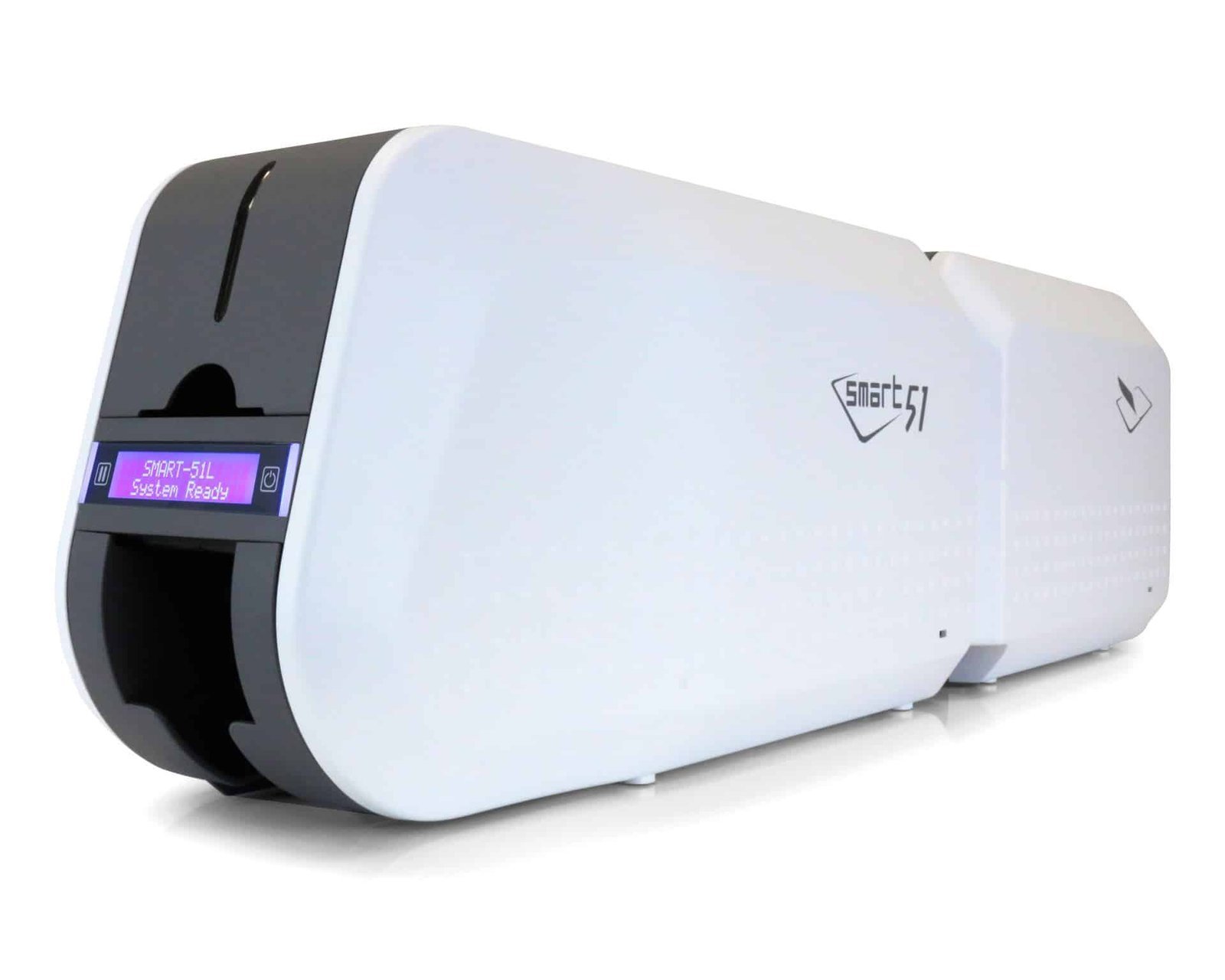Smart 51L: direct-to-card printing with an inline lamination module.### Plan the card, ribbon and laminate together First, choose the approved card stock and the design for each face. Then select the ribbon and laminate for the required finish. IDP lists clear and holographic films, including 0.6 mil and 1.0 mil options. Match any smart-card cutout to the position of the contact chip. The manufacturer’s supplies list includes the [659366 YMCKO ribbon](https://acb-ltd.com/product/smart-51-31-ymcko-full-colour-ribbon-inc-cleaning-roller-659366-250-prints/), [659376 YMCKOK ribbon](https://acb-ltd.com/product/smart-51-31-ymckok-full-colour-659376-ribbon-200-prints/) and [659367 black ribbon](https://acb-ltd.com/product/smart-51-31-monochrome-black-ribbon-with-cleaning-roller-1200-prints/). Confirm the chosen printing and lamination mode before ordering consumables. Ribbon overlay and a separate patch laminate serve different stages of the process. ### Use mode-specific output figures IDP’s technical table lists around 163 cards per hour for YMCK with lamination and 113 for YMCKK with lamination. These describe the stated workflows. They are not universal rates for every two-sided or two-face-laminated design. Artwork processing, encoding, heating and handling also affect the finished job. Colour output is 300 dpi; 600 and 1200 dpi are monochrome settings. The platform supports approved CR80 stock from 0.38–1.0 mm. Check the card’s suitability for both printing and the selected lamination process. ### Smart 51L buying questions #### Is this a printer or just a lamination upgrade? This listing describes the Smart 51L dual-sided printer with inline lamination. Compare complete systems with complete systems: a separate lamination module may require an existing compatible printer. Confirm the supplied hardware and any required options in the ACB specification. #### Can I laminate both faces? Confirm the exact laminator configuration and workflow required for your card design. Automatic two-sided printing does not by itself establish that a particular job laminates both faces. State which faces need film when requesting the setup. #### Does lamination make a card copy-proof? A suitable laminate helps protect the printed surface and can add a visual checking feature. Card security also depends on the design, card technology and the way credentials are checked. Specify those requirements as a complete system. #### Are Ethernet and card encoding included? USB is specified for the platform. Ethernet and magnetic, contact or contactless encoding depend on the equipped configuration. Check current drivers, the design-software licence and the exact card technology with ACB before ordering. #### What if I only need two-sided printing? Compare the [Smart 51D dual-sided printer](https://acb-ltd.com/product/idp-smart-51-plastic-card-printer-dual-sided/) when your application does not need inline lamination. Keep [IDP cleaning cards](https://acb-ltd.com/product/idp-smart-31-51-659909-long-sleeve-cleaning-card-kit-pack-of-10/) available for the manufacturer’s maintenance routine. ACB also provides a [photo ID card printing service](https://acb-ltd.com/photo-id-card-printing/) if you prefer to order finished cards. Manufacturer reference: [IDP Smart 51L specifications and consumables](https://www.idpamericas.com/card-printers/smart-51l/). **Product brands:** IDP **Product categories:** ID Card Printers, IDP Smart Printers **Product tags:** compact ID card printer, corporate ID card printer, custom ID cards, fast ID card printing, high-quality ID card printer, IDP Smart 51L, laminated ID card printer, personalised ID cards, photo ID cards, professional ID card printing, reliable ID card printer, secure ID card printing, student ID card printer --- ### [IDP Smart 51 Plastic Card Printer (Single-Sided)](https://acb-ltd.com/product/idp-smart-51-plastic-card-printer-single-sided/) **Published:** August 3, 2025 **Author:** acb_superadmin **Excerpt:** Single-sided CR80 card printing with a high-capacity input hopper. Select the required configuration; Ethernet and encoding are optional. **Content:** ## IDP Smart 51 single-sided ID card printer The IDP Smart 51 single-sided ID card printer (SMART-51S) prints one face of staff, student, visitor and membership cards. It suits designs that place the required photo, name and other information on one card face. The SMART-51 platform uses a metal frame and an input hopper rated for 100 standard cards with the cover closed, or up to 200 with it open. ### Compare the correct printing modes IDP rates the YMCKO colour mode at 212 cards per hour (17 seconds per card). Monochrome is rated at 720 cards per hour. Actual job speed depends on the ribbon, print mode, encoding, design and card handling. Colour resolution is 300 dpi; 600 and 1200 dpi settings are monochrome-only modes. ### Select the required hardware option Use the Printer Options selector for the base model, Ethernet connectivity, magnetic encoder or contactless/MIFARE encoder configuration. These selections do not imply that every option is fitted together. Ask ACB if you need a combined network-and-encoder specification, and check that the encoder and software support your exact card technology. The standard format is CR80, with 0.38–1.0 mm supported in the manufacturer’s model specifications. Use suitable printable stock and check current drivers, software compatibility and the applicable UK warranty. For automatic two-sided printing, compare the [dual-sided SMART-51 listing](https://acb-ltd.com/product/idp-smart-51-plastic-card-printer-dual-sided/), or read [IDP’s SMART-51S specifications](https://www.idpamericas.com/card-printers/smart-51s/). ### IDP Smart 51 supplies for everyday issuing SMART-51S: a metal-frame printer for front-only card production.Match your ribbon to the artwork. Choose the [IDP 659366 YMCKO colour ribbon](https://acb-ltd.com/product/smart-51-31-ymcko-full-colour-ribbon-inc-cleaning-roller-659366-250-prints/) for photo ID and branded cards, or the [compatible black monochrome ribbon](https://acb-ltd.com/product/smart-51-31-monochrome-black-ribbon-with-cleaning-roller-1200-prints/) for single-colour text and graphics. The manufacturer lists nominal capacities of 250 and 1,200 prints respectively; settings and layout affect use. Start with [printable blank white PVC stock](https://acb-ltd.com/product/premium-blank-white-pvc-plastic-cards/) in a supported thickness. The [IDP 659909 cleaning-card kit](https://acb-ltd.com/product/idp-smart-31-51-659909-long-sleeve-cleaning-card-kit-pack-of-10/) provides long cards for the prescribed cleaning routine. Clean stock and regular maintenance help support consistent output. ### SMART-51S buying questions #### Why choose a Smart 51 for single-sided cards? The Smart 51 combines a metal frame with automatic card feeding and a higher published YMCKO rate than the Smart 31. It is worth comparing when recurring staff, membership or student-card batches make throughput and loading capacity important. #### How many cards fit in the input hopper? The existing standard configuration is rated for 100 cards with the cover closed, or up to 200 with it open. Capacity depends on stock thickness and the supplied feeder. Allow room for loading and collecting cards when planning the printer’s location. #### Can this listing print the reverse automatically? This is the single-sided configuration. Choose the [Smart 51 dual-sided printer](https://acb-ltd.com/product/idp-smart-51-plastic-card-printer-dual-sided/) if you need an automatic second face for return details, terms or other information. Decide the finished card layout before selecting the hardware. #### How do I specify network printing or access-card encoding? Choose the required configuration in Printer Options. The listed Ethernet, magnetic and contactless choices are separate options. Ask ACB to check any combined requirements and the exact card technology before ordering; a printable surface alone does not establish access-system compatibility. #### What should I prepare before installation? Check the current IDP driver, computer operating system and design-software licence. Prepare a sample template, photographs and data, then test the actual card stock and any barcode reader. Confirm supplied consumables and software rather than assuming another seller’s bundle is included. If your organisation issues cards only occasionally, compare the complete ownership cost with ACB’s [photo ID card printing service](https://acb-ltd.com/photo-id-card-printing/). **Product brands:** IDP **Product categories:** ID Card Printers, IDP Smart Printers **Product tags:** compact ID card printer, corporate ID card printer, custom ID cards, fast ID card printing, high-quality ID card printer, IDP Smart 51, personalised ID cards, photo ID cards, professional ID card printing, reliable ID card printer, student ID card printer --- ### [IDP Smart 31 ID Card Printer (Dual-Sided)](https://acb-ltd.com/product/idp-smart-31-id-card-printer-dual-sided/) **Published:** August 3, 2025 **Author:** acb_superadmin **Excerpt:** Automatic dual-sided CR80 card printing with an 80-card input hopper. Select the required configuration; Ethernet and encoding are optional. **Content:** ## IDP Smart 31 dual-sided ID card printer The IDP Smart 31 dual-sided ID card printer (SMART-31D) provides automatic printing on both faces of staff, student, visitor and membership cards. Use the front for a photo and identification, and the reverse for supporting information, barcodes or terms. Its automatic input hopper holds up to 80 cards. ### Compare the correct printing modes IDP rates its YMCKOK duplex mode at 138 cards per hour (26 seconds per card). Monochrome is rated at 720 cards per hour. Actual job speed depends on the ribbon, print mode, encoding, design and card handling. Colour resolution is 300 dpi; 600 and 1200 dpi settings are monochrome-only modes. ### Select the required hardware option Use the Printer Options selector for the base model, Ethernet connectivity, magnetic encoder or contactless/MIFARE encoder configuration. These selections do not imply that every option is fitted together. Ask ACB if you need a combined network-and-encoder specification, and check that the encoder and software support your exact card technology. The standard format is CR80, with 0.38–0.76 mm supported in the manufacturer’s model specifications. Use suitable printable stock and check current drivers, software compatibility and the applicable UK warranty. Compare the matching [single-sided SMART-31 listing](https://acb-ltd.com/product/idp-smart-31-id-card-printer-single-sided/), or read [IDP’s SMART-31D specifications](https://www.idpamericas.com/card-printers/smart-31d/). ### Supplies for the IDP Smart 31 dual-sided printer SMART-31D: automatic front-and-reverse printing for two-sided designs.For a colour front with a black reverse, consider the [IDP 659376 YMCKOK ribbon](https://acb-ltd.com/product/smart-51-31-ymckok-full-colour-659376-ribbon-200-prints/), rated for 200 prints in its intended mode. Its extra black panel supports reverse-side text and graphics. Confirm the driver mode when planning colour on both faces, because ribbon use per completed card changes with the layout. Choose [printable blank white PVC cards](https://acb-ltd.com/product/premium-blank-white-pvc-plastic-cards/) within the supported thickness range and add [IDP 659909 long cleaning cards](https://acb-ltd.com/product/idp-smart-31-51-659909-long-sleeve-cleaning-card-kit-pack-of-10/) for maintenance. The [compatible black monochrome ribbon](https://acb-ltd.com/product/smart-51-31-monochrome-black-ribbon-with-cleaning-roller-1200-prints/) is another option for single-colour designs. ### SMART-31D buying questions #### What can go on the back of the card? Use the reverse for return instructions, terms, contact information or a barcode, keeping the photograph and key identification prominent on the front. Automatic duplex printing completes both faces within the same job and reduces the need to handle and turn each card manually. #### Which speed figure applies to two-sided colour printing? IDP specifies 138 cards per hour for the YMCKOK duplex mode. Single-sided colour ratings describe a different job. Allow time for data preparation, artwork processing, encoding if fitted and collecting cards when estimating your finished batch. #### Does choosing an encoder also add Ethernet? The selectable options identify separate configurations. Check the exact combination if you need network printing and encoding together. A contactless/MIFARE option must support your particular card type, software and access-control system. #### Can I start without buying a bundle? Yes, you can plan the printer and supplies separately. Confirm the software licence and included items with ACB. You can also compare the [Smart 31 dual-sided bundle](https://acb-ltd.com/product/idp-smart-31-id-card-printer-bundle-dual-sided/), reviewing its listed contents against what you already own. #### Should I choose a Smart 51 instead? The [Smart 51 dual-sided printer](https://acb-ltd.com/product/idp-smart-51-plastic-card-printer-dual-sided/) offers a metal-frame platform, a larger input capacity and a higher published YMCKOK duplex rate. Compare those features with your normal issuing workload. For front-only designs, see the [single-sided Smart 31](https://acb-ltd.com/product/idp-smart-31-id-card-printer-single-sided/). **Product brands:** IDP **Product categories:** ID Card Printers, IDP Smart Printers **Product tags:** compact ID card printer, corporate ID card printer, custom ID cards, fast ID card printing, high-quality ID card printer, IDP Smart 31, personalised ID cards, photo ID cards, professional ID card printing, reliable ID card printer, student ID card printer --- ### [Evolis R2017 Metallic Silver Ribbon (1,000 Prints)](https://acb-ltd.com/product/evolis-r2017-metallic-silver-monochrome-ribbon-1000-prints/) **Published:** August 3, 2025 **Author:** acb_superadmin **Excerpt:** Metallic silver monochrome ribbon, reference R2017, nominally rated for 1,000 prints. Evolis lists Securion and Quantum 2 compatibility. Confirm the exact legacy model and approved card stock. **Content:** ## Evolis R2017 metallic silver ribbon for legacy card printing The **Evolis R2017 metallic silver ribbon** adds silver names, numbers, line art and simple graphics to suitable plastic cards. It is a replacement consumable for compatible older Evolis printing platforms, with a nominal 1,000-print rating. Check the complete reference when maintaining an existing installation. 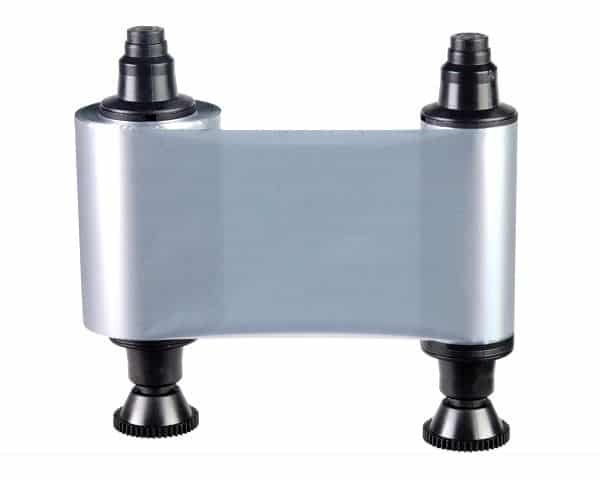### Match the legacy model and reference The current Evolis chart lists R2017 for Securion and Quantum 2. If you use another older model, including a Pebble or Dualys printer, check its original consumables guide with ACB before ordering. The exact model and generation matter as well as the silver colour. For original Zenius or Primacy equipment, compare the [RCT017NAA metallic silver ribbon](https://acb-ltd.com/product/evolis-rct017naa-metallic-silver-ribbon-1000-prints/) and its approved configurations. Later Zenius 2 and Primacy 2 printers have their own reference. Keep these codes distinct when ordering supplies for several printers. ### Use metallic detail with the right background Silver can be used for a cardholder name or a small graphic on an approved preprinted design. Check the actual appearance on your chosen background, including the smallest text and normal viewing conditions. A reflective printed finish will not appear exactly as it does in an on-screen design. Evolis specifies suitable PVC or composite cards for its standard monochrome ribbons. Browse our [blank plastic cards](https://acb-ltd.com/blank-plastic-cards/) and confirm the printer’s permitted thickness and finish. Keep stock clean and follow the correct maintenance procedure before a production run. ### Evolis R2017 metallic silver ribbon questions #### How many completed cards will a roll print? The published 1,000 figure is a nominal print rating. Continuous-ribbon consumption depends on the printed area, supported ribbon-saving settings and the faces personalised. Plan for the intended design and allow for sample cards. #### Can it add a holographic feature? R2017 produces metallic silver artwork. Holographic varnish requires a separately compatible consumable and workflow. Check any requirement for a visual security feature with ACB rather than choosing a ribbon by its reflective appearance alone. #### What if I need a different metallic colour? Compare the [R2016 metallic gold ribbon](https://acb-ltd.com/product/evolis-metallic-gold-r2016-1000-prints-high-quality-printer-ribbon/), checking the printer’s approved references. Use [Evolis’s consumables chart](https://downloads.evolis.com/evolis/documents/consumables-compatibility-chart.pdf) and [monochrome datasheet](https://fr.evolis.com/wp-content/uploads/2024/01/datasheet-monochrome-ribbons-eng.pdf) for technical checks. Follow the loading instructions for your model, or [ask ACB](https://acb-ltd.com/contact-us/) to help match the card stock and supplies. **Product brands:** Evolis **Product categories:** Evolis Pebble Printer Ribbons, Evolis Quantum Printer Ribbons, Evolis Ribbons, Evolis Tattoo Printer Ribbons, Printer Ribbons **Product tags:** 1000 Prints, Badge Printing, Card Printer, Evolis, ID Card Printing, Metallic Silver, Monochrome, Printer Ribbon, R2017, Ribbon --- ### [Evolis R6F003EAA YMCKOK Colour Ribbon (200 Prints)](https://acb-ltd.com/product/evolis-r6f003eaa-ymckok-colour-ribbon-200-prints-for-high-quality-card-printing/) **Published:** August 3, 2025 **Author:** acb_superadmin **Excerpt:** Evolis R6F003EAA YMCKOK ribbon for colour on the front and resin black on the reverse with a compatible original Primacy dual-sided setup.The EasyBadge Lite to Smart upgrade is a digital licence upgrade for an existing licensed copy of EasyBadge Lite. It moves that installation to the Smart edition. Confirm the licence route, Windows setup and supported printer/encoder combination before ordering.
**Content:** ## EasyBadge Lite to Smart upgrade The EasyBadge Lite to Smart upgrade is a digital licence upgrade for an existing licensed copy of EasyBadge Lite. It moves that installation to the Smart edition. Confirm the licence route, Windows setup and supported printer/encoder combination before ordering. ### What Smart adds The Smart edition enables contactless encoding for supported printer, encoder and card-format combinations. The manufacturer’s table includes MIFARE formats, DESFire in compatibility mode and NTAG NDEF. Check the exact hardware and card format in the encoding matrix before ordering. ### Confirm the upgrade route Match the upgrade to your existing edition and licence details. Contact ACB if you need help identifying the correct route. This is a software licence upgrade; the printer, encoder and card stock are separate parts of the workflow. ### Platform and feature limits The desktop application is for Windows and is not macOS compatible. Smart includes unlimited databases, but individual hardware and mobile-app functions have their own limits. The published technical table does not support DESFire EV2 key diversification. See the [EasyBadge edition and encoding comparison](https://www.easybadge.com/Info/Technical_Specifications). ## EasyBadge Lite to Smart upgrade: buying questions ### Do I need an existing licence? Yes. This route requires an existing EasyBadge Lite licence. Check the current edition and licence details before ordering. If you need a new installation licence or are upgrading from another edition, ask ACB to identify the appropriate product. ### Does the upgrade include an encoder or printer? The offer is a software licence upgrade. A compatible printer, contactless encoder and suitable cards are separate requirements for encoding. Match all three to the manufacturer’s technical matrix for the card format you intend to use. ### Which computer platform should I prepare? EasyBadge desktop software is for Windows and is not macOS compatible. Check the current system requirements and the existing installation before arranging the upgrade. Retain the licence details and agreed activation route with your organisation’s software records. To confirm the EasyBadge Lite to Smart upgrade, [contact ACB](https://acb-ltd.com/contact-us/) with your existing edition, current printer model and intended contactless card format. Compare the [upgrade from Professional](https://acb-ltd.com/product/easybadge-upgrade-professional-to-smart-digital-licence/) only if that is the edition you already license. **Product brands:** EasyBadge **Product categories:** Id Card Software **Product tags:** Digital licence, EasyBadge, ID card upgrade, Security enhancement, Smart functionality --- ### [EasyBadge Upgrade Professional to Smart - Digital Licence](https://acb-ltd.com/product/easybadge-upgrade-professional-to-smart-digital-licence/) **Published:** August 3, 2025 **Author:** acb_superadmin **Excerpt:** The EasyBadge Professional to Smart upgrade is a digital licence upgrade for an existing licensed copy of EasyBadge Professional. It moves that installation to the Smart edition. Confirm the licence route, Windows setup and supported printer/encoder combination before ordering. **Content:** ## EasyBadge Professional to Smart upgrade The EasyBadge Professional to Smart upgrade is a digital licence upgrade for an existing licensed copy of EasyBadge Professional. It moves that installation to the Smart edition. Confirm the licence route, Windows setup and supported printer/encoder combination before ordering. ### What Smart adds The Smart edition enables contactless encoding for supported printer, encoder and card-format combinations. The manufacturer’s table includes MIFARE formats, DESFire in compatibility mode and NTAG NDEF. Check the exact hardware and card format in the encoding matrix before ordering. ### Confirm the upgrade route Match the upgrade to your existing edition and licence details. Contact ACB if you need help identifying the correct route. This is a software licence upgrade; the printer, encoder and card stock are separate parts of the workflow. ### Platform and feature limits The desktop application is for Windows and is not macOS compatible. Smart includes unlimited databases, but individual hardware and mobile-app functions have their own limits. The published technical table does not support DESFire EV2 key diversification. See the [EasyBadge edition and encoding comparison](https://www.easybadge.com/Info/Technical_Specifications). ## EasyBadge Professional to Smart upgrade: buying questions ### Do I need an existing licence? Yes. This route requires an existing EasyBadge Professional licence. Check the current edition and licence details before ordering. If you need a new installation licence or are upgrading from another edition, ask ACB to identify the appropriate product. ### Does the upgrade include an encoder or printer? The offer is a software licence upgrade. A compatible printer, contactless encoder and suitable cards are separate requirements for encoding. Match all three to the manufacturer’s technical matrix for the card format you intend to use. ### Which computer platform should I prepare? EasyBadge desktop software is for Windows and is not macOS compatible. Check the current system requirements and the existing installation before arranging the upgrade. Retain the licence details and agreed activation route with your organisation’s software records. To confirm the EasyBadge Professional to Smart upgrade, [contact ACB](https://acb-ltd.com/contact-us/) with your existing edition, current printer model and intended contactless card format. Compare the [upgrade from Lite](https://acb-ltd.com/product/easybadge-upgrade-lite-to-smart-digital-licence/) only if that is the edition you already license. **Product brands:** EasyBadge **Product categories:** Id Card Software **Product tags:** Digital upgrade, EasyBadge, Enhanced security, Professional ID software, Smart technology --- ### [IDP Smart Bit Ribbon Shredder](https://acb-ltd.com/product/idp-smart-bit-ribbon-shredder/) **Published:** August 3, 2025 **Author:** acb_superadmin **Excerpt:** This IDP SMART-Bit ribbon shredder is a used-ribbon shredder for supported dye-sublimation, resin and wax ribbon formats, subject to the supplied model specification. Check the supplied reference and operating requirements with ACB so the equipment matches the workflow you intend to use. **Content:** ## IDP SMART-Bit ribbon shredder This IDP SMART-Bit ribbon shredder is a used-ribbon shredder for supported dye-sublimation, resin and wax ribbon formats, subject to the supplied model specification. Check the supplied reference and operating requirements with ACB so the equipment matches the workflow you intend to use. ### Check ribbon and roll dimensions The manufacturer catalogue specifies dye-sublimation, resin and wax ribbon, with a ribbon width of 60–90 mm, an installable core width up to 120 mm and maximum roll diameter of 80 mm. Check both the material and physical roll dimensions before loading a used consumable. Published maximum shredding speed is 20 metres per minute. Twisted Micro-Cut processing produces particles approximately 2.5 mm in size. Normal/fast modes, start/stop and reverse controls support operation, with automatic stopping for a finished ribbon or full waste bag. ### Match the unit to your consumable SMART-Bit ribbon shredders and SMART-Bit Foil units have different intended consumables. Ask ACB to confirm the supplied unit and compatibility with your used ribbon, retransfer film, indent foil or tipping foil. Plan suitable waste-bag replenishment alongside your organisation’s ribbon-disposal procedure. See the [IDP ribbon-shredder product information](https://www.idpamericas.com/card-printers/smart-bit-ribbon-shredder/) and [manufacturer catalogue](https://www.thebarcodewarehouse.co.uk/Documents/IDP/IDP-Smart-21-31-51-70-81-Series-Datasheet.pdf) for the platform and ribbon limits. ## IDP SMART-Bit ribbon shredder: buying questions ### Which ribbon format should I check? Compare ribbon width, core width and roll diameter with the supplied machine’s limits. Keep the printer ribbon reference with your enquiry. The current range also includes other SMART-Bit variants, so confirm the exact machine before selecting it for a particular waste stream. ### How does it fit a used-ribbon workflow? Plan a controlled place for collecting and processing used ribbons after printing. Follow the supplied operating instructions for loading, starting, reversing and emptying the bag. Assign responsibility for checking the machine and its collection capacity during regular use. ### Does buying a shredder establish data-protection compliance? The machine is one part of an organisation’s disposal process. Agree the handling, access and disposal procedure for used ribbons under your own policy. A product purchase alone does not establish a legal certification or guarantee the security of the complete workflow. For help choosing the IDP SMART-Bit ribbon shredder, [contact ACB](https://acb-ltd.com/contact-us/) with the exact system or ribbon details. Keep the confirmed configuration and complete ordering reference with your equipment records. Before placing an organisational order, compare the proposed equipment with the task it will perform. Retain the confirmed model, supplied components and consumable references together, so later purchasing and support enquiries use the same agreed specification. **Product brands:** IDP **Product categories:** Printer Accessories **Product tags:** compact ribbon shredder, dye-sublimation ribbon shredder, ID card ribbon shredder, IDP Smart-Bit, office ribbon shredder, resin ribbon shredder, ribbon shredder, secure ribbon disposal, Twisted Micro-Cut Technology, wax ribbon shredder --- ### [IDP Smart 70 Hopper Cartridge (500 Cards)](https://acb-ltd.com/product/idp-smart-70-hopper-cartridge-500-cards/) **Published:** August 3, 2025 **Author:** acb_superadmin **Excerpt:** This IDP SMART-70 hopper cartridge is a refillable input/output hopper cartridge with a nominal 500-card capacity for the compatible SMART-70 arrangement. Check the supplied reference and operating requirements with ACB so the equipment matches the workflow you intend to use. **Content:** ## IDP SMART-70 hopper cartridge This IDP SMART-70 hopper cartridge is a refillable input/output hopper cartridge with a nominal 500-card capacity for the compatible SMART-70 arrangement. Check the supplied reference and operating requirements with ACB so the equipment matches the workflow you intend to use. 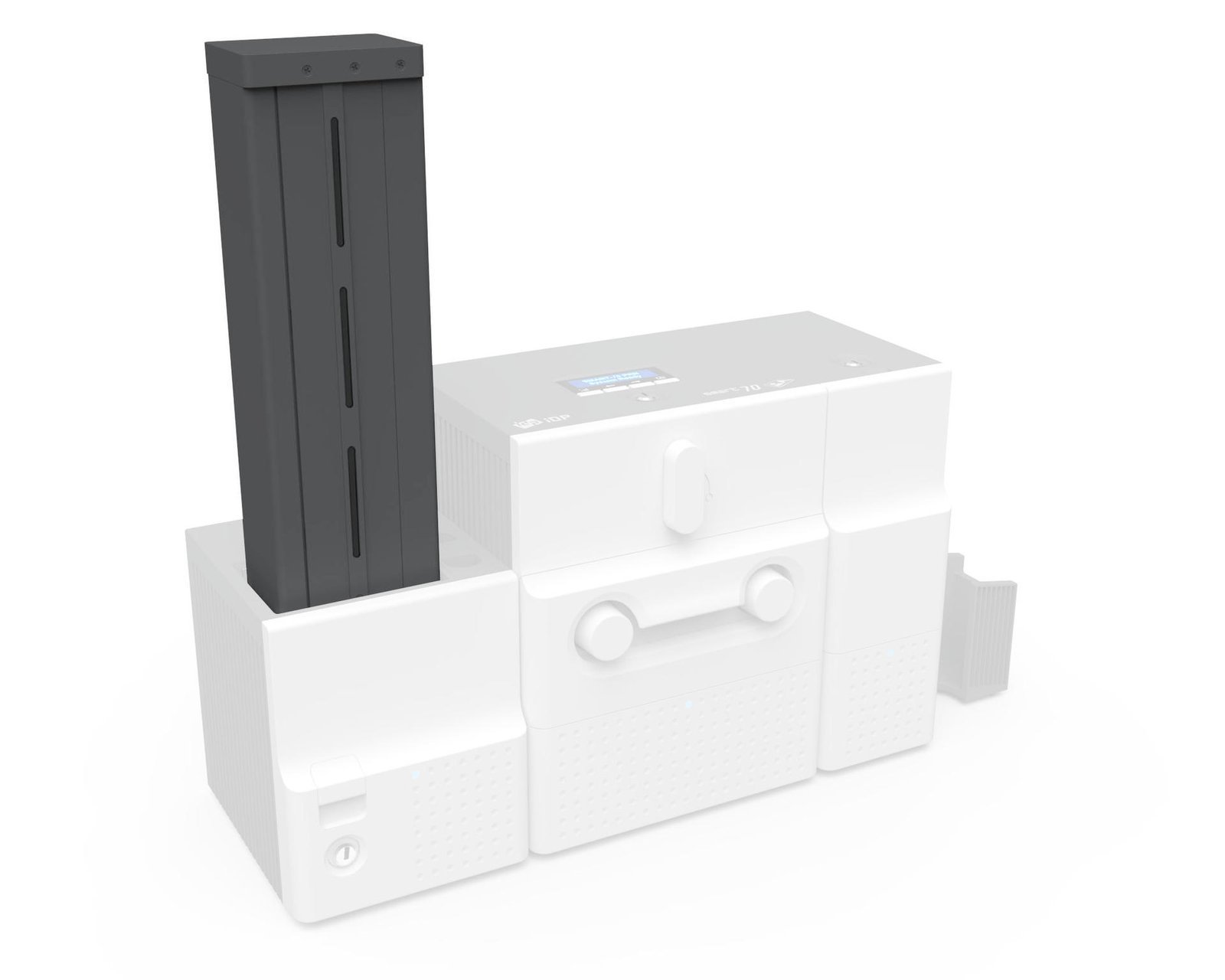### Cartridge and hopper module are different parts IDP lists input/output hopper modules and removable card cartridges separately. Match the cartridge to the installed hopper and system layout before ordering; a cartridge alone does not add a complete powered input/output module to a printer. ### Check the intended card stock Loading capacity depends on the specified card format and thickness. Confirm the approved card stock, cartridge height and physical fit for your SMART-70 arrangement. The cartridge supports card handling, while printing, lamination and encoding remain functions of other correctly configured modules. Review the [manufacturer’s SMART-70 hopper and cartridge list](https://www.thebarcodewarehouse.co.uk/Documents/IDP/IDP-Smart-21-31-51-70-81-Series-Datasheet.pdf), and contact ACB with the reference of your existing hopper if you need a replacement or additional cartridge. ## IDP SMART-70 hopper cartridge: buying questions ### Does the cartridge include five hundred blank cards? The capacity describes the cartridge, not a supply of printable cards. Blank stock is ordered separately. Check the card material and thickness supported by the printer and the hopper arrangement before planning a production batch. ### Is this the complete powered hopper module? This offer is the refillable hopper cartridge. Confirm its fit with the installed input or output arrangement and do not treat a cartridge as a replacement for every part of a complete powered module. Provide ACB with the existing system details. ### How should I plan cartridge capacity? Five hundred cards is the nominal capacity and depends on the stock being used. Check the actual card thickness and loading instructions. Keep cartridges identified for the intended input or output task when organising larger card-production runs. For help selecting a refillable cartridge, [contact ACB](https://acb-ltd.com/contact-us/) with the exact system or ribbon details. Keep the confirmed configuration and complete ordering reference with your equipment records. Before placing an organisational order, compare the proposed equipment with the task it will perform. Retain the confirmed model, supplied components and consumable references together, so later purchasing and support enquiries use the same agreed specification. **Product brands:** IDP **Product categories:** Printer Accessories **Product tags:** 500 card hopper, corporate ID card printer, efficient ID card printing, high-capacity card hopper, hopper cartridge, ID card hopper, IDP Smart 70, loyalty card printer, membership card printer, student ID card printer, visitor badge printer --- ### [IDP Smart 70 Flipper Module](https://acb-ltd.com/product/idp-smart-70-flipper-module/) **Published:** August 3, 2025 **Author:** acb_superadmin **Excerpt:** This IDP SMART-70 flipper module is a card-turning module for a compatible IDP SMART-70 modular card path. Check the supplied reference and operating requirements with ACB so the equipment matches the workflow you intend to use. **Content:** ## IDP SMART-70 flipper module This IDP SMART-70 flipper module is a card-turning module for a compatible IDP SMART-70 modular card path. Check the supplied reference and operating requirements with ACB so the equipment matches the workflow you intend to use. ### Specify the complete card path IDP’s catalogue describes a SMART-70 hybrid flipper module for duplex printing and laminating. The input, printing, flipping, lamination and output arrangement must be appropriate for the job. Confirm the module reference, firmware and installation with ACB before adding it to an existing system. ### Flipping does not add a print head or encoder Print resolution and colour quality come from the printing module and its consumables. Contactless or magnetic encoding requires separately suitable hardware and software; it should not be assumed to be included with a flipper. Finished duplex throughput also depends on the printing and lamination modes, not simply the single-sided printer rating. See the [manufacturer’s SMART-70 module configurations](https://www.thebarcodewarehouse.co.uk/Documents/IDP/IDP-Smart-21-31-51-70-81-Series-Datasheet.pdf) and tell ACB which modules are already installed. ## IDP SMART-70 flipper module: buying questions ### What does a flipper do in the system? The flipper turns the card within a supported modular workflow. It helps the configured system present the required card face to another module. Printing, encoding and lamination remain functions of the appropriate separate equipment. ### Which configuration should I confirm? Tell ACB which SMART-70 modules are installed and how cards travel between them. Include the system firmware and the intended output. Check the supplied ordering reference and placement before planning an installation or upgrade. ### Can it work as a standalone printer? A flipper is a system component. It does not independently print a badge or encode a credential. Plan the complete input, processing and output arrangement, and retain the confirmed module reference for any later service or replacement enquiry. For help checking the card-turning configuration, [contact ACB](https://acb-ltd.com/contact-us/) with the exact system or ribbon details. Keep the confirmed configuration and complete ordering reference with your equipment records. Before placing an organisational order, compare the proposed equipment with the task it will perform. Retain the confirmed model, supplied components and consumable references together, so later purchasing and support enquiries use the same agreed specification. **Product brands:** IDP **Product categories:** Printer Accessories **Product tags:** corporate ID card printer, efficient ID card printing, high-quality ID card printing, ID card printer flipper module, IDP Smart 70, loyalty card printer, membership card printer, personalised ID cards, photo ID cards, student ID card printer, visitor badge printer --- ### [IDP Smart 70S 651157 Single-Sided Laminator Module](https://acb-ltd.com/product/idp-smart-70s-651157-single-sided-laminator-module/) **Published:** August 3, 2025 **Author:** acb_superadmin **Excerpt:** This IDP SMART-70 laminator module is a single-sided laminator module for a compatible configured IDP SMART-70 system. Check the supplied reference and operating requirements with ACB so the equipment matches the workflow you intend to use. **Content:** ## IDP SMART-70 laminator module This IDP SMART-70 laminator module is a single-sided laminator module for a compatible configured IDP SMART-70 system. Check the supplied reference and operating requirements with ACB so the equipment matches the workflow you intend to use. ### Match the module and film ACB’s existing product name identifies reference 651157, while IDP’s regional catalogues use other ordering references for SMART-70 laminator configurations. Confirm the supplied module reference and installation with ACB rather than assuming that ordering codes from different regions are interchangeable. ### Plan the complete system The compatible input/output arrangement, card stock, film type and firmware need to be considered together. A flipper may be required for a workflow that treats both card faces. The laminator does not independently print photos, names or barcodes, and a printer resolution should not be presented as this module’s own specification. Ask ACB to confirm the exact film reference, supported laminate/card combination and installed system requirements. See the [producer’s SMART-70 module and configuration catalogue](https://www.thebarcodewarehouse.co.uk/Documents/IDP/IDP-Smart-21-31-51-70-81-Series-Datasheet.pdf) for the modular architecture. ## IDP SMART-70 laminator module: buying questions ### Which system details are needed? Provide the installed SMART-70 modules, card path and firmware details, along with the intended card and laminate. ACB can check the supplied module reference against that configuration before you plan installation or purchase film. ### Does the module produce the printed artwork? The laminator applies compatible film in the configured workflow. Photos, names and barcodes are printed by the printing module. Consider the separate printing, card-turning and lamination stages when planning the complete system. ### Which film should I order? Confirm the exact supported laminate reference and card combination for the supplied module. Film and blank cards are separate consumables. A single-sided module also needs the correct system arrangement if a workflow is intended to process both card faces. For help planning single-sided lamination, [contact ACB](https://acb-ltd.com/contact-us/) with the exact system or ribbon details. Compare the [SMART-70 flipper module](https://acb-ltd.com/product/idp-smart-70-flipper-module/) when planning card turning in a modular installation. Before placing an organisational order, compare the proposed equipment with the task it will perform. Retain the confirmed model, supplied components and consumable references together, so later purchasing and support enquiries use the same agreed specification. **Product brands:** IDP **Product categories:** Printer Accessories **Product tags:** corporate ID card lamination, durable ID cards, fast ID card lamination, high-quality ID card lamination, ID card laminator, IDP Smart 70S, loyalty card lamination, membership card lamination, secure ID cards, single-sided laminator module, student ID card lamination, visitor badge lamination --- ### [CR80 Card Printer Cleaning Cards (Pack of 25)](https://acb-ltd.com/product/cr80-card-printer-cleaning-cards-pack-of-25/) **Published:** August 3, 2025 **Author:** acb_superadmin **Excerpt:** The CR80 printer cleaning cards offer supplies twenty-five alcohol-saturated maintenance cards under ACB reference ELCC for procedures that specify this cleaning-card format. Check the complete kit reference, pack contents and exact printer model before ordering maintenance stock. **Content:** ## CR80 printer cleaning cards The CR80 printer cleaning cards offer supplies twenty-five alcohol-saturated maintenance cards under ACB reference ELCC for procedures that specify this cleaning-card format. Check the complete kit reference, pack contents and exact printer model before ordering maintenance stock. 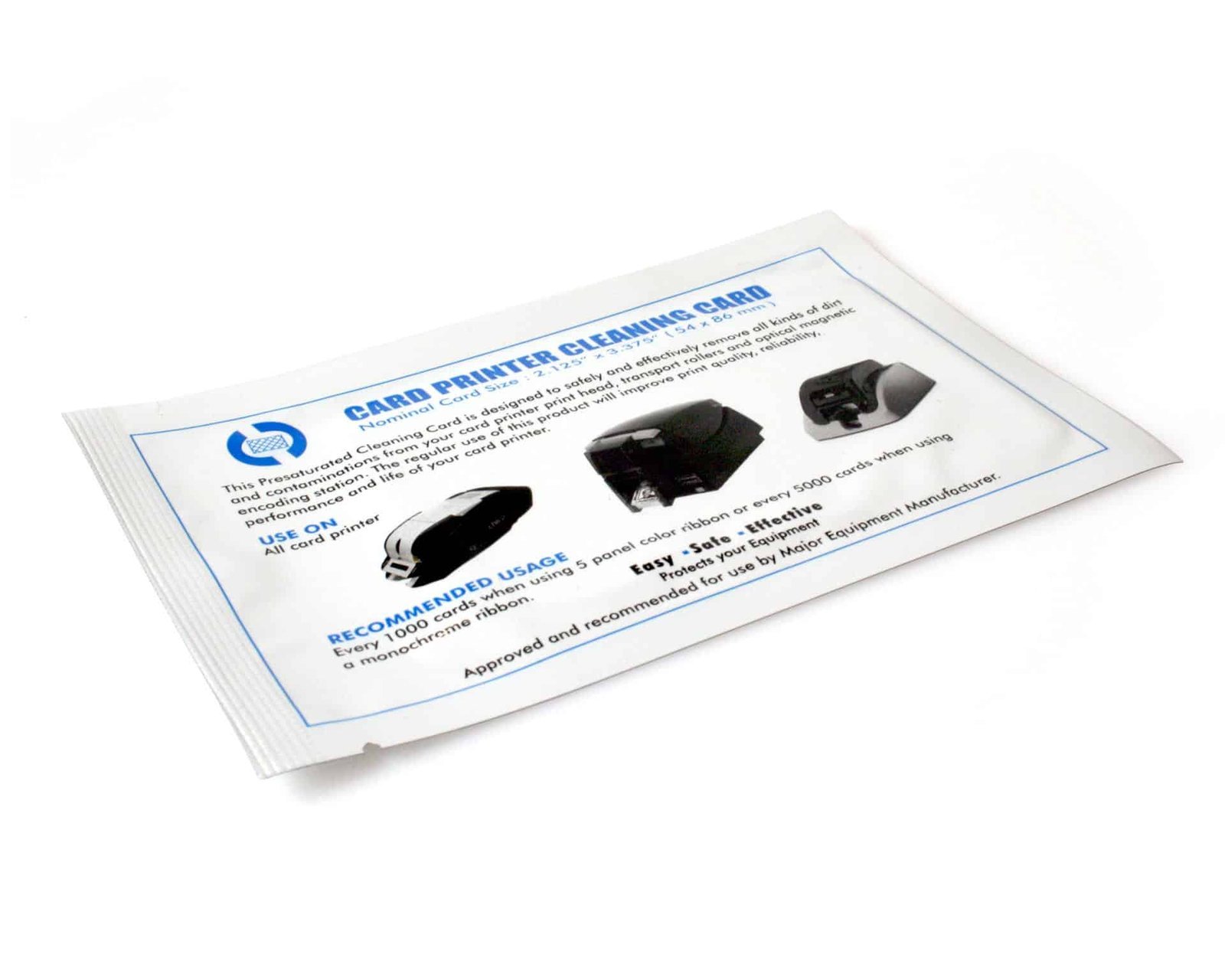### Check the cleaning-card requirements A printer accepting CR80 cards for printing does not establish that it uses CR80 cards for cleaning. Match the approved cleaning-card dimensions, treatment and procedure in your printer manual. Some models require long cards, T-shaped cards or adhesive cards for particular maintenance tasks. ### Choosing a Magicard cleaning kit instead? - [3633-0053 cleaning cards and pen](https://acb-ltd.com/product/magicard-3633-0053-printer-cleaning-kit-pack-of-10/) for the manufacturer-listed 300, 600, Rio Pro, Enduro, D, K and E+ families. - [CK1 cleaning kit](https://acb-ltd.com/product/magicard-ck1-printer-cleaning-kit-pack-of-5/) for the original Pronto. Pronto100 uses the separate E9100 reference. - [E9887 retransfer cleaning kit](https://acb-ltd.com/product/magicard-e9887-printer-cleaning-kit-pack-of-10/) for the listed Ultima, Prima and laminator equipment. These are separate maintenance products, not interchangeable cleaning-card formats. [Ask ACB to check your model and required reference](https://acb-ltd.com/contact-us/) if you are unsure which to order. See [Magicard’s model-specific cleaning-card guide](https://support.magicard.com/support-solution/correct-cleaning-card-for-your-magicard-printer/) for an example of why the correct card length matters. ## CR80 printer cleaning cards: buying questions ### Will every printer that prints CR80 cards use these? Check the cleaning instructions as well as the print-card size. CR80 print compatibility does not establish the maintenance-card requirement. Confirm dimensions, treatment and the required cleaning cycle with the manual or ACB before selecting ELCC. ### What does the pack contain? This is a pack of twenty-five cleaning cards. Printed ID cards, ribbon, film, pens and swabs are separate supplies. Keep the cleaning reference in the maintenance stock record so it remains distinct from the blank card stock used for printing. ### When should the printer be cleaned? Follow the maintenance schedule, cleaning prompts and preparation instructions for the exact printer. Keep a record of completed cleaning and the stock used. A single cleaning interval should not be assumed to apply across different models or operating conditions. When ordering CR80 printer cleaning cards, retain the complete reference and pack quantity in your stock record. [contact ACB](https://acb-ltd.com/contact-us/) with the printer model if you need help checking the required maintenance supplies. For organisations running several printers, identify each machine in the maintenance record. Store the cleaning supplies with their reference labels, and check remaining stock before a planned production run so the approved cleaning procedure can be completed when required. **Product brands:** Zebra **Product categories:** Printer Cleaning Kits, Printer Cleaning Kits **Product tags:** CR80 card cleaning cards, CR80 cleaning kit, extend printer life, High Quality Printing, ID card printer maintenance, printer cleaning kit, printhead cleaning, transport roller cleaning --- ### [Zebra ZC100/300 Cleaning Card Kit (5 Cards)](https://acb-ltd.com/product/zebra-zc100-300-cleaning-card-kit-5-cards/) **Published:** August 3, 2025 **Author:** acb_superadmin **Excerpt:** The Zebra 105999-311 cleaning cards offer supplies five cleaning cards for the supported Zebra ZC100 and ZC300 Series cleaning routine. Check the complete kit reference, pack contents and exact printer model before ordering maintenance stock. **Content:** ## Zebra 105999-311 cleaning cards The Zebra 105999-311 cleaning cards offer supplies five cleaning cards for the supported Zebra ZC100 and ZC300 Series cleaning routine. Check the complete kit reference, pack contents and exact printer model before ordering maintenance stock. ### Contents and purpose - 5 cleaning cards ### Match the cleaning routine to your printer Zebra lists separate two-card, five-card and 100-card packs under different references; 105999-311 is the five-card pack. Use the card through the approved printer cleaning cycle and follow the instructions for preparing the printer and removing consumables. Confirm the complete supplied label if your purchasing system uses an additional suffix. Use the component and cleaning cycle specified for your exact printer. Keep consumables ready for the maintenance intervals in its user guide. Contact ACB with the model and kit reference if you need help choosing supplies. Reference information: [Zebra ZC Series cleaning-kit reference guide](https://support.zebra.com/article/000018863). If your printer guide specifies a different cleaning reference, [browse the printer cleaning kits](https://acb-ltd.com/printer-cleaning-kits/) or [ask ACB to check your exact model](https://acb-ltd.com/contact-us/) before ordering. ## Zebra 105999-311 cleaning cards: buying questions ### Which pack size does this reference identify? The 105999-311 offer contains five cleaning cards. Zebra lists other quantities under other references. Check the complete pack label, including any suffix required by your purchasing system, so a different pack is not treated as the same order. ### How should I plan a maintenance refill? Use the exact ZC100 or ZC300 model and its cleaning instructions when identifying supplies. Record how many five-card packs are needed for the machines being maintained and keep the cards available for the next scheduled cleaning cycle. ### When should the printer be cleaned? Follow the maintenance schedule, cleaning prompts and preparation instructions for the exact printer. Keep a record of completed cleaning and the stock used. A single cleaning interval should not be assumed to apply across different models or operating conditions. When ordering Zebra 105999-311 cleaning cards, retain the complete reference and pack quantity in your stock record. [contact ACB](https://acb-ltd.com/contact-us/) with the printer model if you need help checking the required maintenance supplies. For organisations running several printers, identify each machine in the maintenance record. Store the cleaning supplies with their reference labels, and check remaining stock before a planned production run so the approved cleaning procedure can be completed when required. **Product brands:** Zebra **Product categories:** Printer Cleaning Kits, Printer Cleaning Kits **Product tags:** cleaning card kit, extend printer life, High Quality Printing, ID card printer maintenance, printhead cleaning, transport roller cleaning, Zebra cleaning kit, Zebra ZC100/300 --- ### [Evolis ACL004 T-Shaped Cleaning Cards (10 Pack)](https://acb-ltd.com/product/evolis-acl004-t-card-cleaning-kits-pack-of-10/) **Published:** August 3, 2025 **Author:** acb_superadmin **Excerpt:** The Evolis ACL004 cleaning cards offer supplies ten T-shaped cards for the specified transport-roller cleaning routine on supported Evolis printers. Check the complete kit reference, pack contents and exact printer model before ordering maintenance stock. **Content:** ## Evolis ACL004 cleaning cards The Evolis ACL004 cleaning cards offer supplies ten T-shaped cards for the specified transport-roller cleaning routine on supported Evolis printers. Check the complete kit reference, pack contents and exact printer model before ordering maintenance stock. ### Contents and purpose - 10 T-shaped cleaning cards ### Check the printer model Evolis lists ACL004 among the cleaning supplies for its Badgy200 printer. Check other printer generations against the compatibility chart and follow the transport-roller cleaning procedure for your exact model. ### Match the cleaning routine to your printer The pack supplies T cards, rather than ten complete multi-component cleaning kits. Match ACL004 to the printer generation in the Evolis chart and use the prescribed cleaning cycle. Adhesive roller-cleaning cards, swabs, pens and wipes are separate maintenance items where the printer requires them. Use the component and cleaning cycle specified for your exact printer. Keep consumables ready for the maintenance intervals in its user guide. Contact ACB with the model and kit reference if you need help choosing supplies. Reference information: [Evolis consumables compatibility chart](https://downloads.evolis.com/evolis/documents/consumables-compatibility-chart.pdf); [Evolis cleaning information](https://fr.evolis.com/wp-content/uploads/2023/04/Datasheet-CLEANING-ENG.pdf). If your printer guide specifies a different cleaning reference, [browse the printer cleaning kits](https://acb-ltd.com/printer-cleaning-kits/) or [ask ACB to check your exact model](https://acb-ltd.com/contact-us/) before ordering. ## Evolis ACL004 cleaning cards: buying questions ### Is this a complete multi-component kit? ACL004 supplies ten T-shaped cleaning cards. It does not contain the adhesive cards, swabs, printhead pen and wipes found in other cleaning combinations. Compare the required maintenance task with the listed contents before choosing a refill. ### Why check the exact Evolis generation? A printer family name can cover more than one maintenance arrangement. Use the model’s consumables chart and cleaning instructions to verify ACL004. Record the exact model and reference in your stock list for future orders. ### When should the printer be cleaned? Follow the maintenance schedule, cleaning prompts and preparation instructions for the exact printer. Keep a record of completed cleaning and the stock used. A single cleaning interval should not be assumed to apply across different models or operating conditions. When ordering Evolis ACL004 cleaning cards, retain the complete reference and pack quantity in your stock record. [contact ACB](https://acb-ltd.com/contact-us/) with the printer model if you need help checking the required maintenance supplies. For organisations running several printers, identify each machine in the maintenance record. Store the cleaning supplies with their reference labels, and check remaining stock before a planned production run so the approved cleaning procedure can be completed when required. **Product brands:** Evolis **Product categories:** Printer Cleaning Kits, Printer Cleaning Kits **Product tags:** Evolis ACL004, Evolis cleaning kit, extend printer life, High Quality Printing, ID card printer maintenance, printer cleaning kit, printhead cleaning, transport roller cleaning --- ### [Entrust Datacard 552141-002 Alcohol Cleaning Cards (10 Pack)](https://acb-ltd.com/product/datacard-552141-002-printer-cleaning-cards-pack-of-10/) **Published:** August 3, 2025 **Author:** acb_superadmin **Excerpt:** The Entrust 552141-002 cleaning cards offer supplies ten isopropanol-saturated cards for the approved card-path and transport-roller cleaning procedure. Check the complete kit reference, pack contents and exact printer model before ordering maintenance stock. **Content:** ## Entrust 552141-002 cleaning cards The Entrust 552141-002 cleaning cards offer supplies ten isopropanol-saturated cards for the approved card-path and transport-roller cleaning procedure. Check the complete kit reference, pack contents and exact printer model before ordering maintenance stock. ### Contents and purpose - 10 isopropanol cleaning cards ### Match the cleaning routine to your printer Entrust identifies this reference as an alcohol cleaning card. Match the reference and procedure to your printer; adhesive cards and printhead-cleaning tools have separate purposes. The Sigma cleaning guide includes 552141-002 for the isopropanol card-cleaning procedure. Follow its preparation and drying instructions for the exact model. Use the component and cleaning cycle specified for your exact printer. Keep consumables ready for the maintenance intervals in its user guide. Contact ACB with the model and kit reference if you need help choosing supplies. Reference information: [Entrust cleaning-card product information](https://store.entrust.com/default/cleaning-cards-10-per-pack-552141-002.html); [Entrust Sigma cleaning guide](https://www.entrust.com/sites/default/files/documentation/productsupport/528293-001c_ds_cleaningguide_view.pdf). If your printer guide specifies a different cleaning reference, [browse the printer cleaning kits](https://acb-ltd.com/printer-cleaning-kits/) or [ask ACB to check your exact model](https://acb-ltd.com/contact-us/) before ordering. ## Entrust 552141-002 cleaning cards: buying questions ### What quantity does this ACB offer contain? This listing supplies ten cards. Use both the 552141-002 reference and the stated ten-card quantity when comparing or recording the order. If your organisation’s catalogue shows another pack quantity, confirm the required supply with ACB before ordering. ### Are these printhead swabs or adhesive cards? These are alcohol cleaning cards for the specified card-cleaning routine. Swabs, pens and adhesive cards are different maintenance tools. Check which step your printer guide requires and keep the other prescribed components available separately. ### When should the printer be cleaned? Follow the maintenance schedule, cleaning prompts and preparation instructions for the exact printer. Keep a record of completed cleaning and the stock used. A single cleaning interval should not be assumed to apply across different models or operating conditions. When ordering Entrust 552141-002 cleaning cards, retain the complete reference and pack quantity in your stock record. [contact ACB](https://acb-ltd.com/contact-us/) with the printer model if you need help checking the required maintenance supplies. For organisations running several printers, identify each machine in the maintenance record. Store the cleaning supplies with their reference labels, and check remaining stock before a planned production run so the approved cleaning procedure can be completed when required. **Product brands:** Datacard **Product categories:** Printer Cleaning Kits, Printer Cleaning Kits **Product tags:** Datacard 552141-002, Datacard cleaning kit, extend printer life, High Quality Printing, ID card printer maintenance, printer cleaning kit, printhead cleaning, transport roller cleaning --- ### [Zebra 105999-701 ZXP Series 7 Print Station Cleaning Kit](https://acb-ltd.com/product/zebra-105999-701-zxp-series-7-printer-cleaning-kit-pack-of-12/) **Published:** August 3, 2025 **Author:** acb_superadmin **Excerpt:** The Zebra 105999-701 cleaning kit offer supplies twelve feeder cleaning cards and twelve print-path cleaning cards for the ZXP Series 7 print station. Check the complete kit reference, pack contents and exact printer model before ordering maintenance stock. **Content:** ## Zebra 105999-701 cleaning kit The Zebra 105999-701 cleaning kit offer supplies twelve feeder cleaning cards and twelve print-path cleaning cards for the ZXP Series 7 print station. Check the complete kit reference, pack contents and exact printer model before ordering maintenance stock. 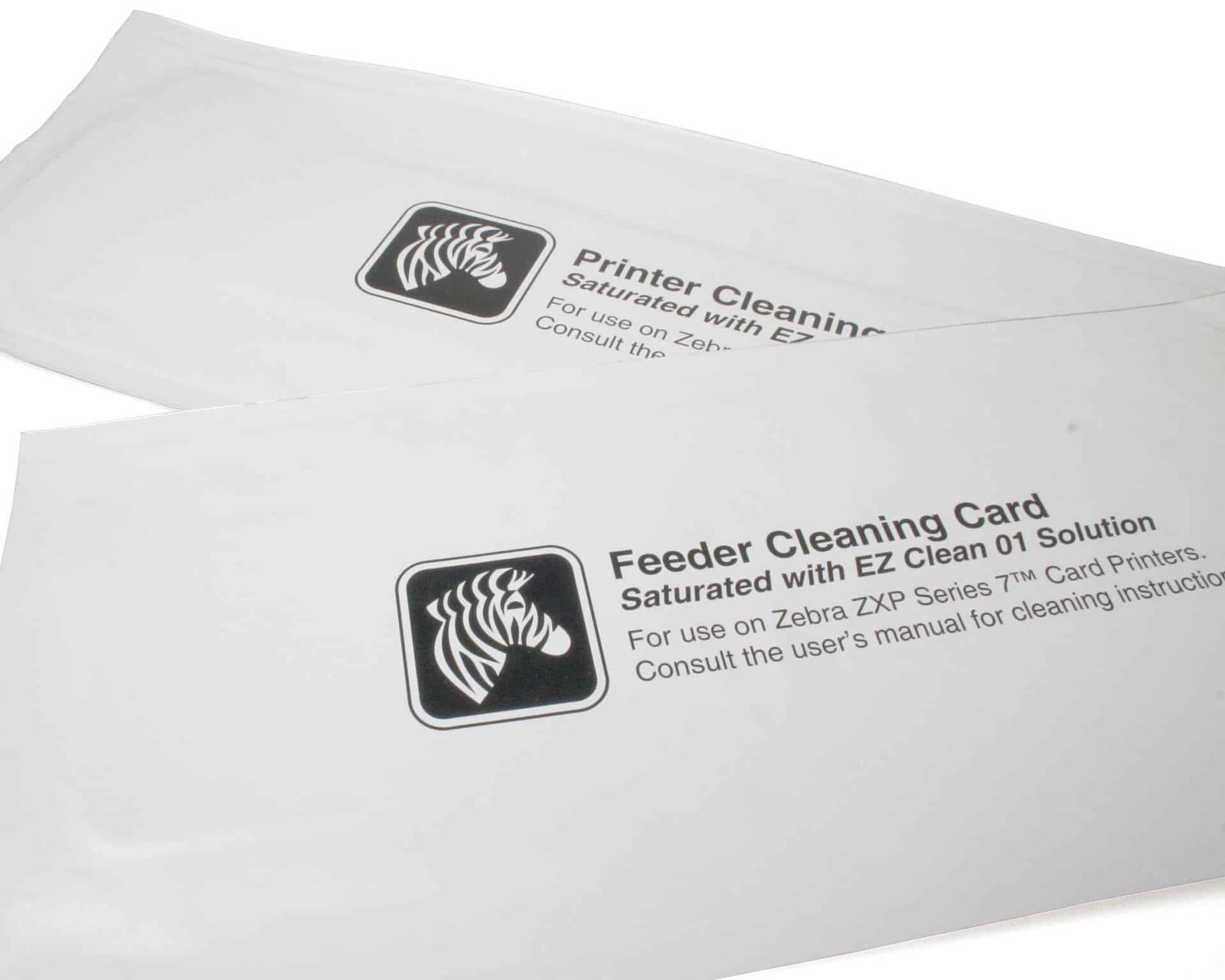### Contents and purpose - 12 feeder cleaning cards - 12 print-path cleaning cards ### Match the cleaning routine to your printer This is one kit containing two groups of cleaning cards. Use each card in the matching feeder or print-path cleaning procedure. A ZXP Series 7 installation with a laminator has additional maintenance requirements; confirm its separate cleaning supplies rather than treating this print-station kit as every consumable the system needs. Use the component and cleaning cycle specified for your exact printer. Keep consumables ready for the maintenance intervals in its user guide. Contact ACB with the model and kit reference if you need help choosing supplies. Reference information: [Zebra-authored 105999-701 technical sheet](https://media.distrelec.com/Web/Downloads/_t/ds/105999-701_eng_tds.pdf). If your printer guide specifies a different cleaning reference, [browse the printer cleaning kits](https://acb-ltd.com/printer-cleaning-kits/) or [ask ACB to check your exact model](https://acb-ltd.com/contact-us/) before ordering. ## Zebra 105999-701 cleaning kit: buying questions ### Does this cover the laminator as well? Reference 105999-701 is the print-station kit. A system with a laminator has an additional maintenance arrangement. Check the fitted modules and their separate supplies before preparing a complete service stock order for a ZXP Series 7 installation. ### Are there twelve complete kits inside? One kit contains twelve feeder cards and twelve print-path cards. Match each group to its own cleaning procedure. Keep the packs clearly identified so staff select the right card when following the printer’s guided maintenance steps. ### When should the printer be cleaned? Follow the maintenance schedule, cleaning prompts and preparation instructions for the exact printer. Keep a record of completed cleaning and the stock used. A single cleaning interval should not be assumed to apply across different models or operating conditions. When ordering Zebra 105999-701 cleaning kit, retain the complete reference and pack quantity in your stock record. [contact ACB](https://acb-ltd.com/contact-us/) with the printer model if you need help checking the required maintenance supplies. For organisations running several printers, identify each machine in the maintenance record. Store the cleaning supplies with their reference labels, and check remaining stock before a planned production run so the approved cleaning procedure can be completed when required. **Product brands:** Zebra **Product categories:** Printer Cleaning Kits, Printer Cleaning Kits **Product tags:** extend printer life, High Quality Printing, ID card printer maintenance, printer cleaning kit, printhead cleaning, transport roller cleaning, Zebra 105999-701, Zebra cleaning kit, ZXP Series 7 --- ### [Evolis ACL002 Advanced Printer Cleaning Kit](https://acb-ltd.com/product/evolis-acl002-advanced-printer-cleaning-kit-pack-of-2/) **Published:** August 3, 2025 **Author:** acb_superadmin **Excerpt:** The Evolis ACL002 cleaning kit offer supplies two T-shaped cards, two adhesive cards, one printhead pen and a dispenser of wipes in one advanced-maintenance kit. Check the complete kit reference, pack contents and exact printer model before ordering maintenance stock. **Content:** ## Evolis ACL002 cleaning kit The Evolis ACL002 cleaning kit offer supplies two T-shaped cards, two adhesive cards, one printhead pen and a dispenser of wipes in one advanced-maintenance kit. Check the complete kit reference, pack contents and exact printer model before ordering maintenance stock. 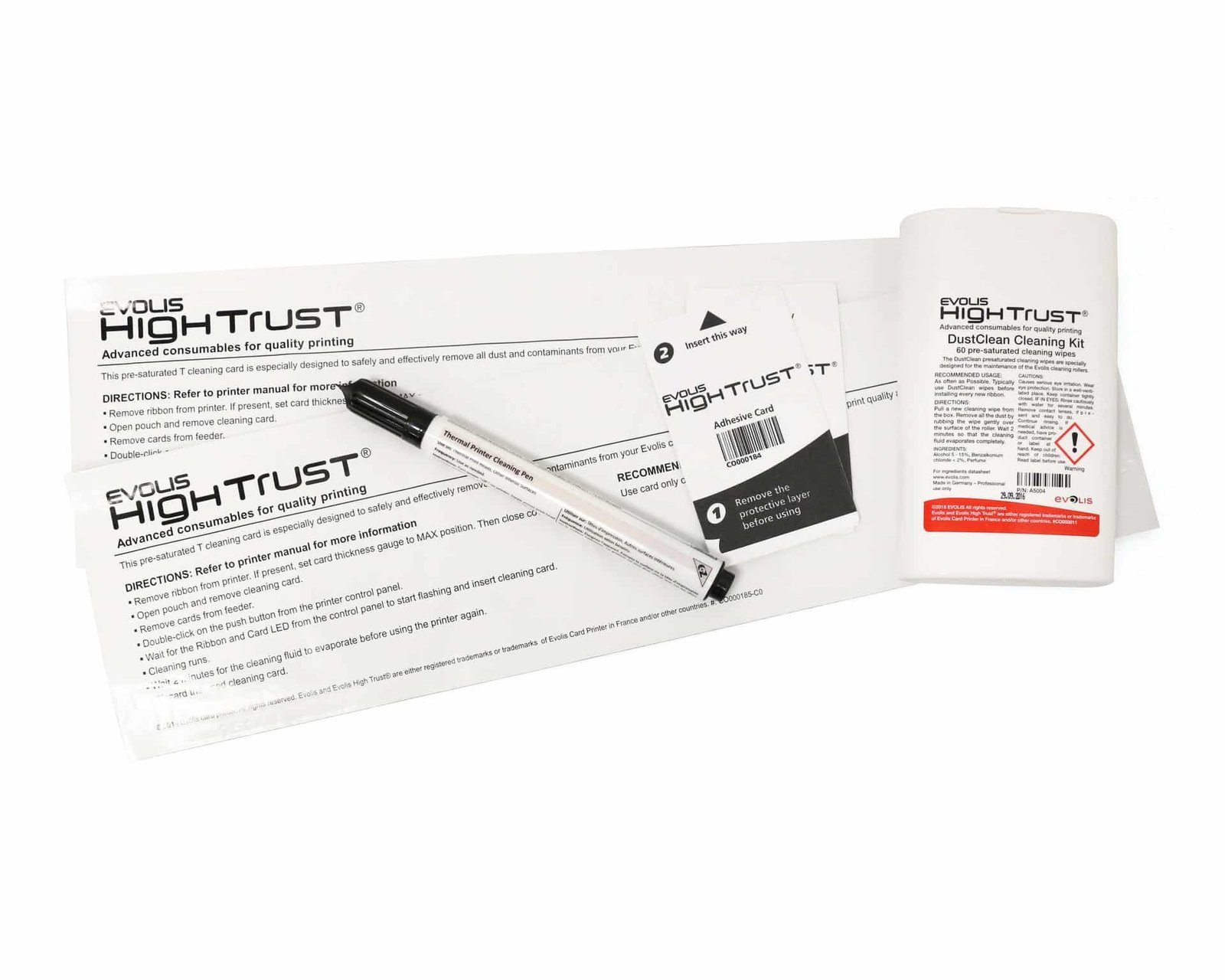### Contents and purpose - 2 pre-saturated T-shaped cleaning cards - 2 adhesive cleaning cards - 1 printhead cleaning pen - 1 dispenser of cleaning wipes ### Match the cleaning routine to your printer The two T cards are components of one kit. T cards, adhesive cards, the pen and wipes serve different steps in the maintenance routine. Check the Evolis compatibility chart for the exact printer generation and follow its advanced-cleaning procedure rather than substituting one component for another. Use the component and cleaning cycle specified for your exact printer. Keep consumables ready for the maintenance intervals in its user guide. Contact ACB with the model and kit reference if you need help choosing supplies. ### Restock the required cleaning tools Compare the [ACL001 regular cleaning kit](https://acb-ltd.com/product/evolis-acl001-printer-cleaning-kit-pack-of-5/) for its adhesive cards and swabs, or [ACL004 T-shaped cards](https://acb-ltd.com/product/evolis-acl004-t-card-cleaning-kits-pack-of-10/) for a T-card-only pack. Check the required procedure and exact-model compatibility before choosing between these separate products. Reference information: [Evolis consumables compatibility chart](https://downloads.evolis.com/evolis/documents/consumables-compatibility-chart.pdf); [Evolis cleaning guide](https://fr.evolis.com/wp-content/uploads/2023/04/Datasheet-CLEANING-ENG.pdf). If your printer guide specifies a different cleaning reference, [browse the printer cleaning kits](https://acb-ltd.com/printer-cleaning-kits/) or [ask ACB to check your exact model](https://acb-ltd.com/contact-us/) before ordering. ## Evolis ACL002 cleaning kit: buying questions ### How many complete kits are supplied? The offer is for one ACL002 advanced kit. The two T-shaped cards and two adhesive cards are components inside it. Record the complete contents when comparing supplies so a card count is not mistaken for a count of complete kits. ### Can the components be used interchangeably? Each item has a prescribed purpose in the supported printer’s procedure. T cards, adhesive cards, the pen and wipes should be matched to the relevant maintenance step. Check the exact model in the Evolis chart before selecting this advanced kit. ### When should the printer be cleaned? Follow the maintenance schedule, cleaning prompts and preparation instructions for the exact printer. Keep a record of completed cleaning and the stock used. A single cleaning interval should not be assumed to apply across different models or operating conditions. When ordering Evolis ACL002 cleaning kit, retain the complete reference and pack quantity in your stock record. [contact ACB](https://acb-ltd.com/contact-us/) with the printer model if you need help checking the required maintenance supplies. For organisations running several printers, identify each machine in the maintenance record. Store the cleaning supplies with their reference labels, and check remaining stock before a planned production run so the approved cleaning procedure can be completed when required. **Product brands:** Evolis **Product categories:** Printer Cleaning Kits, Printer Cleaning Kits **Product tags:** Evolis ACL002, Evolis cleaning kit, extend printer life, High Quality Printing, ID card printer maintenance, printer cleaning kit, printhead cleaning, transport roller cleaning --- ### [FARGO 89200 HDP5000 Printer Cleaning Kit](https://acb-ltd.com/product/fargo-89200-printer-cleaning-kit-pack-of-4/) **Published:** August 3, 2025 **Author:** acb_superadmin **Excerpt:** The FARGO 89200 cleaning kit offer supplies the ACB-listed combination of four swabs, ten cleaning cards, ten pads and three alcohol cards, subject to confirmation for the supplied HDP configuration. Check the complete kit reference, pack contents and exact printer model before ordering maintenance stock. **Content:** ## FARGO 89200 cleaning kit The FARGO 89200 cleaning kit offer supplies the ACB-listed combination of four swabs, ten cleaning cards, ten pads and three alcohol cards, subject to confirmation for the supplied HDP configuration. Check the complete kit reference, pack contents and exact printer model before ordering maintenance stock. ### Contents and purpose - 4 printhead cleaning swabs - 10 cleaning cards - 10 cleaning pads - 3 alcohol cleaning cards ### Match the cleaning routine to your printer These are the component quantities listed for this ACB offer. Confirm the supplied kit and printer model before ordering. For an HDP5000 or HDP5600, follow its maintenance instructions for the card path, rollers and printhead. Retransfer printers have ribbon and film cartridges to handle as directed by the cleaning procedure; cleaning supplies are separate from replacement print ribbon and film. Use the component and cleaning cycle specified for your exact printer. Keep consumables ready for the maintenance intervals in its user guide. Contact ACB with the model and kit reference if you need help choosing supplies. Reference information: [HID HDP5000/HDP5600 maintenance guide](https://www.hidglobal.com/documents/fargo-hdp5000-hdp5600-and-hdpii-plus-high-definition-card-printerencoder). If your printer guide specifies a different cleaning reference, [browse the printer cleaning kits](https://acb-ltd.com/printer-cleaning-kits/) or [ask ACB to check your exact model](https://acb-ltd.com/contact-us/) before ordering. ## FARGO 89200 cleaning kit: buying questions ### Which reference should I confirm before purchase? This offer is listed as 89200. HID’s current cleaning-kit catalogue lists 096200 for the HDP5000 family and related HDP models. Ask ACB to confirm the supplied 89200 kit, your exact printer generation and any replacement reference before ordering. ### Does this replenish ribbon or retransfer film? The listed items are cleaning supplies. Print ribbon and retransfer film are separate consumables, with their own model and ordering references. Plan maintenance stock alongside those supplies so the required cleaning tools are ready when the printer procedure calls for them. ### When should the printer be cleaned? Follow the maintenance schedule, cleaning prompts and preparation instructions for the exact printer. Keep a record of completed cleaning and the stock used. A single cleaning interval should not be assumed to apply across different models or operating conditions. When ordering FARGO 89200 cleaning kit, retain the complete reference and pack quantity in your stock record. [contact ACB](https://acb-ltd.com/contact-us/) with the printer model if you need help checking the required maintenance supplies. For organisations running several printers, identify each machine in the maintenance record. Store the cleaning supplies with their reference labels, and check remaining stock before a planned production run so the approved cleaning procedure can be completed when required. See the [current HID cleaning-kit catalogue](https://www.hidglobal.com/products/printer-cleaning-kits-accessories) for the manufacturer’s current HDP-family reference. ACB must confirm the supplied offer and any replacement before you rely on a different catalogue number. **Product brands:** Fargo **Product categories:** Printer Cleaning Kits, Printer Cleaning Kits **Product tags:** extend printer life, Fargo 89200, Fargo cleaning kit, High Quality Printing, ID card printer maintenance, printer cleaning kit, printhead cleaning, transport roller cleaning --- ### [FARGO 86177 Printer Cleaning Kit](https://acb-ltd.com/product/fargo-86177-printer-cleaning-kit-pack-of-4/) **Published:** August 3, 2025 **Author:** acb_superadmin **Excerpt:** The FARGO 86177 cleaning kit offer supplies four printhead swabs, ten cleaning cards and three alcohol cleaning cards for the manufacturer-listed FARGO direct-to-card models. Check the complete kit reference, pack contents and exact printer model before ordering maintenance stock. **Content:** ## FARGO 86177 cleaning kit The FARGO 86177 cleaning kit offer supplies four printhead swabs, ten cleaning cards and three alcohol cleaning cards for the manufacturer-listed FARGO direct-to-card models. Check the complete kit reference, pack contents and exact printer model before ordering maintenance stock. 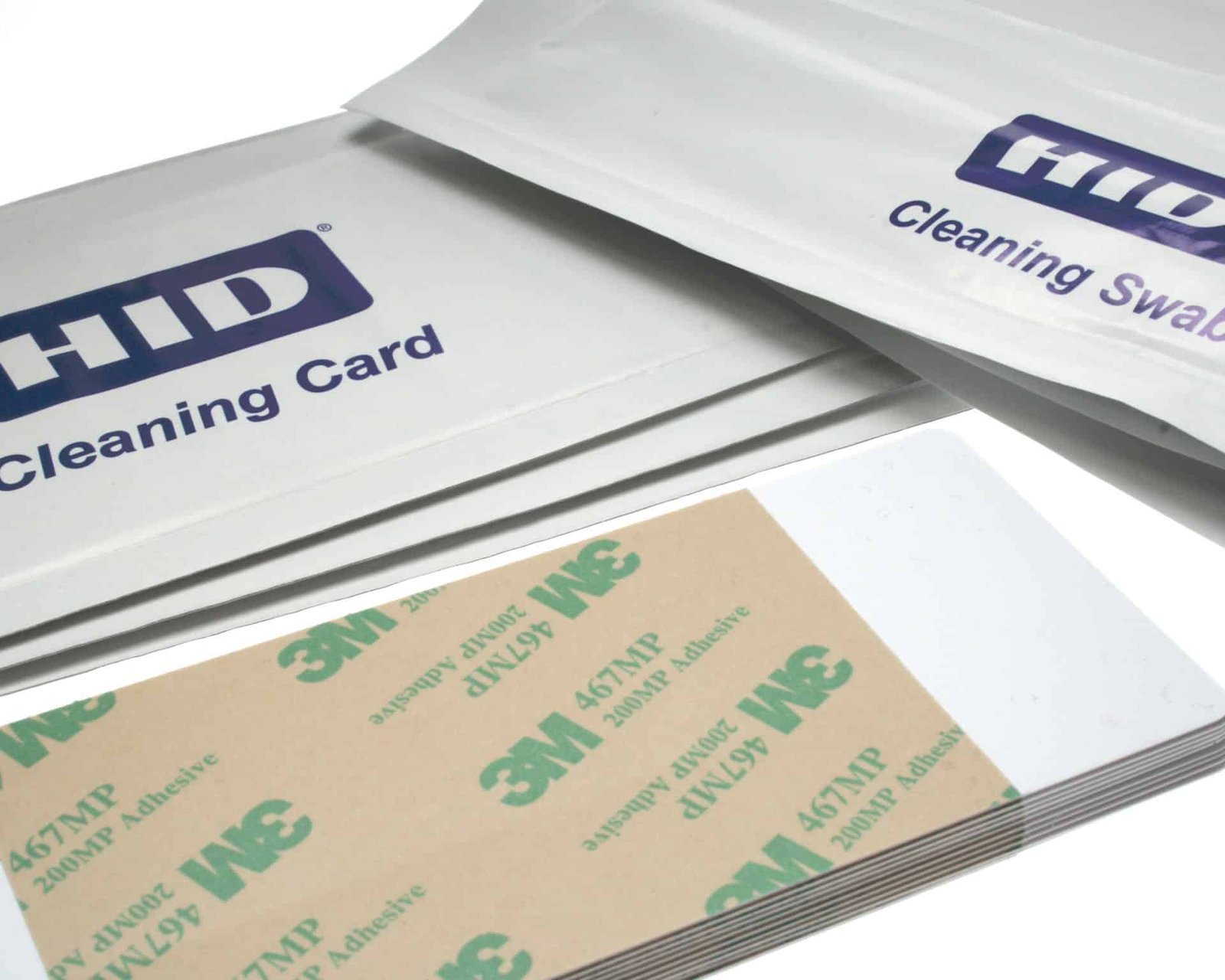### Manufacturer-listed kit contents - 4 printhead cleaning swabs - 10 cleaning cards - 3 alcohol cleaning cards ### Compatible printer references HID lists this kit for C50, DTC1000Me, DTC1250e, DTC1500, DTC4250e and DTC4500e. Match the complete model name before ordering; other FARGO models can require a different kit. ### Use the correct maintenance step Use each card or swab for the task specified in the printer guide. Follow the preparation, cleaning and return-to-service instructions for that model. The card-cleaning cycle and printhead-cleaning procedure are separate steps. Reference information: [HID FARGO cleaning-kit contents and printer compatibility](https://www.hidglobal.com/products/printer-cleaning-kits-accessories); [HID FARGO DTC user guide](https://www.hidglobal.com/documents/fargo-dtc1250e-1000me-dtc4250e-and-dtcii-plus-user-guide). If your printer guide specifies a different cleaning reference, [browse the printer cleaning kits](https://acb-ltd.com/printer-cleaning-kits/) or [ask ACB to check your exact model](https://acb-ltd.com/contact-us/) before ordering. ## FARGO 86177 cleaning kit: buying questions ### Are 86177 and 086177 different references here? HID publishes this cleaning-kit reference as 086177, while this offer uses 86177. Retain the full manufacturer reference and the listed component counts in your purchasing record, and confirm the printer model before replenishing supplies. ### Does it fit every FARGO printer? Use the manufacturer-listed model names above. The FARGO range includes different printing technologies and maintenance arrangements, so the brand name by itself is insufficient. A retransfer printer or a separate laminator may need another cleaning reference. ### When should the printer be cleaned? Follow the maintenance schedule, cleaning prompts and preparation instructions for the exact printer. Keep a record of completed cleaning and the stock used. A single cleaning interval should not be assumed to apply across different models or operating conditions. When ordering FARGO 86177 cleaning kit, retain the complete reference and pack quantity in your stock record. [contact ACB](https://acb-ltd.com/contact-us/) with the printer model if you need help checking the required maintenance supplies. For organisations running several printers, identify each machine in the maintenance record. Store the cleaning supplies with their reference labels, and check remaining stock before a planned production run so the approved cleaning procedure can be completed when required. **Product brands:** Fargo, HID **Product categories:** Printer Cleaning Kits, Printer Cleaning Kits **Product tags:** extend printer life, Fargo 86177, Fargo cleaning kit, High Quality Printing, ID card printer maintenance, printer cleaning kit, printhead cleaning, transport roller cleaning --- ### [Evolis ACL001 Regular Cleaning Kit – 5 Cards & 5 Swabs](https://acb-ltd.com/product/evolis-acl001-printer-cleaning-kit-pack-of-5/) **Published:** August 3, 2025 **Author:** acb_superadmin **Excerpt:** The Evolis ACL001 cleaning kit offer supplies five adhesive cleaning cards and five swabs for regular maintenance on supported Evolis printers. Check the complete kit reference, pack contents and exact printer model before ordering maintenance stock. **Content:** ## Evolis ACL001 cleaning kit The Evolis ACL001 cleaning kit offer supplies five adhesive cleaning cards and five swabs for regular maintenance on supported Evolis printers. Check the complete kit reference, pack contents and exact printer model before ordering maintenance stock. 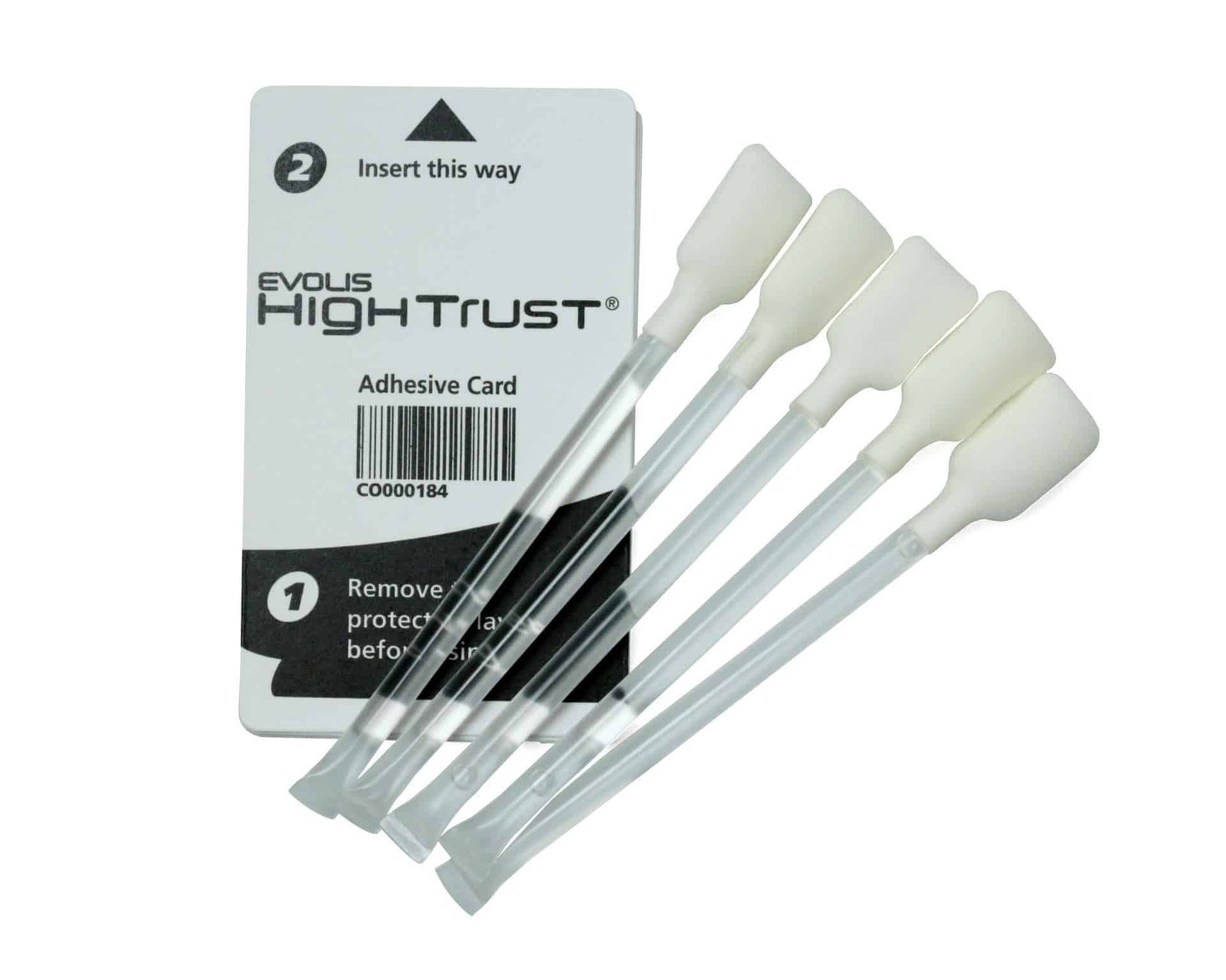### Contents and purpose - 5 adhesive cleaning cards - 5 cleaning swabs ### Match the cleaning routine to your printer Use adhesive cards for the cleaning-roller procedure and the swabs for the specified printhead-cleaning step. Match ACL001 to the exact printer generation in the Evolis compatibility chart. Evolis supplies different card shapes and cleaning references across its printer families, so a brand match alone does not establish compatibility. Use the component and cleaning cycle specified for your exact printer. Keep consumables ready for the maintenance intervals in its user guide. Contact ACB with the model and kit reference if you need help choosing supplies. ### Regular cleaning and advanced cleaning ACL001 contains adhesive cards and swabs. The [ACL002 advanced kit](https://acb-ltd.com/product/evolis-acl002-advanced-printer-cleaning-kit-pack-of-2/) also supplies T-shaped cards, a pen and wipes; [ACL004](https://acb-ltd.com/product/evolis-acl004-t-card-cleaning-kits-pack-of-10/) is a separate ten-card T-shaped pack. Use the kit reference and maintenance step specified for your printer. Reference information: [Evolis consumables compatibility chart](https://downloads.evolis.com/evolis/documents/consumables-compatibility-chart.pdf); [Evolis cleaning information](https://fr.evolis.com/wp-content/uploads/2023/04/Datasheet-CLEANING-ENG.pdf). If your printer guide specifies a different cleaning reference, [browse the printer cleaning kits](https://acb-ltd.com/printer-cleaning-kits/) or [ask ACB to check your exact model](https://acb-ltd.com/contact-us/) before ordering. ## Evolis ACL001 cleaning kit: buying questions ### What is included in one regular kit? One ACL001 kit contains five adhesive cards and five swabs. The two component types serve different maintenance steps. Keep them labelled in the printer supplies area so the person cleaning the machine can select the prescribed tool. ### How does ACL001 differ from advanced cleaning? The regular kit supplies adhesive cards and swabs. If the printer procedure calls for T-shaped cards, a pen or wipes, check the appropriate advanced kit or separate refill. Choose by the maintenance task and compatibility chart, rather than the number of components. ### When should the printer be cleaned? Follow the maintenance schedule, cleaning prompts and preparation instructions for the exact printer. Keep a record of completed cleaning and the stock used. A single cleaning interval should not be assumed to apply across different models or operating conditions. When ordering Evolis ACL001 cleaning kit, retain the complete reference and pack quantity in your stock record. [contact ACB](https://acb-ltd.com/contact-us/) with the printer model if you need help checking the required maintenance supplies. For organisations running several printers, identify each machine in the maintenance record. Store the cleaning supplies with their reference labels, and check remaining stock before a planned production run so the approved cleaning procedure can be completed when required. **Product brands:** Evolis **Product categories:** Printer Cleaning Kits, Printer Cleaning Kits **Product tags:** Evolis ACL001, Evolis cleaning kit, extend printer life, High Quality Printing, ID card printer maintenance, printer cleaning kit, printhead cleaning, transport roller cleaning --- ### [IDP SMART 659909 Long Cleaning Cards (Pack of 10)](https://acb-ltd.com/product/idp-smart-31-51-659909-long-sleeve-cleaning-card-kit-pack-of-10/) **Published:** August 3, 2025 **Author:** acb_superadmin **Excerpt:** The IDP 659909 cleaning cards offer supplies ten long cleaning cards for the supported SMART-31 and SMART-51 automatic cleaning routine. Check the complete kit reference, pack contents and exact printer model before ordering maintenance stock. **Content:** ## IDP 659909 cleaning cards The IDP 659909 cleaning cards offer supplies ten long cleaning cards for the supported SMART-31 and SMART-51 automatic cleaning routine. Check the complete kit reference, pack contents and exact printer model before ordering maintenance stock. ### Contents and purpose - 10 long cleaning cards ### Match the cleaning routine to your printer IDP describes 659909 as its long-sleeve cleaning-card kit. The cards are cleaning consumables, not replacement sleeves for a fitted roller. Follow the printer cleaning utility and model instructions for preparing the printer, feeding the card and returning it to service. Use the component and cleaning cycle specified for your exact printer. Keep consumables ready for the maintenance intervals in its user guide. Contact ACB with the model and kit reference if you need help choosing supplies. Reference information: [IDP SMART-31 consumables](https://www.idpamericas.com/card-printers/smart-31s/); [IDP SMART-51 consumables](https://www.idpamericas.com/card-printers/smart-51s/). If your printer guide specifies a different cleaning reference, [browse the printer cleaning kits](https://acb-ltd.com/printer-cleaning-kits/) or [ask ACB to check your exact model](https://acb-ltd.com/contact-us/) before ordering. ## IDP 659909 cleaning cards: buying questions ### Does long-sleeve mean replacement roller sleeves? No. Reference 659909 identifies long cleaning cards. A fitted cleaning roller or replacement roller sleeve is a different item. Keep the complete reference in the maintenance record so staff do not order a similarly described component. ### Which printers should I check? Check the SMART-31 or SMART-51 model and its automatic cleaning instructions. Give ACB the full printer designation if your system uses another SMART model, an additional module or a different reference in its manual. ### When should the printer be cleaned? Follow the maintenance schedule, cleaning prompts and preparation instructions for the exact printer. Keep a record of completed cleaning and the stock used. A single cleaning interval should not be assumed to apply across different models or operating conditions. When ordering IDP 659909 cleaning cards, retain the complete reference and pack quantity in your stock record. [contact ACB](https://acb-ltd.com/contact-us/) with the printer model if you need help checking the required maintenance supplies. For organisations running several printers, identify each machine in the maintenance record. Store the cleaning supplies with their reference labels, and check remaining stock before a planned production run so the approved cleaning procedure can be completed when required. **Product brands:** IDP **Product categories:** Printer Cleaning Kits, Printer Cleaning Kits **Product tags:** 659909, cleaning card kit, extend printer life, High Quality Printing, ID card printer maintenance, IDP Smart 31/51, printer cleaning kit, transport roller cleaning --- ### [15mm Recycled Plain Black Lanyards with Card Reels](https://acb-ltd.com/product/15mm-recycled-plain-black-lanyards-with-card-reels/) **Published:** August 3, 2025 **Author:** acb_superadmin **Excerpt:** These black lanyards with card reels combine a recycled PET (rPET) strap with an integrated retractable badge reel and breakaway fitting. The ACB offer is listed as a pack of 50. Match the reel connection to your badge holder and confirm the supplied strap width before ordering. **Content:** ## Black lanyards with card reels These black lanyards with card reels combine a recycled PET (rPET) strap with an integrated retractable badge reel and breakaway fitting. The ACB offer is listed as a pack of 50. Match the reel connection to your badge holder and confirm the supplied strap width before ordering. ### Check the supplied specification The strap is listed as recycled PET with a breakaway fitting. Confirm the exact strap width with ACB before ordering where width matters. Use a card holder that matches the reel attachment. Follow your organisation’s wearing policy, inspect the breakaway and reel before use, and guide the badge back after extending it. ### Pack and other requirements This offer is listed as 50 black lanyards with reels. Ask ACB about other colours or quantities rather than assuming they are selectable on this product. A recycled strap does not establish recycled content for the plastic fittings or reel, and a breakaway fitting does not guarantee protection against injury. ### Plan a consistent badge arrangement Prepare one complete badge assembly with your usual card and holder. Check that names, photographs and any code remain visible, and that the reel reaches the intended reader position. Record the confirmed strap width and reel attachment for replacement orders. ## Black lanyards with card reels: buying questions ### What is included in the fifty-item pack? The listed supply is fifty black lanyards with integrated reels. Printed ID cards and separate card holders are additional items. Calculate the number of packs from the planned issue and replacement requirement before ordering. ### Is the reel a separate clip-on accessory? The reel is integrated into this lanyard design. Match its badge connection to the holder you intend to use. If you need a different fastening or a separate reel for existing straps, ask ACB to check the required arrangement. ### Which strap width will be supplied? Confirm the exact supplied width with ACB where it matters to your specification. Keep that confirmation with your order, particularly when matching an existing badge scheme or preparing a repeat organisational purchase. Use black lanyards with card reels with a compatible [landscape card holder](https://acb-ltd.com/product/clear-id-card-holder-single-sided-landscape/), or [contact ACB](https://acb-ltd.com/contact-us/) to check your holder and reel connection. **Product categories:** Lanyards, Plain Lanyards --- ### [NHS Lanyard with Badge Reel & Double-Sided ID Card Holder](https://acb-ltd.com/product/nhs-lanyard-with-badge-reel-double-sided-id-card-holder/) **Published:** August 3, 2025 **Author:** acb_superadmin **Excerpt:** This NHS lanyard badge holder set provides an approximately 15 mm blue woven polyester strap, breakaway fitting, retractable reel and double-sided CR80 holder. It is intended for staff identification by authorised NHS organisations and officially contracted services, subject to the supply notice below. **Content:** ## NHS lanyard badge holder set This NHS lanyard badge holder set provides an approximately 15 mm blue woven polyester strap, breakaway fitting, retractable reel and double-sided CR80 holder. It is intended for staff identification by authorised NHS organisations and officially contracted services, subject to the supply notice below. 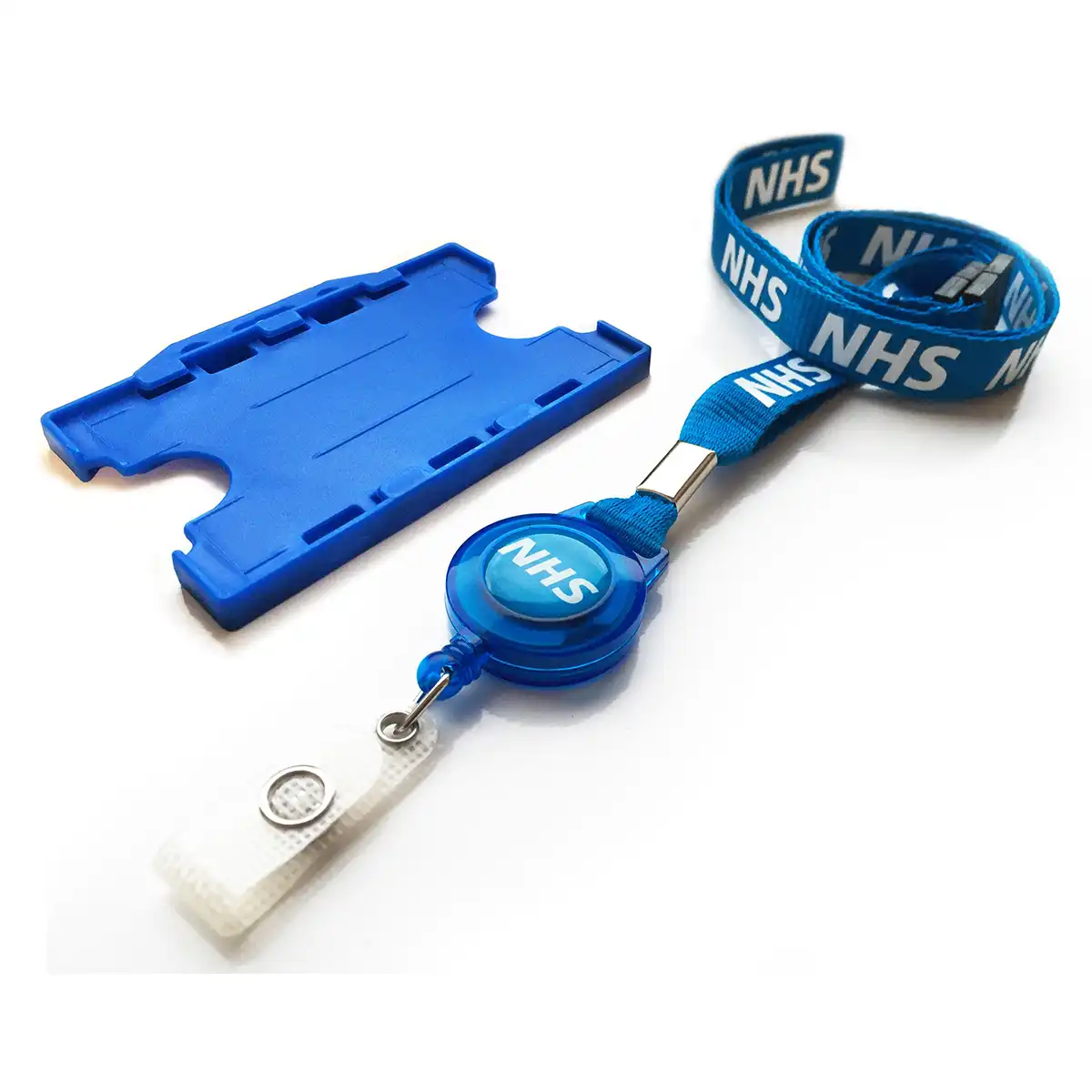### Keep identification within reach The woven polyester lanyard is approximately 15 mm wide and has a breakaway fitting. The retractable reel lets staff bring a card towards a reader while it remains attached. The double-sided holder accommodates credit-card-size CR80 identification; check your existing card and holder arrangement before ordering. ### Use and ordering Inspect the lanyard, reel and fittings regularly and replace any part showing wear or damage. Check the availability shown on this page or contact ACB about organisational quantities and lead times. ### Prepare the complete staff badge The set combines the strap, retractable reel and double-sided holder. Check that your standard CR80 credential fits the holder and that the intended badge information remains visible on the completed assembly. Keep the chosen strap and holder configuration in your organisational ordering record. Prepare a sample with the finished credential before arranging a larger staff issue, then follow the local wearing and badge-management policy. ## NHS lanyard badge holder set: buying questions ### Who can order this NHS-branded product? Supply is restricted to authorised NHS organisations and organisations officially contracted to deliver NHS services. Use valid NHS or authorised organisational details when ordering. The full supply notice below applies to this listing. ### Which quantity or set is listed? This is the lanyard, reel and holder set described above. The printed credential is separate. Check the page availability or ask ACB about organisational quantities and lead times before planning the issue. For help matching a NHS lanyard badge holder set to your staff credential, compare the [clear landscape CR80 holder](https://acb-ltd.com/product/clear-id-card-holder-single-sided-landscape/) where a separate holder is needed, or [contact ACB](https://acb-ltd.com/contact-us/). **Important NHS Supply Notice** This product is supplied only to authorised NHS organisations, NHS Trusts, NHS departments, or organisations officially contracted to deliver NHS services. We do not supply NHS-branded lanyards to private individuals or unauthorised buyers. Orders must be placed using valid NHS or authorised organisational details. We reserve the right to cancel and refund any order that we believe has been placed by an individual or unauthorised organisation. **Product categories:** Healthcare Lanyards, Lanyards, NHS Lanyards **Product tags:** Badge Reel, clinic lanyard, healthcare identification, healthcare lanyard, hospital lanyard, ID Card Holder, medical lanyard, NHS ID lanyard, NHS lanyard, retractable badge reel, Safety Breakaway Lanyard --- ### [NHS Rainbow Lanyard with Metal Lobster Clip & Double Breakaway](https://acb-ltd.com/product/nhs-rainbow-lanyard-with-metal-lobster-clip-double-breakaway/) **Published:** August 3, 2025 **Author:** acb_superadmin **Excerpt:** This NHS rainbow breakaway lanyard provides a woven polyester rainbow strap, metal lobster clip and two breakaway points. It is intended for staff identification by authorised NHS organisations and officially contracted services, subject to the supply notice below. **Content:** ## NHS rainbow breakaway lanyard This NHS rainbow breakaway lanyard provides a woven polyester rainbow strap, metal lobster clip and two breakaway points. It is intended for staff identification by authorised NHS organisations and officially contracted services, subject to the supply notice below. ### Match the staff ID setup Choose a card holder that fits your badge and the lanyard attachment. Check the attachment and badge layout before placing a team order. Breakaway fittings are a design feature, not a guarantee against injury. Follow your organisation’s workplace assessment and lanyard policy. ### Organisation orders Quantity options on this listing: 1, 5, 10, 15, 50, 100. Place orders using valid NHS or authorised organisational details and retain the supply notice when sharing the product with colleagues. Inspect the strap, clips and any reel before issue. Contact ACB if the order depends on a particular strap width, clip arrangement or replacement component. ### Prepare the complete staff badge This rainbow design has a metal lobster clip and double breakaway. Match those details to the intended holder. Confirm strap dimensions with ACB where a particular width forms part of the purchasing specification. Keep the chosen strap and holder configuration in your organisational ordering record. Prepare a sample with the finished credential before arranging a larger staff issue, then follow the local wearing and badge-management policy. ## NHS rainbow breakaway lanyard: buying questions ### Who can order this NHS-branded product? Supply is restricted to authorised NHS organisations and organisations officially contracted to deliver NHS services. Use valid NHS or authorised organisational details when ordering. The full supply notice below applies to this listing. ### Which quantity or set is listed? The published quantity options are 1, 5, 10, 15, 50 or 100 lanyards. Check the current availability and selected price on the page. The listed options are currently out of stock; ask ACB about supply before scheduling an issue. For help matching a NHS rainbow breakaway lanyard to your staff credential, compare the [clear landscape CR80 holder](https://acb-ltd.com/product/clear-id-card-holder-single-sided-landscape/) where a separate holder is needed, or [contact ACB](https://acb-ltd.com/contact-us/). **Important NHS Supply Notice** This product is supplied only to authorised NHS organisations, NHS Trusts, NHS departments, or organisations officially contracted to deliver NHS services. We do not supply NHS-branded lanyards to private individuals or unauthorised buyers. Orders must be placed using valid NHS or authorised organisational details. We reserve the right to cancel and refund any order that we believe has been placed by an individual or unauthorised organisation. **Product brands:** ACB Ltd **Product categories:** Healthcare Lanyards, Lanyards, NHS Lanyards --- ### [NHS Lanyard with Integrated Badge Reel (rPET)](https://acb-ltd.com/product/nhs-lanyard-integrated-badge-reel-with-double-breakaway/) **Published:** August 3, 2025 **Author:** acb_superadmin **Excerpt:** This NHS badge reel lanyard provides a blue rPET strap, integrated retractable badge reel and two breakaway points. It is intended for staff identification by authorised NHS organisations and officially contracted services, subject to the supply notice below. **Content:** ## NHS badge reel lanyard This NHS badge reel lanyard provides a blue rPET strap, integrated retractable badge reel and two breakaway points. It is intended for staff identification by authorised NHS organisations and officially contracted services, subject to the supply notice below. 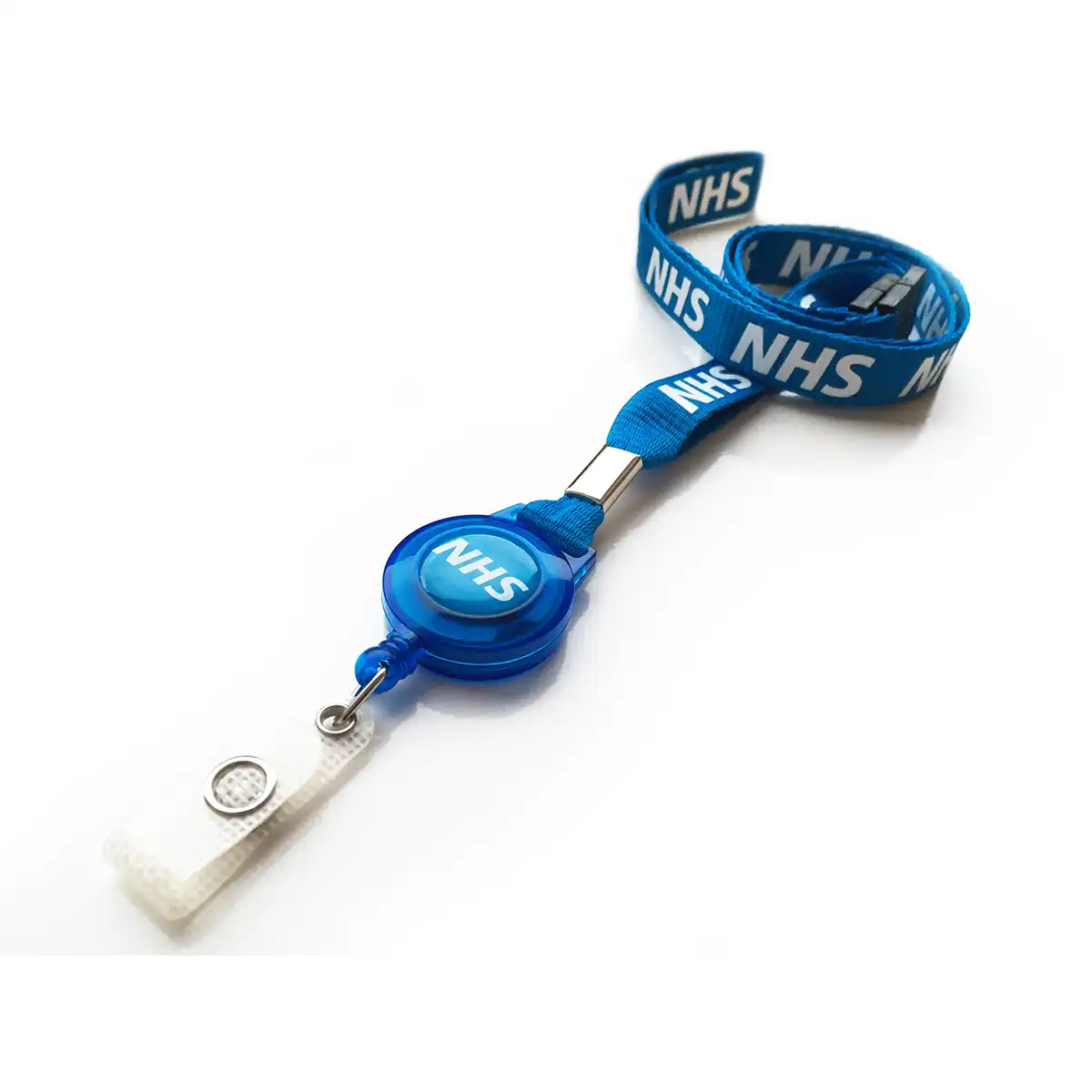### Match the staff ID setup Choose a card holder that fits your badge and the lanyard attachment. The reel extends the badge towards a compatible reader and retracts it after use. Breakaway fittings are a design feature, not a guarantee against injury. Follow your organisation’s workplace assessment and lanyard policy. ### Organisation orders Quantity options on this listing: 1, 5, 10, 25, 50, 100. Place orders using valid NHS or authorised organisational details and retain the supply notice when sharing the product with colleagues. Inspect the strap, clips and any reel before issue. Contact ACB if the order depends on a particular strap width, clip arrangement or replacement component. ### Prepare the complete staff badge The integrated reel allows an attached badge to extend towards a reader. Check the reel connection and required reach for the actual working position, and guide the badge back after use. Keep the chosen strap and holder configuration in your organisational ordering record. Prepare a sample with the finished credential before arranging a larger staff issue, then follow the local wearing and badge-management policy. ## NHS badge reel lanyard: buying questions ### Who can order this NHS-branded product? Supply is restricted to authorised NHS organisations and organisations officially contracted to deliver NHS services. Use valid NHS or authorised organisational details when ordering. The full supply notice below applies to this listing. ### Which quantity or set is listed? The published quantity options are 1, 5, 10, 25, 50 or 100 lanyards. Check the current availability and selected price on the page. The listed options are currently out of stock; ask ACB about supply before scheduling an issue. For help matching a NHS badge reel lanyard to your staff credential, compare the [clear landscape CR80 holder](https://acb-ltd.com/product/clear-id-card-holder-single-sided-landscape/) where a separate holder is needed, or [contact ACB](https://acb-ltd.com/contact-us/). **Important NHS Supply Notice** This product is supplied only to authorised NHS organisations, NHS Trusts, NHS departments, or organisations officially contracted to deliver NHS services. We do not supply NHS-branded lanyards to private individuals or unauthorised buyers. Orders must be placed using valid NHS or authorised organisational details. We reserve the right to cancel and refund any order that we believe has been placed by an individual or unauthorised organisation. **Product categories:** Healthcare Lanyards, Lanyards, NHS Lanyards **Product tags:** Double Breakaway Lanyards, Healthcare Professional Lanyards, ID badge lanyards, NHS Blue Lanyards, NHS Essentials, NHS ID Lanyards, NHS Identification Accessories, NHS Safety Products, NHS Staff Lanyards, NHS Staff Supplies, NHS Uniform Accessories, Safety Lanyards --- ### [NHS Double Breakaway Lanyard](https://acb-ltd.com/product/nhs-double-breakaway-lanyard/) **Published:** August 3, 2025 **Author:** acb_superadmin **Excerpt:** This NHS double breakaway lanyard provides a blue rPET strap with two breakaway points. It is intended for staff identification by authorised NHS organisations and officially contracted services, subject to the supply notice below. **Content:** ## NHS double breakaway lanyard This NHS double breakaway lanyard provides a blue rPET strap with two breakaway points. It is intended for staff identification by authorised NHS organisations and officially contracted services, subject to the supply notice below. 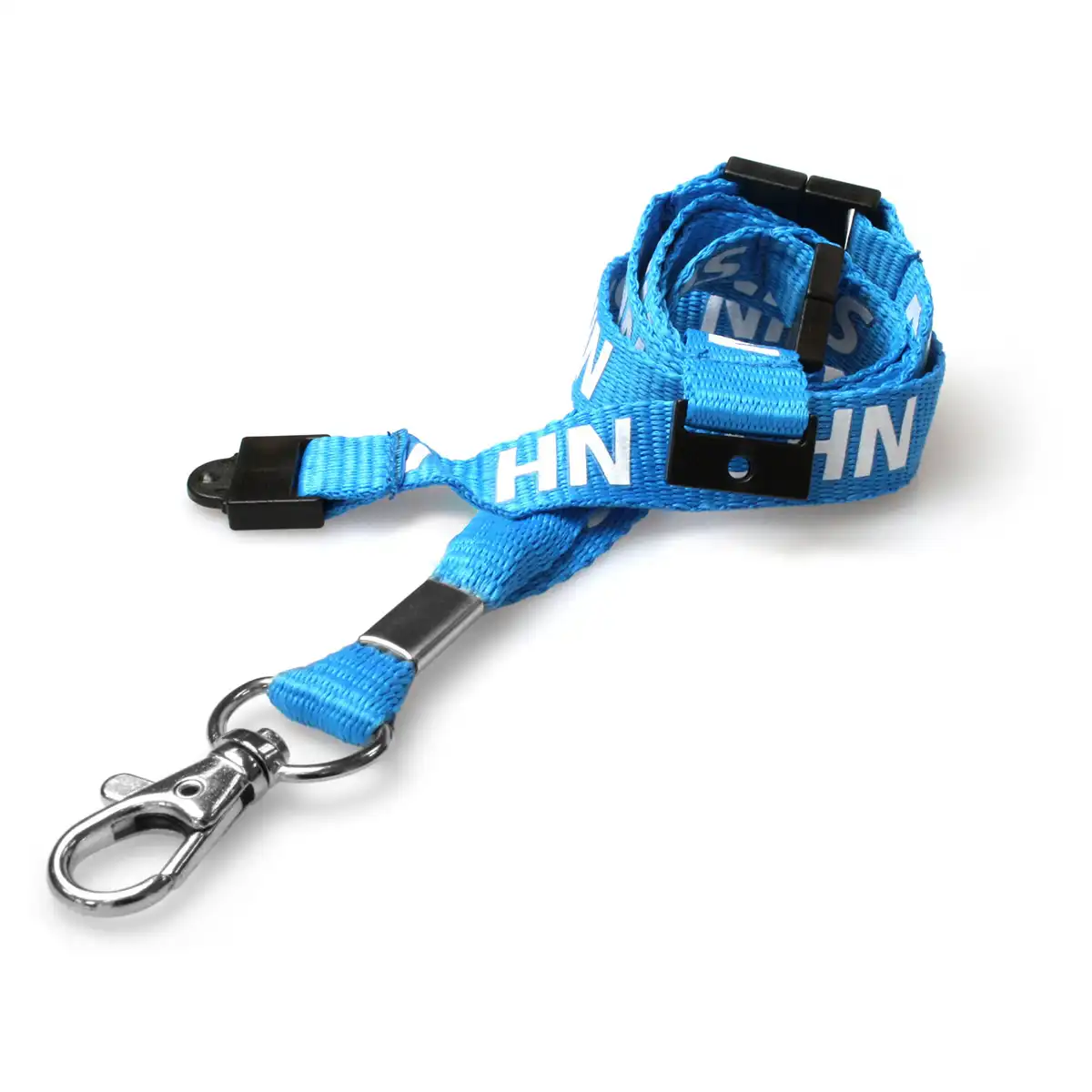### Match the staff ID setup Choose a card holder that fits your badge and the lanyard attachment. Check the attachment and badge layout before placing a team order. Breakaway fittings are a design feature, not a guarantee against injury. Follow your organisation’s workplace assessment and lanyard policy. ### Organisation orders Quantity options on this listing: 1, 5, 10. Place orders using valid NHS or authorised organisational details and retain the supply notice when sharing the product with colleagues. Inspect the strap, clips and any reel before issue. Contact ACB if the order depends on a particular strap width, clip arrangement or replacement component. ### Prepare the complete staff badge This is the double-breakaway design. Check the supplied badge attachment with ACB and match it to your holder before preparing the team issue. Keep the complete configuration in the replacement-stock record. Keep the chosen strap and holder configuration in your organisational ordering record. Prepare a sample with the finished credential before arranging a larger staff issue, then follow the local wearing and badge-management policy. ## NHS double breakaway lanyard: buying questions ### Who can order this NHS-branded product? Supply is restricted to authorised NHS organisations and organisations officially contracted to deliver NHS services. Use valid NHS or authorised organisational details when ordering. The full supply notice below applies to this listing. ### Which quantity or set is listed? The published quantity options are 1, 5 or 10 lanyards. Check the current availability and selected price on the page. Select the required published option for your order. For help matching a NHS double breakaway lanyard to your staff credential, compare the [clear landscape CR80 holder](https://acb-ltd.com/product/clear-id-card-holder-single-sided-landscape/) where a separate holder is needed, or [contact ACB](https://acb-ltd.com/contact-us/). **Important NHS Supply Notice** This product is supplied only to authorised NHS organisations, NHS Trusts, NHS departments, or organisations officially contracted to deliver NHS services. We do not supply NHS-branded lanyards to private individuals or unauthorised buyers. Orders must be placed using valid NHS or authorised organisational details. We reserve the right to cancel and refund any order that we believe has been placed by an individual or unauthorised organisation. **Product categories:** Healthcare Lanyards, Lanyards, NHS Lanyards --- ### [NHS Triple Breakaway Lanyard Soft Neck Strap](https://acb-ltd.com/product/nhs-triple-breakaway-lanyard-soft-neck-strap/) **Published:** August 3, 2025 **Author:** acb_superadmin **Excerpt:** This NHS triple breakaway lanyard provides a blue rPET strap with three breakaway points. It is intended for staff identification by authorised NHS organisations and officially contracted services, subject to the supply notice below. **Content:** ## NHS triple breakaway lanyard This NHS triple breakaway lanyard provides a blue rPET strap with three breakaway points. It is intended for staff identification by authorised NHS organisations and officially contracted services, subject to the supply notice below. ### Match the staff ID setup Choose a card holder that fits your badge and the lanyard attachment. Check the attachment and badge layout before placing a team order. Breakaway fittings are a design feature, not a guarantee against injury. Follow your organisation’s workplace assessment and lanyard policy. ### Organisation orders Quantity options on this listing: 1, 5, 10. Place orders using valid NHS or authorised organisational details and retain the supply notice when sharing the product with colleagues. Inspect the strap, clips and any reel before issue. Contact ACB if the order depends on a particular strap width, clip arrangement or replacement component. ### Prepare the complete staff badge This is the triple-breakaway design. Confirm the supplied badge attachment and required strap width with ACB, then compare a complete sample with the holder your organisation plans to issue. Keep the chosen strap and holder configuration in your organisational ordering record. Prepare a sample with the finished credential before arranging a larger staff issue, then follow the local wearing and badge-management policy. ## NHS triple breakaway lanyard: buying questions ### Who can order this NHS-branded product? Supply is restricted to authorised NHS organisations and organisations officially contracted to deliver NHS services. Use valid NHS or authorised organisational details when ordering. The full supply notice below applies to this listing. ### Which quantity or set is listed? The published quantity options are 1, 5 or 10 lanyards. Check the current availability and selected price on the page. Select the required published option for your order. For help matching a NHS triple breakaway lanyard to your staff credential, compare the [clear landscape CR80 holder](https://acb-ltd.com/product/clear-id-card-holder-single-sided-landscape/) where a separate holder is needed, or [contact ACB](https://acb-ltd.com/contact-us/). **Important NHS Supply Notice** This product is supplied only to authorised NHS organisations, NHS Trusts, NHS departments, or organisations officially contracted to deliver NHS services. We do not supply NHS-branded lanyards to private individuals or unauthorised buyers. Orders must be placed using valid NHS or authorised organisational details. We reserve the right to cancel and refund any order that we believe has been placed by an individual or unauthorised organisation. **Product categories:** Healthcare Lanyards, Lanyards, NHS Lanyards --- ### [NHS Lanyard with Plastic Clip](https://acb-ltd.com/product/nhs-lanyard-with-plastic-clip/) **Published:** August 3, 2025 **Author:** acb_superadmin **Excerpt:** This NHS plastic clip lanyard provides a blue rPET strap and plastic badge clip. It is intended for staff identification by authorised NHS organisations and officially contracted services, subject to the supply notice below. **Content:** ## NHS plastic clip lanyard This NHS plastic clip lanyard provides a blue rPET strap and plastic badge clip. It is intended for staff identification by authorised NHS organisations and officially contracted services, subject to the supply notice below. ### Match the staff ID setup Choose a card holder that fits your badge and the lanyard attachment. Check the attachment and badge layout before placing a team order. Breakaway fittings are a design feature, not a guarantee against injury. Follow your organisation’s workplace assessment and lanyard policy. ### Organisation orders Quantity options on this listing: 1, 5, 10. Place orders using valid NHS or authorised organisational details and retain the supply notice when sharing the product with colleagues. Inspect the strap, clips and any reel before issue. Contact ACB if the order depends on a particular strap width, clip arrangement or replacement component. ### Prepare the complete staff badge Match the plastic clip to the holder slot or attachment. Confirm the required strap width and breakaway configuration with ACB when your organisational specification depends on those details. Keep the chosen strap and holder configuration in your organisational ordering record. Prepare a sample with the finished credential before arranging a larger staff issue, then follow the local wearing and badge-management policy. ## NHS plastic clip lanyard: buying questions ### Who can order this NHS-branded product? Supply is restricted to authorised NHS organisations and organisations officially contracted to deliver NHS services. Use valid NHS or authorised organisational details when ordering. The full supply notice below applies to this listing. ### Which quantity or set is listed? The published quantity options are 1, 5 or 10 lanyards. Check the current availability and selected price on the page. Select the required published option for your order. For help matching a NHS plastic clip lanyard to your staff credential, compare the [clear landscape CR80 holder](https://acb-ltd.com/product/clear-id-card-holder-single-sided-landscape/) where a separate holder is needed, or [contact ACB](https://acb-ltd.com/contact-us/). **Important NHS Supply Notice** This product is supplied only to authorised NHS organisations, NHS Trusts, NHS departments, or organisations officially contracted to deliver NHS services. We do not supply NHS-branded lanyards to private individuals or unauthorised buyers. Orders must be placed using valid NHS or authorised organisational details. We reserve the right to cancel and refund any order that we believe has been placed by an individual or unauthorised organisation. **Product categories:** Healthcare Lanyards, Lanyards, NHS Lanyards **Product tags:** Healthcare accessory, Lanyard, NHS, Plastic Clip., Safety clasp --- ### [Red Contractor Lanyard With Plastic Clip](https://acb-ltd.com/product/red-contractor-lanyard-with-plastic-clip/) **Published:** August 3, 2025 **Author:** acb_superadmin **Excerpt:** Display contractor credentials with these red contractor plastic clip lanyards. The polyester strap is pre-printed CONTRACTOR and includes a breakaway fitting. Choose 1, 5, 10, 25, 50 or 100 lanyards and match the plastic attachment to the pass or holder used at your site. **Content:** ## Red contractor plastic clip lanyards Display contractor credentials with these red contractor plastic clip lanyards. The polyester strap is pre-printed CONTRACTOR and includes a breakaway fitting. Choose 1, 5, 10, 25, 50 or 100 lanyards and match the plastic attachment to the pass or holder used at your site. 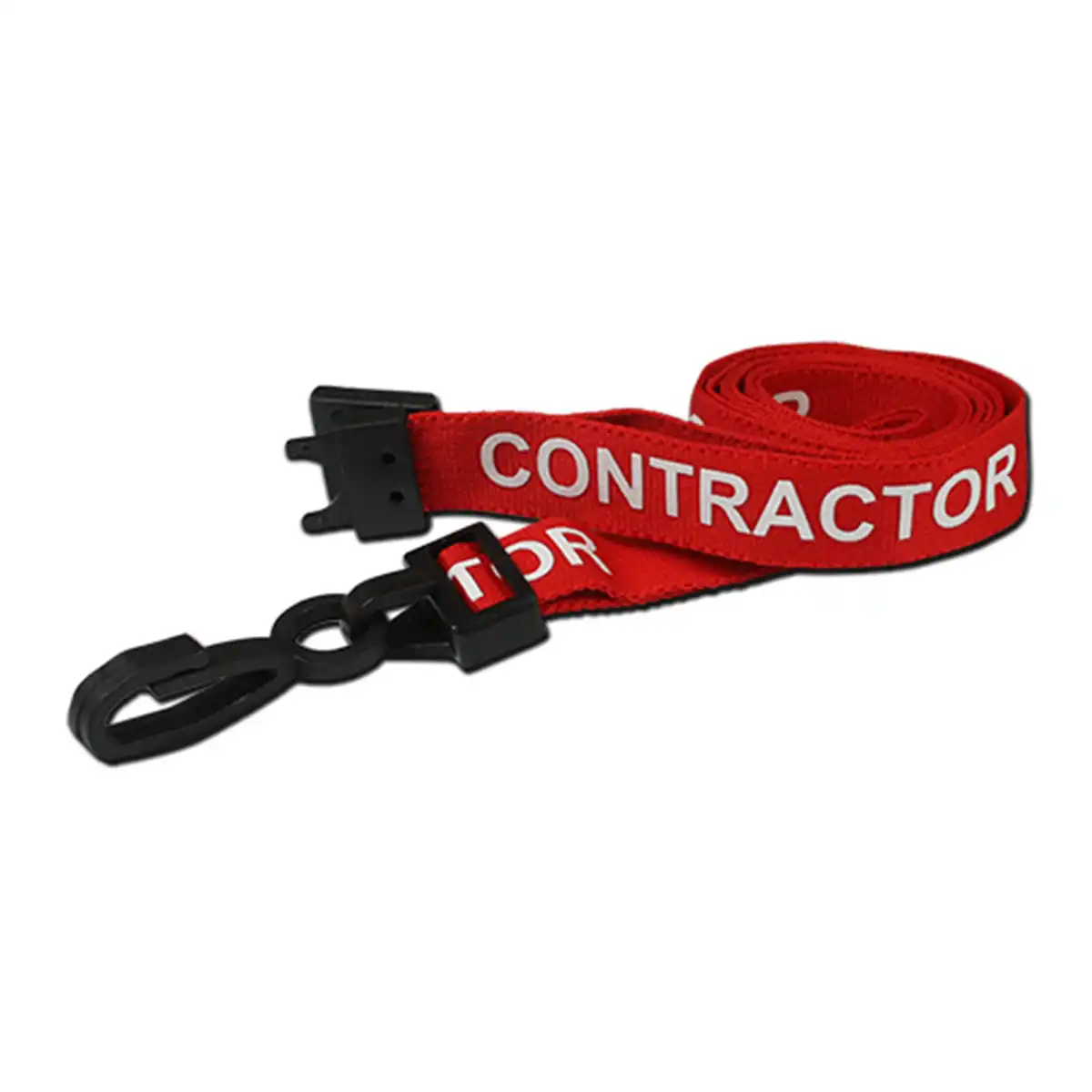### Match the identification scheme The CONTRACTOR wording helps identify the badge category under your own issue policy. The lanyard alone does not verify a person’s identity, authorisation or access permissions. Check the badge-holder connection and the layout of the pass. Bespoke wording or a company logo is a separate enquiry from this stock printed design. ### Quantity and use Select the required quantity from 1, 5, 10, 25, 50, 100. The available options determine the order quantity; do not assume the product is supplied only in packs of 100. Follow your organisation’s lanyard policy. Inspect the strap, clip and breakaway before use, and replace worn components. A breakaway fitting does not guarantee protection against injury. ### Plan your contractor badge issue Keep contractor accessories separate from other role designs so the issuing team can prepare the intended badge arrangement. Check the holder, printed pass and fastening together before the first issue. Use your local registration process to identify the person wearing the badge. Plan the quantity around expected users, returned accessories and replacement needs. Keep the red colour, stock wording and clip type in the supply record so repeat orders match the approved design. ## Red contractor plastic clip lanyards: buying questions ### Is the strap individually personalised? The stock design carries CONTRACTOR wording. Names, hosts, expiry dates and any access information belong on the separately prepared pass. Ask ACB about a different printed design if you need an organisation logo or other strap wording. ### Which badge holder should I choose? Choose a holder or pass with a connection suitable for the plastic clip. Match the card size and portrait or landscape layout, then test the completed assembly. Check actual strap dimensions with ACB if a particular width is required. ### What does the selected quantity include? The selected option is the number of lanyards. Printed ID cards, holders and reels are separate unless an expressly stated bundle includes them. Check the option and displayed price before adding the product to your basket. Pair red contractor plastic clip lanyards with a [clear landscape card holder](https://acb-ltd.com/product/clear-id-card-holder-single-sided-landscape/) for a horizontal pass, or [contact ACB](https://acb-ltd.com/contact-us/) for help choosing the badge arrangement. **Product brands:** ACB Ltd **Product categories:** Contractor Lanyards, Lanyards, Pre Printed Lanyards **Product tags:** Breakaway, Contractor Lanyards, ID Lanyards, Neck Lanyards, Plastic Clip., Pre-Printed, Red Contractor ID Neck Lanyards, Workplace Identification --- ### [Grey Contractor Lanyards With Plastic Clip](https://acb-ltd.com/product/grey-contractor-lanyards-with-plastic-clip/) **Published:** August 3, 2025 **Author:** acb_superadmin **Excerpt:** Display contractor credentials with these grey contractor plastic clip lanyards. The polyester strap is pre-printed CONTRACTOR and includes a breakaway fitting. Choose 1, 5, 10, 25, 50 or 100 lanyards and match the plastic attachment to the pass or holder used at your site. **Content:** ## Grey contractor plastic clip lanyards Display contractor credentials with these grey contractor plastic clip lanyards. The polyester strap is pre-printed CONTRACTOR and includes a breakaway fitting. Choose 1, 5, 10, 25, 50 or 100 lanyards and match the plastic attachment to the pass or holder used at your site. 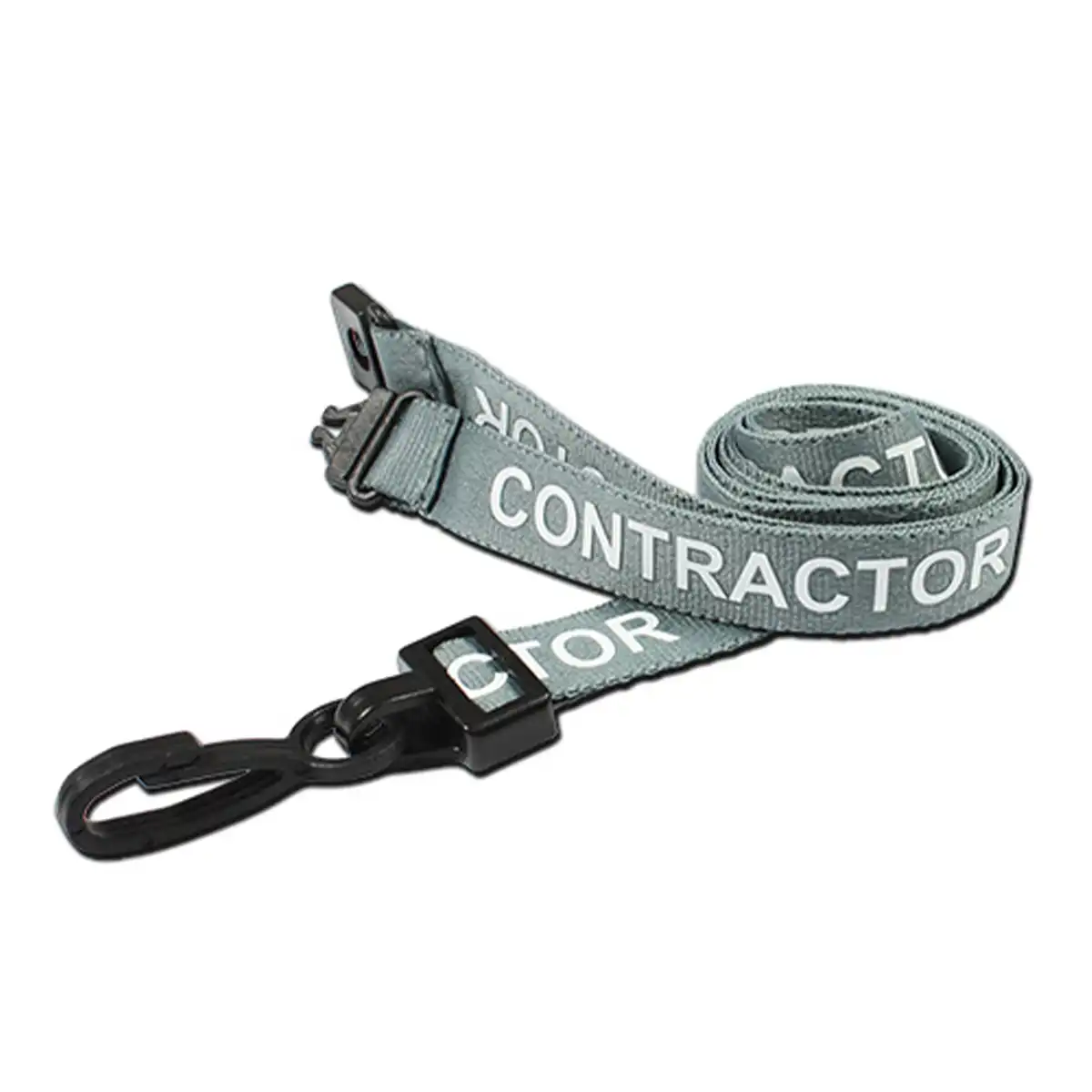### Match the identification scheme The CONTRACTOR wording helps identify the badge category under your own issue policy. The lanyard alone does not verify a person’s identity, authorisation or access permissions. Check the badge-holder connection and the layout of the pass. Bespoke wording or a company logo is a separate enquiry from this stock printed design. ### Quantity and use Select the required quantity from 1, 5, 10, 25, 50, 100. The available options determine the order quantity; do not assume the product is supplied only in packs of 100. Follow your organisation’s lanyard policy. Inspect the strap, clip and breakaway before use, and replace worn components. A breakaway fitting does not guarantee protection against injury. ### Plan your contractor badge issue Keep contractor accessories separate from other role designs so the issuing team can prepare the intended badge arrangement. Check the holder, printed pass and fastening together before the first issue. Use your local registration process to identify the person wearing the badge. Plan the quantity around expected users, returned accessories and replacement needs. Keep the grey colour, stock wording and clip type in the supply record so repeat orders match the approved design. ## Grey contractor plastic clip lanyards: buying questions ### Is the strap individually personalised? The stock design carries CONTRACTOR wording. Names, hosts, expiry dates and any access information belong on the separately prepared pass. Ask ACB about a different printed design if you need an organisation logo or other strap wording. ### Which badge holder should I choose? Choose a holder or pass with a connection suitable for the plastic clip. Match the card size and portrait or landscape layout, then test the completed assembly. Check actual strap dimensions with ACB if a particular width is required. ### What does the selected quantity include? The selected option is the number of lanyards. Printed ID cards, holders and reels are separate unless an expressly stated bundle includes them. Check the option and displayed price before adding the product to your basket. Pair grey contractor plastic clip lanyards with a [clear landscape card holder](https://acb-ltd.com/product/clear-id-card-holder-single-sided-landscape/) for a horizontal pass, or [contact ACB](https://acb-ltd.com/contact-us/) for help choosing the badge arrangement. **Product brands:** ACB Ltd **Product categories:** Contractor Lanyards, Lanyards, Pre Printed Lanyards **Product tags:** Contractor ID Lanyards, Contractor Lanyards, Grey Lanyards, ID Lanyards, Neck Lanyards, Plastic Clip Lanyards., Plastic Clip., Pre-Printed Grey Contractor ID Neck Lanyards, Pre-Printed Lanyards --- ### [Orange Contractor Lanyard With Plastic Clip](https://acb-ltd.com/product/orange-contractor-lanyard-with-plastic-clip/) **Published:** August 3, 2025 **Author:** acb_superadmin **Excerpt:** Display contractor credentials with these orange contractor plastic clip lanyards. The polyester strap is pre-printed CONTRACTOR and includes a breakaway fitting. Choose 1, 5, 10, 25, 50 or 100 lanyards and match the plastic attachment to the pass or holder used at your site. **Content:** ## Orange contractor plastic clip lanyards Display contractor credentials with these orange contractor plastic clip lanyards. The polyester strap is pre-printed CONTRACTOR and includes a breakaway fitting. Choose 1, 5, 10, 25, 50 or 100 lanyards and match the plastic attachment to the pass or holder used at your site. ### Match the identification scheme The CONTRACTOR wording helps identify the badge category under your own issue policy. The lanyard alone does not verify a person’s identity, authorisation or access permissions. Check the badge-holder connection and the layout of the pass. Bespoke wording or a company logo is a separate enquiry from this stock printed design. ### Quantity and use Select the required quantity from 1, 5, 10, 25, 50, 100. The available options determine the order quantity; do not assume the product is supplied only in packs of 100. Follow your organisation’s lanyard policy. Inspect the strap, clip and breakaway before use, and replace worn components. A breakaway fitting does not guarantee protection against injury. ### Plan your contractor badge issue Keep contractor accessories separate from other role designs so the issuing team can prepare the intended badge arrangement. Check the holder, printed pass and fastening together before the first issue. Use your local registration process to identify the person wearing the badge. Plan the quantity around expected users, returned accessories and replacement needs. Keep the orange colour, stock wording and clip type in the supply record so repeat orders match the approved design. ## Orange contractor plastic clip lanyards: buying questions ### Is the strap individually personalised? The stock design carries CONTRACTOR wording. Names, hosts, expiry dates and any access information belong on the separately prepared pass. Ask ACB about a different printed design if you need an organisation logo or other strap wording. ### Which badge holder should I choose? Choose a holder or pass with a connection suitable for the plastic clip. Match the card size and portrait or landscape layout, then test the completed assembly. Check actual strap dimensions with ACB if a particular width is required. ### What does the selected quantity include? The selected option is the number of lanyards. Printed ID cards, holders and reels are separate unless an expressly stated bundle includes them. Check the option and displayed price before adding the product to your basket. Pair orange contractor plastic clip lanyards with a [clear landscape card holder](https://acb-ltd.com/product/clear-id-card-holder-single-sided-landscape/) for a horizontal pass, or [contact ACB](https://acb-ltd.com/contact-us/) for help choosing the badge arrangement. **Product brands:** ACB Ltd **Product categories:** Contractor Lanyards, Lanyards, Pre Printed Lanyards **Product tags:** Badge Holder, Conference Lanyard, Contractor Lanyard, Custom Lanyard., Employee Lanyard, Event Lanyard, ID Holder, Orange, Orange Contractor Neck Lanyard, Orange Lanyard, Plastic Clip., Safety Lanyard, Work Lanyard --- ### [Green Contractor Lanyard With Plastic Clip](https://acb-ltd.com/product/green-contractor-lanyard-with-plastic-clip/) **Published:** August 3, 2025 **Author:** acb_superadmin **Excerpt:** Display contractor credentials with these green contractor plastic clip lanyards. The polyester strap is pre-printed CONTRACTOR and includes a breakaway fitting. Choose 1, 5, 10, 25, 50 or 100 lanyards and match the plastic attachment to the pass or holder used at your site. **Content:** ## Green contractor plastic clip lanyards Display contractor credentials with these green contractor plastic clip lanyards. The polyester strap is pre-printed CONTRACTOR and includes a breakaway fitting. Choose 1, 5, 10, 25, 50 or 100 lanyards and match the plastic attachment to the pass or holder used at your site. ### Match the identification scheme The CONTRACTOR wording helps identify the badge category under your own issue policy. The lanyard alone does not verify a person’s identity, authorisation or access permissions. Check the badge-holder connection and the layout of the pass. Bespoke wording or a company logo is a separate enquiry from this stock printed design. ### Quantity and use Select the required quantity from 1, 5, 10, 25, 50, 100. The available options determine the order quantity; do not assume the product is supplied only in packs of 100. Follow your organisation’s lanyard policy. Inspect the strap, clip and breakaway before use, and replace worn components. A breakaway fitting does not guarantee protection against injury. ### Plan your contractor badge issue Keep contractor accessories separate from other role designs so the issuing team can prepare the intended badge arrangement. Check the holder, printed pass and fastening together before the first issue. Use your local registration process to identify the person wearing the badge. Plan the quantity around expected users, returned accessories and replacement needs. Keep the green colour, stock wording and clip type in the supply record so repeat orders match the approved design. ## Green contractor plastic clip lanyards: buying questions ### Is the strap individually personalised? The stock design carries CONTRACTOR wording. Names, hosts, expiry dates and any access information belong on the separately prepared pass. Ask ACB about a different printed design if you need an organisation logo or other strap wording. ### Which badge holder should I choose? Choose a holder or pass with a connection suitable for the plastic clip. Match the card size and portrait or landscape layout, then test the completed assembly. Check actual strap dimensions with ACB if a particular width is required. ### What does the selected quantity include? The selected option is the number of lanyards. Printed ID cards, holders and reels are separate unless an expressly stated bundle includes them. Check the option and displayed price before adding the product to your basket. Pair green contractor plastic clip lanyards with a [clear landscape card holder](https://acb-ltd.com/product/clear-id-card-holder-single-sided-landscape/) for a horizontal pass, or [contact ACB](https://acb-ltd.com/contact-us/) for help choosing the badge arrangement. **Product brands:** ACB Ltd **Product categories:** Contractor Lanyards, Lanyards, Pre Printed Lanyards **Product tags:** Breakaway, Breakaway Lanyards, Contractor Lanyards, Green, Green Contractor ID Neck Lanyards, Green Lanyard, Green Lanyards, ID Lanyards, Neck Lanyards, Plastic Clip Lanyards., Plastic Clip., Pre-Printed --- ### [Blue Contractor Lanyard With Plastic Clip](https://acb-ltd.com/product/blue-contractor-lanyard-with-plastic-clip/) **Published:** August 3, 2025 **Author:** acb_superadmin **Excerpt:** Display contractor credentials with these blue contractor plastic clip lanyards. The polyester strap is pre-printed CONTRACTOR and includes a breakaway fitting. Choose 1, 5, 10, 25, 50 or 100 lanyards and match the plastic attachment to the pass or holder used at your site. **Content:** ## Blue contractor plastic clip lanyards Display contractor credentials with these blue contractor plastic clip lanyards. The polyester strap is pre-printed CONTRACTOR and includes a breakaway fitting. Choose 1, 5, 10, 25, 50 or 100 lanyards and match the plastic attachment to the pass or holder used at your site. ### Match the identification scheme The CONTRACTOR wording helps identify the badge category under your own issue policy. The lanyard alone does not verify a person’s identity, authorisation or access permissions. Check the badge-holder connection and the layout of the pass. Bespoke wording or a company logo is a separate enquiry from this stock printed design. ### Quantity and use Select the required quantity from 1, 5, 10, 25, 50, 100. The available options determine the order quantity; do not assume the product is supplied only in packs of 100. Follow your organisation’s lanyard policy. Inspect the strap, clip and breakaway before use, and replace worn components. A breakaway fitting does not guarantee protection against injury. ### Plan your contractor badge issue Keep contractor accessories separate from other role designs so the issuing team can prepare the intended badge arrangement. Check the holder, printed pass and fastening together before the first issue. Use your local registration process to identify the person wearing the badge. Plan the quantity around expected users, returned accessories and replacement needs. Keep the blue colour, stock wording and clip type in the supply record so repeat orders match the approved design. ## Blue contractor plastic clip lanyards: buying questions ### Is the strap individually personalised? The stock design carries CONTRACTOR wording. Names, hosts, expiry dates and any access information belong on the separately prepared pass. Ask ACB about a different printed design if you need an organisation logo or other strap wording. ### Which badge holder should I choose? Choose a holder or pass with a connection suitable for the plastic clip. Match the card size and portrait or landscape layout, then test the completed assembly. Check actual strap dimensions with ACB if a particular width is required. ### What does the selected quantity include? The selected option is the number of lanyards. Printed ID cards, holders and reels are separate unless an expressly stated bundle includes them. Check the option and displayed price before adding the product to your basket. Pair blue contractor plastic clip lanyards with a [clear landscape card holder](https://acb-ltd.com/product/clear-id-card-holder-single-sided-landscape/) for a horizontal pass, or [contact ACB](https://acb-ltd.com/contact-us/) for help choosing the badge arrangement. **Product brands:** ACB Ltd **Product categories:** Contractor Lanyards, Lanyards, Pre Printed Lanyards **Product tags:** Blue, Blue Contractor ID Neck Lanyards, Breakaway, Breakaway Lanyards, Contractor Lanyards, ID Lanyards, Neck Lanyards, Plastic Clip Lanyards., Plastic Clip., Pre-Printed --- ### [Green Visitor Lanyards with Plastic Clip](https://acb-ltd.com/product/green-visitor-lanyards-with-plastic-clip/) **Published:** August 3, 2025 **Author:** acb_superadmin **Excerpt:** Display visitor credentials with these green visitor plastic clip lanyards. The polyester strap is pre-printed VISITOR and includes a breakaway fitting. Choose 1, 5, 10, 25, 50 or 100 lanyards and match the plastic attachment to the pass or holder used at your site. **Content:** ## Green visitor plastic clip lanyards Display visitor credentials with these green visitor plastic clip lanyards. The polyester strap is pre-printed VISITOR and includes a breakaway fitting. Choose 1, 5, 10, 25, 50 or 100 lanyards and match the plastic attachment to the pass or holder used at your site. ### Match the identification scheme The VISITOR wording helps identify the badge category under your own issue policy. The lanyard alone does not verify a person’s identity, authorisation or access permissions. Check the badge-holder connection and the layout of the pass. Bespoke wording or a company logo is a separate enquiry from this stock printed design. ### Quantity and use Select the required quantity from 1, 5, 10, 25, 50, 100. The available options determine the order quantity; do not assume the product is supplied only in packs of 100. Follow your organisation’s lanyard policy. Inspect the strap, clip and breakaway before use, and replace worn components. A breakaway fitting does not guarantee protection against injury. ### Plan your visitor badge issue Keep visitor accessories separate from other role designs so the issuing team can prepare the intended badge arrangement. Check the holder, printed pass and fastening together before the first issue. Use your local registration process to identify the person wearing the badge. Plan the quantity around expected users, returned accessories and replacement needs. Keep the green colour, stock wording and clip type in the supply record so repeat orders match the approved design. ## Green visitor plastic clip lanyards: buying questions ### Is the strap individually personalised? The stock design carries VISITOR wording. Names, hosts, expiry dates and any access information belong on the separately prepared pass. Ask ACB about a different printed design if you need an organisation logo or other strap wording. ### Which badge holder should I choose? Choose a holder or pass with a connection suitable for the plastic clip. Match the card size and portrait or landscape layout, then test the completed assembly. Check actual strap dimensions with ACB if a particular width is required. ### What does the selected quantity include? The selected option is the number of lanyards. Printed ID cards, holders and reels are separate unless an expressly stated bundle includes them. Check the option and displayed price before adding the product to your basket. Pair green visitor plastic clip lanyards with a [clear landscape card holder](https://acb-ltd.com/product/clear-id-card-holder-single-sided-landscape/) for a horizontal pass, or [contact ACB](https://acb-ltd.com/contact-us/) for help choosing the badge arrangement. **Product brands:** ACB Ltd **Product categories:** Lanyards, Pre Printed Lanyards, Visitor Lanyards **Product tags:** Breakaway, Breakaway Lanyards, Green Lanyards, Green Visitor ID Neck Lanyards, ID Lanyards, Neck Lanyards, Plastic Clip Lanyards., Plastic Clip., Pre-Printed, Visitor Lanyards --- ### [Black Visitor Lanyard With Plastic Clip](https://acb-ltd.com/product/black-visitor-lanyard-with-plastic-clip/) **Published:** August 3, 2025 **Author:** acb_superadmin **Excerpt:** Display visitor credentials with these black visitor plastic clip lanyards. The polyester strap is pre-printed VISITOR and includes a breakaway fitting. Choose 1, 5, 10, 25, 50 or 100 lanyards and match the plastic attachment to the pass or holder used at your site. **Content:** ## Black visitor plastic clip lanyards Display visitor credentials with these black visitor plastic clip lanyards. The polyester strap is pre-printed VISITOR and includes a breakaway fitting. Choose 1, 5, 10, 25, 50 or 100 lanyards and match the plastic attachment to the pass or holder used at your site. ### Match the identification scheme The VISITOR wording helps identify the badge category under your own issue policy. The lanyard alone does not verify a person’s identity, authorisation or access permissions. Check the badge-holder connection and the layout of the pass. Bespoke wording or a company logo is a separate enquiry from this stock printed design. ### Quantity and use Select the required quantity from 1, 5, 10, 25, 50, 100. The available options determine the order quantity; do not assume the product is supplied only in packs of 100. Follow your organisation’s lanyard policy. Inspect the strap, clip and breakaway before use, and replace worn components. A breakaway fitting does not guarantee protection against injury. ### Plan your visitor badge issue Keep visitor accessories separate from other role designs so the issuing team can prepare the intended badge arrangement. Check the holder, printed pass and fastening together before the first issue. Use your local registration process to identify the person wearing the badge. Plan the quantity around expected users, returned accessories and replacement needs. Keep the black colour, stock wording and clip type in the supply record so repeat orders match the approved design. ## Black visitor plastic clip lanyards: buying questions ### Is the strap individually personalised? The stock design carries VISITOR wording. Names, hosts, expiry dates and any access information belong on the separately prepared pass. Ask ACB about a different printed design if you need an organisation logo or other strap wording. ### Which badge holder should I choose? Choose a holder or pass with a connection suitable for the plastic clip. Match the card size and portrait or landscape layout, then test the completed assembly. Check actual strap dimensions with ACB if a particular width is required. ### What does the selected quantity include? The selected option is the number of lanyards. Printed ID cards, holders and reels are separate unless an expressly stated bundle includes them. Check the option and displayed price before adding the product to your basket. Pair black visitor plastic clip lanyards with a [clear landscape card holder](https://acb-ltd.com/product/clear-id-card-holder-single-sided-landscape/) for a horizontal pass, or [contact ACB](https://acb-ltd.com/contact-us/) for help choosing the badge arrangement. **Product brands:** ACB Ltd **Product categories:** Lanyards, Pre Printed Lanyards, Visitor Lanyards **Product tags:** badge lanyards., black lanyards, Breakaway Lanyards, conference lanyards, event lanyards, ID neck lanyards, Plastic Clip Lanyards., Pre-Printed Lanyards, Security Lanyards, visitor ID lanyards --- ### [Light Green Lanyards with Plastic J Clip](https://acb-ltd.com/product/light-green-lanyards-with-plastic-j-clip/) **Published:** August 3, 2025 **Author:** acb_superadmin **Excerpt:** These light green J clip lanyards have a plain 10 mm recycled PET (rPET) strap, a plastic J clip and a breakaway fitting. Choose 1, 5, 10, 25, 50 or 100 lanyards for staff badges, visitor passes or events, and match the attachment to the holder you intend to use. **Content:** ## Light green J clip lanyards These light green J clip lanyards have a plain 10 mm recycled PET (rPET) strap, a plastic J clip and a breakaway fitting. Choose 1, 5, 10, 25, 50 or 100 lanyards for staff badges, visitor passes or events, and match the attachment to the holder you intend to use. ### Strap and attachment The lanyard has an rPET strap and a breakaway fitting. Match the plastic j clip to the holder or badge attachment you will use. Colour coding should follow your organisation’s own issue policy. Wearing a particular colour does not itself verify identity or grant entry. ### Choose the order quantity Select the required quantity from 1, 5, 10, 25, 50, 100. Check the selected pack before checkout; stock quantities and prices are shown with the available options. Follow your workplace or institution’s lanyard policy. Inspect the breakaway, strap and clip before issue, and replace damaged items. A breakaway fitting does not guarantee protection from injury. ### Light green J clip lanyards for your badge scheme Light green is a separate stock choice from dark green. Use the full shade name when planning replacement supplies, and compare a sample if a close match to existing lanyards is important. Prepare one complete badge assembly before a larger issue. Check that the card hangs in the intended orientation and that the attachment leaves names, photographs and codes visible. Keep the approved colour, width and clip together in your ordering notes. ## Light green J clip lanyards: buying questions ### Are these plain or printed lanyards? This is the plain stock option. Use the colour for your own staff, visitor or event scheme. If you need a logo, organisation name or different wording on the strap, ask ACB about a separate printed-lanyard order. ### Which clip comes with the strap? The supplied attachment is a plastic J clip. Compare its opening and fastening with the slot or fitting on your badge holder. A holder used with a different clip may need another compatible wearing arrangement, so test the parts together before issue. ### What does the quantity selection include? The selected quantity is the number of lanyards. Cards, holders and badge reels are separate unless a stated bundle includes them. Plan replacements alongside the main issue and check the chosen quantity before adding the product to your basket. Compare the [clear landscape card holder](https://acb-ltd.com/product/clear-id-card-holder-single-sided-landscape/) for a horizontal credential. For help choosing light green J clip lanyards, [contact ACB](https://acb-ltd.com/contact-us/). **Product brands:** ACB Ltd **Product categories:** J Clip Lanyards, Lanyards, Plain Lanyards **Product tags:** 10mm lanyards, eco-friendly lanyards, ID Card Lanyards, light green lanyards, plastic J clip lanyards, recycled lanyards, sustainable lanyards --- ### [White Lanyards with Metal Lobster Clip](https://acb-ltd.com/product/white-lanyards-with-metal-lobster-clip/) **Published:** August 3, 2025 **Author:** acb_superadmin **Excerpt:** These white metal clip lanyards have a plain 10 mm recycled PET (rPET) strap, a metal lobster clip and a breakaway fitting. Choose 1, 5, 10, 25, 50 or 100 lanyards for staff badges, visitor passes or events, and match the attachment to the holder you intend to use. **Content:** ## White metal clip lanyards These white metal clip lanyards have a plain 10 mm recycled PET (rPET) strap, a metal lobster clip and a breakaway fitting. Choose 1, 5, 10, 25, 50 or 100 lanyards for staff badges, visitor passes or events, and match the attachment to the holder you intend to use. ### Strap and attachment The lanyard has an rPET strap and a breakaway fitting. Match the metal lobster clip to the holder or badge attachment you will use. Colour coding should follow your organisation’s own issue policy. Wearing a particular colour does not itself verify identity or grant entry. ### Choose the order quantity Select the required quantity from 1, 5, 10, 25, 50, 100. Check the selected pack before checkout; stock quantities and prices are shown with the available options. Follow your workplace or institution’s lanyard policy. Inspect the breakaway, strap and clip before issue, and replace damaged items. A breakaway fitting does not guarantee protection from injury. ### White metal clip lanyards for your badge scheme White provides a light strap colour beside the credential. Compare the complete badge arrangement with existing supplies, and keep the same material, width and clip description when preparing repeat orders. Prepare one complete badge assembly before a larger issue. Check that the card hangs in the intended orientation and that the attachment leaves names, photographs and codes visible. Keep the approved colour, width and clip together in your ordering notes. ## White metal clip lanyards: buying questions ### Are these plain or printed lanyards? This is the plain stock option. Use the colour for your own staff, visitor or event scheme. If you need a logo, organisation name or different wording on the strap, ask ACB about a separate printed-lanyard order. ### Which clip comes with the strap? The supplied attachment is a metal lobster clip. Compare its opening and fastening with the slot or fitting on your badge holder. A holder used with a different clip may need another compatible wearing arrangement, so test the parts together before issue. ### What does the quantity selection include? The selected quantity is the number of lanyards. Cards, holders and badge reels are separate unless a stated bundle includes them. Plan replacements alongside the main issue and check the chosen quantity before adding the product to your basket. Compare the [white lanyards with a plastic J clip](https://acb-ltd.com/product/white-lanyards-with-plastic-j-clip/) for a different attachment. For help choosing white metal clip lanyards, [contact ACB](https://acb-ltd.com/contact-us/). **Product brands:** ACB Ltd **Product categories:** Lanyards, Metal Clip Lanyards, Plain Lanyards **Product tags:** 10mm lanyards, eco-friendly lanyards, event lanyards, ID Holder Lanyards, Metal Lobster Clip Lanyards, Office Lanyards, recycled lanyards, sustainable lanyards, white lanyards --- ### [Red Visitor Lanyard With Plastic Clip](https://acb-ltd.com/product/red-visitor-lanyard-with-plastic-clip/) **Published:** August 3, 2025 **Author:** acb_superadmin **Excerpt:** Display guest credentials with these red visitor plastic clip lanyards. The polyester strap is pre-printed VISITOR and includes a breakaway fitting. Choose 1, 5, 10, 25, 50 or 100 lanyards and match the plastic attachment to the visitor pass or card holder used at your reception. **Content:** ## Red visitor plastic clip lanyards Display guest credentials with these red visitor plastic clip lanyards. The polyester strap is pre-printed VISITOR and includes a breakaway fitting. Choose 1, 5, 10, 25, 50 or 100 lanyards and match the plastic attachment to the visitor pass or card holder used at your reception. 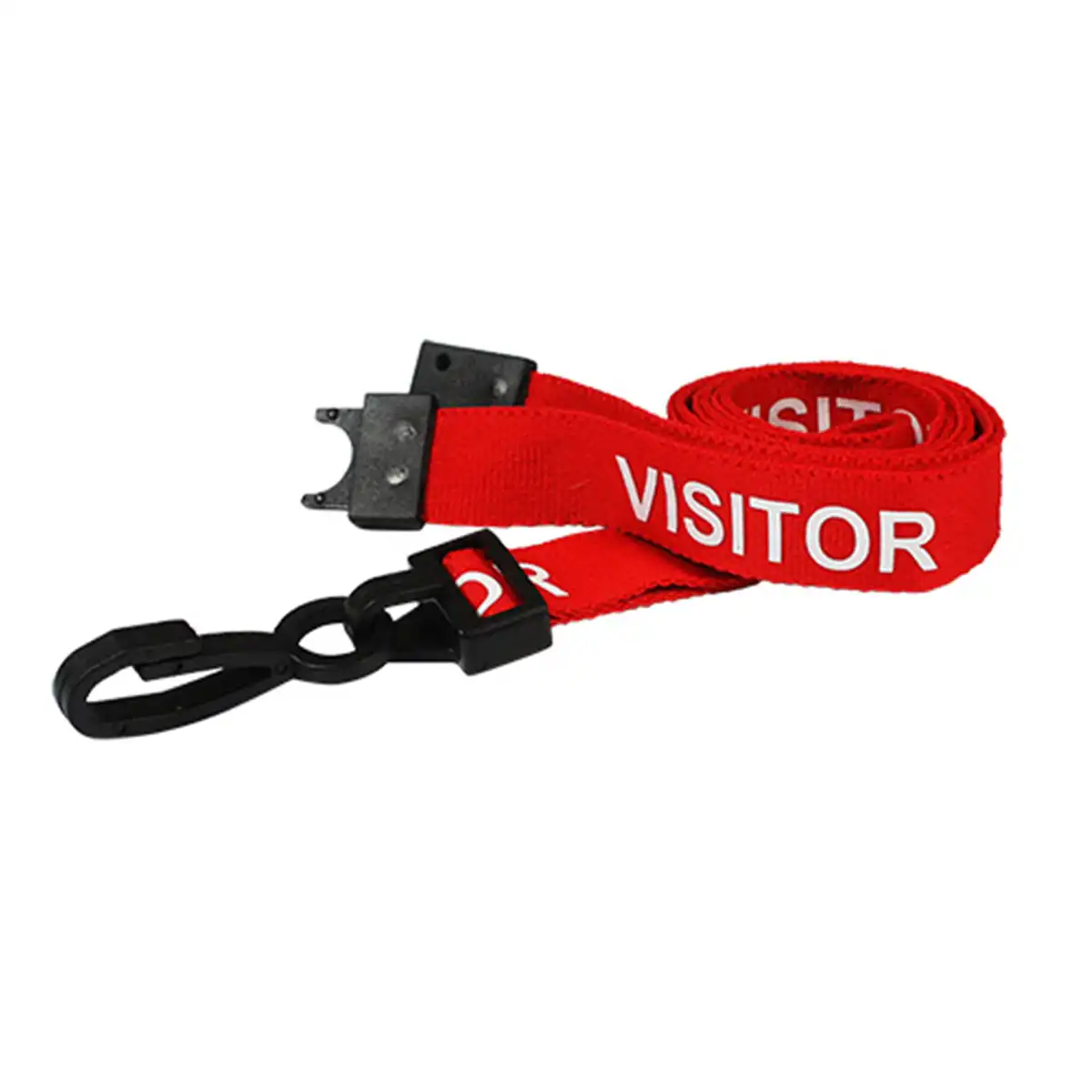### Match the identification scheme The VISITOR wording helps identify the badge category under your own issue policy. The lanyard alone does not verify a person’s identity, authorisation or access permissions. Check the badge-holder connection and the layout of the pass. Bespoke wording or a company logo is a separate enquiry from this stock printed design. ### Quantity and use Select the required quantity from 1, 5, 10, 25, 50, 100. The available options determine the order quantity; do not assume the product is supplied only in packs of 100. Follow your organisation’s lanyard policy. Inspect the strap, clip and breakaway before use, and replace worn components. A breakaway fitting does not guarantee protection against injury. ### Red visitor plastic clip lanyards for reception issue Keep visitor accessories separate from staff and contractor stock so reception can prepare the intended badge arrangement. Check the holder, printed pass and fastening together before the first issue. Use the visitor record and local check-in process to identify the person wearing the badge. Plan the quantity around expected guests, returned accessories and replacement needs. Inspect each strap, clip and breakaway before reuse. Keep the colour and stock VISITOR wording in the supply record so replacement orders match the approved design. ## Red visitor plastic clip lanyards: buying questions ### Is this a personalised visitor pass? No. The strap carries the stock VISITOR wording. The visitor’s name, host and any expiry or access information belong on the separately prepared pass. Ask ACB about a different printed design if you need an organisation logo or other wording on the strap. ### Which badge holder can I use? Choose a holder or pass with a connection suitable for the plastic clip. Match the card size and portrait or landscape layout, then test the completed assembly before issuing it. Check the actual strap dimensions with ACB if a particular size is required. ### How many lanyards does each option provide? Choose 1, 5, 10, 25, 50 or 100 lanyards. The number selected is the quantity of straps, not a bundle of printed passes and holders. Check the selected option and displayed price before adding it to your basket. Pair the lanyard with a [clear landscape card holder](https://acb-ltd.com/product/clear-id-card-holder-single-sided-landscape/) for a horizontal credential. For help choosing red visitor plastic clip lanyards, [contact ACB](https://acb-ltd.com/contact-us/). **Product brands:** ACB Ltd **Product categories:** Lanyards, Pre Printed Lanyards, Visitor Lanyards **Product tags:** Breakaway Lanyards, conference lanyards, event lanyards, ID neck lanyards, Plastic Clip Lanyards., Pre-Printed Lanyards, red lanyards, visitor ID lanyards --- ### [Orange Visitor Lanyard With Plastic Clip](https://acb-ltd.com/product/orange-visitor-lanyard-with-plastic-clip/) **Published:** August 3, 2025 **Author:** acb_superadmin **Excerpt:** Display guest credentials with these orange visitor plastic clip lanyards. The polyester strap is pre-printed VISITOR and includes a breakaway fitting. Choose 1, 5, 10, 25, 50 or 100 lanyards and match the plastic attachment to the visitor pass or card holder used at your reception. **Content:** ## Orange visitor plastic clip lanyards Display guest credentials with these orange visitor plastic clip lanyards. The polyester strap is pre-printed VISITOR and includes a breakaway fitting. Choose 1, 5, 10, 25, 50 or 100 lanyards and match the plastic attachment to the visitor pass or card holder used at your reception. ### Match the identification scheme The VISITOR wording helps identify the badge category under your own issue policy. The lanyard alone does not verify a person’s identity, authorisation or access permissions. Check the badge-holder connection and the layout of the pass. Bespoke wording or a company logo is a separate enquiry from this stock printed design. ### Quantity and use Select the required quantity from 1, 5, 10, 25, 50, 100. The available options determine the order quantity; do not assume the product is supplied only in packs of 100. Follow your organisation’s lanyard policy. Inspect the strap, clip and breakaway before use, and replace worn components. A breakaway fitting does not guarantee protection against injury. ### Orange visitor plastic clip lanyards for reception issue Keep visitor accessories separate from staff and contractor stock so reception can prepare the intended badge arrangement. Check the holder, printed pass and fastening together before the first issue. Use the visitor record and local check-in process to identify the person wearing the badge. Plan the quantity around expected guests, returned accessories and replacement needs. Inspect each strap, clip and breakaway before reuse. Keep the colour and stock VISITOR wording in the supply record so replacement orders match the approved design. ## Orange visitor plastic clip lanyards: buying questions ### Is this a personalised visitor pass? No. The strap carries the stock VISITOR wording. The visitor’s name, host and any expiry or access information belong on the separately prepared pass. Ask ACB about a different printed design if you need an organisation logo or other wording on the strap. ### Which badge holder can I use? Choose a holder or pass with a connection suitable for the plastic clip. Match the card size and portrait or landscape layout, then test the completed assembly before issuing it. Check the actual strap dimensions with ACB if a particular size is required. ### How many lanyards does each option provide? Choose 1, 5, 10, 25, 50 or 100 lanyards. The number selected is the quantity of straps, not a bundle of printed passes and holders. Check the selected option and displayed price before adding it to your basket. Pair the lanyard with a [clear landscape card holder](https://acb-ltd.com/product/clear-id-card-holder-single-sided-landscape/) for a horizontal credential. For help choosing orange visitor plastic clip lanyards, [contact ACB](https://acb-ltd.com/contact-us/). **Product brands:** ACB Ltd **Product categories:** Lanyards, Pre Printed Lanyards, Visitor Lanyards **Product tags:** Breakaway Lanyards, ID neck lanyards, Orange lanyards, Plastic Clip Lanyards., Pre-Printed Lanyards, visitor ID lanyards --- ### [Blue Visitor Lanyard With Plastic Clip](https://acb-ltd.com/product/blue-visitor-lanyard-with-plastic-clip/) **Published:** August 3, 2025 **Author:** acb_superadmin **Excerpt:** Display guest credentials with these blue visitor plastic clip lanyards. The polyester strap is pre-printed VISITOR and includes a breakaway fitting. Choose 1, 5, 10, 25, 50 or 100 lanyards and match the plastic attachment to the visitor pass or card holder used at your reception. **Content:** ## Blue visitor plastic clip lanyards Display guest credentials with these blue visitor plastic clip lanyards. The polyester strap is pre-printed VISITOR and includes a breakaway fitting. Choose 1, 5, 10, 25, 50 or 100 lanyards and match the plastic attachment to the visitor pass or card holder used at your reception. ### Match the identification scheme The VISITOR wording helps identify the badge category under your own issue policy. The lanyard alone does not verify a person’s identity, authorisation or access permissions. Check the badge-holder connection and the layout of the pass. Bespoke wording or a company logo is a separate enquiry from this stock printed design. ### Quantity and use Select the required quantity from 1, 5, 10, 25, 50, 100. The available options determine the order quantity; do not assume the product is supplied only in packs of 100. Follow your organisation’s lanyard policy. Inspect the strap, clip and breakaway before use, and replace worn components. A breakaway fitting does not guarantee protection against injury. ### Blue visitor plastic clip lanyards for reception issue Keep visitor accessories separate from staff and contractor stock so reception can prepare the intended badge arrangement. Check the holder, printed pass and fastening together before the first issue. Use the visitor record and local check-in process to identify the person wearing the badge. Plan the quantity around expected guests, returned accessories and replacement needs. Inspect each strap, clip and breakaway before reuse. Keep the colour and stock VISITOR wording in the supply record so replacement orders match the approved design. ## Blue visitor plastic clip lanyards: buying questions ### Is this a personalised visitor pass? No. The strap carries the stock VISITOR wording. The visitor’s name, host and any expiry or access information belong on the separately prepared pass. Ask ACB about a different printed design if you need an organisation logo or other wording on the strap. ### Which badge holder can I use? Choose a holder or pass with a connection suitable for the plastic clip. Match the card size and portrait or landscape layout, then test the completed assembly before issuing it. Check the actual strap dimensions with ACB if a particular size is required. ### How many lanyards does each option provide? Choose 1, 5, 10, 25, 50 or 100 lanyards. The number selected is the quantity of straps, not a bundle of printed passes and holders. Check the selected option and displayed price before adding it to your basket. Pair the lanyard with a [clear landscape card holder](https://acb-ltd.com/product/clear-id-card-holder-single-sided-landscape/) for a horizontal credential. For help choosing blue visitor plastic clip lanyards, [contact ACB](https://acb-ltd.com/contact-us/). **Product brands:** ACB Ltd **Product categories:** Lanyards, Pre Printed Lanyards, Visitor Lanyards **Product tags:** blue lanyards, Breakaway Lanyards, conference lanyards, event lanyards, ID badge lanyards, Neck Lanyards, Plastic Clip Lanyards., Pre-Printed Lanyards, Security Lanyards, visitor ID lanyards --- ### [Black Student Lanyard With Metal Lobster Clip](https://acb-ltd.com/product/black-student-lanyard-with-metal-lobster-clip/) **Published:** August 3, 2025 **Author:** acb_superadmin **Excerpt:** These black student metal clip lanyards display the stock STUDENT wording on a 15 mm recycled PET (rPET) strap. Each listed design includes a metal lobster clip and a breakaway fitting. Choose 1, 5, 10, 25, 50 or 100 lanyards and pair them with a compatible student badge holder. **Content:** ## Black student metal clip lanyards These black student metal clip lanyards display the stock STUDENT wording on a 15 mm recycled PET (rPET) strap. Each listed design includes a metal lobster clip and a breakaway fitting. Choose 1, 5, 10, 25, 50 or 100 lanyards and pair them with a compatible student badge holder. ### Strap and attachment The lanyard has an rPET strap and a breakaway fitting. Match the metal lobster clip to the holder or badge attachment you will use. The printed STUDENT wording is part of the stock design. Bespoke logos or different text require a separate enquiry. ### Choose the order quantity Select the required quantity from 1, 5, 10, 25, 50, 100. Check the selected pack before checkout; stock quantities and prices are shown with the available options. Follow your workplace or institution’s lanyard policy. Inspect the breakaway, strap and clip before issue, and replace damaged items. A breakaway fitting does not guarantee protection from injury. ### Black student metal clip lanyards for organised badge issue Plan supplies for enrolment, replacement student cards and term-time issue. Keep STUDENT lanyards separate from STAFF or VISITOR stock, and match each strap to the intended card holder before distribution. Retain the colour and attachment description in the replacement-stock record. Approve a complete sample with the finished card attached. Check that the badge hangs in the correct orientation and that names, photographs and any code remain visible. Follow the organisation’s wearing and badge-issue policy when distributing the assembled passes. ## Black student metal clip lanyards: buying questions ### Which wording is supplied? The stock design is pre-printed STUDENT. It is not a blank strap or an individually personalised pass. A company logo, a different role title or bespoke artwork requires a separate enquiry, so confirm the wording before planning the full issue. ### Which holder and attachment should I choose? This listing has a metal lobster clip. Match the holder’s slot or connection to that fitting and choose portrait or landscape to suit the printed card. Test the completed badge arrangement before preparing supplies for a whole team or intake. ### Does the order include ID cards? The quantity choice is the number of lanyards. Cards and holders are ordered separately unless a stated bundle includes them. Choose the supply needed for current users and replacements, and check the selected quantity in your basket. Compare [black STUDENT lanyards with a plastic J clip](https://acb-ltd.com/product/black-student-lanyard-with-plastic-j-clip/) as another listed option. For help assembling badges with black student metal clip lanyards, [contact ACB](https://acb-ltd.com/contact-us/). **Product brands:** ACB Ltd **Product categories:** Education Lanyards, Lanyards, Pre Printed Lanyards, Student Lanyards **Product tags:** 15mm Lanyards, Black Student Lanyards, eco-friendly lanyards, ID Holder Lanyards, Metal Lobster Clip Lanyards, recycled lanyards, School Lanyards, sustainable lanyards --- ### [Black Student Lanyard with Plastic J Clip](https://acb-ltd.com/product/black-student-lanyard-with-plastic-j-clip/) **Published:** August 3, 2025 **Author:** acb_superadmin **Excerpt:** These black student J clip lanyards display the stock STUDENT wording on a 15 mm recycled PET (rPET) strap. Each listed design includes a plastic J clip and a breakaway fitting. Choose 1, 5, 10, 25, 50 or 100 lanyards and pair them with a compatible student badge holder. **Content:** ## Black student J clip lanyards These black student J clip lanyards display the stock STUDENT wording on a 15 mm recycled PET (rPET) strap. Each listed design includes a plastic J clip and a breakaway fitting. Choose 1, 5, 10, 25, 50 or 100 lanyards and pair them with a compatible student badge holder. ### Strap and attachment The lanyard has an rPET strap and a breakaway fitting. Match the plastic j clip to the holder or badge attachment you will use. The printed STUDENT wording is part of the stock design. Bespoke logos or different text require a separate enquiry. ### Choose the order quantity Select the required quantity from 1, 5, 10, 25, 50, 100. Check the selected pack before checkout; stock quantities and prices are shown with the available options. Follow your workplace or institution’s lanyard policy. Inspect the breakaway, strap and clip before issue, and replace damaged items. A breakaway fitting does not guarantee protection from injury. ### Black student J clip lanyards for organised badge issue Plan supplies for enrolment, replacement student cards and term-time issue. Keep STUDENT lanyards separate from STAFF or VISITOR stock, and match each strap to the intended card holder before distribution. Retain the colour and attachment description in the replacement-stock record. Approve a complete sample with the finished card attached. Check that the badge hangs in the correct orientation and that names, photographs and any code remain visible. Follow the organisation’s wearing and badge-issue policy when distributing the assembled passes. ## Black student J clip lanyards: buying questions ### Which wording is supplied? The stock design is pre-printed STUDENT. It is not a blank strap or an individually personalised pass. A company logo, a different role title or bespoke artwork requires a separate enquiry, so confirm the wording before planning the full issue. ### Which holder and attachment should I choose? This listing has a plastic J clip. Match the holder’s slot or connection to that fitting and choose portrait or landscape to suit the printed card. Test the completed badge arrangement before preparing supplies for a whole team or intake. ### Does the order include ID cards? The quantity choice is the number of lanyards. Cards and holders are ordered separately unless a stated bundle includes them. Choose the supply needed for current users and replacements, and check the selected quantity in your basket. Compare [black STUDENT lanyards with a metal clip](https://acb-ltd.com/product/black-student-lanyard-with-metal-lobster-clip/) as another listed option. For help assembling badges with black student J clip lanyards, [contact ACB](https://acb-ltd.com/contact-us/). **Product brands:** ACB Ltd **Product categories:** Education Lanyards, Lanyards, Pre Printed Lanyards, Student Lanyards **Product tags:** 15mm Lanyards, Black Student Lanyards, eco-friendly lanyards, ID Holder Lanyards, plastic J clip lanyards, recycled lanyards, School Lanyards, sustainable lanyards --- ### [Purple Student Lanyards with Plastic J Clip](https://acb-ltd.com/product/purple-student-lanyards-with-plastic-j-clip/) **Published:** August 3, 2025 **Author:** acb_superadmin **Excerpt:** These purple student J clip lanyards display the stock STUDENT wording on a 15 mm recycled PET (rPET) strap. Each listed design includes a plastic J clip and a breakaway fitting. Choose 1, 5, 10, 25, 50 or 100 lanyards and pair them with a compatible student badge holder. **Content:** ## Purple student J clip lanyards These purple student J clip lanyards display the stock STUDENT wording on a 15 mm recycled PET (rPET) strap. Each listed design includes a plastic J clip and a breakaway fitting. Choose 1, 5, 10, 25, 50 or 100 lanyards and pair them with a compatible student badge holder. ### Strap and attachment The lanyard has an rPET strap and a breakaway fitting. Match the plastic j clip to the holder or badge attachment you will use. The printed STUDENT wording is part of the stock design. Bespoke logos or different text require a separate enquiry. ### Choose the order quantity Select the required quantity from 1, 5, 10, 25, 50, 100. Check the selected pack before checkout; stock quantities and prices are shown with the available options. Follow your workplace or institution’s lanyard policy. Inspect the breakaway, strap and clip before issue, and replace damaged items. A breakaway fitting does not guarantee protection from injury. ### Purple student J clip lanyards for organised badge issue Plan supplies for enrolment, replacement student cards and term-time issue. Keep STUDENT lanyards separate from STAFF or VISITOR stock, and match each strap to the intended card holder before distribution. Retain the colour and attachment description in the replacement-stock record. Approve a complete sample with the finished card attached. Check that the badge hangs in the correct orientation and that names, photographs and any code remain visible. Follow the organisation’s wearing and badge-issue policy when distributing the assembled passes. ## Purple student J clip lanyards: buying questions ### Which wording is supplied? The stock design is pre-printed STUDENT. It is not a blank strap or an individually personalised pass. A company logo, a different role title or bespoke artwork requires a separate enquiry, so confirm the wording before planning the full issue. ### Which holder and attachment should I choose? This listing has a plastic J clip. Match the holder’s slot or connection to that fitting and choose portrait or landscape to suit the printed card. Test the completed badge arrangement before preparing supplies for a whole team or intake. ### Does the order include ID cards? The quantity choice is the number of lanyards. Cards and holders are ordered separately unless a stated bundle includes them. Choose the supply needed for current users and replacements, and check the selected quantity in your basket. Compare [plain purple J clip lanyards](https://acb-ltd.com/product/purple-lanyards-with-plastic-j-clip/) as another listed option. For help assembling badges with purple student J clip lanyards, [contact ACB](https://acb-ltd.com/contact-us/). **Product brands:** ACB Ltd **Product categories:** Education Lanyards, Lanyards, Pre Printed Lanyards, Student Lanyards **Product tags:** 15mm Lanyards, eco-friendly lanyards, ID Holder Lanyards, plastic J clip lanyards, Purple Student Lanyards, recycled lanyards, School Lanyards, sustainable lanyards --- ### [Blue Staff Lanyards with Metal Lobster Clip](https://acb-ltd.com/product/blue-staff-lanyards-with-metal-lobster-clip/) **Published:** August 3, 2025 **Author:** acb_superadmin **Excerpt:** These blue staff metal clip lanyards display the stock STAFF wording on a 15 mm recycled PET (rPET) strap. Each listed design includes a metal lobster clip and a breakaway fitting. Choose 1, 5, 10, 25, 50 or 100 lanyards and pair them with a compatible staff badge holder. **Content:** ## Blue staff metal clip lanyards These blue staff metal clip lanyards display the stock STAFF wording on a 15 mm recycled PET (rPET) strap. Each listed design includes a metal lobster clip and a breakaway fitting. Choose 1, 5, 10, 25, 50 or 100 lanyards and pair them with a compatible staff badge holder. ### Strap and attachment The lanyard has an rPET strap and a breakaway fitting. Match the metal lobster clip to the holder or badge attachment you will use. The printed STAFF wording is part of the stock design. Bespoke logos or different text require a separate enquiry. ### Choose the order quantity Select the required quantity from 1, 5, 10, 25, 50, 100. Check the selected pack before checkout; stock quantities and prices are shown with the available options. Follow your workplace or institution’s lanyard policy. Inspect the breakaway, strap and clip before issue, and replace damaged items. A breakaway fitting does not guarantee protection from injury. ### Blue staff metal clip lanyards for organised badge issue Plan supplies for new starters, replacement badges and reception issue packs. Keep the STAFF wording separate from visitor or contractor stock so the person issuing a pass can select the intended design. Record both the colour and clip type when ordering replacements. Approve a complete sample with the finished card attached. Check that the badge hangs in the correct orientation and that names, photographs and any code remain visible. Follow the organisation’s wearing and badge-issue policy when distributing the assembled passes. ## Blue staff metal clip lanyards: buying questions ### Which wording is supplied? The stock design is pre-printed STAFF. It is not a blank strap or an individually personalised pass. A company logo, a different role title or bespoke artwork requires a separate enquiry, so confirm the wording before planning the full issue. ### Which holder and attachment should I choose? This listing has a metal lobster clip. Match the holder’s slot or connection to that fitting and choose portrait or landscape to suit the printed card. Test the completed badge arrangement before preparing supplies for a whole team or intake. ### Does the order include ID cards? The quantity choice is the number of lanyards. Cards and holders are ordered separately unless a stated bundle includes them. Choose the supply needed for current users and replacements, and check the selected quantity in your basket. Compare [blue STAFF lanyards with a plastic J clip](https://acb-ltd.com/product/blue-staff-lanyards-with-plastic-j-clip/) as another listed option. For help assembling badges with blue staff metal clip lanyards, [contact ACB](https://acb-ltd.com/contact-us/). **Product brands:** ACB Ltd **Product categories:** Education Lanyards, Lanyards, Pre Printed Lanyards, Staff Lanyards --- ### [Grey Staff Lanyard with Metal Lobster Clip](https://acb-ltd.com/product/grey-staff-lanyard-with-metal-lobster-clip/) **Published:** August 3, 2025 **Author:** acb_superadmin **Excerpt:** These grey staff metal clip lanyards display the stock STAFF wording on a 15 mm recycled PET (rPET) strap. Each listed design includes a metal lobster clip and a breakaway fitting. Choose 1, 5, 10, 25, 50 or 100 lanyards and pair them with a compatible staff badge holder. **Content:** ## Grey staff metal clip lanyards These grey staff metal clip lanyards display the stock STAFF wording on a 15 mm recycled PET (rPET) strap. Each listed design includes a metal lobster clip and a breakaway fitting. Choose 1, 5, 10, 25, 50 or 100 lanyards and pair them with a compatible staff badge holder. ### Strap and attachment The lanyard has an rPET strap and a breakaway fitting. Match the metal lobster clip to the holder or badge attachment you will use. The printed STAFF wording is part of the stock design. Bespoke logos or different text require a separate enquiry. ### Choose the order quantity Select the required quantity from 1, 5, 10, 25, 50, 100. Check the selected pack before checkout; stock quantities and prices are shown with the available options. Follow your workplace or institution’s lanyard policy. Inspect the breakaway, strap and clip before issue, and replace damaged items. A breakaway fitting does not guarantee protection from injury. ### Grey staff metal clip lanyards for organised badge issue Plan supplies for new starters, replacement badges and reception issue packs. Keep the STAFF wording separate from visitor or contractor stock so the person issuing a pass can select the intended design. Record both the colour and clip type when ordering replacements. Approve a complete sample with the finished card attached. Check that the badge hangs in the correct orientation and that names, photographs and any code remain visible. Follow the organisation’s wearing and badge-issue policy when distributing the assembled passes. ## Grey staff metal clip lanyards: buying questions ### Which wording is supplied? The stock design is pre-printed STAFF. It is not a blank strap or an individually personalised pass. A company logo, a different role title or bespoke artwork requires a separate enquiry, so confirm the wording before planning the full issue. ### Which holder and attachment should I choose? This listing has a metal lobster clip. Match the holder’s slot or connection to that fitting and choose portrait or landscape to suit the printed card. Test the completed badge arrangement before preparing supplies for a whole team or intake. ### Does the order include ID cards? The quantity choice is the number of lanyards. Cards and holders are ordered separately unless a stated bundle includes them. Choose the supply needed for current users and replacements, and check the selected quantity in your basket. Compare [grey STAFF lanyards with a plastic J clip](https://acb-ltd.com/product/grey-staff-lanyard-with-plastic-j-clip/) as another listed option. For help assembling badges with grey staff metal clip lanyards, [contact ACB](https://acb-ltd.com/contact-us/). **Product brands:** ACB Ltd **Product categories:** Education Lanyards, Lanyards, Pre Printed Lanyards, Staff Lanyards **Product tags:** 15mm Lanyards, eco-friendly lanyards, Grey Staff Lanyards, ID Holder Lanyards, Metal Lobster Clip Lanyards, Office Lanyards, recycled lanyards, sustainable lanyards --- ### [Green Staff Lanyards with Plastic J Clip](https://acb-ltd.com/product/green-staff-lanyards-with-plastic-j-clip/) **Published:** August 3, 2025 **Author:** acb_superadmin **Excerpt:** These green staff J clip lanyards display the stock STAFF wording on a 15 mm recycled PET (rPET) strap. Each listed design includes a plastic J clip and a breakaway fitting. Choose 1, 5, 10, 25, 50 or 100 lanyards and pair them with a compatible staff badge holder. **Content:** ## Green staff J clip lanyards These green staff J clip lanyards display the stock STAFF wording on a 15 mm recycled PET (rPET) strap. Each listed design includes a plastic J clip and a breakaway fitting. Choose 1, 5, 10, 25, 50 or 100 lanyards and pair them with a compatible staff badge holder. ### Strap and attachment The lanyard has an rPET strap and a breakaway fitting. Match the plastic j clip to the holder or badge attachment you will use. The printed STAFF wording is part of the stock design. Bespoke logos or different text require a separate enquiry. ### Choose the order quantity Select the required quantity from 1, 5, 10, 25, 50, 100. Check the selected pack before checkout; stock quantities and prices are shown with the available options. Follow your workplace or institution’s lanyard policy. Inspect the breakaway, strap and clip before issue, and replace damaged items. A breakaway fitting does not guarantee protection from injury. ### Green staff J clip lanyards for organised badge issue Plan supplies for new starters, replacement badges and reception issue packs. Keep the STAFF wording separate from visitor or contractor stock so the person issuing a pass can select the intended design. Record both the colour and clip type when ordering replacements. Approve a complete sample with the finished card attached. Check that the badge hangs in the correct orientation and that names, photographs and any code remain visible. Follow the organisation’s wearing and badge-issue policy when distributing the assembled passes. ## Green staff J clip lanyards: buying questions ### Which wording is supplied? The stock design is pre-printed STAFF. It is not a blank strap or an individually personalised pass. A company logo, a different role title or bespoke artwork requires a separate enquiry, so confirm the wording before planning the full issue. ### Which holder and attachment should I choose? This listing has a plastic J clip. Match the holder’s slot or connection to that fitting and choose portrait or landscape to suit the printed card. Test the completed badge arrangement before preparing supplies for a whole team or intake. ### Does the order include ID cards? The quantity choice is the number of lanyards. Cards and holders are ordered separately unless a stated bundle includes them. Choose the supply needed for current users and replacements, and check the selected quantity in your basket. Compare [plain dark green J clip lanyards](https://acb-ltd.com/product/dark-green-lanyards-with-plastic-j-clip/) as another listed option. For help assembling badges with green staff J clip lanyards, [contact ACB](https://acb-ltd.com/contact-us/). **Product brands:** ACB Ltd **Product categories:** Education Lanyards, Lanyards, Pre Printed Lanyards, Staff Lanyards --- ### [Blue Staff Lanyards with Plastic J Clip](https://acb-ltd.com/product/blue-staff-lanyards-with-plastic-j-clip/) **Published:** August 3, 2025 **Author:** acb_superadmin **Excerpt:** These blue staff J clip lanyards display the stock STAFF wording on a 15 mm recycled PET (rPET) strap. Each listed design includes a plastic J clip and a breakaway fitting. Choose 1, 5, 10, 25, 50 or 100 lanyards and pair them with a compatible staff badge holder. **Content:** ## Blue staff J clip lanyards These blue staff J clip lanyards display the stock STAFF wording on a 15 mm recycled PET (rPET) strap. Each listed design includes a plastic J clip and a breakaway fitting. Choose 1, 5, 10, 25, 50 or 100 lanyards and pair them with a compatible staff badge holder. ### Match the identification scheme The STAFF wording helps identify the badge category under your own issue policy. The lanyard alone does not verify a person’s identity, authorisation or access permissions. Check the badge-holder connection and the layout of the pass. Bespoke wording or a company logo is a separate enquiry from this stock printed design. ### Quantity and use Select the required quantity from 1, 5, 10, 25, 50, 100. The available options determine the order quantity; do not assume the product is supplied only in packs of 100. Follow your organisation’s lanyard policy. Inspect the strap, clip and breakaway before use, and replace worn components. A breakaway fitting does not guarantee protection against injury. ### Blue staff J clip lanyards for organised badge issue Plan supplies for new starters, replacement badges and reception issue packs. Keep the STAFF wording separate from visitor or contractor stock so the person issuing a pass can select the intended design. Record both the colour and clip type when ordering replacements. Approve a complete sample with the finished card attached. Check that the badge hangs in the correct orientation and that names, photographs and any code remain visible. Follow the organisation’s wearing and badge-issue policy when distributing the assembled passes. ## Blue staff J clip lanyards: buying questions ### Which wording is supplied? The stock design is pre-printed STAFF. It is not a blank strap or an individually personalised pass. A company logo, a different role title or bespoke artwork requires a separate enquiry, so confirm the wording before planning the full issue. ### Which holder and attachment should I choose? This listing has a plastic J clip. Match the holder’s slot or connection to that fitting and choose portrait or landscape to suit the printed card. Test the completed badge arrangement before preparing supplies for a whole team or intake. ### Does the order include ID cards? The quantity choice is the number of lanyards. Cards and holders are ordered separately unless a stated bundle includes them. Choose the supply needed for current users and replacements, and check the selected quantity in your basket. Compare [blue STAFF lanyards with a metal clip](https://acb-ltd.com/product/blue-staff-lanyards-with-metal-lobster-clip/) as another listed option. For help assembling badges with blue staff J clip lanyards, [contact ACB](https://acb-ltd.com/contact-us/). **Product brands:** ACB Ltd **Product categories:** Education Lanyards, Lanyards, Pre Printed Lanyards, Staff Lanyards **Product tags:** Blue Lanyard, Breakaway Lanyard, ID Badge Holder, ID Card Holder, Identification Lanyard, Neck Lanyard, Plastic Clip Lanyard, Pre-Printed Lanyard, Security Lanyard, Staff ID Lanyard --- ### [Red Staff Lanyard with Plastic J Clip](https://acb-ltd.com/product/red-staff-lanyard-with-plastic-j-clip/) **Published:** August 3, 2025 **Author:** acb_superadmin **Excerpt:** These red staff J clip lanyards display the stock STAFF wording on a 15 mm recycled PET (rPET) strap. Each listed design includes a plastic J clip and a breakaway fitting. Choose 1, 5, 10, 25, 50 or 100 lanyards and pair them with a compatible staff badge holder. **Content:** ## Red staff J clip lanyards These red staff J clip lanyards display the stock STAFF wording on a 15 mm recycled PET (rPET) strap. Each listed design includes a plastic J clip and a breakaway fitting. Choose 1, 5, 10, 25, 50 or 100 lanyards and pair them with a compatible staff badge holder. ### Match the identification scheme The STAFF wording helps identify the badge category under your own issue policy. The lanyard alone does not verify a person’s identity, authorisation or access permissions. Check the badge-holder connection and the layout of the pass. Bespoke wording or a company logo is a separate enquiry from this stock printed design. ### Quantity and use Select the required quantity from 1, 5, 10, 25, 50, 100. The available options determine the order quantity; do not assume the product is supplied only in packs of 100. Follow your organisation’s lanyard policy. Inspect the strap, clip and breakaway before use, and replace worn components. A breakaway fitting does not guarantee protection against injury. ### Red staff J clip lanyards for organised badge issue Plan supplies for new starters, replacement badges and reception issue packs. Keep the STAFF wording separate from visitor or contractor stock so the person issuing a pass can select the intended design. Record both the colour and clip type when ordering replacements. Approve a complete sample with the finished card attached. Check that the badge hangs in the correct orientation and that names, photographs and any code remain visible. Follow the organisation’s wearing and badge-issue policy when distributing the assembled passes. ## Red staff J clip lanyards: buying questions ### Which wording is supplied? The stock design is pre-printed STAFF. It is not a blank strap or an individually personalised pass. A company logo, a different role title or bespoke artwork requires a separate enquiry, so confirm the wording before planning the full issue. ### Which holder and attachment should I choose? This listing has a plastic J clip. Match the holder’s slot or connection to that fitting and choose portrait or landscape to suit the printed card. Test the completed badge arrangement before preparing supplies for a whole team or intake. ### Does the order include ID cards? The quantity choice is the number of lanyards. Cards and holders are ordered separately unless a stated bundle includes them. Choose the supply needed for current users and replacements, and check the selected quantity in your basket. Compare [plain red lanyards with a metal clip](https://acb-ltd.com/product/red-lanyards-with-metal-lobster-clip/) as another listed option. For help assembling badges with red staff J clip lanyards, [contact ACB](https://acb-ltd.com/contact-us/). **Product brands:** ACB Ltd **Product categories:** Education Lanyards, Lanyards, Pre Printed Lanyards, Staff Lanyards **Product tags:** Breakaway, Breakaway Lanyards, ID Lanyards, Neck Lanyards, Plastic Clip Lanyards., Plastic Clip., Pre-Printed, Red Staff ID Neck Lanyards, Staff Lanyards --- ### [Grey Staff Lanyard with Plastic J Clip](https://acb-ltd.com/product/grey-staff-lanyard-with-plastic-j-clip/) **Published:** August 3, 2025 **Author:** acb_superadmin **Excerpt:** These grey staff J clip lanyards display the stock STAFF wording on a 15 mm recycled PET (rPET) strap. Each listed design includes a plastic J clip and a breakaway fitting. Choose 1, 5, 10, 25, 50 or 100 lanyards and pair them with a compatible staff badge holder. **Content:** ## Grey staff J clip lanyards These grey staff J clip lanyards display the stock STAFF wording on a 15 mm recycled PET (rPET) strap. Each listed design includes a plastic J clip and a breakaway fitting. Choose 1, 5, 10, 25, 50 or 100 lanyards and pair them with a compatible staff badge holder. ### Match the identification scheme The STAFF wording helps identify the badge category under your own issue policy. The lanyard alone does not verify a person’s identity, authorisation or access permissions. Check the badge-holder connection and the layout of the pass. Bespoke wording or a company logo is a separate enquiry from this stock printed design. ### Quantity and use Select the required quantity from 1, 5, 10, 25, 50, 100. The available options determine the order quantity; do not assume the product is supplied only in packs of 100. Follow your organisation’s lanyard policy. Inspect the strap, clip and breakaway before use, and replace worn components. A breakaway fitting does not guarantee protection against injury. ### Grey staff J clip lanyards for organised badge issue Plan supplies for new starters, replacement badges and reception issue packs. Keep the STAFF wording separate from visitor or contractor stock so the person issuing a pass can select the intended design. Record both the colour and clip type when ordering replacements. Approve a complete sample with the finished card attached. Check that the badge hangs in the correct orientation and that names, photographs and any code remain visible. Follow the organisation’s wearing and badge-issue policy when distributing the assembled passes. ## Grey staff J clip lanyards: buying questions ### Which wording is supplied? The stock design is pre-printed STAFF. It is not a blank strap or an individually personalised pass. A company logo, a different role title or bespoke artwork requires a separate enquiry, so confirm the wording before planning the full issue. ### Which holder and attachment should I choose? This listing has a plastic J clip. Match the holder’s slot or connection to that fitting and choose portrait or landscape to suit the printed card. Test the completed badge arrangement before preparing supplies for a whole team or intake. ### Does the order include ID cards? The quantity choice is the number of lanyards. Cards and holders are ordered separately unless a stated bundle includes them. Choose the supply needed for current users and replacements, and check the selected quantity in your basket. Compare [grey STAFF lanyards with a metal clip](https://acb-ltd.com/product/grey-staff-lanyard-with-metal-lobster-clip/) as another listed option. For help assembling badges with grey staff J clip lanyards, [contact ACB](https://acb-ltd.com/contact-us/). **Product brands:** ACB Ltd **Product categories:** Education Lanyards, Lanyards, Pre Printed Lanyards, Staff Lanyards **Product tags:** badge lanyards., Breakaway Lanyards, conference lanyards, Employee Lanyards, event lanyards, Grey Staff ID Lanyards, ID Card Lanyards, Neck Lanyards, Plastic Clip Lanyards., Pre-Printed Lanyards --- ### [Black Staff Lanyards with Plastic J Clip](https://acb-ltd.com/product/black-staff-lanyards-with-plastic-j-clip/) **Published:** August 3, 2025 **Author:** acb_superadmin **Excerpt:** These black staff J clip lanyards display the stock STAFF wording on a 15 mm recycled PET (rPET) strap. Each listed design includes a plastic J clip and a breakaway fitting. Choose 1, 5, 10, 25, 50 or 100 lanyards and pair them with a compatible staff badge holder. **Content:** ## Black staff J clip lanyards These black staff J clip lanyards display the stock STAFF wording on a 15 mm recycled PET (rPET) strap. Each listed design includes a plastic J clip and a breakaway fitting. Choose 1, 5, 10, 25, 50 or 100 lanyards and pair them with a compatible staff badge holder. ### Match the identification scheme The STAFF wording helps identify the badge category under your own issue policy. The lanyard alone does not verify a person’s identity, authorisation or access permissions. Check the badge-holder connection and the layout of the pass. Bespoke wording or a company logo is a separate enquiry from this stock printed design. ### Quantity and use Select the required quantity from 1, 5, 10, 25, 50, 100. The available options determine the order quantity; do not assume the product is supplied only in packs of 100. Follow your organisation’s lanyard policy. Inspect the strap, clip and breakaway before use, and replace worn components. A breakaway fitting does not guarantee protection against injury. ### Black staff J clip lanyards for organised badge issue Plan supplies for new starters, replacement badges and reception issue packs. Keep the STAFF wording separate from visitor or contractor stock so the person issuing a pass can select the intended design. Record both the colour and clip type when ordering replacements. Approve a complete sample with the finished card attached. Check that the badge hangs in the correct orientation and that names, photographs and any code remain visible. Follow the organisation’s wearing and badge-issue policy when distributing the assembled passes. ## Black staff J clip lanyards: buying questions ### Which wording is supplied? The stock design is pre-printed STAFF. It is not a blank strap or an individually personalised pass. A company logo, a different role title or bespoke artwork requires a separate enquiry, so confirm the wording before planning the full issue. ### Which holder and attachment should I choose? This listing has a plastic J clip. Match the holder’s slot or connection to that fitting and choose portrait or landscape to suit the printed card. Test the completed badge arrangement before preparing supplies for a whole team or intake. ### Does the order include ID cards? The quantity choice is the number of lanyards. Cards and holders are ordered separately unless a stated bundle includes them. Choose the supply needed for current users and replacements, and check the selected quantity in your basket. Compare [plain black J clip lanyards](https://acb-ltd.com/product/black-lanyards-with-plastic-j-clip/) if you need an unprinted strap. For help assembling badges with black staff J clip lanyards, [contact ACB](https://acb-ltd.com/contact-us/). **Product brands:** ACB Ltd **Product categories:** Education Lanyards, Lanyards, Pre Printed Lanyards, Staff Lanyards **Product tags:** Breakaway Lanyards, Plastic Clip Lanyards., Pre-Printed Lanyards, SEO rich keywords for this product could include: black lanyards, Staff ID Lanyards --- ### [Yellow Lanyards with Plastic J Clip](https://acb-ltd.com/product/yellow-lanyards-with-plastic-j-clip/) **Published:** August 3, 2025 **Author:** acb_superadmin **Excerpt:** These yellow J clip lanyards have a plain 10 mm recycled PET (rPET) strap, a plastic J clip and a breakaway fitting. Choose 1, 5, 10, 25, 50 or 100 lanyards for staff badges, visitor passes or events, and match the attachment to the holder you intend to use. **Content:** ## Yellow J clip lanyards These yellow J clip lanyards have a plain 10 mm recycled PET (rPET) strap, a plastic J clip and a breakaway fitting. Choose 1, 5, 10, 25, 50 or 100 lanyards for staff badges, visitor passes or events, and match the attachment to the holder you intend to use. ### Strap and attachment The lanyard has an rPET strap and a breakaway fitting. Match the plastic j clip to the holder or badge attachment you will use. Colour coding should follow your organisation’s own issue policy. Wearing a particular colour does not itself verify identity or grant entry. ### Choose the order quantity Select the required quantity from 1, 5, 10, 25, 50, 100. Check the selected pack before checkout; stock quantities and prices are shown with the available options. Follow your workplace or institution’s lanyard policy. Inspect the breakaway, strap and clip before issue, and replace damaged items. A breakaway fitting does not guarantee protection from injury. ### Yellow J clip lanyards for your badge scheme Yellow provides a bright strap choice for a badge scheme. Use readable role information on the card alongside any colour cue, then check a physical sample against the accessories already in use. Prepare one complete badge assembly before a larger issue. Check that the card hangs in the intended orientation and that the attachment leaves names, photographs and codes visible. Keep the approved colour, width and clip together in your ordering notes. ## Yellow J clip lanyards: buying questions ### Are these plain or printed lanyards? This is the plain stock option. Use the colour for your own staff, visitor or event scheme. If you need a logo, organisation name or different wording on the strap, ask ACB about a separate printed-lanyard order. ### Which clip comes with the strap? The supplied attachment is a plastic J clip. Compare its opening and fastening with the slot or fitting on your badge holder. A holder used with a different clip may need another compatible wearing arrangement, so test the parts together before issue. ### What does the quantity selection include? The selected quantity is the number of lanyards. Cards, holders and badge reels are separate unless a stated bundle includes them. Plan replacements alongside the main issue and check the chosen quantity before adding the product to your basket. Compare the [yellow lanyards with a metal clip](https://acb-ltd.com/product/yellow-lanyards-with-metal-lobster-clip/) for a different attachment. For help choosing yellow J clip lanyards, [contact ACB](https://acb-ltd.com/contact-us/). **Product brands:** ACB Ltd **Product categories:** J Clip Lanyards, Lanyards, Plain Lanyards **Product tags:** 10mm lanyards, eco-friendly lanyards, ID Card Lanyards, plastic J clip lanyards, recycled lanyards, sustainable lanyards, yellow lanyards --- ### [White Lanyards with Plastic J Clip](https://acb-ltd.com/product/white-lanyards-with-plastic-j-clip/) **Published:** August 3, 2025 **Author:** acb_superadmin **Excerpt:** These white J clip lanyards have a plain 10 mm recycled PET (rPET) strap, a plastic J clip and a breakaway fitting. Choose 1, 5, 10, 25, 50 or 100 lanyards for staff badges, visitor passes or events, and match the attachment to the holder you intend to use. **Content:** ## White J clip lanyards These white J clip lanyards have a plain 10 mm recycled PET (rPET) strap, a plastic J clip and a breakaway fitting. Choose 1, 5, 10, 25, 50 or 100 lanyards for staff badges, visitor passes or events, and match the attachment to the holder you intend to use. ### Strap and attachment The lanyard has an rPET strap and a breakaway fitting. Match the plastic j clip to the holder or badge attachment you will use. Colour coding should follow your organisation’s own issue policy. Wearing a particular colour does not itself verify identity or grant entry. ### Choose the order quantity Select the required quantity from 1, 5, 10, 25, 50, 100. Check the selected pack before checkout; stock quantities and prices are shown with the available options. Follow your workplace or institution’s lanyard policy. Inspect the breakaway, strap and clip before issue, and replace damaged items. A breakaway fitting does not guarantee protection from injury. ### White J clip lanyards for your badge scheme White provides a light strap colour beside the credential. Compare the complete badge arrangement with existing supplies, and keep the same material, width and clip description when preparing repeat orders. Prepare one complete badge assembly before a larger issue. Check that the card hangs in the intended orientation and that the attachment leaves names, photographs and codes visible. Keep the approved colour, width and clip together in your ordering notes. ## White J clip lanyards: buying questions ### Are these plain or printed lanyards? This is the plain stock option. Use the colour for your own staff, visitor or event scheme. If you need a logo, organisation name or different wording on the strap, ask ACB about a separate printed-lanyard order. ### Which clip comes with the strap? The supplied attachment is a plastic J clip. Compare its opening and fastening with the slot or fitting on your badge holder. A holder used with a different clip may need another compatible wearing arrangement, so test the parts together before issue. ### What does the quantity selection include? The selected quantity is the number of lanyards. Cards, holders and badge reels are separate unless a stated bundle includes them. Plan replacements alongside the main issue and check the chosen quantity before adding the product to your basket. Compare the [white lanyards with a metal clip](https://acb-ltd.com/product/white-lanyards-with-metal-lobster-clip/) for a different attachment. For help choosing white J clip lanyards, [contact ACB](https://acb-ltd.com/contact-us/). **Product brands:** ACB Ltd **Product categories:** J Clip Lanyards, Lanyards, Plain Lanyards --- ### [Red Lanyards with Plastic J Clip](https://acb-ltd.com/product/red-lanyards-with-plastic-j-clip/) **Published:** August 3, 2025 **Author:** acb_superadmin **Excerpt:** These red J clip lanyards have a plain 10 mm recycled PET (rPET) strap, a plastic J clip and a breakaway fitting. Choose 1, 5, 10, 25, 50 or 100 lanyards for staff badges, visitor passes or events, and match the attachment to the holder you intend to use. **Content:** ## Red J clip lanyards These red J clip lanyards have a plain 10 mm recycled PET (rPET) strap, a plastic J clip and a breakaway fitting. Choose 1, 5, 10, 25, 50 or 100 lanyards for staff badges, visitor passes or events, and match the attachment to the holder you intend to use. ### Strap and attachment The lanyard has an rPET strap and a breakaway fitting. Match the plastic j clip to the holder or badge attachment you will use. Colour coding should follow your organisation’s own issue policy. Wearing a particular colour does not itself verify identity or grant entry. ### Choose the order quantity Select the required quantity from 1, 5, 10, 25, 50, 100. Check the selected pack before checkout; stock quantities and prices are shown with the available options. Follow your workplace or institution’s lanyard policy. Inspect the breakaway, strap and clip before issue, and replace damaged items. A breakaway fitting does not guarantee protection from injury. ### Red J clip lanyards for your badge scheme Red gives the strap a clear colour cue in a badge scheme. Agree its meaning within your organisation, then keep the exact colour and attachment description in the stock record for replacements. Prepare one complete badge assembly before a larger issue. Check that the card hangs in the intended orientation and that the attachment leaves names, photographs and codes visible. Keep the approved colour, width and clip together in your ordering notes. ## Red J clip lanyards: buying questions ### Are these plain or printed lanyards? This is the plain stock option. Use the colour for your own staff, visitor or event scheme. If you need a logo, organisation name or different wording on the strap, ask ACB about a separate printed-lanyard order. ### Which clip comes with the strap? The supplied attachment is a plastic J clip. Compare its opening and fastening with the slot or fitting on your badge holder. A holder used with a different clip may need another compatible wearing arrangement, so test the parts together before issue. ### What does the quantity selection include? The selected quantity is the number of lanyards. Cards, holders and badge reels are separate unless a stated bundle includes them. Plan replacements alongside the main issue and check the chosen quantity before adding the product to your basket. Compare the [red lanyards with a metal clip](https://acb-ltd.com/product/red-lanyards-with-metal-lobster-clip/) for a different attachment. For help choosing red J clip lanyards, [contact ACB](https://acb-ltd.com/contact-us/). **Product brands:** ACB Ltd **Product categories:** J Clip Lanyards, Plain Lanyards **Product tags:** 10mm lanyards, eco-friendly lanyards, ID Card Lanyards, plastic J clip lanyards, recycled lanyards, sustainable lanyards, white lanyards --- ### [Purple Lanyards with Plastic J Clip](https://acb-ltd.com/product/purple-lanyards-with-plastic-j-clip/) **Published:** August 3, 2025 **Author:** acb_superadmin **Excerpt:** These purple J clip lanyards have a plain 10 mm recycled PET (rPET) strap, a plastic J clip and a breakaway fitting. Choose 1, 5, 10, 25, 50 or 100 lanyards for staff badges, visitor passes or events, and match the attachment to the holder you intend to use. **Content:** ## Purple J clip lanyards These purple J clip lanyards have a plain 10 mm recycled PET (rPET) strap, a plastic J clip and a breakaway fitting. Choose 1, 5, 10, 25, 50 or 100 lanyards for staff badges, visitor passes or events, and match the attachment to the holder you intend to use. ### Strap and attachment The lanyard has an rPET strap and a breakaway fitting. Match the plastic j clip to the holder or badge attachment you will use. Colour coding should follow your organisation’s own issue policy. Wearing a particular colour does not itself verify identity or grant entry. ### Choose the order quantity Select the required quantity from 1, 5, 10, 25, 50, 100. Check the selected pack before checkout; stock quantities and prices are shown with the available options. Follow your workplace or institution’s lanyard policy. Inspect the breakaway, strap and clip before issue, and replace damaged items. A breakaway fitting does not guarantee protection from injury. ### Purple J clip lanyards for your badge scheme Purple can form part of your own staff, visitor or event colour scheme. Agree what the colour means within the organisation and keep that information readable on the printed badge as well. Prepare one complete badge assembly before a larger issue. Check that the card hangs in the intended orientation and that the attachment leaves names, photographs and codes visible. Keep the approved colour, width and clip together in your ordering notes. ## Purple J clip lanyards: buying questions ### Are these plain or printed lanyards? This is the plain stock option. Use the colour for your own staff, visitor or event scheme. If you need a logo, organisation name or different wording on the strap, ask ACB about a separate printed-lanyard order. ### Which clip comes with the strap? The supplied attachment is a plastic J clip. Compare its opening and fastening with the slot or fitting on your badge holder. A holder used with a different clip may need another compatible wearing arrangement, so test the parts together before issue. ### What does the quantity selection include? The selected quantity is the number of lanyards. Cards, holders and badge reels are separate unless a stated bundle includes them. Plan replacements alongside the main issue and check the chosen quantity before adding the product to your basket. Compare the [purple lanyards with a metal clip](https://acb-ltd.com/product/purple-lanyards-with-metal-lobster-clip/) for a different attachment. For help choosing purple J clip lanyards, [contact ACB](https://acb-ltd.com/contact-us/). **Product brands:** ACB Ltd **Product categories:** J Clip Lanyards, Lanyards, Plain Lanyards --- ### [Pink Lanyards with Plastic J Clip](https://acb-ltd.com/product/pink-lanyards-with-plastic-j-clip/) **Published:** August 3, 2025 **Author:** acb_superadmin **Excerpt:** These pink J clip lanyards have a plain 10 mm recycled PET (rPET) strap, a plastic J clip and a breakaway fitting. Choose 1, 5, 10, 25, 50 or 100 lanyards for staff badges, visitor passes or events, and match the attachment to the holder you intend to use. **Content:** ## Pink J clip lanyards These pink J clip lanyards have a plain 10 mm recycled PET (rPET) strap, a plastic J clip and a breakaway fitting. Choose 1, 5, 10, 25, 50 or 100 lanyards for staff badges, visitor passes or events, and match the attachment to the holder you intend to use. ### Strap and attachment The lanyard has an rPET strap and a breakaway fitting. Match the plastic j clip to the holder or badge attachment you will use. Colour coding should follow your organisation’s own issue policy. Wearing a particular colour does not itself verify identity or grant entry. ### Choose the order quantity Select the required quantity from 1, 5, 10, 25, 50, 100. Check the selected pack before checkout; stock quantities and prices are shown with the available options. Follow your workplace or institution’s lanyard policy. Inspect the breakaway, strap and clip before issue, and replace damaged items. A breakaway fitting does not guarantee protection from injury. ### Pink J clip lanyards for your badge scheme Pink creates a distinct colour choice within the badge arrangement. Check a sample alongside the holder and card artwork, and record the attachment type so replacements match the original issue. Prepare one complete badge assembly before a larger issue. Check that the card hangs in the intended orientation and that the attachment leaves names, photographs and codes visible. Keep the approved colour, width and clip together in your ordering notes. ## Pink J clip lanyards: buying questions ### Are these plain or printed lanyards? This is the plain stock option. Use the colour for your own staff, visitor or event scheme. If you need a logo, organisation name or different wording on the strap, ask ACB about a separate printed-lanyard order. ### Which clip comes with the strap? The supplied attachment is a plastic J clip. Compare its opening and fastening with the slot or fitting on your badge holder. A holder used with a different clip may need another compatible wearing arrangement, so test the parts together before issue. ### What does the quantity selection include? The selected quantity is the number of lanyards. Cards, holders and badge reels are separate unless a stated bundle includes them. Plan replacements alongside the main issue and check the chosen quantity before adding the product to your basket. Compare the [pink lanyards with a metal clip](https://acb-ltd.com/product/pink-lanyards-with-metal-lobster-clip/) for a different attachment. For help choosing pink J clip lanyards, [contact ACB](https://acb-ltd.com/contact-us/). **Product brands:** ACB Ltd **Product categories:** J Clip Lanyards, Lanyards, Plain Lanyards **Product tags:** 10mm lanyards, eco-friendly lanyards, ID Card Lanyards, Pink Lanyard, plastic J clip lanyards, recycled lanyards, sustainable lanyards --- ### [Orange Lanyards with Plastic J Clip](https://acb-ltd.com/product/orange-lanyards-with-plastic-j-clip/) **Published:** August 3, 2025 **Author:** acb_superadmin **Excerpt:** These orange J clip lanyards have a plain 10 mm recycled PET (rPET) strap, a plastic J clip and a breakaway fitting. Choose 1, 5, 10, 25, 50 or 100 lanyards for staff badges, visitor passes or events, and match the attachment to the holder you intend to use. **Content:** ## Orange J clip lanyards These orange J clip lanyards have a plain 10 mm recycled PET (rPET) strap, a plastic J clip and a breakaway fitting. Choose 1, 5, 10, 25, 50 or 100 lanyards for staff badges, visitor passes or events, and match the attachment to the holder you intend to use. ### Strap and attachment The lanyard has an rPET strap and a breakaway fitting. Match the plastic j clip to the holder or badge attachment you will use. Colour coding should follow your organisation’s own issue policy. Wearing a particular colour does not itself verify identity or grant entry. ### Choose the order quantity Select the required quantity from 1, 5, 10, 25, 50, 100. Check the selected pack before checkout; stock quantities and prices are shown with the available options. Follow your workplace or institution’s lanyard policy. Inspect the breakaway, strap and clip before issue, and replace damaged items. A breakaway fitting does not guarantee protection from injury. ### Orange J clip lanyards for your badge scheme Orange provides a bright colour choice for your own badge scheme. Keep the role or department readable on the card as well, then compare a sample with current orange accessories before a repeat order. Prepare one complete badge assembly before a larger issue. Check that the card hangs in the intended orientation and that the attachment leaves names, photographs and codes visible. Keep the approved colour, width and clip together in your ordering notes. ## Orange J clip lanyards: buying questions ### Are these plain or printed lanyards? This is the plain stock option. Use the colour for your own staff, visitor or event scheme. If you need a logo, organisation name or different wording on the strap, ask ACB about a separate printed-lanyard order. ### Which clip comes with the strap? The supplied attachment is a plastic J clip. Compare its opening and fastening with the slot or fitting on your badge holder. A holder used with a different clip may need another compatible wearing arrangement, so test the parts together before issue. ### What does the quantity selection include? The selected quantity is the number of lanyards. Cards, holders and badge reels are separate unless a stated bundle includes them. Plan replacements alongside the main issue and check the chosen quantity before adding the product to your basket. Compare the [orange lanyards with a metal clip](https://acb-ltd.com/product/orange-lanyards-with-metal-lobster-clip/) for a different attachment. For help choosing orange J clip lanyards, [contact ACB](https://acb-ltd.com/contact-us/). **Product brands:** ACB Ltd **Product categories:** J Clip Lanyards, Lanyards, Plain Lanyards **Product tags:** 10mm lanyards, eco-friendly lanyards, ID Card Lanyards, Orange Lanyard, plastic J clip lanyards, recycled lanyards, sustainable lanyards --- ### [Grey Lanyards with Plastic J Clip](https://acb-ltd.com/product/grey-lanyards-with-plastic-j-clip/) **Published:** August 3, 2025 **Author:** acb_superadmin **Excerpt:** These grey J clip lanyards have a plain 10 mm recycled PET (rPET) strap, a plastic J clip and a breakaway fitting. Choose 1, 5, 10, 25, 50 or 100 lanyards for staff badges, visitor passes or events, and match the attachment to the holder you intend to use. **Content:** ## Grey J clip lanyards These grey J clip lanyards have a plain 10 mm recycled PET (rPET) strap, a plastic J clip and a breakaway fitting. Choose 1, 5, 10, 25, 50 or 100 lanyards for staff badges, visitor passes or events, and match the attachment to the holder you intend to use. ### Strap and attachment The lanyard has an rPET strap and a breakaway fitting. Match the plastic j clip to the holder or badge attachment you will use. Colour coding should follow your organisation’s own issue policy. Wearing a particular colour does not itself verify identity or grant entry. ### Choose the order quantity Select the required quantity from 1, 5, 10, 25, 50, 100. Check the selected pack before checkout; stock quantities and prices are shown with the available options. Follow your workplace or institution’s lanyard policy. Inspect the breakaway, strap and clip before issue, and replace damaged items. A breakaway fitting does not guarantee protection from injury. ### Grey J clip lanyards for your badge scheme Grey gives the strap a muted colour around the printed credential. Approve the card, holder and attachment together and retain the same width and clip description for later replacement orders. Prepare one complete badge assembly before a larger issue. Check that the card hangs in the intended orientation and that the attachment leaves names, photographs and codes visible. Keep the approved colour, width and clip together in your ordering notes. ## Grey J clip lanyards: buying questions ### Are these plain or printed lanyards? This is the plain stock option. Use the colour for your own staff, visitor or event scheme. If you need a logo, organisation name or different wording on the strap, ask ACB about a separate printed-lanyard order. ### Which clip comes with the strap? The supplied attachment is a plastic J clip. Compare its opening and fastening with the slot or fitting on your badge holder. A holder used with a different clip may need another compatible wearing arrangement, so test the parts together before issue. ### What does the quantity selection include? The selected quantity is the number of lanyards. Cards, holders and badge reels are separate unless a stated bundle includes them. Plan replacements alongside the main issue and check the chosen quantity before adding the product to your basket. Compare the [grey lanyards with a metal clip](https://acb-ltd.com/product/grey-lanyards-with-metal-lobster-clip/) for a different attachment. For help choosing grey J clip lanyards, [contact ACB](https://acb-ltd.com/contact-us/). **Product brands:** ACB Ltd **Product categories:** J Clip Lanyards, Lanyards, Plain Lanyards **Product tags:** 10mm lanyards, eco-friendly lanyards, Grey Lanyards, ID Card Lanyards, plastic J clip lanyards, recycled lanyards, sustainable lanyards --- ### [Dark Green Lanyards with Plastic J Clip](https://acb-ltd.com/product/dark-green-lanyards-with-plastic-j-clip/) **Published:** August 3, 2025 **Author:** acb_superadmin **Excerpt:** These dark green J clip lanyards have a plain 10 mm recycled PET (rPET) strap, a plastic J clip and a breakaway fitting. Choose 1, 5, 10, 25, 50 or 100 lanyards for staff badges, visitor passes or events, and match the attachment to the holder you intend to use. **Content:** ## Dark green J clip lanyards These dark green J clip lanyards have a plain 10 mm recycled PET (rPET) strap, a plastic J clip and a breakaway fitting. Choose 1, 5, 10, 25, 50 or 100 lanyards for staff badges, visitor passes or events, and match the attachment to the holder you intend to use. ### Strap and attachment The lanyard has an rPET strap and a breakaway fitting. Match the plastic j clip to the holder or badge attachment you will use. Colour coding should follow your organisation’s own issue policy. Wearing a particular colour does not itself verify identity or grant entry. ### Choose the order quantity Select the required quantity from 1, 5, 10, 25, 50, 100. Check the selected pack before checkout; stock quantities and prices are shown with the available options. Follow your workplace or institution’s lanyard policy. Inspect the breakaway, strap and clip before issue, and replace damaged items. A breakaway fitting does not guarantee protection from injury. ### Dark green J clip lanyards for your badge scheme Dark green provides a deeper green choice for the badge arrangement. Match a sample against current lanyards and holders, and keep the precise colour description in your replacement-stock record. Prepare one complete badge assembly before a larger issue. Check that the card hangs in the intended orientation and that the attachment leaves names, photographs and codes visible. Keep the approved colour, width and clip together in your ordering notes. ## Dark green J clip lanyards: buying questions ### Are these plain or printed lanyards? This is the plain stock option. Use the colour for your own staff, visitor or event scheme. If you need a logo, organisation name or different wording on the strap, ask ACB about a separate printed-lanyard order. ### Which clip comes with the strap? The supplied attachment is a plastic J clip. Compare its opening and fastening with the slot or fitting on your badge holder. A holder used with a different clip may need another compatible wearing arrangement, so test the parts together before issue. ### What does the quantity selection include? The selected quantity is the number of lanyards. Cards, holders and badge reels are separate unless a stated bundle includes them. Plan replacements alongside the main issue and check the chosen quantity before adding the product to your basket. Compare the [dark green lanyards with a metal clip](https://acb-ltd.com/product/dark-green-lanyards-with-metal-lobster-clip/) for a different attachment. For help choosing dark green J clip lanyards, [contact ACB](https://acb-ltd.com/contact-us/). **Product brands:** ACB Ltd **Product categories:** J Clip Lanyards, Lanyards, Plain Lanyards **Product tags:** 10mm lanyards, dark green lanyards, eco-friendly lanyards, ID Card Lanyards, plastic J clip lanyards, recycled lanyards, sustainable lanyards --- ### [Navy Blue Lanyards with Plastic J Clip](https://acb-ltd.com/product/navy-blue-lanyards-with-plastic-j-clip/) **Published:** August 3, 2025 **Author:** acb_superadmin **Excerpt:** These navy blue J clip lanyards have a plain 10 mm recycled PET (rPET) strap, a plastic J clip and a breakaway fitting. Choose 1, 5, 10, 25, 50 or 100 lanyards for staff badges, visitor passes or events, and match the attachment to the holder you intend to use. **Content:** ## Navy blue J clip lanyards These navy blue J clip lanyards have a plain 10 mm recycled PET (rPET) strap, a plastic J clip and a breakaway fitting. Choose 1, 5, 10, 25, 50 or 100 lanyards for staff badges, visitor passes or events, and match the attachment to the holder you intend to use. ### Strap and attachment The lanyard has an rPET strap and a breakaway fitting. Match the plastic j clip to the holder or badge attachment you will use. Colour coding should follow your organisation’s own issue policy. Wearing a particular colour does not itself verify identity or grant entry. ### Choose the order quantity Select the required quantity from 1, 5, 10, 25, 50, 100. Check the selected pack before checkout; stock quantities and prices are shown with the available options. Follow your workplace or institution’s lanyard policy. Inspect the breakaway, strap and clip before issue, and replace damaged items. A breakaway fitting does not guarantee protection from injury. ### Navy blue J clip lanyards for your badge scheme Navy blue is listed separately from dark blue and light blue. Record the complete colour name on repeat orders, particularly when different blue shades identify different teams within your own scheme. Prepare one complete badge assembly before a larger issue. Check that the card hangs in the intended orientation and that the attachment leaves names, photographs and codes visible. Keep the approved colour, width and clip together in your ordering notes. ## Navy blue J clip lanyards: buying questions ### Are these plain or printed lanyards? This is the plain stock option. Use the colour for your own staff, visitor or event scheme. If you need a logo, organisation name or different wording on the strap, ask ACB about a separate printed-lanyard order. ### Which clip comes with the strap? The supplied attachment is a plastic J clip. Compare its opening and fastening with the slot or fitting on your badge holder. A holder used with a different clip may need another compatible wearing arrangement, so test the parts together before issue. ### What does the quantity selection include? The selected quantity is the number of lanyards. Cards, holders and badge reels are separate unless a stated bundle includes them. Plan replacements alongside the main issue and check the chosen quantity before adding the product to your basket. Compare the [clear landscape card holder](https://acb-ltd.com/product/clear-id-card-holder-single-sided-landscape/) for a horizontal credential. For help choosing navy blue J clip lanyards, [contact ACB](https://acb-ltd.com/contact-us/). **Product brands:** ACB Ltd **Product categories:** J Clip Lanyards, Lanyards, Plain Lanyards **Product tags:** 10mm lanyards, eco-friendly lanyards, ID Card Lanyards, Navy Blue lanyards, plastic J clip lanyards, recycled lanyards, sustainable lanyards --- ### [Light Blue Lanyards with Plastic J Clip](https://acb-ltd.com/product/light-blue-lanyards-with-plastic-j-clip/) **Published:** August 3, 2025 **Author:** acb_superadmin **Excerpt:** These light blue J clip lanyards have a plain 10 mm recycled PET (rPET) strap, a plastic J clip and a breakaway fitting. Choose 1, 5, 10, 25, 50 or 100 lanyards for staff badges, visitor passes or events, and match the attachment to the holder you intend to use. **Content:** ## Light blue J clip lanyards These light blue J clip lanyards have a plain 10 mm recycled PET (rPET) strap, a plastic J clip and a breakaway fitting. Choose 1, 5, 10, 25, 50 or 100 lanyards for staff badges, visitor passes or events, and match the attachment to the holder you intend to use. ### Strap and attachment The lanyard has an rPET strap and a breakaway fitting. Match the plastic j clip to the holder or badge attachment you will use. Colour coding should follow your organisation’s own issue policy. Wearing a particular colour does not itself verify identity or grant entry. ### Choose the order quantity Select the required quantity from 1, 5, 10, 25, 50, 100. Check the selected pack before checkout; stock quantities and prices are shown with the available options. Follow your workplace or institution’s lanyard policy. Inspect the breakaway, strap and clip before issue, and replace damaged items. A breakaway fitting does not guarantee protection from injury. ### Light blue J clip lanyards for your badge scheme Light blue offers a pale blue choice for an organisation that uses colour to organise badge supplies. Check the finished card, holder and strap together before approving a larger issue. Prepare one complete badge assembly before a larger issue. Check that the card hangs in the intended orientation and that the attachment leaves names, photographs and codes visible. Keep the approved colour, width and clip together in your ordering notes. ## Light blue J clip lanyards: buying questions ### Are these plain or printed lanyards? This is the plain stock option. Use the colour for your own staff, visitor or event scheme. If you need a logo, organisation name or different wording on the strap, ask ACB about a separate printed-lanyard order. ### Which clip comes with the strap? The supplied attachment is a plastic J clip. Compare its opening and fastening with the slot or fitting on your badge holder. A holder used with a different clip may need another compatible wearing arrangement, so test the parts together before issue. ### What does the quantity selection include? The selected quantity is the number of lanyards. Cards, holders and badge reels are separate unless a stated bundle includes them. Plan replacements alongside the main issue and check the chosen quantity before adding the product to your basket. Compare the [light blue lanyards with a metal clip](https://acb-ltd.com/product/light-blue-lanyards-with-breakaway-and-metal-lobster-clip/) for a different attachment. For help choosing light blue J clip lanyards, [contact ACB](https://acb-ltd.com/contact-us/). **Product brands:** ACB Ltd **Product categories:** J Clip Lanyards, Lanyards, Plain Lanyards **Product tags:** 10mm lanyards, eco-friendly lanyards, ID Card Lanyards, Light Blue Lanyards, plastic J clip lanyards, recycled lanyards, sustainable lanyards --- ### [Dark Blue Lanyards with Plastic J Clip](https://acb-ltd.com/product/dark-blue-lanyards-with-plastic-j-clip/) **Published:** August 3, 2025 **Author:** acb_superadmin **Excerpt:** These dark blue J clip lanyards have a plain 10 mm recycled PET (rPET) strap, a plastic J clip and a breakaway fitting. Choose 1, 5, 10, 25, 50 or 100 lanyards for staff badges, visitor passes or events, and match the attachment to the holder you intend to use. **Content:** ## Dark blue J clip lanyards These dark blue J clip lanyards have a plain 10 mm recycled PET (rPET) strap, a plastic J clip and a breakaway fitting. Choose 1, 5, 10, 25, 50 or 100 lanyards for staff badges, visitor passes or events, and match the attachment to the holder you intend to use. ### Strap and attachment The lanyard has an rPET strap and a breakaway fitting. Match the plastic j clip to the holder or badge attachment you will use. Colour coding should follow your organisation’s own issue policy. Wearing a particular colour does not itself verify identity or grant entry. ### Choose the order quantity Select the required quantity from 1, 5, 10, 25, 50, 100. Check the selected pack before checkout; stock quantities and prices are shown with the available options. Follow your workplace or institution’s lanyard policy. Inspect the breakaway, strap and clip before issue, and replace damaged items. A breakaway fitting does not guarantee protection from injury. ### Dark blue J clip lanyards for your badge scheme Dark blue is a separate listed shade from light blue and navy blue. Compare a physical sample with your existing supply when you need to maintain a consistent badge scheme across departments or sites. Prepare one complete badge assembly before a larger issue. Check that the card hangs in the intended orientation and that the attachment leaves names, photographs and codes visible. Keep the approved colour, width and clip together in your ordering notes. ## Dark blue J clip lanyards: buying questions ### Are these plain or printed lanyards? This is the plain stock option. Use the colour for your own staff, visitor or event scheme. If you need a logo, organisation name or different wording on the strap, ask ACB about a separate printed-lanyard order. ### Which clip comes with the strap? The supplied attachment is a plastic J clip. Compare its opening and fastening with the slot or fitting on your badge holder. A holder used with a different clip may need another compatible wearing arrangement, so test the parts together before issue. ### What does the quantity selection include? The selected quantity is the number of lanyards. Cards, holders and badge reels are separate unless a stated bundle includes them. Plan replacements alongside the main issue and check the chosen quantity before adding the product to your basket. Compare the [dark blue lanyards with a metal clip](https://acb-ltd.com/product/dark-blue-lanyards-with-metal-lobster-clip/) for a different attachment. For help choosing dark blue J clip lanyards, [contact ACB](https://acb-ltd.com/contact-us/). **Product brands:** ACB Ltd **Product categories:** J Clip Lanyards, Lanyards, Plain Lanyards **Product tags:** 10mm lanyards, Dark Blue Lanyards, eco-friendly lanyards, ID Card Lanyards, plastic J clip lanyards, recycled lanyards, sustainable lanyards --- ### [Black Lanyards with Plastic J Clip](https://acb-ltd.com/product/black-lanyards-with-plastic-j-clip/) **Published:** August 3, 2025 **Author:** acb_superadmin **Excerpt:** These black J clip lanyards have a plain 10 mm recycled PET (rPET) strap, a plastic J clip and a breakaway fitting. Choose 1, 5, 10, 25, 50 or 100 lanyards for staff badges, visitor passes or events, and match the attachment to the holder you intend to use. **Content:** ## Black J clip lanyards These black J clip lanyards have a plain 10 mm recycled PET (rPET) strap, a plastic J clip and a breakaway fitting. Choose 1, 5, 10, 25, 50 or 100 lanyards for staff badges, visitor passes or events, and match the attachment to the holder you intend to use. ### Strap and attachment The lanyard has an rPET strap and a breakaway fitting. Match the plastic j clip to the holder or badge attachment you will use. Colour coding should follow your organisation’s own issue policy. Wearing a particular colour does not itself verify identity or grant entry. ### Choose the order quantity Select the required quantity from 1, 5, 10, 25, 50, 100. Check the selected pack before checkout; stock quantities and prices are shown with the available options. Follow your workplace or institution’s lanyard policy. Inspect the breakaway, strap and clip before issue, and replace damaged items. A breakaway fitting does not guarantee protection from injury. ### Black J clip lanyards for your badge scheme Black gives the badge arrangement a neutral strap colour. Keep the full clip description and strap width in your stock record so replacement lanyards match the accessories already issued. Prepare one complete badge assembly before a larger issue. Check that the card hangs in the intended orientation and that the attachment leaves names, photographs and codes visible. Keep the approved colour, width and clip together in your ordering notes. ## Black J clip lanyards: buying questions ### Are these plain or printed lanyards? This is the plain stock option. Use the colour for your own staff, visitor or event scheme. If you need a logo, organisation name or different wording on the strap, ask ACB about a separate printed-lanyard order. ### Which clip comes with the strap? The supplied attachment is a plastic J clip. Compare its opening and fastening with the slot or fitting on your badge holder. A holder used with a different clip may need another compatible wearing arrangement, so test the parts together before issue. ### What does the quantity selection include? The selected quantity is the number of lanyards. Cards, holders and badge reels are separate unless a stated bundle includes them. Plan replacements alongside the main issue and check the chosen quantity before adding the product to your basket. Compare the [black lanyards with a metal clip](https://acb-ltd.com/product/black-lanyards-with-metal-lobster-clip/) for a different attachment. For help choosing black J clip lanyards, [contact ACB](https://acb-ltd.com/contact-us/). **Product brands:** ACB Ltd **Product categories:** J Clip Lanyards, Lanyards, Plain Lanyards **Product tags:** 10mm lanyards, black lanyards, eco-friendly lanyards, ID Card Lanyards, plastic J clip lanyards, recycled lanyards, sustainable lanyards --- ### [Yellow Lanyards with Metal Lobster Clip](https://acb-ltd.com/product/yellow-lanyards-with-metal-lobster-clip/) **Published:** August 3, 2025 **Author:** acb_superadmin **Excerpt:** These yellow metal clip lanyards have a plain 10 mm recycled PET (rPET) strap, a metal lobster clip and a breakaway fitting. Choose 1, 5, 10, 25, 50 or 100 lanyards for staff badges, visitor passes or events, and match the attachment to the holder you intend to use. **Content:** ## Yellow metal clip lanyards These yellow metal clip lanyards have a plain 10 mm recycled PET (rPET) strap, a metal lobster clip and a breakaway fitting. Choose 1, 5, 10, 25, 50 or 100 lanyards for staff badges, visitor passes or events, and match the attachment to the holder you intend to use. ### Strap and attachment The lanyard has an rPET strap and a breakaway fitting. Match the metal lobster clip to the holder or badge attachment you will use. Colour coding should follow your organisation’s own issue policy. Wearing a particular colour does not itself verify identity or grant entry. ### Choose the order quantity Select the required quantity from 1, 5, 10, 25, 50, 100. Check the selected pack before checkout; stock quantities and prices are shown with the available options. Follow your workplace or institution’s lanyard policy. Inspect the breakaway, strap and clip before issue, and replace damaged items. A breakaway fitting does not guarantee protection from injury. ### Yellow metal clip lanyards for your badge scheme Yellow provides a bright strap choice for a badge scheme. Use readable role information on the card alongside any colour cue, then check a physical sample against the accessories already in use. Prepare one complete badge assembly before a larger issue. Check that the card hangs in the intended orientation and that the attachment leaves names, photographs and codes visible. Keep the approved colour, width and clip together in your ordering notes. ## Yellow metal clip lanyards: buying questions ### Are these plain or printed lanyards? This is the plain stock option. Use the colour for your own staff, visitor or event scheme. If you need a logo, organisation name or different wording on the strap, ask ACB about a separate printed-lanyard order. ### Which clip comes with the strap? The supplied attachment is a metal lobster clip. Compare its opening and fastening with the slot or fitting on your badge holder. A holder used with a different clip may need another compatible wearing arrangement, so test the parts together before issue. ### What does the quantity selection include? The selected quantity is the number of lanyards. Cards, holders and badge reels are separate unless a stated bundle includes them. Plan replacements alongside the main issue and check the chosen quantity before adding the product to your basket. Compare the [yellow lanyards with a plastic J clip](https://acb-ltd.com/product/yellow-lanyards-with-plastic-j-clip/) for a different attachment. For help choosing yellow metal clip lanyards, [contact ACB](https://acb-ltd.com/contact-us/). **Product brands:** ACB Ltd **Product categories:** Lanyards, Metal Clip Lanyards, Plain Lanyards **Product tags:** 10mm lanyards, eco-friendly lanyards, event lanyards, ID Holder Lanyards, Metal Lobster Clip Lanyards, Office Lanyards, recycled lanyards, sustainable lanyards, yellow lanyards --- ### [Red Lanyards with Metal Lobster Clip](https://acb-ltd.com/product/red-lanyards-with-metal-lobster-clip/) **Published:** August 3, 2025 **Author:** acb_superadmin **Excerpt:** These red metal clip lanyards have a plain 10 mm recycled PET (rPET) strap, a metal lobster clip and a breakaway fitting. Choose 1, 5, 10, 25, 50 or 100 lanyards for staff badges, visitor passes or events, and match the attachment to the holder you intend to use. **Content:** ## Red metal clip lanyards These red metal clip lanyards have a plain 10 mm recycled PET (rPET) strap, a metal lobster clip and a breakaway fitting. Choose 1, 5, 10, 25, 50 or 100 lanyards for staff badges, visitor passes or events, and match the attachment to the holder you intend to use. ### Strap and attachment The lanyard has an rPET strap and a breakaway fitting. Match the metal lobster clip to the holder or badge attachment you will use. Colour coding should follow your organisation’s own issue policy. Wearing a particular colour does not itself verify identity or grant entry. ### Choose the order quantity Select the required quantity from 1, 5, 10, 25, 50, 100. Check the selected pack before checkout; stock quantities and prices are shown with the available options. Follow your workplace or institution’s lanyard policy. Inspect the breakaway, strap and clip before issue, and replace damaged items. A breakaway fitting does not guarantee protection from injury. ### Red metal clip lanyards for your badge scheme Red gives the strap a clear colour cue in a badge scheme. Agree its meaning within your organisation, then keep the exact colour and attachment description in the stock record for replacements. Prepare one complete badge assembly before a larger issue. Check that the card hangs in the intended orientation and that the attachment leaves names, photographs and codes visible. Keep the approved colour, width and clip together in your ordering notes. ## Red metal clip lanyards: buying questions ### Are these plain or printed lanyards? This is the plain stock option. Use the colour for your own staff, visitor or event scheme. If you need a logo, organisation name or different wording on the strap, ask ACB about a separate printed-lanyard order. ### Which clip comes with the strap? The supplied attachment is a metal lobster clip. Compare its opening and fastening with the slot or fitting on your badge holder. A holder used with a different clip may need another compatible wearing arrangement, so test the parts together before issue. ### What does the quantity selection include? The selected quantity is the number of lanyards. Cards, holders and badge reels are separate unless a stated bundle includes them. Plan replacements alongside the main issue and check the chosen quantity before adding the product to your basket. Compare the [red lanyards with a plastic J clip](https://acb-ltd.com/product/red-lanyards-with-plastic-j-clip/) for a different attachment. For help choosing red metal clip lanyards, [contact ACB](https://acb-ltd.com/contact-us/). **Product brands:** ACB Ltd **Product categories:** Lanyards, Metal Clip Lanyards, Plain Lanyards **Product tags:** 10mm lanyards, eco-friendly lanyards, event lanyards, ID Holder Lanyards, Metal Lobster Clip Lanyards, Office Lanyards, recycled lanyards, red lanyards, sustainable lanyards --- ### [Purple Lanyards with Metal Lobster Clip](https://acb-ltd.com/product/purple-lanyards-with-metal-lobster-clip/) **Published:** August 3, 2025 **Author:** acb_superadmin **Excerpt:** These purple metal clip lanyards have a plain 10 mm recycled PET (rPET) strap, a metal lobster clip and a breakaway fitting. Choose 1, 5, 10, 25, 50 or 100 lanyards for staff badges, visitor passes or events, and match the attachment to the holder you intend to use. **Content:** ## Purple metal clip lanyards These purple metal clip lanyards have a plain 10 mm recycled PET (rPET) strap, a metal lobster clip and a breakaway fitting. Choose 1, 5, 10, 25, 50 or 100 lanyards for staff badges, visitor passes or events, and match the attachment to the holder you intend to use. ### Strap and attachment The lanyard has an rPET strap and a breakaway fitting. Match the metal lobster clip to the holder or badge attachment you will use. Colour coding should follow your organisation’s own issue policy. Wearing a particular colour does not itself verify identity or grant entry. ### Choose the order quantity Select the required quantity from 1, 5, 10, 25, 50, 100. Check the selected pack before checkout; stock quantities and prices are shown with the available options. Follow your workplace or institution’s lanyard policy. Inspect the breakaway, strap and clip before issue, and replace damaged items. A breakaway fitting does not guarantee protection from injury. ### Purple metal clip lanyards for your badge scheme Purple can form part of your own staff, visitor or event colour scheme. Agree what the colour means within the organisation and keep that information readable on the printed badge as well. Prepare one complete badge assembly before a larger issue. Check that the card hangs in the intended orientation and that the attachment leaves names, photographs and codes visible. Keep the approved colour, width and clip together in your ordering notes. ## Purple metal clip lanyards: buying questions ### Are these plain or printed lanyards? This is the plain stock option. Use the colour for your own staff, visitor or event scheme. If you need a logo, organisation name or different wording on the strap, ask ACB about a separate printed-lanyard order. ### Which clip comes with the strap? The supplied attachment is a metal lobster clip. Compare its opening and fastening with the slot or fitting on your badge holder. A holder used with a different clip may need another compatible wearing arrangement, so test the parts together before issue. ### What does the quantity selection include? The selected quantity is the number of lanyards. Cards, holders and badge reels are separate unless a stated bundle includes them. Plan replacements alongside the main issue and check the chosen quantity before adding the product to your basket. Compare the [purple lanyards with a plastic J clip](https://acb-ltd.com/product/purple-lanyards-with-plastic-j-clip/) for a different attachment. For help choosing purple metal clip lanyards, [contact ACB](https://acb-ltd.com/contact-us/). **Product brands:** ACB Ltd **Product categories:** Lanyards, Metal Clip Lanyards, Plain Lanyards **Product tags:** 10mm lanyards, eco-friendly lanyards, event lanyards, ID Holder Lanyards, Metal Lobster Clip Lanyards, Office Lanyards, Purple Lanyards, recycled lanyards, sustainable lanyards --- ### [Pink Lanyards with Metal Lobster Clip](https://acb-ltd.com/product/pink-lanyards-with-metal-lobster-clip/) **Published:** August 3, 2025 **Author:** acb_superadmin **Excerpt:** These pink metal clip lanyards have a plain 10 mm strap, a metal lobster attachment and a breakaway fitting. The listed strap material is recycled PET, or rPET. Choose 1, 5, 10, 25, 50 or 100 lanyards and match the clip to your holder or pass. **Content:** ## Pink metal clip lanyards These pink metal clip lanyards have a plain 10 mm strap, a metal lobster attachment and a breakaway fitting. The listed strap material is recycled PET, or rPET. Choose 1, 5, 10, 25, 50 or 100 lanyards and match the clip to your holder or pass. ### Strap and attachment The existing ACB specification lists an rPET strap and a breakaway fitting. Match the metal lobster clip to the holder or badge attachment you will use. Colour coding should follow your organisation’s own issue policy. Wearing a particular colour does not itself verify identity or grant entry. ### Choose the order quantity Select the required quantity from 1, 5, 10, 25, 50, 100. Check the selected pack before checkout; stock quantities and prices are shown with the available options. Follow your workplace or institution’s lanyard policy. Inspect the breakaway, strap and clip before issue, and replace damaged items. A breakaway fitting does not guarantee protection from injury. ### Pink metal clip lanyards for your issue pack Pink gives the strap a distinct colour choice for your issue scheme. Approve a sample alongside the intended holder and badge artwork, and record the full colour and attachment description for repeat orders. Assemble a sample with the intended holder and finished card. Check that the badge hangs in the correct orientation and that the attachment leaves the important information visible. Keep the same clip and strap specification when ordering replacements. ## Pink metal clip lanyards: buying questions ### Are these lanyards printed? This is the plain stock option. Choose the colour for your own staff, visitor or event scheme. Ask ACB separately about a printed design or bespoke finish if your issue pack needs a logo or wording on the strap. ### Which attachment comes with the strap? The listed attachment is a metal lobster clip. Match its opening to the slot or fitting on your badge holder before ordering. A holder intended for a different attachment may need another compatible wearing arrangement. ### Can I add a retractable badge reel? Check the connection on both the reel and the lanyard clip, then test the complete badge assembly. Follow the organisation’s wearing policy and confirm the required cord reach and badge load when choosing a reel. Compare the [pink portrait card holder](https://acb-ltd.com/product/pink-id-card-holder-single-sided-portrait/) for a vertical credential. For help assembling a badge pack with pink metal clip lanyards, [contact ACB](https://acb-ltd.com/contact-us/). **Product brands:** ACB Ltd **Product categories:** Lanyards, Metal Clip Lanyards, Plain Lanyards **Product tags:** 10mm lanyards, eco-friendly lanyards, event lanyards, ID Holder Lanyards, Metal Lobster Clip Lanyards, Office Lanyards, Pink Lanyards, recycled lanyards, sustainable lanyards --- ### [Orange Lanyards with Metal Lobster Clip](https://acb-ltd.com/product/orange-lanyards-with-metal-lobster-clip/) **Published:** August 3, 2025 **Author:** acb_superadmin **Excerpt:** These orange metal clip lanyards have a plain 10 mm strap, a metal lobster attachment and a breakaway fitting. The listed strap material is recycled PET, or rPET. Choose 1, 5, 10, 25, 50 or 100 lanyards and match the clip to your holder or pass. **Content:** ## Orange metal clip lanyards These orange metal clip lanyards have a plain 10 mm strap, a metal lobster attachment and a breakaway fitting. The listed strap material is recycled PET, or rPET. Choose 1, 5, 10, 25, 50 or 100 lanyards and match the clip to your holder or pass. ### Strap and attachment The existing ACB specification lists an rPET strap and a breakaway fitting. Match the metal lobster clip to the holder or badge attachment you will use. Colour coding should follow your organisation’s own issue policy. Wearing a particular colour does not itself verify identity or grant entry. ### Choose the order quantity Select the required quantity from 1, 5, 10, 25, 50, 100. Check the selected pack before checkout; stock quantities and prices are shown with the available options. Follow your workplace or institution’s lanyard policy. Inspect the breakaway, strap and clip before issue, and replace damaged items. A breakaway fitting does not guarantee protection from injury. ### Orange metal clip lanyards for your issue pack Orange gives the strap a bright colour cue in your own badge scheme. Show the wearer’s role in readable card text as well, and compare a sample with existing orange accessories before approving a larger issue. Assemble a sample with the intended holder and finished card. Check that the badge hangs in the correct orientation and that the attachment leaves the important information visible. Keep the same clip and strap specification when ordering replacements. ## Orange metal clip lanyards: buying questions ### Are these lanyards printed? This is the plain stock option. Choose the colour for your own staff, visitor or event scheme. Ask ACB separately about a printed design or bespoke finish if your issue pack needs a logo or wording on the strap. ### Which attachment comes with the strap? The listed attachment is a metal lobster clip. Match its opening to the slot or fitting on your badge holder before ordering. A holder intended for a different attachment may need another compatible wearing arrangement. ### Can I add a retractable badge reel? Check the connection on both the reel and the lanyard clip, then test the complete badge assembly. Follow the organisation’s wearing policy and confirm the required cord reach and badge load when choosing a reel. Compare the [orange portrait card holder](https://acb-ltd.com/product/orange-id-card-holder-single-sided-portrait/) for a vertical credential. For help assembling a badge pack with orange metal clip lanyards, [contact ACB](https://acb-ltd.com/contact-us/). **Product brands:** ACB Ltd **Product categories:** Lanyards, Metal Clip Lanyards, Plain Lanyards **Product tags:** 10mm lanyards, eco-friendly lanyards, event lanyards, ID Holder Lanyards, Metal Lobster Clip Lanyards, Office Lanyards, Orange lanyards, recycled lanyards, sustainable lanyards --- ### [Grey Lanyards with Metal Lobster Clip](https://acb-ltd.com/product/grey-lanyards-with-metal-lobster-clip/) **Published:** August 3, 2025 **Author:** acb_superadmin **Excerpt:** These grey metal clip lanyards have a plain 10 mm strap, a metal lobster attachment and a breakaway fitting. The listed strap material is recycled PET, or rPET. Choose 1, 5, 10, 25, 50 or 100 lanyards and match the clip to your holder or pass. **Content:** ## Grey metal clip lanyards These grey metal clip lanyards have a plain 10 mm strap, a metal lobster attachment and a breakaway fitting. The listed strap material is recycled PET, or rPET. Choose 1, 5, 10, 25, 50 or 100 lanyards and match the clip to your holder or pass. ### Strap and attachment The existing ACB specification lists an rPET strap and a breakaway fitting. Match the metal lobster clip to the holder or badge attachment you will use. Colour coding should follow your organisation’s own issue policy. Wearing a particular colour does not itself verify identity or grant entry. ### Choose the order quantity Select the required quantity from 1, 5, 10, 25, 50, 100. Check the selected pack before checkout; stock quantities and prices are shown with the available options. Follow your workplace or institution’s lanyard policy. Inspect the breakaway, strap and clip before issue, and replace damaged items. A breakaway fitting does not guarantee protection from injury. ### Grey metal clip lanyards for your issue pack Grey provides a muted strap colour around the credential. Check the finished card, holder and lanyard together and retain the exact colour, width and attachment in your issue records for consistent replacements. Assemble a sample with the intended holder and finished card. Check that the badge hangs in the correct orientation and that the attachment leaves the important information visible. Keep the same clip and strap specification when ordering replacements. ## Grey metal clip lanyards: buying questions ### Are these lanyards printed? This is the plain stock option. Choose the colour for your own staff, visitor or event scheme. Ask ACB separately about a printed design or bespoke finish if your issue pack needs a logo or wording on the strap. ### Which attachment comes with the strap? The listed attachment is a metal lobster clip. Match its opening to the slot or fitting on your badge holder before ordering. A holder intended for a different attachment may need another compatible wearing arrangement. ### Can I add a retractable badge reel? Check the connection on both the reel and the lanyard clip, then test the complete badge assembly. Follow the organisation’s wearing policy and confirm the required cord reach and badge load when choosing a reel. Compare the [grey portrait card holder](https://acb-ltd.com/product/grey-id-card-holder-single-sided-portrait/) for a vertical credential. For help assembling a badge pack with grey metal clip lanyards, [contact ACB](https://acb-ltd.com/contact-us/). **Product brands:** ACB Ltd **Product categories:** Lanyards, Metal Clip Lanyards, Plain Lanyards **Product tags:** 10mm lanyards, eco-friendly lanyards, event lanyards, Grey Lanyard, ID Holder Lanyards, Metal Lobster Clip Lanyards, Office Lanyards, recycled lanyards, sustainable lanyards --- ### [Dark Green Lanyards with Metal Lobster Clip](https://acb-ltd.com/product/dark-green-lanyards-with-metal-lobster-clip/) **Published:** August 3, 2025 **Author:** acb_superadmin **Excerpt:** These dark green metal clip lanyards have a plain 10 mm strap, a metal lobster attachment and a breakaway fitting. The listed strap material is recycled PET, or rPET. Choose 1, 5, 10, 25, 50 or 100 lanyards and match the clip to your holder or pass. **Content:** ## Dark green metal clip lanyards These dark green metal clip lanyards have a plain 10 mm strap, a metal lobster attachment and a breakaway fitting. The listed strap material is recycled PET, or rPET. Choose 1, 5, 10, 25, 50 or 100 lanyards and match the clip to your holder or pass. ### Strap and attachment The existing ACB specification lists an rPET strap and a breakaway fitting. Match the metal lobster clip to the holder or badge attachment you will use. Colour coding should follow your organisation’s own issue policy. Wearing a particular colour does not itself verify identity or grant entry. ### Choose the order quantity Select the required quantity from 1, 5, 10, 25, 50, 100. Check the selected pack before checkout; stock quantities and prices are shown with the available options. Follow your workplace or institution’s lanyard policy. Inspect the breakaway, strap and clip before issue, and replace damaged items. A breakaway fitting does not guarantee protection from injury. ### Dark green metal clip lanyards for your issue pack Dark green provides a deeper green colour cue for your badge scheme. Compare it with current accessories before ordering replacements, and use printed role information on the credential to make the scheme clear. Assemble a sample with the intended holder and finished card. Check that the badge hangs in the correct orientation and that the attachment leaves the important information visible. Keep the same clip and strap specification when ordering replacements. ## Dark green metal clip lanyards: buying questions ### Are these lanyards printed? This is the plain stock option. Choose the colour for your own staff, visitor or event scheme. Ask ACB separately about a printed design or bespoke finish if your issue pack needs a logo or wording on the strap. ### Which attachment comes with the strap? The listed attachment is a metal lobster clip. Match its opening to the slot or fitting on your badge holder before ordering. A holder intended for a different attachment may need another compatible wearing arrangement. ### Can I add a retractable badge reel? Check the connection on both the reel and the lanyard clip, then test the complete badge assembly. Follow the organisation’s wearing policy and confirm the required cord reach and badge load when choosing a reel. Compare the [dark green portrait card holder](https://acb-ltd.com/product/dark-green-id-card-holder-single-sided-portrait/) for a vertical credential. For help assembling a badge pack with dark green metal clip lanyards, [contact ACB](https://acb-ltd.com/contact-us/). **Product brands:** ACB Ltd **Product categories:** Lanyards, Metal Clip Lanyards, Plain Lanyards --- ### [Light Blue Lanyards and Metal Lobster Clip](https://acb-ltd.com/product/light-blue-lanyards-with-breakaway-and-metal-lobster-clip/) **Published:** August 3, 2025 **Author:** acb_superadmin **Excerpt:** These light blue metal clip lanyards have a plain 10 mm strap, a metal lobster attachment and a breakaway fitting. The listed strap material is recycled PET, or rPET. Choose 1, 5, 10, 25, 50 or 100 lanyards and match the clip to your holder or pass. **Content:** ## Light blue metal clip lanyards These light blue metal clip lanyards have a plain 10 mm strap, a metal lobster attachment and a breakaway fitting. The listed strap material is recycled PET, or rPET. Choose 1, 5, 10, 25, 50 or 100 lanyards and match the clip to your holder or pass. ### Strap and attachment The existing ACB specification lists an rPET strap and a breakaway fitting. Match the metal lobster clip to the holder or badge attachment you will use. Colour coding should follow your organisation’s own issue policy. Wearing a particular colour does not itself verify identity or grant entry. ### Choose the order quantity Select the required quantity from 1, 5, 10, 25, 50, 100. Check the selected pack before checkout; stock quantities and prices are shown with the available options. Follow your workplace or institution’s lanyard policy. Inspect the breakaway, strap and clip before issue, and replace damaged items. A breakaway fitting does not guarantee protection from injury. ### Light blue metal clip lanyards for your issue pack Light blue offers a pale blue colour choice for the wearing arrangement. Check a sample against your existing badge scheme, especially where several blue shades distinguish different teams or visitor groups. Assemble a sample with the intended holder and finished card. Check that the badge hangs in the correct orientation and that the attachment leaves the important information visible. Keep the same clip and strap specification when ordering replacements. ## Light blue metal clip lanyards: buying questions ### Are these lanyards printed? This is the plain stock option. Choose the colour for your own staff, visitor or event scheme. Ask ACB separately about a printed design or bespoke finish if your issue pack needs a logo or wording on the strap. ### Which attachment comes with the strap? The listed attachment is a metal lobster clip. Match its opening to the slot or fitting on your badge holder before ordering. A holder intended for a different attachment may need another compatible wearing arrangement. ### Can I add a retractable badge reel? Check the connection on both the reel and the lanyard clip, then test the complete badge assembly. Follow the organisation’s wearing policy and confirm the required cord reach and badge load when choosing a reel. Compare the [light blue portrait card holder](https://acb-ltd.com/product/light-blue-id-card-holder-single-sided-portrait/) for a vertical credential. For help assembling a badge pack with light blue metal clip lanyards, [contact ACB](https://acb-ltd.com/contact-us/). **Product brands:** ACB Ltd **Product categories:** Lanyards, Metal Clip Lanyards, Plain Lanyards **Product tags:** 10mm lanyards, eco-friendly lanyards, event lanyards, ID Holder Lanyards, Light Blue Lanyards, Metal Lobster Clip Lanyards, Office Lanyards, recycled lanyards, sustainable lanyards --- ### [Dark Blue Lanyards with Metal Lobster Clip](https://acb-ltd.com/product/dark-blue-lanyards-with-metal-lobster-clip/) **Published:** August 3, 2025 **Author:** acb_superadmin **Excerpt:** These dark blue metal clip lanyards have a plain 10 mm strap, a metal lobster attachment and a breakaway fitting. The listed strap material is recycled PET, or rPET. Choose 1, 5, 10, 25, 50 or 100 lanyards and match the clip to your holder or pass. **Content:** ## Dark blue metal clip lanyards These dark blue metal clip lanyards have a plain 10 mm strap, a metal lobster attachment and a breakaway fitting. The listed strap material is recycled PET, or rPET. Choose 1, 5, 10, 25, 50 or 100 lanyards and match the clip to your holder or pass. ### Strap and attachment The existing ACB specification lists an rPET strap and a breakaway fitting. Match the metal lobster clip to the holder or badge attachment you will use. Colour coding should follow your organisation’s own issue policy. Wearing a particular colour does not itself verify identity or grant entry. ### Choose the order quantity Select the required quantity from 1, 5, 10, 25, 50, 100. Check the selected pack before checkout; stock quantities and prices are shown with the available options. Follow your workplace or institution’s lanyard policy. Inspect the breakaway, strap and clip before issue, and replace damaged items. A breakaway fitting does not guarantee protection from injury. ### Dark blue metal clip lanyards for your issue pack Dark blue is listed separately from other blue shades. Compare a sample alongside existing holders and lanyards before a replacement order, and keep the full colour name in the issue record. Assemble a sample with the intended holder and finished card. Check that the badge hangs in the correct orientation and that the attachment leaves the important information visible. Keep the same clip and strap specification when ordering replacements. ## Dark blue metal clip lanyards: buying questions ### Are these lanyards printed? This is the plain stock option. Choose the colour for your own staff, visitor or event scheme. Ask ACB separately about a printed design or bespoke finish if your issue pack needs a logo or wording on the strap. ### Which attachment comes with the strap? The listed attachment is a metal lobster clip. Match its opening to the slot or fitting on your badge holder before ordering. A holder intended for a different attachment may need another compatible wearing arrangement. ### Can I add a retractable badge reel? Check the connection on both the reel and the lanyard clip, then test the complete badge assembly. Follow the organisation’s wearing policy and confirm the required cord reach and badge load when choosing a reel. Compare the [dark blue portrait card holder](https://acb-ltd.com/product/dark-blue-id-card-holder-single-sided-portrait/) for a vertical credential. For help assembling a badge pack with dark blue metal clip lanyards, [contact ACB](https://acb-ltd.com/contact-us/). **Product brands:** ACB Ltd **Product categories:** Lanyards, Metal Clip Lanyards, Plain Lanyards **Product tags:** 10mm lanyards, Dark Blue Lanyards, eco-friendly lanyards, event lanyards, ID Holder Lanyards, Metal Lobster Clip Lanyards, Office Lanyards, recycled lanyards, sustainable lanyards --- ### [Black Lanyards with Metal Lobster Clip](https://acb-ltd.com/product/black-lanyards-with-metal-lobster-clip/) **Published:** August 3, 2025 **Author:** acb_superadmin **Excerpt:** These black metal clip lanyards have a plain 10 mm strap, a metal lobster attachment and a breakaway fitting. The listed strap material is recycled PET, or rPET. Choose 1, 5, 10, 25, 50 or 100 lanyards and match the clip to your holder or pass. **Content:** ## Black metal clip lanyards These black metal clip lanyards have a plain 10 mm strap, a metal lobster attachment and a breakaway fitting. The listed strap material is recycled PET, or rPET. Choose 1, 5, 10, 25, 50 or 100 lanyards and match the clip to your holder or pass. ### Strap and attachment The existing ACB specification lists an rPET strap and a breakaway fitting. Match the metal lobster clip to the holder or badge attachment you will use. Colour coding should follow your organisation’s own issue policy. Wearing a particular colour does not itself verify identity or grant entry. ### Choose the order quantity Select the required quantity from 1, 5, 10, 25, 50, 100. Check the selected pack before checkout; stock quantities and prices are shown with the available options. Follow your workplace or institution’s lanyard policy. Inspect the breakaway, strap and clip before issue, and replace damaged items. A breakaway fitting does not guarantee protection from injury. ### Black metal clip lanyards for your issue pack Black offers a neutral strap colour for many badge designs. Approve the finished credential, holder and clip together, then keep the same width and attachment description in your stock records for replacement orders. Assemble a sample with the intended holder and finished card. Check that the badge hangs in the correct orientation and that the attachment leaves the important information visible. Keep the same clip and strap specification when ordering replacements. ## Black metal clip lanyards: buying questions ### Are these lanyards printed? This is the plain stock option. Choose the colour for your own staff, visitor or event scheme. Ask ACB separately about a printed design or bespoke finish if your issue pack needs a logo or wording on the strap. ### Which attachment comes with the strap? The listed attachment is a metal lobster clip. Match its opening to the slot or fitting on your badge holder before ordering. A holder intended for a different attachment may need another compatible wearing arrangement. ### Can I add a retractable badge reel? Check the connection on both the reel and the lanyard clip, then test the complete badge assembly. Follow the organisation’s wearing policy and confirm the required cord reach and badge load when choosing a reel. Compare the [black portrait card holder](https://acb-ltd.com/product/black-id-card-holder-single-sided-portrait/) for a vertical credential. For help assembling a badge pack with black metal clip lanyards, [contact ACB](https://acb-ltd.com/contact-us/). **Product brands:** ACB Ltd **Product categories:** Lanyards, Metal Clip Lanyards, Plain Lanyards **Product tags:** 10mm lanyards, black lanyards, eco-friendly lanyards, event lanyards, ID Holder Lanyards, Metal Lobster Clip Lanyards, Office Lanyards, recycled lanyards, sustainable lanyards --- ### [NHS Badge Reel](https://acb-ltd.com/product/nhs-badge-reel/) **Published:** August 3, 2025 **Author:** acb_superadmin **Excerpt:** This NHS badge reel keeps a suitably attached staff ID card within reach. The retractable cord extends for presentation and returns after use. It is listed in NHS Blue, with current purchasable quantities of 1, 5 or 10. Match the badge fitting before placing an authorised organisational order. **Content:** ## NHS badge reel for staff ID cards This NHS badge reel keeps a suitably attached staff ID card within reach. The retractable cord extends for presentation and returns after use. It is listed in NHS Blue, with current purchasable quantities of 1, 5 or 10. Match the badge fitting before placing an authorised organisational order. The product is listed in NHS Blue. Choose the quantity option that suits your organisation, then check that your badge or card holder has a suitable attachment point. ### Match the NHS badge reel attachment Before ordering, check the fitting on your existing ID card holder or lanyard. If you need help matching the components, [contact ACB](https://acb-ltd.com/contact-us/) with details of the holder you use. You can also browse our [NHS lanyards range](https://acb-ltd.com/lanyards/nhs-lanyards/) for related staff identification accessories. ### Who can order? This product is supplied only to authorised NHS organisations, NHS Trusts, NHS departments, or organisations officially contracted to deliver NHS services. Orders must use valid NHS or authorised organisational details. Please read the Important NHS Supply Notice shown beside the purchasing options. ### NHS badge reel quantities Select your required quantity to see the current price before adding the reels to your basket. For help with an organisational order, contact ACB before purchasing. ### Plan the complete staff badge arrangement Check the existing card holder, wearing point and reader position before preparing an issue. Keep the printed staff information visible when the badge is worn. If the access system requires the card to be removed from its holder, follow that process when presenting the credential. ## NHS badge reel: buying questions ### Which quantities can I purchase? The current purchasable options are 1, 5 and 10 reels. Select an available quantity to see its price. Contact ACB for help planning an organisational order if you need a different supply arrangement. ### Who can place an order? The existing NHS Supply Notice applies to this product. Orders are for authorised NHS organisations and organisations officially contracted to deliver NHS services, using valid organisational details. Read the notice beside the purchasing options before ordering. ### Does the reel itself provide system access? The reel is a wearing accessory for a separately issued credential. Access permissions come from the organisation’s card and installed system. Match the attachment and follow the local badge-issue process before use. For help matching an NHS badge reel to an existing holder or lanyard, [contact ACB](https://acb-ltd.com/contact-us/) with the fitting details. **Product categories:** Badge Reels **Product tags:** badge reels, Blue Badge Reel, Healthcare Badge Holder, ID Badge, NHS Blue, NHS ID Badge Reel, NHS Identification, NHS Lanyards, NHS Logo Badge Reel, Professional Badge Reel, Retractable ID Badge Reel, Secure Badge Clip --- ### [Black Premier Yo Yo Retractable Reel](https://acb-ltd.com/product/black-premier-yo-yo-retractable-reel/) **Published:** August 24, 2025 **Author:** acb_superadmin **Excerpt:** The black Premier badge reel keeps a suitably attached ID badge connected while you bring it towards a reader or show it for inspection. Choose 1, 5, 10, 25, 50 or 100 reels from this listing. Match the wearing clip, badge connection and required reach to the complete badge arrangement. **Content:** ## Black Premier badge reel The black Premier badge reel keeps a suitably attached ID badge connected while you bring it towards a reader or show it for inspection. Choose 1, 5, 10, 25, 50 or 100 reels from this listing. Match the wearing clip, badge connection and required reach to the complete badge arrangement. ### Connect the badge Attach the reel to a suitable clothing or carrying point, then connect a compatible card holder or badge to its strap. Guide the badge back after use rather than letting the cord snap back. A reel keeps the badge attached while it extends; it does not establish compatibility with every reader. Follow the reader’s instructions if the card must be removed from its holder. ### Select the order Available quantities: 1, 5, 10, 25, 50 or 100. This listing covers the black Premier option; check the chosen quantity and colour in your basket. If a precise cord reach, load rating, locking mechanism or branded reel is required, ask ACB to confirm that specification before purchase. Stock reels are intended for identification accessories; do not assume suitability for heavier equipment. ### Match the Premier range and colour Black offers a neutral finish for the wearing arrangement. Compare the reel range and connection with the accessories already in use, and approve a sample with the intended badge attached. Record the full product description for later replacement orders. Test a sample with the card and holder you intend to issue. Check the wearing position, the route to the reader and the return movement. Ask for the confirmed cord reach or load rating if either value is essential to the planned use. ## Black Premier badge reel: buying questions ### Does Premier specify the cord reach or load rating? Premier is the listed range name. Ask ACB to confirm the actual reach and load specification when your application depends on those values. Match the supplied reel to the badge assembly rather than assuming a rating from its name. ### How do I check the reel suits my reader position? Measure the distance from the intended wearing point to the reader and confirm the reel specification before ordering. Test the completed badge assembly at the installed reader, following the card-presentation method required by that system. ### Does my quantity include a badge holder? The quantity choice is the number of reels. Plan the card and compatible holder separately unless a specific quotation includes them. Check the holder slot and fastening before assembling a larger staff or visitor issue. Compare the [clear translucent reel](https://acb-ltd.com/product/clear-translucent-retractable-id-badge-reel/) for another listed style. For help choosing the black Premier badge reel, [contact ACB](https://acb-ltd.com/contact-us/). **Product brands:** ACB Ltd **Product categories:** Badge Reels, ID Card Accessories **Product tags:** Badge Clip, Badge Reel, ID Card Badge Holder, ID Card Clip, Key Reel, Keychain Reel, Retractable Keychain, Retractable Reel, Yo Yo Keychain, Yo Yo Reel --- ### [Green Premier Yo Yo Retractable Reel](https://acb-ltd.com/product/green-premier-yo-yo-retractable-reel/) **Published:** August 24, 2025 **Author:** acb_superadmin **Excerpt:** The green Premier badge reel keeps a suitably attached ID badge connected while you bring it towards a reader or show it for inspection. Choose 1, 5, 10, 25, 50 or 100 reels from this listing. Match the wearing clip, badge connection and required reach to the complete badge arrangement. **Content:** ## Green Premier badge reel The green Premier badge reel keeps a suitably attached ID badge connected while you bring it towards a reader or show it for inspection. Choose 1, 5, 10, 25, 50 or 100 reels from this listing. Match the wearing clip, badge connection and required reach to the complete badge arrangement. 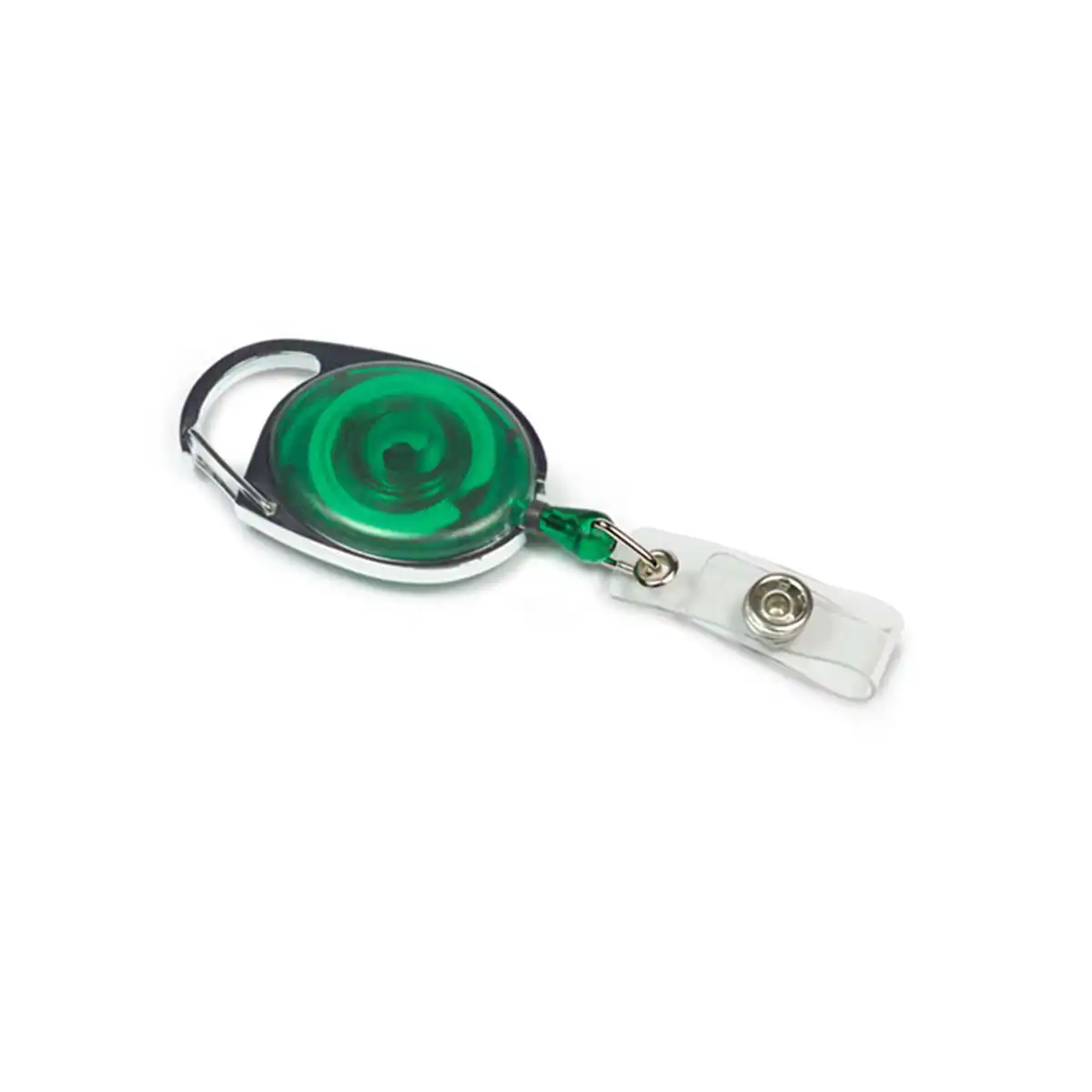### Connect the badge Attach the reel to a suitable clothing or carrying point, then connect a compatible card holder or badge to its strap. Guide the badge back after use rather than letting the cord snap back. A reel keeps the badge attached while it extends; it does not establish compatibility with every reader. Follow the reader’s instructions if the card must be removed from its holder. ### Select the order Available quantities: 1, 5, 10, 25, 50 or 100. This listing covers the green Premier option; check the chosen quantity and colour in your basket. If a precise cord reach, load rating, locking mechanism or branded reel is required, ask ACB to confirm that specification before purchase. Stock reels are intended for identification accessories; do not assume suitability for heavier equipment. ### Match the Premier range and colour Green provides a visible colour choice for your own issue scheme. Approve a sample with the intended holder attached and record the range name when ordering replacements. The colour describes the reel; it does not establish the credential’s access permissions. Test a sample with the card and holder you intend to issue. Check the wearing position, the route to the reader and the return movement. Ask for the confirmed cord reach or load rating if either value is essential to the planned use. ## Green Premier badge reel: buying questions ### Does Premier specify the cord reach or load rating? Premier is the listed range name. Ask ACB to confirm the actual reach and load specification when your application depends on those values. Match the supplied reel to the badge assembly rather than assuming a rating from its name. ### How do I check the reel suits my reader position? Measure the distance from the intended wearing point to the reader and confirm the reel specification before ordering. Test the completed badge assembly at the installed reader, following the card-presentation method required by that system. ### Does my quantity include a badge holder? The quantity choice is the number of reels. Plan the card and compatible holder separately unless a specific quotation includes them. Check the holder slot and fastening before assembling a larger staff or visitor issue. Compare the [clear translucent reel](https://acb-ltd.com/product/clear-translucent-retractable-id-badge-reel/) for another listed style. For help choosing the green Premier badge reel, [contact ACB](https://acb-ltd.com/contact-us/). **Product brands:** ACB Ltd **Product categories:** Badge Reels, ID Card Accessories **Product tags:** Badge Clip, Badge Reel, ID Card Badge Holder, ID Card Clip, Key Reel, Keychain Reel, Retractable Keychain, Retractable Reel, Yo Yo Keychain, Yo Yo Reel --- ### [Yellow Premier Yo Yo Retractable Reel](https://acb-ltd.com/product/yellow-premier-yo-yo-retractable-reel/) **Published:** August 24, 2025 **Author:** acb_superadmin **Excerpt:** The yellow Premier badge reel keeps a suitably attached ID badge connected while you bring it towards a reader or show it for inspection. Choose 1, 5, 25, 50 or 100 reels from this listing. Match the wearing clip, badge connection and required reach to the complete badge arrangement. **Content:** ## Yellow Premier badge reel The yellow Premier badge reel keeps a suitably attached ID badge connected while you bring it towards a reader or show it for inspection. Choose 1, 5, 25, 50 or 100 reels from this listing. Match the wearing clip, badge connection and required reach to the complete badge arrangement. 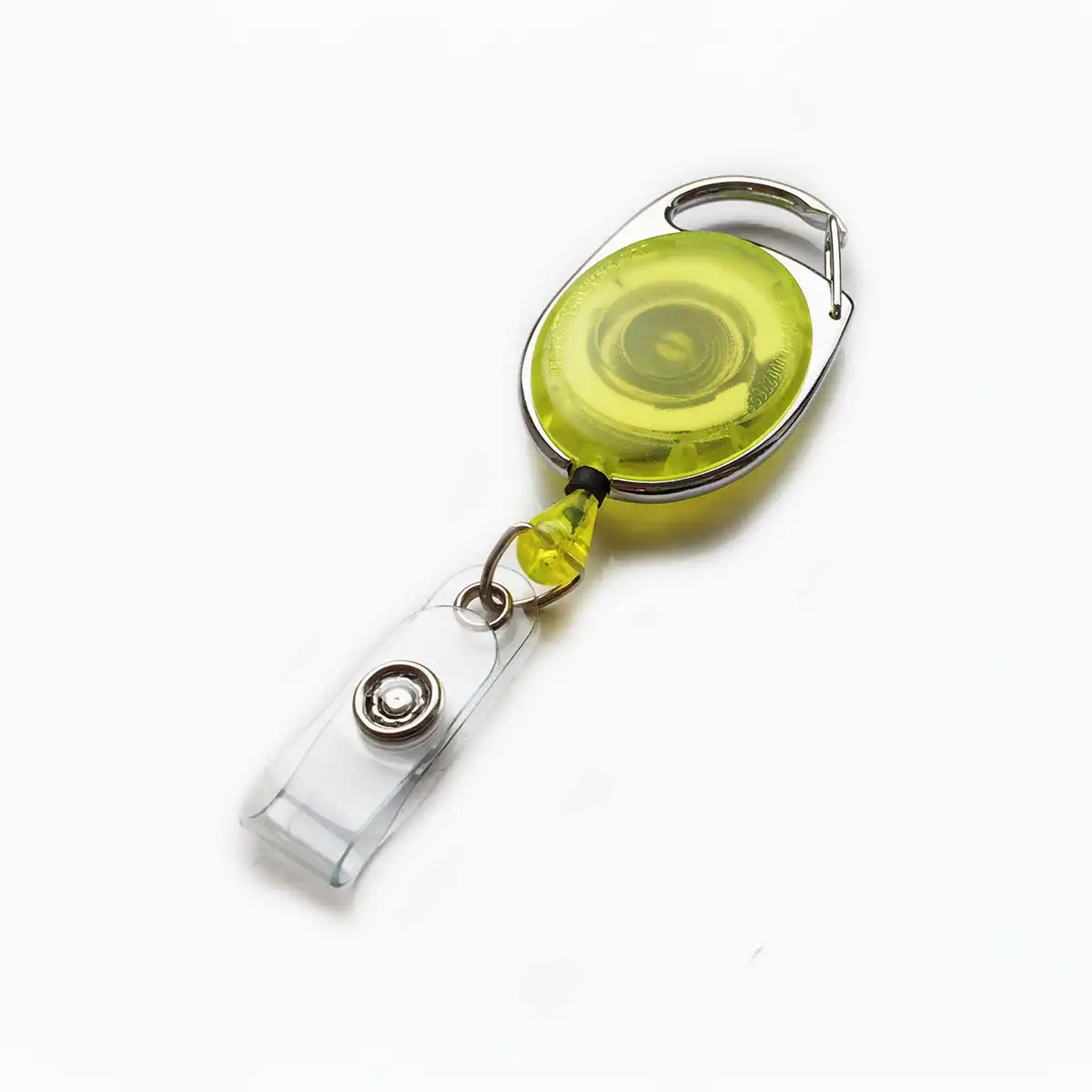### Connect the badge Attach the reel to a suitable clothing or carrying point, then connect a compatible card holder or badge to its strap. Guide the badge back after use rather than letting the cord snap back. A reel keeps the badge attached while it extends; it does not establish compatibility with every reader. Follow the reader’s instructions if the card must be removed from its holder. ### Select the order Available quantities: 1, 5, 25, 50 or 100. This listing covers the yellow Premier option; check the chosen quantity and colour in your basket. If a precise cord reach, load rating, locking mechanism or branded reel is required, ask ACB to confirm that specification before purchase. Stock reels are intended for identification accessories; do not assume suitability for heavier equipment. ### Match the Premier range and colour Yellow gives the reel a bright colour cue. Match it to the organisation’s chosen issue scheme and keep the wearer’s role visible in printed text. Record both the range and quantity so later replacement orders use the intended option. Test a sample with the card and holder you intend to issue. Check the wearing position, the route to the reader and the return movement. Ask for the confirmed cord reach or load rating if either value is essential to the planned use. ## Yellow Premier badge reel: buying questions ### Does Premier specify the cord reach or load rating? Premier is the listed range name. Ask ACB to confirm the actual reach and load specification when your application depends on those values. Match the supplied reel to the badge assembly rather than assuming a rating from its name. ### How do I check the reel suits my reader position? Measure the distance from the intended wearing point to the reader and confirm the reel specification before ordering. Test the completed badge assembly at the installed reader, following the card-presentation method required by that system. ### Does my quantity include a badge holder? The quantity choice is the number of reels. Plan the card and compatible holder separately unless a specific quotation includes them. Check the holder slot and fastening before assembling a larger staff or visitor issue. Compare the [clear translucent reel](https://acb-ltd.com/product/clear-translucent-retractable-id-badge-reel/) for another listed style. For help choosing the yellow Premier badge reel, [contact ACB](https://acb-ltd.com/contact-us/). **Product brands:** ACB Ltd **Product categories:** Badge Reels, ID Card Accessories **Product tags:** Badge Clip, Badge Reel, ID Card Badge Holder, ID Card Clip, Key Reel, Keychain Reel, Retractable Keychain, Retractable Reel, Yo Yo Keychain, Yo Yo Reel --- ### [Purple Premier Yo Yo Retractable Reel](https://acb-ltd.com/product/purple-premier-yo-yo-retractable-reel/) **Published:** August 24, 2025 **Author:** acb_superadmin **Excerpt:** The purple Premier badge reel keeps a suitably attached ID badge connected while you bring it towards a reader or show it for inspection. Choose 1, 5, 10, 25, 50 or 100 reels from this listing. Match the wearing clip, badge connection and required reach to the complete badge arrangement. **Content:** ## Purple Premier badge reel The purple Premier badge reel keeps a suitably attached ID badge connected while you bring it towards a reader or show it for inspection. Choose 1, 5, 10, 25, 50 or 100 reels from this listing. Match the wearing clip, badge connection and required reach to the complete badge arrangement. ### Connect the badge Attach the reel to a suitable clothing or carrying point, then connect a compatible card holder or badge to its strap. Guide the badge back after use rather than letting the cord snap back. A reel keeps the badge attached while it extends; it does not establish compatibility with every reader. Follow the reader’s instructions if the card must be removed from its holder. ### Select the order Available quantities: 1, 5, 10, 25, 50 or 100. This listing covers the purple Premier option; check the chosen quantity and colour in your basket. If a precise cord reach, load rating, locking mechanism or branded reel is required, ask ACB to confirm that specification before purchase. Stock reels are intended for identification accessories; do not assume suitability for heavier equipment. ### Match the Premier range and colour Purple can support your organisation’s badge colour scheme. Match the same reel range as well as the colour when ordering replacements, and keep the wearer’s role readable on the printed card so the scheme also works without colour cues. Test a sample with the card and holder you intend to issue. Check the wearing position, the route to the reader and the return movement. Ask for the confirmed cord reach or load rating if either value is essential to the planned use. ## Purple Premier badge reel: buying questions ### Does Premier specify the cord reach or load rating? Premier is the listed range name. Ask ACB to confirm the actual reach and load specification when your application depends on those values. Match the supplied reel to the badge assembly rather than assuming a rating from its name. ### How do I check the reel suits my reader position? Measure the distance from the intended wearing point to the reader and confirm the reel specification before ordering. Test the completed badge assembly at the installed reader, following the card-presentation method required by that system. ### Does my quantity include a badge holder? The quantity choice is the number of reels. Plan the card and compatible holder separately unless a specific quotation includes them. Check the holder slot and fastening before assembling a larger staff or visitor issue. Compare the [clear translucent reel](https://acb-ltd.com/product/clear-translucent-retractable-id-badge-reel/) for another listed style. For help choosing the purple Premier badge reel, [contact ACB](https://acb-ltd.com/contact-us/). **Product brands:** ACB Ltd **Product categories:** Badge Reels, ID Card Accessories **Product tags:** Badge Clip, Badge Reel, ID Card Badge Holder, ID Card Clip, Key Reel, Keychain Reel, Retractable Keychain, Retractable Reel, Yo Yo Keychain, Yo Yo Reel --- ### [Pink Premier Yo Yo Retractable Reel](https://acb-ltd.com/product/pink-premier-yo-yo-retractable-reel/) **Published:** August 24, 2025 **Author:** acb_superadmin **Excerpt:** The pink Premier badge reel keeps a suitably attached ID badge connected while you bring it towards a reader or show it for inspection. Choose 1, 5, 10, 25, 50 or 100 reels from this listing. Match the wearing clip, badge connection and required reach to the complete badge arrangement. **Content:** ## Pink Premier badge reel The pink Premier badge reel keeps a suitably attached ID badge connected while you bring it towards a reader or show it for inspection. Choose 1, 5, 10, 25, 50 or 100 reels from this listing. Match the wearing clip, badge connection and required reach to the complete badge arrangement. 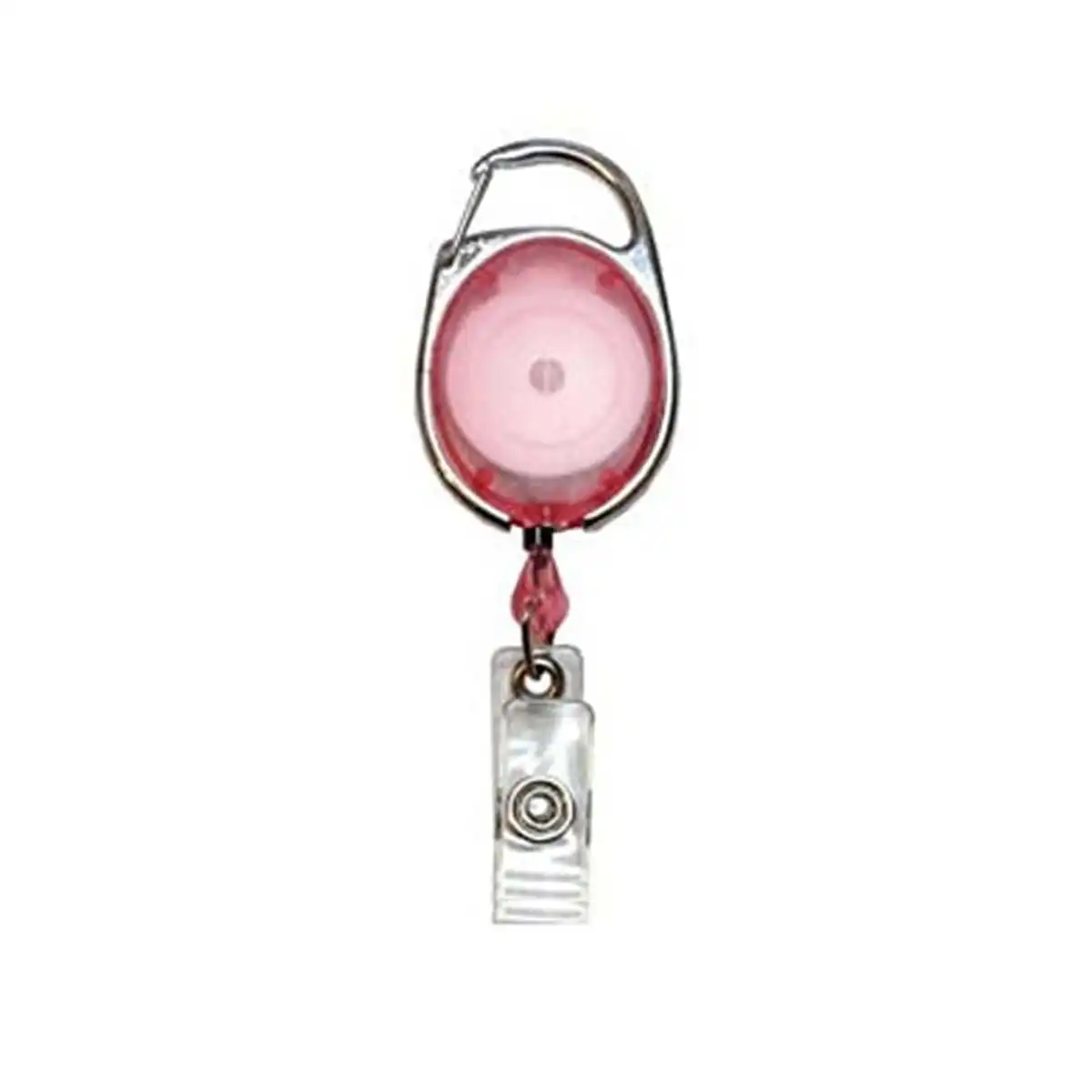### Connect the badge Attach the reel to a suitable clothing or carrying point, then connect a compatible card holder or badge to its strap. Guide the badge back after use rather than letting the cord snap back. A reel keeps the badge attached while it extends; it does not establish compatibility with every reader. Follow the reader’s instructions if the card must be removed from its holder. ### Select the order Available quantities: 1, 5, 10, 25, 50 or 100. This listing covers the pink Premier option; check the chosen quantity and colour in your basket. If a precise cord reach, load rating, locking mechanism or branded reel is required, ask ACB to confirm that specification before purchase. Stock reels are intended for identification accessories; do not assume suitability for heavier equipment. ### Match the Premier range and colour Pink provides a distinct colour choice for the issue pack. Check the selected range beside existing holders and wearing accessories, and keep role information readable on the credential. Use the same colour and range reference when ordering replacements. Test a sample with the card and holder you intend to issue. Check the wearing position, the route to the reader and the return movement. Ask for the confirmed cord reach or load rating if either value is essential to the planned use. ## Pink Premier badge reel: buying questions ### Does Premier specify the cord reach or load rating? Premier is the listed range name. Ask ACB to confirm the actual reach and load specification when your application depends on those values. Match the supplied reel to the badge assembly rather than assuming a rating from its name. ### How do I check the reel suits my reader position? Measure the distance from the intended wearing point to the reader and confirm the reel specification before ordering. Test the completed badge assembly at the installed reader, following the card-presentation method required by that system. ### Does my quantity include a badge holder? The quantity choice is the number of reels. Plan the card and compatible holder separately unless a specific quotation includes them. Check the holder slot and fastening before assembling a larger staff or visitor issue. Compare the [clear translucent reel](https://acb-ltd.com/product/clear-translucent-retractable-id-badge-reel/) for another listed style. For help choosing the pink Premier badge reel, [contact ACB](https://acb-ltd.com/contact-us/). **Product brands:** ACB Ltd **Product categories:** Badge Reels, ID Card Accessories **Product tags:** Badge Clip, Badge Reel, ID Card Badge Holder, ID Card Clip, Key Reel, Keychain Reel, Retractable Keychain, Retractable Reel, Yo Yo Keychain, Yo Yo Reel --- ### [Clear Premier Yo Yo Retractable Reel](https://acb-ltd.com/product/clear-premier-yo-yo-retractable-reel/) **Published:** August 25, 2025 **Author:** acb_superadmin **Excerpt:** The clear Premier badge reel keeps a suitably attached ID badge connected while you bring it towards a reader or show it for inspection. Choose 1, 5, 10, 25, 50 or 100 reels from this listing. Match the wearing clip, badge connection and required reach to the complete badge arrangement. **Content:** ## Clear Premier badge reel The clear Premier badge reel keeps a suitably attached ID badge connected while you bring it towards a reader or show it for inspection. Choose 1, 5, 10, 25, 50 or 100 reels from this listing. Match the wearing clip, badge connection and required reach to the complete badge arrangement. 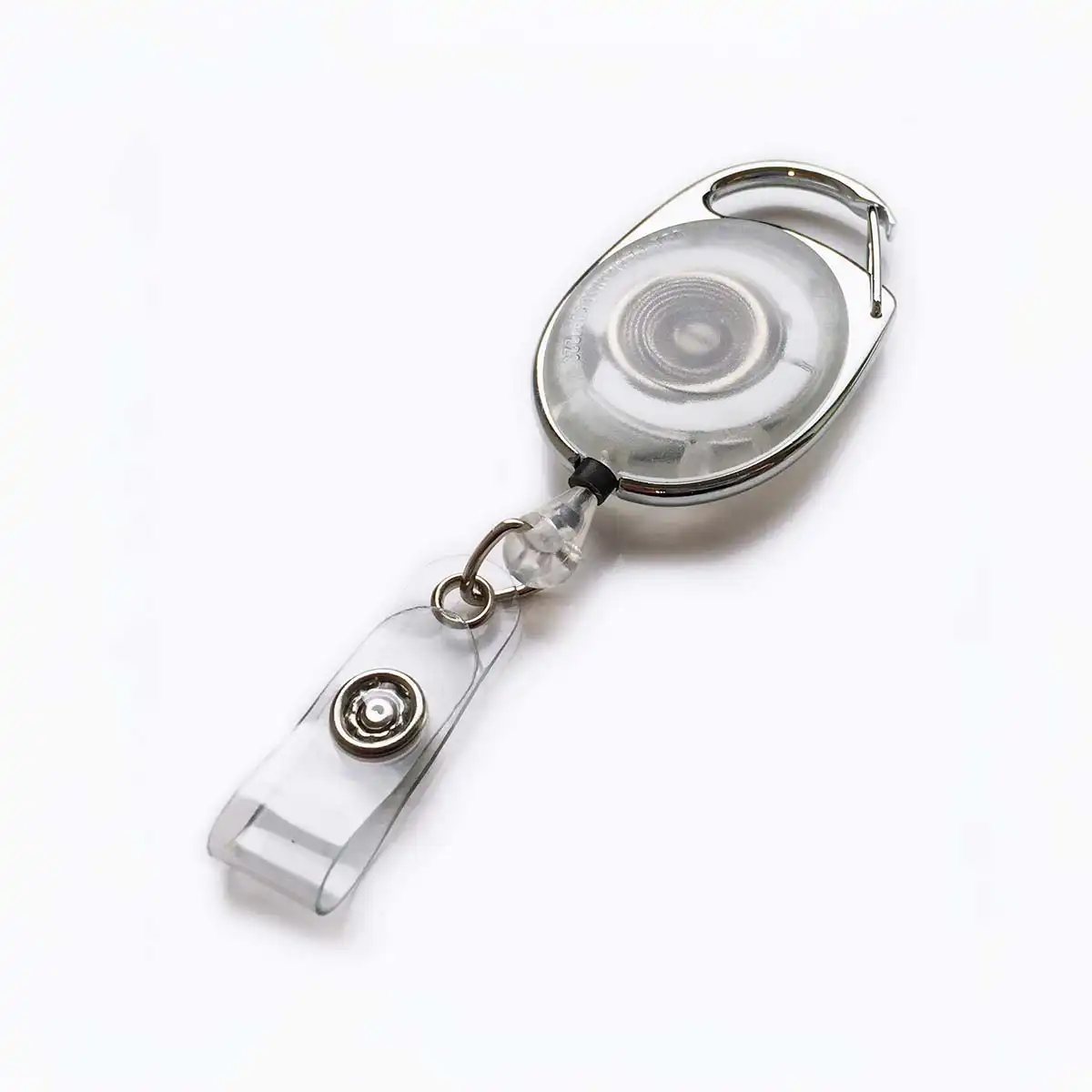### Connect the badge Attach the reel to a suitable clothing or carrying point, then connect a compatible card holder or badge to its strap. Guide the badge back after use rather than letting the cord snap back. A reel keeps the badge attached while it extends; it does not establish compatibility with every reader. Follow the reader’s instructions if the card must be removed from its holder. ### Select the order Available quantities: 1, 5, 10, 25, 50 or 100. This listing covers the clear Premier option; check the chosen quantity and colour in your basket. If a precise cord reach, load rating, locking mechanism or branded reel is required, ask ACB to confirm that specification before purchase. Stock reels are intended for identification accessories; do not assume suitability for heavier equipment. ### Match the Premier range and colour Clear describes the listed reel housing. It is a separate item from a clear card holder, so plan both parts of the badge arrangement. Compare the actual fitting and range name with your current supply when preparing a repeat order. Test a sample with the card and holder you intend to issue. Check the wearing position, the route to the reader and the return movement. Ask for the confirmed cord reach or load rating if either value is essential to the planned use. ## Clear Premier badge reel: buying questions ### Does Premier specify the cord reach or load rating? Premier is the listed range name. Ask ACB to confirm the actual reach and load specification when your application depends on those values. Match the supplied reel to the badge assembly rather than assuming a rating from its name. ### How do I check the reel suits my reader position? Measure the distance from the intended wearing point to the reader and confirm the reel specification before ordering. Test the completed badge assembly at the installed reader, following the card-presentation method required by that system. ### Does my quantity include a badge holder? The quantity choice is the number of reels. Plan the card and compatible holder separately unless a specific quotation includes them. Check the holder slot and fastening before assembling a larger staff or visitor issue. Compare the [clear translucent reel](https://acb-ltd.com/product/clear-translucent-retractable-id-badge-reel/) for another listed style. For help choosing the clear Premier badge reel, [contact ACB](https://acb-ltd.com/contact-us/). **Product categories:** Badge Reels, ID Card Accessories **Product tags:** Badge Clip, Badge Reel, ID Card Badge Holder, ID Card Clip, Key Reel, Keychain Reel, Retractable Keychain, Retractable Reel, Yo Yo Keychain, Yo Yo Reel --- ### [Blue Premier Yo Yo Retractable Reel](https://acb-ltd.com/product/blue-premier-yo-yo-retractable-reel/) **Published:** August 25, 2025 **Author:** acb_superadmin **Excerpt:** The blue Premier badge reel keeps a suitably attached ID badge connected while you bring it towards a reader or show it for inspection. Choose 1, 5, 10, 25, 50 or 100 reels from this listing. Match the wearing clip, badge connection and required reach to the complete badge arrangement. **Content:** ## Blue Premier badge reel The blue Premier badge reel keeps a suitably attached ID badge connected while you bring it towards a reader or show it for inspection. Choose 1, 5, 10, 25, 50 or 100 reels from this listing. Match the wearing clip, badge connection and required reach to the complete badge arrangement. ### Connect the badge Attach the reel to a suitable clothing or carrying point, then connect a compatible card holder or badge to its strap. Guide the badge back after use rather than letting the cord snap back. A reel keeps the badge attached while it extends; it does not establish compatibility with every reader. Follow the reader’s instructions if the card must be removed from its holder. ### Select the order Available quantities: 1, 5, 10, 25, 50 or 100. This listing covers the blue Premier option; check the chosen quantity and colour in your basket. If a precise cord reach, load rating, locking mechanism or branded reel is required, ask ACB to confirm that specification before purchase. Stock reels are intended for identification accessories; do not assume suitability for heavier equipment. ### Match the Premier range and colour Keep the full colour and range name in your issue records. A blue Premier reel and a blue solid core reel are separate listed choices; compare the chosen housing and fitting before replacing an existing supply. Test a sample with the card and holder you intend to issue. Check the wearing position, the route to the reader and the return movement. Ask for the confirmed cord reach or load rating if either value is essential to the planned use. ## Blue Premier badge reel: buying questions ### Does Premier specify the cord reach or load rating? Premier is the listed range name. Ask ACB to confirm the actual reach and load specification when your application depends on those values. Match the supplied reel to the badge assembly rather than assuming a rating from its name. ### How do I check the reel suits my reader position? Measure the distance from the intended wearing point to the reader and confirm the reel specification before ordering. Test the completed badge assembly at the installed reader, following the card-presentation method required by that system. ### Does my quantity include a badge holder? The quantity choice is the number of reels. Plan the card and compatible holder separately unless a specific quotation includes them. Check the holder slot and fastening before assembling a larger staff or visitor issue. Compare the [clear translucent reel](https://acb-ltd.com/product/clear-translucent-retractable-id-badge-reel/) for another listed style. For help choosing the blue Premier badge reel, [contact ACB](https://acb-ltd.com/contact-us/). **Product brands:** ACB Ltd **Product categories:** Badge Reels, ID Card Accessories **Product tags:** Badge Clip, Badge Reel, ID Card Badge Holder, ID Card Clip, Key Reel, Keychain Reel, Retractable Keychain, Retractable Reel, Yo Yo Keychain, Yo Yo Reel --- ### [Red Premier Yo Yo Retractable Reel](https://acb-ltd.com/product/red-premier-yo-yo-retractable-reel/) **Published:** August 25, 2025 **Author:** acb_superadmin **Excerpt:** The red Premier badge reel keeps a suitably attached ID badge connected while you bring it towards a reader or show it for inspection. Choose 1, 5, 10, 25, 50 or 100 reels from this listing. Match the wearing clip, badge connection and required reach to the complete badge arrangement. **Content:** ## Red Premier badge reel The red Premier badge reel keeps a suitably attached ID badge connected while you bring it towards a reader or show it for inspection. Choose 1, 5, 10, 25, 50 or 100 reels from this listing. Match the wearing clip, badge connection and required reach to the complete badge arrangement. ### Connect the badge Attach the reel to a suitable clothing or carrying point, then connect a compatible card holder or badge to its strap. Guide the badge back after use rather than letting the cord snap back. A reel keeps the badge attached while it extends; it does not establish compatibility with every reader. Follow the reader’s instructions if the card must be removed from its holder. ### Select the order Available quantities: 1, 5, 10, 25, 50 or 100. This listing covers the red Premier option; check the chosen quantity and colour in your basket. If a precise cord reach, load rating, locking mechanism or branded reel is required, ask ACB to confirm that specification before purchase. Stock reels are intended for identification accessories; do not assume suitability for heavier equipment. ### Match the Premier range and colour Red can form part of an organisation’s own badge scheme. Keep the colour meaning clear with readable role or department information on the credential. Match the reel range, holder connection and wearing attachment when replacing an existing issue pack. Test a sample with the card and holder you intend to issue. Check the wearing position, the route to the reader and the return movement. Ask for the confirmed cord reach or load rating if either value is essential to the planned use. ## Red Premier badge reel: buying questions ### Does Premier specify the cord reach or load rating? Premier is the listed range name. Ask ACB to confirm the actual reach and load specification when your application depends on those values. Match the supplied reel to the badge assembly rather than assuming a rating from its name. ### How do I check the reel suits my reader position? Measure the distance from the intended wearing point to the reader and confirm the reel specification before ordering. Test the completed badge assembly at the installed reader, following the card-presentation method required by that system. ### Does my quantity include a badge holder? The quantity choice is the number of reels. Plan the card and compatible holder separately unless a specific quotation includes them. Check the holder slot and fastening before assembling a larger staff or visitor issue. Compare the [clear translucent reel](https://acb-ltd.com/product/clear-translucent-retractable-id-badge-reel/) for another listed style. For help choosing the red Premier badge reel, [contact ACB](https://acb-ltd.com/contact-us/). **Product categories:** Badge Reels, ID Card Accessories **Product tags:** Badge Clip, Badge Reel, ID Card Badge Holder, ID Card Clip, Key Reel, Keychain Reel, Retractable Keychain, Retractable Reel, Yo Yo Keychain, Yo Yo Reel --- ### [Black Solid Core Retractable ID Badge Reel](https://acb-ltd.com/product/black-solid-core-retractable-id-badge-reel/) **Published:** August 25, 2025 **Author:** acb_superadmin **Excerpt:** The black solid core badge reel keeps a suitably attached ID badge connected while you bring it towards a reader or show it for inspection. Choose 1, 5, 10, 25, 50 or 100 reels from this listing. Match the wearing clip, badge connection and required reach to the complete badge arrangement. **Content:** ## Black solid core badge reel The black solid core badge reel keeps a suitably attached ID badge connected while you bring it towards a reader or show it for inspection. Choose 1, 5, 10, 25, 50 or 100 reels from this listing. Match the wearing clip, badge connection and required reach to the complete badge arrangement. ### Connect the badge Attach the reel to a suitable clothing or carrying point, then connect a compatible card holder or badge to its strap. Guide the badge back after use rather than letting the cord snap back. A reel keeps the badge attached while it extends; it does not establish compatibility with every reader. Follow the reader’s instructions if the card must be removed from its holder. ### Select the order Available quantities: 1, 5, 10, 25, 50 or 100. This listing covers the black solid core option; check the chosen quantity and colour in your basket. If a precise cord reach, load rating, locking mechanism or branded reel is required, ask ACB to confirm that specification before purchase. Stock reels are intended for identification accessories; do not assume suitability for heavier equipment. ### Match the solid core range and colour Black offers a neutral finish for the wearing arrangement. Compare the reel range and connection with the accessories already in use, and approve a sample with the intended badge attached. Record the full product description for later replacement orders. Test a sample with the card and holder you intend to issue. Check the wearing position, the route to the reader and the return movement. Ask for the confirmed cord reach or load rating if either value is essential to the planned use. ## Black solid core badge reel: buying questions ### What does solid core describe? It is the listed reel style. It does not describe the material or thickness of the ID card. Select the reel, card and holder as separate components and check that their connections suit the planned wearing arrangement. ### How do I check the reel suits my reader position? Measure the distance from the intended wearing point to the reader and confirm the reel specification before ordering. Test the completed badge assembly at the installed reader, following the card-presentation method required by that system. ### Does my quantity include a badge holder? The quantity choice is the number of reels. Plan the card and compatible holder separately unless a specific quotation includes them. Check the holder slot and fastening before assembling a larger staff or visitor issue. Compare the [clear translucent reel](https://acb-ltd.com/product/clear-translucent-retractable-id-badge-reel/) for another listed style. For help choosing the black solid core badge reel, [contact ACB](https://acb-ltd.com/contact-us/). **Product brands:** ACB Ltd **Product categories:** Badge Reels, ID Card Accessories **Product tags:** Badge Holder, employee badge reel, ID badge reel, ID Holder, office badge reel, retractable badge reel, retractable ID holder., Solid Core Retractable ID Badge Reel, work badge reel --- ### [Blue Solid Core Retractable ID Badge Reel](https://acb-ltd.com/product/blue-solid-core-retractable-id-badge-reel/) **Published:** September 5, 2025 **Author:** acb_superadmin **Excerpt:** The blue solid core badge reel keeps a suitably attached ID badge connected while you bring it towards a reader or show it for inspection. Choose 1, 5, 10, 25, 50 or 100 reels from this listing. Match the wearing clip, badge connection and required reach to the complete badge arrangement. **Content:** ## Blue solid core badge reel The blue solid core badge reel keeps a suitably attached ID badge connected while you bring it towards a reader or show it for inspection. Choose 1, 5, 10, 25, 50 or 100 reels from this listing. Match the wearing clip, badge connection and required reach to the complete badge arrangement. ### Connect the badge Attach the reel to a suitable clothing or carrying point, then connect a compatible card holder or badge to its strap. Guide the badge back after use rather than letting the cord snap back. A reel keeps the badge attached while it extends; it does not establish compatibility with every reader. Follow the reader’s instructions if the card must be removed from its holder. ### Select the order Available quantities: 1, 5, 10, 25, 50 or 100. This listing covers the blue solid core option; check the chosen quantity and colour in your basket. If a precise cord reach, load rating, locking mechanism or branded reel is required, ask ACB to confirm that specification before purchase. Stock reels are intended for identification accessories; do not assume suitability for heavier equipment. ### Match the solid core range and colour Keep the full colour and range name in your issue records. A blue Premier reel and a blue solid core reel are separate listed choices; compare the chosen housing and fitting before replacing an existing supply. Test a sample with the card and holder you intend to issue. Check the wearing position, the route to the reader and the return movement. Ask for the confirmed cord reach or load rating if either value is essential to the planned use. ## Blue solid core badge reel: buying questions ### What does solid core describe? It is the listed reel style. It does not describe the material or thickness of the ID card. Select the reel, card and holder as separate components and check that their connections suit the planned wearing arrangement. ### How do I check the reel suits my reader position? Measure the distance from the intended wearing point to the reader and confirm the reel specification before ordering. Test the completed badge assembly at the installed reader, following the card-presentation method required by that system. ### Does my quantity include a badge holder? The quantity choice is the number of reels. Plan the card and compatible holder separately unless a specific quotation includes them. Check the holder slot and fastening before assembling a larger staff or visitor issue. Compare the [clear translucent reel](https://acb-ltd.com/product/clear-translucent-retractable-id-badge-reel/) for another listed style. For help choosing the blue solid core badge reel, [contact ACB](https://acb-ltd.com/contact-us/). **Product brands:** ACB Ltd **Product categories:** Badge Reels, ID Card Accessories **Product tags:** Badge Holder, employee badge reel, ID badge reel, ID Holder, office badge reel, retractable badge reel, retractable ID holder., Solid Core Retractable ID Badge Reel, work badge reel --- ### [Green Solid Core Retractable ID Badge Reel](https://acb-ltd.com/product/green-solid-core-retractable-id-badge-reel/) **Published:** September 5, 2025 **Author:** acb_superadmin **Excerpt:** The green solid core badge reel keeps a suitably attached ID badge connected while you bring it towards a reader or show it for inspection. Choose 1, 5, 10, 25, 50 or 100 reels from this listing. Match the wearing clip, badge connection and required reach to the complete badge arrangement. **Content:** ## Green solid core badge reel The green solid core badge reel keeps a suitably attached ID badge connected while you bring it towards a reader or show it for inspection. Choose 1, 5, 10, 25, 50 or 100 reels from this listing. Match the wearing clip, badge connection and required reach to the complete badge arrangement. ### Connect the badge Attach the reel to a suitable clothing or carrying point, then connect a compatible card holder or badge to its strap. Guide the badge back after use rather than letting the cord snap back. A reel keeps the badge attached while it extends; it does not establish compatibility with every reader. Follow the reader’s instructions if the card must be removed from its holder. ### Select the order Available quantities: 1, 5, 10, 25, 50 or 100. This listing covers the green solid core option; check the chosen quantity and colour in your basket. If a precise cord reach, load rating, locking mechanism or branded reel is required, ask ACB to confirm that specification before purchase. Stock reels are intended for identification accessories; do not assume suitability for heavier equipment. ### Match the solid core range and colour Green provides a visible colour choice for your own issue scheme. Approve a sample with the intended holder attached and record the range name when ordering replacements. The colour describes the reel; it does not establish the credential’s access permissions. Test a sample with the card and holder you intend to issue. Check the wearing position, the route to the reader and the return movement. Ask for the confirmed cord reach or load rating if either value is essential to the planned use. ## Green solid core badge reel: buying questions ### What does solid core describe? It is the listed reel style. It does not describe the material or thickness of the ID card. Select the reel, card and holder as separate components and check that their connections suit the planned wearing arrangement. ### How do I check the reel suits my reader position? Measure the distance from the intended wearing point to the reader and confirm the reel specification before ordering. Test the completed badge assembly at the installed reader, following the card-presentation method required by that system. ### Does my quantity include a badge holder? The quantity choice is the number of reels. Plan the card and compatible holder separately unless a specific quotation includes them. Check the holder slot and fastening before assembling a larger staff or visitor issue. Compare the [clear translucent reel](https://acb-ltd.com/product/clear-translucent-retractable-id-badge-reel/) for another listed style. For help choosing the green solid core badge reel, [contact ACB](https://acb-ltd.com/contact-us/). **Product brands:** ACB Ltd **Product categories:** Badge Reels, ID Card Accessories **Product tags:** Badge Holder, employee badge reel, ID badge reel, ID Holder, office badge reel, retractable badge reel, retractable ID holder., Solid Core Retractable ID Badge Reel, work badge reel --- ### [Red Solid Core Retractable ID Badge Reel](https://acb-ltd.com/product/red-solid-core-retractable-id-badge-reel-2/) **Published:** September 5, 2025 **Author:** acb_superadmin **Excerpt:** The red solid core badge reel keeps a suitably attached ID badge connected while you bring it towards a reader or show it for inspection. Choose 1, 5, 10, 25, 50 or 100 reels from this listing. Match the wearing clip, badge connection and required reach to the complete badge arrangement. **Content:** ## Red solid core badge reel The red solid core badge reel keeps a suitably attached ID badge connected while you bring it towards a reader or show it for inspection. Choose 1, 5, 10, 25, 50 or 100 reels from this listing. Match the wearing clip, badge connection and required reach to the complete badge arrangement. ### Connect the badge Attach the reel to a suitable clothing or carrying point, then connect a compatible card holder or badge to its strap. Guide the badge back after use rather than letting the cord snap back. A reel keeps the badge attached while it extends; it does not establish compatibility with every reader. Follow the reader’s instructions if the card must be removed from its holder. ### Select the order Available quantities: 1, 5, 10, 25, 50 or 100. This listing covers the red solid core option; check the chosen quantity and colour in your basket. If a precise cord reach, load rating, locking mechanism or branded reel is required, ask ACB to confirm that specification before purchase. Stock reels are intended for identification accessories; do not assume suitability for heavier equipment. ### Match the solid core range and colour Red can form part of an organisation’s own badge scheme. Keep the colour meaning clear with readable role or department information on the credential. Match the reel range, holder connection and wearing attachment when replacing an existing issue pack. Test a sample with the card and holder you intend to issue. Check the wearing position, the route to the reader and the return movement. Ask for the confirmed cord reach or load rating if either value is essential to the planned use. ## Red solid core badge reel: buying questions ### What does solid core describe? It is the listed reel style. It does not describe the material or thickness of the ID card. Select the reel, card and holder as separate components and check that their connections suit the planned wearing arrangement. ### How do I check the reel suits my reader position? Measure the distance from the intended wearing point to the reader and confirm the reel specification before ordering. Test the completed badge assembly at the installed reader, following the card-presentation method required by that system. ### Does my quantity include a badge holder? The quantity choice is the number of reels. Plan the card and compatible holder separately unless a specific quotation includes them. Check the holder slot and fastening before assembling a larger staff or visitor issue. Compare the [clear translucent reel](https://acb-ltd.com/product/clear-translucent-retractable-id-badge-reel/) for another listed style. For help choosing the red solid core badge reel, [contact ACB](https://acb-ltd.com/contact-us/). **Product brands:** ACB Ltd **Product categories:** Badge Reels, ID Card Accessories **Product tags:** Badge Holder, employee badge reel, ID badge reel, ID Holder, office badge reel, retractable badge reel, retractable ID holder., Solid Core Retractable ID Badge Reel, work badge reel --- ### [White Solid Core Retractable ID Badge Reel](https://acb-ltd.com/product/white-solid-core-retractable-id-badge-reel/) **Published:** September 5, 2025 **Author:** acb_superadmin **Excerpt:** The white solid core badge reel keeps a suitably attached ID badge connected while you bring it towards a reader or show it for inspection. Choose 1, 5, 10, 25, 50 or 100 reels from this listing. Match the wearing clip, badge connection and required reach to the complete badge arrangement. **Content:** ## White solid core badge reel The white solid core badge reel keeps a suitably attached ID badge connected while you bring it towards a reader or show it for inspection. Choose 1, 5, 10, 25, 50 or 100 reels from this listing. Match the wearing clip, badge connection and required reach to the complete badge arrangement. ### Connect the badge Attach the reel to a suitable clothing or carrying point, then connect a compatible card holder or badge to its strap. Guide the badge back after use rather than letting the cord snap back. A reel keeps the badge attached while it extends; it does not establish compatibility with every reader. Follow the reader’s instructions if the card must be removed from its holder. ### Select the order Available quantities: 1, 5, 10, 25, 50 or 100. This listing covers the white solid core option; check the chosen quantity and colour in your basket. If a precise cord reach, load rating, locking mechanism or branded reel is required, ask ACB to confirm that specification before purchase. Stock reels are intended for identification accessories; do not assume suitability for heavier equipment. ### Match the solid core range and colour White gives the reel a light colour finish. Compare the chosen housing with the holder and existing issue stock before approving a larger order. Keep the full range name in your records so a replacement order matches the intended reel format. Test a sample with the card and holder you intend to issue. Check the wearing position, the route to the reader and the return movement. Ask for the confirmed cord reach or load rating if either value is essential to the planned use. ## White solid core badge reel: buying questions ### What does solid core describe? It is the listed reel style. It does not describe the material or thickness of the ID card. Select the reel, card and holder as separate components and check that their connections suit the planned wearing arrangement. ### How do I check the reel suits my reader position? Measure the distance from the intended wearing point to the reader and confirm the reel specification before ordering. Test the completed badge assembly at the installed reader, following the card-presentation method required by that system. ### Does my quantity include a badge holder? The quantity choice is the number of reels. Plan the card and compatible holder separately unless a specific quotation includes them. Check the holder slot and fastening before assembling a larger staff or visitor issue. Compare the [clear translucent reel](https://acb-ltd.com/product/clear-translucent-retractable-id-badge-reel/) for another listed style. For help choosing the white solid core badge reel, [contact ACB](https://acb-ltd.com/contact-us/). **Product brands:** ACB Ltd **Product categories:** Badge Reels, ID Card Accessories **Product tags:** Badge Holder, employee badge reel, ID badge reel, ID Holder, office badge reel, retractable badge reel, retractable ID holder., Solid Core Retractable ID Badge Reel, work badge reel --- ### [Clear Translucent Retractable ID Badge Reel](https://acb-ltd.com/product/clear-translucent-retractable-id-badge-reel/) **Published:** September 5, 2025 **Author:** acb_superadmin **Excerpt:** The clear translucent badge reel keeps a suitably attached ID badge connected while you bring it towards a reader or show it for inspection. Choose 1, 5, 10, 25, 50 or 100 reels from this listing. Match the wearing clip, badge connection and required reach to the complete badge arrangement. **Content:** ## Clear translucent badge reel The clear translucent badge reel keeps a suitably attached ID badge connected while you bring it towards a reader or show it for inspection. Choose 1, 5, 10, 25, 50 or 100 reels from this listing. Match the wearing clip, badge connection and required reach to the complete badge arrangement. ### Connect the badge Attach the reel to a suitable clothing or carrying point, then connect a compatible card holder or badge to its strap. Guide the badge back after use rather than letting the cord snap back. A reel keeps the badge attached while it extends; it does not establish compatibility with every reader. Follow the reader’s instructions if the card must be removed from its holder. ### Select the order Available quantities: 1, 5, 10, 25, 50 or 100. This listing covers the clear translucent option; check the chosen quantity and colour in your basket. If a precise cord reach, load rating, locking mechanism or branded reel is required, ask ACB to confirm that specification before purchase. Stock reels are intended for identification accessories; do not assume suitability for heavier equipment. ### Match the translucent range and colour Clear describes the listed reel housing. It is a separate item from a clear card holder, so plan both parts of the badge arrangement. Compare the actual fitting and range name with your current supply when preparing a repeat order. Test a sample with the card and holder you intend to issue. Check the wearing position, the route to the reader and the return movement. Ask for the confirmed cord reach or load rating if either value is essential to the planned use. ## Clear translucent badge reel: buying questions ### Does translucent describe the card holder? It describes the reel housing in this listing. Choose a separate compatible holder for the card size and orientation you use. Check the holder’s connection against the reel strap before preparing an issue pack. ### How do I check the reel suits my reader position? Measure the distance from the intended wearing point to the reader and confirm the reel specification before ordering. Test the completed badge assembly at the installed reader, following the card-presentation method required by that system. ### Does my quantity include a badge holder? The quantity choice is the number of reels. Plan the card and compatible holder separately unless a specific quotation includes them. Check the holder slot and fastening before assembling a larger staff or visitor issue. Compare the [black solid core reel](https://acb-ltd.com/product/black-solid-core-retractable-id-badge-reel/) for another listed style. For help choosing the clear translucent badge reel, [contact ACB](https://acb-ltd.com/contact-us/). **Product categories:** Badge Reels, ID Card Accessories **Product tags:** Badge Holder Clip, Badge Reel Clip, Badge Reel with Belt Clip, ID Badge Holder, retractable badge reel, Retractable ID Badge Holder., Translucent Badge Reel, Translucent ID Badge Reel --- ### [Orange Translucent Retractable ID Badge Reel](https://acb-ltd.com/product/orange-translucent-retractable-id-badge-reel/) **Published:** September 5, 2025 **Author:** acb_superadmin **Excerpt:** The orange translucent badge reel keeps a suitably attached ID badge connected while you bring it towards a reader or show it for inspection. Choose 1, 5, 10, 25, 50 or 100 reels from this listing. Match the wearing clip, badge connection and required reach to the complete badge arrangement. **Content:** ## Orange translucent badge reel The orange translucent badge reel keeps a suitably attached ID badge connected while you bring it towards a reader or show it for inspection. Choose 1, 5, 10, 25, 50 or 100 reels from this listing. Match the wearing clip, badge connection and required reach to the complete badge arrangement. ### Connect the badge Attach the reel to a suitable clothing or carrying point, then connect a compatible card holder or badge to its strap. Guide the badge back after use rather than letting the cord snap back. A reel keeps the badge attached while it extends; it does not establish compatibility with every reader. Follow the reader’s instructions if the card must be removed from its holder. ### Select the order Available quantities: 1, 5, 10, 25, 50 or 100. This listing covers the orange translucent option; check the chosen quantity and colour in your basket. If a precise cord reach, load rating, locking mechanism or branded reel is required, ask ACB to confirm that specification before purchase. Stock reels are intended for identification accessories; do not assume suitability for heavier equipment. ### Match the translucent range and colour Orange gives the reel a distinct colour cue within an issue pack. Check the chosen housing beside existing accessories and use readable role information on the badge. Record the range and attachment type so later replacement orders match the approved arrangement. Test a sample with the card and holder you intend to issue. Check the wearing position, the route to the reader and the return movement. Ask for the confirmed cord reach or load rating if either value is essential to the planned use. ## Orange translucent badge reel: buying questions ### Does translucent describe the card holder? It describes the reel housing in this listing. Choose a separate compatible holder for the card size and orientation you use. Check the holder’s connection against the reel strap before preparing an issue pack. ### How do I check the reel suits my reader position? Measure the distance from the intended wearing point to the reader and confirm the reel specification before ordering. Test the completed badge assembly at the installed reader, following the card-presentation method required by that system. ### Does my quantity include a badge holder? The quantity choice is the number of reels. Plan the card and compatible holder separately unless a specific quotation includes them. Check the holder slot and fastening before assembling a larger staff or visitor issue. Compare the [black solid core reel](https://acb-ltd.com/product/black-solid-core-retractable-id-badge-reel/) for another listed style. For help choosing the orange translucent badge reel, [contact ACB](https://acb-ltd.com/contact-us/). **Product categories:** Badge Reels, ID Card Accessories **Product tags:** Badge Holder Clip, Badge Reel Clip, Badge Reel with Belt Clip, ID Badge Holder, retractable badge reel, Retractable ID Badge Holder., Translucent Badge Reel, Translucent ID Badge Reel --- ### [Green Translucent Retractable ID Badge Reel](https://acb-ltd.com/product/green-translucent-retractable-id-badge-reel/) **Published:** September 5, 2025 **Author:** acb_superadmin **Excerpt:** The green translucent badge reel keeps a suitably attached ID badge connected while you bring it towards a reader or show it for inspection. Choose 1, 5, 10, 25, 50 or 100 reels from this listing. Match the wearing clip, badge connection and required reach to the complete badge arrangement. **Content:** ## Green translucent badge reel The green translucent badge reel keeps a suitably attached ID badge connected while you bring it towards a reader or show it for inspection. Choose 1, 5, 10, 25, 50 or 100 reels from this listing. Match the wearing clip, badge connection and required reach to the complete badge arrangement. ### Connect the badge Attach the reel to a suitable clothing or carrying point, then connect a compatible card holder or badge to its strap. Guide the badge back after use rather than letting the cord snap back. A reel keeps the badge attached while it extends; it does not establish compatibility with every reader. Follow the reader’s instructions if the card must be removed from its holder. ### Select the order Available quantities: 1, 5, 10, 25, 50 or 100. This listing covers the green translucent option; check the chosen quantity and colour in your basket. If a precise cord reach, load rating, locking mechanism or branded reel is required, ask ACB to confirm that specification before purchase. Stock reels are intended for identification accessories; do not assume suitability for heavier equipment. ### Match the translucent range and colour Green provides a visible colour choice for your own issue scheme. Approve a sample with the intended holder attached and record the range name when ordering replacements. The colour describes the reel; it does not establish the credential’s access permissions. Test a sample with the card and holder you intend to issue. Check the wearing position, the route to the reader and the return movement. Ask for the confirmed cord reach or load rating if either value is essential to the planned use. ## Green translucent badge reel: buying questions ### Does translucent describe the card holder? It describes the reel housing in this listing. Choose a separate compatible holder for the card size and orientation you use. Check the holder’s connection against the reel strap before preparing an issue pack. ### How do I check the reel suits my reader position? Measure the distance from the intended wearing point to the reader and confirm the reel specification before ordering. Test the completed badge assembly at the installed reader, following the card-presentation method required by that system. ### Does my quantity include a badge holder? The quantity choice is the number of reels. Plan the card and compatible holder separately unless a specific quotation includes them. Check the holder slot and fastening before assembling a larger staff or visitor issue. Compare the [black solid core reel](https://acb-ltd.com/product/black-solid-core-retractable-id-badge-reel/) for another listed style. For help choosing the green translucent badge reel, [contact ACB](https://acb-ltd.com/contact-us/). **Product categories:** Badge Reels, ID Card Accessories **Product tags:** Badge Holder Clip, Badge Reel Clip, Badge Reel with Belt Clip, ID Badge Holder, retractable badge reel, Retractable ID Badge Holder., Translucent Badge Reel, Translucent ID Badge Reel --- ### [Purple Translucent Retractable ID Badge Reel](https://acb-ltd.com/product/purple-translucent-retractable-id-badge-reel/) **Published:** September 5, 2025 **Author:** acb_superadmin **Excerpt:** The purple translucent badge reel keeps a suitably attached ID badge connected while you bring it towards a reader or show it for inspection. Choose 1, 5, 10, 25, 50 or 100 reels from this listing. Match the wearing clip, badge connection and required reach to the complete badge arrangement. **Content:** ## Purple translucent badge reel The purple translucent badge reel keeps a suitably attached ID badge connected while you bring it towards a reader or show it for inspection. Choose 1, 5, 10, 25, 50 or 100 reels from this listing. Match the wearing clip, badge connection and required reach to the complete badge arrangement. ### Connect the badge Attach the reel to a suitable clothing or carrying point, then connect a compatible card holder or badge to its strap. Guide the badge back after use rather than letting the cord snap back. A reel keeps the badge attached while it extends; it does not establish compatibility with every reader. Follow the reader’s instructions if the card must be removed from its holder. ### Select the order Available quantities: 1, 5, 10, 25, 50 or 100. This listing covers the purple translucent option; check the chosen quantity and colour in your basket. If a precise cord reach, load rating, locking mechanism or branded reel is required, ask ACB to confirm that specification before purchase. Stock reels are intended for identification accessories; do not assume suitability for heavier equipment. ### Match the translucent range and colour Purple can support your organisation’s badge colour scheme. Match the same reel range as well as the colour when ordering replacements, and keep the wearer’s role readable on the printed card so the scheme also works without colour cues. Test a sample with the card and holder you intend to issue. Check the wearing position, the route to the reader and the return movement. Ask for the confirmed cord reach or load rating if either value is essential to the planned use. ## Purple translucent badge reel: buying questions ### Does translucent describe the card holder? It describes the reel housing in this listing. Choose a separate compatible holder for the card size and orientation you use. Check the holder’s connection against the reel strap before preparing an issue pack. ### How do I check the reel suits my reader position? Measure the distance from the intended wearing point to the reader and confirm the reel specification before ordering. Test the completed badge assembly at the installed reader, following the card-presentation method required by that system. ### Does my quantity include a badge holder? The quantity choice is the number of reels. Plan the card and compatible holder separately unless a specific quotation includes them. Check the holder slot and fastening before assembling a larger staff or visitor issue. Compare the [black solid core reel](https://acb-ltd.com/product/black-solid-core-retractable-id-badge-reel/) for another listed style. For help choosing the purple translucent badge reel, [contact ACB](https://acb-ltd.com/contact-us/). **Product categories:** Badge Reels, ID Card Accessories **Product tags:** Badge Holder Clip, Badge Reel Clip, Badge Reel with Belt Clip, ID Badge Holder, retractable badge reel, Retractable ID Badge Holder., Translucent Badge Reel, Translucent ID Badge Reel --- ### [Clear Id Card Holder - Single-Sided Landscape](https://acb-ltd.com/product/clear-id-card-holder-single-sided-landscape/) **Published:** September 5, 2025 **Author:** acb_superadmin **Excerpt:** The clear landscape card holder displays one CR80 credential in a horizontal layout. Choose 1, 5, 10, 25, 50 or 100 holders from this colour-specific listing. Match the printed card layout and attachment before preparing your badge issue. **Content:** ## Clear landscape card holder The clear landscape card holder displays one CR80 credential in a horizontal layout. Choose 1, 5, 10, 25, 50 or 100 holders from this colour-specific listing. Match the printed card layout and attachment before preparing your badge issue. 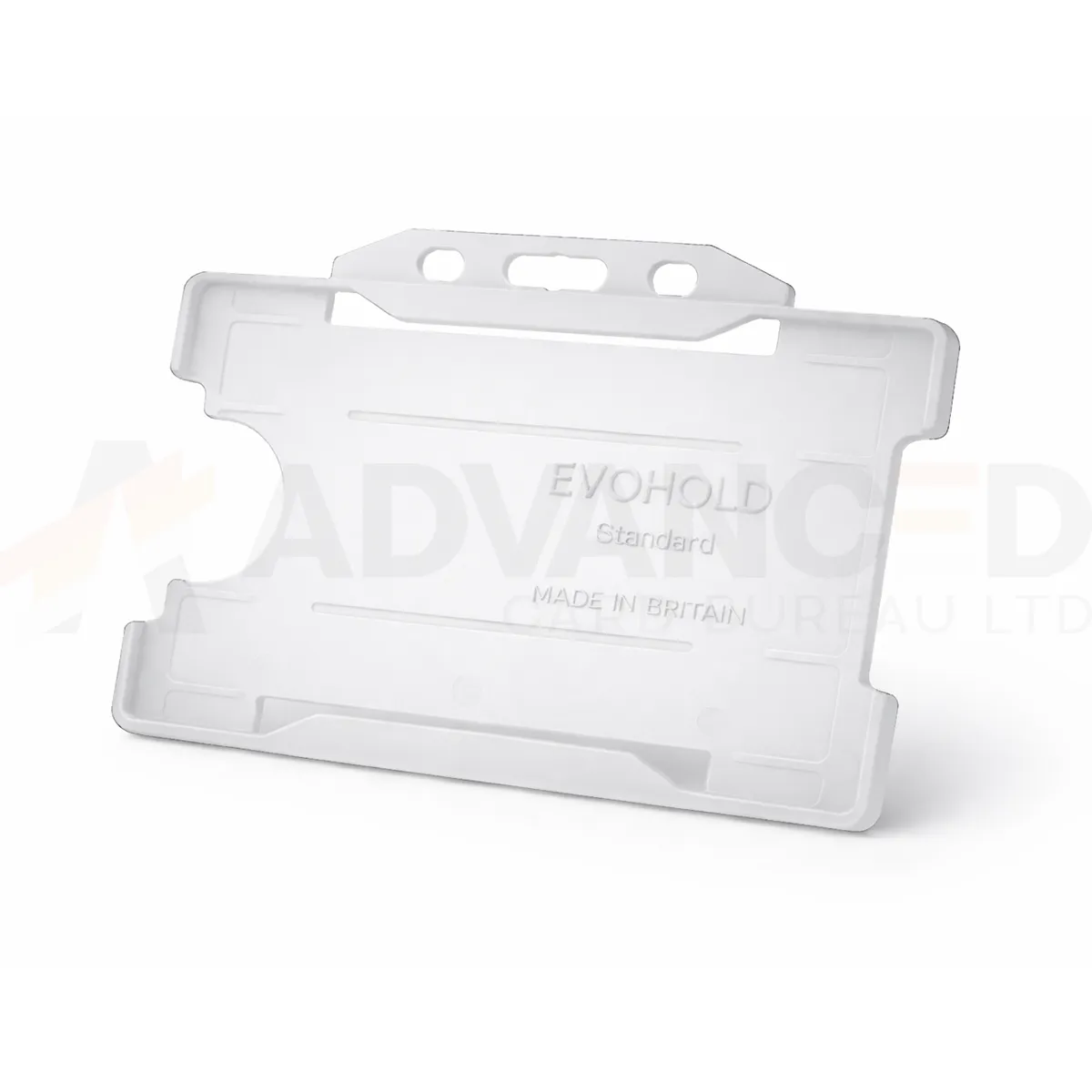### Choose the display layout This single-sided design presents one card face. Use the matching card orientation so photographs, names and codes can be read while the holder is worn. Clear can form part of your own badge colour scheme. A holder colour does not grant access or establish a wearer’s role. ### Match the attachment and quantity Select the quantity required from the available options: 1, 5, 10, 25, 50, 100. Match the holder’s attachment point to the clip, lanyard or reel you intend to use. The card and wearing accessory are ordered separately unless included in a stated bundle. Wipe the holder gently and check for cracks or worn attachment points before reuse. If a card must be removed for a particular reader, use the method required by your installed system. ### Clear landscape card holder for your badge scheme Clear keeps the emphasis on the printed card rather than a coloured frame. Check the finished badge in its usual lighting, including any photograph, small text or code near the edges. Approve the card and attachment together and record the landscape orientation when preparing later replacement orders. Fit the finished card and check that the frame and attachment leave the key details visible. Keep horizontal artwork readable when the holder is worn, including any name or code close to the edge. ## Clear landscape card holder: buying questions ### Which card size and capacity should I check? The listed card format is CR80, approximately 86 × 54 mm. This single-sided holder carries one card. Check the supplied card thickness and the fit of your finished credential with a sample. ### Does single-sided describe the card printing? It describes the holder’s display capacity: one visible card face. Your card artwork and printing specification are separate choices. Use a horizontal design that keeps the required information visible within the frame. ### Are the lanyard and cards included? The selected quantity is the number of holders. Cards and wearing accessories are ordered separately unless a stated bundle includes them. Match the attachment point to the chosen clip, lanyard or badge reel. For a vertical card layout, compare the [clear single-sided portrait holder](https://acb-ltd.com/product/clear-id-card-holder-single-sided-portrait/). For help selecting the clear landscape card holder, [contact ACB](https://acb-ltd.com/contact-us/). **Product brands:** Evohold **Product categories:** ID Card Accessories, ID Card Holders, Single-Sided **Product tags:** Accessory for professionals, Eco-conscious, Eco-friendly card holder, Evohold, Landscape ID holder, Professional ID holder, Recycled material, Single-sided ID holder --- ### [Yellow Id Card Holder - Single-Sided Landscape](https://acb-ltd.com/product/yellow-id-card-holder-single-sided-landscape/) **Published:** September 22, 2025 **Author:** acb_superadmin **Excerpt:** The yellow landscape card holder displays one CR80 credential in a horizontal layout. Choose 1, 5, 10, 25, 50 or 100 holders from this colour-specific listing. Match the printed card layout and attachment before preparing your badge issue. **Content:** ## Yellow landscape card holder The yellow landscape card holder displays one CR80 credential in a horizontal layout. Choose 1, 5, 10, 25, 50 or 100 holders from this colour-specific listing. Match the printed card layout and attachment before preparing your badge issue. ### Choose the display layout This single-sided design presents one card face. Use the matching card orientation so photographs, names and codes can be read while the holder is worn. Yellow can form part of your own badge colour scheme. A holder colour does not grant access or establish a wearer’s role. ### Match the attachment and quantity Select the quantity required from the available options: 1, 5, 10, 25, 50, 100. Match the holder’s attachment point to the clip, lanyard or reel you intend to use. The card and wearing accessory are ordered separately unless included in a stated bundle. Wipe the holder gently and check for cracks or worn attachment points before reuse. If a card must be removed for a particular reader, use the method required by your installed system. ### Yellow landscape card holder for your badge scheme Yellow gives the holder a bright colour cue around the printed badge. Use clear words or symbols on the card to explain the wearer’s role within your own scheme. Review the complete badge under its usual lighting and compare a sample with existing yellow accessories before a larger order. Fit the finished card and check that the frame and attachment leave the key details visible. Keep horizontal artwork readable when the holder is worn, including any name or code close to the edge. ## Yellow landscape card holder: buying questions ### Which card size and capacity should I check? The listed card format is CR80, approximately 86 × 54 mm. This single-sided holder carries one card. Check the supplied card thickness and the fit of your finished credential with a sample. ### Does single-sided describe the card printing? It describes the holder’s display capacity: one visible card face. Your card artwork and printing specification are separate choices. Use a horizontal design that keeps the required information visible within the frame. ### Are the lanyard and cards included? The selected quantity is the number of holders. Cards and wearing accessories are ordered separately unless a stated bundle includes them. Match the attachment point to the chosen clip, lanyard or badge reel. For a vertical card layout, compare the [yellow single-sided portrait holder](https://acb-ltd.com/product/yellow-id-card-holder-single-sided-portrait/). For help selecting the yellow landscape card holder, [contact ACB](https://acb-ltd.com/contact-us/). **Product brands:** Evohold **Product categories:** ID Card Accessories, ID Card Holders, Single-Sided **Product tags:** Accessory for professionals, Eco-conscious, Eco-friendly card holder, Evohold, Landscape ID holder, Professional ID holder, Recycled material, Single-sided ID holder --- ### [Royal Blue Id Card Holder - Single-Sided Landscape](https://acb-ltd.com/product/royal-blue-id-card-holder-single-sided-landscape/) **Published:** September 22, 2025 **Author:** acb_superadmin **Excerpt:** The royal blue landscape card holder displays one CR80 credential in a horizontal layout. Choose 1, 5, 10, 25, 50 or 100 holders from this colour-specific listing. Match the printed card layout and attachment before preparing your badge issue. **Content:** ## Royal blue landscape card holder The royal blue landscape card holder displays one CR80 credential in a horizontal layout. Choose 1, 5, 10, 25, 50 or 100 holders from this colour-specific listing. Match the printed card layout and attachment before preparing your badge issue. 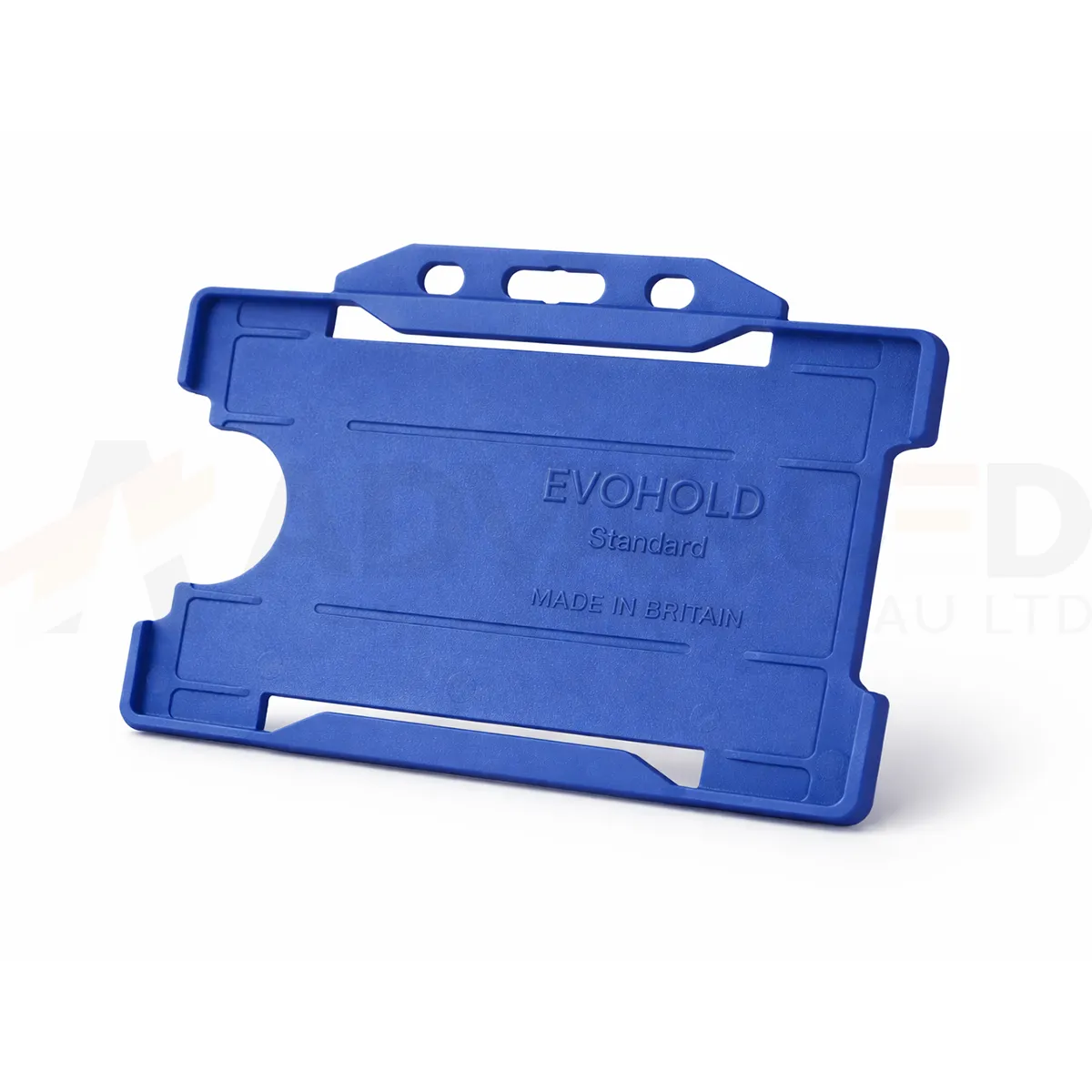### Choose the display layout This single-sided design presents one card face. Use the matching card orientation so photographs, names and codes can be read while the holder is worn. Royal Blue can form part of your own badge colour scheme. A holder colour does not grant access or establish a wearer’s role. ### Match the attachment and quantity Select the quantity required from the available options: 1, 5, 10, 25, 50, 100. Match the holder’s attachment point to the clip, lanyard or reel you intend to use. The card and wearing accessory are ordered separately unless included in a stated bundle. Wipe the holder gently and check for cracks or worn attachment points before reuse. If a card must be removed for a particular reader, use the method required by your installed system. ### Royal blue landscape card holder for your badge scheme Royal blue is a distinct choice within a range that also includes navy, dark blue and light blue. Record the exact listed colour when ordering replacements. Compare a sample with your existing badge stock and lanyard, especially when several blue shades serve different departments or visitor groups. Fit the finished card and check that the frame and attachment leave the key details visible. Keep horizontal artwork readable when the holder is worn, including any name or code close to the edge. ## Royal blue landscape card holder: buying questions ### Which card size and capacity should I check? The listed card format is CR80, approximately 86 × 54 mm. This single-sided holder carries one card. Check the supplied card thickness and the fit of your finished credential with a sample. ### Does single-sided describe the card printing? It describes the holder’s display capacity: one visible card face. Your card artwork and printing specification are separate choices. Use a horizontal design that keeps the required information visible within the frame. ### Are the lanyard and cards included? The selected quantity is the number of holders. Cards and wearing accessories are ordered separately unless a stated bundle includes them. Match the attachment point to the chosen clip, lanyard or badge reel. For a vertical card layout, compare the [royal blue single-sided portrait holder](https://acb-ltd.com/product/royal-blue-id-card-holder-single-sided-portrait/). For help selecting the royal blue landscape card holder, [contact ACB](https://acb-ltd.com/contact-us/). **Product brands:** Evohold **Product categories:** ID Card Accessories, ID Card Holders, Single-Sided **Product tags:** Accessory for professionals, Eco-conscious, Eco-friendly card holder, Evohold, Landscape ID holder, Professional ID holder, Recycled material, Single-sided ID holder --- ### [Red Id Card Holder - Single-Sided Landscape](https://acb-ltd.com/product/red-id-card-holder-single-sided-landscape/) **Published:** September 22, 2025 **Author:** acb_superadmin **Excerpt:** The red landscape card holder displays one CR80 credential in a horizontal layout. Choose 1, 5, 10, 25, 50 or 100 holders from this colour-specific listing. Match the printed card layout and attachment before preparing your badge issue. **Content:** ## Red landscape card holder The red landscape card holder displays one CR80 credential in a horizontal layout. Choose 1, 5, 10, 25, 50 or 100 holders from this colour-specific listing. Match the printed card layout and attachment before preparing your badge issue. 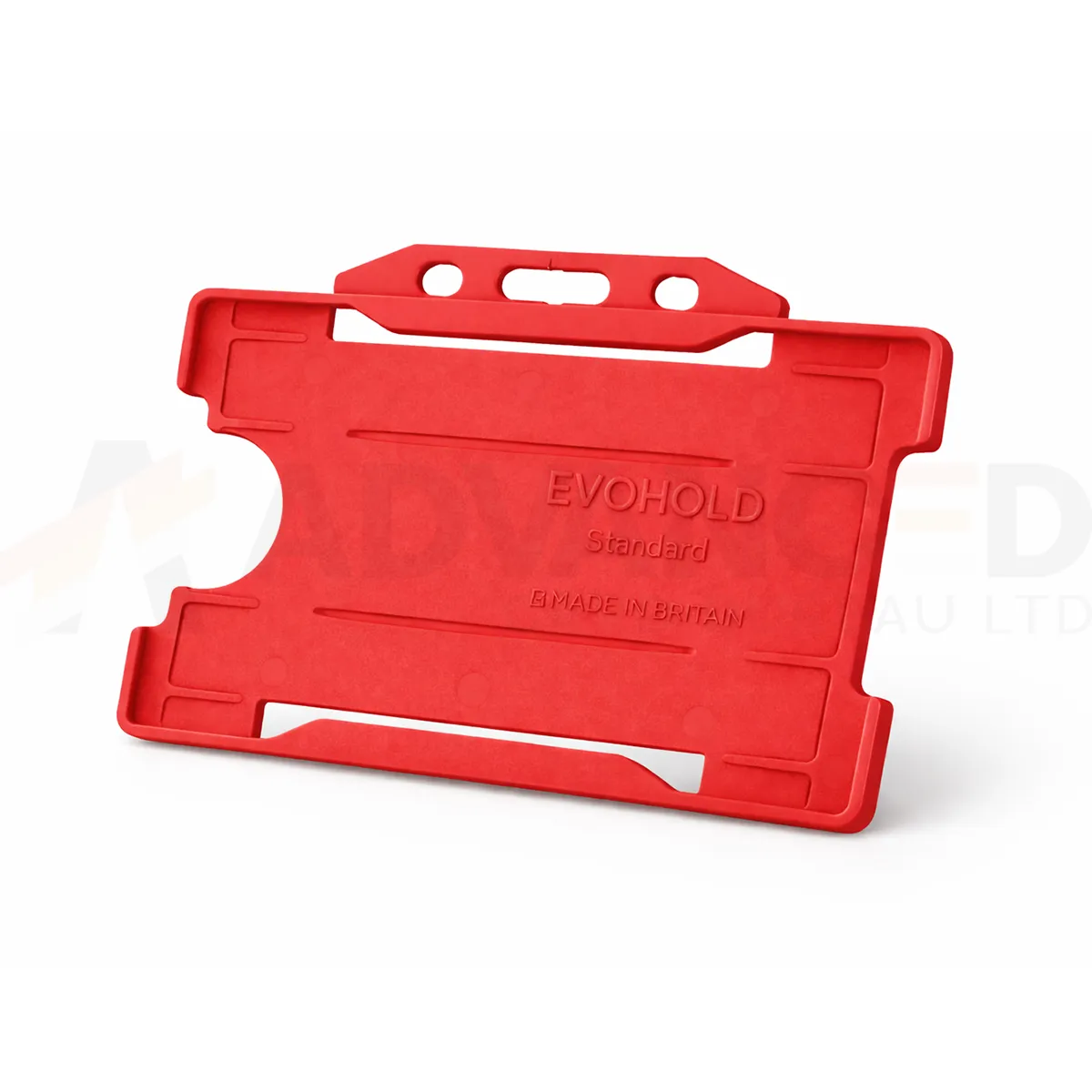### Choose the display layout This single-sided design presents one card face. Use the matching card orientation so photographs, names and codes can be read while the holder is worn. Red can form part of your own badge colour scheme. A holder colour does not grant access or establish a wearer’s role. ### Match the attachment and quantity Select the quantity required from the available options: 1, 5, 10, 25, 50, 100. Match the holder’s attachment point to the clip, lanyard or reel you intend to use. The card and wearing accessory are ordered separately unless included in a stated bundle. Wipe the holder gently and check for cracks or worn attachment points before reuse. If a card must be removed for a particular reader, use the method required by your installed system. ### Red landscape card holder for your badge scheme Red creates a clear border around the badge artwork. Agree its meaning within your own organisation and print the role or department on the card as well. When replacing existing holders, compare a physical sample with the current supply so the badge scheme stays consistent across teams and sites. Fit the finished card and check that the frame and attachment leave the key details visible. Keep horizontal artwork readable when the holder is worn, including any name or code close to the edge. ## Red landscape card holder: buying questions ### Which card size and capacity should I check? The listed card format is CR80, approximately 86 × 54 mm. This single-sided holder carries one card. Check the supplied card thickness and the fit of your finished credential with a sample. ### Does single-sided describe the card printing? It describes the holder’s display capacity: one visible card face. Your card artwork and printing specification are separate choices. Use a horizontal design that keeps the required information visible within the frame. ### Are the lanyard and cards included? The selected quantity is the number of holders. Cards and wearing accessories are ordered separately unless a stated bundle includes them. Match the attachment point to the chosen clip, lanyard or badge reel. For a vertical card layout, compare the [red single-sided portrait holder](https://acb-ltd.com/product/red-id-card-holder-single-sided-portrait/). For help selecting the red landscape card holder, [contact ACB](https://acb-ltd.com/contact-us/). **Product brands:** Evohold **Product categories:** ID Card Accessories, ID Card Holders, Single-Sided **Product tags:** Accessory for professionals, Eco-conscious, Eco-friendly card holder, Evohold, Landscape ID holder, Professional ID holder, Recycled material, Single-sided ID holder --- ### [Purple Id Card Holder - Single-Sided Landscape](https://acb-ltd.com/product/purple-id-card-holder-single-sided-landscape/) **Published:** September 22, 2025 **Author:** acb_superadmin **Excerpt:** The purple landscape card holder displays one CR80 credential in a horizontal layout. Choose 1, 5, 10, 25, 50 or 100 holders from this colour-specific listing. Match the printed card layout and attachment before preparing your badge issue. **Content:** ## Purple landscape card holder The purple landscape card holder displays one CR80 credential in a horizontal layout. Choose 1, 5, 10, 25, 50 or 100 holders from this colour-specific listing. Match the printed card layout and attachment before preparing your badge issue. 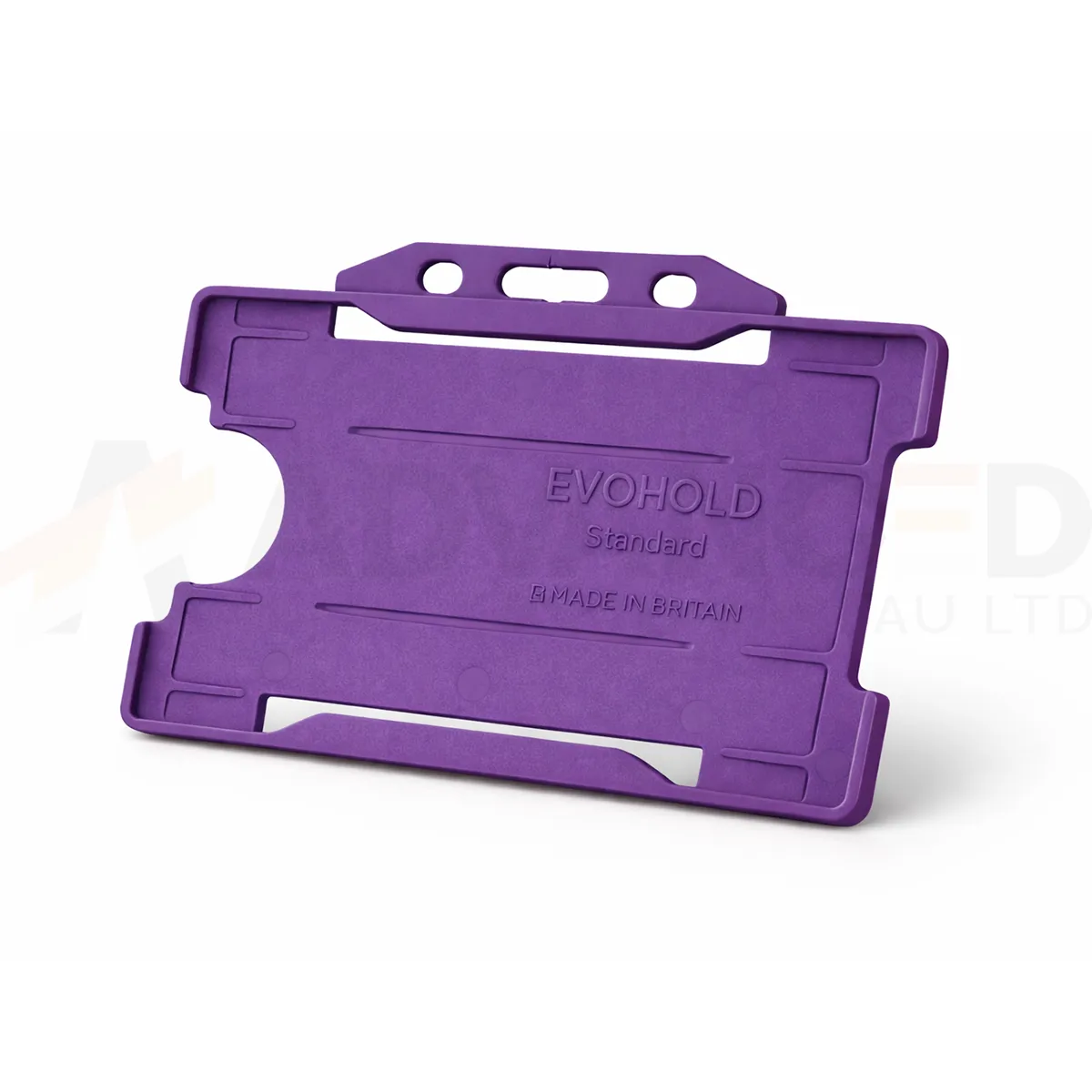### Choose the display layout This single-sided design presents one card face. Use the matching card orientation so photographs, names and codes can be read while the holder is worn. Purple can form part of your own badge colour scheme. A holder colour does not grant access or establish a wearer’s role. ### Match the attachment and quantity Select the quantity required from the available options: 1, 5, 10, 25, 50, 100. Match the holder’s attachment point to the clip, lanyard or reel you intend to use. The card and wearing accessory are ordered separately unless included in a stated bundle. Wipe the holder gently and check for cracks or worn attachment points before reuse. If a card must be removed for a particular reader, use the method required by your installed system. ### Purple landscape card holder for your badge scheme Purple can help distinguish one group within your own badge scheme. Pair the colour with readable words or symbols on the credential so its meaning is clear to everyone checking the badge. Compare a sample against current purple accessories and keep the same product reference for future replacement orders. Fit the finished card and check that the frame and attachment leave the key details visible. Keep the horizontal artwork readable when the holder is worn. ## Purple landscape card holder: buying questions ### Which card size and capacity should I check? The listed card format is CR80, approximately 86 × 54 mm. This single-sided holder carries one card. Check the supplied card thickness and the fit of your finished credential with a sample. ### Does single-sided describe the card printing? It describes the holder’s display capacity: one visible card face. Your card artwork and printing specification are separate choices. Use a horizontal design that keeps the information you need visible within the frame. ### Are the lanyard and cards included? The selected quantity is the number of holders. Cards and wearing accessories are ordered separately unless a stated bundle includes them. Match the attachment point to your chosen clip, lanyard or badge reel. Compare the [Black ID Card Holder – Single-Sided Portrait](https://acb-ltd.com/product/black-id-card-holder-single-sided-portrait/) for another layout or colour. For help selecting the purple landscape card holder, [contact ACB](https://acb-ltd.com/contact-us/). **Product brands:** Evohold **Product categories:** ID Card Accessories, ID Card Holders, Single-Sided **Product tags:** Accessory for professionals, Eco-conscious, Eco-friendly card holder, Evohold, Landscape ID holder, Professional ID holder, Recycled material, Single-sided ID holder --- ### [Pink Id Card Holder - Single-Sided Landscape](https://acb-ltd.com/product/pink-id-card-holder-single-sided-landscape/) **Published:** September 22, 2025 **Author:** acb_superadmin **Excerpt:** The pink landscape card holder displays one CR80 credential in a horizontal layout. Choose 1, 5, 10, 25, 50 or 100 holders from this colour-specific listing. Match the printed card layout and attachment before preparing your badge issue. **Content:** ## Pink landscape card holder The pink landscape card holder displays one CR80 credential in a horizontal layout. Choose 1, 5, 10, 25, 50 or 100 holders from this colour-specific listing. Match the printed card layout and attachment before preparing your badge issue. 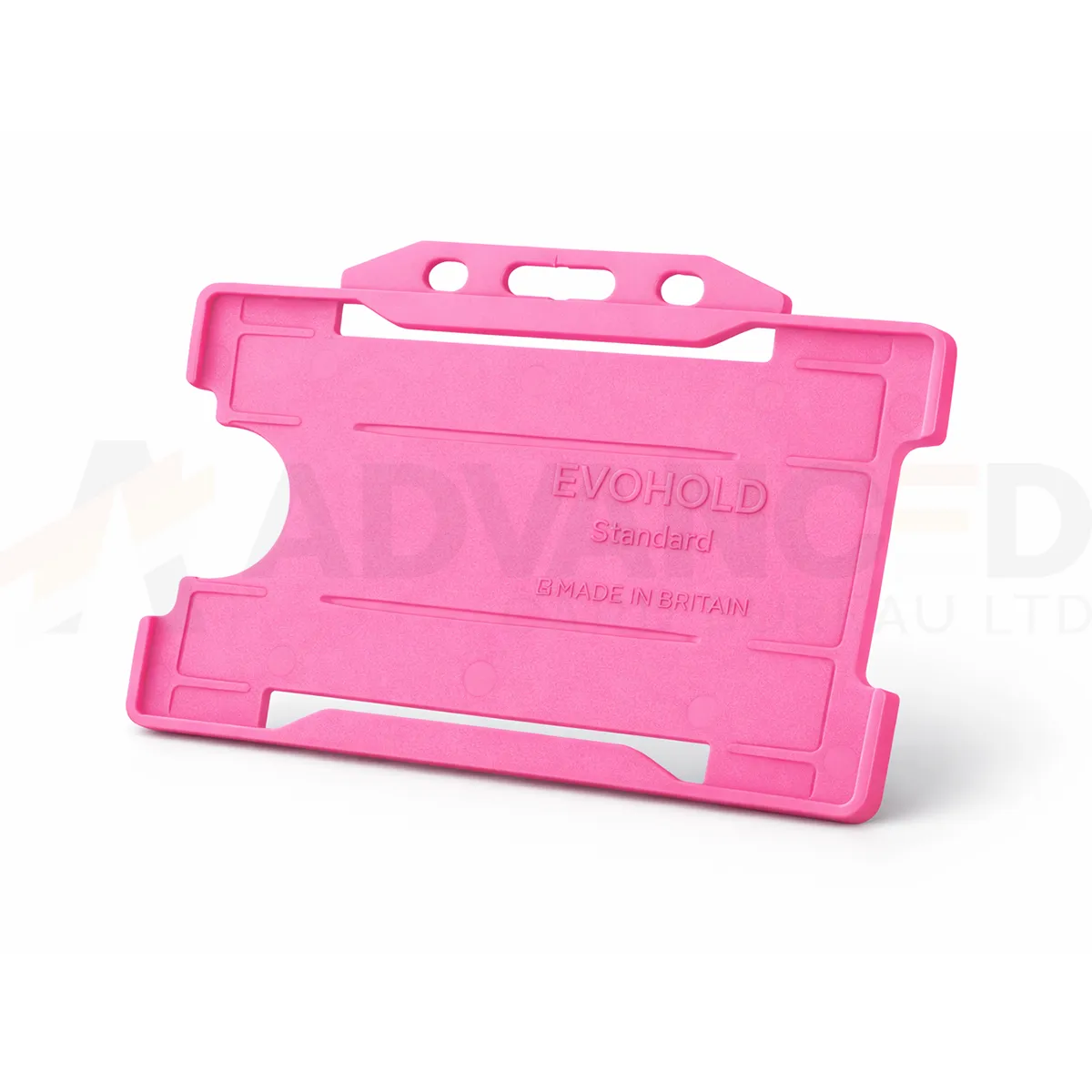### Choose the display layout This single-sided design presents one card face. Use the matching card orientation so photographs, names and codes can be read while the holder is worn. Pink can form part of your own badge colour scheme. A holder colour does not grant access or establish a wearer’s role. ### Match the attachment and quantity Select the quantity required from the available options: 1, 5, 10, 25, 50, 100. Match the holder’s attachment point to the clip, lanyard or reel you intend to use. The card and wearing accessory are ordered separately unless included in a stated bundle. Wipe the holder gently and check for cracks or worn attachment points before reuse. If a card must be removed for a particular reader, use the method required by your installed system. ### Pink landscape card holder for your badge scheme Pink adds a distinct colour border around the credential. Agree how that colour will be used in your own scheme and include readable role information on the printed card. For repeat orders, compare a sample with the current holders and lanyards and retain the exact listed colour in stock records. Fit the finished card and check that the frame and attachment leave the key details visible. Keep the horizontal artwork readable when the holder is worn. ## Pink landscape card holder: buying questions ### Which card size and capacity should I check? The listed card format is CR80, approximately 86 × 54 mm. This single-sided holder carries one card. Check the supplied card thickness and the fit of your finished credential with a sample. ### Does single-sided describe the card printing? It describes the holder’s display capacity: one visible card face. Your card artwork and printing specification are separate choices. Use a horizontal design that keeps the information you need visible within the frame. ### Are the lanyard and cards included? The selected quantity is the number of holders. Cards and wearing accessories are ordered separately unless a stated bundle includes them. Match the attachment point to your chosen clip, lanyard or badge reel. Compare the [Black ID Card Holder – Single-Sided Portrait](https://acb-ltd.com/product/black-id-card-holder-single-sided-portrait/) for another layout or colour. For help selecting the pink landscape card holder, [contact ACB](https://acb-ltd.com/contact-us/). **Product brands:** Evohold **Product categories:** ID Card Accessories, ID Card Holders, Single-Sided **Product tags:** Accessory for professionals, Eco-conscious, Eco-friendly card holder, Evohold, Landscape ID holder, Professional ID holder, Recycled material, Single-sided ID holder --- ### [Orange Id Card Holder - Single-Sided Landscape](https://acb-ltd.com/product/orange-id-card-holder-single-sided-landscape/) **Published:** September 22, 2025 **Author:** acb_superadmin **Excerpt:** The orange landscape card holder displays one CR80 credential in a horizontal layout. Choose 1, 5, 10, 25, 50 or 100 holders from this colour-specific listing. Match the printed card layout and attachment before preparing your badge issue. **Content:** ## Orange landscape card holder The orange landscape card holder displays one CR80 credential in a horizontal layout. Choose 1, 5, 10, 25, 50 or 100 holders from this colour-specific listing. Match the printed card layout and attachment before preparing your badge issue. 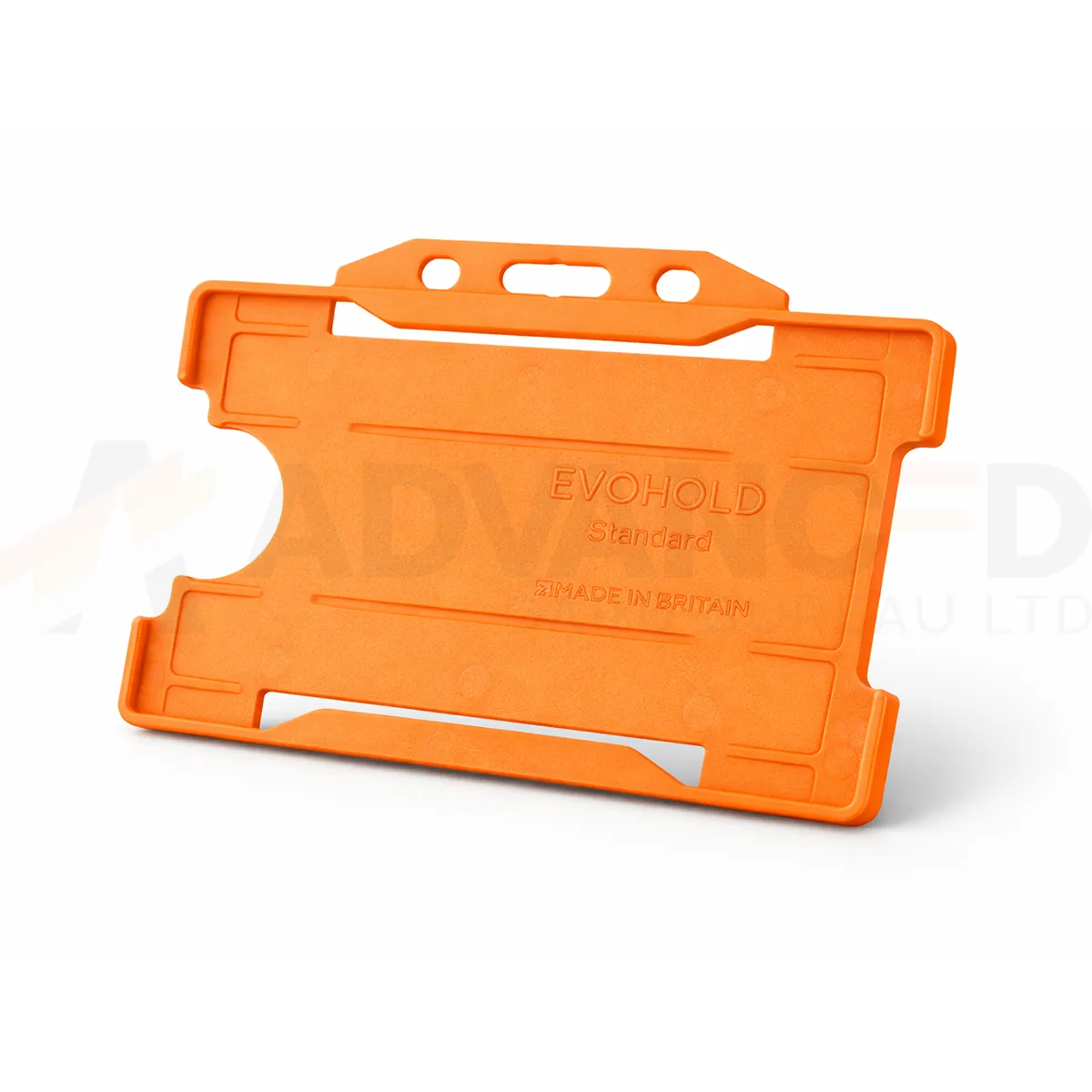### Choose the display layout This single-sided design presents one card face. Use the matching card orientation so photographs, names and codes can be read while the holder is worn. Orange can form part of your own badge colour scheme. A holder colour does not grant access or establish a wearer’s role. ### Match the attachment and quantity Select the quantity required from the available options: 1, 5, 10, 25, 50, 100. Match the holder’s attachment point to the clip, lanyard or reel you intend to use. The card and wearing accessory are ordered separately unless included in a stated bundle. Wipe the holder gently and check for cracks or worn attachment points before reuse. If a card must be removed for a particular reader, use the method required by your installed system. ### Orange landscape card holder for your badge scheme Orange creates a bright frame for an organisation’s chosen badge scheme. Keep names and role information clear within the card layout and use the holder colour as an additional cue. Compare the holder with existing orange accessories in normal working light before approving a larger issue or replacement order. Fit the finished card and check that the frame and attachment leave the key details visible. Keep the horizontal artwork readable when the holder is worn. ## Orange landscape card holder: buying questions ### Which card size and capacity should I check? The listed card format is CR80, approximately 86 × 54 mm. This single-sided holder carries one card. Check the supplied card thickness and the fit of your finished credential with a sample. ### Does single-sided describe the card printing? It describes the holder’s display capacity: one visible card face. Your card artwork and printing specification are separate choices. Use a horizontal design that keeps the information you need visible within the frame. ### Are the lanyard and cards included? The selected quantity is the number of holders. Cards and wearing accessories are ordered separately unless a stated bundle includes them. Match the attachment point to your chosen clip, lanyard or badge reel. Compare the [Black ID Card Holder – Single-Sided Portrait](https://acb-ltd.com/product/black-id-card-holder-single-sided-portrait/) for another layout or colour. For help selecting the orange landscape card holder, [contact ACB](https://acb-ltd.com/contact-us/). **Product brands:** Evohold **Product categories:** ID Card Accessories, ID Card Holders, Single-Sided **Product tags:** Accessory for professionals, Eco-conscious, Eco-friendly card holder, Evohold, Landscape ID holder, Professional ID holder, Recycled material, Single-sided ID holder --- ### [Navy Blue Id Card Holder - Single-Sided Landscape](https://acb-ltd.com/product/navy-blue-id-card-holder-single-sided-landscape/) **Published:** September 22, 2025 **Author:** acb_superadmin **Excerpt:** The navy blue landscape card holder displays one CR80 credential in a horizontal layout. Choose 1, 5, 10, 25, 50 or 100 holders from this colour-specific listing. Match the printed card layout and attachment before preparing your badge issue. **Content:** ## Navy blue landscape card holder The navy blue landscape card holder displays one CR80 credential in a horizontal layout. Choose 1, 5, 10, 25, 50 or 100 holders from this colour-specific listing. Match the printed card layout and attachment before preparing your badge issue. 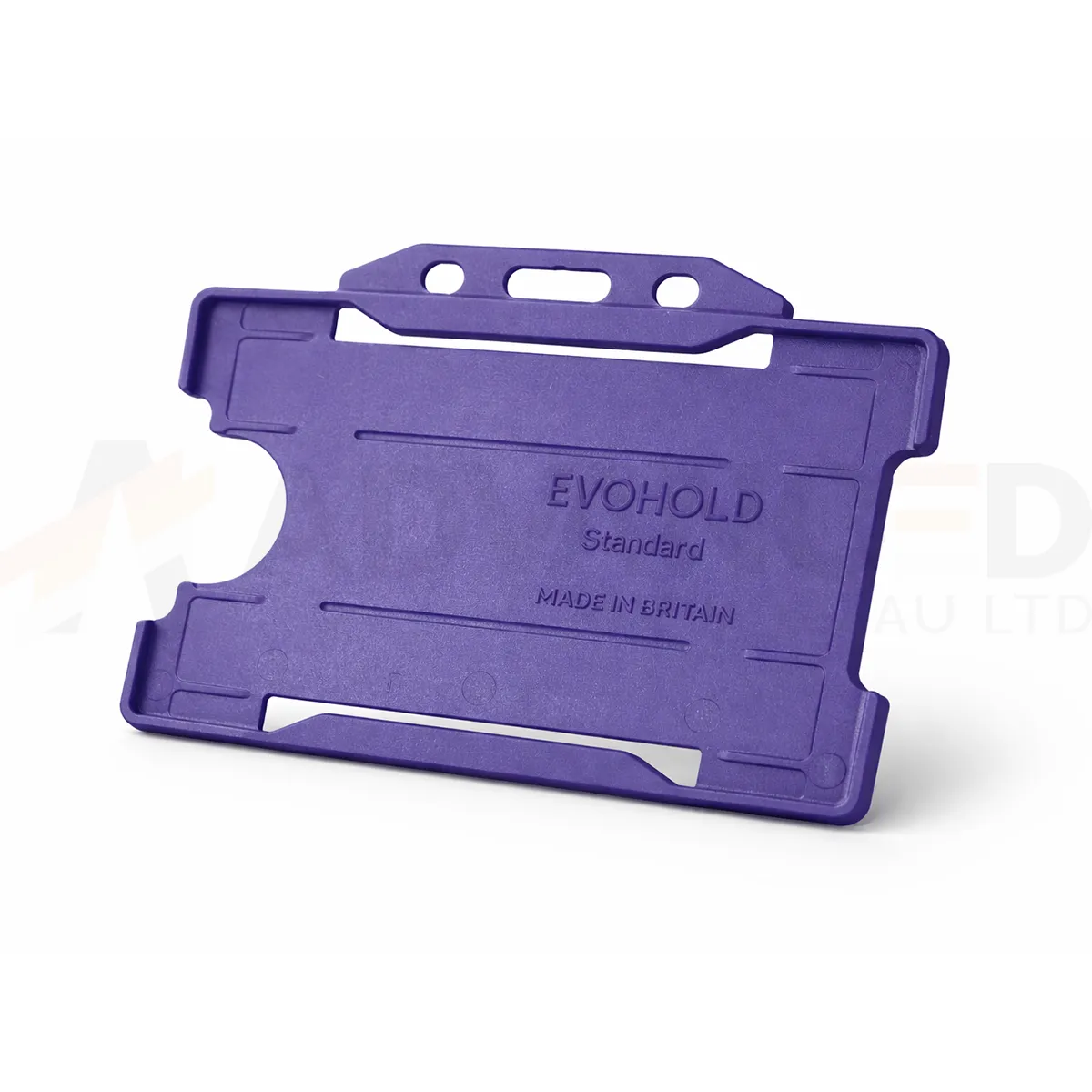### Choose the display layout This single-sided design presents one card face. Use the matching card orientation so photographs, names and codes can be read while the holder is worn. Navy Blue can form part of your own badge colour scheme. A holder colour does not grant access or establish a wearer’s role. ### Match the attachment and quantity Select the quantity required from the available options: 1, 5, 10, 25, 50, 100. Match the holder’s attachment point to the clip, lanyard or reel you intend to use. The card and wearing accessory are ordered separately unless included in a stated bundle. Wipe the holder gently and check for cracks or worn attachment points before reuse. If a card must be removed for a particular reader, use the method required by your installed system. ### Navy blue landscape card holder for your badge scheme Navy blue is listed separately from dark blue and royal blue. Match the full colour description when replacing existing holders, and approve a sample alongside the current card artwork and attachment. Include the wearer’s role or department in readable text so the badge scheme also works without colour cues. Fit the finished card and check that the frame and attachment leave the key details visible. Keep the horizontal artwork readable when the holder is worn. ## Navy blue landscape card holder: buying questions ### Which card size and capacity should I check? The listed card format is CR80, approximately 86 × 54 mm. This single-sided holder carries one card. Check the supplied card thickness and the fit of your finished credential with a sample. ### Does single-sided describe the card printing? It describes the holder’s display capacity: one visible card face. Your card artwork and printing specification are separate choices. Use a horizontal design that keeps the information you need visible within the frame. ### Are the lanyard and cards included? The selected quantity is the number of holders. Cards and wearing accessories are ordered separately unless a stated bundle includes them. Match the attachment point to your chosen clip, lanyard or badge reel. Compare the [Black ID Card Holder – Single-Sided Portrait](https://acb-ltd.com/product/black-id-card-holder-single-sided-portrait/) for another layout or colour. For help selecting the navy blue landscape card holder, [contact ACB](https://acb-ltd.com/contact-us/). **Product brands:** Evohold **Product categories:** ID Card Accessories, ID Card Holders, Single-Sided **Product tags:** Accessory for professionals, Eco-conscious, Eco-friendly card holder, Evohold, Landscape ID holder, Professional ID holder, Recycled material, Single-sided ID holder --- ### [Green Id Card Holder - Single-Sided Landscape](https://acb-ltd.com/product/green-id-card-holder-single-sided-landscape/) **Published:** September 22, 2025 **Author:** acb_superadmin **Excerpt:** The green landscape card holder displays one CR80 credential in a horizontal layout. Choose 1, 5, 10, 25, 50 or 100 holders from this colour-specific listing. Match the printed card layout and attachment before preparing your badge issue. **Content:** ## Green landscape card holder The green landscape card holder displays one CR80 credential in a horizontal layout. Choose 1, 5, 10, 25, 50 or 100 holders from this colour-specific listing. Match the printed card layout and attachment before preparing your badge issue. 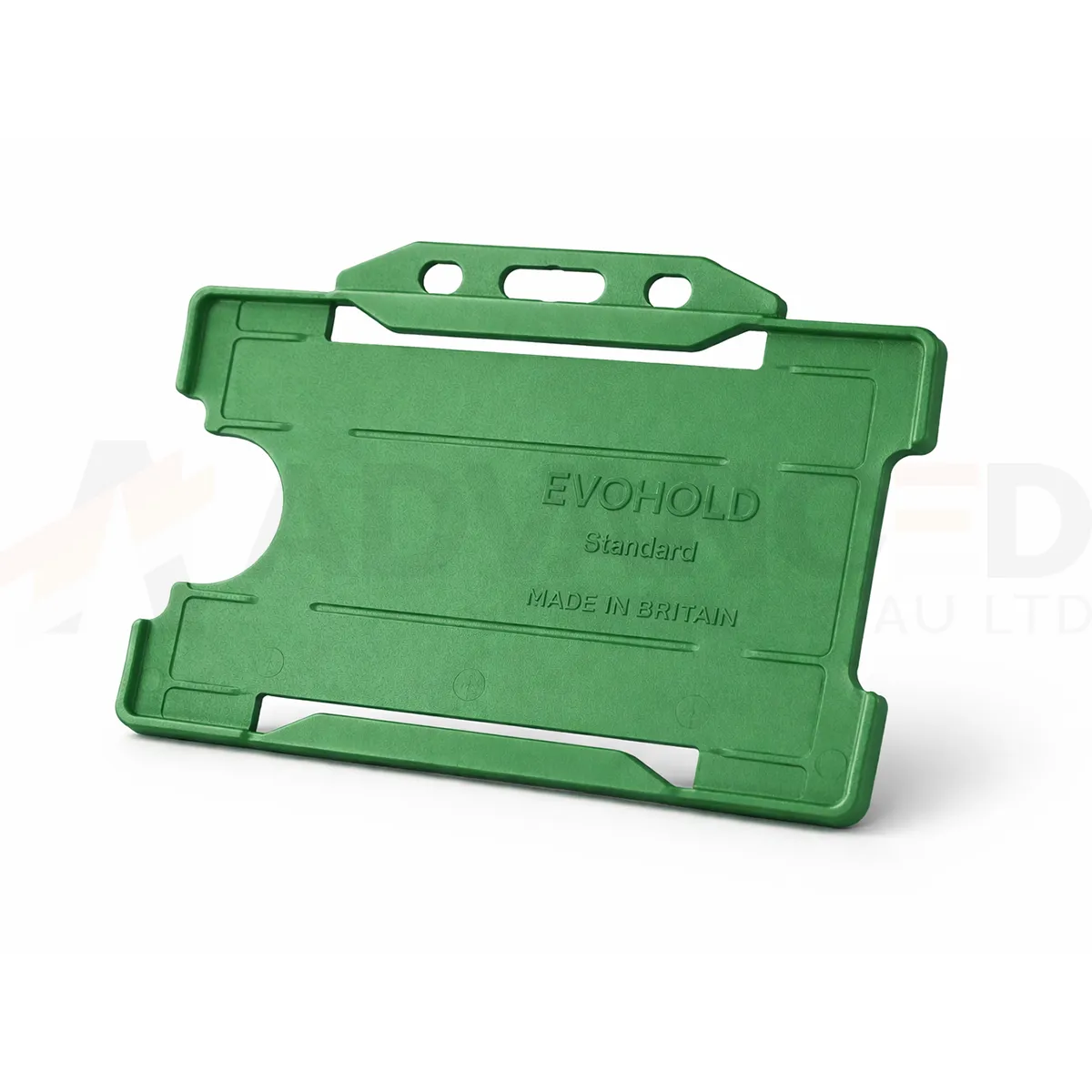### Choose the display layout This single-sided design presents one card face. Use the matching card orientation so photographs, names and codes can be read while the holder is worn. Green can form part of your own badge colour scheme. A holder colour does not grant access or establish a wearer’s role. ### Match the attachment and quantity Select the quantity required from the available options: 1, 5, 10, 25, 50, 100. Match the holder’s attachment point to the clip, lanyard or reel you intend to use. The card and wearing accessory are ordered separately unless included in a stated bundle. Wipe the holder gently and check for cracks or worn attachment points before reuse. If a card must be removed for a particular reader, use the method required by your installed system. ### Green landscape card holder for your badge scheme Green provides a colour cue for your own badge scheme. Keep this listed Green option distinct from Dark Green when preparing an order or a stock record. Compare a physical sample with your current holders, and show the wearer’s role in readable card text so the meaning stays clear. Fit the finished card and check that the frame and attachment leave the key details visible. Keep the horizontal artwork readable when the holder is worn. ## Green landscape card holder: buying questions ### Which card size and capacity should I check? The listed card format is CR80, approximately 86 × 54 mm. This single-sided holder carries one card. Check the supplied card thickness and the fit of your finished credential with a sample. ### Does single-sided describe the card printing? It describes the holder’s display capacity: one visible card face. Your card artwork and printing specification are separate choices. Use a horizontal design that keeps the information you need visible within the frame. ### Are the lanyard and cards included? The selected quantity is the number of holders. Cards and wearing accessories are ordered separately unless a stated bundle includes them. Match the attachment point to your chosen clip, lanyard or badge reel. Compare the [Black ID Card Holder – Single-Sided Portrait](https://acb-ltd.com/product/black-id-card-holder-single-sided-portrait/) for another layout or colour. For help selecting the green landscape card holder, [contact ACB](https://acb-ltd.com/contact-us/). **Product brands:** Evohold **Product categories:** ID Card Accessories, ID Card Holders, Single-Sided **Product tags:** Accessory for professionals, Eco-conscious, Eco-friendly card holder, Evohold, Landscape ID holder, Professional ID holder, Recycled material, Single-sided ID holder --- ### [Light Blue Id Card Holder - Single-Sided Landscape](https://acb-ltd.com/product/light-blue-id-card-holder-single-sided-landscape/) **Published:** September 22, 2025 **Author:** acb_superadmin **Excerpt:** The light blue landscape card holder displays one CR80 credential in a horizontal layout. Choose 1, 5, 10, 25, 50 or 100 holders from this colour-specific listing. Match the printed card layout and attachment before preparing your badge issue. **Content:** ## Light blue landscape card holder The light blue landscape card holder displays one CR80 credential in a horizontal layout. Choose 1, 5, 10, 25, 50 or 100 holders from this colour-specific listing. Match the printed card layout and attachment before preparing your badge issue. 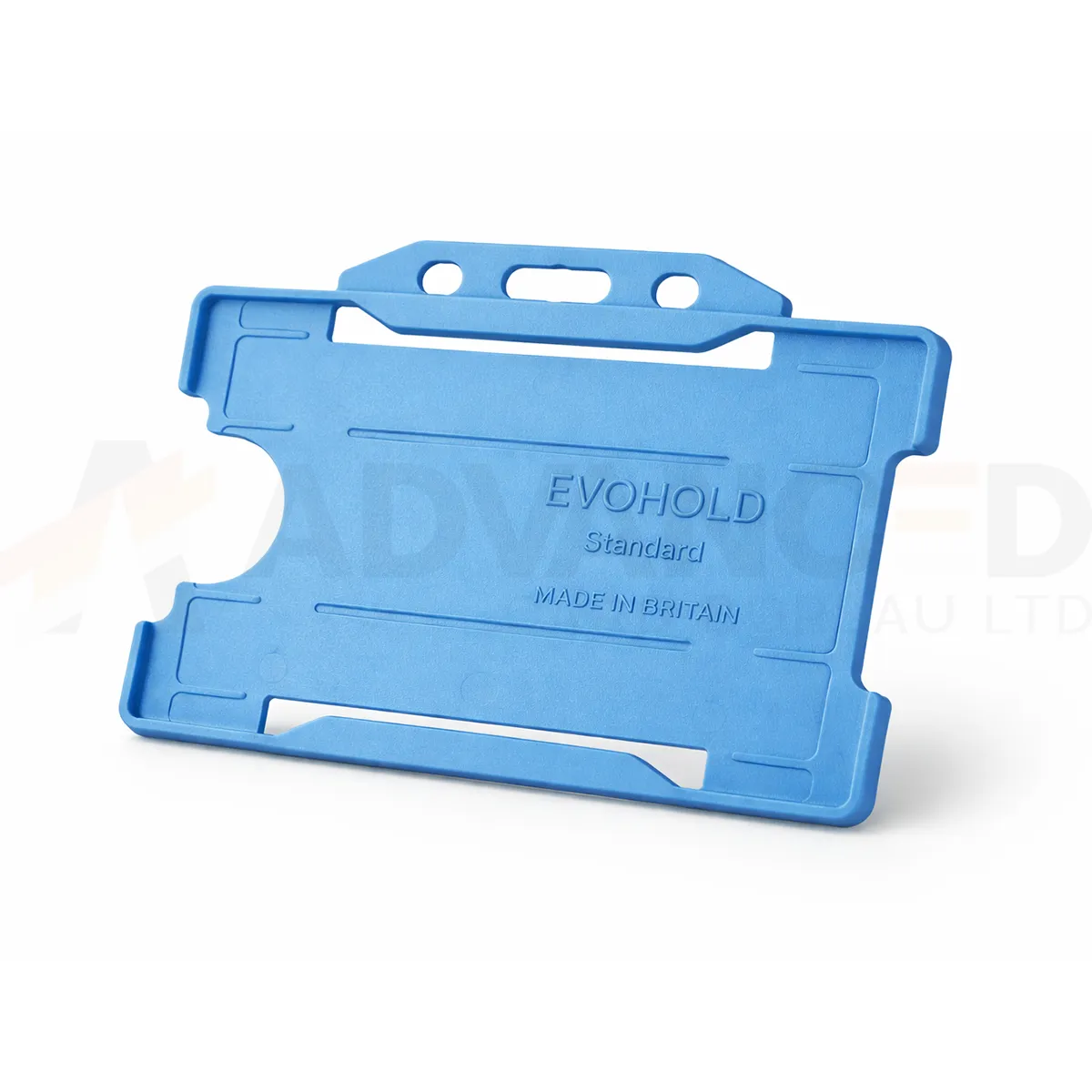### Choose the display layout This single-sided design presents one card face. Use the matching card orientation so photographs, names and codes can be read while the holder is worn. Light Blue can form part of your own badge colour scheme. A holder colour does not grant access or establish a wearer’s role. ### Match the attachment and quantity Select the quantity required from the available options: 1, 5, 10, 25, 50, 100. Match the holder’s attachment point to the clip, lanyard or reel you intend to use. The card and wearing accessory are ordered separately unless included in a stated bundle. Wipe the holder gently and check for cracks or worn attachment points before reuse. If a card must be removed for a particular reader, use the method required by your installed system. ### Light blue landscape card holder for your badge scheme Light blue gives the printed credential a pale blue border. Check the complete badge alongside your current lanyards and holders, particularly if the organisation uses several blue shades. Approve a sample with the intended artwork fitted and record the full colour name for later replacement orders. Fit the finished card and check that the frame and attachment leave the key details visible. Keep the horizontal artwork readable when the holder is worn. ## Light blue landscape card holder: buying questions ### Which card size and capacity should I check? The listed card format is CR80, approximately 86 × 54 mm. This single-sided holder carries one card. Check the supplied card thickness and the fit of your finished credential with a sample. ### Does single-sided describe the card printing? It describes the holder’s display capacity: one visible card face. Your card artwork and printing specification are separate choices. Use a horizontal design that keeps the information you need visible within the frame. ### Are the lanyard and cards included? The selected quantity is the number of holders. Cards and wearing accessories are ordered separately unless a stated bundle includes them. Match the attachment point to your chosen clip, lanyard or badge reel. Compare the [Black ID Card Holder – Single-Sided Portrait](https://acb-ltd.com/product/black-id-card-holder-single-sided-portrait/) for another layout or colour. For help selecting the light blue landscape card holder, [contact ACB](https://acb-ltd.com/contact-us/). **Product brands:** Evohold **Product categories:** ID Card Accessories, ID Card Holders, Single-Sided **Product tags:** Accessory for professionals, Eco-conscious, Eco-friendly card holder, Evohold, Landscape ID holder, Professional ID holder, Recycled material, Single-sided ID holder --- ### [Grey Id Card Holder - Single-Sided Landscape](https://acb-ltd.com/product/grey-id-card-holder-single-sided-landscape/) **Published:** September 22, 2025 **Author:** acb_superadmin **Excerpt:** The grey landscape card holder displays one CR80 credential in a horizontal layout. Choose 1, 5, 10, 25, 50 or 100 holders from this colour-specific listing. Match the printed card layout and attachment before preparing your badge issue. **Content:** ## Grey landscape card holder The grey landscape card holder displays one CR80 credential in a horizontal layout. Choose 1, 5, 10, 25, 50 or 100 holders from this colour-specific listing. Match the printed card layout and attachment before preparing your badge issue. 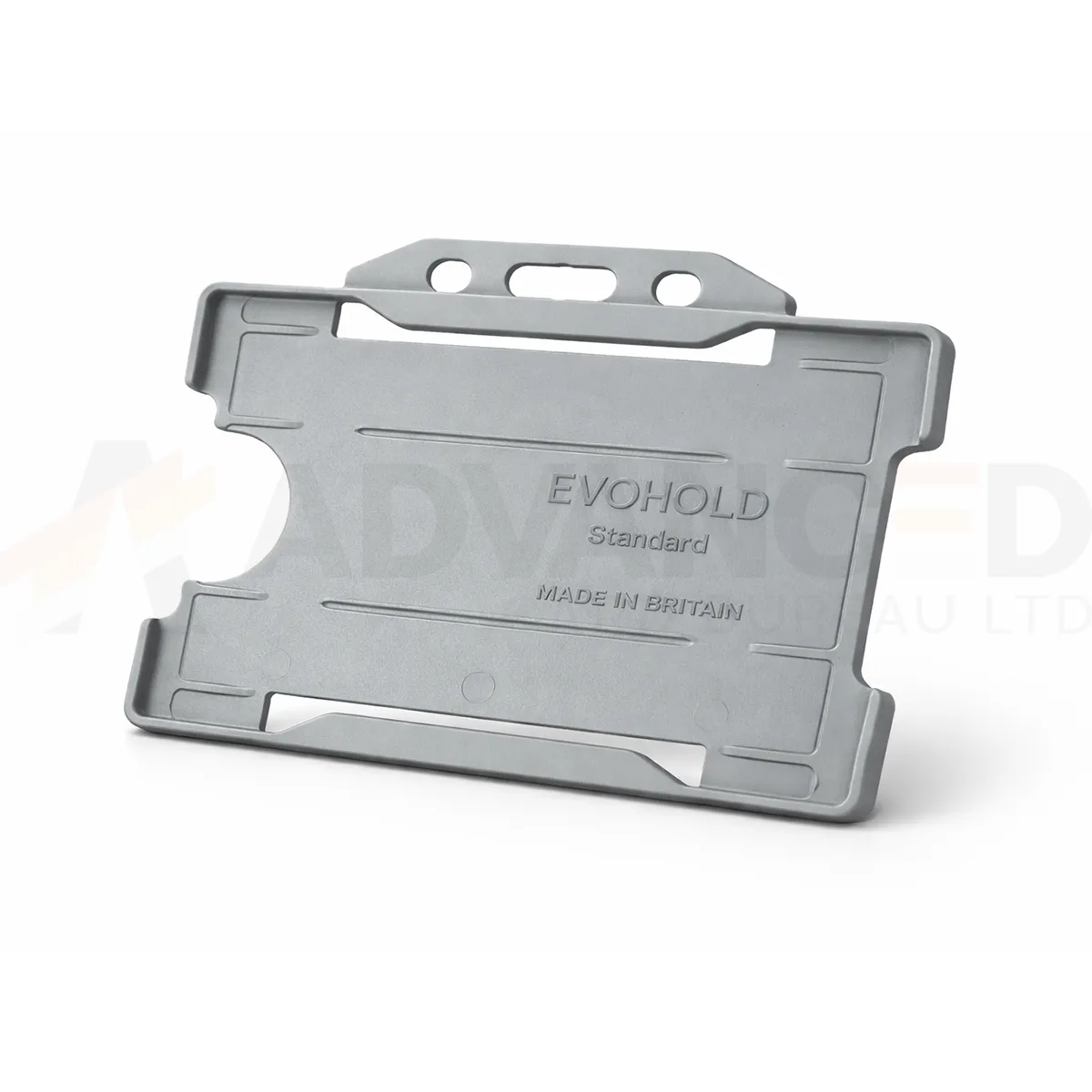### Choose the display layout This single-sided design presents one card face. Use the matching card orientation so photographs, names and codes can be read while the holder is worn. Grey can form part of your own badge colour scheme. A holder colour does not grant access or establish a wearer’s role. ### Match the attachment and quantity Select the quantity required from the available options: 1, 5, 10, 25, 50, 100. Match the holder’s attachment point to the clip, lanyard or reel you intend to use. The card and wearing accessory are ordered separately unless included in a stated bundle. Wipe the holder gently and check for cracks or worn attachment points before reuse. If a card must be removed for a particular reader, use the method required by your installed system. ### Grey landscape card holder for your badge scheme Grey provides a muted frame around the badge artwork. Check that pale card borders and small text remain easy to distinguish when the holder is fitted. Approve the finished credential with its attachment, then record the exact colour and orientation to simplify later stock checks and replacement orders. Fit the finished card and check that the frame and attachment leave the key details visible. Keep the horizontal artwork readable when the holder is worn. ## Grey landscape card holder: buying questions ### Which card size and capacity should I check? The listed card format is CR80, approximately 86 × 54 mm. This single-sided holder carries one card. Check the supplied card thickness and the fit of your finished credential with a sample. ### Does single-sided describe the card printing? It describes the holder’s display capacity: one visible card face. Your card artwork and printing specification are separate choices. Use a horizontal design that keeps the information you need visible within the frame. ### Are the lanyard and cards included? The selected quantity is the number of holders. Cards and wearing accessories are ordered separately unless a stated bundle includes them. Match the attachment point to your chosen clip, lanyard or badge reel. Compare the [Black ID Card Holder – Single-Sided Portrait](https://acb-ltd.com/product/black-id-card-holder-single-sided-portrait/) for another layout or colour. For help selecting the grey landscape card holder, [contact ACB](https://acb-ltd.com/contact-us/). **Product brands:** Evohold **Product categories:** ID Card Accessories, ID Card Holders, Single-Sided **Product tags:** Accessory for professionals, Eco-conscious, Eco-friendly card holder, Evohold, Landscape ID holder, Professional ID holder, Recycled material, Single-sided ID holder --- ### [Dark Green Id Card Holder - Single-Sided Landscape](https://acb-ltd.com/product/dark-green-id-card-holder-single-sided-landscape/) **Published:** September 22, 2025 **Author:** acb_superadmin **Excerpt:** The dark green landscape card holder displays one CR80 credential in a horizontal layout. Choose 1, 5, 10, 25, 50 or 100 holders from this colour-specific listing. Match the printed card layout and attachment before preparing your badge issue. **Content:** ## Dark green landscape card holder The dark green landscape card holder displays one CR80 credential in a horizontal layout. Choose 1, 5, 10, 25, 50 or 100 holders from this colour-specific listing. Match the printed card layout and attachment before preparing your badge issue. 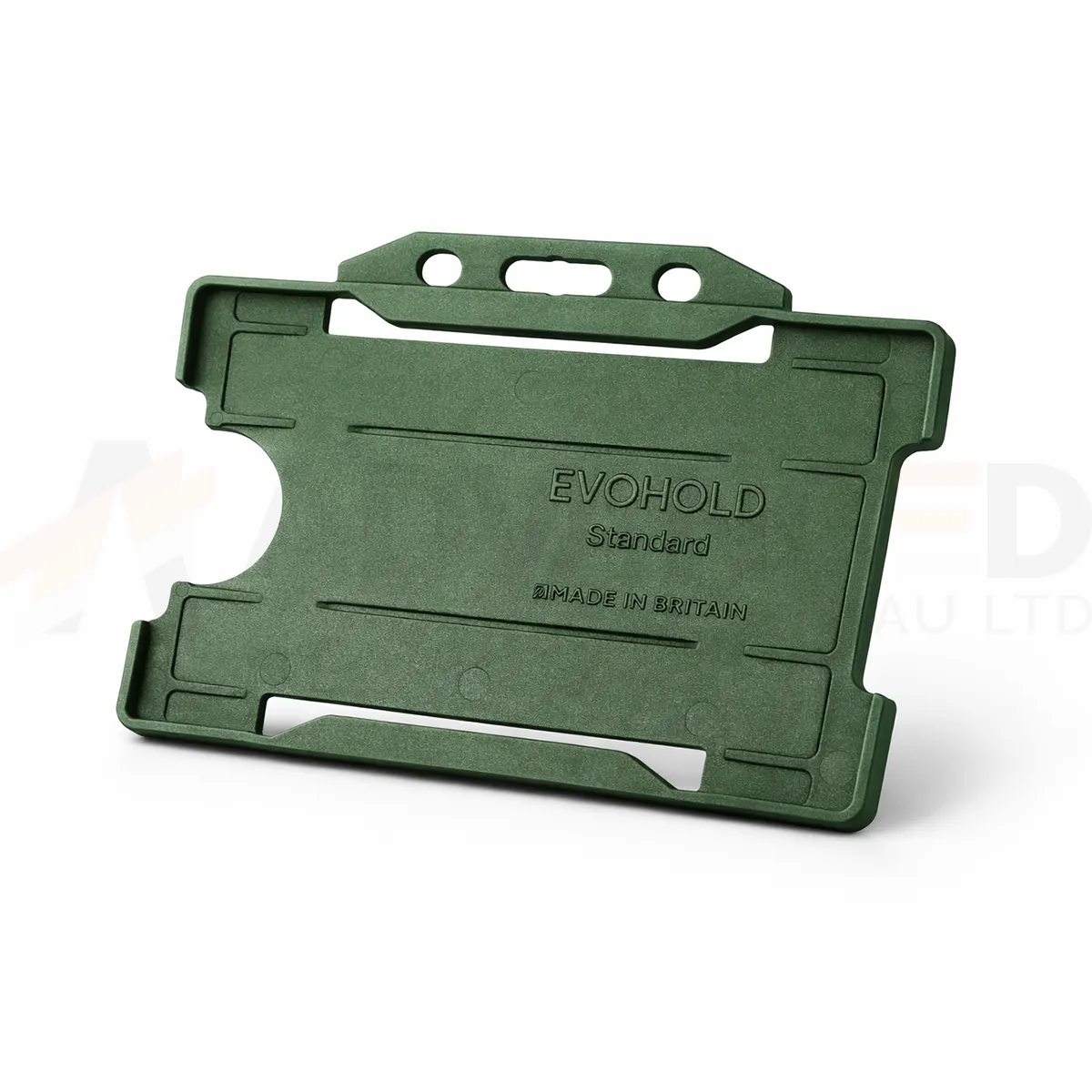### Choose the display layout This single-sided design presents one card face. Use the matching card orientation so photographs, names and codes can be read while the holder is worn. Dark Green can form part of your own badge colour scheme. A holder colour does not grant access or establish a wearer’s role. ### Match the attachment and quantity Select the quantity required from the available options: 1, 5, 10, 25, 50, 100. Match the holder’s attachment point to the clip, lanyard or reel you intend to use. The card and wearing accessory are ordered separately unless included in a stated bundle. Wipe the holder gently and check for cracks or worn attachment points before reuse. If a card must be removed for a particular reader, use the method required by your installed system. ### Dark green landscape card holder for your badge scheme Dark green offers a deeper colour border than the Green option listed elsewhere in the range. Check a sample beside existing holders and lanyards before a replacement order. The printed card can carry the department or visitor information, while a recorded colour reference helps keep future issues consistent. Fit the finished card and check that the frame and attachment leave the key details visible. Keep the horizontal artwork readable when the holder is worn. ## Dark green landscape card holder: buying questions ### Which card size and capacity should I check? The listed card format is CR80, approximately 86 × 54 mm. This single-sided holder carries one card. Check the supplied card thickness and the fit of your finished credential with a sample. ### Does single-sided describe the card printing? It describes the holder’s display capacity: one visible card face. Your card artwork and printing specification are separate choices. Use a horizontal design that keeps the information you need visible within the frame. ### Are the lanyard and cards included? The selected quantity is the number of holders. Cards and wearing accessories are ordered separately unless a stated bundle includes them. Match the attachment point to your chosen clip, lanyard or badge reel. Compare the [Black ID Card Holder – Single-Sided Portrait](https://acb-ltd.com/product/black-id-card-holder-single-sided-portrait/) for another layout or colour. For help selecting the dark green landscape card holder, [contact ACB](https://acb-ltd.com/contact-us/). **Product brands:** Evohold **Product categories:** ID Card Accessories, ID Card Holders, Single-Sided **Product tags:** Accessory for professionals, Eco-conscious, Eco-friendly card holder, Evohold, Landscape ID holder, Professional ID holder, Recycled material, Single-sided ID holder --- ### [Dark Blue Id Card Holder - Single-Sided Landscape](https://acb-ltd.com/product/dark-blue-id-card-holder-single-sided-landscape/) **Published:** September 22, 2025 **Author:** acb_superadmin **Excerpt:** The dark blue landscape card holder displays one CR80 credential in a horizontal layout. Choose 1, 5, 10, 25, 50 or 100 holders from this colour-specific listing. Match the printed card layout and attachment before preparing your badge issue. **Content:** ## Dark blue landscape card holder The dark blue landscape card holder displays one CR80 credential in a horizontal layout. Choose 1, 5, 10, 25, 50 or 100 holders from this colour-specific listing. Match the printed card layout and attachment before preparing your badge issue. 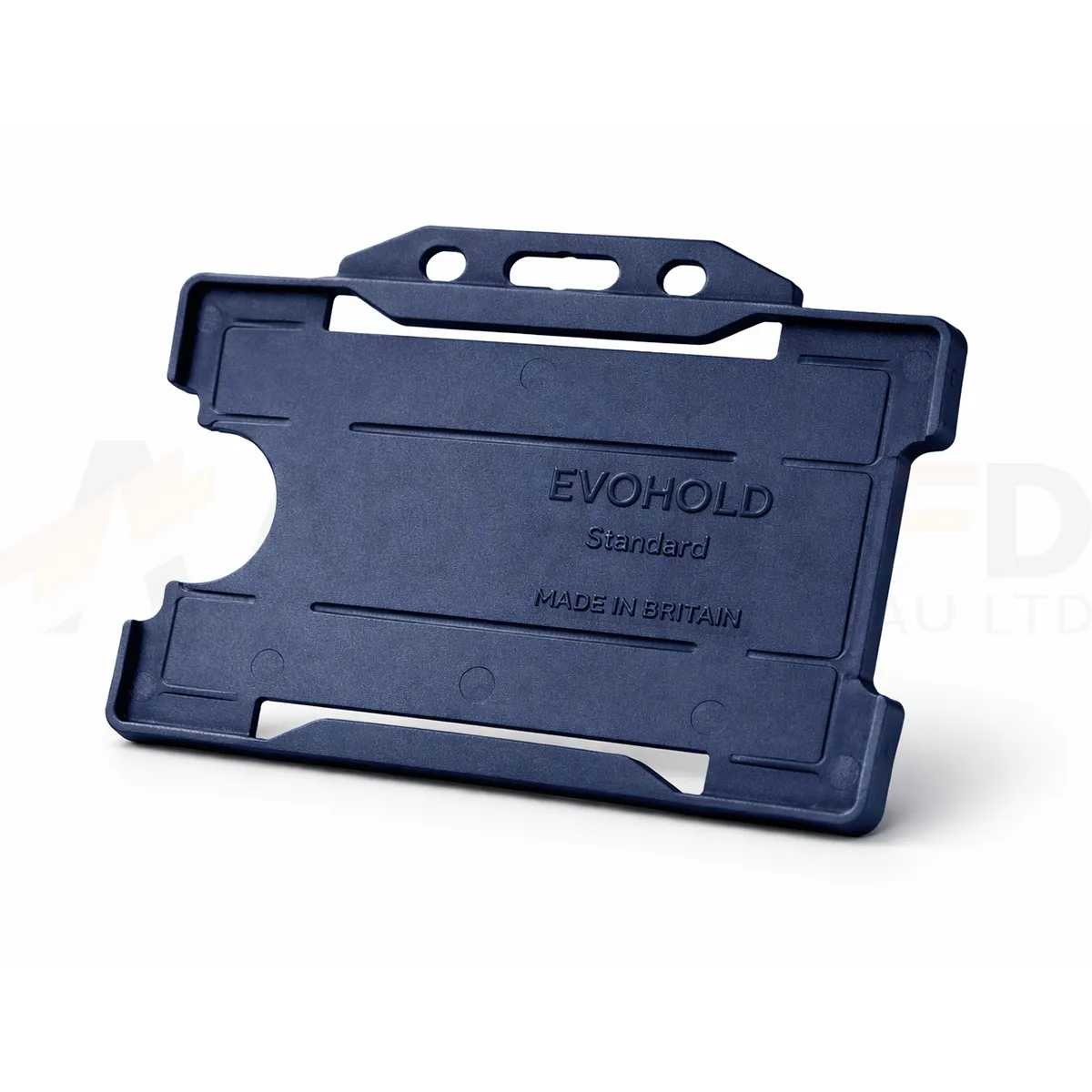### Choose the display layout This single-sided design presents one card face. Use the matching card orientation so photographs, names and codes can be read while the holder is worn. Dark Blue can form part of your own badge colour scheme. A holder colour does not grant access or establish a wearer’s role. ### Match the attachment and quantity Select the quantity required from the available options: 1, 5, 10, 25, 50, 100. Match the holder’s attachment point to the clip, lanyard or reel you intend to use. The card and wearing accessory are ordered separately unless included in a stated bundle. Wipe the holder gently and check for cracks or worn attachment points before reuse. If a card must be removed for a particular reader, use the method required by your installed system. ### Dark blue landscape card holder for your badge scheme Dark blue, navy blue and royal blue are separate colour choices in this range. Use the full colour name in your stock records and compare a sample when topping up an existing badge scheme. Keep photographs, names and department text readable within the frame rather than relying on the blue shade alone. Fit the finished card and check that the frame and attachment leave the key details visible. Keep the horizontal artwork readable when the holder is worn. ## Dark blue landscape card holder: buying questions ### Which card size and capacity should I check? The listed card format is CR80, approximately 86 × 54 mm. This single-sided holder carries one card. Check the supplied card thickness and the fit of your finished credential with a sample. ### Does single-sided describe the card printing? It describes the holder’s display capacity: one visible card face. Your card artwork and printing specification are separate choices. Use a horizontal design that keeps the information you need visible within the frame. ### Are the lanyard and cards included? The selected quantity is the number of holders. Cards and wearing accessories are ordered separately unless a stated bundle includes them. Match the attachment point to your chosen clip, lanyard or badge reel. Compare the [Black ID Card Holder – Single-Sided Portrait](https://acb-ltd.com/product/black-id-card-holder-single-sided-portrait/) for another layout or colour. For help selecting the dark blue landscape card holder, [contact ACB](https://acb-ltd.com/contact-us/). **Product brands:** Evohold **Product categories:** ID Card Accessories, ID Card Holders, Single-Sided **Product tags:** Accessory for professionals, Eco-conscious, Eco-friendly card holder, Evohold, Landscape ID holder, Professional ID holder, Recycled material, Single-sided ID holder --- ### [Clear Id Card Holder - Single-Sided Portrait](https://acb-ltd.com/product/clear-id-card-holder-single-sided-portrait/) **Published:** February 21, 2026 **Author:** acb_superadmin **Excerpt:** The clear portrait card holder displays one CR80 credential in a vertical layout. Choose 1, 5, 10, 25, 50 or 100 holders from this colour-specific listing. Match the printed card layout and attachment before preparing your badge issue. **Content:** ## Clear portrait card holder The clear portrait card holder displays one CR80 credential in a vertical layout. Choose 1, 5, 10, 25, 50 or 100 holders from this colour-specific listing. Match the printed card layout and attachment before preparing your badge issue. 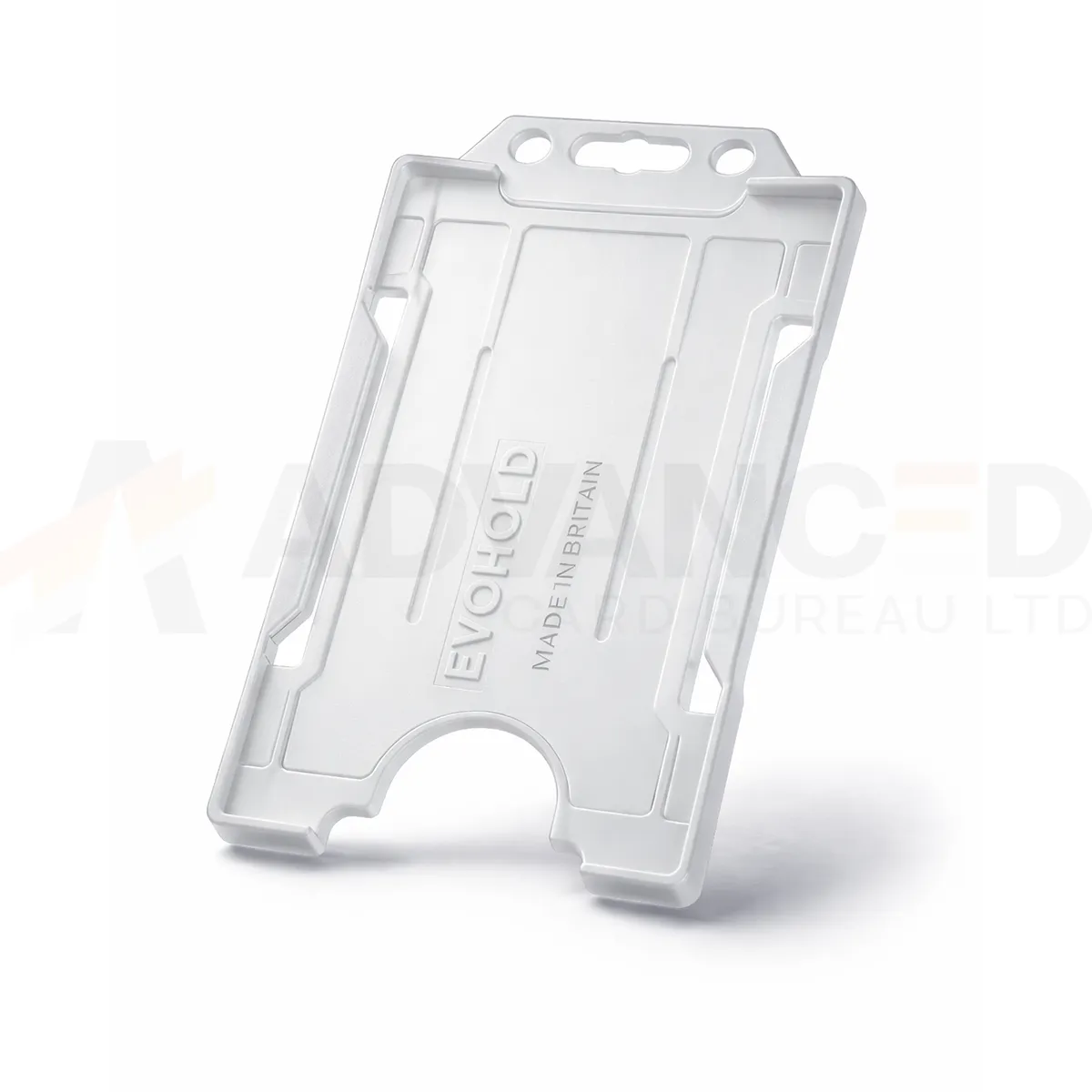### Choose the display layout This single-sided design presents one card face. Use the matching card orientation so photographs, names and codes can be read while the holder is worn. Clear can form part of your own badge colour scheme. A holder colour does not grant access or establish a wearer’s role. ### Match the attachment and quantity Select the quantity required from the available options: 1, 5, 10, 25, 50, 100. Match the holder’s attachment point to the clip, lanyard or reel you intend to use. The card and wearing accessory are ordered separately unless included in a stated bundle. Wipe the holder gently and check for cracks or worn attachment points before reuse. If a card must be removed for a particular reader, use the method required by your installed system. ### Clear portrait card holder for your badge scheme Clear keeps the emphasis on the printed card rather than a coloured frame. Check the finished badge in its usual lighting, including any photograph, small text or code near the edges. Approve the card and attachment together and record the portrait orientation when preparing later replacement orders. Fit the finished card and check that the frame and attachment leave the key details visible. Keep the vertical artwork readable, including any name or code close to the top attachment. ## Clear portrait card holder: buying questions ### Which card size and capacity should I check? The listed card format is CR80, approximately 86 × 54 mm. This single-sided holder carries one card. Check the supplied card thickness and the fit of your finished credential with a sample. ### Does single-sided describe the card printing? It describes the holder’s display capacity: one visible card face. Your card artwork and printing specification are separate choices. Use a vertical design that keeps the information you need visible within the frame. ### Are the lanyard and cards included? The selected quantity is the number of holders. Cards and wearing accessories are ordered separately unless a stated bundle includes them. Match the attachment point to your chosen clip, lanyard or badge reel. Compare the [White ID Card Holder – Single-Sided Portrait](https://acb-ltd.com/product/white-id-card-holder-single-sided-portrait/) for another layout or colour. For help selecting the clear portrait card holder, [contact ACB](https://acb-ltd.com/contact-us/). **Product brands:** Evohold **Product categories:** ID Card Accessories, ID Card Holders, Single-Sided **Product tags:** Accessory for professionals, Eco-conscious, Eco-friendly card holder, Evohold, Landscape ID holder, Professional ID holder, Recycled material, Single-sided ID holder --- ### [Black Id Card Holder - Single-Sided Portrait](https://acb-ltd.com/product/black-id-card-holder-single-sided-portrait/) **Published:** February 21, 2026 **Author:** acb_superadmin **Excerpt:** The black portrait card holder displays one CR80 credential in a vertical layout. Choose 1, 5, 10, 25, 50 or 100 holders from this colour-specific listing. Match the printed card layout and attachment before preparing your badge issue. **Content:** ## Black portrait card holder The black portrait card holder displays one CR80 credential in a vertical layout. Choose 1, 5, 10, 25, 50 or 100 holders from this colour-specific listing. Match the printed card layout and attachment before preparing your badge issue. 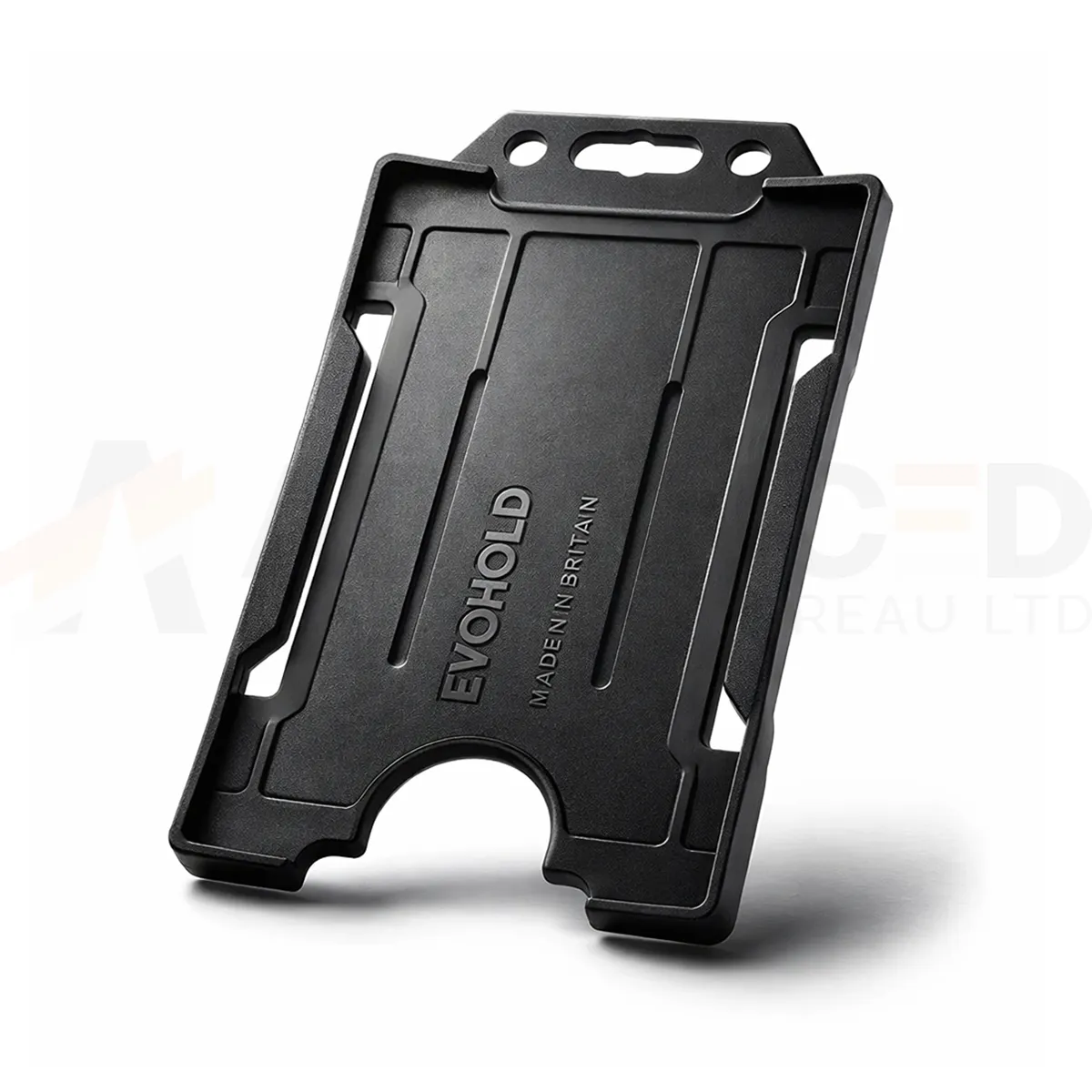### Choose the display layout This single-sided design presents one card face. Use the matching card orientation so photographs, names and codes can be read while the holder is worn. Black can form part of your own badge colour scheme. A holder colour does not grant access or establish a wearer’s role. ### Match the attachment and quantity Select the quantity required from the available options: 1, 5, 10, 25, 50, 100. Match the holder’s attachment point to the clip, lanyard or reel you intend to use. The card and wearing accessory are ordered separately unless included in a stated bundle. Wipe the holder gently and check for cracks or worn attachment points before reuse. If a card must be removed for a particular reader, use the method required by your installed system. ### Black portrait card holder for your badge scheme Black provides a neutral frame that works alongside many badge designs. Check that dark borders in the printed artwork remain separate from the holder edge. For a consistent issue pack, approve the holder, finished card and attachment together, then keep the same reference for later replacements. Fit the finished card and check that the frame and attachment leave the key details visible. Keep the vertical artwork readable, including any name or code close to the top attachment. ## Black portrait card holder: buying questions ### Which card size and capacity should I check? The listed card format is CR80, approximately 86 × 54 mm. This single-sided holder carries one card. Check the supplied card thickness and the fit of your finished credential with a sample. ### Does single-sided describe the card printing? It describes the holder’s display capacity: one visible card face. Your card artwork and printing specification are separate choices. Use a vertical design that keeps the information you need visible within the frame. ### Are the lanyard and cards included? The selected quantity is the number of holders. Cards and wearing accessories are ordered separately unless a stated bundle includes them. Match the attachment point to your chosen clip, lanyard or badge reel. Compare the [White ID Card Holder – Single-Sided Portrait](https://acb-ltd.com/product/white-id-card-holder-single-sided-portrait/) for another layout or colour. For help selecting the black portrait card holder, [contact ACB](https://acb-ltd.com/contact-us/). **Product brands:** Evohold **Product categories:** ID Card Accessories, ID Card Holders, Single-Sided **Product tags:** Accessory for professionals, Eco-conscious, Eco-friendly card holder, Evohold, Landscape ID holder, Professional ID holder, Recycled material, Single-sided ID holder --- ### [White Id Card Holder - Single-Sided Portrait](https://acb-ltd.com/product/white-id-card-holder-single-sided-portrait/) **Published:** February 21, 2026 **Author:** acb_superadmin **Excerpt:** The white portrait card holder displays one CR80 credential in a vertical layout. Choose 1, 5, 10, 25, 50 or 100 holders from this colour-specific listing. Match the printed card layout and attachment before preparing your badge issue. **Content:** ## White portrait card holder The white portrait card holder displays one CR80 credential in a vertical layout. Choose 1, 5, 10, 25, 50 or 100 holders from this colour-specific listing. Match the printed card layout and attachment before preparing your badge issue. 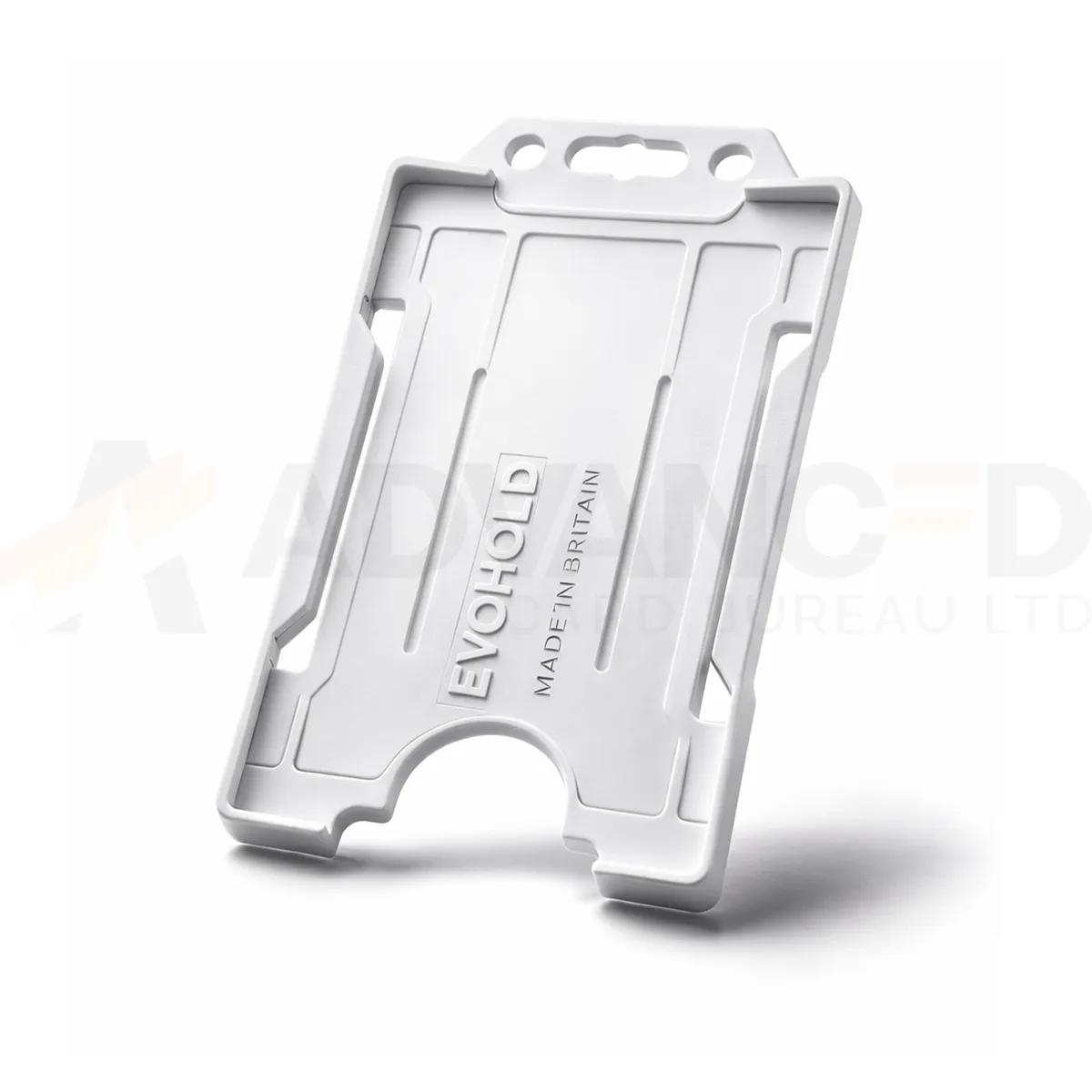### Choose the display layout This single-sided design presents one card face. Use the matching card orientation so photographs, names and codes can be read while the holder is worn. White can form part of your own badge colour scheme. A holder colour does not grant access or establish a wearer’s role. ### Match the attachment and quantity Select the quantity required from the available options: 1, 5, 10, 25, 50, 100. Match the holder’s attachment point to the clip, lanyard or reel you intend to use. The card and wearing accessory are ordered separately unless included in a stated bundle. Wipe the holder gently and check for cracks or worn attachment points before reuse. If a card must be removed for a particular reader, use the method required by your installed system. ### White portrait card holder for your badge scheme White forms a light border around the printed credential. Check pale artwork and edge details with a sample card fitted, and keep the name and photograph clear within the frame. Approve the holder with its intended attachment and retain the exact reference when ordering replacements for an existing badge scheme. Fit the finished card and check that the frame and attachment leave the key details visible. Keep the vertical artwork readable, including any name or code close to the top attachment. ## White portrait card holder: buying questions ### Which card size and capacity should I check? The listed card format is CR80, approximately 86 × 54 mm. This single-sided holder carries one card. Check the supplied card thickness and the fit of your finished credential with a sample. ### Does single-sided describe the card printing? It describes the holder’s display capacity: one visible card face. Your card artwork and printing specification are separate choices. Use a vertical design that keeps the information you need visible within the frame. ### Are the lanyard and cards included? The selected quantity is the number of holders. Cards and wearing accessories are ordered separately unless a stated bundle includes them. Match the attachment point to your chosen clip, lanyard or badge reel. Compare the [Black ID Card Holder – Single-Sided Landscape](https://acb-ltd.com/product/black-id-card-holder-single-sided-landscape/) for another layout or colour. For help selecting the white portrait card holder, [contact ACB](https://acb-ltd.com/contact-us/). **Product brands:** Evohold **Product categories:** ID Card Accessories, ID Card Holders, Single-Sided **Product tags:** Accessory for professionals, Eco-conscious, Eco-friendly card holder, Evohold, Landscape ID holder, Professional ID holder, Recycled material, Single-sided ID holder --- ### [Royal Blue Id Card Holder - Single-Sided Portrait](https://acb-ltd.com/product/royal-blue-id-card-holder-single-sided-portrait/) **Published:** February 21, 2026 **Author:** acb_superadmin **Excerpt:** The royal blue portrait card holder displays one CR80 credential in a vertical layout. Choose 1, 5, 10, 25, 50 or 100 holders from this colour-specific listing. Match the printed card layout and attachment before preparing your badge issue. **Content:** ## Royal blue portrait card holder The royal blue portrait card holder displays one CR80 credential in a vertical layout. Choose 1, 5, 10, 25, 50 or 100 holders from this colour-specific listing. Match the printed card layout and attachment before preparing your badge issue. 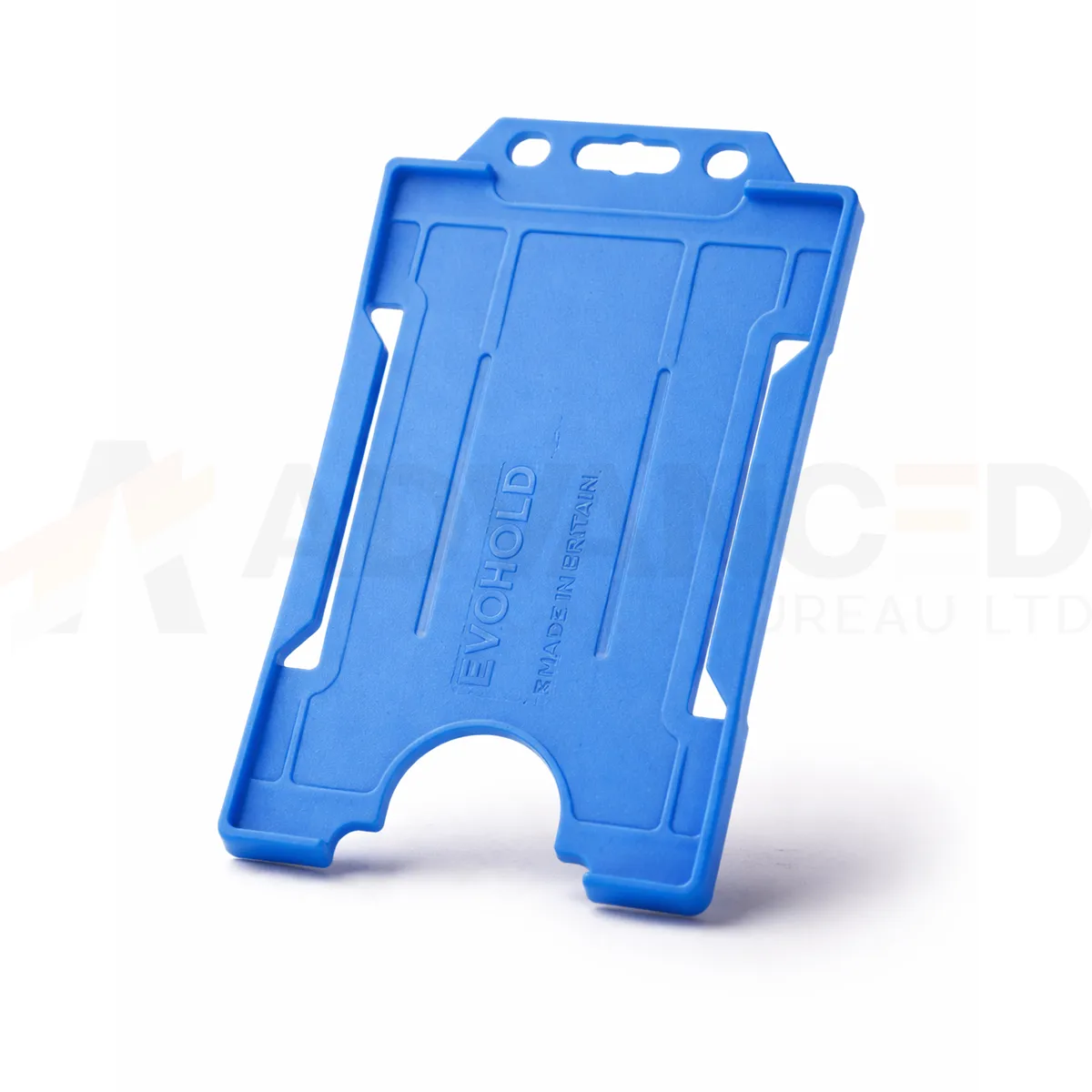### Choose the display layout This single-sided design presents one card face. Use the matching card orientation so photographs, names and codes can be read while the holder is worn. Royal Blue can form part of your own badge colour scheme. A holder colour does not grant access or establish a wearer’s role. ### Match the attachment and quantity Select the quantity required from the available options: 1, 5, 10, 25, 50, 100. Match the holder’s attachment point to the clip, lanyard or reel you intend to use. The card and wearing accessory are ordered separately unless included in a stated bundle. Wipe the holder gently and check for cracks or worn attachment points before reuse. If a card must be removed for a particular reader, use the method required by your installed system. ### Royal blue portrait card holder for your badge scheme Royal blue is a distinct choice within a range that also includes navy, dark blue and light blue. Record the exact listed colour when ordering replacements. Compare a sample with your existing badge stock and lanyard, especially when several blue shades serve different departments or visitor groups. Fit the finished card and check that the frame and attachment leave the key details visible. Keep the vertical artwork readable, including any name or code close to the top attachment. ## Royal blue portrait card holder: buying questions ### Which card size and capacity should I check? The listed card format is CR80, approximately 86 × 54 mm. This single-sided holder carries one card. Check the supplied card thickness and the fit of your finished credential with a sample. ### Does single-sided describe the card printing? It describes the holder’s display capacity: one visible card face. Your card artwork and printing specification are separate choices. Use a vertical design that keeps the information you need visible within the frame. ### Are the lanyard and cards included? The selected quantity is the number of holders. Cards and wearing accessories are ordered separately unless a stated bundle includes them. Match the attachment point to your chosen clip, lanyard or badge reel. Compare the [White ID Card Holder – Single-Sided Portrait](https://acb-ltd.com/product/white-id-card-holder-single-sided-portrait/) for another layout or colour. For help selecting the royal blue portrait card holder, [contact ACB](https://acb-ltd.com/contact-us/). **Product brands:** Evohold **Product categories:** ID Card Accessories, ID Card Holders, Single-Sided **Product tags:** Accessory for professionals, Eco-conscious, Eco-friendly card holder, Evohold, Landscape ID holder, Professional ID holder, Recycled material, Single-sided ID holder --- ### [Red Id Card Holder - Single-Sided Portrait](https://acb-ltd.com/product/red-id-card-holder-single-sided-portrait/) **Published:** February 21, 2026 **Author:** acb_superadmin **Excerpt:** The red portrait card holder displays one CR80 credential in a vertical layout. Choose 1, 5, 10, 25, 50 or 100 holders from this colour-specific listing. Match the printed card layout and attachment before preparing your badge issue. **Content:** ## Red portrait card holder The red portrait card holder displays one CR80 credential in a vertical layout. Choose 1, 5, 10, 25, 50 or 100 holders from this colour-specific listing. Match the printed card layout and attachment before preparing your badge issue. 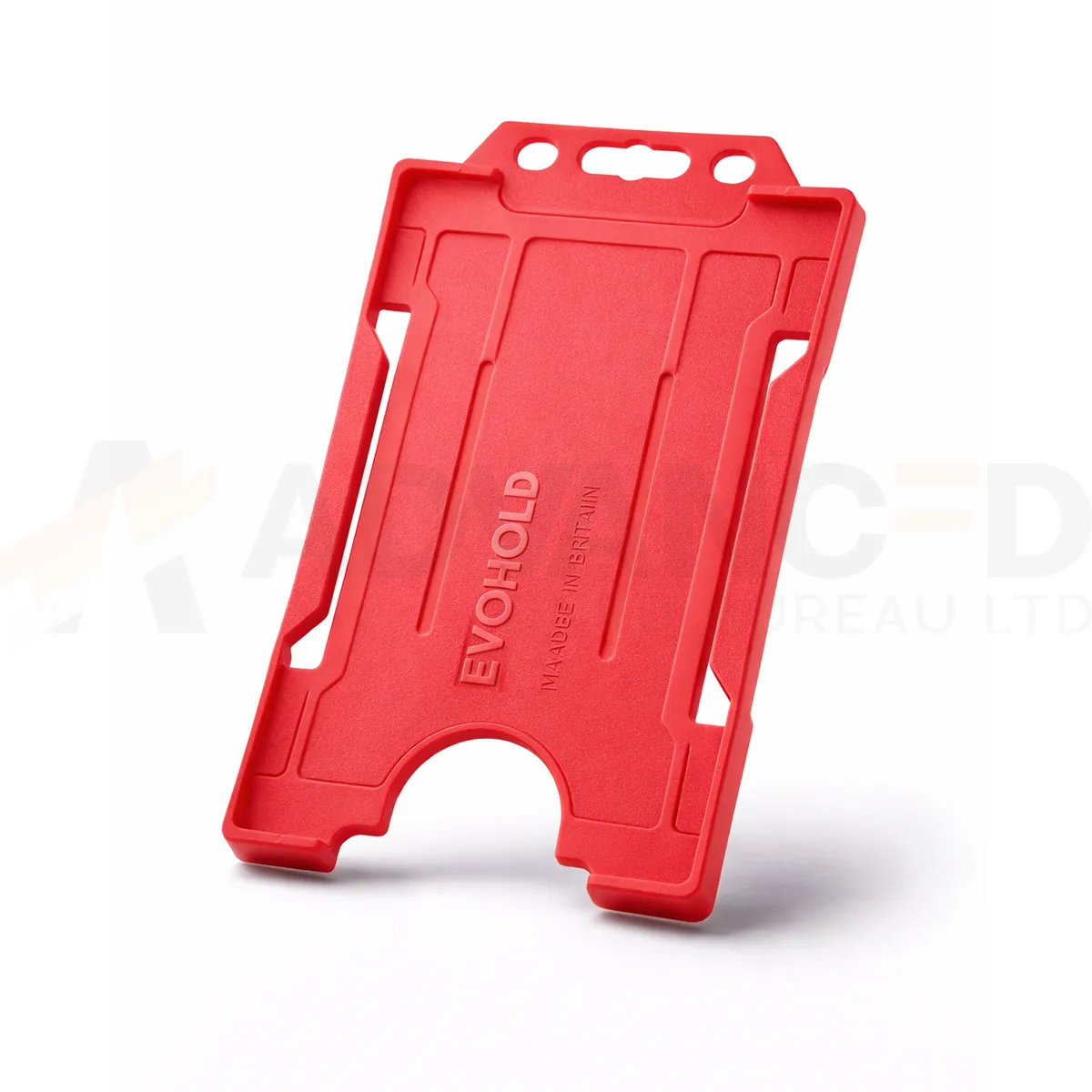### Choose the display layout This single-sided design presents one card face. Use the matching card orientation so photographs, names and codes can be read while the holder is worn. Red can form part of your own badge colour scheme. A holder colour does not grant access or establish a wearer’s role. ### Match the attachment and quantity Select the quantity required from the available options: 1, 5, 10, 25, 50, 100. Match the holder’s attachment point to the clip, lanyard or reel you intend to use. The card and wearing accessory are ordered separately unless included in a stated bundle. Wipe the holder gently and check for cracks or worn attachment points before reuse. If a card must be removed for a particular reader, use the method required by your installed system. ### Red portrait card holder for your badge scheme Red creates a clear border around the badge artwork. Agree its meaning within your own organisation and print the role or department on the card as well. When replacing existing holders, compare a physical sample with the current supply so the badge scheme stays consistent across teams and sites. Fit the finished card and check that the frame and attachment leave the key details visible. Keep the vertical artwork readable, including any name or code close to the top attachment. ## Red portrait card holder: buying questions ### Which card size and capacity should I check? The listed card format is CR80, approximately 86 × 54 mm. This single-sided holder carries one card. Check the supplied card thickness and the fit of your finished credential with a sample. ### Does single-sided describe the card printing? It describes the holder’s display capacity: one visible card face. Your card artwork and printing specification are separate choices. Use a vertical design that keeps the information you need visible within the frame. ### Are the lanyard and cards included? The selected quantity is the number of holders. Cards and wearing accessories are ordered separately unless a stated bundle includes them. Match the attachment point to your chosen clip, lanyard or badge reel. Compare the [White ID Card Holder – Single-Sided Portrait](https://acb-ltd.com/product/white-id-card-holder-single-sided-portrait/) for another layout or colour. For help selecting the red portrait card holder, [contact ACB](https://acb-ltd.com/contact-us/). **Product brands:** Evohold **Product categories:** ID Card Accessories, ID Card Holders, Single-Sided **Product tags:** Accessory for professionals, Eco-conscious, Eco-friendly card holder, Evohold, Landscape ID holder, Professional ID holder, Recycled material, Single-sided ID holder --- ### [Grey Id Card Holder - Single-Sided Portrait](https://acb-ltd.com/product/grey-id-card-holder-single-sided-portrait/) **Published:** February 21, 2026 **Author:** acb_superadmin **Excerpt:** The grey portrait card holder displays one CR80 credential in a vertical layout. Choose 1, 5, 10, 25, 50 or 100 holders from this colour-specific listing. Match the printed card layout and attachment before preparing your badge issue. **Content:** ## Grey portrait card holder The grey portrait card holder displays one CR80 credential in a vertical layout. Choose 1, 5, 10, 25, 50 or 100 holders from this colour-specific listing. Match the printed card layout and attachment before preparing your badge issue. 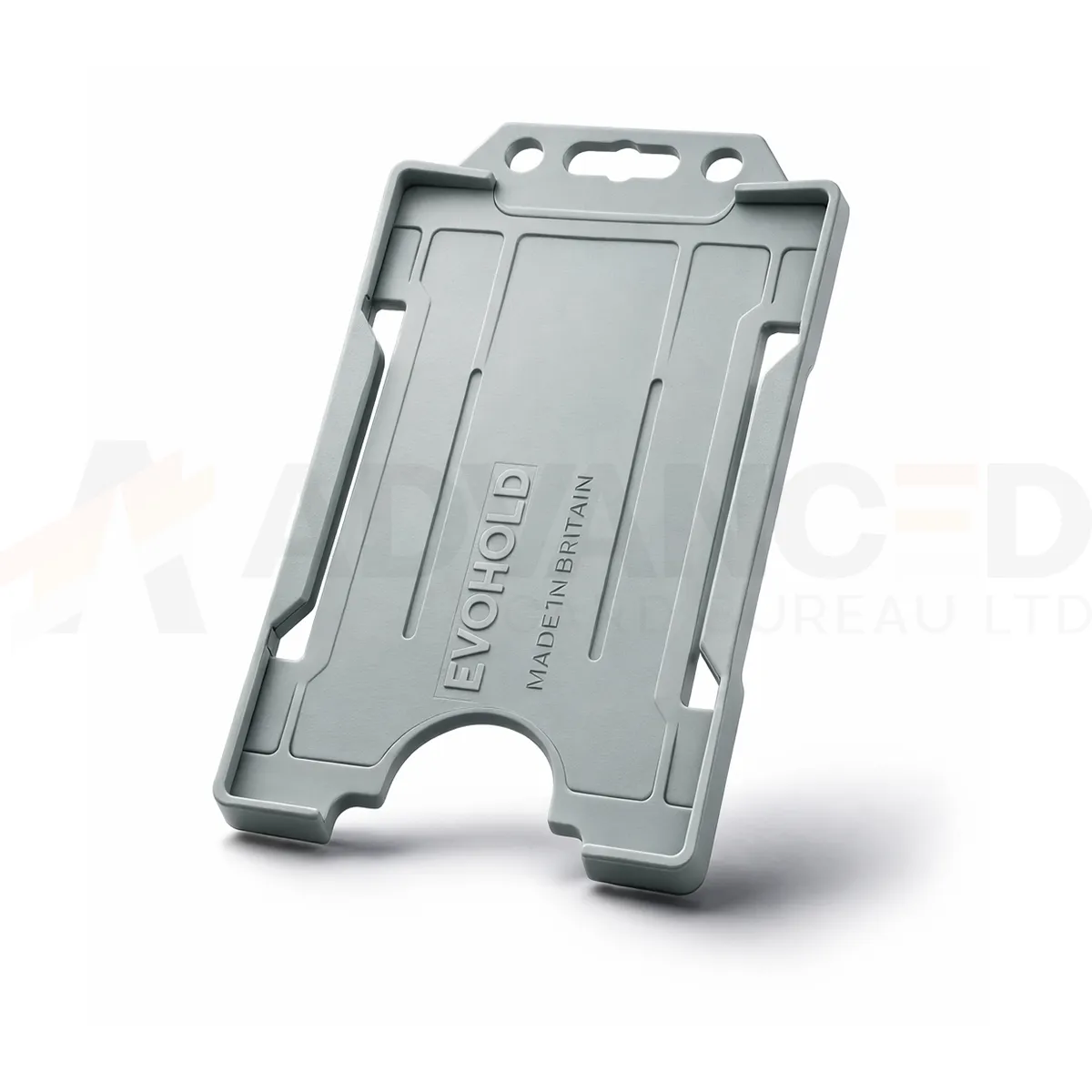### Choose the display layout This single-sided design presents one card face. Use the matching card orientation so photographs, names and codes can be read while the holder is worn. Grey can form part of your own badge colour scheme. A holder colour does not grant access or establish a wearer’s role. ### Match the attachment and quantity Select the quantity required from the available options: 1, 5, 10, 25, 50, 100. Match the holder’s attachment point to the clip, lanyard or reel you intend to use. The card and wearing accessory are ordered separately unless included in a stated bundle. Wipe the holder gently and check for cracks or worn attachment points before reuse. If a card must be removed for a particular reader, use the method required by your installed system. ### Grey portrait card holder for your badge scheme Grey provides a muted frame around the badge artwork. Check that pale card borders and small text remain easy to distinguish when the holder is fitted. Approve the finished credential with its attachment, then record the exact colour and orientation to simplify later stock checks and replacement orders. Fit the finished card and check that the frame and attachment leave the key details visible. Keep the vertical artwork readable, including any name or code close to the top attachment. ## Grey portrait card holder: buying questions ### Which card size and capacity should I check? The listed card format is CR80, approximately 86 × 54 mm. This single-sided holder carries one card. Check the supplied card thickness and the fit of your finished credential with a sample. ### Does single-sided describe the card printing? It describes the holder’s display capacity: one visible card face. Your card artwork and printing specification are separate choices. Use a vertical design that keeps the information you need visible within the frame. ### Are the lanyard and cards included? The selected quantity is the number of holders. Cards and wearing accessories are ordered separately unless a stated bundle includes them. Match the attachment point to your chosen clip, lanyard or badge reel. Compare the [White ID Card Holder – Single-Sided Portrait](https://acb-ltd.com/product/white-id-card-holder-single-sided-portrait/) for another layout or colour. For help selecting the grey portrait card holder, [contact ACB](https://acb-ltd.com/contact-us/). **Product brands:** Evohold **Product categories:** ID Card Accessories, ID Card Holders, Single-Sided **Product tags:** Accessory for professionals, Eco-conscious, Eco-friendly card holder, Evohold, Landscape ID holder, Professional ID holder, Recycled material, Single-sided ID holder --- ### [Purple Id Card Holder - Single-Sided Portrait](https://acb-ltd.com/product/purple-id-card-holder-single-sided-portrait/) **Published:** February 21, 2026 **Author:** acb_superadmin **Excerpt:** The purple portrait card holder displays one CR80 credential in a vertical layout. Choose 1, 5, 10, 25, 50 or 100 holders from this colour-specific listing. Match the printed card layout and attachment before preparing your badge issue. **Content:** ## Purple portrait card holder The purple portrait card holder displays one CR80 credential in a vertical layout. Choose 1, 5, 10, 25, 50 or 100 holders from this colour-specific listing. Match the printed card layout and attachment before preparing your badge issue. 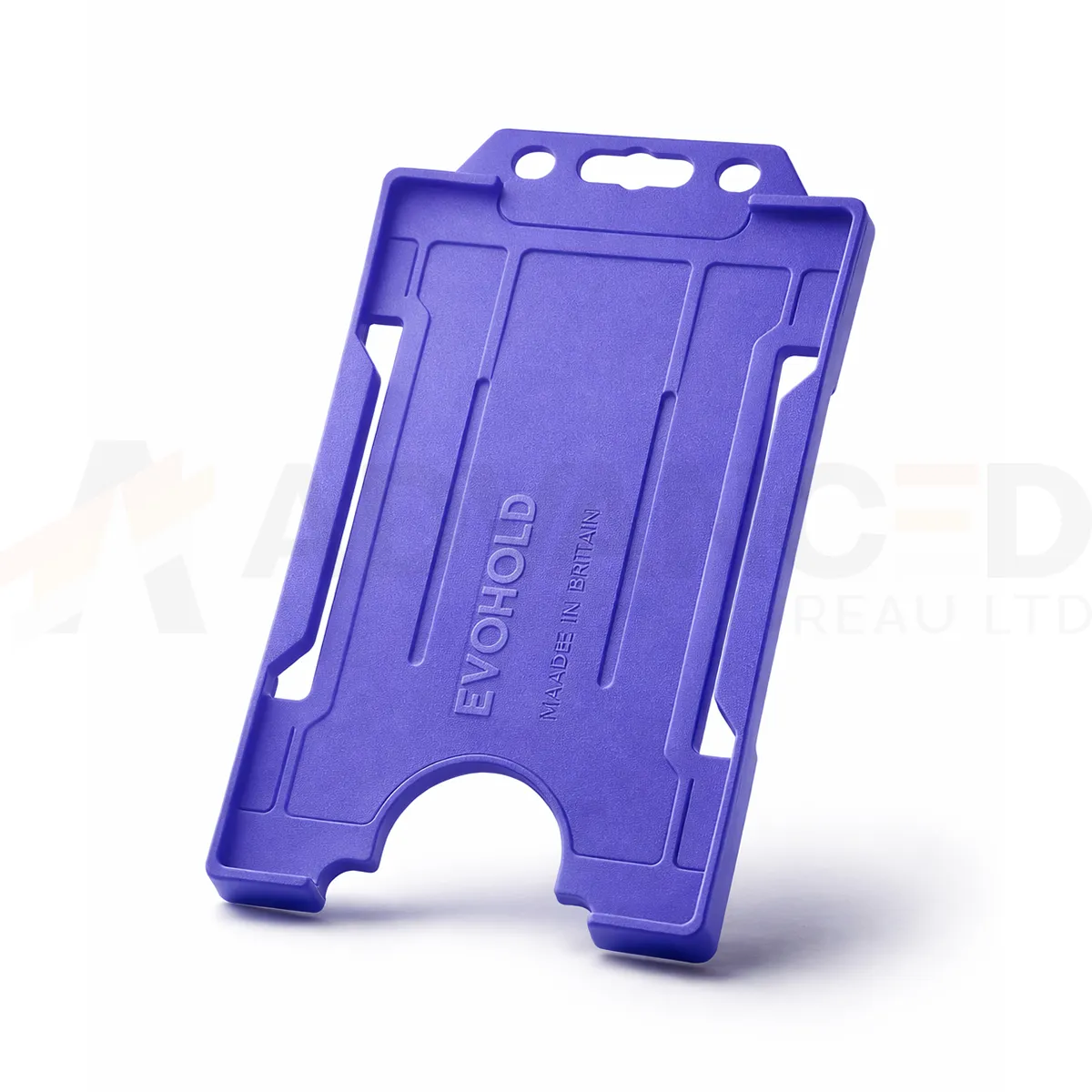### Choose the display layout This single-sided design presents one card face. Use the matching card orientation so photographs, names and codes can be read while the holder is worn. Purple can form part of your own badge colour scheme. A holder colour does not grant access or establish a wearer’s role. ### Match the attachment and quantity Select the quantity required from the available options: 1, 5, 10, 25, 50, 100. Match the holder’s attachment point to the clip, lanyard or reel you intend to use. The card and wearing accessory are ordered separately unless included in a stated bundle. Wipe the holder gently and check for cracks or worn attachment points before reuse. If a card must be removed for a particular reader, use the method required by your installed system. ### Purple portrait card holder for your badge scheme Purple can help distinguish one group within your own badge scheme. Pair the colour with readable words or symbols on the credential so its meaning is clear to everyone checking the badge. Compare a sample against current purple accessories and keep the same product reference for future replacement orders. Fit the finished card and check that the frame and attachment leave the key details visible. Keep the vertical artwork readable, including any name or code close to the top attachment. ## Purple portrait card holder: buying questions ### Which card size and capacity should I check? The listed card format is CR80, approximately 86 × 54 mm. This single-sided holder carries one card. Check the supplied card thickness and the fit of your finished credential with a sample. ### Does single-sided describe the card printing? It describes the holder’s display capacity: one visible card face. Your card artwork and printing specification are separate choices. Use a vertical design that keeps the information you need visible within the frame. ### Are the lanyard and cards included? The selected quantity is the number of holders. Cards and wearing accessories are ordered separately unless a stated bundle includes them. Match the attachment point to your chosen clip, lanyard or badge reel. Compare the [White ID Card Holder – Single-Sided Portrait](https://acb-ltd.com/product/white-id-card-holder-single-sided-portrait/) for another layout or colour. For help selecting the purple portrait card holder, [contact ACB](https://acb-ltd.com/contact-us/). **Product brands:** Evohold **Product categories:** ID Card Accessories, ID Card Holders, Single-Sided **Product tags:** Accessory for professionals, Eco-conscious, Eco-friendly card holder, Evohold, Landscape ID holder, Professional ID holder, Recycled material, Single-sided ID holder --- ### [Pink Id Card Holder - Single-Sided Portrait](https://acb-ltd.com/product/pink-id-card-holder-single-sided-portrait/) **Published:** February 21, 2026 **Author:** acb_superadmin **Excerpt:** The pink portrait card holder displays one CR80 credential in a vertical layout. Choose 1, 5, 10, 25, 50 or 100 holders from this colour-specific listing. Match the printed card layout and attachment before preparing your badge issue. **Content:** ## Pink portrait card holder The pink portrait card holder displays one CR80 credential in a vertical layout. Choose 1, 5, 10, 25, 50 or 100 holders from this colour-specific listing. Match the printed card layout and attachment before preparing your badge issue. 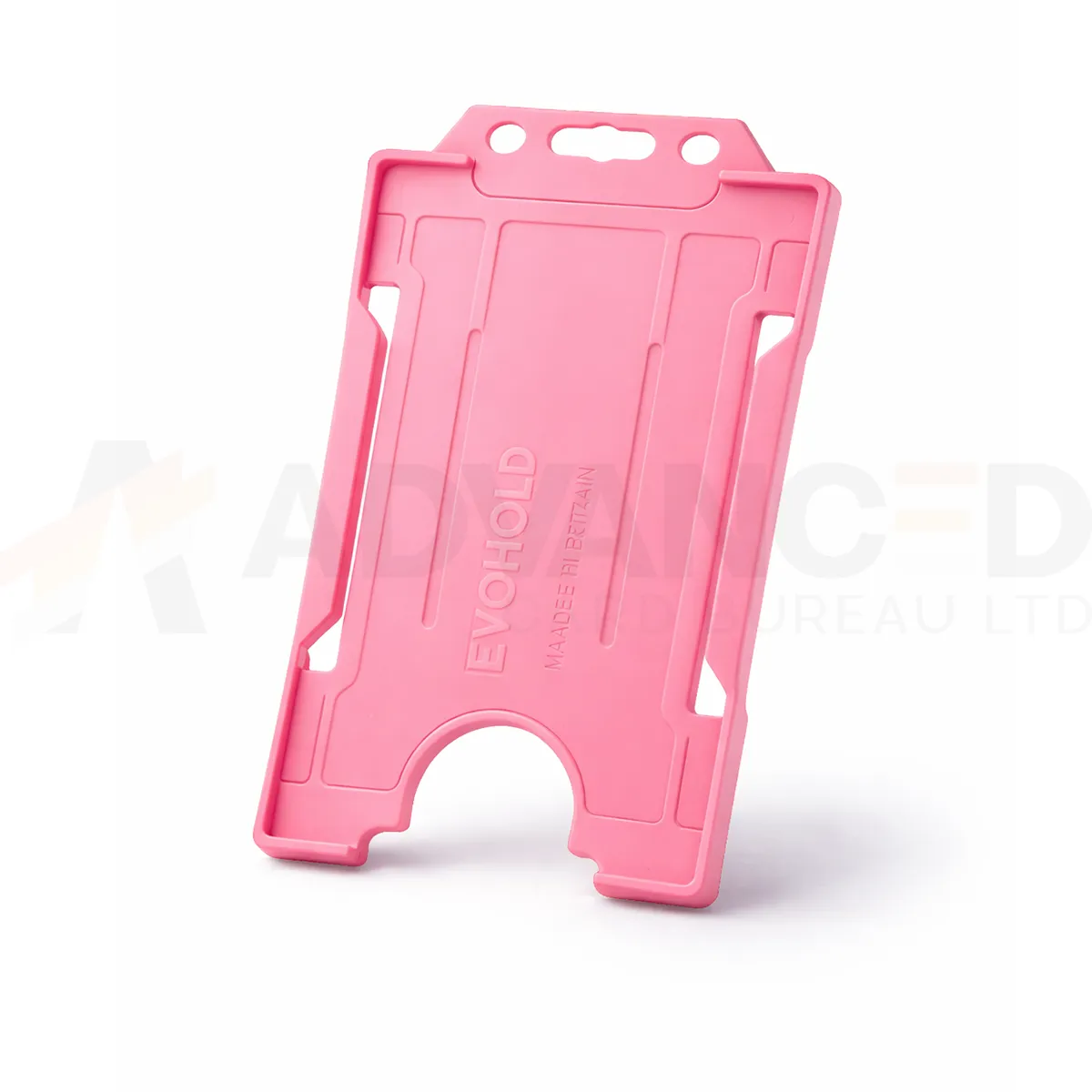### Choose the display layout This single-sided design presents one card face. Use the matching card orientation so photographs, names and codes can be read while the holder is worn. Pink can form part of your own badge colour scheme. A holder colour does not grant access or establish a wearer’s role. ### Match the attachment and quantity Select the quantity required from the available options: 1, 5, 10, 25, 50, 100. Match the holder’s attachment point to the clip, lanyard or reel you intend to use. The card and wearing accessory are ordered separately unless included in a stated bundle. Wipe the holder gently and check for cracks or worn attachment points before reuse. If a card must be removed for a particular reader, use the method required by your installed system. ### Pink portrait card holder for your badge scheme Pink adds a distinct colour border around the credential. Agree how that colour will be used in your own scheme and include readable role information on the printed card. For repeat orders, compare a sample with the current holders and lanyards and retain the exact listed colour in stock records. Fit the finished card and check that the frame and attachment leave the key details visible. Keep the vertical artwork readable, including any name or code close to the top attachment. ## Pink portrait card holder: buying questions ### Which card size and capacity should I check? The listed card format is CR80, approximately 86 × 54 mm. This single-sided holder carries one card. Check the supplied card thickness and the fit of your finished credential with a sample. ### Does single-sided describe the card printing? It describes the holder’s display capacity: one visible card face. Your card artwork and printing specification are separate choices. Use a vertical design that keeps the information you need visible within the frame. ### Are the lanyard and cards included? The selected quantity is the number of holders. Cards and wearing accessories are ordered separately unless a stated bundle includes them. Match the attachment point to your chosen clip, lanyard or badge reel. Compare the [White ID Card Holder – Single-Sided Portrait](https://acb-ltd.com/product/white-id-card-holder-single-sided-portrait/) for another layout or colour. For help selecting the pink portrait card holder, [contact ACB](https://acb-ltd.com/contact-us/). **Product brands:** Evohold **Product categories:** ID Card Accessories, ID Card Holders, Single-Sided **Product tags:** Accessory for professionals, Eco-conscious, Eco-friendly card holder, Evohold, Landscape ID holder, Professional ID holder, Recycled material, Single-sided ID holder --- ### [Orange Id Card Holder - Single-Sided Portrait](https://acb-ltd.com/product/orange-id-card-holder-single-sided-portrait/) **Published:** February 21, 2026 **Author:** acb_superadmin **Excerpt:** The orange portrait card holder displays one CR80 credential in a vertical layout. Choose 1, 5, 10, 25, 50 or 100 holders from this colour-specific listing. Match the printed card layout and attachment before preparing your badge issue. **Content:** ## Orange portrait card holder The orange portrait card holder displays one CR80 credential in a vertical layout. Choose 1, 5, 10, 25, 50 or 100 holders from this colour-specific listing. Match the printed card layout and attachment before preparing your badge issue. 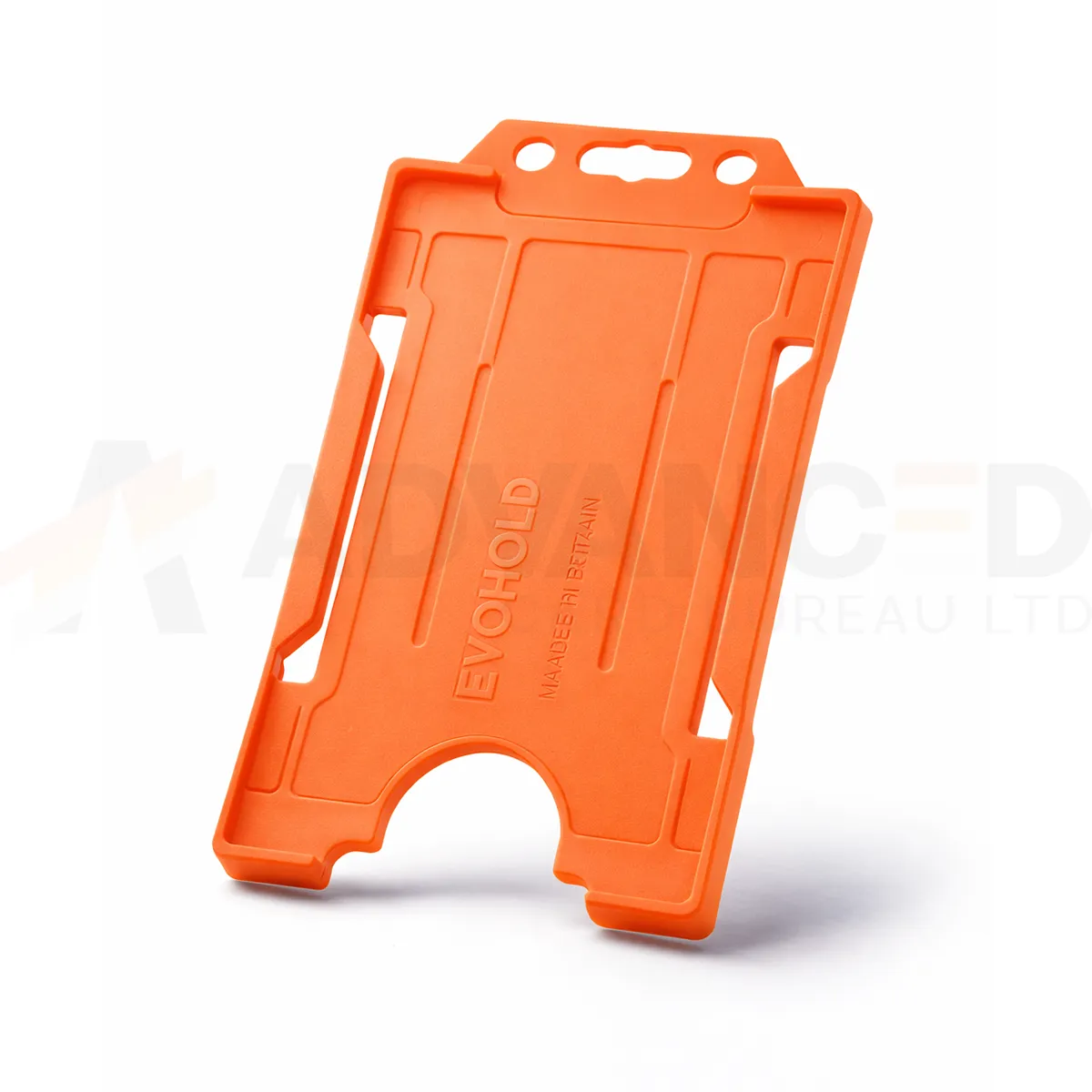### Choose the display layout This single-sided design presents one card face. Use the matching card orientation so photographs, names and codes can be read while the holder is worn. Orange can form part of your own badge colour scheme. A holder colour does not grant access or establish a wearer’s role. ### Match the attachment and quantity Select the quantity required from the available options: 1, 5, 10, 25, 50, 100. Match the holder’s attachment point to the clip, lanyard or reel you intend to use. The card and wearing accessory are ordered separately unless included in a stated bundle. Wipe the holder gently and check for cracks or worn attachment points before reuse. If a card must be removed for a particular reader, use the method required by your installed system. ### Orange portrait card holder for your badge scheme Orange creates a bright frame for an organisation’s chosen badge scheme. Keep names and role information clear within the card layout and use the holder colour as an additional cue. Compare the holder with existing orange accessories in normal working light before approving a larger issue or replacement order. Fit the finished card and check that the frame and attachment leave the key details visible. Keep the vertical artwork readable, including any name or code close to the top attachment. ## Orange portrait card holder: buying questions ### Which card size and capacity should I check? The listed card format is CR80, approximately 86 × 54 mm. This single-sided holder carries one card. Check the supplied card thickness and the fit of your finished credential with a sample. ### Does single-sided describe the card printing? It describes the holder’s display capacity: one visible card face. Your card artwork and printing specification are separate choices. Use a vertical design that keeps the information you need visible within the frame. ### Are the lanyard and cards included? The selected quantity is the number of holders. Cards and wearing accessories are ordered separately unless a stated bundle includes them. Match the attachment point to your chosen clip, lanyard or badge reel. Compare the [White ID Card Holder – Single-Sided Portrait](https://acb-ltd.com/product/white-id-card-holder-single-sided-portrait/) for another layout or colour. For help selecting the orange portrait card holder, [contact ACB](https://acb-ltd.com/contact-us/). **Product brands:** Evohold **Product categories:** ID Card Accessories, ID Card Holders, Single-Sided **Product tags:** Accessory for professionals, Eco-conscious, Eco-friendly card holder, Evohold, Landscape ID holder, Professional ID holder, Recycled material, Single-sided ID holder --- ### [Navy Blue Id Card Holder - Single-Sided Portrait](https://acb-ltd.com/product/navy-blue-id-card-holder-single-sided-portrait/) **Published:** February 21, 2026 **Author:** acb_superadmin **Excerpt:** The navy blue portrait card holder displays one CR80 credential in a vertical layout. Choose 1, 5, 10, 25, 50 or 100 holders from this colour-specific listing. Match the printed card layout and attachment before preparing your badge issue. **Content:** ## Navy blue portrait card holder The navy blue portrait card holder displays one CR80 credential in a vertical layout. Choose 1, 5, 10, 25, 50 or 100 holders from this colour-specific listing. Match the printed card layout and attachment before preparing your badge issue. 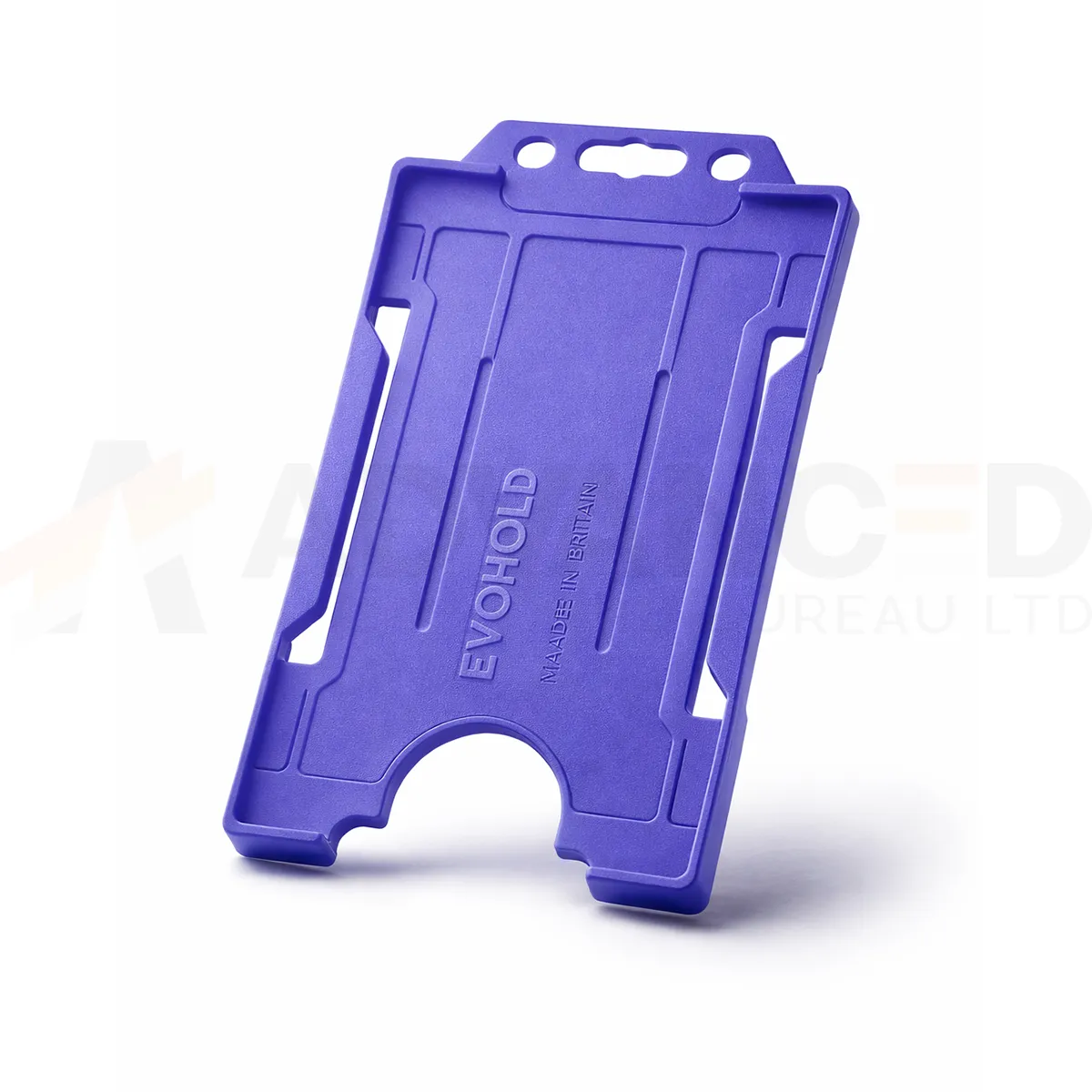### Choose the display layout This single-sided design presents one card face. Use the matching card orientation so photographs, names and codes can be read while the holder is worn. Navy Blue can form part of your own badge colour scheme. A holder colour does not grant access or establish a wearer’s role. ### Match the attachment and quantity Select the quantity required from the available options: 1, 5, 10, 25, 50, 100. Match the holder’s attachment point to the clip, lanyard or reel you intend to use. The card and wearing accessory are ordered separately unless included in a stated bundle. Wipe the holder gently and check for cracks or worn attachment points before reuse. If a card must be removed for a particular reader, use the method required by your installed system. ### Navy blue portrait card holder for your badge scheme Navy blue is listed separately from dark blue and royal blue. Match the full colour description when replacing existing holders, and approve a sample alongside the current card artwork and attachment. Include the wearer’s role or department in readable text so the badge scheme also works without colour cues. Fit the finished card and check that the frame and attachment leave the key details visible. Keep the vertical artwork readable, including any name or code close to the top attachment. ## Navy blue portrait card holder: buying questions ### Which card size and capacity should I check? The listed card format is CR80, approximately 86 × 54 mm. This single-sided holder carries one card. Check the supplied card thickness and the fit of your finished credential with a sample. ### Does single-sided describe the card printing? It describes the holder’s display capacity: one visible card face. Your card artwork and printing specification are separate choices. Use a vertical design that keeps the information you need visible within the frame. ### Are the lanyard and cards included? The selected quantity is the number of holders. Cards and wearing accessories are ordered separately unless a stated bundle includes them. Match the attachment point to your chosen clip, lanyard or badge reel. Compare the [White ID Card Holder – Single-Sided Portrait](https://acb-ltd.com/product/white-id-card-holder-single-sided-portrait/) for another layout or colour. For help selecting the navy blue portrait card holder, [contact ACB](https://acb-ltd.com/contact-us/). **Product brands:** Evohold **Product categories:** ID Card Accessories, ID Card Holders, Single-Sided **Product tags:** Accessory for professionals, Eco-conscious, Eco-friendly card holder, Evohold, Landscape ID holder, Professional ID holder, Recycled material, Single-sided ID holder --- ### [Light Blue Id Card Holder - Single-Sided Portrait](https://acb-ltd.com/product/light-blue-id-card-holder-single-sided-portrait/) **Published:** February 21, 2026 **Author:** acb_superadmin **Excerpt:** The light blue portrait card holder displays one CR80 credential in a vertical layout. Choose 1, 5, 10, 25, 50 or 100 holders from this colour-specific listing. Match the printed card layout and attachment before preparing your badge issue. **Content:** ## Light blue portrait card holder The light blue portrait card holder displays one CR80 credential in a vertical layout. Choose 1, 5, 10, 25, 50 or 100 holders from this colour-specific listing. Match the printed card layout and attachment before preparing your badge issue. 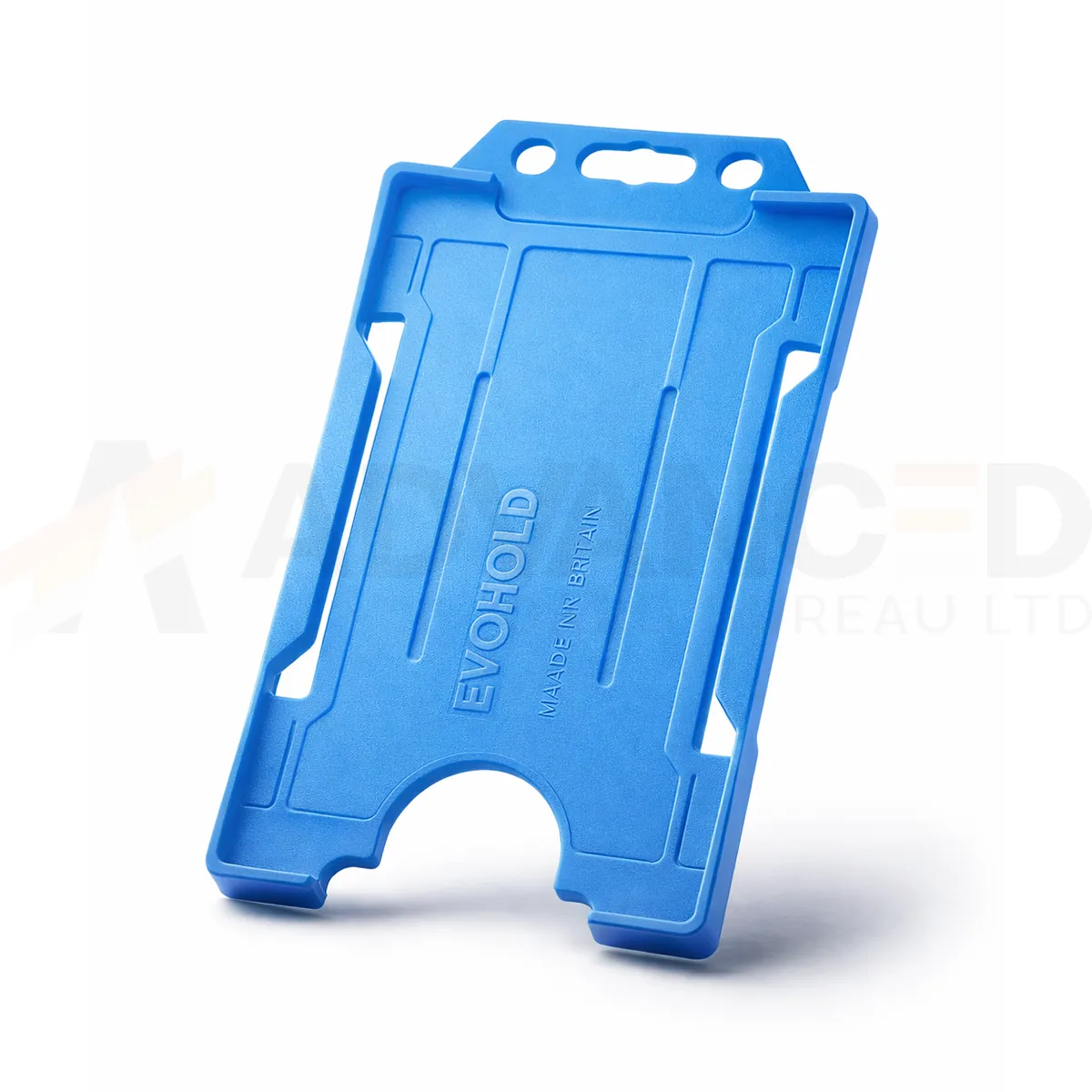### Choose the display layout This single-sided design presents one card face. Use the matching card orientation so photographs, names and codes can be read while the holder is worn. Light Blue can form part of your own badge colour scheme. A holder colour does not grant access or establish a wearer’s role. ### Match the attachment and quantity Select the quantity required from the available options: 1, 5, 10, 25, 50, 100. Match the holder’s attachment point to the clip, lanyard or reel you intend to use. The card and wearing accessory are ordered separately unless included in a stated bundle. Wipe the holder gently and check for cracks or worn attachment points before reuse. If a card must be removed for a particular reader, use the method required by your installed system. ### Light blue portrait card holder for your badge scheme Light blue gives the printed credential a pale blue border. Check the complete badge alongside your current lanyards and holders, particularly if the organisation uses several blue shades. Approve a sample with the intended artwork fitted and record the full colour name for later replacement orders. Fit the finished card and check that the frame and attachment leave the key details visible. Keep the vertical artwork readable, including any name or code close to the top attachment. ## Light blue portrait card holder: buying questions ### Which card size and capacity should I check? The listed card format is CR80, approximately 86 × 54 mm. This single-sided holder carries one card. Check the supplied card thickness and the fit of your finished credential with a sample. ### Does single-sided describe the card printing? It describes the holder’s display capacity: one visible card face. Your card artwork and printing specification are separate choices. Use a vertical design that keeps the information you need visible within the frame. ### Are the lanyard and cards included? The selected quantity is the number of holders. Cards and wearing accessories are ordered separately unless a stated bundle includes them. Match the attachment point to your chosen clip, lanyard or badge reel. Compare the [White ID Card Holder – Single-Sided Portrait](https://acb-ltd.com/product/white-id-card-holder-single-sided-portrait/) for another layout or colour. For help selecting the light blue portrait card holder, [contact ACB](https://acb-ltd.com/contact-us/). **Product brands:** Evohold **Product categories:** ID Card Accessories, ID Card Holders, Single-Sided **Product tags:** Accessory for professionals, Eco-conscious, Eco-friendly card holder, Evohold, Landscape ID holder, Professional ID holder, Recycled material, Single-sided ID holder --- ### [Green Id Card Holder - Single-Sided Portrait](https://acb-ltd.com/product/green-id-card-holder-single-sided-portrait/) **Published:** February 22, 2026 **Author:** acb_superadmin **Excerpt:** The green portrait card holder displays one CR80 credential in a vertical layout. Choose 1, 5, 10, 25, 50 or 100 holders from this colour-specific listing. Match the printed card layout and attachment before preparing your badge issue. **Content:** ## Green portrait card holder The green portrait card holder displays one CR80 credential in a vertical layout. Choose 1, 5, 10, 25, 50 or 100 holders from this colour-specific listing. Match the printed card layout and attachment before preparing your badge issue. 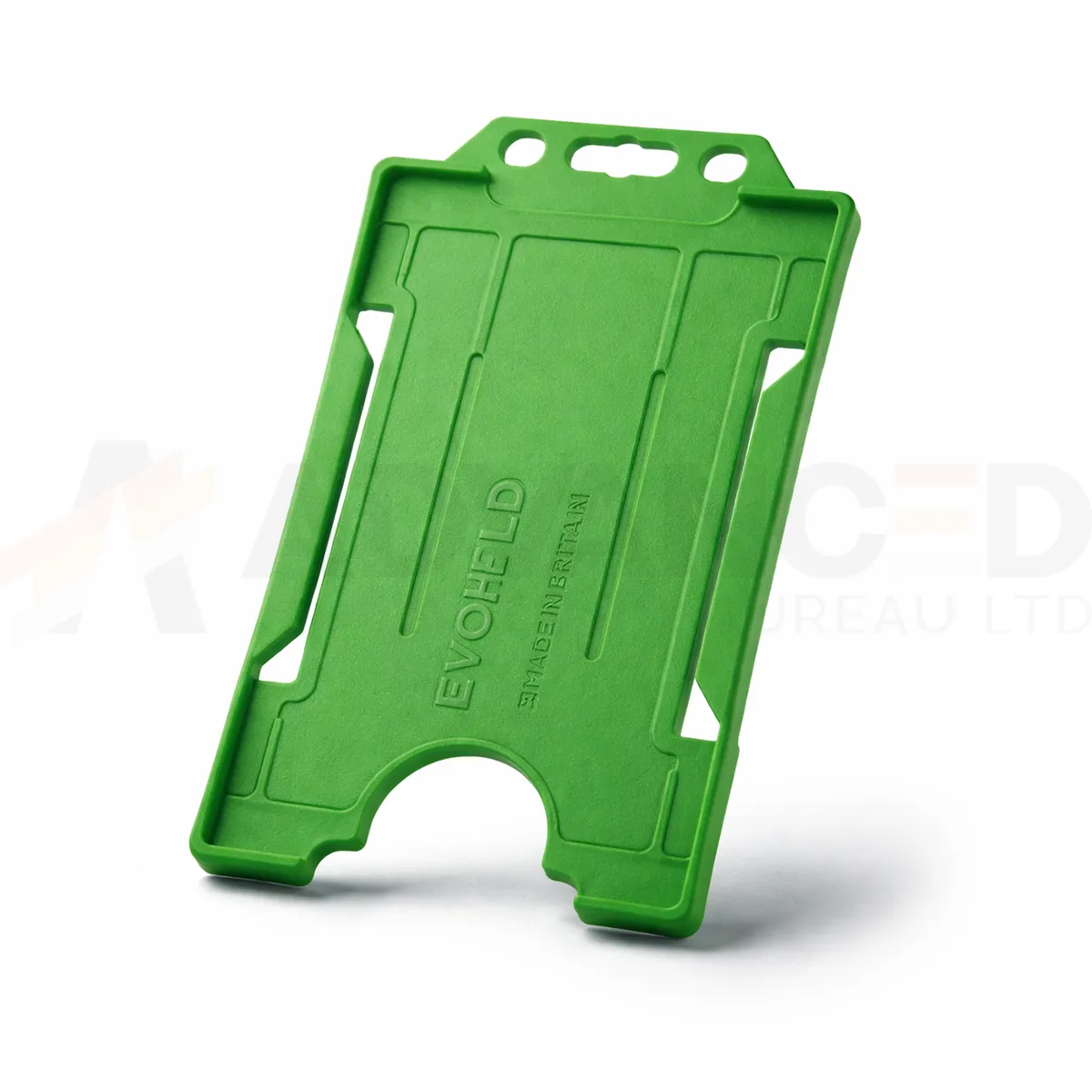### Choose the display layout This single-sided design presents one card face. Use the matching card orientation so photographs, names and codes can be read while the holder is worn. Green can form part of your own badge colour scheme. A holder colour does not grant access or establish a wearer’s role. ### Match the attachment and quantity Select the quantity required from the available options: 1, 5, 10, 25, 50, 100. Match the holder’s attachment point to the clip, lanyard or reel you intend to use. The card and wearing accessory are ordered separately unless included in a stated bundle. Wipe the holder gently and check for cracks or worn attachment points before reuse. If a card must be removed for a particular reader, use the method required by your installed system. ### Green portrait card holder for your badge scheme Green provides a colour cue for your own badge scheme. Keep this listed Green option distinct from Dark Green when preparing an order or a stock record. Compare a physical sample with your current holders, and show the wearer’s role in readable card text so the meaning stays clear. Fit the finished card and check that the frame and attachment leave the key details visible. Keep the vertical artwork readable, including any name or code close to the top attachment. ## Green portrait card holder: buying questions ### Which card size and capacity should I check? The listed card format is CR80, approximately 86 × 54 mm. This single-sided holder carries one card. Check the supplied card thickness and the fit of your finished credential with a sample. ### Does single-sided describe the card printing? It describes the holder’s display capacity: one visible card face. Your card artwork and printing specification are separate choices. Use a vertical design that keeps the information you need visible within the frame. ### Are the lanyard and cards included? The selected quantity is the number of holders. Cards and wearing accessories are ordered separately unless a stated bundle includes them. Match the attachment point to your chosen clip, lanyard or badge reel. Compare the [White ID Card Holder – Single-Sided Portrait](https://acb-ltd.com/product/white-id-card-holder-single-sided-portrait/) for another layout or colour. For help selecting the green portrait card holder, [contact ACB](https://acb-ltd.com/contact-us/). **Product brands:** Evohold **Product categories:** ID Card Accessories, ID Card Holders, Single-Sided **Product tags:** Accessory for professionals, Eco-conscious, Eco-friendly card holder, Evohold, Landscape ID holder, Professional ID holder, Recycled material, Single-sided ID holder --- ### [Dark Green Id Card Holder - Single-Sided Portrait](https://acb-ltd.com/product/dark-green-id-card-holder-single-sided-portrait/) **Published:** February 22, 2026 **Author:** acb_superadmin **Excerpt:** The dark green portrait card holder displays one CR80 credential in a vertical layout. Choose 1, 5, 10, 25, 50 or 100 holders from this colour-specific listing. Match the printed card layout and attachment before preparing your badge issue. **Content:** ## Dark green portrait card holder The dark green portrait card holder displays one CR80 credential in a vertical layout. Choose 1, 5, 10, 25, 50 or 100 holders from this colour-specific listing. Match the printed card layout and attachment before preparing your badge issue. 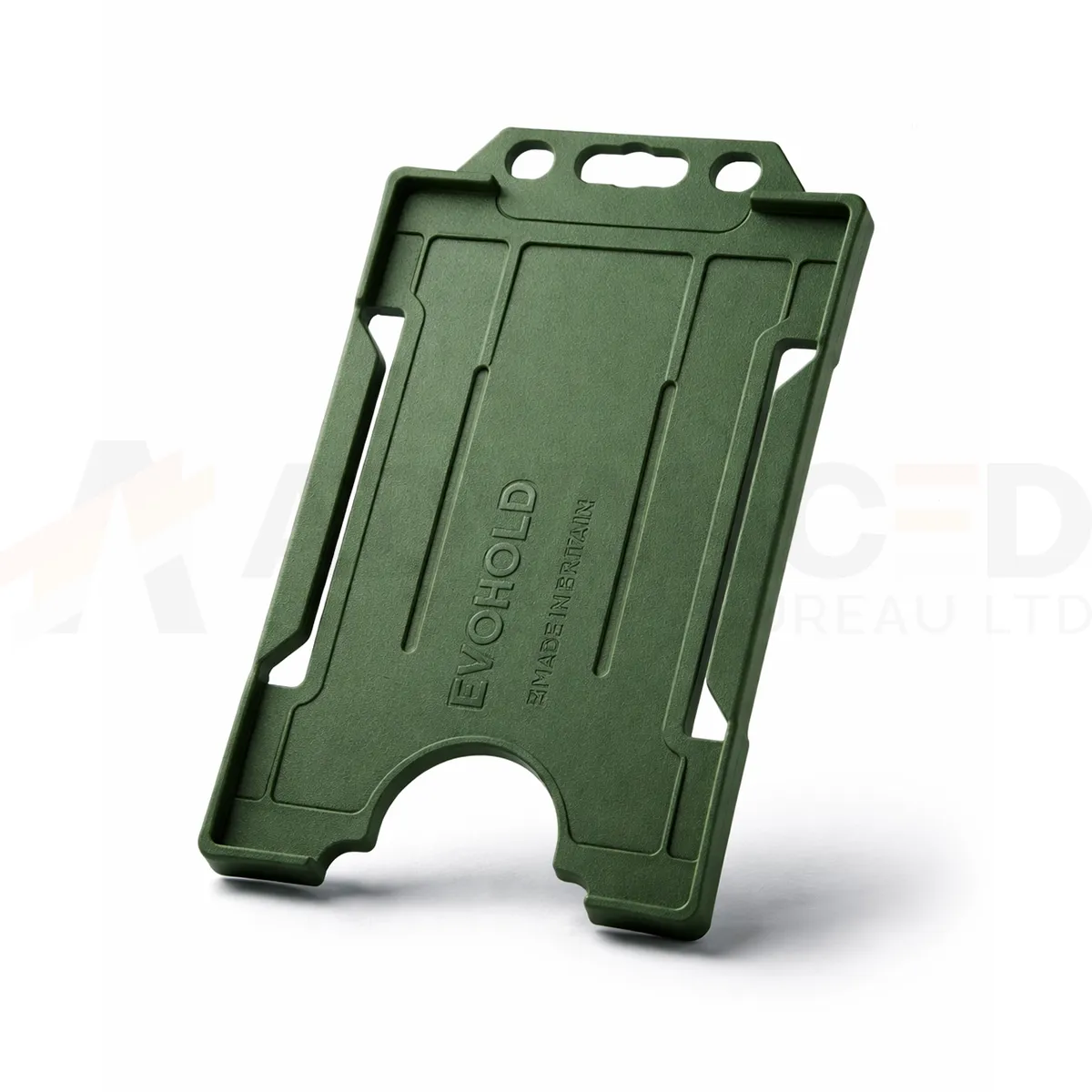### Choose the display layout This single-sided design presents one card face. Use the matching card orientation so photographs, names and codes can be read while the holder is worn. Dark Green can form part of your own badge colour scheme. A holder colour does not grant access or establish a wearer’s role. ### Match the attachment and quantity Select the quantity required from the available options: 1, 5, 10, 25, 50, 100. Match the holder’s attachment point to the clip, lanyard or reel you intend to use. The card and wearing accessory are ordered separately unless included in a stated bundle. Wipe the holder gently and check for cracks or worn attachment points before reuse. If a card must be removed for a particular reader, use the method required by your installed system. ### Dark green portrait card holder for your badge scheme Dark green offers a deeper colour border than the Green option listed elsewhere in the range. Check a sample beside existing holders and lanyards before a replacement order. The printed card can carry the department or visitor information, while a recorded colour reference helps keep future issues consistent. Fit the finished card and check that the frame and attachment leave the key details visible. Keep the vertical artwork readable, including any name or code close to the top attachment. ## Dark green portrait card holder: buying questions ### Which card size and capacity should I check? The listed card format is CR80, approximately 86 × 54 mm. This single-sided holder carries one card. Check the supplied card thickness and the fit of your finished credential with a sample. ### Does single-sided describe the card printing? It describes the holder’s display capacity: one visible card face. Your card artwork and printing specification are separate choices. Use a vertical design that keeps the information you need visible within the frame. ### Are the lanyard and cards included? The selected quantity is the number of holders. Cards and wearing accessories are ordered separately unless a stated bundle includes them. Match the attachment point to your chosen clip, lanyard or badge reel. Compare the [White ID Card Holder – Single-Sided Portrait](https://acb-ltd.com/product/white-id-card-holder-single-sided-portrait/) for another layout or colour. For help selecting the dark green portrait card holder, [contact ACB](https://acb-ltd.com/contact-us/). **Product brands:** Evohold **Product categories:** ID Card Accessories, ID Card Holders, Single-Sided **Product tags:** Accessory for professionals, Eco-conscious, Eco-friendly card holder, Evohold, Landscape ID holder, Professional ID holder, Recycled material, Single-sided ID holder --- ### [Dark Blue Id Card Holder - Single-Sided Portrait](https://acb-ltd.com/product/dark-blue-id-card-holder-single-sided-portrait/) **Published:** February 22, 2026 **Author:** acb_superadmin **Excerpt:** The dark blue portrait card holder displays one CR80 credential in a vertical layout. Choose 1, 5, 10, 25, 50 or 100 holders from this colour-specific listing. Match the printed card layout and attachment before preparing your badge issue. **Content:** ## Dark blue portrait card holder The dark blue portrait card holder displays one CR80 credential in a vertical layout. Choose 1, 5, 10, 25, 50 or 100 holders from this colour-specific listing. Match the printed card layout and attachment before preparing your badge issue. 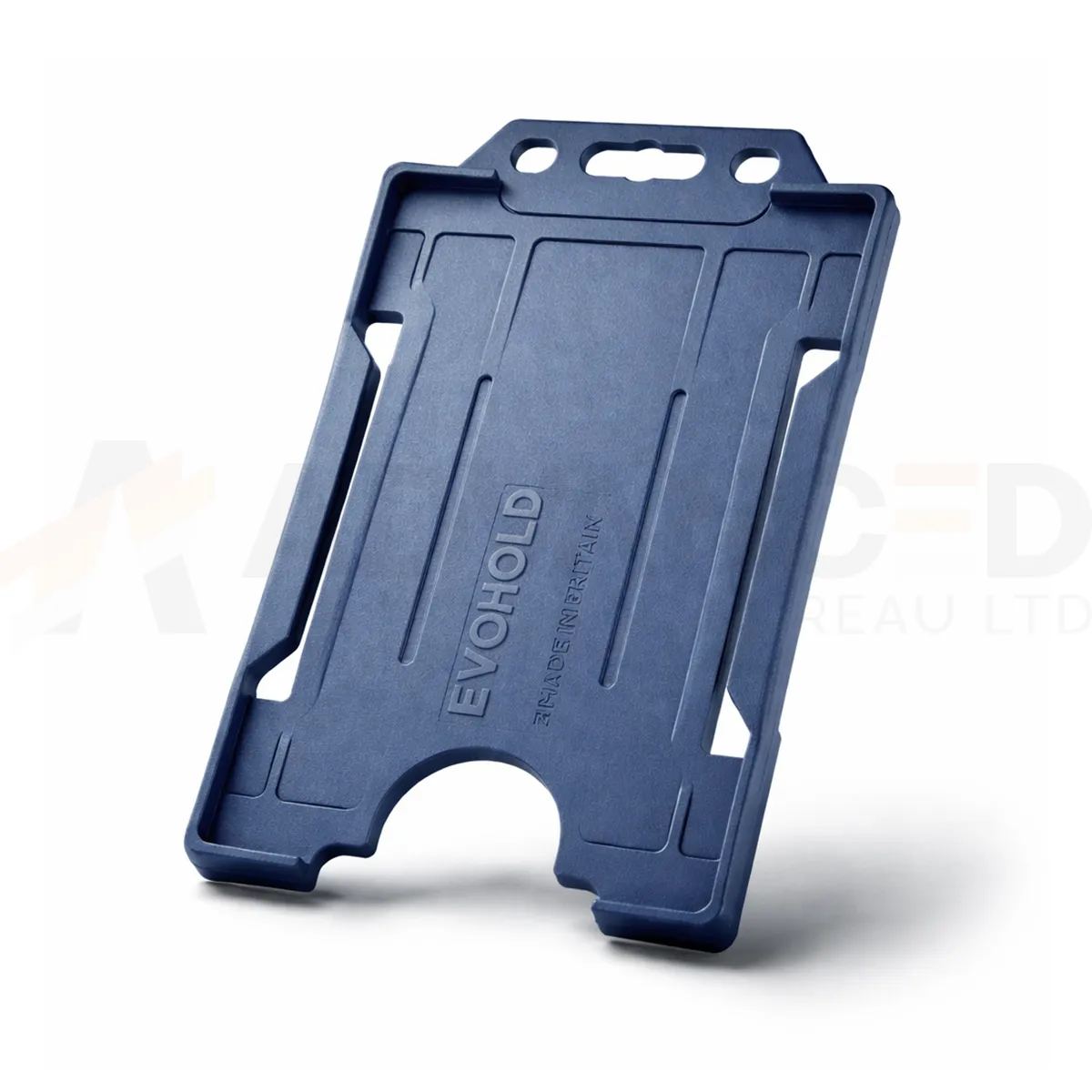### Choose the display layout This single-sided design presents one card face. Use the matching card orientation so photographs, names and codes can be read while the holder is worn. Dark Blue can form part of your own badge colour scheme. A holder colour does not grant access or establish a wearer’s role. ### Match the attachment and quantity Select the quantity required from the available options: 1, 5, 10, 25, 50, 100. Match the holder’s attachment point to the clip, lanyard or reel you intend to use. The card and wearing accessory are ordered separately unless included in a stated bundle. Wipe the holder gently and check for cracks or worn attachment points before reuse. If a card must be removed for a particular reader, use the method required by your installed system. ### Dark blue portrait card holder for your badge scheme Dark blue, navy blue and royal blue are separate colour choices in this range. Use the full colour name in your stock records and compare a sample when topping up an existing badge scheme. Keep photographs, names and department text readable within the frame rather than relying on the blue shade alone. Fit the finished card and check that the frame and attachment leave the key details visible. Keep the vertical artwork readable, including any name or code close to the top attachment. ## Dark blue portrait card holder: buying questions ### Which card size and capacity should I check? The listed card format is CR80, approximately 86 × 54 mm. This single-sided holder carries one card. Check the supplied card thickness and the fit of your finished credential with a sample. ### Does single-sided describe the card printing? It describes the holder’s display capacity: one visible card face. Your card artwork and printing specification are separate choices. Use a vertical design that keeps the information you need visible within the frame. ### Are the lanyard and cards included? The selected quantity is the number of holders. Cards and wearing accessories are ordered separately unless a stated bundle includes them. Match the attachment point to your chosen clip, lanyard or badge reel. Compare the [White ID Card Holder – Single-Sided Portrait](https://acb-ltd.com/product/white-id-card-holder-single-sided-portrait/) for another layout or colour. For help selecting the dark blue portrait card holder, [contact ACB](https://acb-ltd.com/contact-us/). **Product brands:** Evohold **Product categories:** ID Card Accessories, ID Card Holders, Single-Sided **Product tags:** Accessory for professionals, Eco-conscious, Eco-friendly card holder, Evohold, Landscape ID holder, Professional ID holder, Recycled material, Single-sided ID holder --- ### [Yellow Id Card Holder - Single-Sided Portrait](https://acb-ltd.com/product/yellow-id-card-holder-single-sided-portrait/) **Published:** February 22, 2026 **Author:** acb_superadmin **Excerpt:** The yellow portrait card holder displays one CR80 credential in a vertical layout. Choose 1, 5, 10, 25, 50 or 100 holders from this colour-specific listing. Match the printed card layout and attachment before preparing your badge issue. **Content:** ## Yellow portrait card holder The yellow portrait card holder displays one CR80 credential in a vertical layout. Choose 1, 5, 10, 25, 50 or 100 holders from this colour-specific listing. Match the printed card layout and attachment before preparing your badge issue. 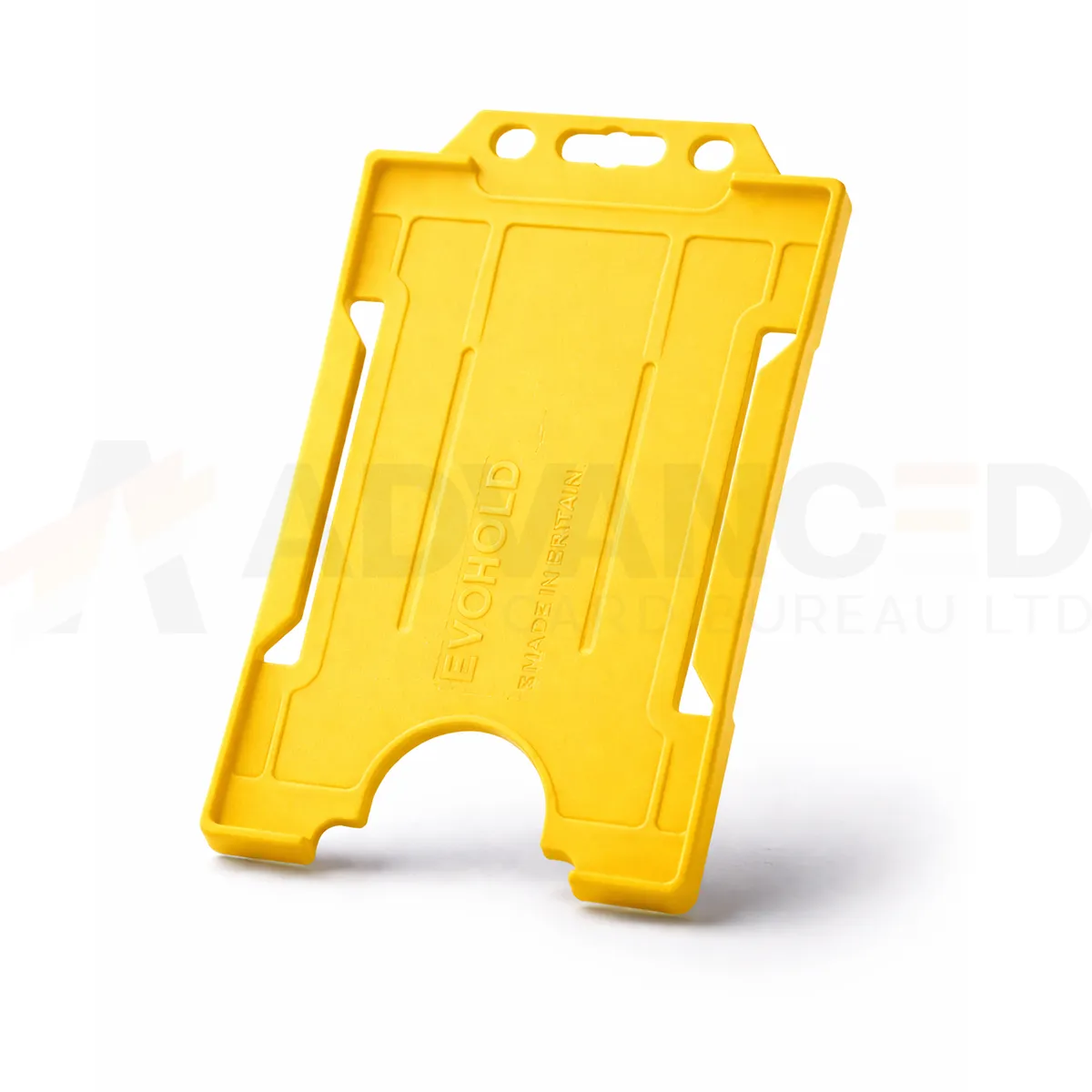### Choose the display layout This single-sided design presents one card face. Use the matching card orientation so photographs, names and codes can be read while the holder is worn. Yellow can form part of your own badge colour scheme. A holder colour does not grant access or establish a wearer’s role. ### Match the attachment and quantity Select the quantity required from the available options: 1, 5, 10, 25, 50, 100. Match the holder’s attachment point to the clip, lanyard or reel you intend to use. The card and wearing accessory are ordered separately unless included in a stated bundle. Wipe the holder gently and check for cracks or worn attachment points before reuse. If a card must be removed for a particular reader, use the method required by your installed system. ### Yellow portrait card holder for your badge scheme Yellow gives the holder a bright colour cue around the printed badge. Use clear words or symbols on the card to explain the wearer’s role within your own scheme. Review the complete badge under its usual lighting and compare a sample with existing yellow accessories before a larger order. Fit the finished card and check that the frame and attachment leave the key details visible. Keep the vertical artwork readable, including any name or code close to the top attachment. ## Yellow portrait card holder: buying questions ### Which card size and capacity should I check? The listed card format is CR80, approximately 86 × 54 mm. This single-sided holder carries one card. Check the supplied card thickness and the fit of your finished credential with a sample. ### Does single-sided describe the card printing? It describes the holder’s display capacity: one visible card face. Your card artwork and printing specification are separate choices. Use a vertical design that keeps the information you need visible within the frame. ### Are the lanyard and cards included? The selected quantity is the number of holders. Cards and wearing accessories are ordered separately unless a stated bundle includes them. Match the attachment point to your chosen clip, lanyard or badge reel. Compare the [White ID Card Holder – Single-Sided Portrait](https://acb-ltd.com/product/white-id-card-holder-single-sided-portrait/) for another layout or colour. For help selecting the yellow portrait card holder, [contact ACB](https://acb-ltd.com/contact-us/). **Product brands:** Evohold **Product categories:** ID Card Accessories, ID Card Holders, Single-Sided **Product tags:** Accessory for professionals, Eco-conscious, Eco-friendly card holder, Evohold, Landscape ID holder, Professional ID holder, Recycled material, Single-sided ID holder --- ### [Yellow Id Card Holder - Double-Sided Landscape](https://acb-ltd.com/product/yellow-id-card-holder-double-sided-landscape/) **Published:** February 24, 2026 **Author:** acb_superadmin **Excerpt:** The yellow double-sided landscape holder displays two CR80 credentials, one on each side, in a horizontal layout. Choose 1, 5, 10, 25, 50 or 100 holders from this colour-specific listing. Match the printed card layout and attachment before preparing your badge issue. **Content:** ## Yellow double-sided landscape holder The yellow double-sided landscape holder displays two CR80 credentials, one on each side, in a horizontal layout. Choose 1, 5, 10, 25, 50 or 100 holders from this colour-specific listing. Match the printed card layout and attachment before preparing your badge issue. 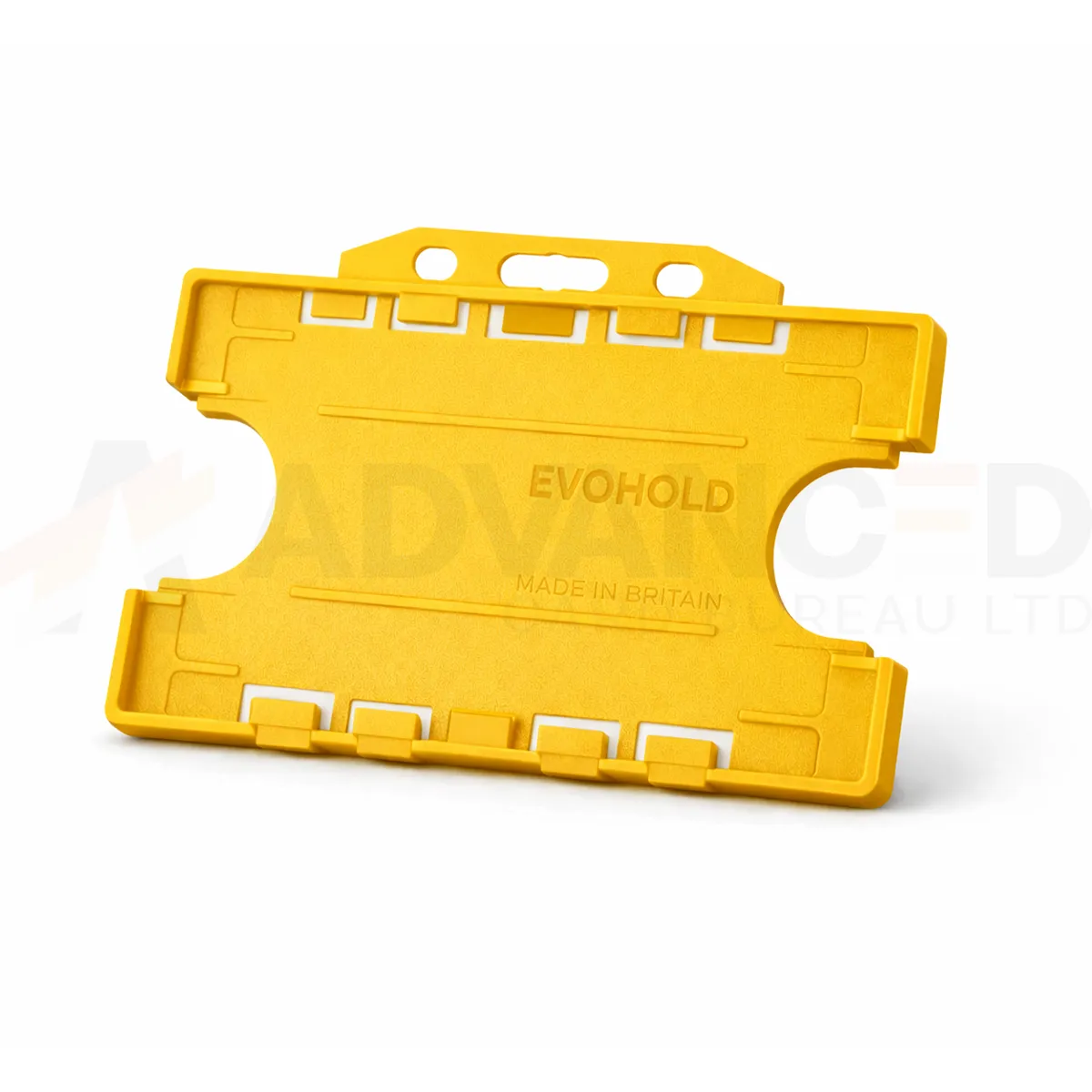### Choose the display layout This double-sided design presents a card on each face. Check that both cards sit correctly and that the details you need remain visible. Yellow can form part of your own badge colour scheme. A holder colour does not grant access or establish a wearer’s role. ### Match the attachment and quantity Select the quantity required from the available options: 1, 5, 10, 25, 50, 100. Match the holder’s attachment point to the clip, lanyard or reel you intend to use. The card and wearing accessory are ordered separately unless included in a stated bundle. Wipe the holder gently and check for cracks or worn attachment points before reuse. If a card must be removed for a particular reader, use the method required by your installed system. ### Yellow double-sided landscape holder for your badge scheme Yellow gives the holder a bright colour cue around the printed badge. Use clear words or symbols on the card to explain the wearer’s role within your own scheme. Review the complete badge under its usual lighting and compare a sample with existing yellow accessories before a larger order. With two cards fitted, check both faces and both card thicknesses before approving the issue pack. Keep the horizontal artwork readable when the holder is worn. ## Yellow double-sided landscape holder: buying questions ### Which card size and capacity should I check? The listed card format is CR80, approximately 86 × 54 mm. This double-sided holder carries two cards, one on each side. Check both thicknesses with a sample. ### Can two contactless cards stay together at a reader? Follow the installed access system’s instructions. Present the required credential separately if the reader needs it removed from the holder. Check the complete badge arrangement before issuing it to users. ### Are the lanyard and cards included? The selected quantity is the number of holders. Cards and wearing accessories are ordered separately unless a stated bundle includes them. Match the attachment point to your chosen clip, lanyard or badge reel. Compare the [Black ID Card Holder – Single-Sided Portrait](https://acb-ltd.com/product/black-id-card-holder-single-sided-portrait/) for another layout or colour. For help selecting the yellow double-sided landscape holder, [contact ACB](https://acb-ltd.com/contact-us/). **Product brands:** Evohold **Product categories:** Double-Sided, ID Card Accessories, ID Card Holders **Product tags:** Accessory for professionals, Eco-conscious, Eco-friendly card holder, Evohold, Landscape ID holder, Professional ID holder, Recycled material, Single-sided ID holder --- ### [Black Id Card Holder - Double-Sided Landscape](https://acb-ltd.com/product/black-id-card-holder-double-sided-landscape/) **Published:** February 24, 2026 **Author:** acb_superadmin **Excerpt:** The black double-sided landscape holder displays two CR80 credentials, one on each side, in a horizontal layout. Choose 1, 5, 10, 25, 50 or 100 holders from this colour-specific listing. Match the printed card layout and attachment before preparing your badge issue. **Content:** ## Black double-sided landscape holder The black double-sided landscape holder displays two CR80 credentials, one on each side, in a horizontal layout. Choose 1, 5, 10, 25, 50 or 100 holders from this colour-specific listing. Match the printed card layout and attachment before preparing your badge issue. 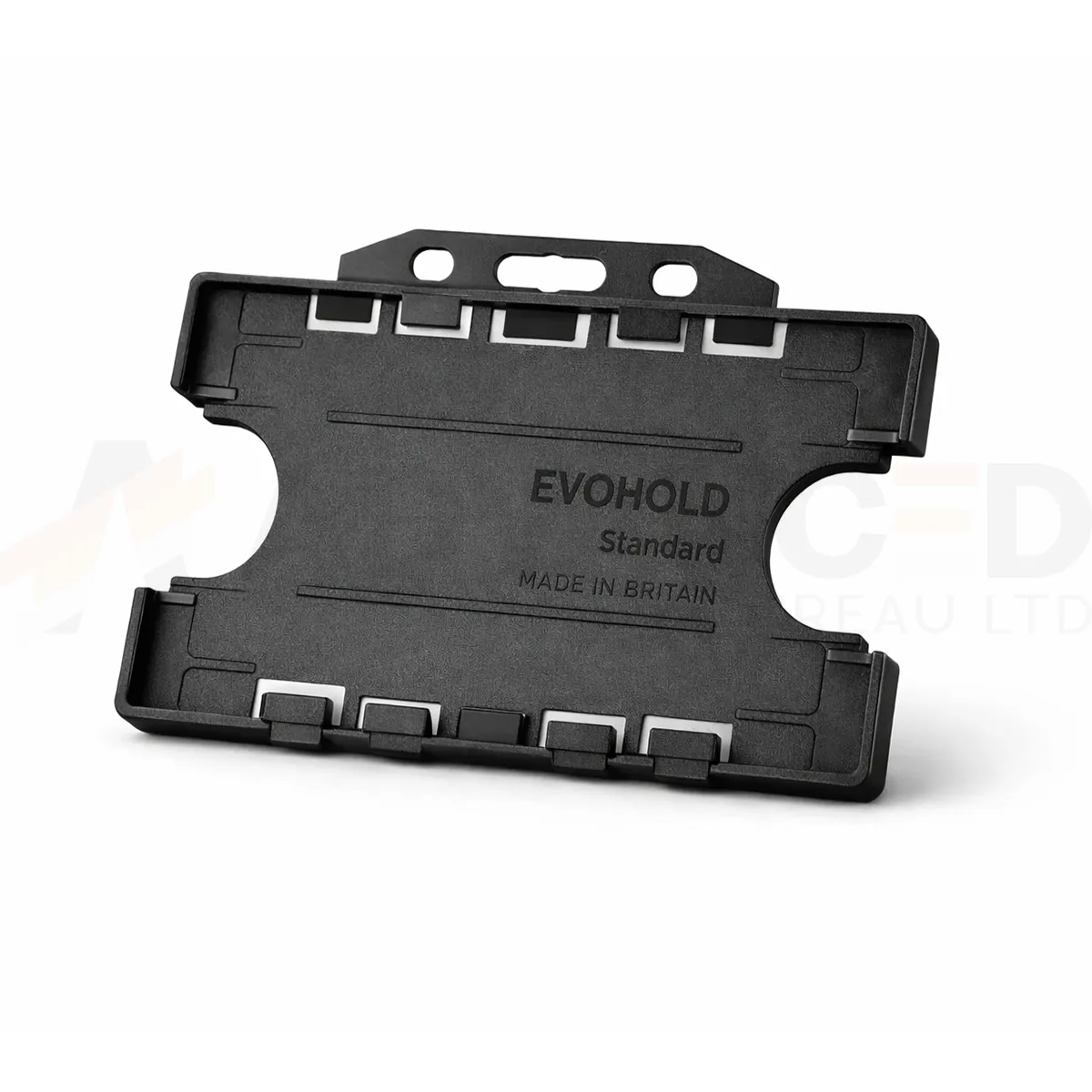### Choose the display layout This double-sided design presents a card on each face. Check that both cards sit correctly and that the details you need remain visible. Black can form part of your own badge colour scheme. A holder colour does not grant access or establish a wearer’s role. ### Match the attachment and quantity Select the quantity required from the available options: 1, 5, 10, 25, 50, 100. Match the holder’s attachment point to the clip, lanyard or reel you intend to use. The card and wearing accessory are ordered separately unless included in a stated bundle. Wipe the holder gently and check for cracks or worn attachment points before reuse. If a card must be removed for a particular reader, use the method required by your installed system. ### Black double-sided landscape holder for your badge scheme Black provides a neutral frame that works alongside many badge designs. Check that dark borders in the printed artwork remain separate from the holder edge. For a consistent issue pack, approve the holder, finished card and attachment together, then keep the same reference for later replacements. With two cards fitted, check both faces and both card thicknesses before approving the issue pack. Keep the horizontal artwork readable when the holder is worn. ## Black double-sided landscape holder: buying questions ### Which card size and capacity should I check? The listed card format is CR80, approximately 86 × 54 mm. This double-sided holder carries two cards, one on each side. Check both thicknesses with a sample. ### Can two contactless cards stay together at a reader? Follow the installed access system’s instructions. Present the required credential separately if the reader needs it removed from the holder. Check the complete badge arrangement before issuing it to users. ### Are the lanyard and cards included? The selected quantity is the number of holders. Cards and wearing accessories are ordered separately unless a stated bundle includes them. Match the attachment point to your chosen clip, lanyard or badge reel. Compare the [Black ID Card Holder – Single-Sided Portrait](https://acb-ltd.com/product/black-id-card-holder-single-sided-portrait/) for another layout or colour. For help selecting the black double-sided landscape holder, [contact ACB](https://acb-ltd.com/contact-us/). **Product brands:** Evohold **Product categories:** Double-Sided, ID Card Accessories, ID Card Holders **Product tags:** Accessory for professionals, Eco-conscious, Eco-friendly card holder, Evohold, Landscape ID holder, Professional ID holder, Recycled material, Single-sided ID holder --- ### [Royal Blue Id Card Holder - Double-Sided Landscape](https://acb-ltd.com/product/royal-blue-id-card-holder-double-sided-landscape/) **Published:** February 24, 2026 **Author:** acb_superadmin **Excerpt:** The royal blue double-sided landscape holder displays two CR80 credentials, one on each side, in a horizontal layout. Choose 1, 5, 10, 25, 50 or 100 holders from this colour-specific listing. Match the printed card layout and attachment before preparing your badge issue. **Content:** ## Royal blue double-sided landscape holder The royal blue double-sided landscape holder displays two CR80 credentials, one on each side, in a horizontal layout. Choose 1, 5, 10, 25, 50 or 100 holders from this colour-specific listing. Match the printed card layout and attachment before preparing your badge issue. 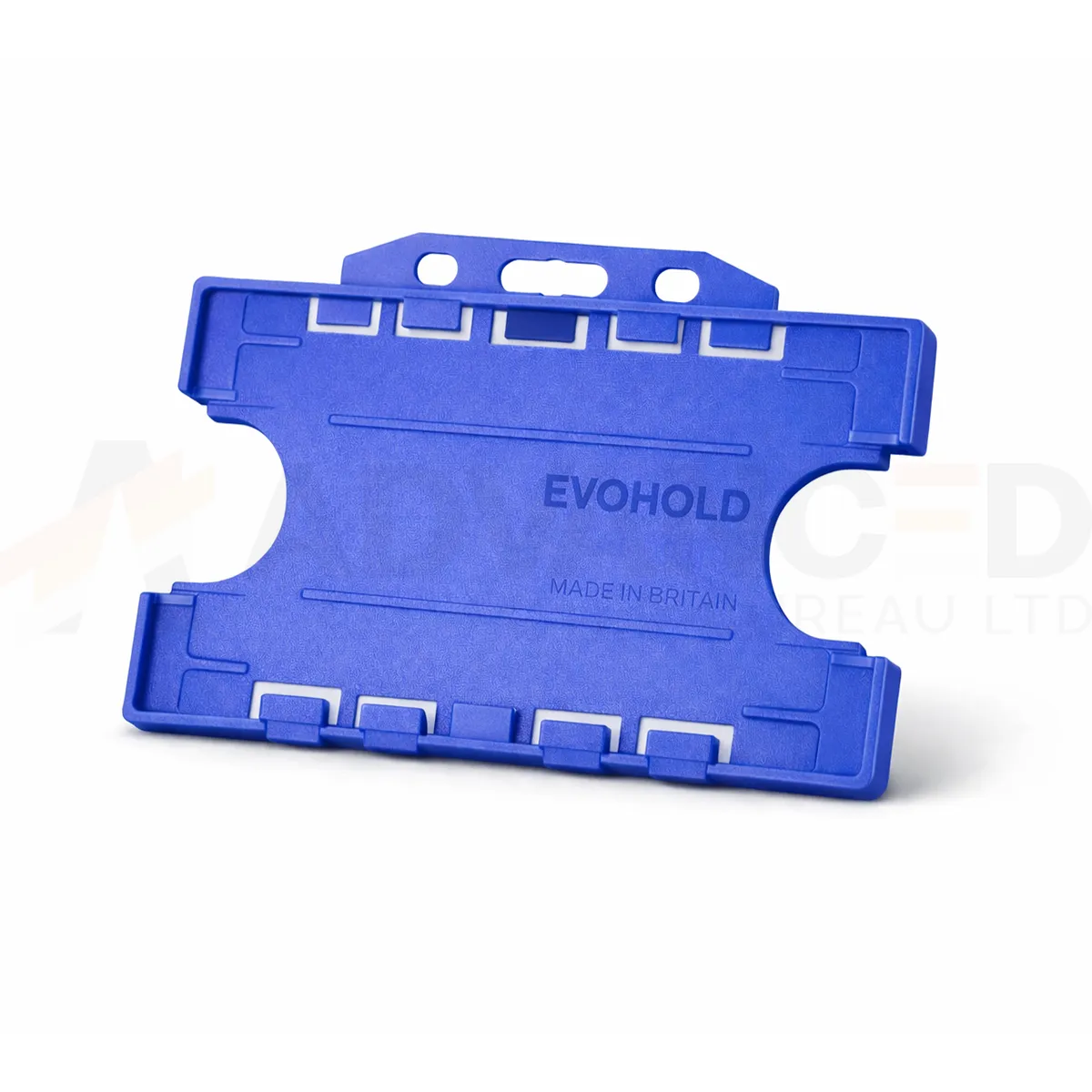### Choose the display layout This double-sided design presents a card on each face. Check that both cards sit correctly and that the details you need remain visible. Royal Blue can form part of your own badge colour scheme. A holder colour does not grant access or establish a wearer’s role. ### Match the attachment and quantity Select the quantity required from the available options: 1, 5, 10, 25, 50, 100. Match the holder’s attachment point to the clip, lanyard or reel you intend to use. The card and wearing accessory are ordered separately unless included in a stated bundle. Wipe the holder gently and check for cracks or worn attachment points before reuse. If a card must be removed for a particular reader, use the method required by your installed system. ### Royal blue double-sided landscape holder for your badge scheme Royal blue is a distinct choice within a range that also includes navy, dark blue and light blue. Record the exact listed colour when ordering replacements. Compare a sample with your existing badge stock and lanyard, especially when several blue shades serve different departments or visitor groups. With two cards fitted, check both faces and both card thicknesses before approving the issue pack. Keep the horizontal artwork readable when the holder is worn. ## Royal blue double-sided landscape holder: buying questions ### Which card size and capacity should I check? The listed card format is CR80, approximately 86 × 54 mm. This double-sided holder carries two cards, one on each side. Check both thicknesses with a sample. ### Can two contactless cards stay together at a reader? Follow the installed access system’s instructions. Present the required credential separately if the reader needs it removed from the holder. Check the complete badge arrangement before issuing it to users. ### Are the lanyard and cards included? The selected quantity is the number of holders. Cards and wearing accessories are ordered separately unless a stated bundle includes them. Match the attachment point to your chosen clip, lanyard or badge reel. Compare the [Black ID Card Holder – Single-Sided Portrait](https://acb-ltd.com/product/black-id-card-holder-single-sided-portrait/) for another layout or colour. For help selecting the royal blue double-sided landscape holder, [contact ACB](https://acb-ltd.com/contact-us/). **Product brands:** Evohold **Product categories:** Double-Sided, ID Card Accessories, ID Card Holders **Product tags:** Accessory for professionals, Eco-conscious, Eco-friendly card holder, Evohold, Landscape ID holder, Professional ID holder, Recycled material, Single-sided ID holder --- ### [Red Id Card Holder - Double-Sided Landscape](https://acb-ltd.com/product/red-id-card-holder-double-sided-landscape/) **Published:** February 24, 2026 **Author:** acb_superadmin **Excerpt:** The red double-sided landscape holder displays two CR80 credentials, one on each side, in a horizontal layout. Choose 1, 5, 10, 25, 50 or 100 holders from this colour-specific listing. Match the printed card layout and attachment before preparing your badge issue. **Content:** ## Red double-sided landscape holder The red double-sided landscape holder displays two CR80 credentials, one on each side, in a horizontal layout. Choose 1, 5, 10, 25, 50 or 100 holders from this colour-specific listing. Match the printed card layout and attachment before preparing your badge issue. 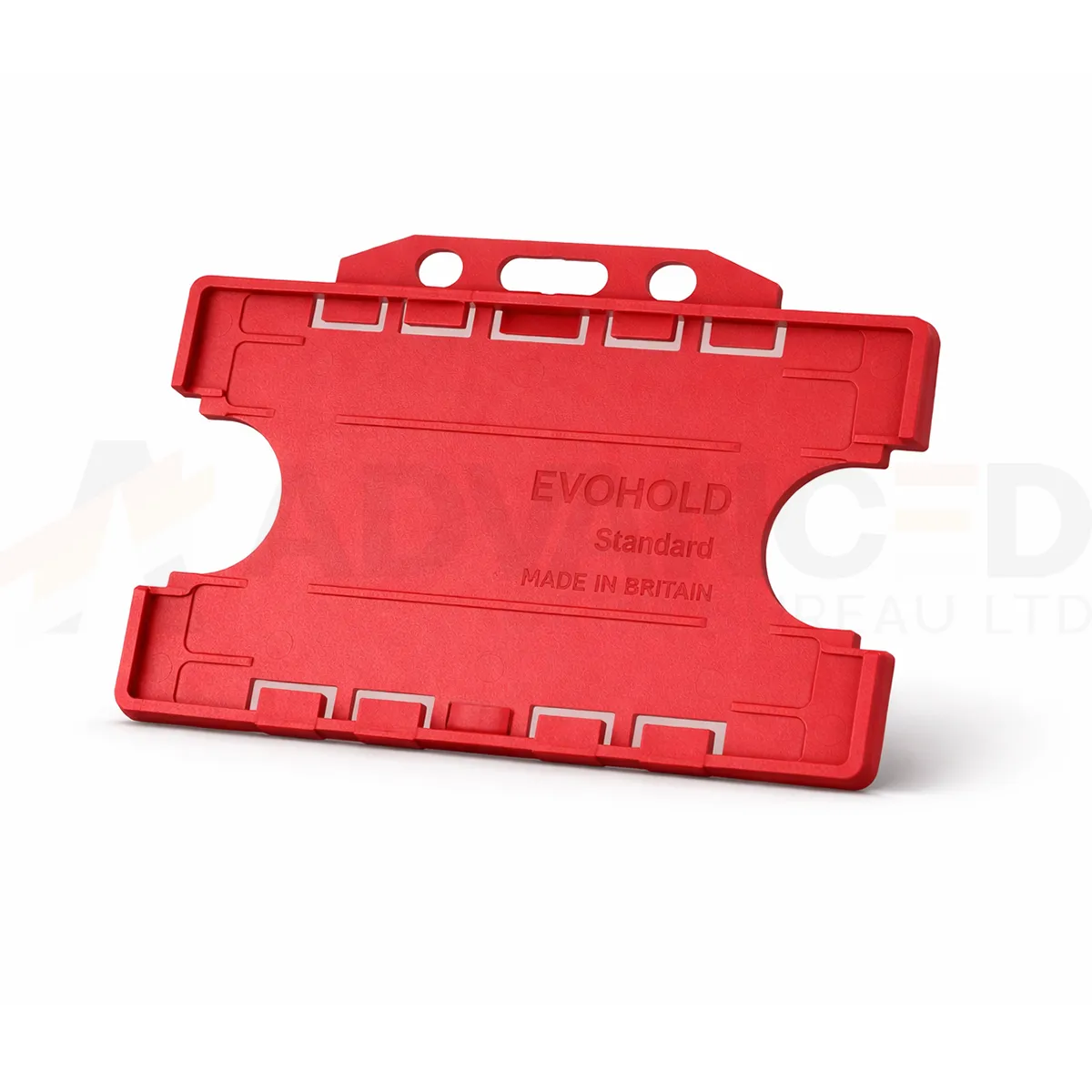### Choose the display layout This double-sided design presents a card on each face. Check that both cards sit correctly and that the details you need remain visible. Red can form part of your own badge colour scheme. A holder colour does not grant access or establish a wearer’s role. ### Match the attachment and quantity Select the quantity required from the available options: 1, 5, 10, 25, 50, 100. Match the holder’s attachment point to the clip, lanyard or reel you intend to use. The card and wearing accessory are ordered separately unless included in a stated bundle. Wipe the holder gently and check for cracks or worn attachment points before reuse. If a card must be removed for a particular reader, use the method required by your installed system. ### Red double-sided landscape holder for your badge scheme Red creates a clear border around the badge artwork. Agree its meaning within your own organisation and print the role or department on the card as well. When replacing existing holders, compare a physical sample with the current supply so the badge scheme stays consistent across teams and sites. With two cards fitted, check both faces and both card thicknesses before approving the issue pack. Keep the horizontal artwork readable when the holder is worn. ## Red double-sided landscape holder: buying questions ### Which card size and capacity should I check? The listed card format is CR80, approximately 86 × 54 mm. This double-sided holder carries two cards, one on each side. Check both thicknesses with a sample. ### Can two contactless cards stay together at a reader? Follow the installed access system’s instructions. Present the required credential separately if the reader needs it removed from the holder. Check the complete badge arrangement before issuing it to users. ### Are the lanyard and cards included? The selected quantity is the number of holders. Cards and wearing accessories are ordered separately unless a stated bundle includes them. Match the attachment point to your chosen clip, lanyard or badge reel. Compare the [Black ID Card Holder – Single-Sided Portrait](https://acb-ltd.com/product/black-id-card-holder-single-sided-portrait/) for another layout or colour. For help selecting the red double-sided landscape holder, [contact ACB](https://acb-ltd.com/contact-us/). **Product brands:** Evohold **Product categories:** Double-Sided, ID Card Accessories, ID Card Holders **Product tags:** Accessory for professionals, Eco-conscious, Eco-friendly card holder, Evohold, Landscape ID holder, Professional ID holder, Recycled material, Single-sided ID holder --- ### [MIFARE Classic® 1k NXP EV1 with Hi-Co Magnetic Stripe (Pack Of 100)](https://acb-ltd.com/product/mifare-classic-1k-nxp-ev1-with-hi-co-magnetic-stripe/) **Published:** August 3, 2025 **Author:** acb_superadmin **Excerpt:** MIFARE Classic EV1 1K magstripe cards combine a contactless chip and a separately encoded magnetic stripe. This ACB offer contains 100 cards, with the existing specification listing a 2750 Oe Hi-Co stripe and a 4-byte NUID. Confirm the identifier and encoding requirements for your installed system. **Content:** ## MIFARE Classic EV1 1K magstripe cards, pack of 100 MIFARE Classic EV1 1K magstripe cards combine a contactless chip and a separately encoded magnetic stripe. This ACB offer contains 100 cards, with the existing specification listing a 2750 Oe Hi-Co stripe and a 4-byte NUID. Confirm the identifier and encoding requirements for your installed system. ### Match the card to your existing system MIFARE Classic EV1 operates at 13.56 MHz using ISO/IEC 14443 Type A and a sector-based 1 kB EEPROM. Some memory is reserved for identifiers, access conditions and keys, so nominal memory is not all available for application data. Sharing a frequency with another card does not make the technologies interchangeable. ### Check identifiers and personalisation The existing ACB specification lists a 4-byte NUID. NXP defines this format as non-unique; it should not be described as a globally unique identifier. Confirm the identifier format your system expects, together with its sector keys and enrolment process, before ordering. A blank card does not arrive configured for your building, membership scheme or payment application. See the [NXP MIFARE Classic EV1 1K data sheet](https://www.nxp.com/docs/en/data-sheet/MF1S50YYX_V1.pdf), or contact ACB with your current card reference and reader model. ### Prepare a sample before the full issue Give the system administrator the existing card reference, reader model and required stripe format. Test both data technologies as part of the sample approval. If the cards will carry printed artwork, check the supplied stock specification and the approved printing process before personalising the full pack. ## MIFARE Classic EV1 1K magstripe cards: buying questions ### Does one encoder configure both technologies? RFID personalisation and magnetic-stripe encoding are separate operations. Check that the selected equipment and software support each required operation, and confirm the chip keys and stripe track data with the system administrator. ### Is a 4-byte NUID guaranteed to be unique? NXP defines NUID as a non-unique identifier. Match the identifier format to the application and use the system’s supported credential-management process. A matching memory size or radio frequency alone does not establish compatibility. ### What if the system does not need a magnetic stripe? Compare the [MIFARE Classic EV1 1K cards without a stripe](https://acb-ltd.com/product/mifare-classic-1k-nxp-ev1-cards/). Confirm the card variant and system requirements before choosing either format. To check MIFARE Classic EV1 1K magstripe cards for an existing installation, [contact ACB](https://acb-ltd.com/contact-us/) with the current card and reader references. **Product brands:** Mifare **Product categories:** Access Control, MIFARE Cards, Mifare Classic **Product tags:** Access Control, Hi-Co Magnetic Stripe, MIFARE, NXP EV1, RFID --- ### [Paxton Net2 Self-adhesive Proximity Discs (Pack of 10)](https://acb-ltd.com/product/paxton-net2-self-adhesive-proximity-discs/) **Published:** August 3, 2025 **Author:** acb_superadmin **Excerpt:** Paxton 660-100 discs add a self-adhesive Net2 proximity token to a suitable item the user carries. This pack contains ten discs for compatible Paxton Net2 installations. Plan the attachment position, reader test and user enrolment before issuing them. **Content:** ## Paxton 660-100 discs for Net2, pack of 10 Paxton 660-100 discs add a self-adhesive Net2 proximity token to a suitable item the user carries. This pack contains ten discs for compatible Paxton Net2 installations. Plan the attachment position, reader test and user enrolment before issuing them. ### Attach and enrol the token Paxton describes use on items such as an ID card, wallet or keyring. Choose the position, attach the disc and test it with the intended reader before issuing it to users. The adhesive backing changes the attachment method; access still depends on the configured system. To issue a token, the administrator creates or selects the user in Net2 software and enters the token number using the supported enrolment process. The system then grants or denies access according to that user’s permissions. Paxton specifies proprietary Hitag2-based encoding and an authentication exchange between token and reader. ### Match the installed system Confirm the installed Net2 reader and controller before ordering. The token is not automatically interchangeable with Paxton10, standalone card packs or other manufacturers’ credentials. Keep token allocation and lost-token administration within the site’s access-control process. See [Paxton’s 660-100 product and enrolment information](https://www.paxton-access.com/products/net2-proximity-self-adhesive-disc-pack-of-10/). ### Plan a practical issue process Keep the disc position clear of any information that must remain visible on an ID card. Test the intended item at the actual reader before a wider rollout. Keep a record linking each issued token to its user, and follow the administrator’s process for replacing or disabling a lost credential. ## Paxton 660-100 discs: buying questions ### Does attaching a disc give the user door access? The disc provides the token. An administrator must enrol it and assign the appropriate permissions in the installed Net2 system. Adhesive attachment and access authorisation are separate steps. ### Can the disc be used instead of any Paxton credential? Match the 660-100 reference to the installed Net2 readers and controllers. Confirm the system first when replacing a token from Paxton10, a standalone installation or another manufacturer. ### What if users prefer a separate key fob? Compare the [Paxton 695-644 Net2 key fobs](https://acb-ltd.com/product/paxton-695-644-net2-proximity-key-fobs/) as an alternative token format. Ask the administrator to approve the reference and enrolment method for the intended system. For help checking Paxton 660-100 discs against an existing installation, [contact ACB](https://acb-ltd.com/contact-us/) with the reader model and current credential reference. **Product brands:** Paxton **Product categories:** Access Control, Paxton Cards, Paxton Net2 **Product tags:** Access Control, ID card accessories, Paxton 660-100, Paxton Net2, proximity tokens, secure access, Security, self-adhesive proximity discs --- ### [Red Blank Plastic PVC CR80 Card](https://acb-ltd.com/product/red-blank-plastic-pvc-cr80-card/) **Published:** August 3, 2025 **Author:** acb_superadmin **Excerpt:** Red blank PVC cards provide a red background for a clearly labelled card scheme. This stock is listed in CR80 format at 760 microns, with quantity options of 100 or 500. Match the material and finish to your intended printing process, then approve the visible design before producing the full batch. **Content:** ## Red blank PVC cards Red blank PVC cards provide a red background for a clearly labelled card scheme. This stock is listed in CR80 format at 760 microns, with quantity options of 100 or 500. Match the material and finish to your intended printing process, then approve the visible design before producing the full batch. 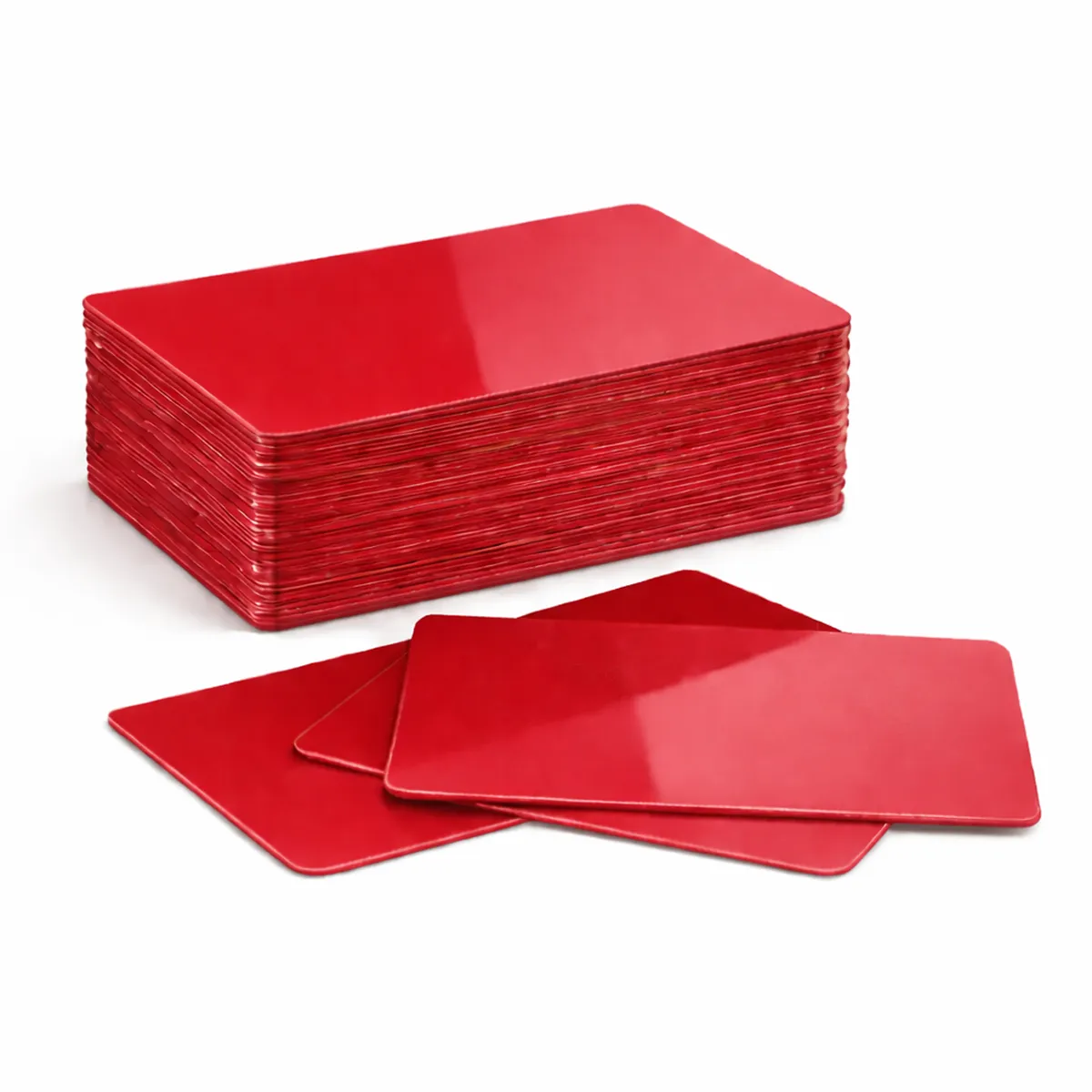### Match the card to the print method Check that your printer approves this card material, finish and thickness. Card size alone does not establish printer compatibility. The card background colour affects how printed colours and fine detail appear. Test the card and ribbon combination before a larger production run. A resin monochrome ribbon and a full-colour dye-sublimation ribbon have different applications; neither is automatically suitable for every coloured surface. ### Red blank PVC cards for your setup Available quantity options: 100, 500. These are blank visual card stock. A plain PVC card does not acquire a magnetic stripe, contact chip or RFID function through ordinary printing. Order the required technology card separately when a system depends on it. Keep unused cards clean, flat and protected from dust. Confirm any requirement for signature panels, numbering or specialist finishes with ACB before ordering. ### Prepare the artwork for this card background Red can make a defined category easy to distinguish within your own card programme. Keep the role, name or membership detail readable in words as well. Check the finished print under normal viewing conditions so colour supports identification without obscuring the information. Use red blank PVC cards with an approved print layout and allow for sample prints and replacements when choosing the order quantity. Compare [green cards](https://acb-ltd.com/product/green-blank-plastic-pvc-cr80-cards/) if the programme calls for another background. For a finished badge produced to an agreed design, discuss our [photo ID card printing service](https://acb-ltd.com/photo-id-card-printing/) and the artwork and quantities required. ## Red blank PVC cards: buying questions ### Does red automatically indicate a particular access permission? No. It is a visual stock colour. Electronic access requires the appropriate credential technology and configured permissions; a printed red blank card does not grant access. ### Do the blanks include RFID or magnetic encoding? No electronic chip or magnetic stripe is specified for this plain visual stock. Choose the required technology card separately when the system depends on an electronic credential. ### How should I choose the quantity? Count the planned cards, sample prints and expected replacements, then check the selected 100-card or 500-card option in the basket. Keep unused stock clean and flat for later issues. Check the selected quantity and specification before adding this product to your basket. For help matching a card, reader or wearing accessory to your requirements, [contact ACB](https://acb-ltd.com/contact-us/). **Product categories:** Blank Coloured Cards, Blank Plastic Cards **Product tags:** Blank PVC Card, CR80 Card, PVC CR80 Card, Red Blank Plastic PVC CR80 Card, Red Plastic Card --- ### [Pink Blank Plastic PVC CR80 Cards](https://acb-ltd.com/product/pink-blank-plastic-pvc-cr80-cards/) **Published:** August 3, 2025 **Author:** acb_superadmin **Excerpt:** Pink blank PVC cards provide a pink-coloured surface for a chosen membership or identity layout. This stock is listed in CR80 format at 760 microns, with quantity options of 100 or 500. Match the material and finish to your intended printing process, then approve the visible design before producing the full batch. **Content:** ## Pink blank PVC cards Pink blank PVC cards provide a pink-coloured surface for a chosen membership or identity layout. This stock is listed in CR80 format at 760 microns, with quantity options of 100 or 500. Match the material and finish to your intended printing process, then approve the visible design before producing the full batch. 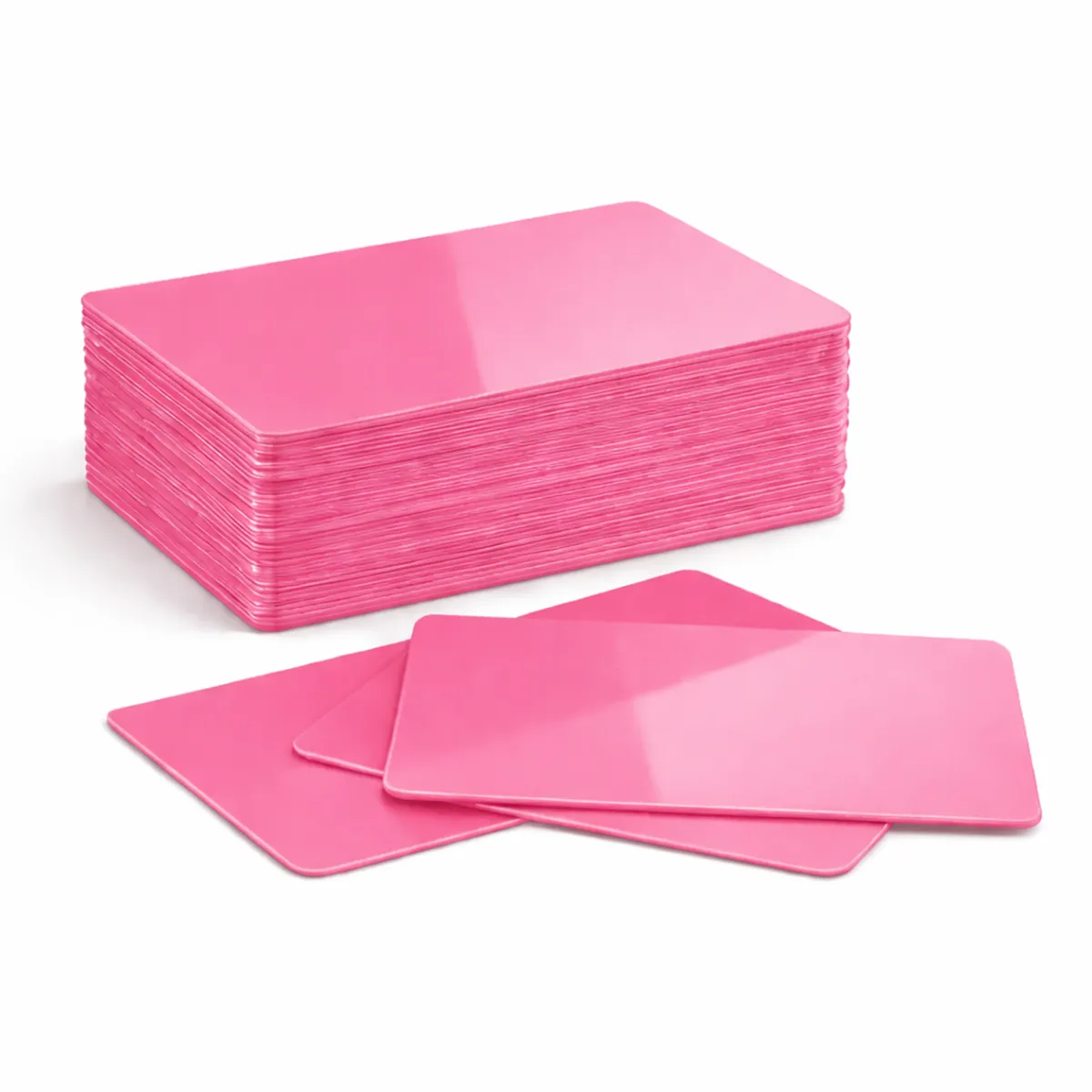### Match the card to the print method Check that your printer approves this card material, finish and thickness. Card size alone does not establish printer compatibility. The card background colour affects how printed colours and fine detail appear. Test the card and ribbon combination before a larger production run. A resin monochrome ribbon and a full-colour dye-sublimation ribbon have different applications; neither is automatically suitable for every coloured surface. ### Pink blank PVC cards for your setup Available quantity options: 100, 500. These are blank visual card stock. A plain PVC card does not acquire a magnetic stripe, contact chip or RFID function through ordinary printing. Order the required technology card separately when a system depends on it. Keep unused cards clean, flat and protected from dust. Confirm any requirement for signature panels, numbering or specialist finishes with ACB before ordering. ### Prepare the artwork for this card background Plan the pink background with clear printed names, roles and any date information. Check the colour with your organisation’s existing scheme and approve the finished contrast before the full run. Use an actual card sample where matching a previous supply is important. Use pink blank PVC cards with an approved print layout and allow for sample prints and replacements when choosing the order quantity. Compare [orange cards](https://acb-ltd.com/product/orange-blank-plastic-pvc-cr80-cards/) if the programme calls for another background. For a finished badge produced to an agreed design, discuss our [photo ID card printing service](https://acb-ltd.com/photo-id-card-printing/) and the artwork and quantities required. ## Pink blank PVC cards: buying questions ### Does pink identify a standard card category? It can represent a category defined by your own organisation. Add clear wording to the artwork and communicate the meaning to the people checking the cards. ### Do the blanks include RFID or magnetic encoding? No electronic chip or magnetic stripe is specified for this plain visual stock. Choose the required technology card separately when the system depends on an electronic credential. ### How should I choose the quantity? Count the planned cards, sample prints and expected replacements, then check the selected 100-card or 500-card option in the basket. Keep unused stock clean and flat for later issues. Check the selected quantity and specification before adding this product to your basket. For help matching a card, reader or wearing accessory to your requirements, [contact ACB](https://acb-ltd.com/contact-us/). **Product categories:** Blank Coloured Cards, Blank Plastic Cards **Product tags:** Blank Card, CR80 Card, durable card, high-quality card., identification card, Pink Blank Plastic PVC CR80 Card, Pink Card., PVC Card --- ### [Grey Blank Plastic PVC CR80 Cards](https://acb-ltd.com/product/grey-blank-plastic-pvc-cr80-cards/) **Published:** August 3, 2025 **Author:** acb_superadmin **Excerpt:** Grey blank PVC cards provide a neutral grey base for a coordinated visual card. This stock is listed in CR80 format at 760 microns, with quantity options of 100 or 500. Match the material and finish to your intended printing process, then approve the visible design before producing the full batch. **Content:** ## Grey blank PVC cards Grey blank PVC cards provide a neutral grey base for a coordinated visual card. This stock is listed in CR80 format at 760 microns, with quantity options of 100 or 500. Match the material and finish to your intended printing process, then approve the visible design before producing the full batch. 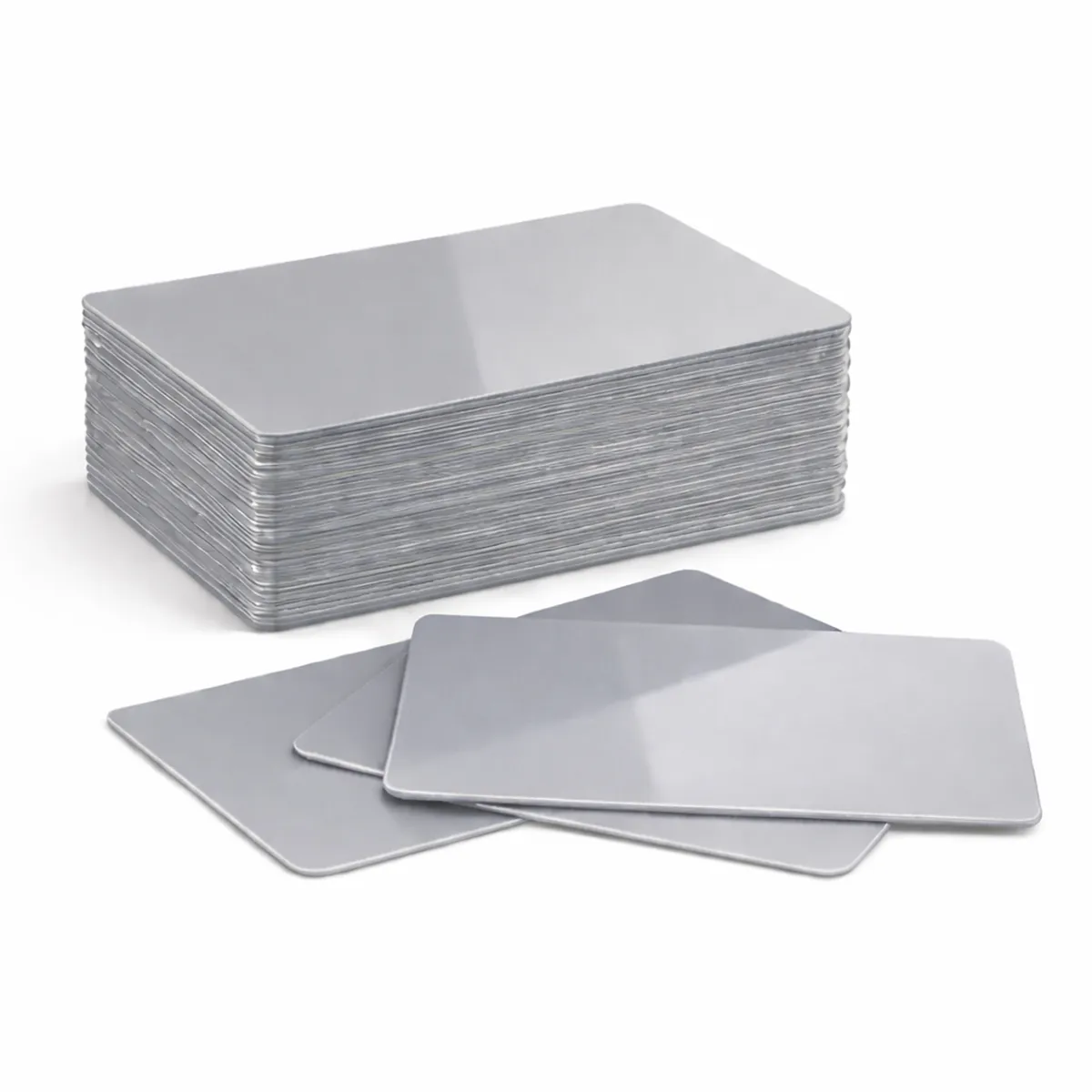### Match the card to the print method Check that your printer approves this card material, finish and thickness. Card size alone does not establish printer compatibility. The card background colour affects how printed colours and fine detail appear. Test the card and ribbon combination before a larger production run. A resin monochrome ribbon and a full-colour dye-sublimation ribbon have different applications; neither is automatically suitable for every coloured surface. ### Grey blank PVC cards for your setup Available quantity options: 100, 500. These are blank visual card stock. A plain PVC card does not acquire a magnetic stripe, contact chip or RFID function through ordinary printing. Order the required technology card separately when a system depends on it. Keep unused cards clean, flat and protected from dust. Confirm any requirement for signature panels, numbering or specialist finishes with ACB before ordering. ### Prepare the artwork for this card background Grey stock can suit a restrained badge design, but small lettering still needs sufficient contrast. Review the logo and any code on a printed sample. Keep a record of the approved stock reference if the programme expects repeat issues across several departments or locations. Use grey blank PVC cards with an approved print layout and allow for sample prints and replacements when choosing the order quantity. Compare [cream cards](https://acb-ltd.com/product/cream-blank-plastic-pvc-cr80-cards/) if the programme calls for another background. For a finished badge produced to an agreed design, discuss our [photo ID card printing service](https://acb-ltd.com/photo-id-card-printing/) and the artwork and quantities required. ## Grey blank PVC cards: buying questions ### Should I use identical artwork to a white-card design? Review the contrast and print treatment on grey stock first. The background is part of the finished appearance, so confirm a sample rather than relying on a white-card proof. ### Do the blanks include RFID or magnetic encoding? No electronic chip or magnetic stripe is specified for this plain visual stock. Choose the required technology card separately when the system depends on an electronic credential. ### How should I choose the quantity? Count the planned cards, sample prints and expected replacements, then check the selected 100-card or 500-card option in the basket. Keep unused stock clean and flat for later issues. Check the selected quantity and specification before adding this product to your basket. For help matching a card, reader or wearing accessory to your requirements, [contact ACB](https://acb-ltd.com/contact-us/). **Product categories:** Blank Coloured Cards, Blank Plastic Cards **Product tags:** Blank Card, CR80 Card, durable, Grey Blank Plastic PVC CR80 Card, Grey Card., identification solution, PVC Card, versatile --- ### [Green Blank Plastic PVC CR80 Cards](https://acb-ltd.com/product/green-blank-plastic-pvc-cr80-cards/) **Published:** August 3, 2025 **Author:** acb_superadmin **Excerpt:** Green blank PVC cards provide a green background for a visual card-issue programme. This stock is listed in CR80 format at 760 microns, with quantity options of 100 or 500. Match the material and finish to your intended printing process, then approve the visible design before producing the full batch. **Content:** ## Green blank PVC cards Green blank PVC cards provide a green background for a visual card-issue programme. This stock is listed in CR80 format at 760 microns, with quantity options of 100 or 500. Match the material and finish to your intended printing process, then approve the visible design before producing the full batch. 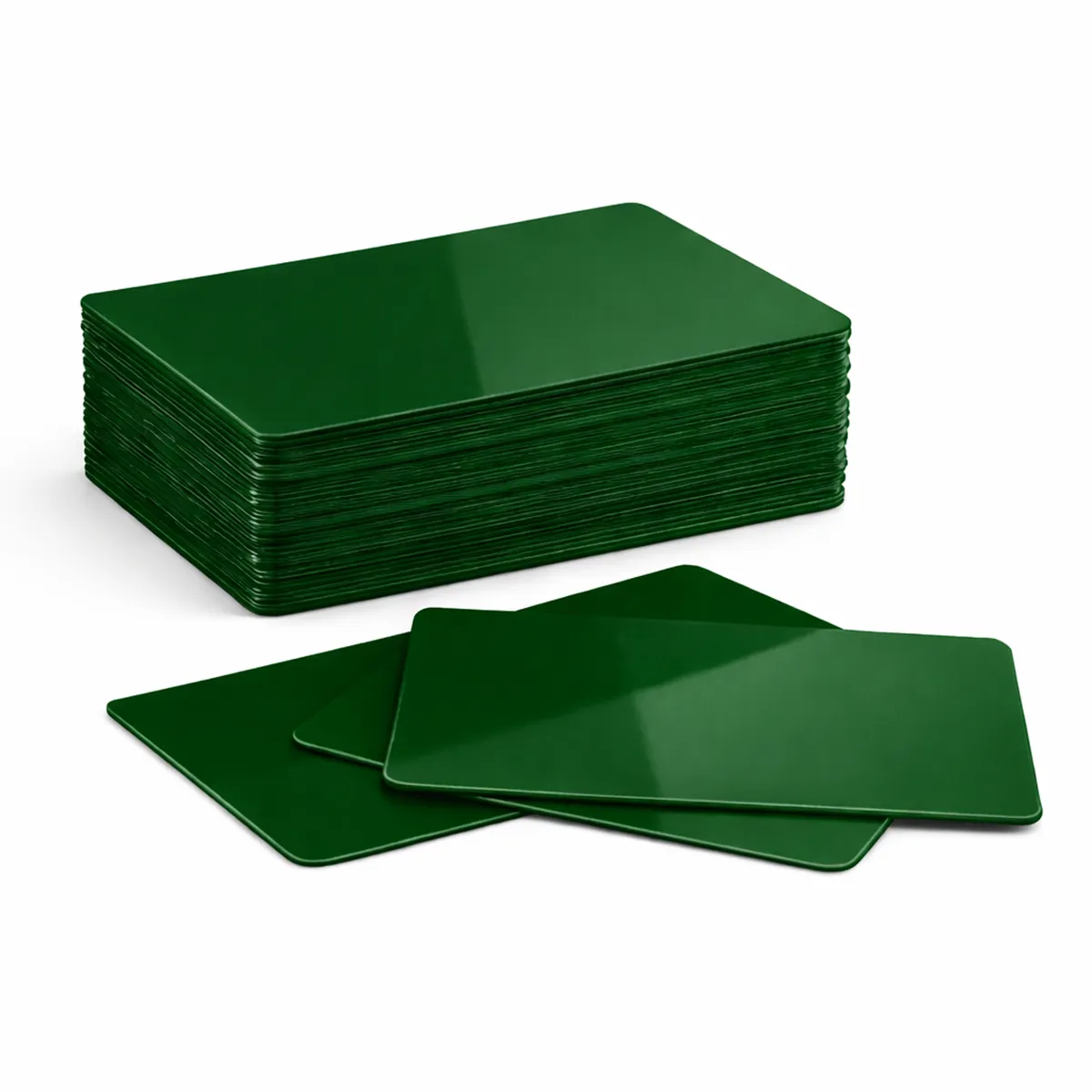### Match the card to the print method Check that your printer approves this card material, finish and thickness. Card size alone does not establish printer compatibility. The card background colour affects how printed colours and fine detail appear. Test the card and ribbon combination before a larger production run. A resin monochrome ribbon and a full-colour dye-sublimation ribbon have different applications; neither is automatically suitable for every coloured surface. ### Green blank PVC cards for your setup Available quantity options: 100, 500. These are blank visual card stock. A plain PVC card does not acquire a magnetic stripe, contact chip or RFID function through ordinary printing. Order the required technology card separately when a system depends on it. Keep unused cards clean, flat and protected from dust. Confirm any requirement for signature panels, numbering or specialist finishes with ACB before ordering. ### Prepare the artwork for this card background Green can provide a chosen colour cue for membership or identity cards. Print the actual role or category clearly so the card does not rely on colour alone. Confirm the stock finish and print process, and retain an approved sample for later replacement orders. Use green blank PVC cards with an approved print layout and allow for sample prints and replacements when choosing the order quantity. Compare [yellow cards](https://acb-ltd.com/product/yellow-blank-plastic-pvc-cr80-card/) if the programme calls for another background. For a finished badge produced to an agreed design, discuss our [photo ID card printing service](https://acb-ltd.com/photo-id-card-printing/) and the artwork and quantities required. ## Green blank PVC cards: buying questions ### Does green stock mean the cards have environmental certification? Green describes the card colour. Confirm any recycled-content or environmental requirement separately with ACB; it cannot be inferred from the colour. ### Do the blanks include RFID or magnetic encoding? No electronic chip or magnetic stripe is specified for this plain visual stock. Choose the required technology card separately when the system depends on an electronic credential. ### How should I choose the quantity? Count the planned cards, sample prints and expected replacements, then check the selected 100-card or 500-card option in the basket. Keep unused stock clean and flat for later issues. Check the selected quantity and specification before adding this product to your basket. For help matching a card, reader or wearing accessory to your requirements, [contact ACB](https://acb-ltd.com/contact-us/). **Product categories:** Blank Coloured Cards, Blank Plastic Cards **Product tags:** durable card, Green Blank Plastic PVC CR80 Card, high-quality card., identification card, Plastic Card, PVC Card --- ### [Royal Blue Blank Plastic PVC CR80 Cards](https://acb-ltd.com/product/royal-blue-blank-plastic-pvc-cr80-cards/) **Published:** August 3, 2025 **Author:** acb_superadmin **Excerpt:** Royal blue blank PVC cards provide a royal blue background for an organisation's chosen card layout. This stock is listed in CR80 format at 760 microns, with quantity options of 100 or 500. Match the material and finish to your intended printing process, then approve the visible design before producing the full batch. **Content:** ## Royal blue blank PVC cards Royal blue blank PVC cards provide a royal blue background for an organisation’s chosen card layout. This stock is listed in CR80 format at 760 microns, with quantity options of 100 or 500. Match the material and finish to your intended printing process, then approve the visible design before producing the full batch. 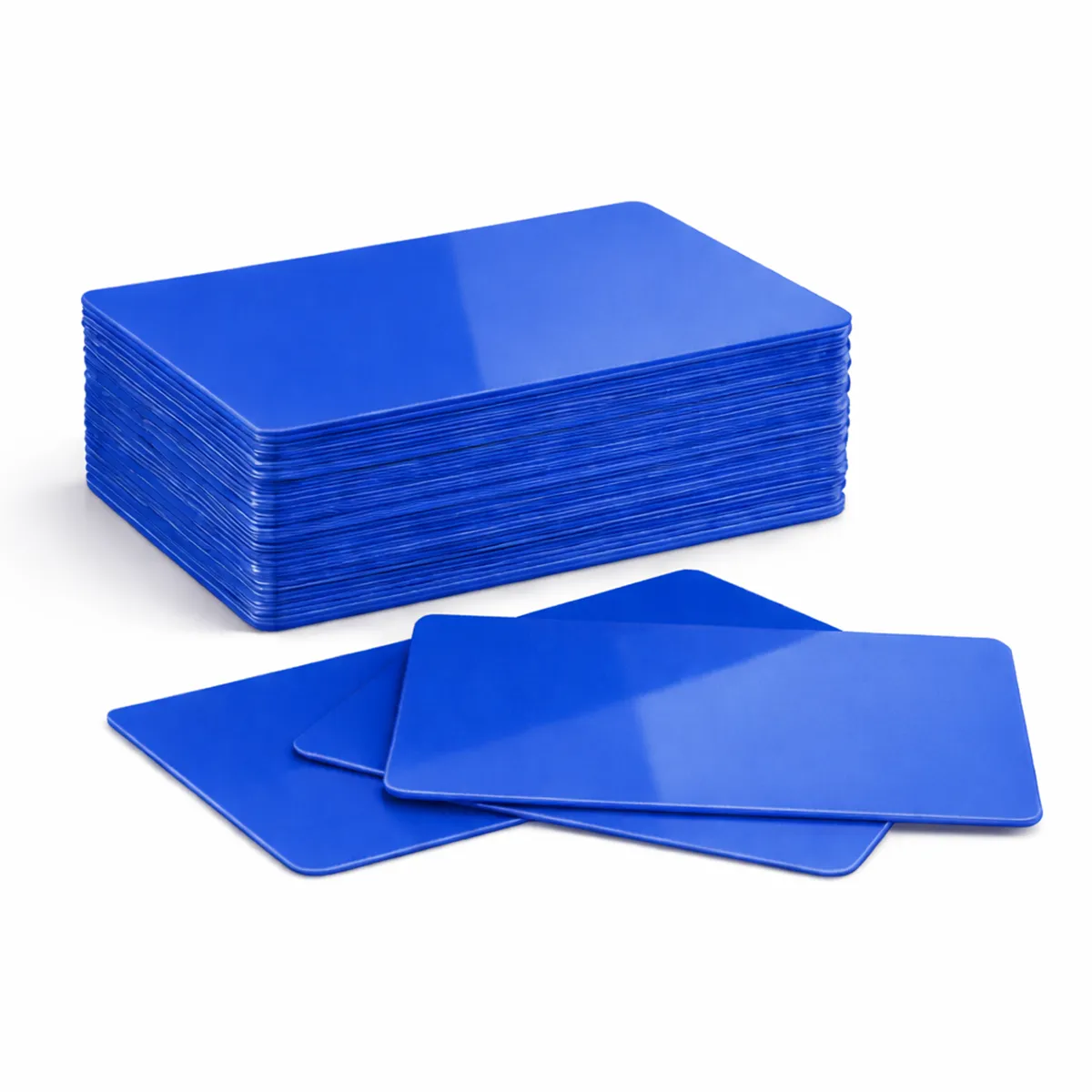### Match the card to the print method Check that your printer approves this card material, finish and thickness. Card size alone does not establish printer compatibility. The card background colour affects how printed colours and fine detail appear. Test the card and ribbon combination before a larger production run. A resin monochrome ribbon and a full-colour dye-sublimation ribbon have different applications; neither is automatically suitable for every coloured surface. ### Royal blue blank PVC cards for your setup Available quantity options: 100, 500. These are blank visual card stock. A plain PVC card does not acquire a magnetic stripe, contact chip or RFID function through ordinary printing. Order the required technology card separately when a system depends on it. Keep unused cards clean, flat and protected from dust. Confirm any requirement for signature panels, numbering or specialist finishes with ACB before ordering. ### Prepare the artwork for this card background Review the blue background alongside your intended logo and print treatment. Where a role or membership tier is represented by colour, add readable wording as well. Check a physical sample with the existing badge programme before ordering stock for a coordinated rollout. Use royal blue blank PVC cards with an approved print layout and allow for sample prints and replacements when choosing the order quantity. Compare [dark blue cards](https://acb-ltd.com/product/dark-blue-blank-plastic-pvc-cr80-cards/) if the programme calls for another background. For a finished badge produced to an agreed design, discuss our [photo ID card printing service](https://acb-ltd.com/photo-id-card-printing/) and the artwork and quantities required. ## Royal blue blank PVC cards: buying questions ### Can royal blue be used alongside a different blue in one scheme? Yes, if your organisation defines the categories clearly. Use printed labels alongside colour and check that staff can distinguish the finished cards in normal conditions. ### Do the blanks include RFID or magnetic encoding? No electronic chip or magnetic stripe is specified for this plain visual stock. Choose the required technology card separately when the system depends on an electronic credential. ### How should I choose the quantity? Count the planned cards, sample prints and expected replacements, then check the selected 100-card or 500-card option in the basket. Keep unused stock clean and flat for later issues. Check the selected quantity and specification before adding this product to your basket. For help matching a card, reader or wearing accessory to your requirements, [contact ACB](https://acb-ltd.com/contact-us/). **Product categories:** Blank Coloured Cards, Blank Plastic Cards **Product tags:** Blank Plastic Card, CR80 Card, PVC CR80 Card, Royal Blue Blank Plastic PVC CR80 Card, Royal Blue Card --- ### [Cream Blank Plastic PVC CR80 Cards](https://acb-ltd.com/product/cream-blank-plastic-pvc-cr80-cards/) **Published:** August 3, 2025 **Author:** acb_superadmin **Excerpt:** Cream blank PVC cards provide a pale cream surface for a membership, visitor or staff design. This stock is listed in CR80 format at 760 microns, with quantity options of 100 or 500. Match the material and finish to your intended printing process, then approve the visible design before producing the full batch. **Content:** ## Cream blank PVC cards Cream blank PVC cards provide a pale cream surface for a membership, visitor or staff design. This stock is listed in CR80 format at 760 microns, with quantity options of 100 or 500. Match the material and finish to your intended printing process, then approve the visible design before producing the full batch. 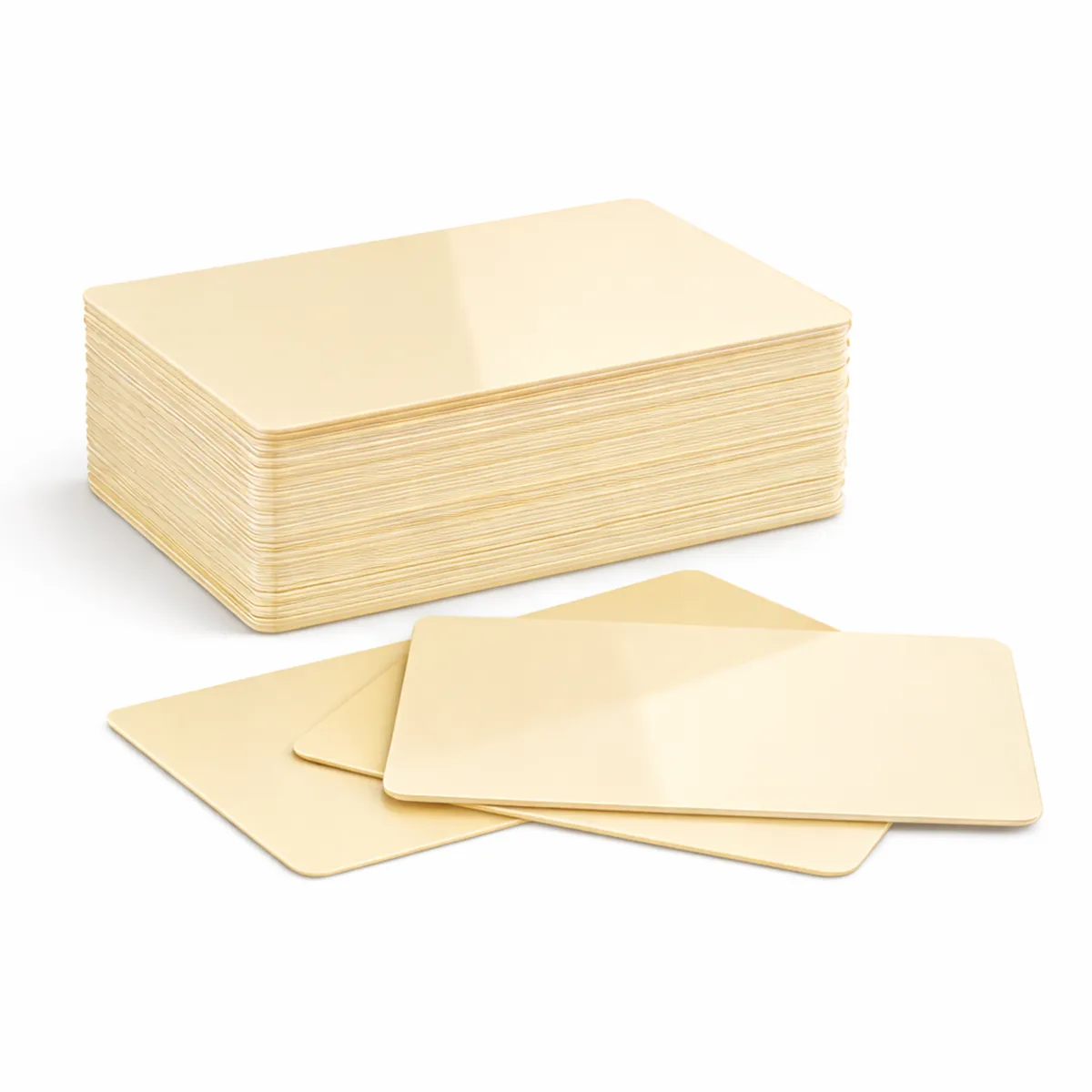### Match the card to the print method Check that your printer approves this card material, finish and thickness. Card size alone does not establish printer compatibility. The card background colour affects how printed colours and fine detail appear. Test the card and ribbon combination before a larger production run. A resin monochrome ribbon and a full-colour dye-sublimation ribbon have different applications; neither is automatically suitable for every coloured surface. ### Cream blank PVC cards for your setup Available quantity options: 100, 500. These are blank visual card stock. A plain PVC card does not acquire a magnetic stripe, contact chip or RFID function through ordinary printing. Order the required technology card separately when a system depends on it. Keep unused cards clean, flat and protected from dust. Confirm any requirement for signature panels, numbering or specialist finishes with ACB before ordering. ### Prepare the artwork for this card background Cream offers a different starting tone from plain white stock. Review photographs, logos and the smallest text on the actual substrate. If a light brand colour is important, check the completed sample because the background can influence the appearance of overprinted details. Use cream blank PVC cards with an approved print layout and allow for sample prints and replacements when choosing the order quantity. Compare [white cards](https://acb-ltd.com/product/premium-blank-white-pvc-plastic-cards/) if the programme calls for another background. For a finished badge produced to an agreed design, discuss our [photo ID card printing service](https://acb-ltd.com/photo-id-card-printing/) and the artwork and quantities required. ## Cream blank PVC cards: buying questions ### Will cream stock reproduce artwork exactly like white stock? Check the artwork on the actual card. The background forms part of the finished design, so a proof prepared on white alone cannot establish the result on cream. ### Do the blanks include RFID or magnetic encoding? No electronic chip or magnetic stripe is specified for this plain visual stock. Choose the required technology card separately when the system depends on an electronic credential. ### How should I choose the quantity? Count the planned cards, sample prints and expected replacements, then check the selected 100-card or 500-card option in the basket. Keep unused stock clean and flat for later issues. Check the selected quantity and specification before adding this product to your basket. For help matching a card, reader or wearing accessory to your requirements, [contact ACB](https://acb-ltd.com/contact-us/). **Product categories:** Blank Coloured Cards, Blank Plastic Cards **Product tags:** Blank Card, CR80 Card, Cream Blank Plastic PVC CR80 Card, durable, identification solution, Plastic Card, PVC Card, versatile --- ### [Dark Blue Blank Plastic PVC CR80 Cards](https://acb-ltd.com/product/dark-blue-blank-plastic-pvc-cr80-cards/) **Published:** August 3, 2025 **Author:** acb_superadmin **Excerpt:** Dark blue blank PVC cards provide a dark blue base for a legible, coordinated card design. This stock is listed in CR80 format at 760 microns, with quantity options of 100 or 500. Match the material and finish to your intended printing process, then approve the visible design before producing the full batch. **Content:** ## Dark blue blank PVC cards Dark blue blank PVC cards provide a dark blue base for a legible, coordinated card design. This stock is listed in CR80 format at 760 microns, with quantity options of 100 or 500. Match the material and finish to your intended printing process, then approve the visible design before producing the full batch. 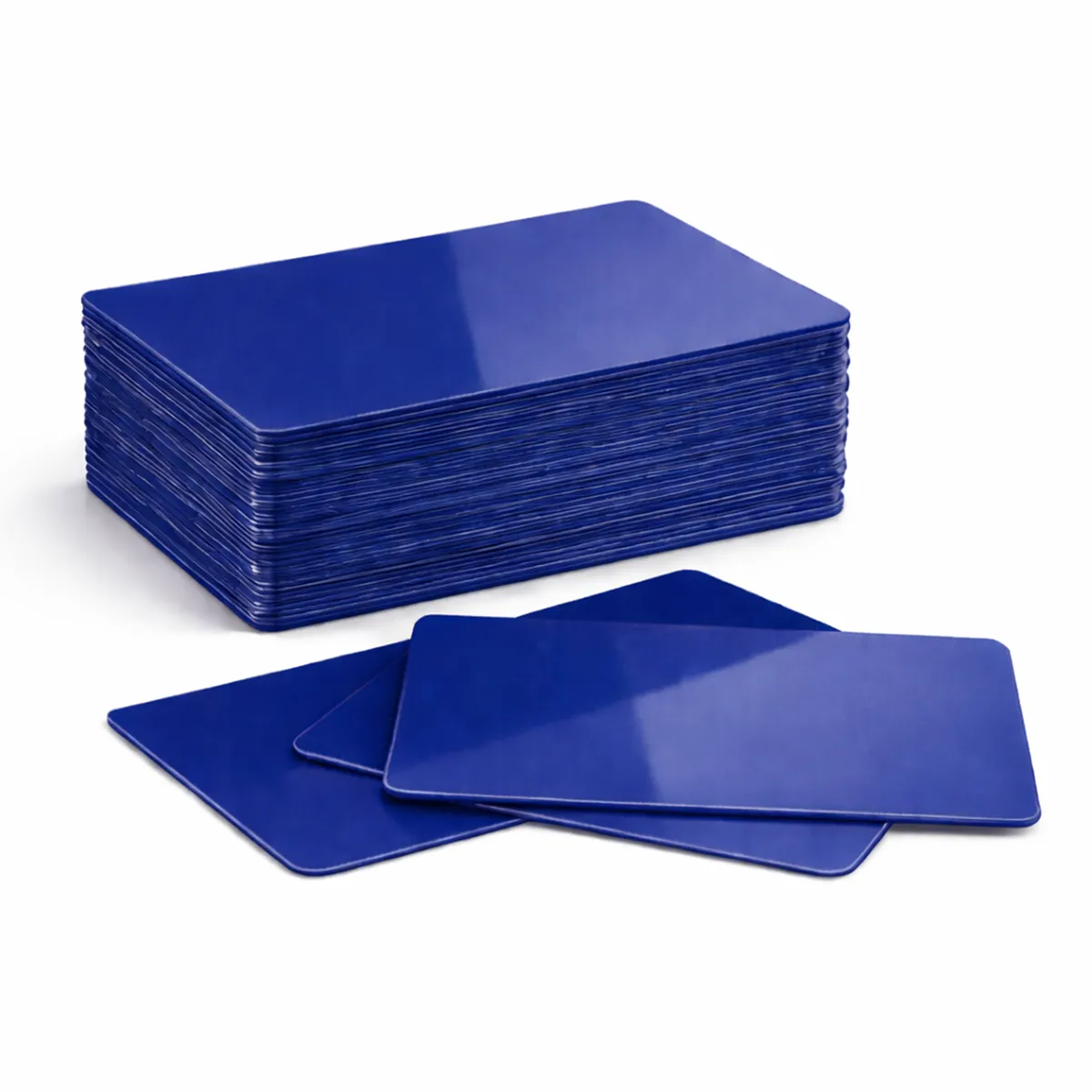### Match the card to the print method Check that your printer approves this card material, finish and thickness. Card size alone does not establish printer compatibility. The card background colour affects how printed colours and fine detail appear. Test the card and ribbon combination before a larger production run. A resin monochrome ribbon and a full-colour dye-sublimation ribbon have different applications; neither is automatically suitable for every coloured surface. ### Dark blue blank PVC cards for your setup Available quantity options: 100, 500. These are blank visual card stock. A plain PVC card does not acquire a magnetic stripe, contact chip or RFID function through ordinary printing. Order the required technology card separately when a system depends on it. Keep unused cards clean, flat and protected from dust. Confirm any requirement for signature panels, numbering or specialist finishes with ACB before ordering. ### Prepare the artwork for this card background A dark background needs clear artwork contrast. Check the approved print method for the text, logo and scanned details you intend to add. Keep important information readable at the distance where staff normally inspect the card, and approve a sample before printing the complete batch. Use dark blue blank PVC cards with an approved print layout and allow for sample prints and replacements when choosing the order quantity. Compare [royal blue cards](https://acb-ltd.com/product/royal-blue-blank-plastic-pvc-cr80-cards/) if the programme calls for another background. For a finished badge produced to an agreed design, discuss our [photo ID card printing service](https://acb-ltd.com/photo-id-card-printing/) and the artwork and quantities required. ## Dark blue blank PVC cards: buying questions ### Are dark blue and royal blue the same stock colour? They are separate listings. Compare actual samples when matching branding or replacement stock, rather than treating the colour names as interchangeable. ### Do the blanks include RFID or magnetic encoding? No electronic chip or magnetic stripe is specified for this plain visual stock. Choose the required technology card separately when the system depends on an electronic credential. ### How should I choose the quantity? Count the planned cards, sample prints and expected replacements, then check the selected 100-card or 500-card option in the basket. Keep unused stock clean and flat for later issues. Check the selected quantity and specification before adding this product to your basket. For help matching a card, reader or wearing accessory to your requirements, [contact ACB](https://acb-ltd.com/contact-us/). **Product categories:** Blank Coloured Cards, Blank Plastic Cards **Product tags:** Blank Card, Blue Card., CR80 Card, Dark Blue Blank Plastic PVC CR80 Card, durable, High Quality, Plastic Card, PVC Card --- ### [Cranberry Blank Plastic PVC CR80 Cards](https://acb-ltd.com/product/cranberry-blank-plastic-pvc-cr80-cards/) **Published:** August 3, 2025 **Author:** acb_superadmin **Excerpt:** Cranberry blank PVC cards provide a cranberry-coloured base for a coordinated visual badge. This stock is listed in CR80 format at 760 microns, with quantity options of 100 or 500. Match the material and finish to your intended printing process, then approve the visible design before producing the full batch. **Content:** ## Cranberry blank PVC cards Cranberry blank PVC cards provide a cranberry-coloured base for a coordinated visual badge. This stock is listed in CR80 format at 760 microns, with quantity options of 100 or 500. Match the material and finish to your intended printing process, then approve the visible design before producing the full batch. 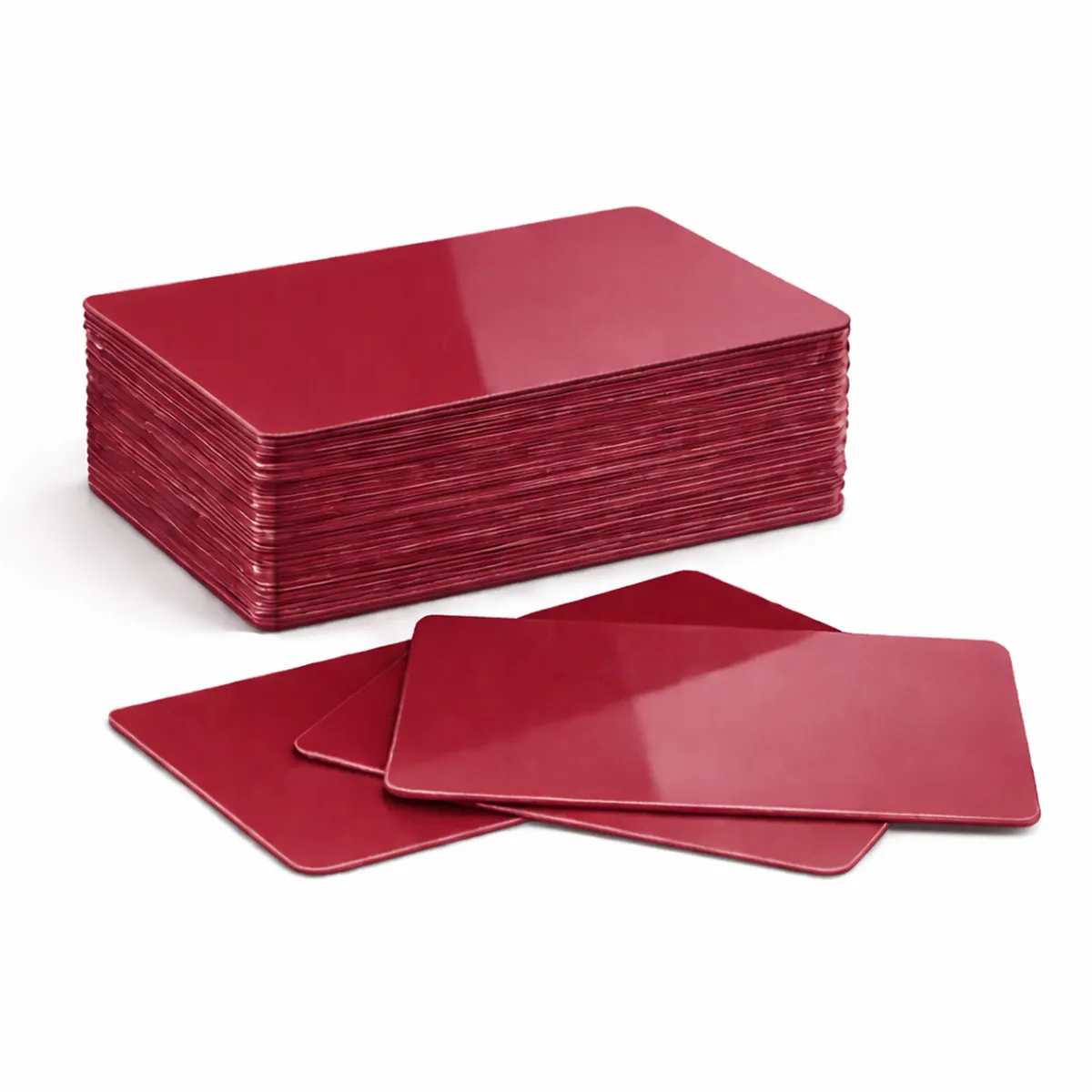### Match the card to the print method Check that your printer approves this card material, finish and thickness. Card size alone does not establish printer compatibility. The card background colour affects how printed colours and fine detail appear. Test the card and ribbon combination before a larger production run. A resin monochrome ribbon and a full-colour dye-sublimation ribbon have different applications; neither is automatically suitable for every coloured surface. ### Cranberry blank PVC cards for your setup Available quantity options: 100, 500. These are blank visual card stock. A plain PVC card does not acquire a magnetic stripe, contact chip or RFID function through ordinary printing. Order the required technology card separately when a system depends on it. Keep unused cards clean, flat and protected from dust. Confirm any requirement for signature panels, numbering or specialist finishes with ACB before ordering. ### Prepare the artwork for this card background Use the supplied cranberry colour as part of the artwork review. Check contrast around the logo, portrait and longest names before a full print run. If you are matching an older batch, compare actual stock because colour names do not define an exact shade. Use cranberry blank PVC cards with an approved print layout and allow for sample prints and replacements when choosing the order quantity. Compare [purple cards](https://acb-ltd.com/product/purple-blank-plastic-pvc-cr80-card-high-quality-and-durable-identification-card/) if the programme calls for another background. For a finished badge produced to an agreed design, discuss our [photo ID card printing service](https://acb-ltd.com/photo-id-card-printing/) and the artwork and quantities required. ## Cranberry blank PVC cards: buying questions ### Is cranberry an exact match for every burgundy card? Colour names can vary between suppliers and stock ranges. Confirm a physical match where the existing badge programme requires consistent colour. ### Do the blanks include RFID or magnetic encoding? No electronic chip or magnetic stripe is specified for this plain visual stock. Choose the required technology card separately when the system depends on an electronic credential. ### How should I choose the quantity? Count the planned cards, sample prints and expected replacements, then check the selected 100-card or 500-card option in the basket. Keep unused stock clean and flat for later issues. Check the selected quantity and specification before adding this product to your basket. For help matching a card, reader or wearing accessory to your requirements, [contact ACB](https://acb-ltd.com/contact-us/). **Product categories:** Blank Coloured Cards, Blank Plastic Cards **Product tags:** Blank Card, CR80 Card, Cranberry Blank Plastic PVC CR80 Card, durable, identification solution, Plastic Card, PVC Card, versatile --- ### [Bronze Metallic Blank Plastic PVC CR80 Cards](https://acb-ltd.com/product/bronze-metallic-blank-plastic-pvc-cr80-cards/) **Published:** August 3, 2025 **Author:** acb_superadmin **Excerpt:** Bronze metallic blank PVC cards provide a bronze metallic background for a distinctive membership design. This stock is listed in CR80 format at 760 microns, with quantity options of 100 or 500. Match the material and finish to your intended printing process, then approve the visible design before producing the full batch. **Content:** ## Bronze metallic blank PVC cards Bronze metallic blank PVC cards provide a bronze metallic background for a distinctive membership design. This stock is listed in CR80 format at 760 microns, with quantity options of 100 or 500. Match the material and finish to your intended printing process, then approve the visible design before producing the full batch. 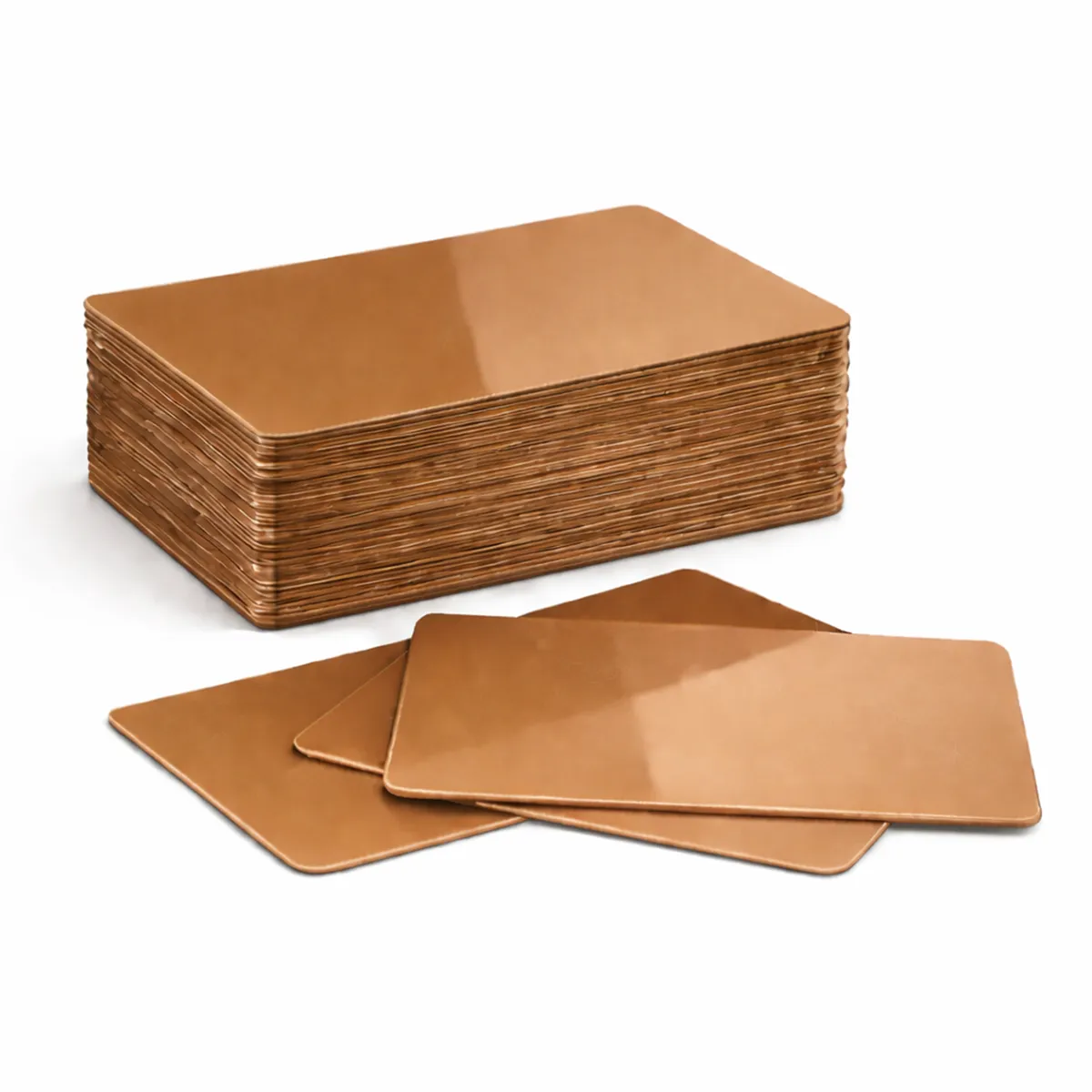### Match the card to the print method Check that your printer approves this card material, finish and thickness. Card size alone does not establish printer compatibility. The card background colour affects how printed colours and fine detail appear. Test the card and ribbon combination before a larger production run. A resin monochrome ribbon and a full-colour dye-sublimation ribbon have different applications; neither is automatically suitable for every coloured surface. ### Bronze metallic blank PVC cards for your setup Available quantity options: 100, 500. These are blank visual card stock. A plain PVC card does not acquire a magnetic stripe, contact chip or RFID function through ordinary printing. Order the required technology card separately when a system depends on it. Keep unused cards clean, flat and protected from dust. Confirm any requirement for signature panels, numbering or specialist finishes with ACB before ordering. ### Prepare the artwork for this card background Bronze metallic stock can support a membership tier or coordinated identity design. Check the printed details under the lighting where the card will be inspected. Keep fine text and any scanned code clear, and agree a sample rather than assuming every metallic stock has the same print behaviour. Use bronze metallic blank PVC cards with an approved print layout and allow for sample prints and replacements when choosing the order quantity. Compare [silver cards](https://acb-ltd.com/product/silver-blank-plastic-pvc-cr80-card/) if the programme calls for another background. For a finished badge produced to an agreed design, discuss our [photo ID card printing service](https://acb-ltd.com/photo-id-card-printing/) and the artwork and quantities required. ## Bronze metallic blank PVC cards: buying questions ### Is the metallic colour a security feature? The listed finish is a visual stock characteristic. Any requirement for a hologram, secure overlay or other separate security feature needs its own confirmed specification. ### Do the blanks include RFID or magnetic encoding? No electronic chip or magnetic stripe is specified for this plain visual stock. Choose the required technology card separately when the system depends on an electronic credential. ### How should I choose the quantity? Count the planned cards, sample prints and expected replacements, then check the selected 100-card or 500-card option in the basket. Keep unused stock clean and flat for later issues. Check the selected quantity and specification before adding this product to your basket. For help matching a card, reader or wearing accessory to your requirements, [contact ACB](https://acb-ltd.com/contact-us/). **Product categories:** Blank Coloured Cards, Blank Plastic Cards **Product tags:** Blank Plastic Card, Bronze Card, Bronze Metallic Blank Plastic PVC CR80 Card, Metallic Card, Plastic Card, PVC CR80 Card --- ### [Purple Blank Plastic PVC CR80 Card: High-Quality and Durable Identification Card.](https://acb-ltd.com/product/purple-blank-plastic-pvc-cr80-card-high-quality-and-durable-identification-card/) **Published:** August 3, 2025 **Author:** acb_superadmin **Excerpt:** Purple blank PVC cards provide a purple starting surface for a branded or category-based card design. This stock is listed in CR80 format at 760 microns, with quantity options of 100 or 500. Match the material and finish to your intended printing process, then approve the visible design before producing the full batch. **Content:** ## Purple blank PVC cards Purple blank PVC cards provide a purple starting surface for a branded or category-based card design. This stock is listed in CR80 format at 760 microns, with quantity options of 100 or 500. Match the material and finish to your intended printing process, then approve the visible design before producing the full batch. 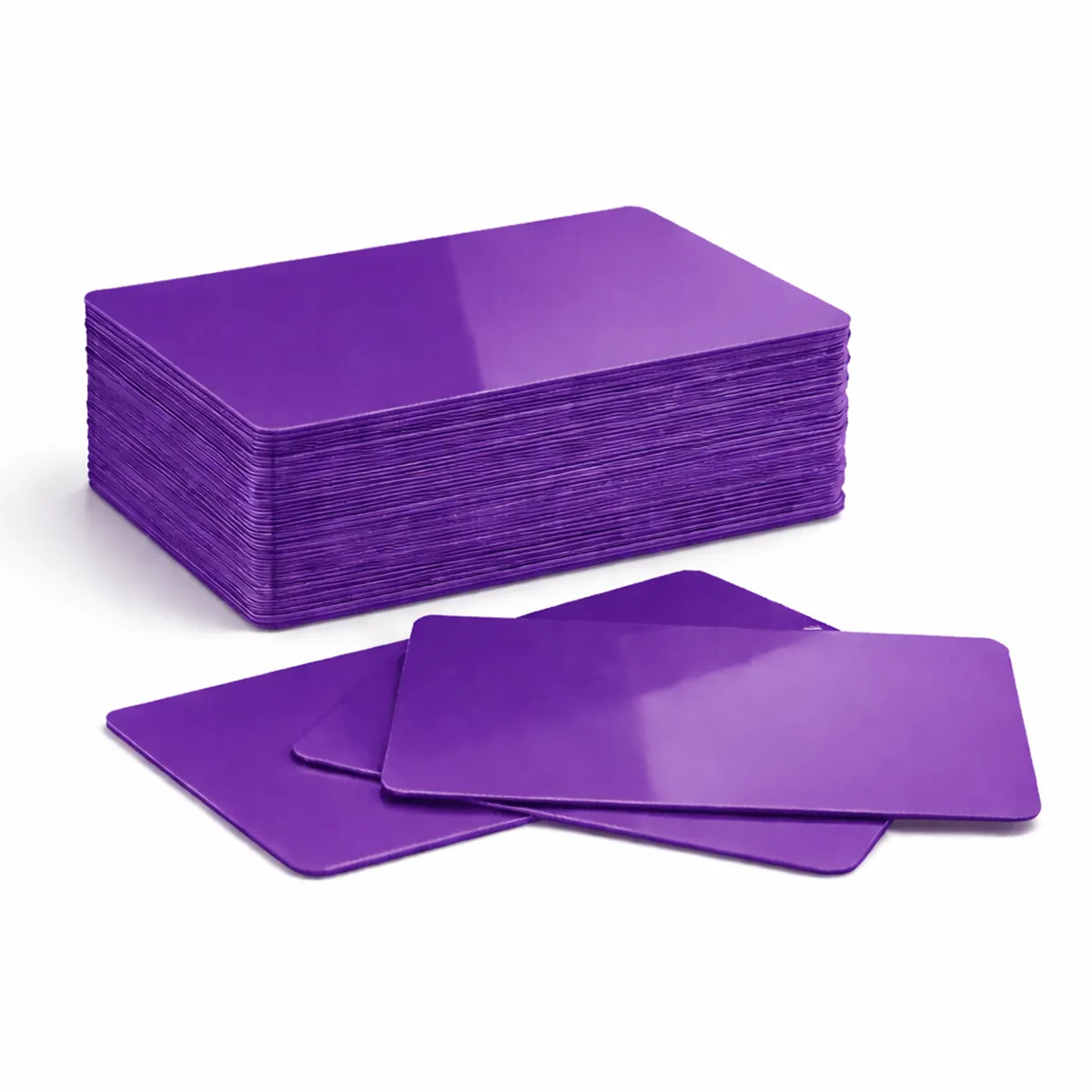### Match the card to the print method Check that your printer approves this card material, finish and thickness. Card size alone does not establish printer compatibility. The card background colour affects how printed colours and fine detail appear. Test the card and ribbon combination before a larger production run. A resin monochrome ribbon and a full-colour dye-sublimation ribbon have different applications; neither is automatically suitable for every coloured surface. ### Purple blank PVC cards for your setup Available quantity options: 100, 500. These are blank visual card stock. A plain PVC card does not acquire a magnetic stripe, contact chip or RFID function through ordinary printing. Order the required technology card separately when a system depends on it. Keep unused cards clean, flat and protected from dust. Confirm any requirement for signature panels, numbering or specialist finishes with ACB before ordering. ### Prepare the artwork for this card background Check how logos, photographs and text appear over the purple background. Decide which details need a lighter or contrasting print treatment and approve the actual card-and-ribbon combination. Keep a physical reference sample if later replacement cards should match the first issue. Use purple blank PVC cards with an approved print layout and allow for sample prints and replacements when choosing the order quantity. Compare [dark blue cards](https://acb-ltd.com/product/dark-blue-blank-plastic-pvc-cr80-cards/) if the programme calls for another background. For a finished badge produced to an agreed design, discuss our [photo ID card printing service](https://acb-ltd.com/photo-id-card-printing/) and the artwork and quantities required. ## Purple blank PVC cards: buying questions ### Can a screen proof confirm the final purple shade? A screen preview helps review the layout, but it does not establish the exact stock colour or finished print appearance. Approve an actual sample where colour matching matters. ### Do the blanks include RFID or magnetic encoding? No electronic chip or magnetic stripe is specified for this plain visual stock. Choose the required technology card separately when the system depends on an electronic credential. ### How should I choose the quantity? Count the planned cards, sample prints and expected replacements, then check the selected 100-card or 500-card option in the basket. Keep unused stock clean and flat for later issues. Check the selected quantity and specification before adding this product to your basket. For help matching a card, reader or wearing accessory to your requirements, [contact ACB](https://acb-ltd.com/contact-us/). **Product categories:** Blank Coloured Cards, Blank Plastic Cards **Product tags:** Blank Plastic Card, CR80 Card, durable card, high-quality card., identification card, purple PVC card --- ### [Orange Blank Plastic PVC CR80 Cards](https://acb-ltd.com/product/orange-blank-plastic-pvc-cr80-cards/) **Published:** August 3, 2025 **Author:** acb_superadmin **Excerpt:** Orange blank PVC cards provide a visible background colour for your own card scheme. This stock is listed in CR80 format at 760 microns, with quantity options of 100 or 500. Match the material and finish to your intended printing process, then approve the visible design before producing the full batch. **Content:** ## Orange blank PVC cards Orange blank PVC cards provide a visible background colour for your own card scheme. This stock is listed in CR80 format at 760 microns, with quantity options of 100 or 500. Match the material and finish to your intended printing process, then approve the visible design before producing the full batch. 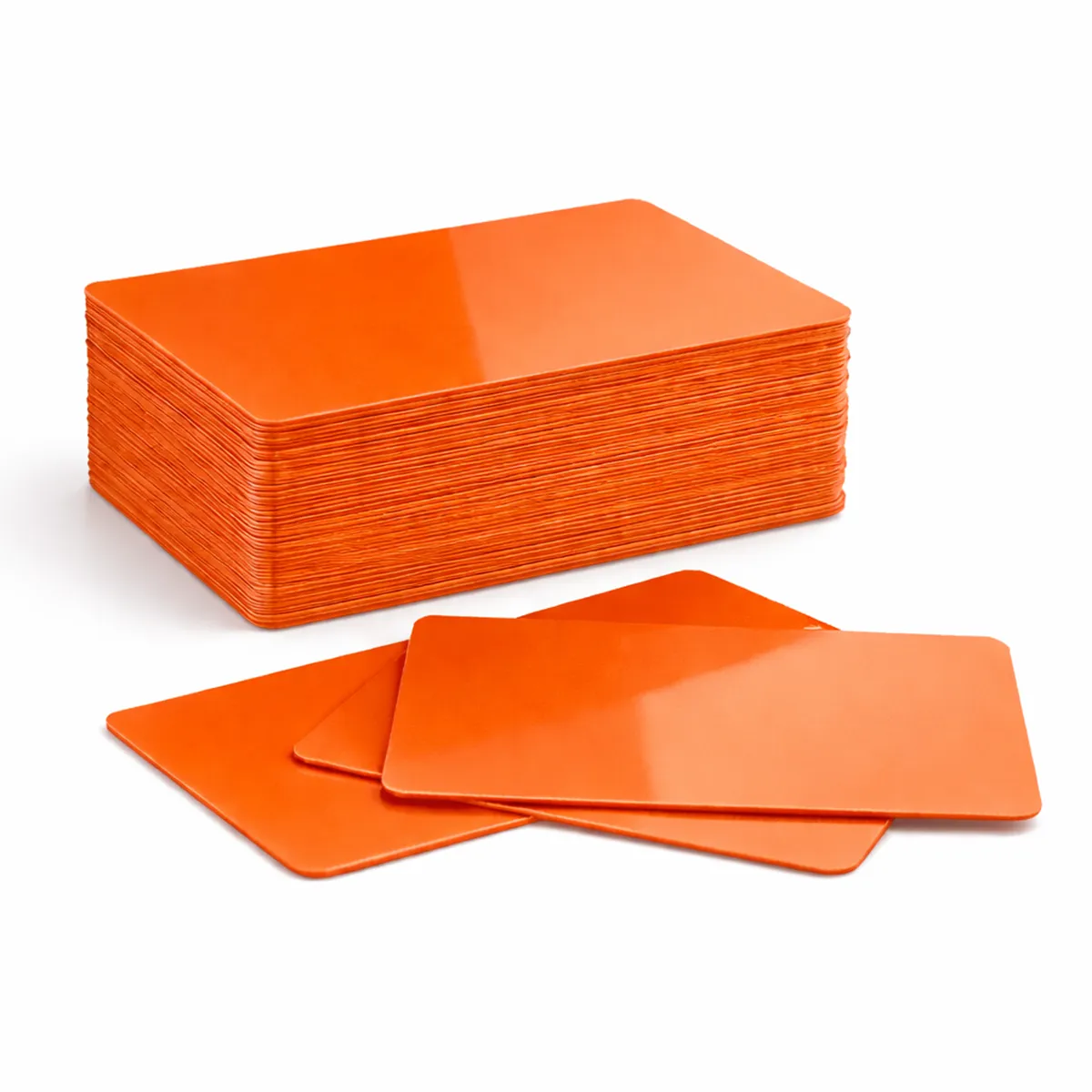### Match the card to the print method Check that your printer approves this card material, finish and thickness. Card size alone does not establish printer compatibility. The card background colour affects how printed colours and fine detail appear. Test the card and ribbon combination before a larger production run. A resin monochrome ribbon and a full-colour dye-sublimation ribbon have different applications; neither is automatically suitable for every coloured surface. ### Orange blank PVC cards for your setup Available quantity options: 100, 500. These are blank visual card stock. A plain PVC card does not acquire a magnetic stripe, contact chip or RFID function through ordinary printing. Order the required technology card separately when a system depends on it. Keep unused cards clean, flat and protected from dust. Confirm any requirement for signature panels, numbering or specialist finishes with ACB before ordering. ### Prepare the artwork for this card background Use orange where it fits the organisation’s chosen card categories or branding. Keep the printed role, name and any expiry information clear in words as well. Compare a sample with existing stock if a repeat order needs a close visual match. Use orange blank PVC cards with an approved print layout and allow for sample prints and replacements when choosing the order quantity. Compare [red cards](https://acb-ltd.com/product/red-blank-plastic-pvc-cr80-card/) if the programme calls for another background. For a finished badge produced to an agreed design, discuss our [photo ID card printing service](https://acb-ltd.com/photo-id-card-printing/) and the artwork and quantities required. ## Orange blank PVC cards: buying questions ### Does orange establish a visitor or contractor role? It can form part of your organisation’s defined scheme. Add readable wording to the artwork and brief the people who issue and inspect the cards. ### Do the blanks include RFID or magnetic encoding? No electronic chip or magnetic stripe is specified for this plain visual stock. Choose the required technology card separately when the system depends on an electronic credential. ### How should I choose the quantity? Count the planned cards, sample prints and expected replacements, then check the selected 100-card or 500-card option in the basket. Keep unused stock clean and flat for later issues. Check the selected quantity and specification before adding this product to your basket. For help matching a card, reader or wearing accessory to your requirements, [contact ACB](https://acb-ltd.com/contact-us/). **Product categories:** Blank Coloured Cards, Blank Plastic Cards **Product tags:** CR80 Card, durable card, high-quality card., identification card, Orange PVC card, Plastic Card --- ### [MATT Black PVC CR80 Plastic ID Cards](https://acb-ltd.com/product/matt-black-pvc-cr80-plastic-id-cards/) **Published:** August 3, 2025 **Author:** acb_superadmin **Excerpt:** Matt black blank PVC cards provide a dark matt surface for an approved high-contrast print design. This stock is listed in CR80 format at 760 microns, with quantity options of 100 or 500. Match the material and finish to your intended printing process, then approve the visible design before producing the full batch. **Content:** ## Matt black PVC cards Matt black blank PVC cards provide a dark matt surface for an approved high-contrast print design. This stock is listed in CR80 format at 760 microns, with quantity options of 100 or 500. Match the material and finish to your intended printing process, then approve the visible design before producing the full batch. 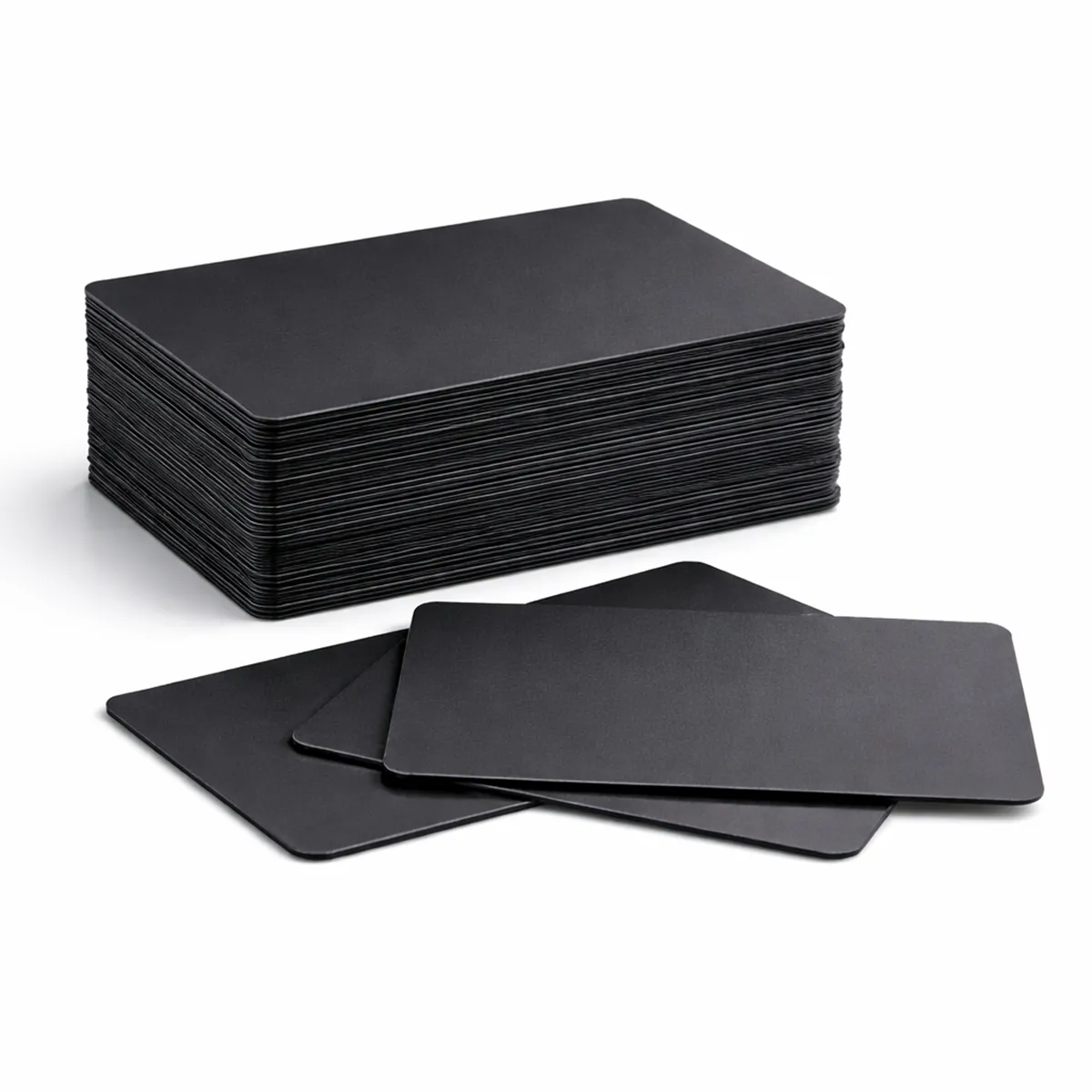### Match the card to the print method Check that your printer approves this card material, finish and thickness. Card size alone does not establish printer compatibility. The matt finish needs particular attention when matching the card to a printing process. Test the card and ribbon combination before a larger production run. A resin monochrome ribbon and a full-colour dye-sublimation ribbon have different applications; neither is automatically suitable for every coloured surface. ### Matt black PVC cards for your setup Available quantity options: 100, 500. These are blank visual card stock. A plain PVC card does not acquire a magnetic stripe, contact chip or RFID function through ordinary printing. Order the required technology card separately when a system depends on it. Keep unused cards clean, flat and protected from dust. Confirm any requirement for signature panels, numbering or specialist finishes with ACB before ordering. ### Prepare the artwork for this card background A matt surface needs its own approved card-and-ribbon combination. Review the smallest lettering and line graphics on a real sample. A design prepared for white or gloss stock may need a different print treatment on a matt black substrate. Use matt black PVC cards with an approved print layout and allow for sample prints and replacements when choosing the order quantity. Compare [black stock cards](https://acb-ltd.com/product/black-blank-plastic-pvc-cr80-cards/) if the programme calls for another background. For a finished badge produced to an agreed design, discuss our [photo ID card printing service](https://acb-ltd.com/photo-id-card-printing/) and the artwork and quantities required. ## Matt black PVC cards: buying questions ### Can I use the same print settings as gloss white cards? Check the printer and ribbon guidance for this specific matt stock. Surface finish and background colour can affect the result, even when the outer card dimensions are the same. ### Do the blanks include RFID or magnetic encoding? No electronic chip or magnetic stripe is specified for this plain visual stock. Choose the required technology card separately when the system depends on an electronic credential. ### How should I choose the quantity? Count the planned cards, sample prints and expected replacements, then check the selected 100-card or 500-card option in the basket. Keep unused stock clean and flat for later issues. Check the selected quantity and specification before adding this product to your basket. For help matching a card, reader or wearing accessory to your requirements, [contact ACB](https://acb-ltd.com/contact-us/). **Product categories:** Blank Coloured Cards, Blank Plastic Cards **Product tags:** Access Card, Blank Card, CR80 Card, Gift Card, ID Card, Loyalty Card, Matt Black Card, Membership Card, Plastic Card, PVC Card --- ### [Silver Blank Plastic PVC CR80 Card](https://acb-ltd.com/product/silver-blank-plastic-pvc-cr80-card/) **Published:** August 3, 2025 **Author:** acb_superadmin **Excerpt:** Silver blank PVC cards provide a silver-coloured base for a coordinated membership or identity design. This stock is listed in CR80 format at 760 microns, with quantity options of 100 or 500. Match the material and finish to your intended printing process, then approve the visible design before producing the full batch. **Content:** ## Silver blank PVC cards Silver blank PVC cards provide a silver-coloured base for a coordinated membership or identity design. This stock is listed in CR80 format at 760 microns, with quantity options of 100 or 500. Match the material and finish to your intended printing process, then approve the visible design before producing the full batch. 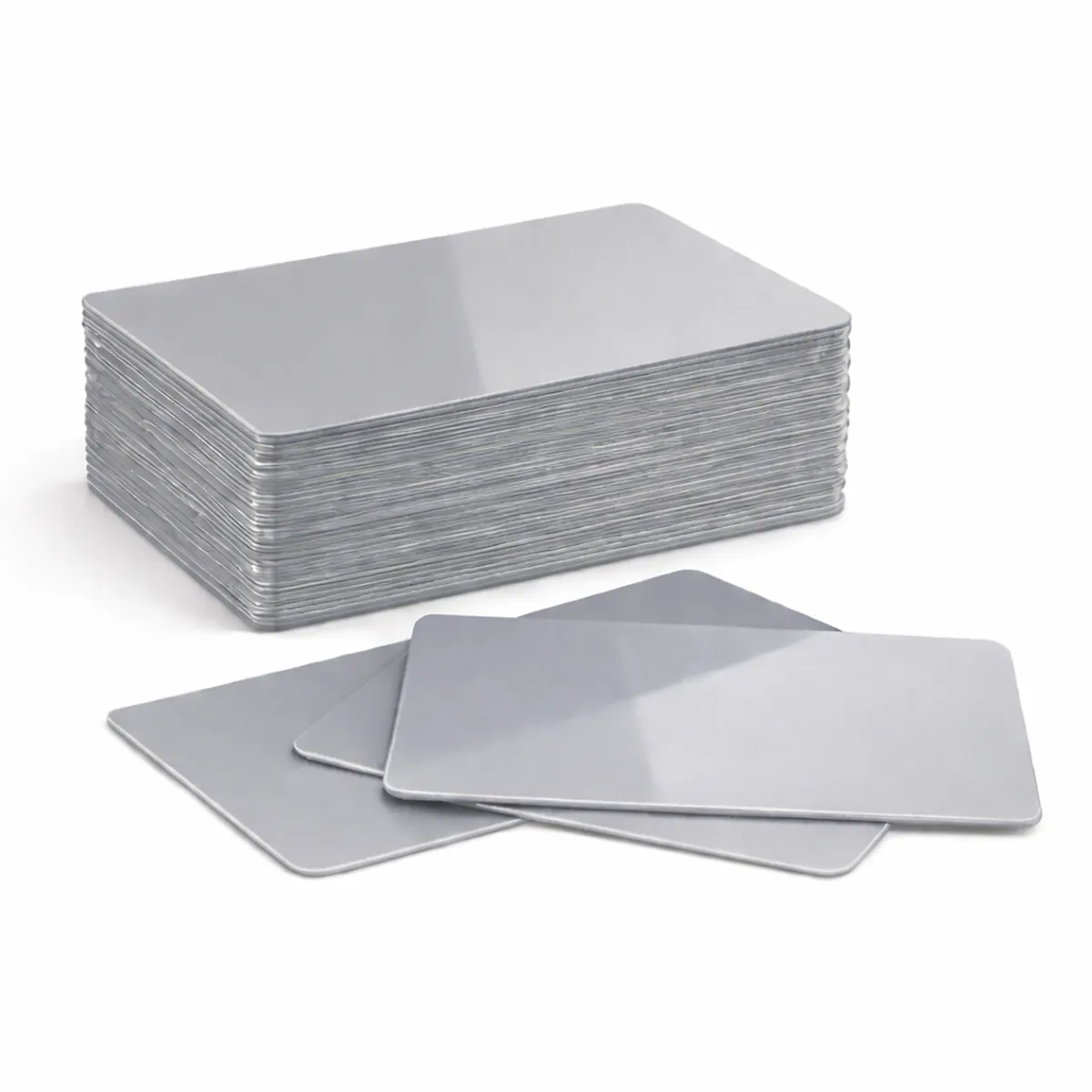### Match the card to the print method Check that your printer approves this card material, finish and thickness. Card size alone does not establish printer compatibility. The card background colour affects how printed colours and fine detail appear. Test the card and ribbon combination before a larger production run. A resin monochrome ribbon and a full-colour dye-sublimation ribbon have different applications; neither is automatically suitable for every coloured surface. ### Silver blank PVC cards for your setup Available quantity options: 100, 500. These are blank visual card stock. A plain PVC card does not acquire a magnetic stripe, contact chip or RFID function through ordinary printing. Order the required technology card separately when a system depends on it. Keep unused cards clean, flat and protected from dust. Confirm any requirement for signature panels, numbering or specialist finishes with ACB before ordering. ### Prepare the artwork for this card background Approve the background and printed details together, particularly where a small code or fine lettering must remain readable. Silver-coloured stock should be checked in normal viewing conditions before a full batch is produced. Confirm the required finish rather than assuming a separate foil or reflective treatment. Use silver blank PVC cards with an approved print layout and allow for sample prints and replacements when choosing the order quantity. Compare [bronze metallic cards](https://acb-ltd.com/product/bronze-metallic-blank-plastic-pvc-cr80-cards/) if the programme calls for another background. For a finished badge produced to an agreed design, discuss our [photo ID card printing service](https://acb-ltd.com/photo-id-card-printing/) and the artwork and quantities required. ## Silver blank PVC cards: buying questions ### Does silver mean a foil-stamped card? Silver describes the blank stock colour. A separately applied foil, raised detail or other specialist finish would need its own agreed production specification. ### Do the blanks include RFID or magnetic encoding? No electronic chip or magnetic stripe is specified for this plain visual stock. Choose the required technology card separately when the system depends on an electronic credential. ### How should I choose the quantity? Count the planned cards, sample prints and expected replacements, then check the selected 100-card or 500-card option in the basket. Keep unused stock clean and flat for later issues. Check the selected quantity and specification before adding this product to your basket. For help matching a card, reader or wearing accessory to your requirements, [contact ACB](https://acb-ltd.com/contact-us/). **Product categories:** Blank Coloured Cards, Blank Plastic Cards **Product tags:** Blank Card, durable card, high-quality card., PVC Card, Silver Blank Plastic PVC CR80 Card, silver card. --- ### [HID Omnikey 3021 Smart Card Reader](https://acb-ltd.com/product/hid-omnikey-3021-smart-card-reader/) **Published:** August 3, 2025 **Author:** acb_superadmin **Excerpt:** The HID OMNIKEY 3021 reader connects an approved contact smart card to a computer through USB. Its portable format suits a desktop or mobile-workstation setup that uses a physical card-contact interface. Match the card, host and application requirements before ordering a reader for a replacement or wider deployment. **Content:** ## HID OMNIKEY 3021 reader The HID OMNIKEY 3021 reader connects an approved contact smart card to a computer through USB. Its portable format suits a desktop or mobile-workstation setup that uses a physical card-contact interface. Match the card, host and application requirements before ordering a reader for a replacement or wider deployment. ### Card and host interfaces The manufacturer specifies ISO 7816 ID-1 cards, Class A/B/C voltage support and T=0/T=1 protocols. The host connection is USB 2.0 Full Speed through a USB Type A connector, with a 150 cm cable. CCID and PC/SC interfaces support integration with compatible host software. ### HID OMNIKEY 3021 reader for your setup HID lists Windows, Linux, Mac OS X and Android platform support, subject to the operating-system version, host hardware and application requirements. Native CCID support can provide the reader driver; the intended smart-card application may still need its own middleware, credentials or licence. Check the card type and application before a wider rollout. Your chosen application, card credentials and site permissions provide the intended service through the reader interface. Ask ACB to confirm the intended host, card and software combination. See the [HID OMNIKEY 3021 product information](https://www.hidglobal.com/products/omnikey-3021) and [manufacturer USB-reader technical sheet](https://www.hidglobal.com/documents/omnikey-3021-usb-reader). ### Check the full card-to-application workflow Choose the HID OMNIKEY 3021 reader by the card interface first. A contact smart card is inserted so its electrical contacts connect to the reader; a contactless card is presented to a compatible radio reader. Confirm that the intended application uses the former before selecting this model. Check the host’s USB connection, supported operating-system version and application requirements together. Native CCID support concerns the reader interface; the intended service may still require middleware or authorised credentials. Trial the complete setup with a known working contact card before supplying readers to a larger team. For help identifying the required interface, [contact ACB](https://acb-ltd.com/contact-us/). ## HID OMNIKEY 3021 reader: buying questions ### Will this model read a MIFARE or Paxton proximity card by tapping? It is a contact smart-card reader. Contactless credentials require a compatible contactless reader and application; a shared smart-card description does not establish the same interface. ### Does USB driver support include the complete application? No. The reader driver and the software used for the service are separate parts of the setup. Check any middleware, licence, account or credential requirements with the application provider. ### What should I check for a replacement reader? Record the current reader reference, card type, USB connection, operating system and application. Test the approved replacement in the actual workflow before a wider rollout. Check the selected quantity and specification before adding this product to your basket. For help matching a card, reader or wearing accessory to your requirements, [contact ACB](https://acb-ltd.com/contact-us/). **Product brands:** HID **Product categories:** Access Control, HID Cards & Readers **Product tags:** contact smart card reader, digital signature reader, HID Omnikey 3021, high-speed card reader, ID card reader, online banking card reader, portable smart card reader, secure card reader, smart card reader, USB smart card reader --- ### [HID 2000PGGMN iCLASS 2kbit H10301 26-bit Cards (100 Pack)](https://acb-ltd.com/product/hid-2000pggmn-iclass-smart-card-2k-h10301-26bit/) **Published:** August 3, 2025 **Author:** acb_superadmin **Excerpt:** HID 2000PGGMN iCLASS cards are listed here in H10301 26-bit format, with 2kbit memory, as a pack of 100. Match the programmed credential details to the installed system before ordering. Prepare the facility-code and card-number requirements alongside the visible badge design so both parts of the job are specified. **Content:** ## HID 2000PGGMN iCLASS cards HID 2000PGGMN iCLASS cards are listed here in H10301 26-bit format, with 2kbit memory, as a pack of 100. Match the programmed credential details to the installed system before ordering. Prepare the facility-code and card-number requirements alongside the visible badge design so both parts of the job are specified. ### Confirm the programmed credentials HID identifies 2000PGGMN as a programmed iCLASS 2K/2 configuration with gloss front/back, matching card numbering and no slot. The full ordering reference does not by itself state the facility code or starting card number. Confirm those values, the required quantity and the H10301 format with ACB before ordering for an existing installation. ### HID 2000PGGMN iCLASS cards for your setup The card family uses 13.56 MHz iCLASS contactless technology. A reader supporting another 13.56 MHz card type does not automatically support this credential and its keys. Check the installed reader/controller configuration with the access-system supplier. The site must enrol the issued credentials and assign the appropriate access permissions. Choose card-printing settings approved for the supplied construction. Optional technologies and features available elsewhere in the iCLASS range should be specified separately rather than assumed to be part of 2000PGGMN. See [HID’s iCLASS 200x product and memory information](https://www.hidglobal.com/products/200x). ### Confirm the programmed order before production Choose HID 2000PGGMN iCLASS cards with the facility code, number range and required format agreed by the system administrator. Keep those details with the full part reference in the order specification. A common part-number family does not identify every programmed value needed for a replacement batch. Approve a sample through the installed reader and controller setup, and check the printed face separately. HID distinguishes this iCLASS generation from other credential families, so agree the appropriate technology with the provider for a new system. Our [photo ID card printing service](https://acb-ltd.com/photo-id-card-printing/) can be discussed alongside the confirmed electronic credential specification. ## HID 2000PGGMN iCLASS cards: buying questions ### Does 2kbit mean 2 kilobytes of memory? No. The listed 2kbit capacity corresponds to 256 bytes before considering the memory organisation and application requirements. Keep bits and bytes distinct when comparing offers. ### Does H10301 alone specify the facility code? Confirm the facility code and required card-number range separately. The named format does not replace those programmed ordering details. ### Are iCLASS and Seos the same card technology? They are different credential families. Follow the reader and system provider’s approved specification rather than substituting a product based on the HID brand alone. Check the selected quantity and specification before adding this product to your basket. For help matching a card, reader or wearing accessory to your requirements, [contact ACB](https://acb-ltd.com/contact-us/). **Product brands:** HID **Product categories:** Access Control, HID Cards & Readers **Product tags:** 26bit H10301, 2K memory card, contactless smart card, customisable smart card, HID 2000PGGMN, iCLASS smart card, NFC smart card, secure access control --- ### [Paxton 695-644 Net2 Proximity Key Fobs - Pack of 10](https://acb-ltd.com/product/paxton-695-644-net2-proximity-key-fobs/) **Published:** August 3, 2025 **Author:** acb_superadmin **Excerpt:** Paxton 695-644 key fobs provide a compact token format for compatible Net2 access installations. ACB supplies this reference in packs of ten. Check the existing system, allow for new users and replacements, and prepare the authorised Net2 enrolment process before distributing the fobs to users. **Content:** ## Paxton 695-644 key fobs Paxton 695-644 key fobs provide a compact token format for compatible Net2 access installations. ACB supplies this reference in packs of ten. Check the existing system, allow for new users and replacements, and prepare the authorised Net2 enrolment process before distributing the fobs to users. 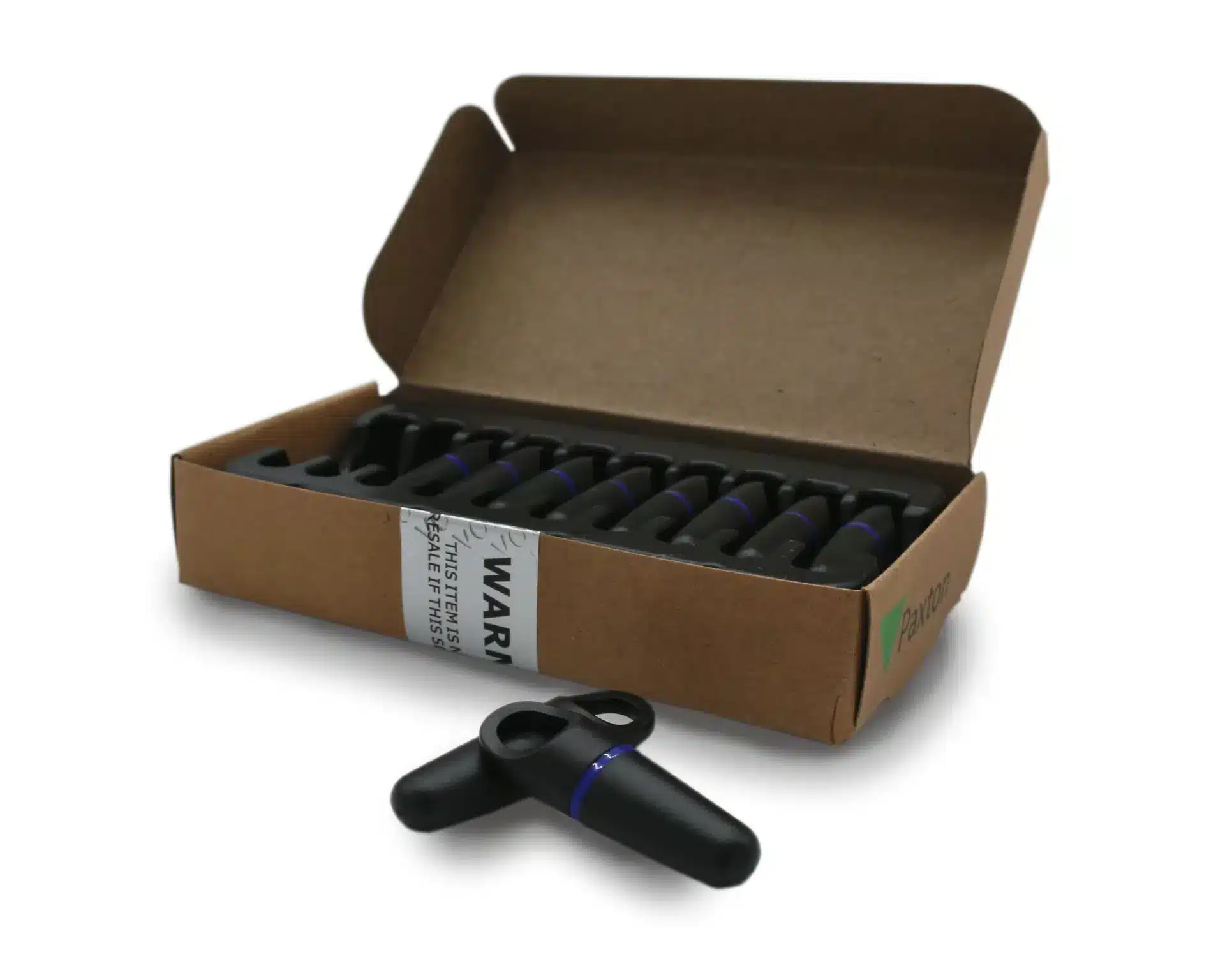### Product details - Reference: 695-644. - Pack quantity: 10 fobs. - Housing: ABS/plastic. - Manufacturer dimensions: 45 × 14 × 10 mm. ### Paxton 695-644 key fobs for your setup Add the user’s details in Net2 software, then register the token using a desktop reader. Access is granted or denied according to the permissions set in your system. Paxton describes proprietary Hitag2 encoding with password-exchange authentication. This is not a guarantee that a token cannot be copied. See [Paxton’s technical datasheet](https://www.paxton-access.com/wp-content/uploads/2020/01/DS1077.pdf), or [ask ACB to check your exact model before ordering](https://acb-ltd.com/contact-us/). ### Plan enrolment and replacement stock Order Paxton 695-644 key fobs using the exact reference recorded for the site. Include a sensible allowance for test tokens and replacements in the quantity plan. Record issued tokens against the appropriate users and confirm that the site administrator can withdraw a lost token through the installed system. Test a newly enrolled fob at the readers and doors it is intended to use, with the permissions set by the administrator. If users also need a visible badge, compare [Net2 ISO cards](https://acb-ltd.com/product/paxton-692-500-net2-proximity-iso-cards/) or order the visual ID separately. For a standalone shadow-card installation, assess [the Switch2/Compact card pack](https://acb-ltd.com/product/paxton-830-010g-iso-proximity-cards-green/) as a different product type. ## Paxton 695-644 key fobs: buying questions ### Are these fobs the same as Paxton10 tokens? Choose the reference and technology approved for the system. Net2 and Paxton10 product names should not be treated as an automatic compatibility match. ### Can the fob assign a user’s access rights itself? The authorised site configuration determines permissions. Enrol the token through the specified Net2 workflow and check the user’s allowed doors and times. ### Do I need a printer to issue a fob? A fob does not require card-surface printing for its electronic function. You still need the supported enrolment equipment, software and authorised user record for the installation. Check the selected quantity and specification before adding this product to your basket. For help matching a card, reader or wearing accessory to your requirements, [contact ACB](https://acb-ltd.com/contact-us/). **Product brands:** Paxton **Product categories:** Access Control, Paxton Cards, Paxton Net2 **Product tags:** Access Control, Paxton, Proximity fobs, RFID, Security --- ### [Paxton 830-010G Green Proximity Card Pack (10 User Cards)](https://acb-ltd.com/product/paxton-830-010g-iso-proximity-cards-green/) **Published:** August 3, 2025 **Author:** acb_superadmin **Excerpt:** Paxton 830-010G cards are supplied as the green ten-user-card pack for compatible Compact and Switch2 installations. The pack uses Paxton's shadow-card administration method. Match the exact system and pack colour, then plan how user cards and the corresponding administrator records will be issued and managed. **Content:** ## Paxton 830-010G cards Paxton 830-010G cards are supplied as the green ten-user-card pack for compatible Compact and Switch2 installations. The pack uses Paxton’s shadow-card administration method. Match the exact system and pack colour, then plan how user cards and the corresponding administrator records will be issued and managed. ### Enrol and issue the pack The manufacturer supplies enrolment and function cards for the pack workflow. Follow the installed system instructions when adding the first pack or an additional pack. Keep the administrator cards and shadow cards under the control of the person managing access. When issuing a user card, record the user against its matching shadow card. Paxton’s procedure allows the administrator to void a lost user card by presenting the corresponding shadow card at the relevant readers. This supports ongoing card administration; access depends on correct enrolment and configuration. ### Paxton 830-010G cards for your setup The green pack colour supports Paxton’s coloured-zone arrangements where configured. It does not set a universal access level across every installation. Confirm Compact/Switch2 compatibility and the required pack colour before ordering; Net2 and Paxton10 use different token-management arrangements. See [Paxton’s 830-010G product and shadow-card instructions](https://www.paxton-access.com/products/proximity-10-card-pack-green/). ### Prepare the pack for controlled everyday issue Choose Paxton 830-010G cards using the reference required by the installed standalone system. Decide who will keep the enrolment, function and shadow cards and how issued users will be recorded. A clear handover helps the site administrator handle replacements and withdrawn access consistently. Check the first-pack or additional-pack procedure in the Paxton instructions before enrolment. Keep the administrator cards separate from normal user issue. For a Net2 installation, compare [Net2 ISO cards](https://acb-ltd.com/product/paxton-692-500-net2-proximity-iso-cards/) or [Net2 key fobs](https://acb-ltd.com/product/paxton-695-644-net2-proximity-key-fobs/) against the system specification instead of ordering by the Paxton brand alone. ## Paxton 830-010G cards: buying questions ### Does ten cards mean ten user credentials? This reference is the ten-user-card pack, with the associated shadow-card administration arrangement. Follow the manufacturer’s pack instructions when preparing it for issue. ### Is the green colour a universal access permission? It forms part of the configured coloured-zone scheme where used. Confirm the required pack colour and site procedure; colour alone does not establish a universal access level. ### Can these be enrolled like ordinary Net2 tokens? Compact and Switch2 shadow-card packs use their specified administration workflow. Net2 has a different token-management arrangement, so confirm the installed system before choosing a reference. Check the selected quantity and specification before adding this product to your basket. For help matching a card, reader or wearing accessory to your requirements, [contact ACB](https://acb-ltd.com/contact-us/). **Product brands:** Paxton **Product categories:** Access Control, Paxton Cards, Paxton Switch2 **Product tags:** durable PVC cards, Easyprox Compact, green proximity cards, ISO proximity cards, Paxton 830-010G, Paxton Compact, secure access control, Switch2 systems --- ### [MIFARE Classic® 4K NXP EV1 Cards with Magnetic Stripe - Pack of 100](https://acb-ltd.com/product/mifare-classic-4k-nxp-ev1-cards-with-magnetic-stripe/) **Published:** August 3, 2025 **Author:** acb_superadmin **Excerpt:** MIFARE Classic 4K magstripe cards combine the listed NXP EV1 contactless chip with a high-coercivity magnetic stripe. This pack contains 100 cards for an application that approves both technologies. Match the identifier and sector setup alongside the stripe requirements before preparing a coordinated card-printing and issue process. **Content:** ## MIFARE Classic 4K magstripe cards MIFARE Classic 4K magstripe cards combine the listed NXP EV1 contactless chip with a high-coercivity magnetic stripe. This pack contains 100 cards for an application that approves both technologies. Match the identifier and sector setup alongside the stripe requirements before preparing a coordinated card-printing and issue process. ### Understand the 4K memory format NXP specifies a 4 kB EEPROM with sector-based access management for the Classic EV1 4K chip. Card-management information and sector keys occupy part of that memory. The contactless interface operates at 13.56 MHz using ISO/IEC 14443 Type A and a 106 kbit/s data rate. ### MIFARE Classic 4K magstripe cards for your setup Check that your reader and application support Classic EV1 4K, including the required identifier format, sector layout and keys. A Classic card is not automatically interchangeable with Ultralight or DESFire. The magnetic stripe needs suitable magnetic encoding hardware; writing the RFID chip does not write the stripe. Blank cards require enrolment or personalisation for the intended system. Contact ACB with your existing card specification before a rollout, and review the [NXP Classic EV1 4K data sheet](https://www.nxp.com/docs/en/data-sheet/MF1S70YYX_V1.pdf) for the chip’s memory and identifier options. ### Write one specification for the complete card job Use MIFARE Classic 4K magstripe cards with the identifier format, access keys and sector layout required by your application. Confirm the magnetic specification and track data independently. Printing a photograph or number on the face can support visual checking, while the two electronic interfaces serve their configured functions. Run a sample through the actual printer, contactless reader and stripe reader before issuing a larger batch. Keep the approved supply reference for replacements. Compare [Classic EV1 4K cards without a listed stripe](https://acb-ltd.com/product/mifare-classic-4k-nxp-ev1-cards/) when magnetic data is unnecessary, or assess [DESFire EV2 stripe cards](https://acb-ltd.com/product/mifare-desfire-4k-nxp-ev2-cards-with-2750oe-hi-co-magnetic-stripe/) only against a separately approved application. ## MIFARE Classic 4K magstripe cards: buying questions ### Is the 4K memory all available for application data? The nominal EEPROM includes card-management information and sector keys. Check the actual data layout rather than equating the headline memory figure with unrestricted user storage. ### Can a matching frequency establish reader compatibility? No. Confirm the supported chip family, identifier handling, key configuration and application commands. A 13.56 MHz interface alone does not approve a replacement credential. ### What must the printing equipment support? Check the physical card stock and intended print process. If encoding is part of the job, also confirm the required contactless and magnetic interfaces, software and data formats. Check the selected quantity and specification before adding this product to your basket. For help matching a card, reader or wearing accessory to your requirements, [contact ACB](https://acb-ltd.com/contact-us/). **Product brands:** Mifare **Product categories:** Access Control, MIFARE Cards, Mifare Classic --- ### [ACT Access Cards (10 Pack — Reference Confirmation Required)](https://acb-ltd.com/product/act-mifare-card-b-1k/) **Published:** August 3, 2025 **Author:** acb_superadmin **Excerpt:** ACT access cards need an exact credential match for the installed system. This ACB listing is a ten-pack under internal reference ACT-MFCARD, with manufacturer-reference confirmation required before purchase. Send the existing card label and reader details so the technology can be checked before artwork or electronic personalisation is arranged. **Content:** ## ACT access cards ACT access cards need an exact credential match for the installed system. This ACB listing is a ten-pack under internal reference ACT-MFCARD, with manufacturer-reference confirmation required before purchase. Send the existing card label and reader details so the technology can be checked before artwork or electronic personalisation is arranged. ### Match the ACT credential ACT MIFARE credentials and ACT magnetic-stripe credentials use different technologies. The earlier “Mifare Card-B” name is insufficient to establish which card is being supplied. Give ACB the reader or controller model and the label from an existing working credential. Confirm the manufacturer reference, technology and any required enrolment or encoding before purchase. ### ACT access cards for your setup Printed artwork is separate from access-system enrolment. Confirm card construction and printer approval, then follow the system provider’s card-issue process. ### Prepare the information needed to identify the card Enquire about ACT access cards with the system or reader model, a current working credential reference and the number of cards needed. Explain whether the job is a repeat order or a new issue. Keep the written confirmation with the order so the supplier and installer are working to the same specification. Compare like-for-like credentials rather than assuming every product carrying the ACT name is interchangeable. Once the supplied card is confirmed, agree the visible design and authorised issue procedure. Our [photo ID card printing service](https://acb-ltd.com/photo-id-card-printing/) can be discussed for the visual badge requirement; the electronic credential must still match the installed system. ## ACT access cards: buying questions ### Why does this listing ask for reference confirmation? The earlier Card-B wording and internal stock code are insufficient to establish the exact technology being supplied. Confirmation helps avoid ordering a card that looks similar but uses a different interface. ### Should I assume that it includes both RFID and a stripe? Confirm the manufacturer reference and physical card specification first. Different ACT credential products can use different technologies; the internal listing reference alone does not establish a combination card. ### What happens after the reference is confirmed? Agree quantity, any printing and the required encoding or enrolment workflow. Follow the system provider’s authorised process for issuing the confirmed credential to each user. Check the selected quantity and specification before adding this product to your basket. For help matching a card, reader or wearing accessory to your requirements, [contact ACB](https://acb-ltd.com/contact-us/). **Product brands:** Mifare **Product categories:** Access Control --- ### [MIFARE® DESFire® 4K NXP EV2 Cards with 2750oe Hi-Co Magnetic Stripe - Pack of 100](https://acb-ltd.com/product/mifare-desfire-4k-nxp-ev2-cards-with-2750oe-hi-co-magnetic-stripe/) **Published:** August 3, 2025 **Author:** acb_superadmin **Excerpt:** MIFARE DESFire EV2 magstripe cards combine the listed 4K NXP chip with a separate 2750 Oe Hi-Co magnetic stripe. This pack of 100 supports a project that specifies both technologies. Agree the DESFire application and the magnetic data independently, then prepare the printed face for the card-issue workflow. **Content:** ## MIFARE DESFire EV2 magstripe cards MIFARE DESFire EV2 magstripe cards combine the listed 4K NXP chip with a separate 2750 Oe Hi-Co magnetic stripe. This pack of 100 supports a project that specifies both technologies. Agree the DESFire application and the magnetic data independently, then prepare the printed face for the card-issue workflow. ### Specify the application as well as the chip The DESFire EV2 interface uses 13.56 MHz and ISO/IEC 14443 Type A, including the ISO/IEC 14443-4 transmission protocol. The chip supports AES and DES/3DES cryptographic methods; the reader, software, keys and chosen configuration determine how these capabilities are used. Memory capacity is shared by application files and management information. ### MIFARE DESFire EV2 magstripe cards for your setup A DESFire card is not automatically a working credential for an existing installation. Check the required EV generation, 4K capacity, application identifiers, key configuration and enrolment process with your system provider. A matching frequency alone does not establish compatibility, and the magnetic stripe must be encoded separately with compatible equipment. Contact ACB if you need printing or coordinated contactless and stripe personalisation. Consult the [NXP DESFire EV2 short data sheet](https://www.nxp.com/docs/en/data-sheet/MF3DX2_MF3DHX2_SDS.pdf) and give ACB your approved card specification when ordering. ### Coordinate the two electronic records and the artwork Choose MIFARE DESFire EV2 magstripe cards by the exact EV generation, memory and stripe specification. A card-management plan should identify the required applications and keys alongside the magnetic track format. Keep a visible reference on the artwork where it helps operators reconcile the physical card with authorised records. Approve a sample with the actual readers, encoders and printing setup. Test the two technologies separately and check how the complete credential is issued. If no stripe is required, compare the [DESFire EV2 4K offer without a listed stripe](https://acb-ltd.com/product/mifare-desfire-4k-nxp-ev2-cards-pack-of-100/). Choose an alternative generation only after the application provider approves the change. ## MIFARE DESFire EV2 magstripe cards: buying questions ### Does writing a DESFire application also write the stripe? No. The contactless chip and magnetic stripe need their respective supported interfaces and data workflows. Specify both where the project relies on both technologies. ### Does the chip’s encryption capability set access permissions? Permissions and protection depend on the configured applications, keys, readers and management process. The chip specification alone does not enrol a user or configure a working site credential. ### Can I use a later DESFire generation as an automatic replacement? Have the system provider confirm the generation, commands, applications and key requirements first. Keep the approved card reference in the purchasing specification for repeat orders. Check the selected quantity and specification before adding this product to your basket. For help matching a card, reader or wearing accessory to your requirements, [contact ACB](https://acb-ltd.com/contact-us/). **Product brands:** Mifare **Product categories:** Access Control, MIFARE Cards, Mifare DESfire --- ### [Blank Fudan FM11RF08 1K Cards - Pack of 100](https://acb-ltd.com/product/blank-fudan-fm11rf08-1k-cards/) **Published:** August 3, 2025 **Author:** acb_superadmin **Excerpt:** Fudan FM11RF08 cards provide blank stock for an application that explicitly supports this contactless chip family. ACB lists this offer as 100 cards with nominal 1 kB memory. Confirm the required revision and electronic setup, then prepare the visible badge design for the intended printing process. **Content:** ## Fudan FM11RF08 cards Fudan FM11RF08 cards provide blank stock for an application that explicitly supports this contactless chip family. ACB lists this offer as 100 cards with nominal 1 kB memory. Confirm the required revision and electronic setup, then prepare the visible badge design for the intended printing process. ### Confirm compatibility rather than assuming it Sharing a frequency and nominal memory capacity with a MIFARE Classic card does not prove that it will work with every existing reader or application. Check the permitted chip revision, identifiers, sector layout, access keys and enrolment procedure with your system provider. ### Fudan FM11RF08 cards for your setup The nominal memory includes areas used for card and access-management information. Printing and RFID encoding are separate operations, and the card must be configured for your application before use. These are Fudan products; the listing should not imply NXP manufacture, universal compatibility or guaranteed protection against cloning. Fudan distinguishes the original FM11RF08 from later revisions such as FM11RF08S. Contact ACB if your project requires a specific revision, and consult the [manufacturer’s contactless-memory range](https://eng.fmsh.com/5d5ad9cf-af08-7936-e52e-e0496bfe3f48/) before specifying a replacement. ### Match the card to the existing application Order Fudan FM11RF08 cards using a written specification rather than a broad description such as a 1K access card. Include any identifier and sector requirements supplied by the installer. This helps separate the physical card order from the application settings that make it work in practice. Create a small trial that covers the printed layout, the encoded record and the reader response. Retain the approved card reference for future replacements. Compare [Fudan 4K cards](https://acb-ltd.com/product/fudan-4k-13-56mhz-blank-white-cards/) for a separately specified capacity, or [the Fudan magnetic-stripe offer](https://acb-ltd.com/product/blank-fudan-fm11hirf08-1k-cards-with-magnetic-stripe/) where the project also needs a stripe. ## Fudan FM11RF08 cards: buying questions ### Are FM11RF08 and FM11RF08S automatically the same supply? Confirm the required revision. The manufacturer distinguishes original and later variants, so the family name should not replace an approved stock specification. ### Does nominal 1K memory mean 1K of unrestricted user data? No. The memory organisation includes card and access-management information. Confirm the available application layout with the system provider before preparing records. ### Can I print the cards without configuring the chip? Surface printing and electronic personalisation are separate operations. A printed badge may still require the approved encoding or enrolment process before its contactless function works in the system. Check the selected quantity and specification before adding this product to your basket. For help matching a card, reader or wearing accessory to your requirements, [contact ACB](https://acb-ltd.com/contact-us/). **Product brands:** Fudan, Mifare **Product categories:** Access Control, Fudan Cards --- ### [Blank Fudan FM11HIRF08 1K Cards with Magnetic Stripe - Pack of 100](https://acb-ltd.com/product/blank-fudan-fm11hirf08-1k-cards-with-magnetic-stripe/) **Published:** August 3, 2025 **Author:** acb_superadmin **Excerpt:** Fudan 1K magstripe cards bring a listed contactless card and magnetic stripe together in one blank-card offer. This pack contains 100 cards under the catalogue name FM11HIRF08. Confirm the exact supplied chip and stripe specification so the order matches both parts of your existing application. **Content:** ## Fudan 1K magstripe cards Fudan 1K magstripe cards bring a listed contactless card and magnetic stripe together in one blank-card offer. This pack contains 100 cards under the catalogue name FM11HIRF08. Confirm the exact supplied chip and stripe specification so the order matches both parts of your existing application. ### Confirm the card being supplied The current catalogue uses the name FM11HIRF08 and stock code FM11HI. A supplier label or the exact reference of the existing card is needed to confirm the chip identity; no equivalence to a different named chip is assumed. Check the contactless reader, keys and application requirements separately from the magnetic-stripe reader, encoder and track data. Similar card appearance does not establish interchangeability. ### Fudan 1K magstripe cards for your setup Provide ACB with the system model, current card label and required print or encoding specification. Confirm the card construction and printer approval before a larger order. ### Specify the two technologies separately Use Fudan 1K magstripe cards where the approved system calls for both contactless and stripe functions. Keep the RFID data layout, keys and reader requirements separate from the magnetic track format and encoder requirements. The visible artwork can provide a shared reference for reconciling the two records. Include a card label or a known working sample in your specification enquiry. Approve printing, contactless reading and stripe reading as separate checks before producing a full batch. Compare [Fudan cards without a listed stripe](https://acb-ltd.com/product/blank-fudan-fm11rf08-1k-cards/) when only the contactless function is needed, and confirm the actual stock rather than inferring it from appearance. ## Fudan 1K magstripe cards: buying questions ### Is FM11HIRF08 a confirmed substitute for FM11RF08? The catalogue reference needs confirmation against the supplied stock. Do not assume that a similar name establishes an identical chip revision or identifier variant. ### Does one encoder automatically write both technologies? Check the equipment and software. Contactless encoding and magnetic-stripe encoding use different interfaces, so the job needs an approved workflow for each required function. ### Can a blank card open an existing door immediately? It must satisfy the installed system’s credential and enrolment requirements. Agree those requirements before purchase, then follow the authorised card-issue process for the site. Check the selected quantity and specification before adding this product to your basket. For help matching a card, reader or wearing accessory to your requirements, [contact ACB](https://acb-ltd.com/contact-us/). **Product brands:** Fudan **Product categories:** Access Control, Fudan Cards --- ### [Fudan 4K 13.56MHz Blank White Cards - Pack of 100](https://acb-ltd.com/product/fudan-4k-13-56mhz-blank-white-cards/) **Published:** August 3, 2025 **Author:** acb_superadmin **Excerpt:** Fudan 4K blank cards provide white stock for a contactless application that supports the specified FM11RF32-family variant. This offer contains 100 cards and is listed at a nominal 4 kB capacity. Plan the electronic specification alongside the printed names, photographs or membership details before ordering a batch. **Content:** ## Fudan 4K blank cards Fudan 4K blank cards provide white stock for a contactless application that supports the specified FM11RF32-family variant. This offer contains 100 cards and is listed at a nominal 4 kB capacity. Plan the electronic specification alongside the printed names, photographs or membership details before ordering a batch. ### Match the precise chip revision Fudan’s manufacturer range includes 32K-bit FM11RF32 variants with an ISO/IEC 14443 Type A contactless interface. A nominal 4 kB capacity is not a statement that every byte is available for user data, and a common frequency or memory size does not guarantee compatibility with another card family. ### Fudan 4K blank cards for your setup Confirm the approved FM11RF32 revision, reader support, data format and encoding keys with your installer before ordering. These are Fudan cards; they should not be described as NXP MIFARE-branded products or as an automatic replacement for every MIFARE Classic or DESFire installation. Contact ACB with your current card specification if you need a matching supply or personalisation. See [Fudan’s contactless-memory chip range](https://eng.fmsh.com/5d5ad9cf-af08-7936-e52e-e0496bfe3f48/) for the manufacturer’s distinct product variants. ### Prepare a repeatable card-issue specification Choose Fudan 4K blank cards using the system provider’s approved chip and data specification. Record the revision, identifier format, application layout and print requirements together. A clear ordering record makes a repeat supply easier to check when the existing system has been configured around a particular card. Test a small sample through the intended encoding and reader workflow before a wider issue. Check the visible print at the same time. Compare the [Fudan 1K listing](https://acb-ltd.com/product/blank-fudan-fm11rf08-1k-cards/) only where that different capacity meets the application, or discuss a completed visual badge through our [photo ID card printing service](https://acb-ltd.com/photo-id-card-printing/). ## Fudan 4K blank cards: buying questions ### Does 4K describe the printed card size? It describes the listed nominal chip memory capacity. It is separate from the card dimensions and does not mean every byte is available for application records. ### Can I replace an NXP card just because both say 4K? Confirm the approved chip, identifier, keys and data layout first. A shared capacity or frequency alone does not establish that two cards are interchangeable. ### What helps ACB check a repeat order? Provide the current supplier reference or label, reader and system details, required quantity and any approved print or encoding specification. Confirm the precise revision where it matters to the installation. Check the selected quantity and specification before adding this product to your basket. For help matching a card, reader or wearing accessory to your requirements, [contact ACB](https://acb-ltd.com/contact-us/). **Product brands:** Fudan **Product categories:** Access Control, Fudan Cards --- ### [Clear Enclosed Rigid Card Holder - Landscape](https://acb-ltd.com/product/clear-enclosed-rigid-card-holder-landscape/) **Published:** August 3, 2025 **Author:** acb_superadmin **Excerpt:** A clear enclosed card holder covers both faces of a landscape badge while keeping the printed credential visible. This rigid case is listed for CR80 cards and is useful where the badge needs an enclosed display format. Check the card thickness, case fit and wearing attachment before ordering a full set. **Content:** ## Clear enclosed card holder A clear enclosed card holder covers both faces of a landscape badge while keeping the printed credential visible. This rigid case is listed for CR80 cards and is useful where the badge needs an enclosed display format. Check the card thickness, case fit and wearing attachment before ordering a full set. 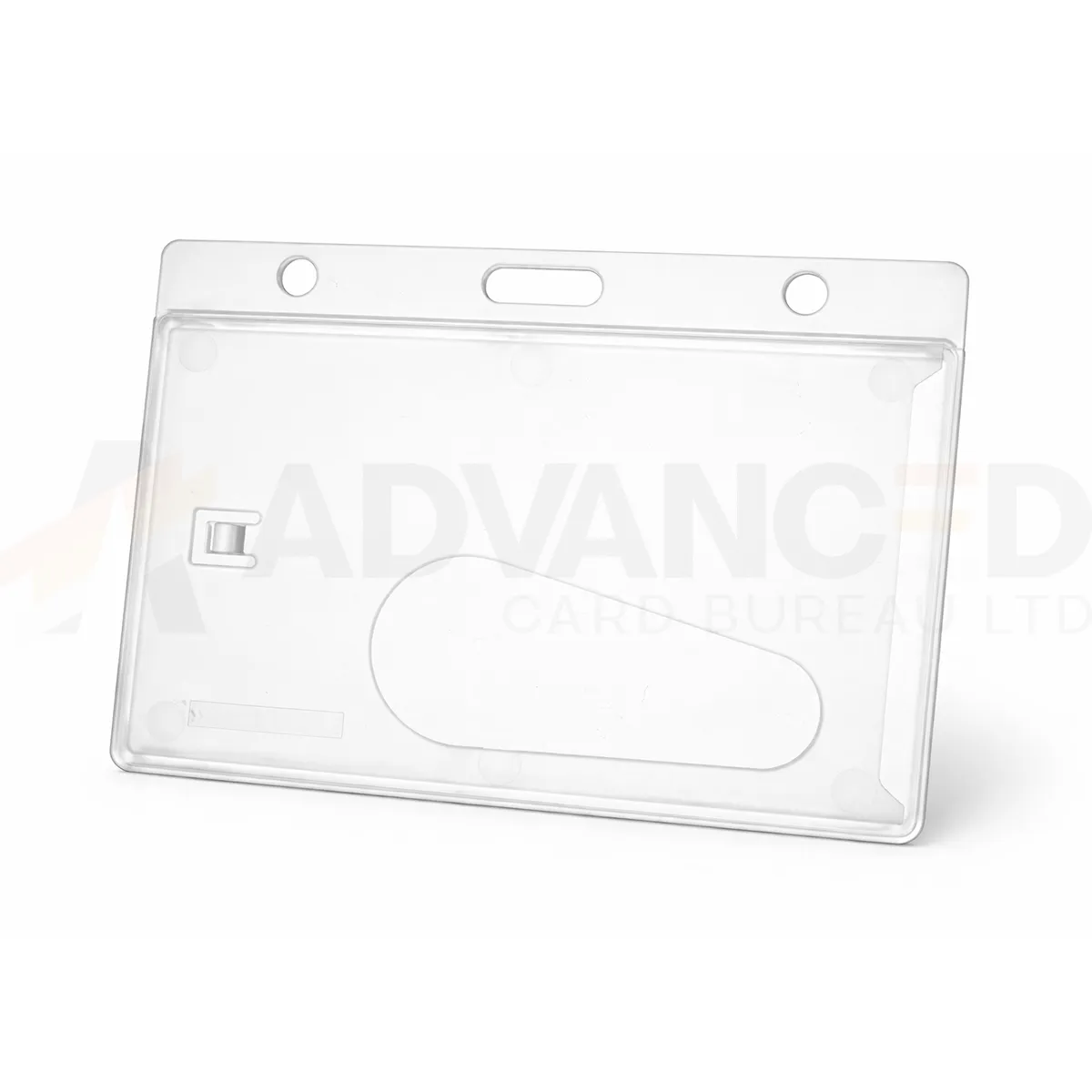### Check the card and fitting Use with the CR80 card format listed for this holder. Confirm the fit for a thicker contactless card, a raised feature or any non-standard insert before ordering a larger batch. Match the case attachment to the clip, reel or lanyard you intend to use. An enclosed case is not a specified waterproof or sealed electrical enclosure. ### Clear enclosed card holder for your setup Available quantity options: 1, 5, 10, 25, 50, 100. Check the selected option and any separately ordered wearing accessories before checkout. Wipe gently and inspect the case closure and attachment point. Replace damaged cases rather than forcing a card into a cracked or distorted holder. ### Check the complete badge and case together Choose a clear enclosed card holder by testing the card you will actually issue. A contactless credential, adhesive overlay or raised detail can affect fit even when the outer card dimensions look standard. Close the case normally and check that the card sits securely without forcing the closure. Review the badge while worn, including the photograph, smallest text and any code that must be scanned. Match the attachment to the case and the required wearing position. Compare the [open single-sided landscape holder](https://acb-ltd.com/product/black-id-card-holder-single-sided-landscape/) if the programme uses one exposed card face, or the [double-sided portrait holder](https://acb-ltd.com/product/evohold-double-sided-portrait-id-card-holder/) for a vertical two-card arrangement. ## Clear enclosed card holder: buying questions ### Does enclosed mean waterproof? No waterproof rating is specified for this listing. It is a card display case. Confirm a suitable rated product separately if the working environment requires protection from water. ### Will the case block RFID signals? RFID shielding is not specified. Follow the credential and reader instructions, and test the complete badge setup with your installed system before wider issue. ### Can I use an insert larger than CR80? This holder is listed for CR80 cards. Confirm the usable space with ACB if the insert is thicker, non-standard or has an attached label, rather than forcing it into the case. Choose the required quantity and check the selected option before adding it to your basket. For help with the card specification, artwork or a matching accessory, [contact ACB](https://acb-ltd.com/contact-us/). **Product brands:** ACB Ltd **Product categories:** ID Card Accessories, ID Card Holders **Product tags:** 50mm Card Holder, Badge Holder, Clear Card Holder, Enclosed Card Holder, ID Badge Holder, ID Card Clip, ID Card Holder, ID Card Wallet, Landscape Card Holder, Plastic Card Holder, Rigid Card Holder, Rigid Card Protector, Thumb Slot Card Holder --- ### [Black Id Card Holder - Single-Sided Landscape](https://acb-ltd.com/product/black-id-card-holder-single-sided-landscape/) **Published:** August 3, 2025 **Author:** acb_superadmin **Excerpt:** A black landscape card holder displays one CR80 credential in a horizontal layout. Its single-sided rigid frame suits badges designed around one outward-facing card face. Choose the required quantity, check the printed layout and match the holder to a suitable lanyard, clip or reel for everyday issue. **Content:** ## Black landscape card holder A black landscape card holder displays one CR80 credential in a horizontal layout. Its single-sided rigid frame suits badges designed around one outward-facing card face. Choose the required quantity, check the printed layout and match the holder to a suitable lanyard, clip or reel for everyday issue. 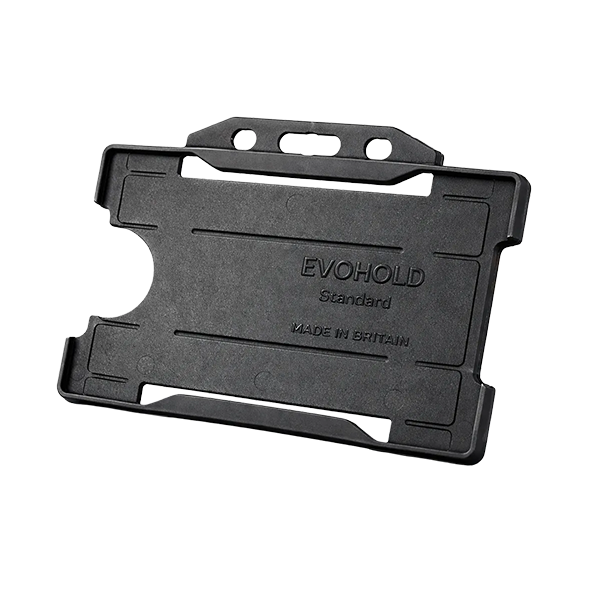### Choose the display layout This single-sided design presents one card face. Use the matching card orientation so photographs, names and codes can be read while the holder is worn. Black can form part of your own badge colour scheme. A holder colour does not grant access or establish a wearer’s role. ### Black landscape card holder for your setup Select the quantity required from the available options: 1, 5, 10, 25, 50, 100. Match the holder’s attachment point to the clip, lanyard or reel you intend to use. The card and wearing accessory are ordered separately unless included in a stated bundle. Wipe the holder gently and check for cracks or worn attachment points before reuse. If a card must be removed for a particular reader, use the method required by your installed system. ### Keep the main card face easy to inspect Use a black landscape card holder with artwork prepared for horizontal viewing. Check that the frame leaves the name, photograph and any required barcode visible. If the reverse of the credential needs regular inspection, consider how the wearer will present it as part of the normal checking process. Plan the holder and wearing attachment together, including any requirement to remove a contactless card for reading. Compare the [clear enclosed landscape case](https://acb-ltd.com/product/clear-enclosed-rigid-card-holder-landscape/) when the badge needs a covering on both faces. For two vertically arranged credentials, see the [Evohold double-sided portrait holder](https://acb-ltd.com/product/evohold-double-sided-portrait-id-card-holder/). For new visual badge stock, compare [white CR80 cards](https://acb-ltd.com/product/premium-blank-white-pvc-plastic-cards/). ## Black landscape card holder: buying questions ### Does single-sided mean one printed side only? It describes the display arrangement of the holder. The printing on your card is a separate choice; check which face must be visible while the badge is worn. ### Will any CR80 access credential fit? Confirm the card thickness and any raised or added features, as well as its outer dimensions. Test the actual credential in the holder before issuing a larger batch. ### Is a lanyard included? Order the required wearing accessory separately unless a stated bundle includes it. Check that its clip or fitting suits the holder attachment point and the intended wearing position. Choose the required quantity and check the selected option before adding it to your basket. For help with the card specification, artwork or a matching accessory, [contact ACB](https://acb-ltd.com/contact-us/). **Product brands:** Evohold **Product categories:** ID Card Accessories, ID Card Holders, Single-Sided **Product tags:** Accessory for professionals, Eco-conscious, Eco-friendly card holder, Evohold, Landscape ID holder, Professional ID holder, Recycled material, Single-sided ID holder --- ### [Vinyl Yellow Top Visitor Pass Holder – 91x65mm](https://acb-ltd.com/product/vinyl-yellow-top-visitor-pass-holder-91x65mm/) **Published:** August 3, 2025 **Author:** acb_superadmin **Excerpt:** A yellow vinyl pass holder displays a printed visitor or event credential with a yellow top bar as a visible colour cue. This listing uses the nominal 91 × 65 mm format. Choose the holder for your own pass scheme, and confirm the usable insert dimensions before producing a batch of printed credentials. **Content:** ## Yellow vinyl pass holder A yellow vinyl pass holder displays a printed visitor or event credential with a yellow top bar as a visible colour cue. This listing uses the nominal 91 × 65 mm format. Choose the holder for your own pass scheme, and confirm the usable insert dimensions before producing a batch of printed credentials. 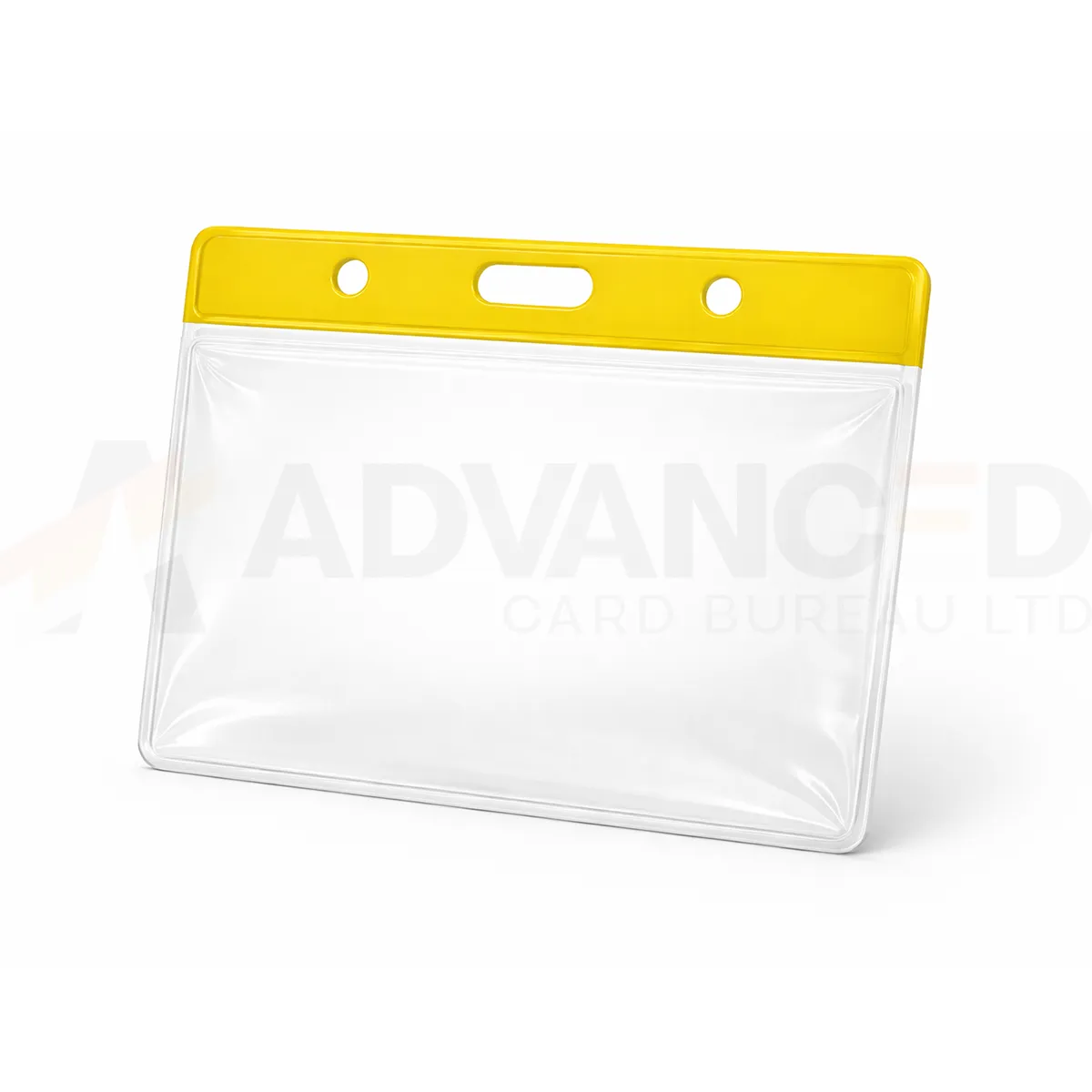### Check the pass format The 91 × 65 mm listing identifies the holder format. Confirm the usable insert area before cutting or printing a pass to that size, particularly when the artwork runs close to the edges. A yellow top bar provides a colour cue for your own visitor scheme. ### Yellow vinyl pass holder for your setup Choose the required quantity from 1, 5, 10, 25, 50, 100. Check that your chosen clip or lanyard fits the attachment slot and that the loaded pass hangs in the required orientation. Keep the pocket flat when storing it. Replace a holder if the pocket or attachment point is damaged. Ask ACB to confirm insert fit for an unusual pass thickness or size. ### Use colour alongside clear printed information Yellow can provide a visible cue in a colour-based visitor scheme. Use clear printed identification alongside the top bar, especially where the pass must be checked quickly. Review the loaded holder under the lighting and at the viewing distance used at your reception or event. Prepare a sample yellow vinyl pass holder with the intended insert and wearing attachment. Check that the pocket sits flat, the name is visible and any barcode scans through the material. For another part of the same scheme, compare the [red option](https://acb-ltd.com/product/vinyl-red-top-visitor-pass-holder-91x65mm/). If the print layout needs more space, check the [larger clear holder](https://acb-ltd.com/product/clear-vinyl-visitor-pass-holder-102x83mm/) and confirm its insert fit separately. ## Yellow vinyl pass holder: buying questions ### Does the yellow bar make the holder high-visibility safety equipment? It is a colour feature for the pass holder. No safety-equipment rating is specified. Use the appropriate approved equipment separately where the working environment requires it. ### Should the insert be cut to the nominal holder dimensions? Confirm the usable insert area first. The listing format does not establish the exact internal pocket size, so approve a sample before cutting or printing a large batch. ### Can the holders be reused for another visitor? Inspect the pocket and attachment point before reuse, and follow your organisation’s process for replacing the printed credential. Replace damaged holders and keep stored pockets flat. Choose the required quantity and check the selected option before adding it to your basket. For help with the card specification, artwork or a matching accessory, [contact ACB](https://acb-ltd.com/contact-us/). **Product categories:** ID Card Accessories, ID Card Holders --- ### [Vinyl Green Top Visitor Pass Holder – 91x65mm](https://acb-ltd.com/product/vinyl-green-top-visitor-pass-holder-91x65mm/) **Published:** August 3, 2025 **Author:** acb_superadmin **Excerpt:** A green vinyl pass holder displays a printed visitor or event credential with a green top bar as a visible colour cue. This listing uses the nominal 91 × 65 mm format. Choose the holder for your own pass scheme, and confirm the usable insert dimensions before producing a batch of printed credentials. **Content:** ## Green vinyl pass holder A green vinyl pass holder displays a printed visitor or event credential with a green top bar as a visible colour cue. This listing uses the nominal 91 × 65 mm format. Choose the holder for your own pass scheme, and confirm the usable insert dimensions before producing a batch of printed credentials. 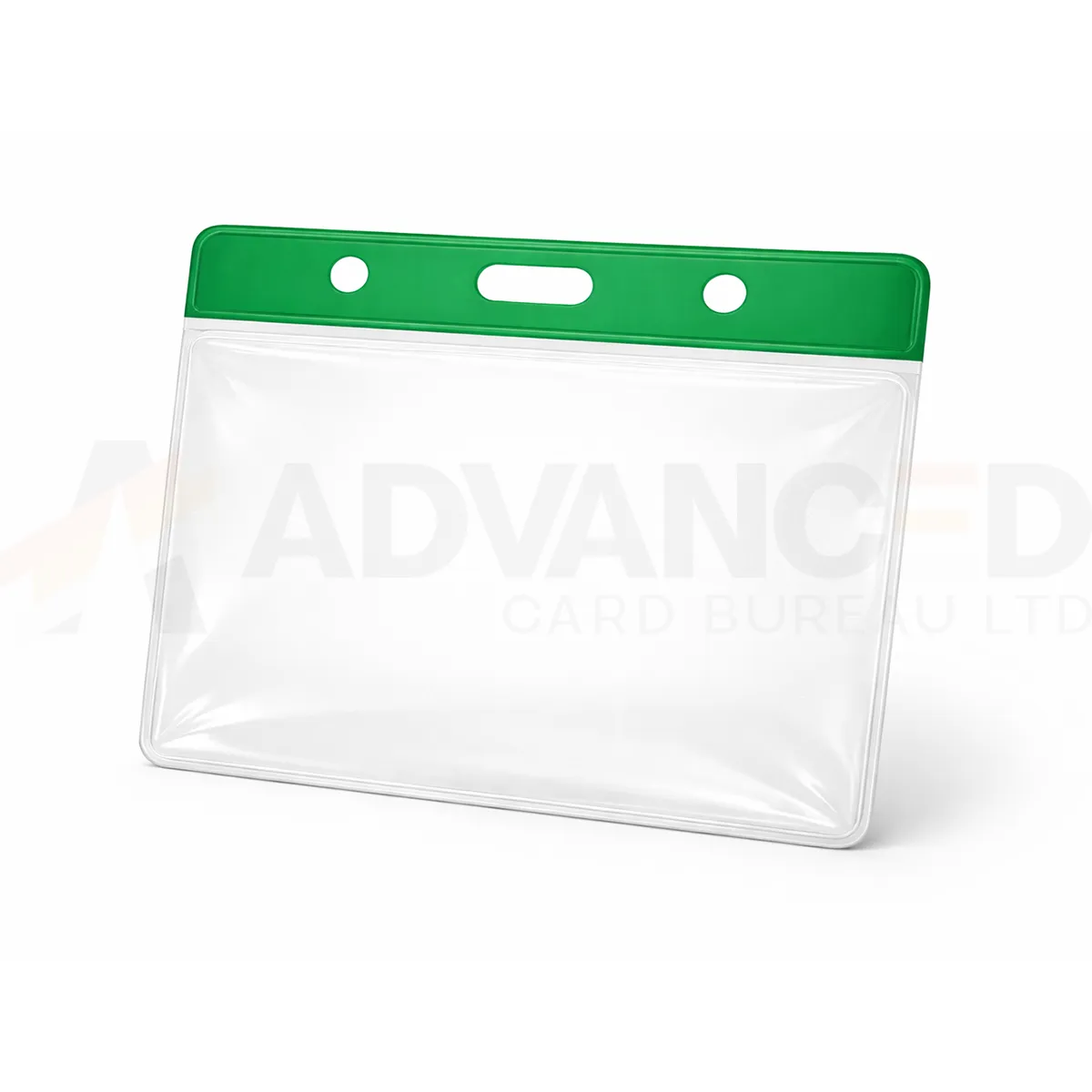### Check the pass format The 91 × 65 mm listing identifies the holder format. Confirm the usable insert area before cutting or printing a pass to that size, particularly when the artwork runs close to the edges. A green top bar provides a colour cue for your own visitor scheme. ### Green vinyl pass holder for your setup Choose the required quantity from 1, 5, 10, 25, 50, 100. Check that your chosen clip or lanyard fits the attachment slot and that the loaded pass hangs in the required orientation. Keep the pocket flat when storing it. Replace a holder if the pocket or attachment point is damaged. Ask ACB to confirm insert fit for an unusual pass thickness or size. ### Use colour alongside clear printed information Green can distinguish one group within your own visitor or event scheme. Write the group name, date or permitted area clearly on the insert, rather than relying on the top bar alone. Brief the people who issue and check passes so the scheme is applied consistently. Prepare a sample green vinyl pass holder with the intended insert and wearing attachment. Check that the pocket sits flat, the name is visible and any barcode scans through the material. For another part of the same scheme, compare the [yellow option](https://acb-ltd.com/product/vinyl-yellow-top-visitor-pass-holder-91x65mm/). If the print layout needs more space, check the [larger clear holder](https://acb-ltd.com/product/clear-vinyl-visitor-pass-holder-102x83mm/) and confirm its insert fit separately. ## Green vinyl pass holder: buying questions ### Does green indicate an environmentally certified holder? Green describes the top-bar colour. No environmental certification or recycled-content claim follows from that colour; ask ACB for a confirmed material specification if procurement requires one. ### Should the insert be cut to the nominal holder dimensions? Confirm the usable insert area first. The listing format does not establish the exact internal pocket size, so approve a sample before cutting or printing a large batch. ### Can the holders be reused for another visitor? Inspect the pocket and attachment point before reuse, and follow your organisation’s process for replacing the printed credential. Replace damaged holders and keep stored pockets flat. Choose the required quantity and check the selected option before adding it to your basket. For help with the card specification, artwork or a matching accessory, [contact ACB](https://acb-ltd.com/contact-us/). **Product brands:** ACB Ltd **Product categories:** ID Card Accessories, ID Card Holders --- ### [Vinyl Blue Top Visitor Pass Holder – 91x65mm](https://acb-ltd.com/product/vinyl-blue-top-visitor-pass-holder-91x65mm/) **Published:** August 3, 2025 **Author:** acb_superadmin **Excerpt:** A blue vinyl pass holder displays a printed visitor or event credential with a blue top bar as a visible colour cue. This listing uses the nominal 91 × 65 mm format. Choose the holder for your own pass scheme, and confirm the usable insert dimensions before producing a batch of printed credentials. **Content:** ## Blue vinyl pass holder A blue vinyl pass holder displays a printed visitor or event credential with a blue top bar as a visible colour cue. This listing uses the nominal 91 × 65 mm format. Choose the holder for your own pass scheme, and confirm the usable insert dimensions before producing a batch of printed credentials. 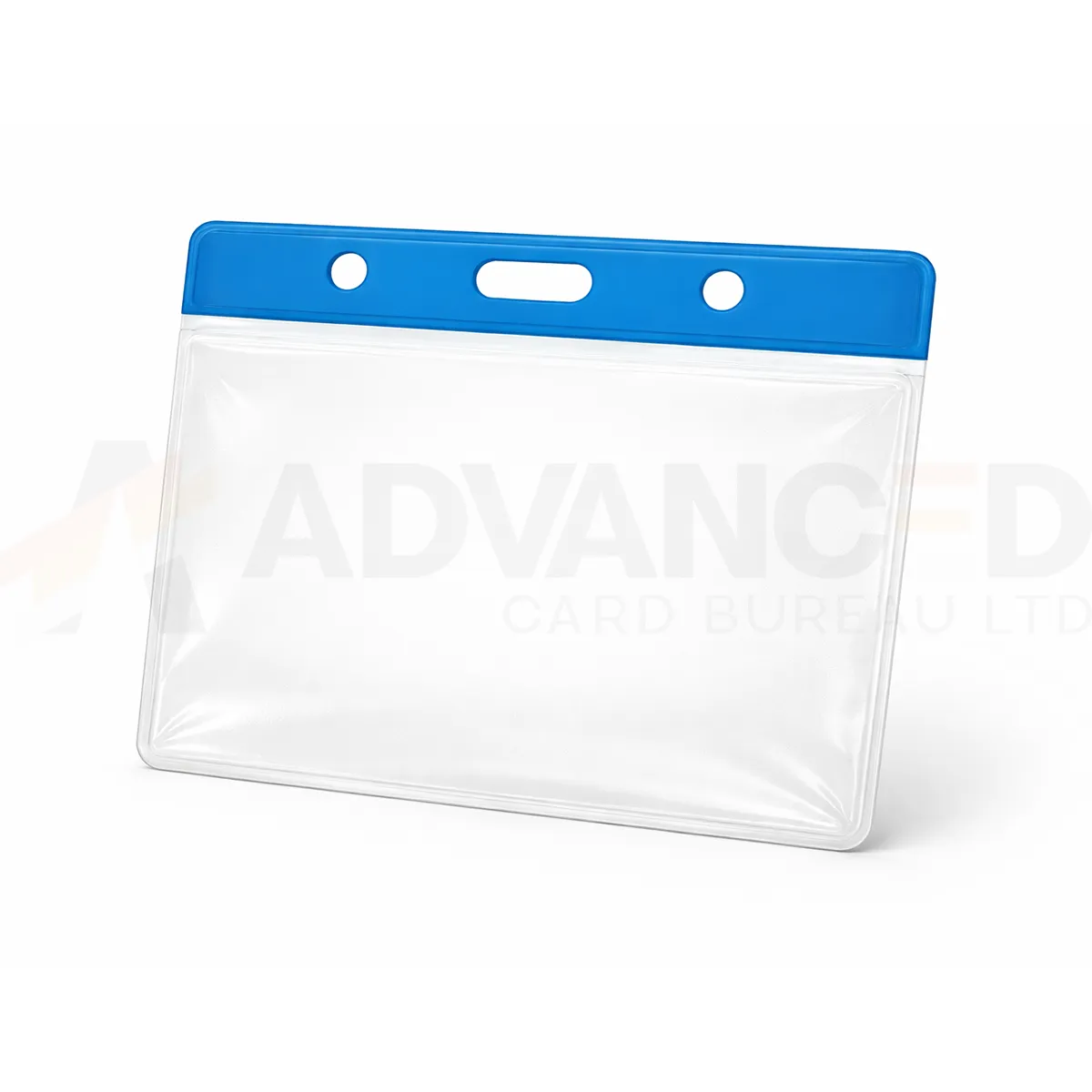### Check the pass format The 91 × 65 mm listing identifies the holder format. Confirm the usable insert area before cutting or printing a pass to that size, particularly when the artwork runs close to the edges. A blue top bar provides a colour cue for your own visitor scheme. ### Blue vinyl pass holder for your setup Choose the required quantity from 1, 5, 10, 25, 50, 100. Check that your chosen clip or lanyard fits the attachment slot and that the loaded pass hangs in the required orientation. Keep the pocket flat when storing it. Replace a holder if the pocket or attachment point is damaged. Ask ACB to confirm insert fit for an unusual pass thickness or size. ### Use colour alongside clear printed information Blue can support a coordinated pass scheme for a department, visitor group or event. Agree the category in advance and include readable wording on the insert. Check how the pass looks with your chosen lanyard so staff can identify the credential in everyday use. Prepare a sample blue vinyl pass holder with the intended insert and wearing attachment. Check that the pocket sits flat, the name is visible and any barcode scans through the material. For another part of the same scheme, compare the [green option](https://acb-ltd.com/product/vinyl-green-top-visitor-pass-holder-91x65mm/). If the print layout needs more space, check the [larger clear holder](https://acb-ltd.com/product/clear-vinyl-visitor-pass-holder-102x83mm/) and confirm its insert fit separately. ## Blue vinyl pass holder: buying questions ### Can blue match our existing badge scheme? Compare an actual holder with your approved scheme. A screen image cannot guarantee a precise colour match; confirm the stock if matching a previous batch matters. ### Should the insert be cut to the nominal holder dimensions? Confirm the usable insert area first. The listing format does not establish the exact internal pocket size, so approve a sample before cutting or printing a large batch. ### Can the holders be reused for another visitor? Inspect the pocket and attachment point before reuse, and follow your organisation’s process for replacing the printed credential. Replace damaged holders and keep stored pockets flat. Choose the required quantity and check the selected option before adding it to your basket. For help with the card specification, artwork or a matching accessory, [contact ACB](https://acb-ltd.com/contact-us/). **Product brands:** ACB Ltd **Product categories:** ID Card Accessories, ID Card Holders --- ### [Vinyl Black Top Visitor Pass Holder – 91x65mm](https://acb-ltd.com/product/vinyl-black-top-visitor-pass-holder-91x65mm/) **Published:** August 3, 2025 **Author:** acb_superadmin **Excerpt:** A black vinyl pass holder displays a printed visitor or event credential with a black top bar as a visible colour cue. This listing uses the nominal 91 × 65 mm format. Choose the holder for your own pass scheme, and confirm the usable insert dimensions before producing a batch of printed credentials. **Content:** ## Black vinyl pass holder A black vinyl pass holder displays a printed visitor or event credential with a black top bar as a visible colour cue. This listing uses the nominal 91 × 65 mm format. Choose the holder for your own pass scheme, and confirm the usable insert dimensions before producing a batch of printed credentials. 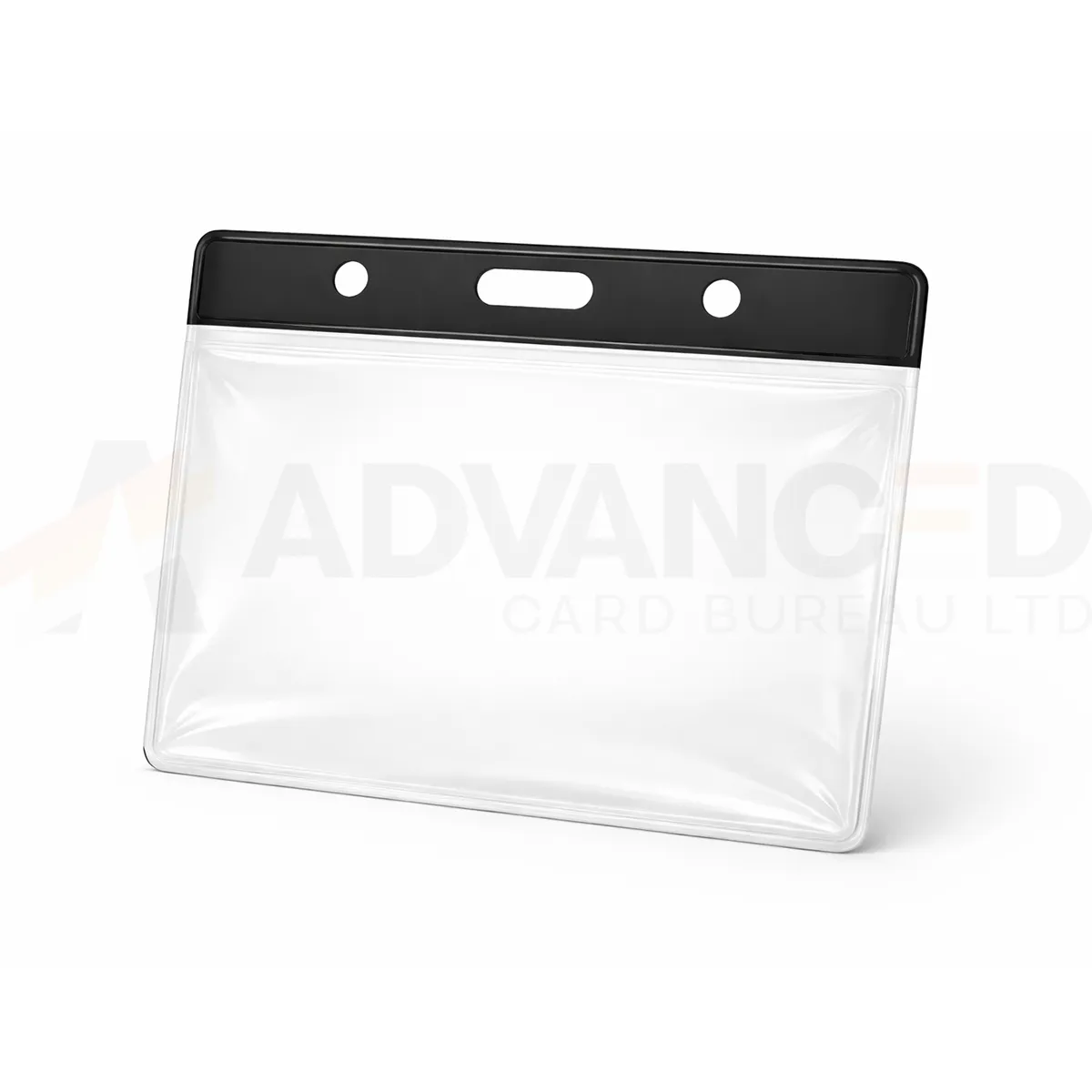### Check the pass format The 91 × 65 mm listing identifies the holder format. Confirm the usable insert area before cutting or printing a pass to that size, particularly when the artwork runs close to the edges. A black top bar provides a colour cue for your own visitor scheme. ### Black vinyl pass holder for your setup Choose the required quantity from 1, 5, 10, 25, 50, 100. Check that your chosen clip or lanyard fits the attachment slot and that the loaded pass hangs in the required orientation. Keep the pocket flat when storing it. Replace a holder if the pocket or attachment point is damaged. Ask ACB to confirm insert fit for an unusual pass thickness or size. ### Use colour alongside clear printed information A black top bar can suit a restrained visitor-pass layout or a scheme that already uses black accessories. Check that the artwork remains clear below the bar and that the selected wearing attachment matches the holder slot. Keep the required visitor details visible while the pass is worn. Prepare a sample black vinyl pass holder with the intended insert and wearing attachment. Check that the pocket sits flat, the name is visible and any barcode scans through the material. For another part of the same scheme, compare the [clear option](https://acb-ltd.com/product/clear-vinyl-visitor-pass-holder-91x65mm/). If the print layout needs more space, check the [larger clear holder](https://acb-ltd.com/product/clear-vinyl-visitor-pass-holder-102x83mm/) and confirm its insert fit separately. ## Black vinyl pass holder: buying questions ### Can I use the black top with any printed design? Review a loaded sample with your actual artwork. Keep names, dates and any code inside the confirmed insert area, clear of the top bar and pocket edges. ### Should the insert be cut to the nominal holder dimensions? Confirm the usable insert area first. The listing format does not establish the exact internal pocket size, so approve a sample before cutting or printing a large batch. ### Can the holders be reused for another visitor? Inspect the pocket and attachment point before reuse, and follow your organisation’s process for replacing the printed credential. Replace damaged holders and keep stored pockets flat. Choose the required quantity and check the selected option before adding it to your basket. For help with the card specification, artwork or a matching accessory, [contact ACB](https://acb-ltd.com/contact-us/). **Product brands:** ACB Ltd **Product categories:** ID Card Accessories, ID Card Holders --- ### [Vinyl Red Top Visitor Pass Holder - 91x65mm](https://acb-ltd.com/product/vinyl-red-top-visitor-pass-holder-91x65mm/) **Published:** August 3, 2025 **Author:** acb_superadmin **Excerpt:** A red vinyl pass holder displays a printed visitor or event credential with a red top bar as a visible colour cue. This listing uses the nominal 91 × 65 mm format. Choose the holder for your own pass scheme, and confirm the usable insert dimensions before producing a batch of printed credentials. **Content:** ## Red vinyl pass holder A red vinyl pass holder displays a printed visitor or event credential with a red top bar as a visible colour cue. This listing uses the nominal 91 × 65 mm format. Choose the holder for your own pass scheme, and confirm the usable insert dimensions before producing a batch of printed credentials. 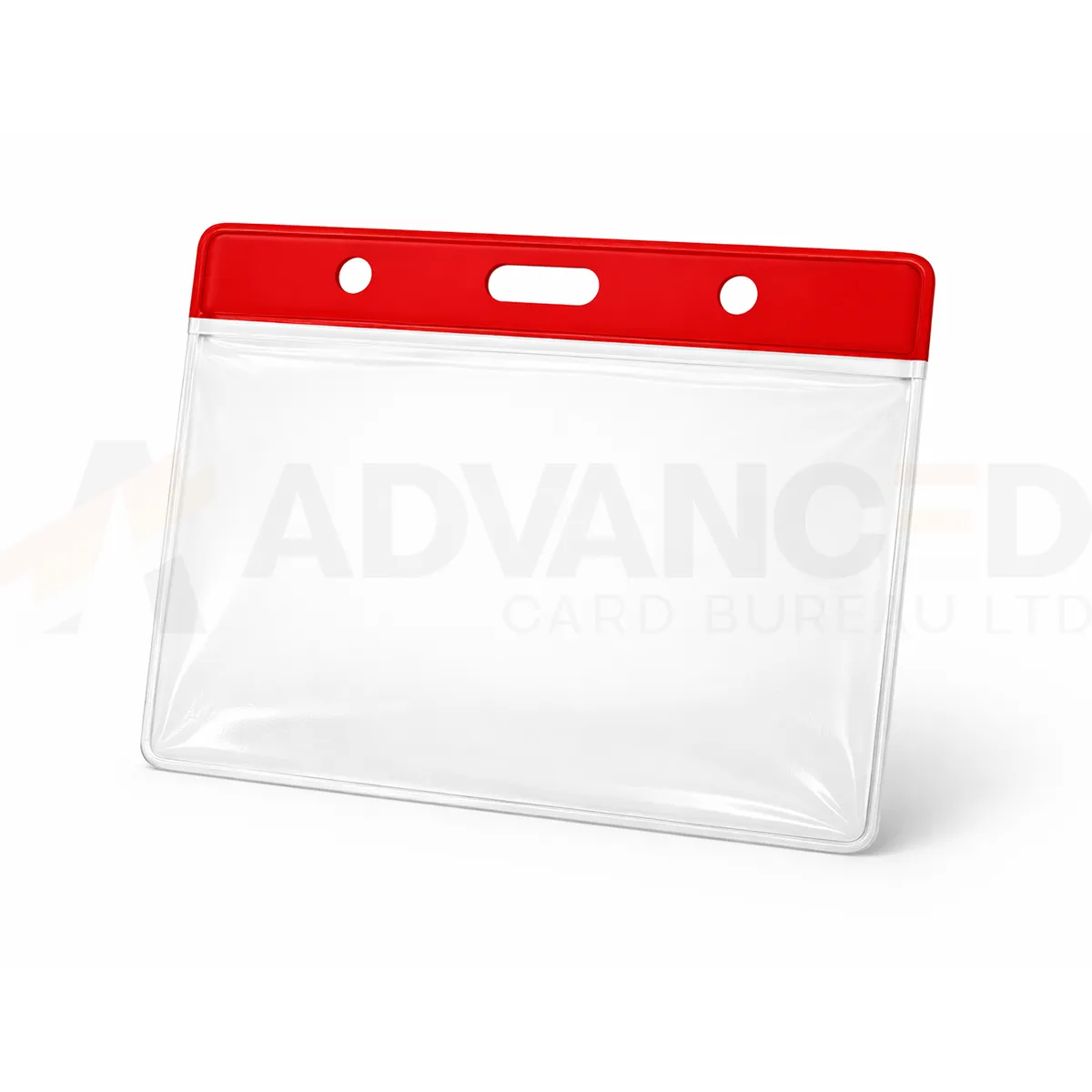### Check the pass format The 91 × 65 mm listing identifies the holder format. Confirm the usable insert area before cutting or printing a pass to that size, particularly when the artwork runs close to the edges. A red top bar provides a colour cue for your own visitor scheme. ### Red vinyl pass holder for your setup Choose the required quantity from 1, 5, 10, 25, 50, 100. Check that your chosen clip or lanyard fits the attachment slot and that the loaded pass hangs in the required orientation. Keep the pocket flat when storing it. Replace a holder if the pocket or attachment point is damaged. Ask ACB to confirm insert fit for an unusual pass thickness or size. ### Use colour alongside clear printed information Red can make a chosen visitor category easier to spot at reception. Define the meaning within your own procedure and print the role or zone on the insert as well. A colour cue works best when the staff checking passes can also read the credential clearly. Prepare a sample red vinyl pass holder with the intended insert and wearing attachment. Check that the pocket sits flat, the name is visible and any barcode scans through the material. For another part of the same scheme, compare the [blue option](https://acb-ltd.com/product/vinyl-blue-top-visitor-pass-holder-91x65mm/). If the print layout needs more space, check the [larger clear holder](https://acb-ltd.com/product/clear-vinyl-visitor-pass-holder-102x83mm/) and confirm its insert fit separately. ## Red vinyl pass holder: buying questions ### Can red identify a restricted area? Use red only as part of your organisation’s defined pass scheme. Print the relevant area or role in words and follow the actual authorisation process; the holder colour itself does not grant access. ### Should the insert be cut to the nominal holder dimensions? Confirm the usable insert area first. The listing format does not establish the exact internal pocket size, so approve a sample before cutting or printing a large batch. ### Can the holders be reused for another visitor? Inspect the pocket and attachment point before reuse, and follow your organisation’s process for replacing the printed credential. Replace damaged holders and keep stored pockets flat. Choose the required quantity and check the selected option before adding it to your basket. For help with the card specification, artwork or a matching accessory, [contact ACB](https://acb-ltd.com/contact-us/). **Product brands:** ACB Ltd **Product categories:** ID Card Accessories, ID Card Holders --- ### [Clear Vinyl Visitor Pass Holder – 102x83mm](https://acb-ltd.com/product/clear-vinyl-visitor-pass-holder-102x83mm/) **Published:** August 3, 2025 **Author:** acb_superadmin **Excerpt:** A large clear vinyl holder gives a visitor or event pass a transparent display pocket in the listed 102 × 83 mm format. Use the larger format when the credential layout needs more room than the smaller visitor holder, then confirm the usable insert area before preparing the final print file. **Content:** ## Large clear vinyl holder A large clear vinyl holder gives a visitor or event pass a transparent display pocket in the listed 102 × 83 mm format. Use the larger format when the credential layout needs more room than the smaller visitor holder, then confirm the usable insert area before preparing the final print file. 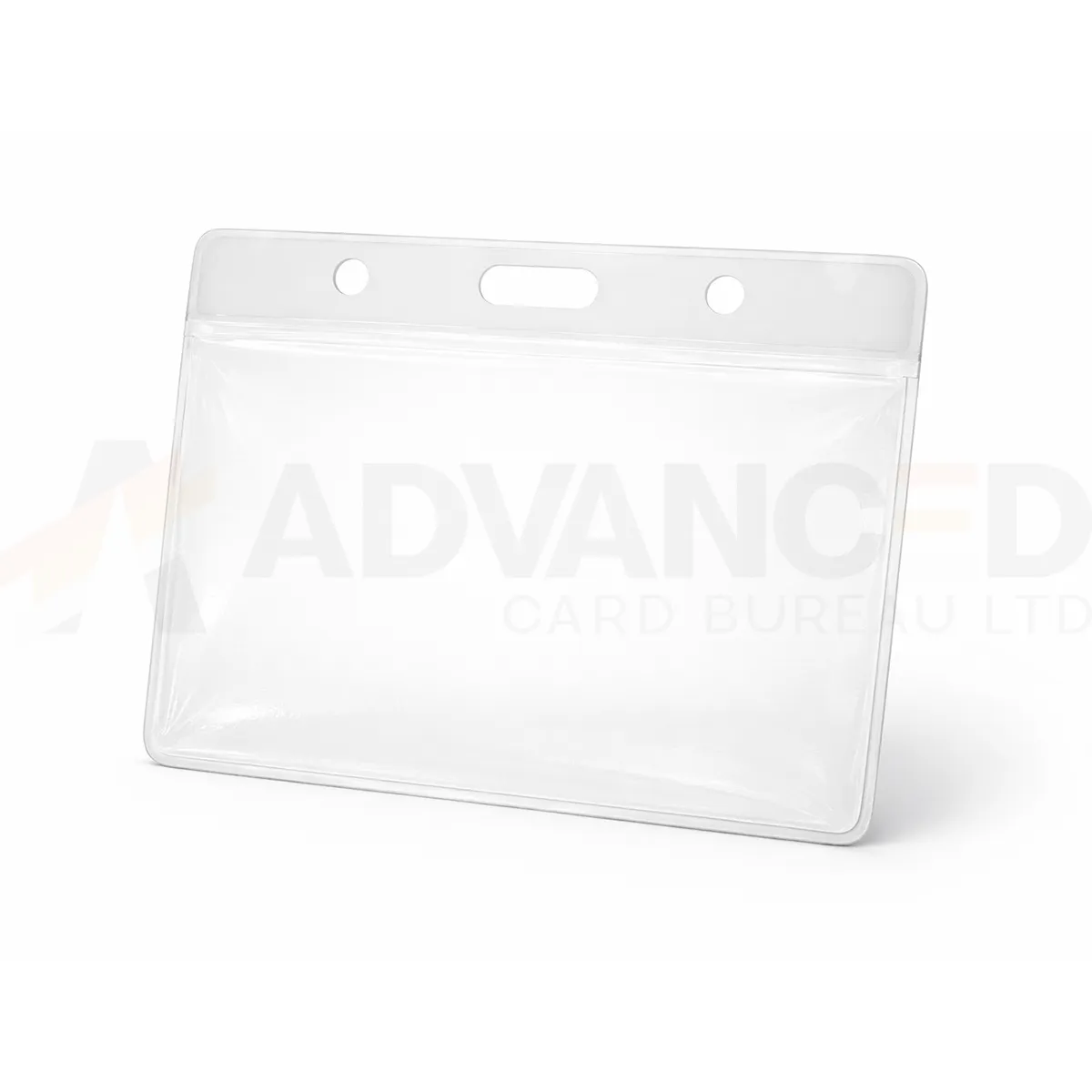### Check the pass format The 102 × 83 mm listing identifies the holder format. Confirm the usable insert area before cutting or printing a pass to that size, particularly when the artwork runs close to the edges. The clear finish suits passes where the artwork provides the identification colours. ### Large clear vinyl holder for your setup Choose the required quantity from 1, 5, 10, 25, 50, 100. Check that your chosen clip or lanyard fits the attachment slot and that the loaded pass hangs in the required orientation. Keep the pocket flat when storing it. Replace a holder if the pocket or attachment point is damaged. Ask ACB to confirm insert fit for an unusual pass thickness or size. ### Arrange the larger credential clearly Choose a large clear vinyl holder when the pass needs an easily read name, organisation, event detail or access-zone wording. Give each item a clear place in the layout and avoid shrinking essential text to fit additional information. Check a loaded sample at the distance where staff normally view the credential. Confirm the insert dimensions and paper thickness with ACB, then match the wearing attachment to the holder slot. Plan spare passes and replacement holders as part of the issue quantity. Compare the [91 × 65 mm clear holder](https://acb-ltd.com/product/clear-vinyl-visitor-pass-holder-91x65mm/) for a smaller layout, or a [blue-top vinyl holder](https://acb-ltd.com/product/vinyl-blue-top-visitor-pass-holder-91x65mm/) where your programme calls for a visible colour cue. ## Large clear vinyl holder: buying questions ### Can I print an insert exactly 102 × 83 mm? Confirm the usable insert area first. Nominal holder dimensions and the space available inside the pocket are not necessarily identical. ### Is the larger pocket an approval for any card thickness? No. Check fit using the intended insert and any laminated finish. A larger nominal width and height do not establish the supported thickness. ### How should I order for an event team? Count the people who need passes, add the spares your issue process requires and select the quantity option carefully. Include compatible clips or lanyards as separate items unless a bundle states otherwise. Choose the required quantity and check the selected option before adding it to your basket. For help with the card specification, artwork or a matching accessory, [contact ACB](https://acb-ltd.com/contact-us/). **Product brands:** ACB Ltd **Product categories:** ID Card Accessories, ID Card Holders --- ### [Clear Vinyl Visitor Pass Holder - 91x65mm](https://acb-ltd.com/product/clear-vinyl-visitor-pass-holder-91x65mm/) **Published:** August 3, 2025 **Author:** acb_superadmin **Excerpt:** A clear vinyl pass holder keeps a printed visitor or event credential visible without adding a coloured top bar. This listing uses the nominal 91 × 65 mm format. Choose it for a pass whose own artwork supplies the branding, role information and any colour coding, then confirm the usable insert dimensions. **Content:** ## Clear vinyl pass holder A clear vinyl pass holder keeps a printed visitor or event credential visible without adding a coloured top bar. This listing uses the nominal 91 × 65 mm format. Choose it for a pass whose own artwork supplies the branding, role information and any colour coding, then confirm the usable insert dimensions. ### Check the pass format The 91 × 65 mm listing identifies the holder format. Confirm the usable insert area before cutting or printing a pass to that size, particularly when the artwork runs close to the edges. The clear finish suits passes where the artwork provides the identification colours. ### Clear vinyl pass holder for your setup Choose the required quantity from 1, 5, 10, 25, 50, 100. Check that your chosen clip or lanyard fits the attachment slot and that the loaded pass hangs in the required orientation. Keep the pocket flat when storing it. Replace a holder if the pocket or attachment point is damaged. Ask ACB to confirm insert fit for an unusual pass thickness or size. ### Prepare a pass that stays readable Use a clear vinyl pass holder with an insert that slides into the pocket without bending. Leave space around essential details and check the loaded pass rather than sizing artwork to the nominal holder dimensions alone. A sample helps confirm whether the insert and chosen paper thickness suit the pocket. Check how the pass hangs from the selected lanyard or clip. Keep the name, organisation and expiry information easy to read at the intended viewing distance. If you need more room for a larger printed pass, compare the [102 × 83 mm clear holder](https://acb-ltd.com/product/clear-vinyl-visitor-pass-holder-102x83mm/). For a visible top-bar colour, see the [red vinyl option](https://acb-ltd.com/product/vinyl-red-top-visitor-pass-holder-91x65mm/). ## Clear vinyl pass holder: buying questions ### Is 91 × 65 mm the exact insert size? It is the nominal format used in the listing. Confirm the usable insert area before finalising artwork or cutting a large run of passes. ### Does the holder include a lanyard or printed pass? The holder, printed credential and wearing accessory are separate unless a stated bundle includes them. Check the required quantities for each part of your issue kit. ### How can I check a barcode through the pocket? Load a sample printed pass and try it with the actual scanner under normal working conditions. Keep the code clear of folds, pocket edges and artwork that could reduce readability. Choose the required quantity and check the selected option before adding it to your basket. For help with the card specification, artwork or a matching accessory, [contact ACB](https://acb-ltd.com/contact-us/). **Product brands:** ACB Ltd **Product categories:** ID Card Accessories, ID Card Holders **Product tags:** Badge Holder, Clear Card Holder, ID Badge Holder, ID Card Holder, ID Card Protector, ID Card Sleeve, ID Card Wallet, Plastic Card Holder, Vinyl Badge Holder, Vinyl Card Holder --- ### [Light Gold Blank Plastic PVC CR80 Cards](https://acb-ltd.com/product/light-gold-blank-plastic-pvc-cr80-cards/) **Published:** August 3, 2025 **Author:** acb_superadmin **Excerpt:** Light Gold blank PVC cards provide a gold-coloured base for a distinctive membership or identity design. They are supplied in the CR80 credit-card format, with quantity options of 100 or 500. The listed thickness is 760 microns (0.76 mm). Match the stock to the intended printer and approve the visible design before a larger batch. **Content:** ## Light gold blank PVC cards Light Gold blank PVC cards provide a gold-coloured base for a distinctive membership or identity design. They are supplied in the CR80 credit-card format, with quantity options of 100 or 500. The listed thickness is 760 microns (0.76 mm). Match the stock to the intended printer and approve the visible design before a larger batch. 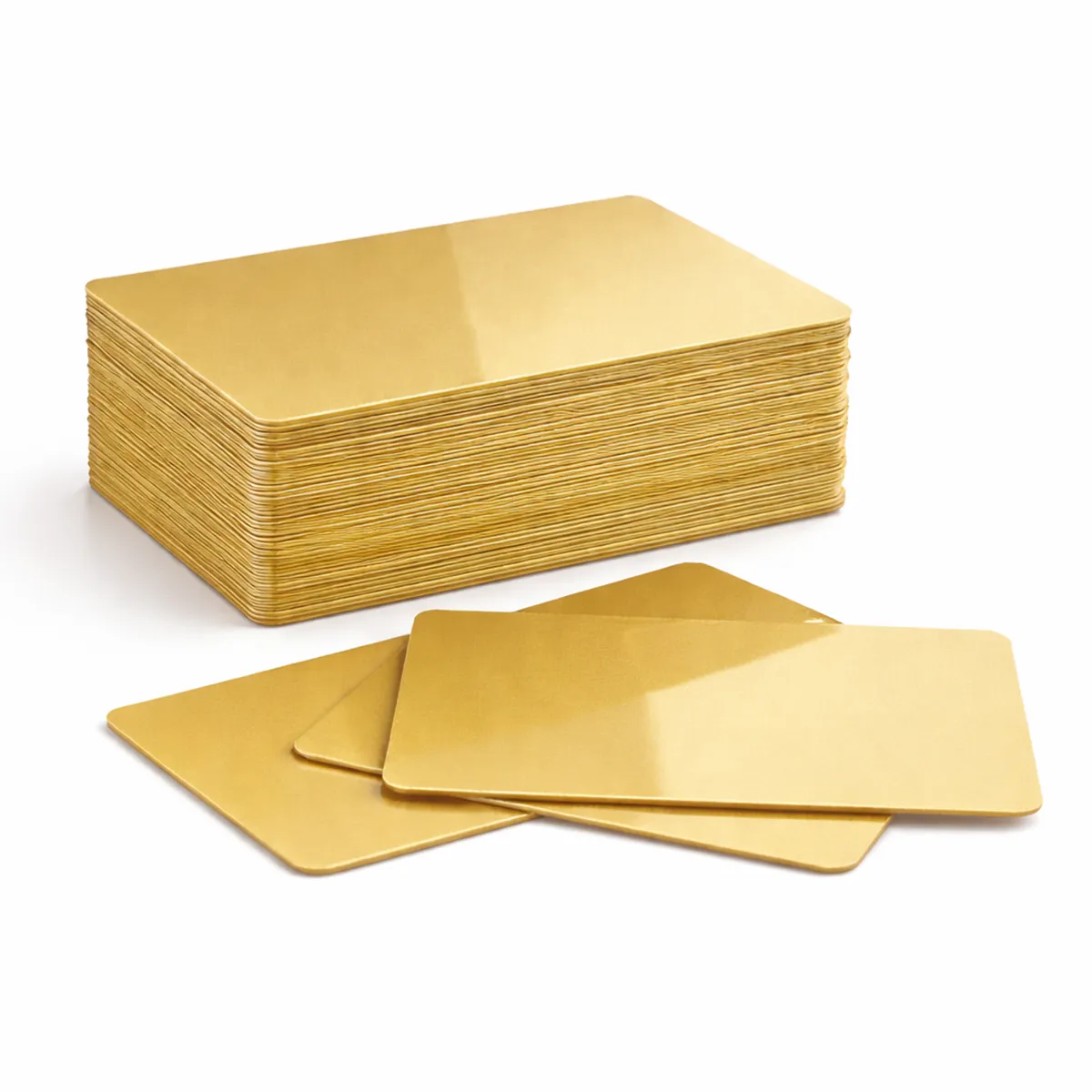### Match the card to the print method Check that your printer approves this card material, finish and thickness. Card size alone does not establish printer compatibility. The card background colour affects how printed colours and fine detail appear. Test the card and ribbon combination before a larger production run. A resin monochrome ribbon and a full-colour dye-sublimation ribbon have different applications; neither is automatically suitable for every coloured surface. ### Light gold blank PVC cards for your setup Available quantity options: 100, 500. These are blank visual card stock. A plain PVC card does not acquire a magnetic stripe, contact chip or RFID function through ordinary printing. Order the required technology card separately when a system depends on it. Keep unused cards clean, flat and protected from dust. Confirm any requirement for signature panels, numbering or specialist finishes with ACB before ordering. ### Approve the background and artwork together Choose light gold blank PVC cards as part of the complete card design. Light gold can be useful for a membership tier or a coordinated branded card. Approve the background and printed details together under normal viewing conditions. Keep fine text and any scanned code clear, and confirm the intended stock finish rather than assuming a particular metallic or reflective effect. Plan a few test prints alongside the number of cards needed for new users and replacements. Keep the approved template with the stock specification for repeat orders. Compare [white blank PVC cards](https://acb-ltd.com/product/premium-blank-white-pvc-plastic-cards/) when the design needs a neutral base, or ask ACB about the [photo ID card printing service](https://acb-ltd.com/photo-id-card-printing/) for finished, personalised cards. ## Light gold blank PVC cards: buying questions ### Does light gold mean a foil-stamped card? This is the colour of the blank PVC stock. A separately applied foil, raised detail or other specialist finish would need its own agreed production specification. ### Can these work as electronic access cards? This listing is for plain visual card stock. If a reader requires a chip or magnetic stripe, choose a card with the specified technology and encoding requirements instead. ### How do I check a larger order before printing it? Confirm the selected quantity, material, thickness and finish. Use your actual printer and ribbon for a sample, check the design and any reader-dependent details, then retain that approved setup for the batch. Choose the required quantity and check the selected option before adding it to your basket. For help with the card specification, artwork or a matching accessory, [contact ACB](https://acb-ltd.com/contact-us/). **Product categories:** Blank Coloured Cards, Blank Plastic Cards **Product tags:** Blank Card, CR80 Card, durable, Gold Card, High Quality, Light Gold Blank Plastic PVC CR80 Card, Plastic Card, PVC Card --- ### [Light Blue Blank Plastic PVC CR80 Cards](https://acb-ltd.com/product/light-blue-blank-plastic-pvc-cr80-cards/) **Published:** August 3, 2025 **Author:** acb_superadmin **Excerpt:** Light Blue blank PVC cards provide a pale-coloured starting point for coordinated card designs. They are supplied in the CR80 credit-card format, with quantity options of 100 or 500. Confirm the required stock thickness with ACB. Match the stock to the intended printer and approve the visible design before a larger batch. **Content:** ## Light blue blank PVC cards Light Blue blank PVC cards provide a pale-coloured starting point for coordinated card designs. They are supplied in the CR80 credit-card format, with quantity options of 100 or 500. Confirm the required stock thickness with ACB. Match the stock to the intended printer and approve the visible design before a larger batch. 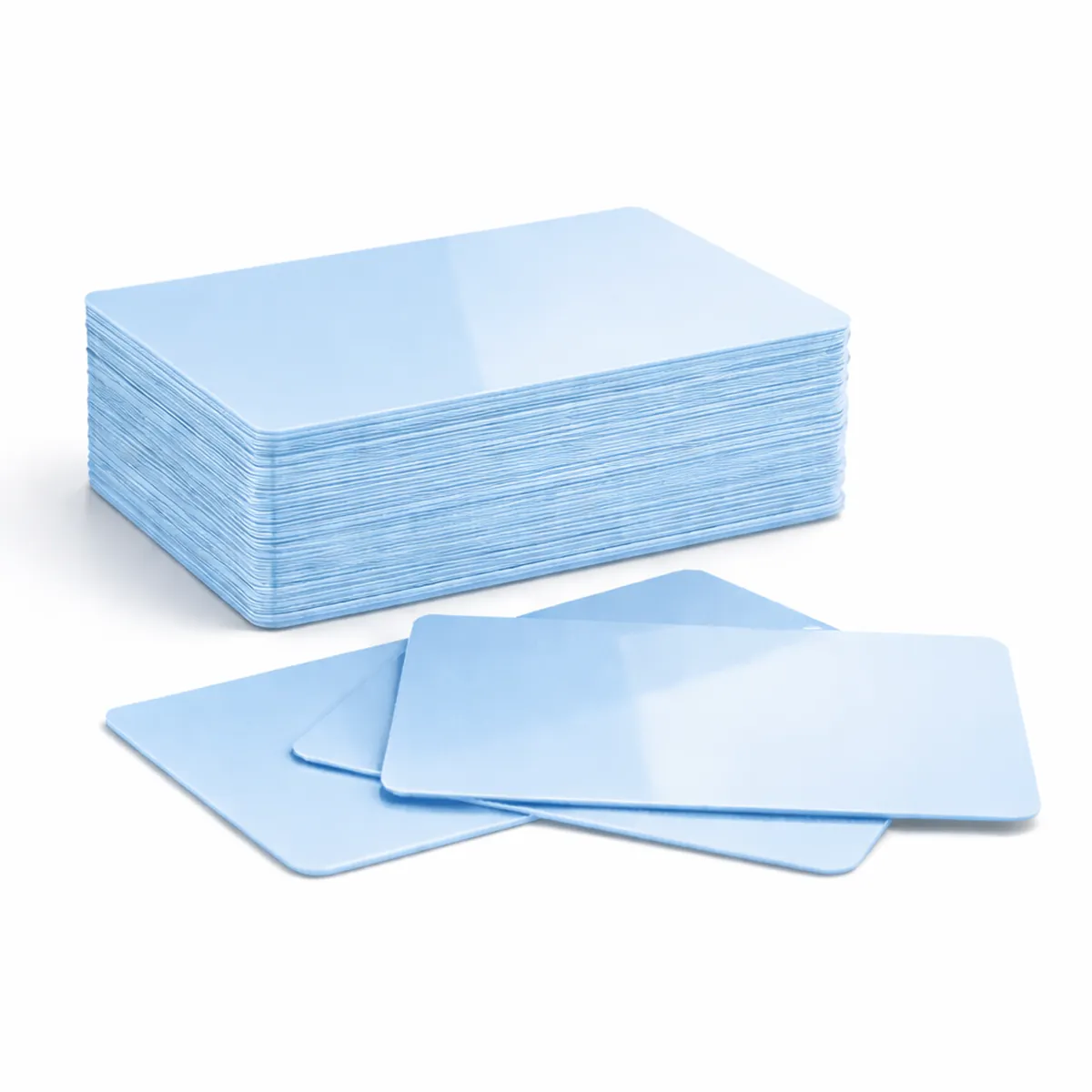### Match the card to the print method Check that your printer approves this card material, finish and thickness. Card size alone does not establish printer compatibility. The card background colour affects how printed colours and fine detail appear. Test the card and ribbon combination before a larger production run. A resin monochrome ribbon and a full-colour dye-sublimation ribbon have different applications; neither is automatically suitable for every coloured surface. ### Light blue blank PVC cards for your setup Available quantity options: 100, 500. These are blank visual card stock. A plain PVC card does not acquire a magnetic stripe, contact chip or RFID function through ordinary printing. Order the required technology card separately when a system depends on it. Keep unused cards clean, flat and protected from dust. Confirm any requirement for signature panels, numbering or specialist finishes with ACB before ordering. ### Approve the background and artwork together Choose light blue blank PVC cards as part of the complete card design. Use a light blue background where it suits the organisation’s badge design or membership colours. Review portraits, logos and the smallest lettering on the actual stock. Check the required thickness with ACB as part of the stock specification, especially when matching an existing printer setup. Plan a few test prints alongside the number of cards needed for new users and replacements. Keep the approved template with the stock specification for repeat orders. Compare [white blank PVC cards](https://acb-ltd.com/product/premium-blank-white-pvc-plastic-cards/) when the design needs a neutral base, or ask ACB about the [photo ID card printing service](https://acb-ltd.com/photo-id-card-printing/) for finished, personalised cards. ## Light blue blank PVC cards: buying questions ### Is light blue stock the same as white stock printed blue? The background colour is part of the card you are buying. Check the appearance of the card and the overprinted artwork together; a screen proof alone cannot establish the finished colour match. ### Can these work as electronic access cards? This listing is for plain visual card stock. If a reader requires a chip or magnetic stripe, choose a card with the specified technology and encoding requirements instead. ### How do I check a larger order before printing it? Confirm the selected quantity, material, thickness and finish. Use your actual printer and ribbon for a sample, check the design and any reader-dependent details, then retain that approved setup for the batch. Choose the required quantity and check the selected option before adding it to your basket. For help with the card specification, artwork or a matching accessory, [contact ACB](https://acb-ltd.com/contact-us/). **Product categories:** Blank Coloured Cards, Blank Plastic Cards **Product tags:** Access Cards, Gift cards, ID cards, light blue cards, Loyalty cards, Membership cards, Plastic Card Printing, PVC CR80 cards --- ### [Yellow Blank Plastic PVC CR80 Card](https://acb-ltd.com/product/yellow-blank-plastic-pvc-cr80-card/) **Published:** August 3, 2025 **Author:** acb_superadmin **Excerpt:** Yellow blank PVC cards provide a visible colour cue for your own badge or membership scheme. They are supplied in the CR80 credit-card format, with quantity options of 100 or 500. The listed thickness is 760 microns (0.76 mm). Match the stock to the intended printer and approve the visible design before a larger batch. **Content:** ## Yellow blank PVC cards Yellow blank PVC cards provide a visible colour cue for your own badge or membership scheme. They are supplied in the CR80 credit-card format, with quantity options of 100 or 500. The listed thickness is 760 microns (0.76 mm). Match the stock to the intended printer and approve the visible design before a larger batch. ### Match the card to the print method Check that your printer approves this card material, finish and thickness. Card size alone does not establish printer compatibility. The card background colour affects how printed colours and fine detail appear. Test the card and ribbon combination before a larger production run. A resin monochrome ribbon and a full-colour dye-sublimation ribbon have different applications; neither is automatically suitable for every coloured surface. ### Yellow blank PVC cards for your setup Available quantity options: 100, 500. These are blank visual card stock. A plain PVC card does not acquire a magnetic stripe, contact chip or RFID function through ordinary printing. Order the required technology card separately when a system depends on it. Keep unused cards clean, flat and protected from dust. Confirm any requirement for signature panels, numbering or specialist finishes with ACB before ordering. ### Approve the background and artwork together Choose yellow blank PVC cards as part of the complete card design. A yellow background can separate one card category from another in a programme that uses colour. Keep the actual role, name or expiry information readable in text as well. Approve the printed shade and contrast on a sample rather than relying on a monitor preview. Plan a few test prints alongside the number of cards needed for new users and replacements. Keep the approved template with the stock specification for repeat orders. Compare [white blank PVC cards](https://acb-ltd.com/product/premium-blank-white-pvc-plastic-cards/) when the design needs a neutral base, or ask ACB about the [photo ID card printing service](https://acb-ltd.com/photo-id-card-printing/) for finished, personalised cards. ## Yellow blank PVC cards: buying questions ### Does the yellow colour identify a particular role? It can form part of your organisation’s chosen scheme. Add clear printed wording where a role or card category matters, and explain that scheme to the people who check the cards. ### Can these work as electronic access cards? This listing is for plain visual card stock. If a reader requires a chip or magnetic stripe, choose a card with the specified technology and encoding requirements instead. ### How do I check a larger order before printing it? Confirm the selected quantity, material, thickness and finish. Use your actual printer and ribbon for a sample, check the design and any reader-dependent details, then retain that approved setup for the batch. Choose the required quantity and check the selected option before adding it to your basket. For help with the card specification, artwork or a matching accessory, [contact ACB](https://acb-ltd.com/contact-us/). **Product categories:** Blank Coloured Cards, Blank Plastic Cards **Product tags:** Blank PVC Card, Plastic CR80 Card, PVC CR80 Card, Yellow Blank Card, Yellow Blank Plastic PVC CR80 Card, Yellow PVC Card. --- ### [Black Blank Plastic PVC CR80 Cards](https://acb-ltd.com/product/black-blank-plastic-pvc-cr80-cards/) **Published:** August 3, 2025 **Author:** acb_superadmin **Excerpt:** Black blank PVC cards provide a strong dark base for a high-contrast card design. They are supplied in the CR80 credit-card format, with quantity options of 100 or 500. The listed thickness is 760 microns (0.76 mm). Match the stock to the intended printer and approve the visible design before a larger batch. **Content:** ## Black blank PVC cards Black blank PVC cards provide a strong dark base for a high-contrast card design. They are supplied in the CR80 credit-card format, with quantity options of 100 or 500. The listed thickness is 760 microns (0.76 mm). Match the stock to the intended printer and approve the visible design before a larger batch. ### Match the card to the print method Check that your printer approves this card material, finish and thickness. Card size alone does not establish printer compatibility. The card background colour affects how printed colours and fine detail appear. Test the card and ribbon combination before a larger production run. A resin monochrome ribbon and a full-colour dye-sublimation ribbon have different applications; neither is automatically suitable for every coloured surface. ### Black blank PVC cards for your setup Available quantity options: 100, 500. These are blank visual card stock. A plain PVC card does not acquire a magnetic stripe, contact chip or RFID function through ordinary printing. Order the required technology card separately when a system depends on it. Keep unused cards clean, flat and protected from dust. Confirm any requirement for signature panels, numbering or specialist finishes with ACB before ordering. ### Approve the background and artwork together Choose black blank PVC cards as part of the complete card design. A dark card needs artwork that remains legible against its background. Decide which text, line graphics or other details should stand out, then approve the card-and-ribbon combination. Screen artwork with a black background is not a substitute for checking a real printed sample. Plan a few test prints alongside the number of cards needed for new users and replacements. Keep the approved template with the stock specification for repeat orders. Compare [white blank PVC cards](https://acb-ltd.com/product/premium-blank-white-pvc-plastic-cards/) when the design needs a neutral base, or ask ACB about the [photo ID card printing service](https://acb-ltd.com/photo-id-card-printing/) for finished, personalised cards. ## Black blank PVC cards: buying questions ### Should I use the same artwork as a white card? Review the contrast and printing method first. A layout prepared for a white substrate may need different treatment on black stock. Check the approved ribbon and driver process for your printer. ### Can these work as electronic access cards? This listing is for plain visual card stock. If a reader requires a chip or magnetic stripe, choose a card with the specified technology and encoding requirements instead. ### How do I check a larger order before printing it? Confirm the selected quantity, material, thickness and finish. Use your actual printer and ribbon for a sample, check the design and any reader-dependent details, then retain that approved setup for the batch. Choose the required quantity and check the selected option before adding it to your basket. For help with the card specification, artwork or a matching accessory, [contact ACB](https://acb-ltd.com/contact-us/). **Product categories:** Blank Coloured Cards, Blank Plastic Cards **Product tags:** Black Blank Plastic PVC CR80 Card, Black PVC Card, Blank Plastic Card, CR80 Card, PVC CR80 Card --- ### [Blank White PVC Plastic ID Cards 480 Micron Adhesive Cards – 175 Mic Paper Backing](https://acb-ltd.com/product/blank-white-pvc-plastic-id-cards-480-micron-adhesive-cards-175-mic-paper-backing/) **Published:** August 3, 2025 **Author:** acb_superadmin **Excerpt:** White adhesive PVC cards provide a printable card layer with a removable backing for an approved mounting process. This stock is listed with a 480-micron PVC layer and a 175-micron paper liner. Choose 100 or 500 and confirm the required dimensions, printer feed and finished application before artwork is prepared. **Content:** ## White adhesive PVC cards White adhesive PVC cards provide a printable card layer with a removable backing for an approved mounting process. This stock is listed with a 480-micron PVC layer and a 175-micron paper liner. Choose 100 or 500 and confirm the required dimensions, printer feed and finished application before artwork is prepared. ### Check the complete stock specification The PVC layer and removable paper backing are different components. Confirm the total feed thickness and liner arrangement required by your printer before loading these cards. Match the adhesive to the intended mounting surface. Do not assume the stock is suitable for clothing, sensitive surfaces or residue-free removal. ### White adhesive PVC cards for your setup Quantity options: 100, 500. Confirm the exact card dimensions and printable area when preparing artwork, especially if the finished label must align with an existing credential. A blank surface is not an anti-counterfeit or tamper-evident feature. Discuss specialist security stock separately if your application requires it. ### Match the printed label to the mounting surface Choose white adhesive PVC cards when your project needs a printed face attached to an agreed surface. For a proximity credential or existing badge, check the usable mounting area and ensure the label will not obstruct a slot, printed reference or feature needed in everyday use. Prepare a trial using the actual surface and complete card-and-liner stock. Confirm the feed thickness against the printer guide rather than treating the PVC layer alone as the loaded thickness. Compare [standard white PVC blanks](https://acb-ltd.com/product/premium-blank-white-pvc-plastic-cards/) if no adhesive is required, or discuss a finished visual badge with our [photo ID card printing service](https://acb-ltd.com/photo-id-card-printing/). ## White adhesive PVC cards: buying questions ### Are the card layer and backing the same component? No. The listing separates the 480-micron printable card layer from its 175-micron paper liner. Check the complete feed arrangement required by the printer and keep the stock flat before use. ### Is this automatically a CR79 undersize label? Confirm the exact dimensions with ACB. Adhesive cards are available in different formats, so a thickness description does not identify whether a particular stock is CR79 or CR80. ### Will the adhesive suit any surface? Test it on the intended surface and agree the required attachment result. Do not assume suitability for clothing, sensitive finishes or residue-free removal from the adhesive-card description alone. Choose the required quantity and check the selected option before adding it to your basket. For help with the card specification, artwork or a matching accessory, [contact ACB](https://acb-ltd.com/contact-us/). **Product categories:** Blank Plastic Cards, Blank White Cards **Product tags:** 175 micron paper backing., 480 micron cards, adhesive ID cards, Blank PVC ID cards, white plastic cards --- ### [Blank White PVC Plastic ID Cards CR80 760 Micron 3 Tag Card](https://acb-ltd.com/product/blank-white-pvc-plastic-id-cards-cr80-760-micron-3-tag-card/) **Published:** August 3, 2025 **Author:** acb_superadmin **Excerpt:** Three-tag PVC cards let you plan three coordinated tags within a CR80 parent-card layout. This white PVC stock is listed at 760 microns and available in quantities of 100 or 500. It is intended for an approved three-tag printing and finishing process, such as a membership or loyalty project. **Content:** ## Three-tag PVC cards Three-tag PVC cards let you plan three coordinated tags within a CR80 parent-card layout. This white PVC stock is listed at 760 microns and available in quantities of 100 or 500. It is intended for an approved three-tag printing and finishing process, such as a membership or loyalty project. ### Prepare the tag layout Confirm the individual tag dimensions, separation lines and any attachment-hole positions before creating print artwork. Leave critical text and codes clear of the separation areas. Check that the intended printer and handling process approve this cut or scored card format. Ordinary CR80 size does not establish compatibility with every card feeder. ### Three-tag PVC cards for your setup Available quantity options: 100, 500. Confirm whether your quantity requirement is stated as complete three-tag cards or individual finished tags when requesting a quote. These are blank printable stock. Barcodes, numbering and any magnetic or contactless technology require their own agreed specification. ### Plan the parent card and each finished tag Use three-tag PVC cards with artwork prepared for the actual separation lines and attachment positions. Place names, numbers and barcodes inside each tag’s usable area. Keep the three sections aligned so important detail is not lost when the printed parent card is separated. Work out the order in both parent cards and individual tags. If every supplied parent card produces three usable tags, 100 parent cards correspond to 300 tags before test prints or production losses. Confirm the basis of the selected quantity with ACB. For a different full-card layout, compare [plain white CR80 stock](https://acb-ltd.com/product/premium-blank-white-pvc-plastic-cards/). ## Three-tag PVC cards: buying questions ### Can every CR80 card printer feed three-tag stock? Check the printer’s guidance for the exact cut or scored format. A standard outer card size alone does not approve a particular feeder or handling process. ### How do I prepare a scannable tag design? Leave clear space around the barcode or QR code, keep it away from cut lines and test a finished tag with the actual reader. Use the confirmed tag dimensions when setting up the artwork. ### Are numbering and key rings included with the blanks? This listing is for blank stock. Agree printed numbering, barcodes, finishing and any separate attachments with ACB if you need a completed tag project rather than unprinted cards. Choose the required quantity and check the selected option before adding it to your basket. For help with the card specification, artwork or a matching accessory, [contact ACB](https://acb-ltd.com/contact-us/). **Product categories:** Blank Plastic Cards, Blank Tag Cards **Product tags:** 3 tag card, 3 tag cards., 760 Micron Cards, 760 micron thickness, Blank ID Cards, Blank PVC ID cards, CR80 Cards, CR80 size, Plastic cards, Plastic ID Cards, White ID Cards, white PVC cards. SEO keywords: PVC ID cards --- ### [Blank White PVC Plastic ID Cards CR80 760 Micron with Signature Panel](https://acb-ltd.com/product/blank-white-pvc-plastic-id-cards-cr80-760-micron-with-signature-panel/) **Published:** August 3, 2025 **Author:** acb_superadmin **Excerpt:** PVC cards with signature panel provide a blank white surface and a defined area for handwritten details. The stock is listed in CR80 format at 760 microns, with quantities of 100 or 500. It is useful when the card design needs a signature, written reference or other agreed handwritten information. **Content:** ## PVC cards with signature panel PVC cards with signature panel provide a blank white surface and a defined area for handwritten details. The stock is listed in CR80 format at 760 microns, with quantities of 100 or 500. It is useful when the card design needs a signature, written reference or other agreed handwritten information. 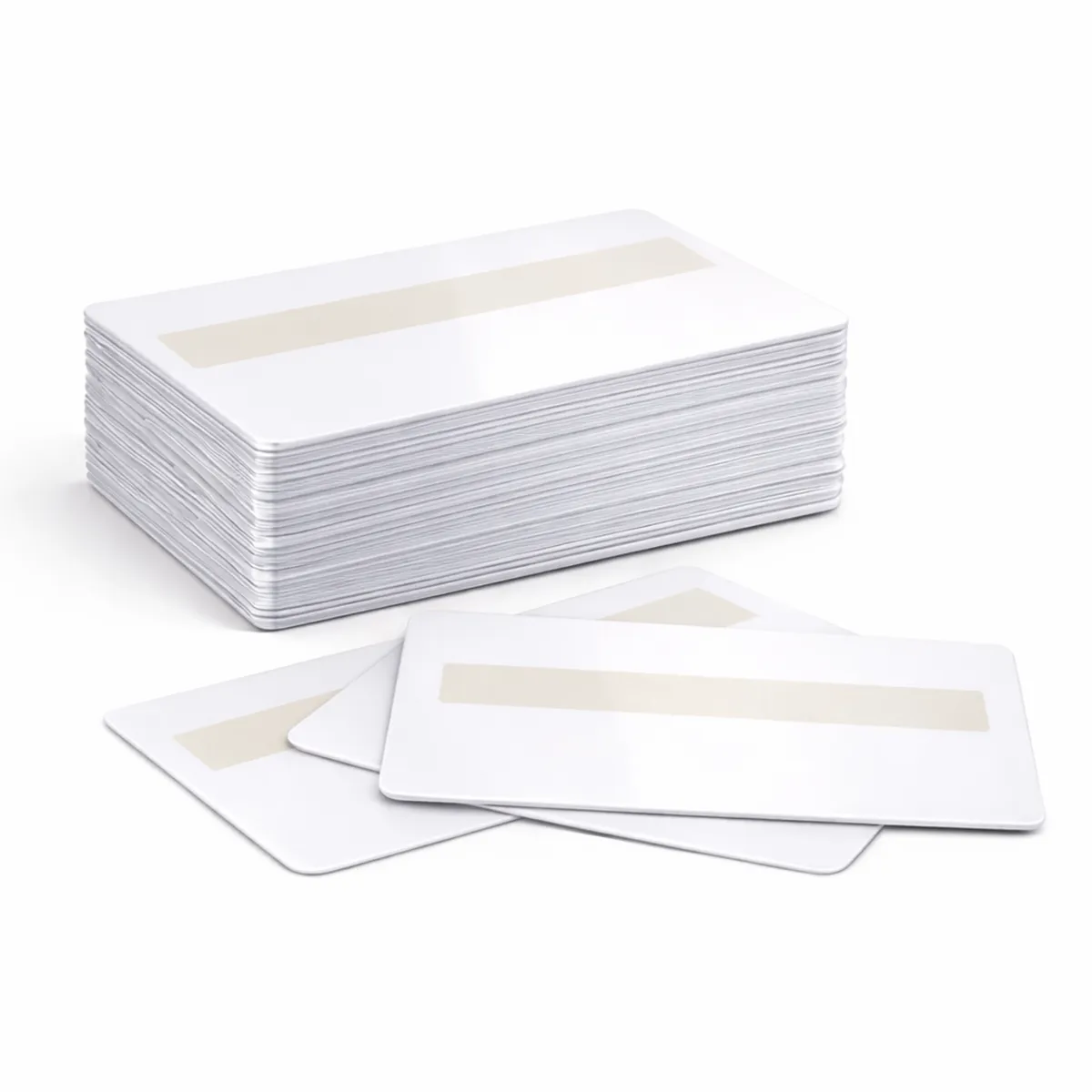### Plan print and handwriting Keep the signature-panel area clear in the artwork and use a writing instrument suitable for its surface. Check the panel position and size with ACB if either is critical to the design. The panel provides a place to write; it does not independently verify identity or make a credential tamper-proof. No chip or magnetic stripe is specified for this plain card. ### PVC cards with signature panel for your setup Available quantity options: 100, 500. Confirm that your printer supports the stock and signature-panel layout before producing a batch. Keep cards clean and flat, and approve a sample when the order depends on a particular printing or handwriting result. ### Give the writing area a clear purpose Choose PVC cards with signature panel when handwriting is part of the card-issue process. Decide what the panel will contain and keep the printed template clear of that area. If exact panel position or dimensions matter, have ACB confirm them before artwork is finalised. Prepare a sample using the intended writing instrument and print process. Check the name, any barcode and the handwriting together before producing a full batch. For a plain design without a writing area, compare [white blank cards](https://acb-ltd.com/product/premium-blank-white-pvc-plastic-cards/). A [single-sided landscape holder](https://acb-ltd.com/product/black-id-card-holder-single-sided-landscape/) is an option where the required card face should be visible while worn. ## PVC cards with signature panel: buying questions ### Can I sign anywhere on a plain PVC card? Use the specified signature area for the intended handwritten information and choose a suitable writing instrument. Test the actual stock before relying on a particular ink or marking result. ### Does this listing include electronic access technology? No chip or magnetic stripe is specified for this plain card. Select a different stock where the organisation requires contactless access or magnetic encoding alongside the printed design. ### How should I arrange printing and signing? Agree the artwork, keep the panel clear and approve a sample. Your organisation can then follow its chosen process for adding handwritten information and issuing the completed card to the user. Choose the required quantity and check the selected option before adding it to your basket. For help with the card specification, artwork or a matching accessory, [contact ACB](https://acb-ltd.com/contact-us/). **Product categories:** Blank Plastic Cards, Signature Panel Cards **Product tags:** 760 micron ID cards, blank white ID cards., CR80 ID cards, Plastic ID Cards, PVC ID Cards, signature panel ID cards --- ### [Blank White Lo-Co Plastic PVC Cards](https://acb-ltd.com/product/blank-white-lo-co-plastic-pvc-cards/) **Published:** August 3, 2025 **Author:** acb_superadmin **Excerpt:** Lo-Co magnetic stripe cards combine a blank white printable face with a stripe for the agreed encoding workflow. This PVC CR80 stock is listed at 760 microns and offered in quantities of 100 or 500. Match the stripe specification to the system before creating a replacement or new card batch. **Content:** ## Lo-Co magnetic stripe cards Lo-Co magnetic stripe cards combine a blank white printable face with a stripe for the agreed encoding workflow. This PVC CR80 stock is listed at 760 microns and offered in quantities of 100 or 500. Match the stripe specification to the system before creating a replacement or new card batch. 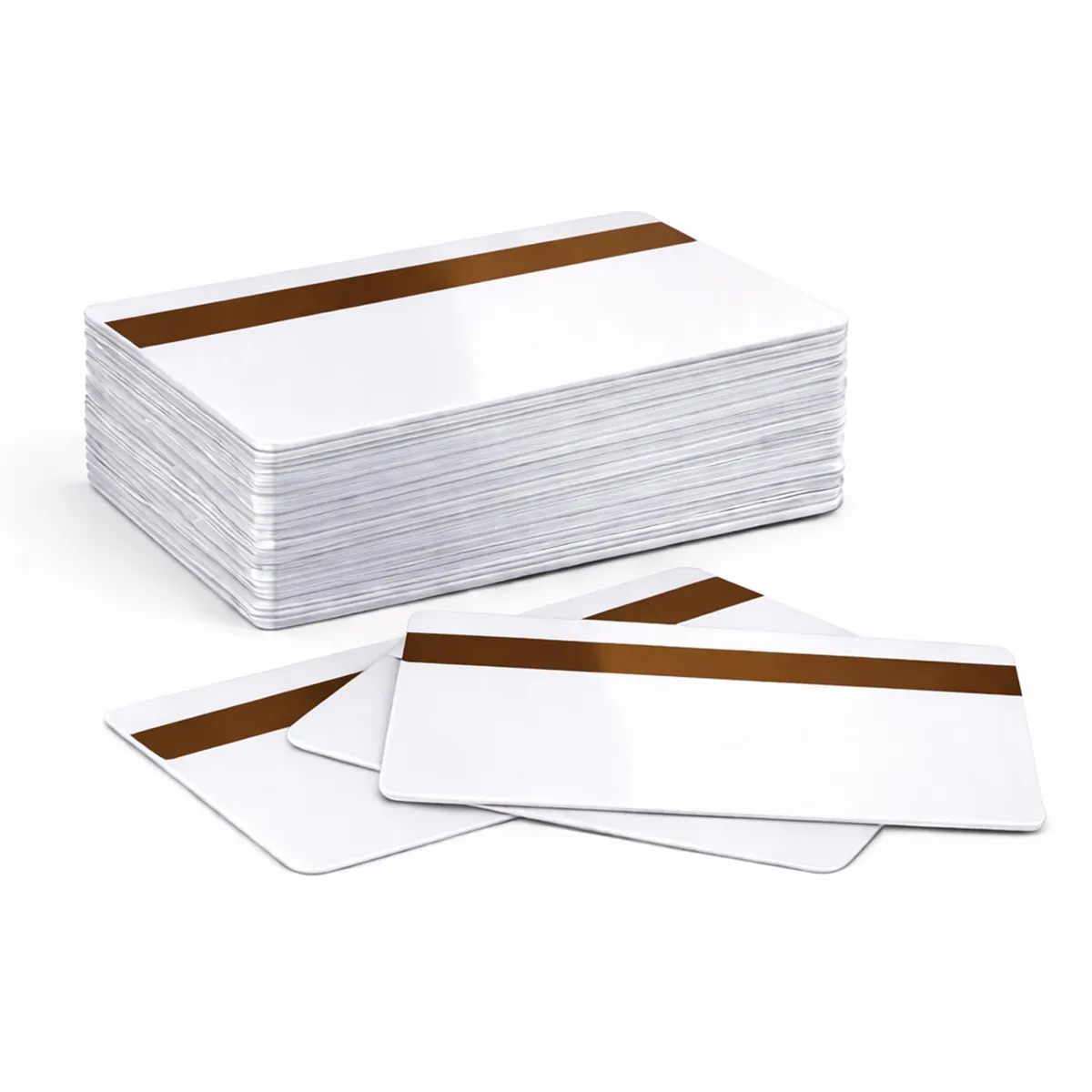### Match the magnetic stripe A magnetic-stripe reader and an encoder serve different purposes. Use a compatible encoder and the track format required by the system; printing a barcode or a card face does not encode the stripe. Coercivity describes the magnetic field needed for encoding. A Hi-Co stripe does not automatically store more information than a Lo-Co stripe. Confirm the required coercivity and track layout with your system provider. ### Lo-Co magnetic stripe cards for your setup Choose a quantity from 100, 500. Check that the card surface and thickness are approved for your card printer and keep print away from areas that the printer or encoder instructions exclude. If replacing existing cards, provide the stripe specification and equipment details to ACB. A card with the same appearance may use a different technology or data format. ### Prepare the printed and encoded information Order Lo-Co magnetic stripe cards using the stripe type and data format specified by your system provider. Include the encoder model and existing stock details in an enquiry. This is more reliable than choosing a replacement from the colour or appearance of a card alone. Keep the visible design and magnetic data in a single job specification. A printed name or reference can help staff reconcile a card with the system record. Check the sample print and read the encoded tracks with the equipment used in practice. Compare the [Hi-Co stock](https://acb-ltd.com/product/blank-white-hi-co-plastic-pvc-cards/) separately if a different coercivity is required. ## Lo-Co magnetic stripe cards: buying questions ### Does a higher coercivity mean more data capacity? No. Coercivity concerns the magnetic field used for encoding. The track format and system requirements determine the data layout, so specify both the stripe and the encoding process. ### Will printing the card also encode its stripe? Only an appropriately equipped setup can perform the required encoding. A printer without the suitable magnetic encoder can print the visual surface but cannot write the track data. ### What should I check before a full run? Confirm the required stripe specification, approved printer stock and artwork orientation. Encode and read a sample using the real system, and include any required test cards in the quantity you order. Choose the required quantity and check the selected option before adding it to your basket. For help with the card specification, artwork or a matching accessory, [contact ACB](https://acb-ltd.com/contact-us/). **Product categories:** Blank Plastic Cards, Magnetic Stripe Cards **Product tags:** 760 mic, Blank, Card, CR80, Lo-Co, Plastic, PVC --- ### [Blank White Hi-Co Plastic PVC Cards](https://acb-ltd.com/product/blank-white-hi-co-plastic-pvc-cards/) **Published:** August 3, 2025 **Author:** acb_superadmin **Excerpt:** Hi-Co magnetic stripe cards combine a blank white printable face with a stripe for the agreed encoding workflow. This PVC CR80 stock is listed at 760 microns and offered in quantities of 100 or 500. Match the stripe specification to the system before creating a replacement or new card batch. **Content:** ## Hi-Co magnetic stripe cards Hi-Co magnetic stripe cards combine a blank white printable face with a stripe for the agreed encoding workflow. This PVC CR80 stock is listed at 760 microns and offered in quantities of 100 or 500. Match the stripe specification to the system before creating a replacement or new card batch. 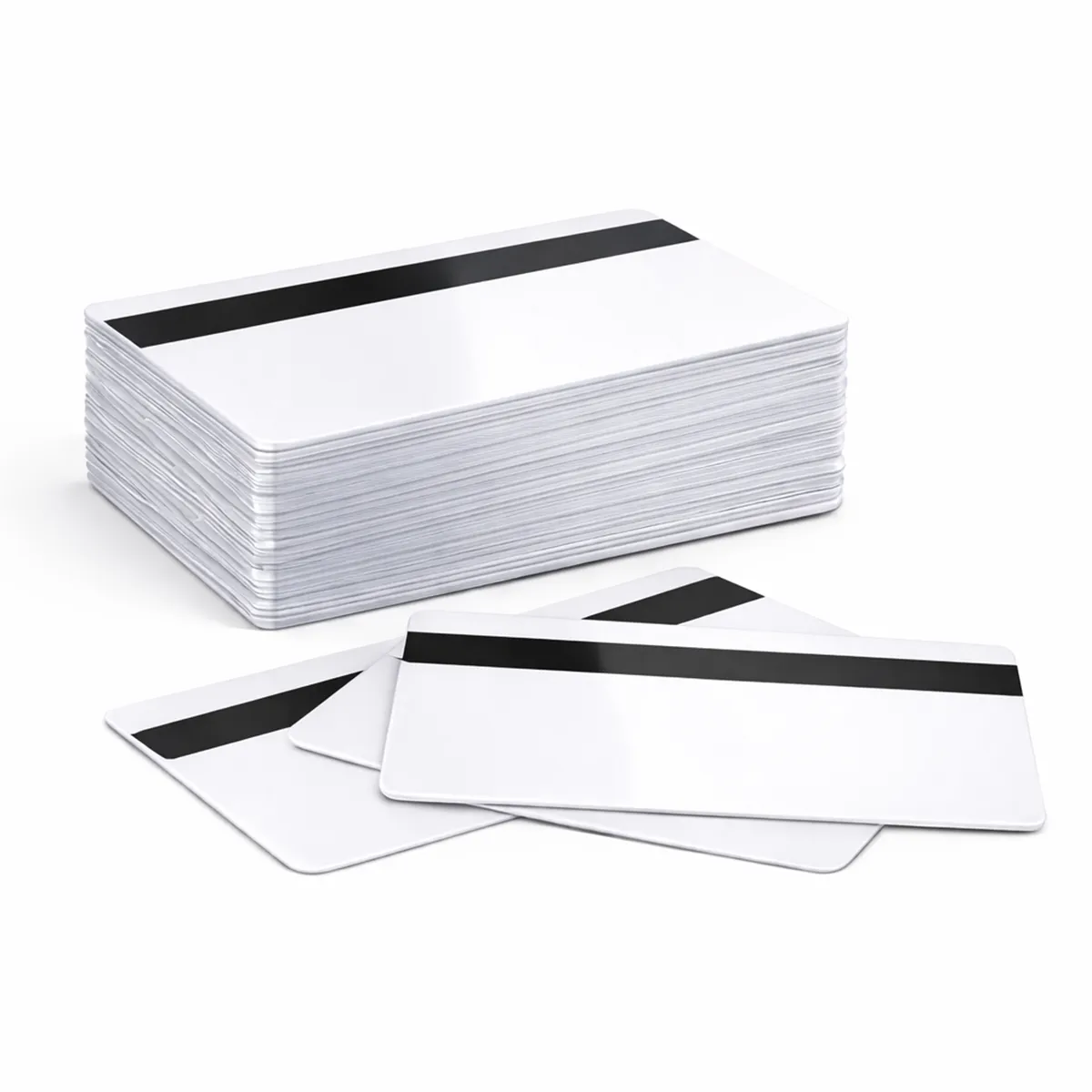### Match the magnetic stripe A magnetic-stripe reader and an encoder serve different purposes. Use a compatible encoder and the track format required by the system; printing a barcode or a card face does not encode the stripe. Coercivity describes the magnetic field needed for encoding. A Hi-Co stripe does not automatically store more information than a Lo-Co stripe. Confirm the required coercivity and track layout with your system provider. ### Hi-Co magnetic stripe cards for your setup Choose a quantity from 100, 500. Check that the card surface and thickness are approved for your card printer and keep print away from areas that the printer or encoder instructions exclude. If replacing existing cards, provide the stripe specification and equipment details to ACB. A card with the same appearance may use a different technology or data format. ### Prepare the printed and encoded information Order Hi-Co magnetic stripe cards using the stripe type and data format specified by your system provider. Include the encoder model and existing stock details in an enquiry. This is more reliable than choosing a replacement from the colour or appearance of a card alone. Keep the visible design and magnetic data in a single job specification. A printed name or reference can help staff reconcile a card with the system record. Check the sample print and read the encoded tracks with the equipment used in practice. Compare the [Lo-Co stock](https://acb-ltd.com/product/blank-white-lo-co-plastic-pvc-cards/) separately if a different coercivity is required. ## Hi-Co magnetic stripe cards: buying questions ### Does a higher coercivity mean more data capacity? No. Coercivity concerns the magnetic field used for encoding. The track format and system requirements determine the data layout, so specify both the stripe and the encoding process. ### Will printing the card also encode its stripe? Only an appropriately equipped setup can perform the required encoding. A printer without the suitable magnetic encoder can print the visual surface but cannot write the track data. ### What should I check before a full run? Confirm the required stripe specification, approved printer stock and artwork orientation. Encode and read a sample using the real system, and include any required test cards in the quantity you order. Choose the required quantity and check the selected option before adding it to your basket. For help with the card specification, artwork or a matching accessory, [contact ACB](https://acb-ltd.com/contact-us/). **Product categories:** Blank Plastic Cards, Magnetic Stripe Cards **Product tags:** 760 micron thickness, Blank Card, CR80 Card, high-quality card., Plastic Card, PVC Card --- ### [Premium Blank White PVC Plastic Cards](https://acb-ltd.com/product/premium-blank-white-pvc-plastic-cards/) **Published:** August 3, 2025 **Author:** acb_superadmin **Excerpt:** White blank PVC cards give you a neutral base for staff ID, membership cards and visitor badges. This CR80 stock is listed at 760 microns, with quantity options of 100 or 500. Choose the card for your approved printing process, then prepare the names, photographs and artwork for a consistent batch. **Content:** ## White blank PVC cards White blank PVC cards give you a neutral base for staff ID, membership cards and visitor badges. This CR80 stock is listed at 760 microns, with quantity options of 100 or 500. Choose the card for your approved printing process, then prepare the names, photographs and artwork for a consistent batch. ### Match the card to the print method Check that your printer approves this card material, finish and thickness. Card size alone does not establish printer compatibility. The card background colour affects how printed colours and fine detail appear. Test the card and ribbon combination before a larger production run. A resin monochrome ribbon and a full-colour dye-sublimation ribbon have different applications; neither is automatically suitable for every coloured surface. ### White blank PVC cards for your setup Available quantity options: 100, 500. These are blank visual card stock. A plain PVC card does not acquire a magnetic stripe, contact chip or RFID function through ordinary printing. Order the required technology card separately when a system depends on it. Keep unused cards clean, flat and protected from dust. Confirm any requirement for signature panels, numbering or specialist finishes with ACB before ordering. ### Build a repeatable card-printing setup Use white blank PVC cards when the design needs a clear, uncoloured starting surface. Prepare a template with space for the longest names and check the photograph crop. Print a small sample using the intended ribbon and driver settings before releasing the full batch. Keep spare stock with the same approved specification so later replacements fit the programme. Match the finished badge to a [landscape holder](https://acb-ltd.com/product/black-id-card-holder-single-sided-landscape/) or [portrait holder](https://acb-ltd.com/product/evohold-double-sided-portrait-id-card-holder/). If you prefer ACB to produce the finished badges, compare our [photo ID card printing service](https://acb-ltd.com/photo-id-card-printing/) and discuss the required artwork and quantities. ## White blank PVC cards: buying questions ### Are these standard credit-card-size blanks? They are listed in CR80 format, approximately 85.6 × 54 mm, at 0.76 mm thickness. Check those dimensions, the surface and material against your printer’s supported stock. ### Do they include a chip or magnetic stripe? This is plain visual card stock. Choose a technology card when the application requires RFID, a contact chip or magnetic encoding; ordinary surface printing does not add those functions. ### How should I choose between 100 and 500 cards? Include new users, expected replacements and test prints in your estimate. Check the selected quantity option in the basket, and keep unused cards clean and flat for later issues. Choose the required quantity and check the selected option before adding it to your basket. For help with the card specification, artwork or a matching accessory, [contact ACB](https://acb-ltd.com/contact-us/). **Product categories:** Blank Plastic Cards, Blank White Cards **Product tags:** 760 Micron, Access Card, Blank Card, CR80 Card, ID Card, Loyalty Card, Membership Card, Plastic Card, PVC Card, White Card --- ### [MIFARE Plus S NXP 2K 7-byte Cards (Pack of 100)](https://acb-ltd.com/product/mifare-plus-s-nxp-2k/) **Published:** August 3, 2025 **Author:** acb_superadmin **Excerpt:** MIFARE Plus S 2K cards are listed here as a 100-card pack with a 7-byte UID. They are intended for a system that requires the legacy NXP Plus S generation and its configured security mode. Match the exact chip, identifier format and application before ordering replacement card stock. **Content:** ## MIFARE Plus S 2K cards MIFARE Plus S 2K cards are listed here as a 100-card pack with a 7-byte UID. They are intended for a system that requires the legacy NXP Plus S generation and its configured security mode. Match the exact chip, identifier format and application before ordering replacement card stock. ### Plan migration at system level MIFARE Plus S was designed to provide a migration path from MIFARE Classic infrastructures. Compatibility depends on the reader, firmware, memory mapping, UID handling, software and configured security level. A common 13.56 MHz frequency alone does not establish that a reader or application supports the card. The chip family supports AES-128-based authentication and integrity functions. NXP describes AES use after the appropriate security upgrade; issuing a Plus card alone does not move an existing installation to AES-protected operation. Confirm the required keys and configuration with the system supplier before migration. ### MIFARE Plus S 2K cards for your setup NXP marks MIFARE Plus S as no longer manufactured. This legacy S generation is distinct from Plus SE and Plus EV2. ACB’s listed card stock should be matched to the existing system and intended programming requirements; access permissions are provided by the configured installation. Reference: [NXP MIFARE Plus S product information](https://www.nxp.com/products/MIFARE_PLUS_S_2K_4K) and [MIFARE Plus S short data sheet](https://www.nxp.com/docs/en/data-sheet/MF1SPLUSX0Y1_SDS.pdf). ### Document the migration or replenishment requirement Order MIFARE Plus S 2K cards against a written system specification. Record the reader and firmware, approved security level, UID handling and personalisation requirements. This is useful for an established installation and essential when a provider is planning a change from Classic technology. Keep electronic testing separate from artwork approval, then bring both results together on a sample card. Check the badge name, portrait and printed number as well as the reader response. Compare [MIFARE Classic 1K](https://acb-ltd.com/product/mifare-classic-1k-nxp-ev1-cards/) or [DESFire EV2 2K](https://acb-ltd.com/product/mifare-desfire-2k-nxp-ev2-cards/) only where the system supplier has approved that different technology; capacity labels alone do not identify an equivalent credential. ## MIFARE Plus S 2K cards: buying questions ### Is this the current Plus EV2 generation? No. This listing is for Plus S. NXP marks that chip generation as no longer manufactured. Confirm the required legacy stock and any migration plan with the system supplier. ### Does issuing a Plus card automatically enable AES? The appropriate security level, keys, readers and application configuration are required. Agree and test the complete setup with the system provider rather than treating the blank card as an automatic upgrade. ### What should I check about the UID? This stock is listed with a 7-byte UID. Check that the system expects that identifier format and handles it correctly alongside the memory and security configuration. Choose the required quantity and check the selected option before adding it to your basket. For help with the card specification, artwork or a matching accessory, [contact ACB](https://acb-ltd.com/contact-us/). **Product brands:** Mifare **Product categories:** Access Control, MIFARE Cards **Product tags:** 13.56 MHz, 7-byte UID, cashless payments, Contactless Cards, loyalty schemes, Mifare Plus S, NXP 2K, PVC cards, secure access control --- ### [Paxton 692-448 Net2 Proximity ISO Cards with Magnetic Stripe & Signature Panel (Pack of 10)](https://acb-ltd.com/product/paxton-692-448-net2-proximity-iso-cards-with-magnetic-stripe-signature-panel/) **Published:** August 3, 2025 **Author:** acb_superadmin **Excerpt:** Paxton 692-448 Net2 cards combine a proximity credential, magnetic stripe and signature panel in one physical card. The pack of ten suits a matching Net2 installation whose specification calls for these features. Plan the visual artwork, Net2 enrolment and any separate magnetic-stripe requirements together. **Content:** ## Paxton 692-448 Net2 cards Paxton 692-448 Net2 cards combine a proximity credential, magnetic stripe and signature panel in one physical card. The pack of ten suits a matching Net2 installation whose specification calls for these features. Plan the visual artwork, Net2 enrolment and any separate magnetic-stripe requirements together. ### Manufacturer specification - Reference: 692-448. - Carrier frequency: 125 kHz. - Material: plastic. - Magnetic stripe and signature strip: included. - Manufacturer dimensions: 86 × 55 × 0.85 mm. ### Paxton 692-448 Net2 cards for your setup Register the proximity token in Net2 software using the appropriate desktop reader. Access depends on the user’s configured permissions. Proximity enrolment and magnetic-stripe encoding are separate tasks. Confirm the encoding and card specification your application requires before ordering. Read [Paxton’s card datasheet](https://www.paxton-access.com/wp-content/uploads/2020/01/DS1081.pdf), or [ask ACB to check your exact model before ordering](https://acb-ltd.com/contact-us/). ### Keep each part of the credential in the specification Choose Paxton 692-448 Net2 cards when the stripe and signature area are required in addition to Net2 proximity use. The full reference is important: [692-500 Net2 cards](https://acb-ltd.com/product/paxton-692-500-net2-proximity-iso-cards/) are a separate option without a magnetic stripe. Confirm the printer process for the manufacturer’s stated card construction and thickness. Leave the handwriting area clear in the artwork and check where the stripe sits on the reverse. Ask the system provider for the exact track data and encoding requirements where the stripe will be used. After a sample print, test the proximity function, any required stripe reading and the legibility of the visible badge. ## Paxton 692-448 Net2 cards: buying questions ### Is proximity enrolment the same as writing the stripe? No. Net2 token enrolment and magnetic-stripe encoding are separate processes. Confirm which data, equipment and issue steps your organisation requires for each function. ### Does the signature panel confirm identity by itself? The panel provides an area for handwriting. Your organisation decides how signatures, photographs and other checks form part of its identity or issue process. ### What details help with a replacement order? Provide 692-448, the Net2 system requirement, the card quantity and the existing artwork. Include any stripe specification and printer details so the complete credential can be checked before production. Choose the required quantity and check the selected option before adding it to your basket. For help with the card specification, artwork or a matching accessory, [contact ACB](https://acb-ltd.com/contact-us/). **Product brands:** Paxton **Product categories:** Access Control, Paxton Cards, Paxton Net2 --- ### [Paxton 692-500 Net2 Proximity ISO Cards (10 Pack) for Access Control Systems](https://acb-ltd.com/product/paxton-692-500-net2-proximity-iso-cards/) **Published:** August 3, 2025 **Author:** acb_superadmin **Excerpt:** Paxton 692-500 Net2 cards are the printable proximity ISO-card option without a magnetic stripe. This offer contains ten cards for a matching Net2 installation. Use the complete manufacturer reference when replacing existing credentials, then prepare the visual badge and user-enrolment steps for your organisation. **Content:** ## Paxton 692-500 Net2 cards Paxton 692-500 Net2 cards are the printable proximity ISO-card option without a magnetic stripe. This offer contains ten cards for a matching Net2 installation. Use the complete manufacturer reference when replacing existing credentials, then prepare the visual badge and user-enrolment steps for your organisation. ### Issue through Net2 Paxton describes Hitag2-based proprietary token technology. Enter the user details in the Net2 software and use the supported desktop-reader process to associate the token with the user. Printing an ID design does not itself issue access rights. Permissions and reader compatibility depend on the installed system and its configuration. ### Paxton 692-500 Net2 cards for your setup Use a printer and card process approved for the supplied stock. Confirm the exact card reference when replacing cards; the magnetic-stripe and other Paxton credential ranges are separate products. Reference information: [Paxton product information](https://www.paxton-access.com/products/net2-proximity-iso-cards-without-magstripe-pack-of-10/). ### Prepare replacements for your Net2 installation Order Paxton 692-500 Net2 cards by the approved reference and system requirement. Keep a record of the original box label and the printer used for personalisation. This helps distinguish plain proximity ISO cards from Paxton products that add a stripe, a signature area or a different credential technology. For a staff ID design, allow space for a readable name, portrait and any printed number used by reception. Check the required printer process for the supplied card stock. Compare [692-448 cards with magnetic stripe and signature panel](https://acb-ltd.com/product/paxton-692-448-net2-proximity-iso-cards-with-magnetic-stripe-signature-panel/) if those physical features are part of the agreed specification, and choose a suitable [landscape holder](https://acb-ltd.com/product/black-id-card-holder-single-sided-landscape/) for a horizontal badge. ## Paxton 692-500 Net2 cards: buying questions ### Is a magnetic stripe included? No. Reference 692-500 is the Net2 ISO-card option without a magnetic stripe. Choose the exact alternative reference if your existing system requires one. ### How does a new user receive access permissions? Follow the Net2 process used by your administrator: create or select the user, associate the token through the supported desktop-reader workflow and set the required permissions. ### Can a printed card be issued immediately? The visual print and Net2 enrolment are separate tasks. Check both before handing the card to its user, particularly where a printed badge number differs from the identifier used by the access system. Choose the required quantity and check the selected option before adding it to your basket. For help with the card specification, artwork or a matching accessory, [contact ACB](https://acb-ltd.com/contact-us/). **Product brands:** Paxton **Product categories:** Access Control, Paxton Cards, Paxton Net2 **Product tags:** Access Cards, Access Control, ISO Cards, Net2 Proximity, Pack of 10, Paxton Net2, Proximity Access, Proximity Cards, RFID Cards, Security Cards --- ### [100 Pack of Blank White NTAG213 NXP NFC Cards with 144bytes Memory](https://acb-ltd.com/product/100-pack-of-blank-white-ntag213-nxp-nfc-cards-with-144bytes-memory/) **Published:** August 3, 2025 **Author:** acb_superadmin **Excerpt:** NXP NTAG213 NFC cards provide a blank white surface for an NFC-enabled card design. This ACB offer contains 100 cards with 144 bytes of user memory. Start with the information the card should present, then test the encoded record and printed artwork as one complete customer or membership experience. **Content:** ## NXP NTAG213 NFC cards NXP NTAG213 NFC cards provide a blank white surface for an NFC-enabled card design. This ACB offer contains 100 cards with 144 bytes of user memory. Start with the information the card should present, then test the encoded record and printed artwork as one complete customer or membership experience. ### Plan the NFC content NXP identifies NTAG213 as an NFC Forum Type 2 / ISO/IEC 14443 Type A device. Application formatting uses some of the available space, so check that the intended NDEF record fits. Test the required phone, reader and application. NFC support alone does not establish that every device or proprietary access system can use this card, and a blank tag is not a payment credential. ### NXP NTAG213 NFC cards for your setup Plan the printed card face and encoded data separately. Confirm the card construction, thickness and printer-approved finish with ACB, then check the encoding and read-back before issuing cards. Reference information: [NXP NTAG213/215/216 data sheet](https://www.nxp.com/docs/en/data-sheet/NTAG213_215_216.pdf). ### Keep the tap experience simple Use NXP NTAG213 NFC cards for a record that fits the available memory and works with the intended app or device. A short web address can be more practical than trying to store a large amount of text. Check the encoded size in your chosen software, including the NDEF formatting overhead. Print a clear explanation of what the card does and consider a visible web address as an alternative route. Test the actual phone models and readers expected in use. For finished visual card artwork, compare our [photo ID card printing service](https://acb-ltd.com/photo-id-card-printing/). Keep this tag application distinct from an existing door-entry credential unless its system provider has approved it. ## NXP NTAG213 NFC cards: buying questions ### Does 144 bytes mean a 144-character message? Not necessarily. Encoded content and NDEF formatting use space according to the record type and character encoding. Check the completed record size in your software and read it back before issuing cards. ### Will every phone respond in the same way? Device support, operating-system settings and the chosen application can affect the experience. Test representative phones with the final record and explain the intended action on the card. ### Can these replace my access-control cards? Only if the system provider specifies this technology and configuration. NFC capability alone does not establish compatibility with a proprietary access system or turn the card into a payment credential. Choose the required quantity and check the selected option before adding it to your basket. For help with the card specification, artwork or a matching accessory, [contact ACB](https://acb-ltd.com/contact-us/). **Product categories:** Access Control **Product tags:** 144bytes Memory, Blank White Cards, Contactless Cards, NFC Cards, NFC Stickers, NFC Tags, NTAG213, NXP NFC, Pack of 100, RFID Tags --- ### [MIFARE® DESFire® 2K NXP EV2 Cards](https://acb-ltd.com/product/mifare-desfire-2k-nxp-ev2-cards/) **Published:** August 3, 2025 **Author:** acb_superadmin **Excerpt:** MIFARE DESFire EV2 2K cards provide blank stock for a system using the specified NXP multi-application chip. This offer contains 100 CR80 cards. Choose the 2K memory version against the application layout, and plan both the printed identification and electronic personalisation before issuing the cards. **Content:** ## MIFARE DESFire EV2 2K cards MIFARE DESFire EV2 2K cards provide blank stock for a system using the specified NXP multi-application chip. This offer contains 100 CR80 cards. Choose the 2K memory version against the application layout, and plan both the printed identification and electronic personalisation before issuing the cards. ### Specify the application as well as the chip The DESFire EV2 interface uses 13.56 MHz and ISO/IEC 14443 Type A, including the ISO/IEC 14443-4 transmission protocol. The chip supports AES and DES/3DES cryptographic methods; the reader, software, keys and chosen configuration determine how these capabilities are used. Memory capacity is shared by application files and management information. ### MIFARE DESFire EV2 2K cards for your setup A DESFire card is not automatically a working credential for an existing installation. Check the required EV generation, 2K capacity, application identifiers, key configuration and enrolment process with your system provider. A matching frequency alone does not establish compatibility. These cards are listed in the standard CR80 credit-card format; check your printer’s stock requirements before personalisation. Consult the [NXP DESFire EV2 short data sheet](https://www.nxp.com/docs/en/data-sheet/MF3DX2_MF3DHX2_SDS.pdf) and give ACB your approved card specification when ordering. ### Choose memory against the application design When selecting MIFARE DESFire EV2 2K cards, ask the system provider for the required EV generation, memory capacity and application specification. Keep that information with the approved card design. This gives ACB a clearer replacement brief than a photograph of an unmarked white card alone. Compare the [4K EV2 option](https://acb-ltd.com/product/mifare-desfire-4k-nxp-ev2-cards-pack-of-100/) if the application supplier has approved a choice of capacities. Prepare a test card with the required files and visible artwork, then check the reader and issue process together. For a printed staff badge, position names and photographs for easy inspection and choose a matching [portrait holder](https://acb-ltd.com/product/evohold-double-sided-portrait-id-card-holder/) or [landscape holder](https://acb-ltd.com/product/black-id-card-holder-single-sided-landscape/). ## MIFARE DESFire EV2 2K cards: buying questions ### Does the memory label describe free space for my files? The nominal 2K capacity is shared by applications and management information. Have the application provider confirm the usable layout and required capacity for the planned files. ### Can I use any DESFire generation as a replacement? Confirm the required EV generation, commands, key configuration and reader support. A shared DESFire family name or operating frequency is not enough to approve a substitution. ### Are printed cards ready to open doors? Access depends on the configured application and enrolment process. A visual badge design does not set keys or assign permissions. Agree the print and electronic requirements before ordering production quantities. Choose the required quantity and check the selected option before adding it to your basket. For help with the card specification, artwork or a matching accessory, [contact ACB](https://acb-ltd.com/contact-us/). **Product brands:** Mifare **Product categories:** Access Control, MIFARE Cards, Mifare DESfire **Product tags:** 2K Smart Card, DESFire, High-security, MIFARE, NXP EV2 --- ### [MIFARE® DESFire® 4K NXP EV2 Cards](https://acb-ltd.com/product/mifare-desfire-4k-nxp-ev2-cards-pack-of-100/) **Published:** August 3, 2025 **Author:** acb_superadmin **Excerpt:** MIFARE DESFire EV2 4K cards provide blank stock for a system using the specified NXP multi-application chip. This offer contains 100 CR80 cards. Choose the 4K memory version against the application layout, and plan both the printed identification and electronic personalisation before issuing the cards. **Content:** ## MIFARE DESFire EV2 4K cards MIFARE DESFire EV2 4K cards provide blank stock for a system using the specified NXP multi-application chip. This offer contains 100 CR80 cards. Choose the 4K memory version against the application layout, and plan both the printed identification and electronic personalisation before issuing the cards. ### Specify the application as well as the chip The DESFire EV2 interface uses 13.56 MHz and ISO/IEC 14443 Type A, including the ISO/IEC 14443-4 transmission protocol. The chip supports AES and DES/3DES cryptographic methods; the reader, software, keys and chosen configuration determine how these capabilities are used. Memory capacity is shared by application files and management information. ### MIFARE DESFire EV2 4K cards for your setup A DESFire card is not automatically a working credential for an existing installation. Check the required EV generation, 4K capacity, application identifiers, key configuration and enrolment process with your system provider. A matching frequency alone does not establish compatibility. These cards are listed in the standard CR80 credit-card format; check your printer’s stock requirements before personalisation. Consult the [NXP DESFire EV2 short data sheet](https://www.nxp.com/docs/en/data-sheet/MF3DX2_MF3DHX2_SDS.pdf) and give ACB your approved card specification when ordering. ### Choose memory against the application design When selecting MIFARE DESFire EV2 4K cards, ask the system provider for the required EV generation, memory capacity and application specification. Keep that information with the approved card design. This gives ACB a clearer replacement brief than a photograph of an unmarked white card alone. Compare the [2K EV2 option](https://acb-ltd.com/product/mifare-desfire-2k-nxp-ev2-cards/) if the application supplier has approved a choice of capacities. Prepare a test card with the required files and visible artwork, then check the reader and issue process together. For a printed staff badge, position names and photographs for easy inspection and choose a matching [portrait holder](https://acb-ltd.com/product/evohold-double-sided-portrait-id-card-holder/) or [landscape holder](https://acb-ltd.com/product/black-id-card-holder-single-sided-landscape/). ## MIFARE DESFire EV2 4K cards: buying questions ### Does the memory label describe free space for my files? The nominal 4K capacity is shared by applications and management information. Have the application provider confirm the usable layout and required capacity for the planned files. ### Can I use any DESFire generation as a replacement? Confirm the required EV generation, commands, key configuration and reader support. A shared DESFire family name or operating frequency is not enough to approve a substitution. ### Are printed cards ready to open doors? Access depends on the configured application and enrolment process. A visual badge design does not set keys or assign permissions. Agree the print and electronic requirements before ordering production quantities. Choose the required quantity and check the selected option before adding it to your basket. For help with the card specification, artwork or a matching accessory, [contact ACB](https://acb-ltd.com/contact-us/). **Product brands:** Mifare **Product categories:** Access Control, MIFARE Cards, Mifare DESfire **Product tags:** 4K Smart Card, DESFire, High-security, MIFARE, NXP EV2 --- ### [MIFARE Ultralight® NXP C Cards](https://acb-ltd.com/product/mifare-ultralight-nxp-c-cards/) **Published:** August 3, 2025 **Author:** acb_superadmin **Excerpt:** NXP MIFARE Ultralight C cards provide blank white stock for a compatible limited-use ticketing, loyalty or event application. The 100-card pack combines a printable physical credential with the Ultralight C chip format. Plan around its 144 bytes of user memory and the authentication method used by your system. **Content:** ## NXP MIFARE Ultralight C cards NXP MIFARE Ultralight C cards provide blank white stock for a compatible limited-use ticketing, loyalty or event application. The 100-card pack combines a printable physical credential with the Ultralight C chip format. Plan around its 144 bytes of user memory and the authentication method used by your system. ### 192 bytes total does not mean 192 user bytes NXP specifies 192 bytes of total EEPROM, of which 144 bytes are user data memory. The remaining space serves identifiers, locking, configuration and authentication-key functions. Use the 144-byte figure when assessing the space available for your application’s data. ### NXP MIFARE Ultralight C cards for your setup Ultralight C uses 13.56 MHz communication at 106 kbit/s and complies with ISO/IEC 14443 Type A parts 2 and 3. Its 3DES authentication capability requires compatible hardware, software and appropriate keys. It is not a promise of compatibility with every NFC reader or of complete protection for any application. Before ordering, confirm the chip family, data layout and personalisation process with your system provider. For printing, check that your card printer accepts the supplied stock. Read the [NXP Ultralight C data sheet](https://www.nxp.com/docs/en/data-sheet/MF0ICU2.pdf) for the memory map and authentication details. ### Keep memory and issue requirements together Choose NXP MIFARE Ultralight C cards by the application specification, rather than by a general NFC label. Keep the required record layout and reader details with your order. This is especially useful when replacing older stock or comparing cards whose total-memory descriptions look similar. Prepare a sample that includes the finished print and encoded data. Check names, numbers or barcodes on the actual card and verify the intended reader response. Compare [Ultralight EV1](https://acb-ltd.com/product/mifare-ultralight-nxp-ev1-cards/) only if the system provider supports that different chip format. For a compact NFC tag record, the [NTAG213 listing](https://acb-ltd.com/product/100-pack-of-blank-white-ntag213-nxp-nfc-cards-with-144bytes-memory/) is another technology to assess separately. ## NXP MIFARE Ultralight C cards: buying questions ### How much space can my application use? NXP specifies 144 bytes of user data within 192 bytes of total EEPROM. Identifiers, keys and other system functions occupy the remaining memory. Use the user-memory figure when checking your data layout. ### Is Ultralight C the same chip as MIFARE Classic? No. They are separate product families with different memory structures and commands. Choose the chip requested by your reader and application supplier. ### What is needed to use authentication? The 3DES authentication feature needs a compatible reader, software and appropriate keys. Agree the configuration and test it before a rollout; the blank physical card does not configure the wider system. Choose the required quantity and check the selected option before adding it to your basket. For help with the card specification, artwork or a matching accessory, [contact ACB](https://acb-ltd.com/contact-us/). **Product brands:** Mifare **Product categories:** Access Control, MIFARE Cards **Product tags:** MIFARE, NXP C, RFID, Ultralight --- ### [MIFARE Ultralight® NXP EV1 Cards - Pack of 100](https://acb-ltd.com/product/mifare-ultralight-nxp-ev1-cards/) **Published:** August 3, 2025 **Author:** acb_superadmin **Excerpt:** MIFARE Ultralight EV1 cards suit an approved limited-use ticketing, event or loyalty application. This ACB pack contains 100 blank white PVC cards, listed with 48 bytes of user memory. Check the memory variant and data format before preparing your printed pass and encoding workflow. **Content:** ## MIFARE Ultralight EV1 cards MIFARE Ultralight EV1 cards suit an approved limited-use ticketing, event or loyalty application. This ACB pack contains 100 blank white PVC cards, listed with 48 bytes of user memory. Check the memory variant and data format before preparing your printed pass and encoding workflow. ### Choose the correct memory version NXP specifies 48 bytes of user memory for MF0UL11 and 128 bytes for MF0UL21. Both belong to the Ultralight EV1 family, so the family name alone does not identify the memory variant. Check that the listed 48-byte version meets your application’s storage and command requirements. ### MIFARE Ultralight EV1 cards for your setup The contactless interface operates at 13.56 MHz, with a 106 kbit/s data rate in an ISO/IEC 14443 Type A environment. A compatible encoder and software are needed to write your data. The family’s password protection should not be presented as equivalent to DESFire cryptographic authentication or a guarantee against cloning. Check your printer’s card-stock requirements before printing, and test enrolment with your system before a larger rollout. View the [NXP Ultralight EV1 data sheet](https://www.nxp.com/docs/en/data-sheet/MF0ULX1.pdf) for the two memory variants. ### Plan a small ticketing or loyalty run Use MIFARE Ultralight EV1 cards with a record layout agreed by the system provider. A short printed card number can help staff reconcile a physical pass with their records, while the chip data serves the configured reader. Decide which information needs to be visible and which belongs in the application. Allow a few cards for an end-to-end trial before issuing a batch. Check the encoded record, the reader response and the printed result together. For a different memory and authentication format, compare [Ultralight C cards](https://acb-ltd.com/product/mifare-ultralight-nxp-c-cards/) against the system specification. A [clear enclosed holder](https://acb-ltd.com/product/clear-enclosed-rigid-card-holder-landscape/) is an optional way to display a compatible physical credential. ## MIFARE Ultralight EV1 cards: buying questions ### Do all Ultralight EV1 cards have the same memory? No. NXP identifies 48-byte and 128-byte user-memory versions. This offer is listed as 48 bytes; confirm that variant against the existing application before placing a repeat order. ### Will a normal card printer write the ticket data? Printing the surface and writing the chip are separate operations. Use the compatible encoder, software and record format required by your ticketing or loyalty system. ### What should I include in a specification enquiry? Send the chip generation, expected memory, reader model, card quantity and intended print method. Include a sample or the original card specification where available so ACB can check the proposed stock. Choose the required quantity and check the selected option before adding it to your basket. For help with the card specification, artwork or a matching accessory, [contact ACB](https://acb-ltd.com/contact-us/). **Product brands:** Mifare **Product categories:** Access Control, MIFARE Cards **Product tags:** MIFARE, NXP EV1, RFID, Ultralight --- ### [MIFARE Classic® 4K NXP EV1 Cards (Pack of 100)](https://acb-ltd.com/product/mifare-classic-4k-nxp-ev1-cards/) **Published:** August 3, 2025 **Author:** acb_superadmin **Excerpt:** MIFARE Classic EV1 4K cards give an approved Classic-based system a larger nominal memory option than 1K stock. This ACB offer contains 100 CR80 cards under reference AC-MF-S70. Match the listed 4-byte NUID format and required application data when replenishing an established card programme. **Content:** ## MIFARE Classic EV1 4K cards MIFARE Classic EV1 4K cards give an approved Classic-based system a larger nominal memory option than 1K stock. This ACB offer contains 100 CR80 cards under reference AC-MF-S70. Match the listed 4-byte NUID format and required application data when replenishing an established card programme. ### Card specification - Chip family: NXP MIFARE Classic EV1 4K. - Memory: 4 kB total EEPROM; some blocks are reserved for manufacturer and access-control data. - Operating frequency: 13.56 MHz. - Card format: CR80, approximately 85.60 × 53.98 mm. - Identifier format listed for this stock: 4-byte NUID. - Pack quantity: 100 cards. - ACB stock reference: AC-MF-S70. ### MIFARE Classic EV1 4K cards for your setup Confirm the card technology, identifier format and encoding requirements with your access-control or system provider before ordering. The same radio frequency does not establish that two card types are interchangeable. NUID means non-unique identifier. NXP states that the identifiers of 4-byte NUID versions are not guaranteed to be unique; check that your system handles this format. NXP recommends its DESFire or MIFARE Plus families for security-relevant applications. Ask your system provider which credential family your installation requires. See the [NXP MIFARE Classic EV1 4K datasheet](https://www.nxp.com/docs/en/data-sheet/MF1S70YYX_V1.pdf), or [contact ACB](https://acb-ltd.com/contact-us/) with your reader model and required card specification. ### Choose the right Classic memory option Order MIFARE Classic EV1 4K cards when the existing system specification calls for the 4K format. A larger memory label alone does not establish compatibility. Compare the [1K Classic listing](https://acb-ltd.com/product/mifare-classic-1k-nxp-ev1-cards/) if that is what your installation uses, and keep each stock reference with its approved design and issue instructions. Check the printed badge as carefully as the electronic specification. A portrait, membership number or barcode must remain clear in the chosen layout. A [two-sided portrait holder](https://acb-ltd.com/product/evohold-double-sided-portrait-id-card-holder/) can display separate credentials when that arrangement suits the organisation; test contactless cards individually as required by the reader. ## MIFARE Classic EV1 4K cards: buying questions ### What is the difference between a UID and this NUID? The listed stock uses a 4-byte non-unique identifier. NXP does not guarantee global uniqueness for that format. The system provider should confirm how the installation identifies and enrols cards. ### Can I substitute a 4K card for an existing 1K card? Only where the system provider approves the change. Memory organisation, identifier handling, keys and software expectations all matter alongside the card family. ### Can ACB help with the visible badge design? Yes. Discuss your artwork or finished-card requirement with ACB. The print design and electronic enrolment are separate parts of producing an issued credential; confirm both before a larger order. Choose the required quantity and check the selected option before adding it to your basket. For help with the card specification, artwork or a matching accessory, [contact ACB](https://acb-ltd.com/contact-us/). **Product brands:** Mifare **Product categories:** Access Control, MIFARE Cards, Mifare Classic --- ### [MIFARE Classic® 1K NXP EV1 Cards (100 Pack)](https://acb-ltd.com/product/mifare-classic-1k-nxp-ev1-cards/) **Published:** August 3, 2025 **Author:** acb_superadmin **Excerpt:** MIFARE Classic EV1 1K cards provide replacement or additional credentials for an existing system that accepts this NXP chip family. ACB supplies this offer in packs of 100. Plan the visible badge design alongside the reader and application specification so the finished card serves both purposes. **Content:** ## MIFARE Classic EV1 1K cards MIFARE Classic EV1 1K cards provide replacement or additional credentials for an existing system that accepts this NXP chip family. ACB supplies this offer in packs of 100. Plan the visible badge design alongside the reader and application specification so the finished card serves both purposes. ### Check the chip and system The 1K device provides 1 kB EEPROM organised in sectors, including management and security areas. NXP specifies 13.56 MHz and an ISO/IEC 14443 Type A interface. Confirm the supplied UID variant and the keys or application data required by the installation. A matching radio interface does not make the card a universal replacement for every access, transport or payment credential. Printing the card face does not enrol it or configure its application data. ### MIFARE Classic EV1 1K cards for your setup NXP marks this chip family as not recommended for new designs. Discuss the system requirements and migration choices with the system provider before choosing technology for a new installation. Confirm card construction, thickness and printer approval with ACB. The existing stock status is separate from the manufacturer’s chip lifecycle guidance. Reference information: [NXP chip family information](https://www.nxp.com/products/rfid-nfc/mifare-hf/mifare-classic/mifare-classic-ev1-1k-4k%3AMF1S50YYX_V1). ### Prepare a consistent replacement-card order When ordering MIFARE Classic EV1 1K cards, keep the approved chip specification with your card template. Include the reader model, UID requirement and any instructions from the system provider. This makes repeat orders easier to check and avoids confusing a similar-looking card with the required credential. For a staff badge, prepare a clear portrait, readable name and any required printed number. Check the smallest lettering on a sample. If you need finished cards rather than blank stock, compare our [photo ID card printing service](https://acb-ltd.com/photo-id-card-printing/). Pair the issued badge with a suitable [landscape card holder](https://acb-ltd.com/product/black-id-card-holder-single-sided-landscape/) when its artwork runs horizontally. ## MIFARE Classic EV1 1K cards: buying questions ### Does buying blank stock add it to my access system? The card still needs the enrolment or personalisation process required by your system. Ask its administrator which UID handling, keys and application data are expected before ordering replacements. ### Is the 1K figure all available for my own data? No. The nominal EEPROM capacity includes management and security areas. Use the approved application layout when deciding whether this card has sufficient space. ### Should I choose this chip for a new installation? NXP lists the family as not recommended for new designs. Discuss the required technology and any migration plan with the system supplier. Existing card stock and the manufacturer’s design guidance are separate questions. Choose the required quantity and check the selected option before adding it to your basket. For help with the card specification, artwork or a matching accessory, [contact ACB](https://acb-ltd.com/contact-us/). **Product brands:** Mifare **Product categories:** Access Control, MIFARE Cards, Mifare Classic **Product tags:** Access Control Cards, Contactless Cards, MIFARE Classic 1K, NFC Cards, NXP EV1 Cards, Pack of 100, Proximity Cards, RFID Cards, Security Cards, Smart Cards --- ### [Evolis Badgy 200 ID Card Printer](https://acb-ltd.com/product/evolis-badgy-200-id-card-printer/) **Published:** August 3, 2025 **Author:** acb_superadmin **Excerpt:** Single-sided Badgy200 with Badge Studio Plus for Windows and Mac, a 100-print starter colour ribbon and 100 cards. USB connection; approved CR80 cards 0.50–0.76 mm. Reverse printing requires manual refeeding. **Content:** ## Evolis Badgy200 ID card printer The Evolis Badgy200 ID card printer is a single-sided desktop card printer for occasional staff, visitor and membership cards. Badge Studio Plus provides card-design and database tools on supported Windows and Mac computers, so you can prepare a design and personalise it for each cardholder. ### What the starter package provides The Badgy200 package includes Badge Studio Plus, a starter colour ribbon rated for 100 prints and 100 blank cards. Check the publisher’s current operating-system requirements before installation. Use approved CR80 PVC cards 0.50–0.76 mm thick; the input and output capacities are 25 cards at 0.76 mm or up to 40 at 0.50 mm. ### Understand single-sided and reverse printing The printer does not automatically flip a card. Badge Studio Plus supports a guided manual refeed workflow when you want to print on the reverse: follow the software instructions for card order and orientation. Printing colour on two faces consumes additional ribbon, so the 100-print rating is not 100 finished cards printed in colour on both sides. The published Badgy technical sheet specifies 260 × 300 dpi resolution, approximately 38 seconds per colour card and 11 seconds per monochrome card. These are print-mode timings; allow extra time for design, handling and manual refeeding. The printer connects by USB. See the [manufacturer’s Badgy printer comparison](https://www.badgy.com/printers/) and [Badgy100/200 technical sheet](https://www.badgy.com/wp-content/uploads/2022/10/badgy100-200-datasheet-eng.pdf). Contact ACB if you need automatic duplex printing or help matching replacement ribbon and cards. 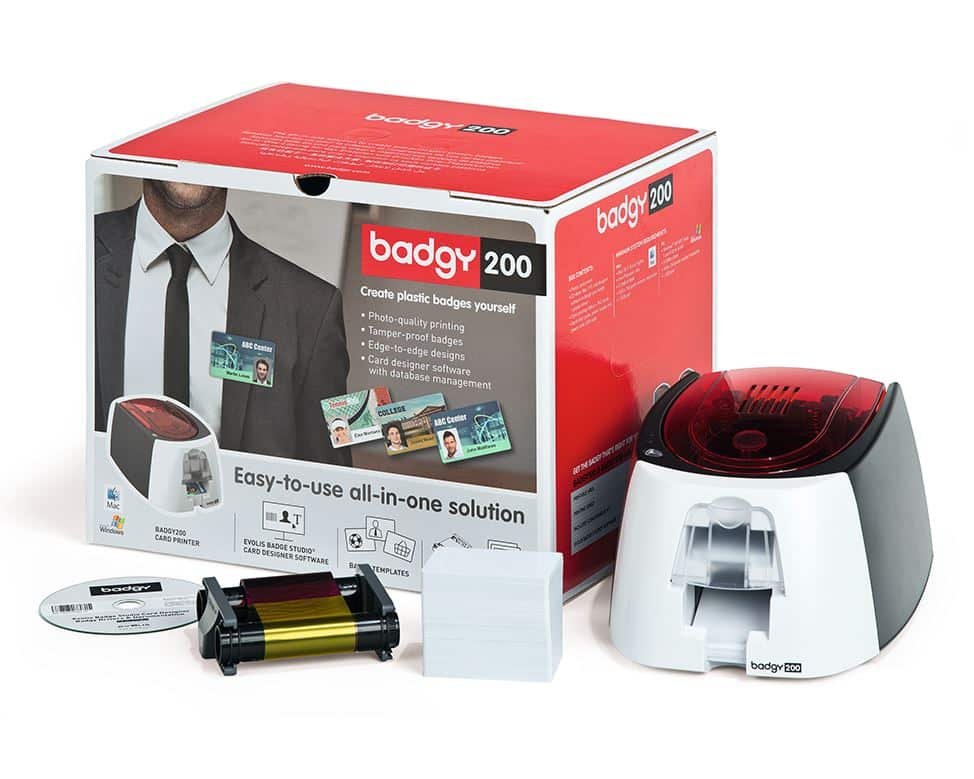Badgy200 is a single-sided starter setup. Printing the reverse requires manual card refeeding.## Evolis Badgy200 ID card printer questions ### Who is the Evolis Badgy200 ID card printer for? It is a starting point for small organisations that need to create staff, visitor or membership cards as required. Use the included design software to prepare a layout and personalise the details. For regular large batches or automatic two-sided printing, compare a more suitable model before buying. ### What should I prepare before the first print? Have your logo, cardholder details and photographs ready, then check the layout in Badge Studio Plus. Install the supported driver and software version for your computer. Next, load the approved cards and ribbon following the guide. Print a test card before starting a larger run. ### Can Badgy200 automatically print the reverse? No. Reverse printing uses the software-guided manual refeed process. Check the card order and orientation when reinserting cards. A colour design on each face also consumes more ribbon than a single-face design, so plan supplies around the finished cards you need. ### How do I choose replacement cards and ribbons? Use the correct Badgy consumable reference, rather than assuming another Evolis ribbon will fit. Select approved CR80 card stock in the supported thickness range and confirm the replacement supplies with ACB. You can [compare Evolis printers](https://acb-ltd.com/id-card-printers/evolis-printers/) if your requirements grow, or use our [photo ID card printing service](https://acb-ltd.com/photo-id-card-printing/) for finished cards. **Product brands:** Evolis **Product categories:** Evolis Printers, ID Card Printers **Product tags:** compact ID card printer, corporate ID card printer, custom ID cards, Evolis Badgy 200, fast ID card printing, high-quality ID card printer, personalised ID cards, photo ID cards, professional ID card printing, reliable ID card printer, student ID card printer --- ### [Evolis Zenius Classic ID Card Printer (Single-Sided)](https://acb-ltd.com/product/evolis-zenius-classic-id-card-printer-single-sided/) **Published:** August 3, 2025 **Author:** acb_superadmin **Excerpt:** Original-generation Zenius Classic: single-sided 300 dpi CR80 printing, USB, 50-card input and 20-card output. Confirm legacy driver, software and ribbon compatibility for your workstation. **Content:** ## Evolis Zenius Classic single-sided ID card printer The original Evolis Zenius Classic is a USB desktop printer for producing one face of a CR80 staff, student or membership card. It uses direct-to-card colour dye-sublimation or monochrome resin printing, with 300 dpi resolution. ### Original Classic configuration This listing is for the original Zenius Classic generation. Zenius Expert and the later Zenius 2 have different specifications. Classic uses USB; the original generation’s Ethernet and encoder configurations belong to Expert models and should not be assumed to be included here. ### Automatic or individual card feeding Load up to 50 standard cards in the input hopper or feed a card manually for an individual job. The output hopper holds up to 20 cards. Evolis publishes a colour speed of up to 150 cards per hour for the original Zenius, with actual output affected by print settings and handling. The original Zenius family has Windows, macOS and Linux driver support, subject to the particular operating-system version. Before ordering this legacy model, confirm your current workstation, required driver, card-design software and compatible ribbon with ACB. Printing a card design does not write a magnetic stripe or smart-card chip. See the [manufacturer’s original Zenius product information](https://www.evolis.com/solutions/card-printers/zenius-card-printer/) for Classic and Expert configuration differences. The original Zenius Classic is a separate generation from Zenius 2. Match the model before buying supplies.## Evolis Zenius Classic buying questions ### Is this the original Evolis Zenius Classic? Yes. This listing is for the original Zenius Classic, with USB connection and a 50-card input hopper. Evolis now directs new-generation enquiries to Zenius 2. If you are replacing an existing printer or need to keep an established setup, check the generation, driver and supplied configuration with ACB before ordering. ### Can I connect the Classic printer by Ethernet? The original Classic configuration uses USB. Ethernet belongs to the original Expert configurations, and the later Zenius 2 also has its own model choices. Therefore, check the full model name instead of assuming that every Zenius printer has the same connections or encoder options. ### Which supplies will I need? Match the ribbon to the original printer generation and regional reference. Browse our [Zenius ribbon range](https://acb-ltd.com/printer-ribbons/evolis-ribbons/evolis-zenius-printer-ribbons/) and check each reference before ordering. Use approved cards with clean, suitable surfaces, such as compatible [blank white PVC cards](https://acb-ltd.com/product/premium-blank-white-pvc-plastic-cards/). Follow the maintenance schedule in the original printer guide. ### Is it suitable for my card-issuing workflow? The Evolis Zenius Classic is a single-sided printer for individual cards and small batches. For automatic printing on both faces, compare a duplex model in our [Evolis printer range](https://acb-ltd.com/id-card-printers/evolis-printers/). If you only need finished badges occasionally, our [photo ID card printing service](https://acb-ltd.com/photo-id-card-printing/) avoids setting up your own printer and supplies. **Product brands:** Evolis **Product categories:** Evolis Printers, ID Card Printers **Product tags:** compact ID card printer, corporate ID card printer, custom ID cards, Evolis Zenius, fast ID card printing, high-quality ID card printer, personalised ID cards, photo ID cards, professional ID card printing, reliable ID card printer, student ID card printer --- ### [Evolis Agilia Duplex Retransfer ID Card Printer (Dual-Sided)](https://acb-ltd.com/product/evolis-agilia-duplex-retransfer-id-card-printer-dual-sided/) **Published:** August 3, 2025 **Author:** acb_superadmin **Excerpt:** Dual-sided Agilia retransfer printer with 600 × 600 dpi output, USB 2.0 and Ethernet. Uses approved 0.76–1.25 mm CR80 cards, a compatible ribbon and separate retransfer film. **Content:** ## Evolis Agilia duplex retransfer ID card printer The Evolis Agilia Duplex prints both sides of a CR80 card using 600 × 600 dpi retransfer technology. It prints the design onto transfer film before applying that image to the card, making it an option for detailed photo IDs and artwork that extends beyond the card edge. ### Choose cards and supplies together Evolis specifies cards 0.76–1.25 mm thick, rather than thin 0.25 mm stock. Supported materials include approved PVC, composite PVC, PET, polycarbonate and ABS. Confirm the exact card construction, surface and any embedded chip with ACB before buying stock for a new project. Agilia needs a compatible print ribbon and separate retransfer film. Clear film is rated for 1,200 images; YMCK and YMCK-K colour ribbons are rated for 600 prints. These are consumable image ratings, not a promise of the same number of finished two-sided cards. Two printed faces use additional film and the ribbon consumption depends on the selected mode. Retransfer film is not the same as a separate patch laminate. ### Plan your workstation and output USB 2.0 and Ethernet are standard. The input hopper holds up to 200 standard 0.76 mm cards, with a 100-card output hopper. The published speed is up to 100 cards/hour, ymck-k duplex, before allowing for your job settings, encoding and handling. Any magnetic, contact or contactless encoding requires the appropriate configured hardware and compatible software; a printed card is not automatically encoded. Compare the [single-sided Agilia](https://acb-ltd.com/product/evolis-agilia-simplex-retransfer-id-card-printer-single-sided/). See the [Evolis Agilia product information](https://www.evolis.com/solutions/card-printers/agilia-card-printer/) and [Agilia technical sheet](https://ru.evolis.com/wp-content/uploads/2023/10/specsheet-agilia-eng.pdf). Confirm your software licence and first set of ribbons and film with ACB. Agilia retransfer printing needs both ribbon and film; this listing is the Duplex configuration.## Evolis Agilia Duplex buying questions ### When is Evolis Agilia Duplex useful? Choose the Duplex configuration when your card needs a design on both faces. For example, keep the photograph and identity details on the front, with contact information or membership conditions on the reverse. Automatic card turning handles both faces in one print workflow. ### Which consumables suit a colour-front, black-reverse design? Compare the [RT5F102E100 YMCKK ribbon](https://acb-ltd.com/product/evolis-agilia-rt5f102e100-ymckk-colour-ribbon-600-prints/) with the required [RTCL100NAAA retransfer film](https://acb-ltd.com/product/evolis-agilia-rtcl100naaa-retransfer-film-1200-prints/). For colour on both faces, confirm the appropriate ribbon and mode. The ribbon rating does not remove the need for separate film or account for every two-sided layout. ### Is retransfer film the same as lamination? No. Transfer film is part of the Agilia print process: it carries the printed design onto the card. A separate patch laminate is a different product and needs the appropriate lamination hardware and supplies. Ask ACB to check the complete setup if your project requires that extra finish. ### How should I plan a batch of two-sided ID cards? Prepare the artwork for both faces and test the selected mode with the intended card stock. Allow for the second printed face, any encoding and handling time. Keep enough ribbon and film for the full run. You can also [compare Evolis printers](https://acb-ltd.com/id-card-printers/evolis-printers/) or choose ACB’s [photo ID card printing service](https://acb-ltd.com/photo-id-card-printing/) for finished cards. **Product brands:** Evolis **Product categories:** Evolis Printers, ID Card Printers **Product tags:** corporate ID card printer, custom ID cards, Evolis Agilia, fast ID card printing, high-quality ID card printer, personalised ID cards, photo ID cards, professional ID card printing, reliable ID card printer, retransfer ID card printer, student ID card printer --- ### [Evolis Agilia Simplex Retransfer ID Card Printer (Single-Sided)](https://acb-ltd.com/product/evolis-agilia-simplex-retransfer-id-card-printer-single-sided/) **Published:** August 3, 2025 **Author:** acb_superadmin **Excerpt:** Single-sided Agilia retransfer printer with 600 × 600 dpi output, USB 2.0 and Ethernet. Uses approved 0.76–1.25 mm CR80 cards, a compatible ribbon and separate retransfer film. **Content:** ## Evolis Agilia simplex retransfer ID card printer The Evolis Agilia Simplex prints one side of a CR80 card using 600 × 600 dpi retransfer technology. It prints the design onto transfer film before applying that image to the card, making it an option for detailed photo IDs and artwork that extends beyond the card edge. ### Choose cards and supplies together Evolis specifies cards 0.76–1.25 mm thick, rather than thin 0.25 mm stock. Supported materials include approved PVC, composite PVC, PET, polycarbonate and ABS. Confirm the exact card construction, surface and any embedded chip with ACB before buying stock for a new project. Agilia needs a compatible print ribbon and separate retransfer film. Clear film is rated for 1,200 images; YMCK and YMCK-K colour ribbons are rated for 600 prints. These are consumable image ratings, not a promise of the same number of finished two-sided cards. Two printed faces use additional film and the ribbon consumption depends on the selected mode. Retransfer film is not the same as a separate patch laminate. ### Plan your workstation and output USB 2.0 and Ethernet are standard. The input hopper holds up to 200 standard 0.76 mm cards, with a 100-card output hopper. The published speed is up to 150 cards/hour, ymck simplex, before allowing for your job settings, encoding and handling. Any magnetic, contact or contactless encoding requires the appropriate configured hardware and compatible software; a printed card is not automatically encoded. Compare the [dual-sided Agilia](https://acb-ltd.com/product/evolis-agilia-duplex-retransfer-id-card-printer-dual-sided/). See the [Evolis Agilia product information](https://www.evolis.com/solutions/card-printers/agilia-card-printer/) and [Agilia technical sheet](https://ru.evolis.com/wp-content/uploads/2023/10/specsheet-agilia-eng.pdf). Confirm your software licence and first set of ribbons and film with ACB. Agilia uses separate colour ribbon and retransfer film; this listing is the Simplex configuration.## Evolis Agilia Simplex buying questions ### Why choose Evolis Agilia Simplex retransfer printing? Retransfer printing uses film to carry the image onto the card. This allows over-the-edge coverage and detailed designs. It is useful when your membership or photo ID artwork has a full background and fine text. Check the exact card material and construction before starting a new project. ### Which ribbon and film should I order? Both consumables are required. Compare the [RT4F101E100 YMCK ribbon](https://acb-ltd.com/product/evolis-agilia-rt4f101e100-ymck-colour-ribbon-600-prints/) with the [RTCL100NAAA clear retransfer film](https://acb-ltd.com/product/evolis-agilia-rtcl100naaa-retransfer-film-1200-prints/). Match the reference and printer region before ordering. A film roll and a colour ribbon have separate capacities, so plan replacements for both. ### Should I choose Simplex or Duplex? The Simplex configuration prints one card face. Choose it when the photograph, name and required details fit on the front. If you also need automatic printing on the reverse, compare the Duplex model. Plan the design before buying: the number of printed faces affects supplies and production time. ### Does the printer also encode a smart card? Only a properly configured encoding setup can write the required credentials. The printed image and the smart-card chip are separate. Tell ACB which reader system, card technology and software you use. You can [compare Evolis printers](https://acb-ltd.com/id-card-printers/evolis-printers/) or use our [photo ID card printing service](https://acb-ltd.com/photo-id-card-printing/) if you prefer finished cards. **Product brands:** Evolis **Product categories:** Evolis Printers, ID Card Printers **Product tags:** corporate ID card printer, custom ID cards, Evolis Agilia, fast ID card printing, high-quality ID card printer, personalised ID cards, photo ID cards, professional ID card printing, reliable ID card printer, retransfer ID card printer, student ID card printer --- ### [Evolis Primacy 2 GO Pack Duplex Bundle - Dual-Sided](https://acb-ltd.com/product/evolis-primacy-2-go-pack-duplex-bundle-dual-sided/) **Published:** August 3, 2025 **Author:** acb_superadmin **Excerpt:** Duplex Primacy 2 bundle with cardPresso XS, a 300-print R5F208E100 YMCKO ribbon and 100 white 0.76 mm CR80 PVC cards. Ribbon yield depends on the printed sides and driver settings. **Content:** ## Evolis Primacy 2 GO Pack duplex printer bundle The Evolis Primacy 2 GO Pack Duplex bundle brings together a desktop ID card printing setup with a duplex Primacy 2, card-design software and starter supplies in one ACB bundle. The dual-sided printer automatically turns cards, so you can place a photograph and name on the front and additional details on the reverse. ### What this ACB bundle includes - Evolis Primacy 2 duplex ID card printer - cardPresso XS ID card design software - Evolis R5F208E100 YMCKO colour ribbon, rated for 300 prints - 100 blank white CR80 PVC cards, 760 micron (0.76 mm) The ribbon is YMCKO: colour panels, resin black and an overlay panel. Its 300-print rating does not mean that 300 finished cards can always be printed in colour on both faces. Ribbon consumption depends on the front and back design and the selected driver settings; ask ACB about the correct ribbon for your intended two-sided layout. ### Software and workstation planning cardPresso supports Windows and macOS, subject to the publisher’s current system requirements. Confirm your operating-system version and the XS licence supplied with this bundle. USB and Ethernet are standard printer connections. Printing a card face does not encode a chip or stripe; any encoding requirement needs the appropriate hardware and software. For printer details see the [Evolis Primacy 2 information](https://www.evolis.com/solutions/card-printers/primacy2-card-printer/). Check the [cardPresso software information](https://www.cardpresso.com/cardpresso-software/) for workstation compatibility. Contact ACB if you need more blank cards or a different ribbon for ongoing production. 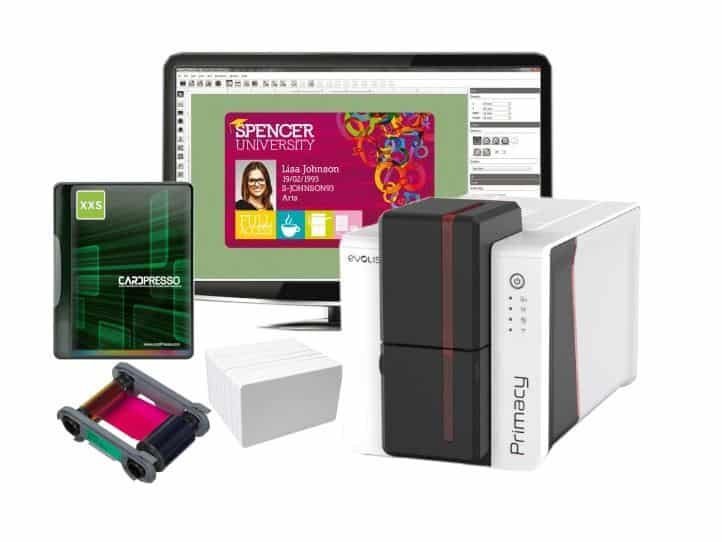The GO Pack listing brings together the stated duplex printer, software and starter supplies.## Primacy 2 GO Pack buying questions ### Who is the Primacy 2 GO Pack Duplex bundle for? It suits an organisation setting up regular in-house staff, student or membership-card production. The listed printer, software, ribbon and cards give you a defined starting package. Prepare the cardholder data, photographs and approved artwork before installation so you can test a complete card design. ### Will the included ribbon print 300 cards in colour on both sides? No. The supplied YMCKO ribbon has a 300-print rating, and printing colour on the reverse uses additional panel sets. Work out the required design on both faces before planning the run. If the reverse only needs black text, ask ACB about the appropriate ribbon and driver settings. ### Can I print access-control cards with the bundle? Confirm the card technology and encoding setup first. A printed badge design does not create an access credential. The listed white PVC starter cards should not be treated as contactless cards. If access control is required, specify the reader system, suitable cards and any encoder or software options separately. ### How do I plan replacement supplies? Keep the printer and ribbon references from your first setup. Reorder approved Primacy 2 consumables through our [Evolis ribbon range](https://acb-ltd.com/printer-ribbons/evolis-ribbons/), and select suitable [blank white cards](https://acb-ltd.com/product/premium-blank-white-pvc-plastic-cards/) for the intended design. Follow the cleaning schedule in the printer guide. You can also [compare Evolis printers](https://acb-ltd.com/id-card-printers/evolis-printers/) if you need a different configuration. **Product brands:** Evolis **Product categories:** Evolis Printers, ID Card Printers **Product tags:** compact ID card printer, corporate ID card printer, custom ID cards, Evolis Primacy 2, Evolis Primacy 2 GO Pack, fast ID card printing, high-quality ID card printer, ID card printer bundle, personalised ID cards, photo ID cards, professional ID card printing, reliable ID card printer, student ID card printer --- ### [Evolis Primacy 2 Duplex Expert ID Card Printer - Dual Sided](https://acb-ltd.com/product/evolis-primacy-2-duplex-expert-id-card-printer-dual-sided/) **Published:** August 3, 2025 **Author:** acb_superadmin **Excerpt:** Dual-sided Primacy 2 Expert for CR80 cards, with USB and Ethernet. Choose Base Model (PM2-0025) or Magnetic Encoder (PM2-0027); confirm software and ribbon requirements. **Content:** ## Evolis Primacy 2 Duplex Expert ID card printer The Evolis Primacy 2 Duplex Expert is a dual-sided direct-to-card printer for CR80 plastic cards. Keep a photograph and name on the front, with contact details, conditions or a barcode on the reverse. Its automatic card-flipping mechanism prints both faces without manually turning each card. ### Select the correct printer option This listing offers Base Model (PM2-0025) and Magnetic Encoder (PM2-0027) configurations. Select Magnetic Encoder if you need to write a compatible magnetic stripe, and check that your card-design software supports the encoding workflow. The base option does not include that encoder. Contactless or contact-chip encoding is a separate requirement to discuss with ACB. ### Match cards and print settings Standard connections are USB and Ethernet, with 100-card input and output capacities at 0.76 mm. Normal resolution is 300 × 300 dpi; enhanced 300 × 600 dpi supports colour and monochrome, while 300 × 1200 dpi is monochrome only. Output speed varies with ribbon, resolution, printed sides and encoding. The supported thickness range is 0.25–1.25 mm, with 0.25 mm cards restricted to monochrome printing. Use printer-approved cards and adjust the card gauge for the stock. Confirm the required ribbon and software licence for your workstation before ordering. 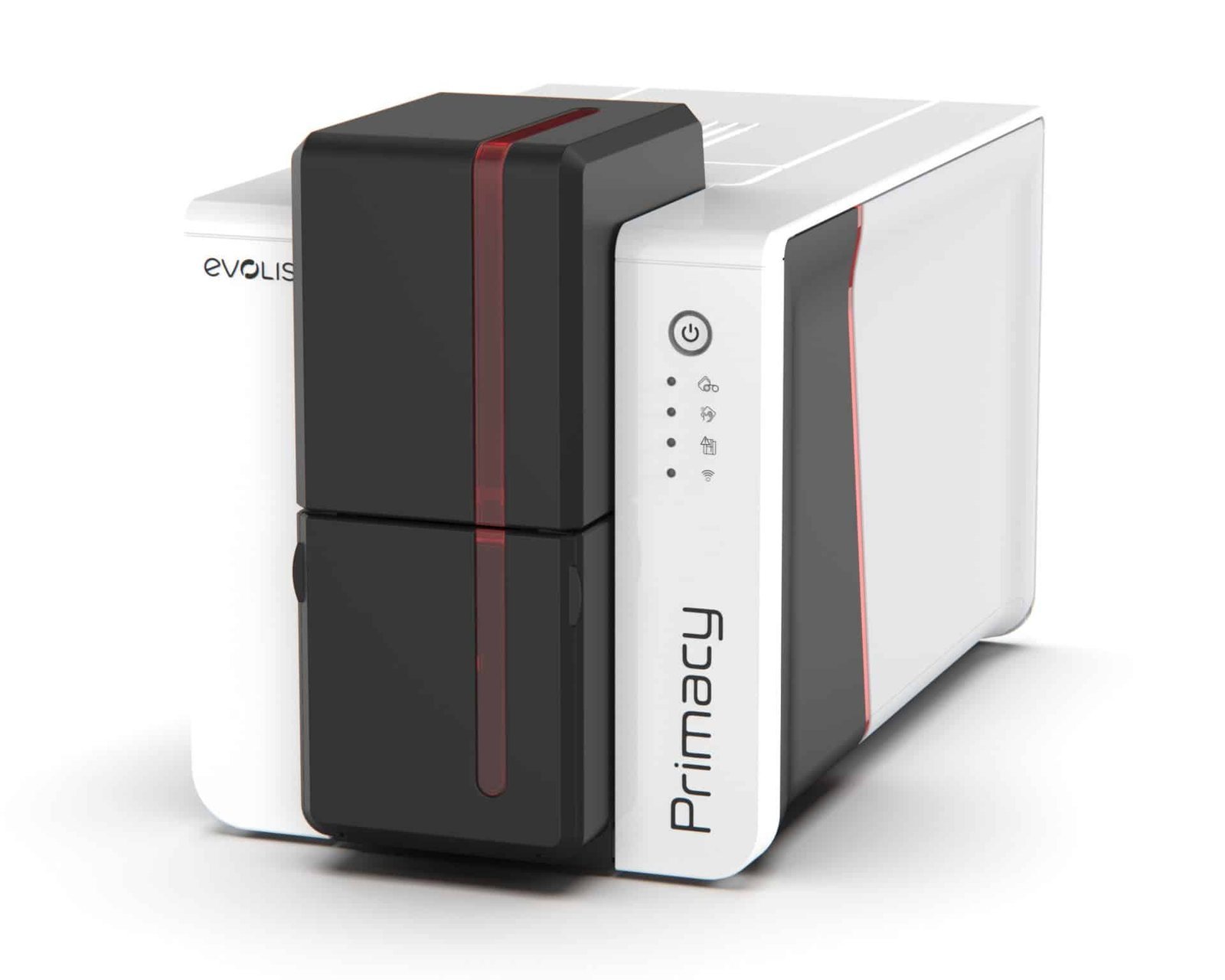Choose the Duplex configuration for automatic printing on both card faces.## Evolis Primacy 2 Duplex Expert buying questions ### Which Evolis Primacy 2 Duplex Expert ribbon should I choose? Start with the artwork for each face. Colour on both sides uses a different panel sequence from colour on the front and black text on the reverse. Choose an approved Primacy 2 ribbon and the matching driver mode, then plan the yield for completed cards. Browse our [Evolis ribbons](https://acb-ltd.com/printer-ribbons/evolis-ribbons/) for the available supplies. ### What does automatic duplex printing change? The printer turns the card during the print job. Therefore, staff do not need to reinsert each card to print the second face. This is useful for employee badges with a photograph on the front and return instructions on the reverse, or membership cards with terms on the back. ### Can the base model encode access cards? Printing the design and writing access credentials are separate tasks. Choose the Magnetic Encoder option only for the relevant magnetic-stripe workflow. Contactless or contact-chip work needs the appropriate encoder, software and card technology. Give ACB the reader or access-system details so the complete setup can be checked. ### What else should I include in the order? Allow for suitable [blank white PVC cards](https://acb-ltd.com/product/premium-blank-white-pvc-plastic-cards/), ribbon, cleaning supplies and card-design software. If you need a listed starter package, compare the [Primacy 2 GO Pack Duplex bundle](https://acb-ltd.com/product/evolis-primacy-2-go-pack-duplex-bundle-dual-sided/). Alternatively, ACB can supply finished cards through our [photo ID card printing service](https://acb-ltd.com/photo-id-card-printing/). Compare the [single-sided Primacy 2](https://acb-ltd.com/product/evolis-primacy-2-simplex-expert-id-card-printer-single-sided/). See the [Evolis Primacy 2 product information](https://www.evolis.com/solutions/card-printers/primacy2-card-printer/) and [manufacturer technical sheet](https://www.evolis.com/wp-content/uploads/2022/05/Specsheet-Primacy2-ENG.pdf) for platform specifications. **Product brands:** Evolis **Product categories:** Evolis Printers, ID Card Printers **Product tags:** compact ID card printer, corporate ID card printer, custom ID cards, Evolis Primacy 2, fast ID card printing, high-quality ID card printer, personalised ID cards, photo ID cards, professional ID card printing, reliable ID card printer, student ID card printer --- ### [Evolis Primacy 2 Simplex Expert ID Card Printer - Single Sided](https://acb-ltd.com/product/evolis-primacy-2-simplex-expert-id-card-printer-single-sided/) **Published:** August 3, 2025 **Author:** acb_superadmin **Excerpt:** Single-sided Primacy 2 Expert for CR80 cards, with USB and Ethernet. Choose Base Model (PM2-0001) or Magnetic Encoder (PM2-0004); confirm software and ribbon requirements. **Content:** ## Evolis Primacy 2 Simplex Expert ID card printer The Evolis Primacy 2 Simplex Expert is a single-sided direct-to-card printer for CR80 plastic cards. Put a photograph, name and organisation branding on the front of a staff, student or membership card. This configuration prints one face automatically; choose a duplex model when your design needs information on both sides. ### Select the correct printer option This listing offers Base Model (PM2-0001) and Magnetic Encoder (PM2-0004) configurations. Select Magnetic Encoder if you need to write a compatible magnetic stripe, and check that your card-design software supports the encoding workflow. The base option does not include that encoder. Contactless or contact-chip encoding is a separate requirement to discuss with ACB. ### Match cards and print settings Standard connections are USB and Ethernet, with 100-card input and output capacities at 0.76 mm. Normal resolution is 300 × 300 dpi; enhanced 300 × 600 dpi supports colour and monochrome, while 300 × 1200 dpi is monochrome only. Output speed varies with ribbon, resolution, printed sides and encoding. The supported thickness range is 0.25–1.25 mm, with 0.25 mm cards restricted to monochrome printing. Use printer-approved cards and adjust the card gauge for the stock. Confirm the required ribbon and software licence for your workstation before ordering. Choose the Simplex configuration for single-sided cards; match any encoder option to the required workflow.## Evolis Primacy 2 Simplex Expert buying questions ### Which Evolis Primacy 2 Simplex Expert supplies do I need? Specify an approved Primacy 2 ribbon, compatible cards and the appropriate cleaning kit. The R5F208E100 YMCKO ribbon is a colour-printing reference for the Primacy 2 family. Original Primacy references are different, so check the full ribbon code and region before buying replacements. Browse our [Evolis ribbons](https://acb-ltd.com/printer-ribbons/evolis-ribbons/) and [blank white PVC cards](https://acb-ltd.com/product/premium-blank-white-pvc-plastic-cards/) to plan your supplies. ### Should I choose Simplex or Duplex? Simplex suits a card design that fits on one face, such as a photograph, name and staff role. If you need automatic printing on the reverse, choose the Duplex configuration. For example, a two-sided card can keep the front clear while placing instructions and contact details on the back. ### Does the magnetic option encode contactless cards? No. Magnetic-stripe encoding and contactless chip encoding use different hardware and card technologies. Tell ACB which access system or reader you use before selecting a card and encoder. Printing a QR code or barcode on the surface is also separate from writing electronic credentials. ### Is a starter bundle a better fit? If this is your first card-printing setup, compare the complete cost of software, ribbon, cards and maintenance supplies. Our [Primacy 2 GO Pack Duplex bundle](https://acb-ltd.com/product/evolis-primacy-2-go-pack-duplex-bundle-dual-sided/) combines listed starter items with automatic two-sided printing. For occasional requirements, you can also choose ACB’s [photo ID card printing service](https://acb-ltd.com/photo-id-card-printing/). Compare the [dual-sided Primacy 2](https://acb-ltd.com/product/evolis-primacy-2-duplex-expert-id-card-printer-dual-sided/). See the [Evolis Primacy 2 product information](https://www.evolis.com/solutions/card-printers/primacy2-card-printer/) and [manufacturer technical sheet](https://www.evolis.com/wp-content/uploads/2022/05/Specsheet-Primacy2-ENG.pdf) for platform specifications. **Product brands:** Evolis **Product categories:** Evolis Printers, ID Card Printers **Product tags:** compact ID card printer, corporate ID card printer, custom ID cards, Evolis Primacy 2, fast ID card printing, high-quality ID card printer, personalised ID cards, photo ID cards, professional ID card printing, reliable ID card printer, student ID card printer --- ### [Magicard Pronto100 ID Card Printer](https://acb-ltd.com/product/magicard-pronto100-id-card-printer/) **Published:** August 3, 2025 **Author:** acb_superadmin **Excerpt:** Magicard Pronto100 for single-sided photo ID, staff badges and membership cards in small batches.Magicard 3633-0054 cleaning roller kit: five blue sticky sleeves and one metal shaft. Listed by Magicard for the 300, 600 and E+; confirm the roller assembly for your exact model. Cleaning cards and a printhead pen are separate items.
**Content:** ## Magicard 3633-0054 Cleaning Roller Kit – 5 Rollers & 1 Shaft Replenish the card-cleaning roller with Magicard 3633-0054: five blue sticky roller sleeves and one metal shaft. ### Contents and purpose - 5 blue sticky cleaning roller sleeves - 1 metal shaft ### Check the printer and roller reference Magicard’s consumables catalogue lists 3633-0054 for the Magicard 300, 600 and E+. Confirm the correct assembly for other models against their own fitting guide. ### Match the cleaning routine to your printer The tacky sleeve collects debris from passing cards. Fit the sleeve to the metal shaft and follow the fitting sequence for your printer. Retain the shaft when changing a used sleeve. This replacement assembly is a separate maintenance item from the [3633-0053 cleaning-card and printhead-pen kit](https://acb-ltd.com/product/magicard-3633-0053-printer-cleaning-kit-pack-of-10/). Use the component and cleaning cycle specified for your exact printer. Keep consumables ready for the maintenance intervals in its user guide. Contact ACB with the model and kit reference if you need help choosing supplies. Reference information: [Magicard roller identification and fitting guide](https://support.magicard.com/support-solution/cleaning-rollers/). **Product brands:** Magicard **Product categories:** Printer Cleaning Kits, Printer Cleaning Kits **Product tags:** extend printer life, High Quality Printing, ID card printer maintenance, Magicard 3633-0054, Magicard cleaning kit, printer cleaning roller kit, transport roller cleaning --- ### [Magicard CK1 Pronto Cleaning Kit – 5 Cards & 1 Pen](https://acb-ltd.com/product/magicard-ck1-printer-cleaning-kit-pack-of-5/) **Published:** August 3, 2025 **Author:** acb_superadmin **Excerpt:**Magicard CK1 Pronto cleaning kit for the original hand-fed Pronto: five 230 mm roller-cleaning cards and one printhead cleaning pen. Pronto100 uses the separate E9100 kit, so check the model label before ordering.
**Content:** ## Magicard CK1 Pronto Cleaning Kit – 5 Cards & 1 Pen Maintain an original Magicard Pronto with CK1: one kit containing five roller-cleaning cards and one printhead cleaning pen. ### Contents and purpose - 5 roller-cleaning cards, 230 mm long - 1 printhead cleaning pen ### Match the cleaning routine to your printer Magicard specifies CK1 for the [original hand-fed Pronto](https://acb-ltd.com/product/magicard-pronto-single-sided-id-card-printer/). The [Pronto100](https://acb-ltd.com/product/magicard-pronto100-id-card-printer/) uses E9100 with a different card length. For the listed 300, 600 and other direct-to-card families, see [3633-0053](https://acb-ltd.com/product/magicard-3633-0053-printer-cleaning-kit-pack-of-10/) instead. Match the model name before ordering: the required card length helps the printer clean the correct path and recognise the cleaning cycle. Use the component and cleaning cycle specified for your exact printer. Keep consumables ready for the maintenance intervals in its user guide. Contact ACB with the model and kit reference if you need help choosing supplies. Reference information: [Magicard model-by-model cleaning guide](https://support.magicard.com/support-solution/correct-cleaning-card-for-your-magicard-printer/). **Product brands:** Magicard **Product categories:** Printer Cleaning Kits, Printer Cleaning Kits **Product tags:** extend printer life, High Quality Printing, ID card printer maintenance, Magicard CK1, Magicard cleaning kit, print head cleaning, printer cleaning kit, transport roller cleaning --- ### [Magicard E9887 Retransfer Cleaning Kit – Cards, Swabs & Wipes](https://acb-ltd.com/product/magicard-e9887-printer-cleaning-kit-pack-of-10/) **Published:** August 3, 2025 **Author:** acb_superadmin **Excerpt:**Magicard E9887 retransfer cleaning kit for Ultima, Prima 4, Prima 8 and Prima laminator maintenance. Contains 10 adhesive cleaning cards, 10 printhead swabs and 10 roller wipes. Replaces the Prima 491 kit; follow the procedure for your exact equipment.
**Content:** ## Magicard E9887 Retransfer Cleaning Kit – Cards, Swabs & Wipes The Magicard E9887 retransfer cleaning kit contains ten adhesive cleaning cards, ten printhead swabs and ten roller wipes for the manufacturer-listed maintenance workflow. ### Contents and purpose - 10 adhesive cleaning cards - 10 printhead swabs - 10 roller wipes ### Match the cleaning routine to your printer Magicard lists E9887 for Ultima, Prima 4, Prima 8 and Prima laminator maintenance. Use the individual component and sequence specified for the equipment being cleaned. E9887 replaces the older Magicard Prima 491 kit. The [CK1 kit for the original Pronto](https://acb-ltd.com/product/magicard-ck1-printer-cleaning-kit-pack-of-5/), E9100 for Pronto100 and [3633-0053 direct-to-card cleaning kit](https://acb-ltd.com/product/magicard-3633-0053-printer-cleaning-kit-pack-of-10/) have different components and applications. Use the component and cleaning cycle specified for your exact printer. Keep consumables ready for the maintenance intervals in its user guide. Contact ACB with the model and kit reference if you need help choosing supplies. Reference information: [Magicard cleaning-kit selection guide](https://support.magicard.com/support-solution/correct-cleaning-card-for-your-magicard-printer/). **Product brands:** Magicard **Product categories:** Printer Cleaning Kits, Printer Cleaning Kits **Product tags:** extend printer life, High Quality Printing, ID card printer maintenance, Magicard cleaning kit, Magicard E9887, printer cleaning kit, printhead cleaning, transport roller cleaning --- ### [Magicard PRIMA436 Retransfer Film (1,000 Prints)](https://acb-ltd.com/product/magicard-prima-4-re-transfer-printer-ribbon-436-1000-prints/) **Published:** August 3, 2025 **Author:** acb_superadmin **Excerpt:**Magicard PRIMA436 clear retransfer film, rated 1,000 prints. Listed for Prima 4 and Prima 8 printers. Use with the correct dye film for your printer; the clear film does not supply colour panels.
**Content:** ## Magicard PRIMA436 retransfer film The Magicard PRIMA436 retransfer film is the clear transfer film listed for Prima 4 and Prima 8 printers, with a rated capacity of 1,000 prints. ### Separate film and ribbon The printer uses dye film to form the image on the retransfer film before applying it to the card. PRIMA436 does not replace the colour ribbon or a separately specified patch laminate. Check the [Magicard PRIMA436 listing](https://magicard.com/consumables/prima436/), or [ask ACB to check your exact model before ordering](https://acb-ltd.com/contact-us/). **Product brands:** Magicard **Product categories:** Magicard Ribbons, Printer Ribbons --- ### [Magicard Prima 4 YMCK Ribbon and Retransfer Film Set](https://acb-ltd.com/product/magicard-prima-431-set-dye-film-432-re-transfer-film-436-ymck-printer-ribbon-1000-prints-each/) **Published:** August 3, 2025 **Author:** acb_superadmin **Excerpt:**Magicard Prima 4 ribbon and film set, listed as one PRIMA432 YMCK colour ribbon and one PRIMA436 clear retransfer film. Each component has a nominal 1,000-image rating. Confirm the supplied single-pair pack before ordering.
**Content:** ## Magicard Prima 4 ribbon and film set This Magicard Prima 4 ribbon and film set is listed by ACB as one PRIMA432 YMCK ribbon and one PRIMA436 retransfer film. Each listed component is rated at 1,000 images. ### Confirm the supplied pack Magicard distinguishes the PRIMA431 multi-set pack from the PRIMA431/S single set. Confirm the exact supplied factory reference and number of pairs with ACB before ordering. The colour ribbon and clear transfer film work together. Their individual ratings are not additive finished-card quantities; output depends on the print mode and faces printed. Reference information: [Magicard manufacturer range guide](https://magicard.com/download/Class_Class_Attachments/2171a476-f9f2-11eb-ae83-0265ed7510c2). **Product brands:** Magicard **Product categories:** Magicard Ribbons, Printer Ribbons --- ### [Magicard Ultima YMCK Ribbon and Retransfer Film Single Set](https://acb-ltd.com/product/magicard-ultima-color-ymck-dye-film-retransfer-film-set-1-pack/) **Published:** August 3, 2025 **Author:** acb_superadmin **Excerpt:**Magicard Ultima ribbon and film set containing one HE1000YMCK colour ribbon and one HE1000RT clear retransfer film. This listing is for a single pair for the Ultima printing process. Confirm the supplied pack reference before ordering.
**Content:** ## Magicard Ultima ribbon and film set This Magicard Ultima ribbon and film set contains one HE1000YMCK colour ribbon and one HE1000RT retransfer film, as listed by ACB. Confirm the supplied single-pair pack reference before ordering. ### Check the single-set offer Each listed component has a 1,000-image rating. A colour ribbon and a transfer film perform different steps in the print process; the set is not an extra 2,000 finished-card allowance. Magicard’s factory SET-HE4000 description contains four of each component. ACB’s HE4000-SINGLESET stock code describes a single-set offer, so do not assume a full four-set factory box is included. ### Match the printer and mode Check the exact Ultima generation, chosen colour ribbon and number of printed faces. Confirm the supplied quantities with ACB if your order requires a sealed factory pack. Reference information: [Magicard Ultima consumables](https://magicard.com/printers-and-software/ultima/). **Product brands:** Magicard **Product categories:** Magicard Ribbons, Magicard Ultima Printer Ribbons, Printer Ribbons **Product tags:** Badge Printing, Color Printing, Dye Film, ID Card Printing, Magicard, Printer Ribbon, Printer Supplies, Retransfer Film, Ultima, YMCK --- ### [Magicard Ultima HE1000 YMCK Full Colour Dye Film - 1000 Prints](https://acb-ltd.com/product/magicard-ultima-he1000-ymck-full-colour-dye-film-1000-prints/) **Published:** August 3, 2025 **Author:** acb_superadmin **Excerpt:**Magicard HE1000YMCK colour ribbon for the Magicard Ultima, with a nominal 1,000-image capacity. Use with the matching HE1000RT clear retransfer film. The colour ribbon and transfer film are separate consumables.
**Content:** ## Magicard HE1000YMCK colour ribbon The Magicard HE1000YMCK colour ribbon is a YMCK dye film for a compatible Ultima setup, used with separate HE1000RT film. The published nominal rating is 1,000 images or panel sets per roll. ### Choose the correct ribbon The YMCK ribbon supplies colour and resin black to the retransfer process. A compatible clear retransfer film is also required; the colour ribbon is not the transfer film. Printer/reference check: Magicard Ultima; requires compatible HE1000RT film. A similar-looking cartridge or a related model name does not establish that two references are interchangeable. ### Plan the output Treat 1,000 as a nominal image or panel-set rating. Finished-card output depends on layout, print mode and the faces printed. Check the supplied ribbon label and required driver settings. Follow the printer’s cleaning and loading instructions. Confirm any separately required cards, cleaning supplies, software or retransfer film with ACB. Reference information: [Manufacturer reference](https://magicard.com/printers-and-software/ultima/). **Product brands:** Magicard **Product categories:** Magicard Ribbons, Magicard Ultima Printer Ribbons, Printer Ribbons **Product tags:** 1000, card printer film, Card Printer Ribbon, colour film, Colour Ribbon, Full Colour Dye Film, ID card film, Magicard, Magicard Ultima HE1000, printer film, Printer Ribbon, YMCK, YMCK colour film. --- ### [Magicard MA1000K Silver Ribbon 1000 Prints](https://acb-ltd.com/product/magicard-ma1000k-silver-ribbon-1000-prints/) **Published:** August 3, 2025 **Author:** acb_superadmin **Excerpt:**Magicard MA1000K silver ribbon for single-colour text, logos and line artwork. Nominal capacity: 1,000 images per roll. Compare the result on a contrasting card and confirm the supported printer, reference and card finish.
**Content:** ## Magicard MA1000K silver ribbon The Magicard MA1000K silver ribbon is a monochrome ribbon for a compatible direct-to-card card-printing workflow. The published nominal rating is 1,000 images or panel sets per roll. ### Choose the correct ribbon This ribbon prints in silver rather than full colour. Match the card background and print method to the design; approve a sample where contrast or machine reading matters. Printer/reference check: Check the exact Magicard model and approved MA reference. A similar-looking cartridge or a related model name does not establish that two references are interchangeable. ### Plan the output Treat 1,000 as a nominal image or panel-set rating. Finished-card output depends on layout, print mode and the faces printed. Check the supplied ribbon label and required driver settings. Follow the printer’s cleaning and loading instructions. Confirm any separately required cards, cleaning supplies, software or retransfer film with ACB. Reference information: [Manufacturer reference](https://magicard.com/printers-and-software/magicard-300/). **Product brands:** Magicard **Product categories:** Magicard 300 Ribbons, Magicard 600 Printer Ribbons, Magicard Enduro Ribbons, Magicard Pronto Ribbons, Magicard Pronto100 Ribbons, Magicard Ribbons, Printer Ribbons **Product tags:** 1000 Prints, Card Printer Ribbon, high-quality silver ribbon., Magicard MA1000K-Silver Ribbon, Printer Ribbon, silver card printer ribbon, silver ribbon --- ### [Magicard MA1000K Gold Ribbon - 1000 Prints](https://acb-ltd.com/product/magicard-ma1000k-gold-ribbon-1000-prints/) **Published:** August 3, 2025 **Author:** acb_superadmin **Excerpt:**Magicard MA1000K gold ribbon for single-colour text, logos and line artwork. Nominal capacity: 1,000 images per roll. Compare the result on a contrasting card and confirm the supported printer, reference and card finish.
**Content:** ## Magicard MA1000K gold ribbon The Magicard MA1000K gold ribbon is a monochrome ribbon for a compatible direct-to-card card-printing workflow. The published nominal rating is 1,000 images or panel sets per roll. ### Choose the correct ribbon This ribbon prints in gold rather than full colour. Match the card background and print method to the design; approve a sample where contrast or machine reading matters. Printer/reference check: Check the exact Magicard model and approved MA reference. A similar-looking cartridge or a related model name does not establish that two references are interchangeable. ### Plan the output Treat 1,000 as a nominal image or panel-set rating. Finished-card output depends on layout, print mode and the faces printed. Check the supplied ribbon label and required driver settings. Follow the printer’s cleaning and loading instructions. Confirm any separately required cards, cleaning supplies, software or retransfer film with ACB. Reference information: [Manufacturer reference](https://magicard.com/printers-and-software/magicard-300/). **Product brands:** Magicard **Product categories:** Magicard 300 Ribbons, Magicard 600 Printer Ribbons, Magicard Enduro Ribbons, Magicard Pronto Ribbons, Magicard Pronto100 Ribbons, Magicard Ribbons, Printer Ribbons **Product tags:** 1000 Prints, Card Printer Ribbon, gold card printer ribbon., gold ribbon, ID card ribbon, Magicard, Magicard MA1000K-Gold Ribbon, Monochrome Printer Ribbon, monochrome ribbon, Printer Ribbon --- ### [Magicard MA1000K-White Ribbon 1000 Prints](https://acb-ltd.com/product/magicard-ma1000k-white-ribbon-1000-prints/) **Published:** August 3, 2025 **Author:** acb_superadmin **Excerpt:**Magicard MA1000K white ribbon for single-colour text and line artwork on a contrasting card surface. Nominal capacity: 1,000 images per roll. Match the supported printer, ribbon reference and card finish before ordering.
**Content:** ## Magicard MA1000K white ribbon The Magicard MA1000K white ribbon is a monochrome ribbon for a compatible direct-to-card card-printing workflow. The published nominal rating is 1,000 images or panel sets per roll. ### Choose the correct ribbon This ribbon prints in white rather than full colour. Match the card background and print method to the design; approve a sample where contrastor machine reading matters. Printer/reference check: Check the exact Magicard model and approved MA reference. A similar-looking cartridge or a related model name does not establish that two references are interchangeable. ### Plan the output Treat 1,000 as a nominal image or panel-set rating. Finished-card output depends on layout, print mode and the faces printed. Check the supplied ribbon label and required driver settings. Follow the printer’s cleaning and loading instructions. Confirm any separately required cards, cleaning supplies, software or retransfer film with ACB. Reference information: [Manufacturer reference](https://magicard.com/printers-and-software/magicard-300/). **Product brands:** Magicard **Product categories:** Magicard 300 Ribbons, Magicard 600 Printer Ribbons, Magicard Enduro Ribbons, Magicard Pronto Ribbons, Magicard Pronto100 Ribbons, Magicard Ribbons, Printer Ribbons **Product tags:** 1000 Prints, badge printer ribbon, Card Printer Ribbon, ID card ribbon, Magicard, Magicard MA1000K-White Ribbon, monochrome ribbon, Printer Ribbon, white badge ribbon, white ID card ribbon., White Monochrome Ribbon, white ribbon --- ### [Magicard MA1000K Black Ribbon (EN3) – 1,000 Prints](https://acb-ltd.com/product/magicard-ma1000k-black-ribbon-1000-prints/) **Published:** August 3, 2025 **Author:** acb_superadmin **Excerpt:**Magicard MA1000K black ribbon for monochrome text, barcodes and line artwork. This resin film has a nominal capacity of 1,000 images per roll. Confirm the exact printer model, ribbon reference and approved card surface before ordering.
**Content:** ## Magicard MA1000K black ribbon The Magicard MA1000K black ribbon is a monochrome ribbon for a compatible direct-to-card card-printing workflow. The published nominal rating is 1,000 images or panel sets per roll. ### Choose the correct ribbon This ribbon prints in black rather than full colour. Match the card background and print method to the design; approve a sample where contrastor machine reading matters. Printer/reference check: Check the exact Magicard model and approved MA reference. A similar-looking cartridge or a related model name does not establish that two references are interchangeable. ### Plan the output Treat 1,000 as a nominal image or panel-set rating. Finished-card output depends on layout, print mode and the faces printed. Check the supplied ribbon label and required driver settings. Follow the printer’s cleaning and loading instructions. Confirm any separately required cards, cleaning supplies, software or retransfer film with ACB. Reference information: [Manufacturer reference](https://magicard.com/printers-and-software/magicard-300/). **Product brands:** Magicard **Product categories:** Magicard 300 Ribbons, Magicard 600 Printer Ribbons, Magicard Enduro Ribbons, Magicard Pronto Ribbons, Magicard Pronto100 Ribbons, Magicard Ribbons, Printer Ribbons --- ### [Magicard MA250YMCKOK Colour Ribbon - 250 Prints](https://acb-ltd.com/product/magicard-ma250ymckok-colour-ribbon-250-prints/) **Published:** August 3, 2025 **Author:** acb_superadmin **Excerpt:**Magicard MA250YMCKOK colour ribbon for a compatible dual-sided Enduro or Enduro3e setup. Nominal capacity: 250 YMCKOK panel sets for a colour front and black reverse. Confirm the exact model and reference before ordering.
**Content:** ## Magicard MA250YMCKOK colour ribbon The Magicard MA250YMCKOK colour ribbon is a YMCKOK consumable for a compatible direct-to-card card-printing workflow. The published nominal rating is 250 images or panel sets per roll. ### Choose the correct ribbon The YMC panels produce colour, K is resin black and O is the overlay. The additional K panel supports a black reverse in the appropriate two-sided print mode. Printer/reference check: Check the exact Magicard model and approved MA reference. A similar-looking cartridge or a related model name does not establish that two references are interchangeable. ### Plan the output Treat 250 as a nominal image or panel-set rating. Finished-card output depends on layout, print mode and the faces printed. Check the supplied ribbon label and required driver settings. Follow the printer’s cleaning and loading instructions. Confirm any separately required cards, cleaning supplies, software or retransfer film with ACB. Reference information: [Manufacturer reference](https://magicard.com/printers-and-software/pronto/). **Product brands:** Magicard **Product categories:** Magicard Enduro Ribbons, Magicard Ribbons, Printer Ribbons **Product tags:** 250 Prints, Colour Ribbon, High Quality Printing, Magicard MA250YMCKOK --- ### [Magicard MA300YMCKO Colour Ribbon](https://acb-ltd.com/product/magicard-ma300ymcko-colour-ribbon/) **Published:** August 3, 2025 **Author:** acb_superadmin **Excerpt:**Magicard MA300YMCKO colour ribbon for compatible original Pronto, Enduro and Enduro3e printers. Nominal capacity: 300 colour images per roll. Confirm the exact printer model and ribbon reference before ordering.
**Content:** ## Magicard MA300YMCKO colour ribbon The Magicard MA300YMCKO colour ribbon is a YMCKO consumable for a compatible direct-to-card card-printing workflow. The published nominal rating is 300 images or panel sets per roll. ### Choose the correct ribbon YMC are the colour panels, K is resin black and O is the overlay. Use the ribbon and settings approved for the printer and the intended card stock. Printer/reference check: Check the exact Magicard model and approved MA reference. A similar-looking cartridge or a related model name does not establish that two references are interchangeable. ### Plan the output Treat 300 as a nominal image or panel-set rating. Finished-card output depends on layout, print mode and the faces printed. Check the supplied ribbon label and required driver settings. Follow the printer’s cleaning and loading instructions. Confirm any separately required cards, cleaning supplies, software or retransfer film with ACB. Reference information: [Manufacturer reference](https://magicard.com/printers-and-software/pronto/). **Product brands:** Magicard **Product categories:** Magicard Enduro Ribbons, Magicard Pronto Ribbons, Magicard Ribbons, Printer Ribbons **Product tags:** 300 print ribbon, Colour Ribbon, high-quality ID printing, ID card ribbon, Magicard Enduro ribbon, Magicard MA300YMCKO, Magicard Pronto ribbon, Magicard ribbon., Magicard Rio Pro ribbon, photo ID printing, YMCKO Ribbon --- ### [Magicard MC250YMCKOK Colour Ribbon - 250 Prints](https://acb-ltd.com/product/magicard-mc250ymckok-colour-ribbon-250-prints/) **Published:** August 3, 2025 **Author:** acb_superadmin **Excerpt:**Magicard MC250YMCKOK colour ribbon for the Magicard 300, rated 250 YMCKOK panel sets. Choose this format for a colour front and black reverse with the correct dual-sided setup. Match the full regional reference.
**Content:** ## Magicard MC250YMCKOK colour ribbon The Magicard MC250YMCKOK colour ribbon is a YMCKOK consumable for a compatible direct-to-card card-printing workflow. The published nominal rating is 250 images or panel sets per roll. ### Choose the correct ribbon The YMC panels produce colour, K is resin black and O is the overlay. The additional K panel supports a black reverse in the appropriate two-sided print mode. Printer/reference check: Magicard 300; match the regional MC reference. A similar-looking cartridge or a related model name does not establish that two references are interchangeable. ### Plan the output Treat 250 as a nominal image or panel-set rating. Finished-card output depends on layout, print mode and the faces printed. Check the supplied ribbon label and required driver settings. Follow the printer’s cleaning and loading instructions. Confirm any separately required cards, cleaning supplies, software or retransfer film with ACB. Reference information: [Manufacturer reference](https://magicard.com/printers-and-software/magicard-300/). **Product brands:** Magicard **Product categories:** Magicard 300 Ribbons, Magicard Ribbons, Printer Ribbons **Product tags:** 250 Prints, Card Printer Ribbon, Colour Ribbon, dye-sublimation ribbon., full-colour ribbon, high-quality ribbon., ID card ribbon, Magicard MC250YMCKOK, Printer Ribbon, YMCKOK --- ### [Magicard MC200YMCKO Colour Ribbon](https://acb-ltd.com/product/magicard-mc200ymcko-colour-ribbon/) **Published:** August 3, 2025 **Author:** acb_superadmin **Excerpt:**Magicard MC200YMCKO colour ribbon for the Magicard 300. This YMCKO film has a nominal capacity of 200 colour images per roll. Match the complete regional reference and compare the yield with MC300YMCKO.
**Content:** ## Magicard MC200YMCKO colour ribbon The Magicard MC200YMCKO colour ribbon is a YMCKO consumable for a compatible direct-to-card card-printing workflow. The published nominal rating is 200 images or panel sets per roll. ### Choose the correct ribbon YMC are the colour panels, K is resin black and O is the overlay. Use the ribbon and settings approved for the printer and the intended card stock. Printer/reference check: Magicard 300; match the regional MC reference. A similar-looking cartridge or a related model name does not establish that two references are interchangeable. ### Plan the output Treat 200 as a nominal image or panel-set rating. Finished-card output depends on layout, print mode and the faces printed. Check the supplied ribbon label and required driver settings. Follow the printer’s cleaning and loading instructions. Confirm any separately required cards, cleaning supplies, software or retransfer film with ACB. Reference information: [Manufacturer reference](https://magicard.com/printers-and-software/magicard-300/). **Product brands:** Magicard **Product categories:** Magicard 300 Ribbons, Magicard Ribbons, Printer Ribbons **Product tags:** Card Printer Ribbon, Card Printing Ribbon, colour printing ribbon., Colour Ribbon, dye-sublimation ribbon., full-colour ribbon, ID card ribbon, Magicard, Magicard MC200YMCKO, Printer Ribbon, YMCKO, YMCKO Ribbon --- ### [Magicard MD100YMCKO Colour Ribbon - 100 Print Capacity](https://acb-ltd.com/product/magicard-md100ymcko-colour-ribbon-100-print-capacity/) **Published:** August 3, 2025 **Author:** acb_superadmin **Excerpt:**Magicard MD100YMCKO colour ribbon for the Pronto100. This YMCKO film has a nominal capacity of 100 colour images per roll. Check the complete regional reference; the original Pronto uses a different colour-ribbon family.
**Content:** ## Magicard MD100YMCKO colour ribbon The Magicard MD100YMCKO colour ribbon is a YMCKO consumable for a compatible direct-to-card card-printing workflow. The published nominal rating is 100 images or panel sets per roll. ### Choose the correct ribbon YMC are the colour panels, K is resin black and O is the overlay. Use the ribbon and settings approved for the printer and the intended card stock. Printer/reference check: Pronto100; match the regional MD reference. A similar-looking cartridge or a related model name does not establish that two references are interchangeable. ### Plan the output Treat 100 as a nominal image or panel-set rating. Finished-card output depends on layout, print mode and the faces printed. Check the supplied ribbon label and required driver settings. Follow the printer’s cleaning and loading instructions. Confirm any separately required cards, cleaning supplies, software or retransfer film with ACB. Reference information: [Manufacturer reference](https://magicard.com/printers-and-software/pronto100/). **Product brands:** Magicard **Product categories:** Magicard Pronto100 Ribbons, Magicard Ribbons, Printer Ribbons **Product tags:** 100 prints, Card Printer Ribbon, colour printing, Colour Ribbon, dye-sublimation ribbon., ID Card Printing, Magicard MD100YMCKO, YMCKO --- ### [Magicard MB300YMCKO Colour Ribbon (300 Prints)](https://acb-ltd.com/product/magicard-mb300ymcko-colour-ribbon-300-prints/) **Published:** August 3, 2025 **Author:** acb_superadmin **Excerpt:**Magicard MB300YMCKO colour ribbon for the Magicard 600. This YMCKO film has a nominal capacity of 300 colour images per roll. Check the complete reference, region and approved card stock for your printer.
**Content:** ## Magicard MB300YMCKO colour ribbon The Magicard MB300YMCKO colour ribbon is a YMCKO consumable for a compatible direct-to-card card-printing workflow. The published nominal rating is 300 images or panel sets per roll. ### Choose the correct ribbon YMC are the colour panels, K is resin black and O is the overlay. Use the ribbon and settings approved for the printer and the intended card stock. Printer/reference check: Magicard 600; match the regional MB reference. A similar-looking cartridge or a related model name does not establish that two references are interchangeable. ### Plan the output Treat 300 as a nominal image or panel-set rating. Finished-card output depends on layout, print mode and the faces printed. Check the supplied ribbon label and required driver settings. Follow the printer’s cleaning and loading instructions. Confirm any separately required cards, cleaning supplies, software or retransfer film with ACB. Reference information: [Manufacturer reference](https://magicard.com/printers-and-software/magicard-600/). **Product brands:** Magicard **Product categories:** Magicard 600 Printer Ribbons, Magicard Ribbons, Printer Ribbons **Product tags:** 300 Prints, Card Printer Ribbon, Card Printing Ribbon, Colour Ribbon, compatible with Magicard printers, High Quality Printing, high-volume printing, ID Card Printing, Magicard, Magicard 600, MB300YMCKO, office supplies, secure printing --- ### [Magicard MC300YMCKO 300 Prints Full-Colour Ribbon](https://acb-ltd.com/product/magicard-mc300ymcko-colour-ribbon/) **Published:** August 3, 2025 **Author:** acb_superadmin **Excerpt:**Magicard MC300YMCKO colour ribbon for the Magicard 300. This YMCKO film has a nominal capacity of 300 colour images per roll. Match the complete part number and regional suffix before ordering.
**Content:** ## Magicard MC300YMCKO colour ribbon The Magicard MC300YMCKO colour ribbon is a YMCKO consumable for a compatible direct-to-card card-printing workflow. The published nominal rating is 300 images or panel sets per roll. ### Choose the correct ribbon YMC are the colour panels, K is resin black and O is the overlay. Use the ribbon and settings approved for the printer and the intended card stock. Printer/reference check: Magicard 300; match the regional MC reference. A similar-looking cartridge or a related model name does not establish that two references are interchangeable. ### Plan the output Treat 300 as a nominal image or panel-set rating. Finished-card output depends on layout, print mode and the faces printed. Check the supplied ribbon label and required driver settings. Follow the printer’s cleaning and loading instructions. Confirm any separately required cards, cleaning supplies, software or retransfer film with ACB. Reference information: [Manufacturer reference](https://magicard.com/printers-and-software/magicard-300/). **Product brands:** Magicard **Product categories:** Magicard 300 Ribbons, Magicard Ribbons, Printer Ribbons --- ### [Magicard Ultima HE1000RT Retransfer Film - 1000 Prints](https://acb-ltd.com/product/magicard-ultima-he1000rt-retransfer-film-1000-prints/) **Published:** August 3, 2025 **Author:** acb_superadmin **Excerpt:**Magicard HE1000RT is the clear retransfer film for the Ultima printing process, with a published 1,000-image rating. It is used alongside a compatible colour dye film.
**Content:** ## Magicard HE1000RT retransfer film The Magicard HE1000RT retransfer film is the clear transfer film for the Ultima printing process, with a published 1,000-image rating. It is used alongside a compatible colour dye film. ### Separate film from colour ribbon The colour ribbon forms the image and the clear film transfers it to the card. HE1000RT is not a YMCK colour ribbon or a patch laminate. Confirm both consumables and the printer generation. ### Plan the output Card output depends on the selected print mode and faces printed. Check the roll label and follow the Ultima loading and cleaning instructions. This listing is for the film; order any separately required colour ribbon with ACB. Reference information: [Magicard Ultima consumables](https://magicard.com/printers-and-software/ultima/). **Product brands:** Magicard **Product categories:** Magicard Ribbons, Magicard Ultima Printer Ribbons, Printer Ribbons **Product tags:** 1000 Prints, Color Retransfer Film, Colorful Retransfer Film., Durable Retransfer Film, HE1000RT Retransfer Film, High-quality Retransfer Film, Long-lasting Retransfer Film, Magicard Ultima HE1000RT Retransfer Film, Retransfer Film, Retransfer Film for Magicard Ultima, Ultima Retransfer Film --- ### [Magicard Ultima HE750YMCKK Full Colour Dye Film (750 prints)](https://acb-ltd.com/product/magicard-ultima-he750ymckk-full-colour-dye-film-750-prints/) **Published:** August 3, 2025 **Author:** acb_superadmin **Excerpt:**Magicard HE750YMCKK full-colour dye film for Ultima printers, rated 750 images. Includes two black panels for double-sided work. Use with the appropriate Ultima retransfer film.
**Content:** ## Magicard HE750YMCKK colour ribbon The Magicard HE750YMCKK colour ribbon is listed for the Ultima retransfer printer family, with a rated capacity of 750 images. The YMCKK sequence contains yellow, magenta, cyan and two black panels. ### Ribbon and film pairing Ultima printing also uses retransfer film. Match both consumables to the job and printer; the colour ribbon and clear film have separate references and yields. Check the [Magicard ribbon reference](https://magicard.com/consumables/he750ymckk/), or [ask ACB to check your exact model before ordering](https://acb-ltd.com/contact-us/). **Product brands:** Magicard **Product categories:** Magicard Ribbons, Magicard Ultima Printer Ribbons, Printer Ribbons --- ### [Magicard Ultima HE750YMCKS Full Colour Secure Dye Film](https://acb-ltd.com/product/magicard-ultima-he750ymcks-full-colour-secure-dye-film/) **Published:** August 3, 2025 **Author:** acb_superadmin **Excerpt:**Magicard HE750YMCKS colour dye film for Ultima printers, rated 750 images. Includes a Secure HoloKote panel for the printer's visual watermark function. Requires matching retransfer film.
**Content:** ## Magicard HE750YMCKS colour ribbon The Magicard HE750YMCKS colour ribbon is a 750-image Ultima dye film with a Secure HoloKote panel. The manufacturer’s terminology describes a visual watermark function. ### Check your Ultima consumables Use the ribbon with the appropriate Ultima retransfer film and supported printer settings. The ribbon is a separate consumable from the film; it is not a standalone foil hologram or patch laminate. See [Magicard’s consumable listing](https://magicard.com/consumables/he750ymcks/), or [ask ACB to check your exact model before ordering](https://acb-ltd.com/contact-us/). **Product brands:** Magicard **Product categories:** Magicard Ribbons, Magicard Ultima Printer Ribbons, Printer Ribbons --- ### [Magicard Prima 433 YMCKK Colour Ribbon (750 Prints)](https://acb-ltd.com/product/magicard-prima-433-ymckk-colour-ribbon-750-prints/) **Published:** August 3, 2025 **Author:** acb_superadmin **Excerpt:**PRIMA433 colour dye film for Magicard Prima 4. Five-panel YMCKK ribbon, rated 750 images; use with the correct separate retransfer film.
**Content:** ## Magicard PRIMA433 colour ribbon The Magicard PRIMA433 colour ribbon is a YMCKK dye film listed for the Magicard Prima 4 retransfer printer. Yellow, magenta and cyan create the colour image; two resin-black panels support colour printing on one side and black printing on the reverse. ### Ribbon and film work together This is the dye-film roll. The printer also needs compatible retransfer film, such as the manufacturer-listed PRIMA436. Replacing the dye film does not replace the transfer-film roll. ### Plan your print run Magicard rates PRIMA433 at 750 images. Match the consumable reference and the selected printing mode before ordering; do not treat a ribbon’s image rating as a guarantee of the number of finished double-sided cards. View the matching [PRIMA436 clear retransfer film](https://acb-ltd.com/product/magicard-prima-4-re-transfer-printer-ribbon-436-1000-prints/) and check the consumable combination for your Prima 4. **Product brands:** Magicard **Product categories:** Magicard Ribbons, Printer Ribbons --- ### [Magicard Prima 462 0.6mil Clear Patch Laminate (600 Prints)](https://acb-ltd.com/product/magicard-prima-462-0-6mil-clear-patch-laminate-600-prints/) **Published:** August 3, 2025 **Author:** acb_superadmin **Excerpt:**0.6 mil clear patch laminate, rated 600 patches. For a compatible Magicard Prima setup with a laminator; this roll is separate from the printing ribbon and retransfer film.
**Content:** ## Magicard PRIMA462 clear laminate The Magicard PRIMA462 clear laminate is the 0.6 mil clear patch laminate in the Magicard Prima consumables range. The manufacturer’s legacy Prima 4 table rates the roll at 600 patches, and its current consumable page lists Prima 8 with a laminator. ### A laminator is required Patch laminate is applied by the compatible laminating unit after the printing stage. A Prima printer without that unit cannot apply this consumable. Magicard’s support guidance covers laminators connected to Prima 4 or Prima 8 printers. ### Choose the correct patch format This reference is the clear patch version. Check whether your card needs a chip cut-out or another laminate format before ordering. The laminate does not replace the printer’s colour dye film or retransfer film. See the [Magicard PRIMA462 specification](https://magicard.com/consumables/prima462/) and [Prima laminator guidance](https://support.magicard.com/support-solution/user-guide-prima-laminator/). **Product brands:** Magicard **Product categories:** Magicard Ribbons, Printer Ribbons --- ### [Magicard 464 Clear Patch Laminate (600 Prints)](https://acb-ltd.com/product/magicard-464-clear-patch-laminate-600-prints/) **Published:** August 3, 2025 **Author:** acb_superadmin **Excerpt:**1.0 mil clear patch laminate, rated 600 patches. For a compatible Magicard Prima setup with a laminator; this roll is separate from the printing ribbon and retransfer film.
**Content:** ## Magicard PRIMA464 clear laminate The Magicard PRIMA464 clear laminate is the 1.0 mil clear patch laminate in the Magicard Prima consumables range. The manufacturer’s legacy Prima 4 table rates the roll at 600 patches, and its current consumable page lists Prima 8 with a laminator. ### A laminator is required Patch laminate is applied by the compatible laminating unit after the printing stage. A Prima printer without that unit cannot apply this consumable. Magicard’s support guidance covers laminators connected to Prima 4 or Prima 8 printers. ### Choose the correct patch format This reference is the clear patch version. Check whether your card needs a chip cut-out or another laminate format before ordering. The laminate does not replace the printer’s colour dye film or retransfer film. See the [Magicard PRIMA464 specification](https://magicard.com/consumables/prima464/) and [Prima laminator guidance](https://support.magicard.com/support-solution/user-guide-prima-laminator/). **Product brands:** Magicard **Product categories:** Magicard Ribbons, Printer Ribbons --- ### [Magicard 461 Snowflake Overlay Film (1000 Prints)](https://acb-ltd.com/product/magicard-461-snowflake-overlay-film-1000-prints/) **Published:** August 3, 2025 **Author:** acb_superadmin **Excerpt:**Generic snowflake holographic overlay film, rated 1,000 overlays in the Prima 4 consumables table. Requires a compatible Prima laminator.
**Content:** ## Magicard PRIMA461 snowflake overlay The Magicard PRIMA461 snowflake overlay is Magicard’s generic snowflake holographic overlay film. The manufacturer’s legacy Prima 4 consumables table lists 1,000 overlays per roll; the current consumable page lists the Prima 8 with a laminator. ### Overlay film for a laminating unit The snowflake pattern adds a visible feature to the card surface. It is applied with a compatible Prima laminator, which Magicard specifies for use with an attached Prima 4 or Prima 8 printer. It is not the colour dye film or clear retransfer film used to print the card. ### Match the overlay to your card Confirm the required overlay reference, card format and laminator settings before ordering. A generic snowflake design is a visible checking feature; it does not guarantee that a card cannot be copied. Read the [Magicard PRIMA461 specification](https://magicard.com/consumables/prima461/) and [Prima laminator guidance](https://support.magicard.com/support-solution/user-guide-prima-laminator/). **Product brands:** Magicard **Product categories:** Magicard Ribbons, Printer Ribbons --- ## Categories ### [Uncategorised](https://acb-ltd.com/category/uncategorised/) --- ## Product brands ### [Magicard](https://acb-ltd.com/brand/magicard/) **Description:** Explore Magicard printers, colour ribbons, monochrome film and cleaning supplies at ACB. Find your model and match the exact product reference. --- ### [Mifare](https://acb-ltd.com/brand/mifare/) **Description:** Shop Mifare products at ACB. Browse current product ranges, check exact references and compare listed pack options, specifications and supplies. --- ### [Fudan](https://acb-ltd.com/brand/fudan/) **Description:** Shop Fudan products at ACB. Browse current product ranges, check exact references and compare listed pack options, specifications and supplies. --- ### [Matica](https://acb-ltd.com/brand/matica/) **Description:** Shop Matica products at ACB. Browse current product ranges, check exact references and compare listed pack options, specifications and supplies. --- ### [Evolis](https://acb-ltd.com/brand/evolis/) **Description:** Shop Evolis products at ACB. Browse current product ranges, check exact references and compare listed pack options, specifications and supplies. --- ### [Paxton](https://acb-ltd.com/brand/paxton/) **Description:** Shop Paxton products at ACB. Browse current product ranges, check exact references and compare listed pack options, specifications and supplies. --- ### [EasyBadge](https://acb-ltd.com/brand/easybadge/) **Description:** Shop EasyBadge products at ACB. Browse current product ranges, check exact references and compare listed pack options, specifications and supplies. --- ### [IDP](https://acb-ltd.com/brand/idp/) **Description:** Shop IDP products at ACB. Browse current product ranges, check exact references and compare listed pack options, specifications and supplies. --- ### [Evohold](https://acb-ltd.com/brand/evohold/) **Description:** Shop Evohold products at ACB. Browse current product ranges, check exact references and compare listed pack options, specifications and supplies. --- ### [Zebra](https://acb-ltd.com/brand/zebra/) **Description:** Shop Zebra products at ACB. Browse current product ranges, check exact references and compare listed pack options, specifications and supplies. --- ### [HID](https://acb-ltd.com/brand/hid/) **Description:** Shop HID products at ACB. Browse current product ranges, check exact references and compare listed pack options, specifications and supplies. --- ### [Pointman](https://acb-ltd.com/brand/pointman/) **Description:** Shop Pointman products at ACB. Browse current product ranges, check exact references and compare listed pack options, specifications and supplies. --- ### [ACB Ltd](https://acb-ltd.com/brand/acb-ltd/) **Description:** Shop ACB Ltd products at ACB. Browse current product ranges, check exact references and compare listed pack options, specifications and supplies. --- ### [Entrust](https://acb-ltd.com/brand/entrust/) **Description:** Shop Entrust products at ACB. Browse current product ranges, check exact references and compare listed pack options, specifications and supplies. --- ### [Fargo](https://acb-ltd.com/brand/fargo/) **Description:** Shop Fargo products at ACB. Browse current product ranges, check exact references and compare listed pack options, specifications and supplies. --- ### [Datacard](https://acb-ltd.com/brand/entrust/datacard/) **Description:** Shop Datacard products at ACB. Browse current product ranges, check exact references and compare listed pack options, specifications and supplies. --- ## Product categories ### [Access Control](https://acb-ltd.com/access-control/) **Description:** Compare access control cards, RFID credentials, key fobs and discs at ACB. Match MIFARE, Paxton, HID or Fudan references to your installed system. --- ### [MIFARE Cards](https://acb-ltd.com/access-control/mifare-cards/) **Description:** Compare NXP MIFARE Classic, DESFire, Plus and Ultralight cards. Match the chip version, memory, identifier and programming requirements with ACB. --- ### [Paxton Cards](https://acb-ltd.com/access-control/paxton/) **Description:** Shop Paxton Net2 cards, key fobs and adhesive discs, plus Compact/Switch2 card packs. Match the exact credential and system requirements with ACB. --- ### [HID Cards & Readers](https://acb-ltd.com/access-control/hid-cards/) **Description:** Compare HID iCLASS cards and the OMNIKEY 3021 USB contact reader. Match the card interface, credential format and application before ordering with ACB. --- ### [Fudan Cards](https://acb-ltd.com/access-control/fudan-cards/) **Description:** Compare blank Fudan 1K and 4K cards, including a 1K magnetic-stripe option. Match the exact chip revision, card construction and system requirements. --- ### [Mifare Classic](https://acb-ltd.com/access-control/mifare-cards/mifare-classic/) **Description:** Shop NXP MIFARE Classic EV1 1K and 4K cards, including Hi-Co stripe options. Compare identifier variants, pack contents and system requirements. --- ### [Mifare DESfire](https://acb-ltd.com/access-control/mifare-cards/mifare-desfire/) **Description:** Compare NXP MIFARE DESFire EV2 2K and 4K cards, plus the 4K Hi-Co stripe option. Match your application, reader and personalisation requirements. --- ### [Paxton Net2](https://acb-ltd.com/access-control/paxton/paxton-net2/) **Description:** Compare Paxton Net2 ISO cards, 695-644 key fobs and 660-100 adhesive discs. Choose the listed ten-pack and match your installed Net2 system. --- ### [Paxton Switch2](https://acb-ltd.com/access-control/paxton/paxton-switch2/) **Description:** Shop Paxton 830-010G green proximity card packs for compatible Compact and Switch2 systems. Confirm the ten-user-card pack and administration requirements. --- ### [Blank Plastic Cards](https://acb-ltd.com/blank-plastic-cards/) **Description:** Shop blank plastic cards for ID and membership printing. Compare white, coloured, magnetic stripe, signature panel and three-part tag stock at ACB. --- ### [Blank Tag Cards](https://acb-ltd.com/blank-plastic-cards/blank-tag-cards/) **Description:** Shop blank white PVC three-part tag cards for membership and loyalty projects. Check the 760-micron stock, artwork layout and quantity options with ACB. --- ### [Blank Coloured Cards](https://acb-ltd.com/blank-plastic-cards/coloured-plastic-cards/) **Description:** Shop blank coloured plastic cards in red, blue, green, black and metallic options. Compare finishes and check the card, ribbon and quantity requirements. --- ### [Magnetic Stripe Cards](https://acb-ltd.com/blank-plastic-cards/magnetic-stripe-cards/) **Description:** Compare blank white Hi-Co and Lo-Co magnetic stripe cards. Shop CR80 760-micron PVC stock and match the stripe and encoding format to your system. --- ### [Blank White Cards](https://acb-ltd.com/blank-plastic-cards/blank-white-cards/) **Description:** Compare blank white PVC cards for ID and membership printing, including standard 760-micron CR80 cards and adhesive-backed stock. Shop the ACB range. --- ### [Signature Panel Cards](https://acb-ltd.com/blank-plastic-cards/signature-panel-cards/) **Description:** Shop blank white PVC signature panel cards in CR80 760-micron stock. Choose 100 or 500 cards and plan the printed design around the writing area. --- ### [ID Card Accessories](https://acb-ltd.com/id-card-accessories/) **Description:** Shop ID card accessories from ACB: badge holders, retractable reels and strap clips. Compare display formats, attachments and quantity options for your team. --- ### [ID Strap Clips](https://acb-ltd.com/id-card-accessories/plastic-loop-clips/) **Description:** Shop ID strap clips in packs of 100, with Black, Blue, Red and Metal options. Match the clear strap and clip fitting to your ID card holder or badge. --- ### [Badge Reels](https://acb-ltd.com/id-card-accessories/badge-reels/) **Description:** Shop retractable badge reels for staff ID and access cards. Compare Premier, translucent and solid-core styles, colours, attachments and quantities at ACB. --- ### [ID Card Holders](https://acb-ltd.com/id-card-accessories/id-card-holders/) **Description:** Shop ID card holders and vinyl visitor-pass wallets. Compare portrait, landscape, single- and double-sided designs, pass sizes and colours with ACB. --- ### [Lanyards](https://acb-ltd.com/lanyards/) **Description:** Shop plain, pre-printed and NHS lanyards at ACB. Compare colours, clips and badge reels, or request custom printed lanyards with your own logo. --- ### [Healthcare Lanyards](https://acb-ltd.com/lanyards/healthcare-lanyards/) **Description:** Plan healthcare staff ID lanyards with ACB. Compare NHS options for eligible organisations, or explore plain colours and custom printed alternatives. --- ### [Education Lanyards](https://acb-ltd.com/lanyards/education-lanyards/) **Description:** Shop STAFF and STUDENT lanyards for school and college ID badges. Compare colours and clips, or ask ACB about your institution's own printed lanyards. --- ### [J Clip Lanyards](https://acb-ltd.com/lanyards/j-clip-lanyards/) **Description:** Shop plain lanyards with plastic J clips in a choice of colours. Compare 10 mm straps, quantities and fittings for your ID card holders at ACB. --- ### [Metal Clip Lanyards](https://acb-ltd.com/lanyards/metal-clip-lanyards/) **Description:** Shop plain lanyards with metal lobster clips in a choice of colours. Compare 10 mm straps, quantity options and badge-holder fittings with ACB. --- ### [NHS Lanyards](https://acb-ltd.com/lanyards/nhs-lanyards/) **Description:** Compare NHS lanyards with breakaway, rainbow, badge reel and holder options. Read ACB's NHS supply notice and choose the exact organisational order. --- ### [Plain Lanyards](https://acb-ltd.com/lanyards/plain-lanyards/) **Description:** Shop plain coloured lanyards with plastic J clips or metal lobster clips, plus a black badge-reel pack. Compare fittings and quantities at ACB. --- ### [Pre Printed Lanyards](https://acb-ltd.com/lanyards/pre-printed-lanyards/) **Description:** Shop pre-printed STAFF, STUDENT, VISITOR and CONTRACTOR lanyards. Compare colours, clip types and quantities, or ask ACB about bespoke wording. --- ### [Contractor Lanyards](https://acb-ltd.com/lanyards/pre-printed-lanyards/contractor-lanyards/) **Description:** Shop CONTRACTOR lanyards in red, orange, grey, green and blue with plastic clips. Choose the quantity and matching badge holders for your site. --- ### [Staff Lanyards](https://acb-ltd.com/lanyards/pre-printed-lanyards/staff-lanyards/) **Description:** Shop STAFF lanyards with plastic J or metal lobster clips in the listed colours. Select your quantity, match the holder, or request bespoke branding. --- ### [Student Lanyards](https://acb-ltd.com/lanyards/pre-printed-lanyards/student-lanyards/) **Description:** Shop STUDENT lanyards in black or purple, with plastic J or metal lobster clip options. Compare 15 mm straps and quantities for your institution. --- ### [Visitor Lanyards](https://acb-ltd.com/lanyards/pre-printed-lanyards/visitor-lanyards/) **Description:** Shop VISITOR lanyards in green, black, red, orange and blue with plastic clips. Select quantities and matching visitor-pass holders from ACB. --- ### [Printed Cards](https://acb-ltd.com/plastic-card-printing/) **Description:** Explore printed cards. Check current product references, specifications, pack quantities and options. Ask ACB for product advice. --- ### [ID Card Printers](https://acb-ltd.com/id-card-printers/) **Description:** Compare ID card printers from Magicard, Evolis, FARGO, IDP SMART and Zebra. Choose printing sides, supplies and a setup for your badges with ACB. --- ### [Magicard Printers](https://acb-ltd.com/id-card-printers/magicard-printers/) **Description:** Compare Magicard 300, 600, original Pronto and Pronto100 ID card printers. Check printing options, ribbon costs and the complete setup with ACB. --- ### [Evolis Printers](https://acb-ltd.com/id-card-printers/evolis-printers/) **Description:** Compare Evolis Badgy 200, Zenius Classic, Primacy 2 and Agilia card printers. Check printing sides, bundles, ribbons and card requirements with ACB. --- ### [Printer Ribbons](https://acb-ltd.com/printer-ribbons/) **Description:** Find ID card printer ribbons by brand, model and part number. Compare colour, black and retransfer supplies, then check yield and pack contents with ACB. --- ### [Magicard Ribbons](https://acb-ltd.com/printer-ribbons/magicard-ribbons/) **Description:** Shop Magicard printer ribbons by model and part number. Compare colour, monochrome and retransfer supplies, including 300, 600, Pronto100 and Ultima. --- ### [Matica Ribbons](https://acb-ltd.com/printer-ribbons/matica-ribbons/) **Description:** Browse Matica MC colour ribbons and XID ribbon-and-film sets. Match the printer, ribbon line and complete references before ordering from ACB. --- ### [Evolis Ribbons](https://acb-ltd.com/printer-ribbons/evolis-ribbons/) **Description:** Shop Evolis colour and monochrome ribbons, overlays and Agilia retransfer supplies. Match the printer generation, full reference and print format. --- ### [IDP Ribbons](https://acb-ltd.com/printer-ribbons/idp-ribbons/) **Description:** Find IDP SMART colour, black and specialist printer ribbons. Match SMART-30/50 or SMART-31/51 references, panel format and rated output with ACB. --- ### [Entrust Ribbons](https://acb-ltd.com/printer-ribbons/entrust-ribbons/) **Description:** Browse Entrust Sigma and selected Datacard printer ribbons. Compare colour, black, white and specialist finishes by model and full supply reference. --- ### [Fargo Ribbons](https://acb-ltd.com/printer-ribbons/fargo-ribbons/) **Description:** Compare FARGO 45000 YMCKO colour and 45101 black printer ribbons. Confirm the full cartridge reference, printer generation and rated output with ACB. --- ### [Zebra Ribbons](https://acb-ltd.com/printer-ribbons/zebra-ribbons/) **Description:** Browse Zebra colour and monochrome card printer ribbons, including legacy P-series and ZXP Series 3 supplies. Confirm the exact reference with ACB. --- ### [Printer Cleaning Kits](https://acb-ltd.com/printer-cleaning-kits/) **Description:** Shop ID card printer cleaning kits, cards and rollers from Magicard, Evolis, Zebra, Fargo and more. Match the model, kit reference and pack contents with ACB. --- ### [Id Card Software](https://acb-ltd.com/id-card-software/) **Description:** Explore id card software. Check current product references, specifications, pack quantities and options. Ask ACB for product advice. --- ### [Magicard 300 Ribbons](https://acb-ltd.com/printer-ribbons/magicard-ribbons/magicard-300-ribbons/) **Description:** Magicard 300 ribbons including MC300YMCKO, MC200YMCKO, MC250YMCKOK and monochrome options. Compare print yields and check the printer region with ACB. --- ### [Magicard Pronto Ribbons](https://acb-ltd.com/printer-ribbons/magicard-ribbons/magicard-pronto-ribbons/) **Description:** Ribbons for the original Magicard Pronto, including MA300YMCKO colour and monochrome options. Find the separate Pronto100 range and check references. --- ### [Magicard Enduro Ribbons](https://acb-ltd.com/printer-ribbons/magicard-ribbons/magicard-enduro-ribbons/) **Description:** Magicard Enduro and Enduro3e ribbons including MA300YMCKO, MA250YMCKOK and monochrome options. Check the exact model, reference and print mode with ACB. --- ### [Magicard Ultima Printer Ribbons](https://acb-ltd.com/printer-ribbons/magicard-ribbons/magicard-ultima-printer-ribbons/) **Description:** Magicard Ultima colour dye films and retransfer supplies. Compare the listed YMCK, YMCKK, secure film and film-set references, with advice from ACB. --- ### [Magicard 600 Printer Ribbons](https://acb-ltd.com/printer-ribbons/magicard-ribbons/magicard-600-printer-ribbons/) **Description:** Magicard 600 ribbons including MB300YMCKO colour and listed monochrome options. Check part numbers, regional references and print yields with ACB. --- ### [Evolis Pebble Printer Ribbons](https://acb-ltd.com/printer-ribbons/evolis-ribbons/evolis-pebble-printer-ribbons/) **Description:** Find Evolis Pebble R3011 colour and listed monochrome ribbons. Match your printer generation, roll reference, artwork and stated output with ACB. --- ### [Evolis Primacy Printer Ribbons](https://acb-ltd.com/printer-ribbons/evolis-ribbons/evolis-primacy-printer-ribbons/) **Description:** Compare original Evolis Primacy colour, monochrome and hologram ribbons. Match the full cartridge code and keep Primacy 2 supplies separate. --- ### [Evolis Quantum Printer Ribbons](https://acb-ltd.com/printer-ribbons/evolis-ribbons/evolis-quantum-printer-ribbons/) **Description:** Browse listed black, white, gold and silver ribbons for Evolis Quantum. Confirm the exact printer generation and roll reference before ordering. --- ### [Evolis Tattoo Printer Ribbons](https://acb-ltd.com/printer-ribbons/evolis-ribbons/evolis-tattoo-printer-ribbons/) **Description:** Browse listed Evolis Tattoo monochrome ribbons in black, white, gold and silver. Confirm the printer generation and supply reference with ACB. --- ### [Evolis Zenius Printer Ribbons](https://acb-ltd.com/printer-ribbons/evolis-ribbons/evolis-zenius-printer-ribbons/) **Description:** Compare Evolis Zenius half-panel colour, monochrome and overlay ribbons. Check the exact reference and distinguish original Zenius from Zenius 2. --- ### [Smart 30 Printer Ribbons](https://acb-ltd.com/printer-ribbons/idp-ribbons/smart-30-printer-ribbons/) **Description:** Find the IDP SMART-30 650634 YMCKO colour ribbon, listed at 250 prints. Confirm the model, roll reference and pack contents before ordering. --- ### [Smart 31 Printer Ribbons](https://acb-ltd.com/printer-ribbons/idp-ribbons/smart-31-printer-ribbons/) **Description:** Compare IDP SMART-31 colour, black, white, KO and UV-panel ribbons. Match the full reference, print mode, rated output and included cleaning items. --- ### [Smart 51 Printer Ribbons](https://acb-ltd.com/printer-ribbons/idp-ribbons/smart-51-printer-ribbons/) **Description:** Find IDP SMART-51 YMCKO, YMCKOK, KO, black, white and UV-panel ribbons. Compare complete references, rated output and cleaning contents with ACB. --- ### [Entrust Sigma DS1 Ribbons](https://acb-ltd.com/printer-ribbons/entrust-ribbons/entrust-sigma-ds1-ribbons/) **Description:** Find replacement ribbons for existing Entrust Sigma DS1 printers. Compare colour, KT and monochrome supplies by full reference, format and output. --- ### [Entrust Sigma DS2 Ribbons](https://acb-ltd.com/printer-ribbons/entrust-ribbons/entrust-sigma-ds2-ribbons/) **Description:** Browse Entrust Sigma DS2 colour, KT and monochrome ribbons. Match the panel sequence, cassette format, print mode and complete supply reference. --- ### [Fargo 1250E Printer Ribbons](https://acb-ltd.com/printer-ribbons/fargo-ribbons/fargo-1250e-printer-ribbons/) **Description:** Compare FARGO DTC1250e 45000 colour and 45101 black ribbons. Check legacy versus current references, the cartridge label and nominal image rating. --- ### [Matica MC110 Printer Ribbons](https://acb-ltd.com/printer-ribbons/matica-ribbons/matica-mc110-printer-ribbons/) **Description:** Compare listed Matica MC110 YMCKO and YMCKO-K supplies. Confirm the complete Diamond or Platinum reference and actual roll label before ordering. --- ### [Matica MC210 Printer Ribbons](https://acb-ltd.com/printer-ribbons/matica-ribbons/matica-mc210-printer-ribbons/) **Description:** Browse listed Matica MC210 YMCKO and YMCKO-K colour ribbons. Match the complete reference, ribbon line and intended printing workflow with ACB. --- ### [Matica MC310 Printer Ribbons](https://acb-ltd.com/printer-ribbons/matica-ribbons/matica-mc310-printer-ribbons/) **Description:** Compare listed Matica MC310 YMCKO and YMCKO-K colour supplies. Confirm the full reference, supplied ribbon line and card-printing configuration. --- ### [Matica XID8300 Printer Ribbons](https://acb-ltd.com/printer-ribbons/matica-ribbons/matica-xid8300-printer-ribbons/) **Description:** Compare listed Matica XID8300 colour-ribbon and retransfer-film sets. Confirm both component references, printer generation and individual roll ratings. --- ### [Matica XID8600 Printer Ribbons](https://acb-ltd.com/printer-ribbons/matica-ribbons/matica-xid8600-printer-ribbons/) **Description:** Find listed Matica XID8600 ribbon-and-film sets. Check colour-ribbon and transfer-film references, legacy identifiers and rated output with ACB. --- ### [Zebra ZXP Series 3 Printer Ribbons](https://acb-ltd.com/printer-ribbons/zebra-ribbons/zebra-zxp-series-3-printer-ribbons/) **Description:** Compare listed Zebra ZXP Series 3 YMCKOK and white ribbons. Confirm cartridge references, regional codes, printer configuration and image ratings. --- ### [Zebra P110i Printer Ribbons](https://acb-ltd.com/printer-ribbons/zebra-ribbons/zebra-p110i-printer-ribbons/) **Description:** Browse Zebra P110i 800017 colour and monochrome ribbon listings. Match the complete reference, printer generation, region and stated output. --- ### [Zebra P120i Printer Ribbons](https://acb-ltd.com/printer-ribbons/zebra-ribbons/zebra-p120i-printer-ribbons/) **Description:** Compare Zebra P120i 800017 colour, black, white, red and blue ribbons. Confirm the complete supply code, print mode and finished-card output. --- ### [Photo ID Cards](https://acb-ltd.com/plastic-card-printing/photo-id-card-printing/) **Description:** Explore photo id cards. Check current product references, specifications, pack quantities and options. Ask ACB for product advice. --- ### [Single-Sided](https://acb-ltd.com/id-card-accessories/id-card-holders/single-sided/) **Description:** Shop single-sided ID card holders in portrait and landscape formats. Choose your colour and quantity, then match the CR80 card and attachment with ACB. --- ### [Double-Sided](https://acb-ltd.com/id-card-accessories/id-card-holders/double-sided/) **Description:** Shop double-sided ID card holders for two CR80 cards. Compare portrait and landscape formats, Evohold portrait colours and quantity options at ACB. --- ### [Fargo Printers](https://acb-ltd.com/id-card-printers/fargo-printers/) **Description:** Compare FARGO DTC1250e, DTC4250e, DTC4500e, HDP5000 and HDP6600 printers. Check printing sides, supplies and the exact configuration with ACB. --- ### [IDP Smart Printers](https://acb-ltd.com/id-card-printers/idp-smart-printers/) **Description:** Compare IDP SMART-21, SMART-31, SMART-51 and SMART-70 printers, bundles and systems. Check rewrite, duplex and lamination requirements with ACB. --- ### [Swiftpro Printers](https://acb-ltd.com/id-card-printers/swiftpro-printers/) **Description:** Compare Swiftpro K30 single-sided and K30D dual-sided retransfer card printers. Confirm the configuration, colour ribbon and transfer film with ACB. --- ### [Zebra Printers](https://acb-ltd.com/id-card-printers/zebra-printers/) **Description:** Browse Zebra ZC100, ZC300 and ZXP Series 7 card printers. Compare printing sides, connections and the supplies required for your badge setup. --- ### [Printer Cleaning Kits](https://acb-ltd.com/id-card-printers/printer-cleaning-kits-id-card-printers/) **Description:** Shop ID card printer cleaning kits, cards and rollers from Magicard, Evolis, Zebra, Fargo and more. Match the model, kit reference and pack contents with ACB. --- ### [Datacard SD & SP Range](https://acb-ltd.com/printer-ribbons/entrust-ribbons/datacard-sd-sp-range/) **Description:** Compare Datacard 532000-002 and 532000-053 black ribbons and 532000-004 white. Match the exact SD or SP printer model and supply reference. --- ### [Printer Accessories](https://acb-ltd.com/id-card-accessories/printer-accessories/) **Description:** Shop IDP SMART-70 printer accessories and SMART-Bit ribbon equipment. Compare hopper cartridges, flipper and laminator modules for a compatible setup. --- ### [Magicard Pronto100 Ribbons](https://acb-ltd.com/printer-ribbons/magicard-ribbons/magicard-pronto100-ribbons/) **Description:** Magicard Pronto100 ribbons including MD100YMCKO colour and listed monochrome options. Check the ribbon reference, print yield and printer region with ACB. --- ## Product tags ### [Badge Clip](https://acb-ltd.com/product-tag/badge-clip/) --- ### [Badge Reel](https://acb-ltd.com/product-tag/badge-reel/) --- ### [ID Card Badge Holder](https://acb-ltd.com/product-tag/id-card-badge-holder/) --- ### [ID Card Clip](https://acb-ltd.com/product-tag/id-card-clip/) --- ### [Key Reel](https://acb-ltd.com/product-tag/key-reel/) --- ### [Keychain Reel](https://acb-ltd.com/product-tag/keychain-reel/) --- ### [Retractable Keychain](https://acb-ltd.com/product-tag/retractable-keychain/) --- ### [Retractable Reel](https://acb-ltd.com/product-tag/retractable-reel/) --- ### [Yo Yo Keychain](https://acb-ltd.com/product-tag/yo-yo-keychain/) --- ### [Yo Yo Reel](https://acb-ltd.com/product-tag/yo-yo-reel/) --- ### [corporate ID card printer](https://acb-ltd.com/product-tag/corporate-id-card-printer/) --- ### [custom ID cards](https://acb-ltd.com/product-tag/custom-id-cards/) **Description:** Browse equipment for custom ID card printing at ACB. Compare in-house printers and accessories, or choose our photo ID service for finished personalised cards. --- ### [government ID card printer](https://acb-ltd.com/product-tag/government-id-card-printer/) --- ### [high-definition ID card printer](https://acb-ltd.com/product-tag/high-definition-id-card-printer/) --- ### [Magicard 600](https://acb-ltd.com/product-tag/magicard-600/) --- ### [personalised ID cards](https://acb-ltd.com/product-tag/personalised-id-cards/) **Description:** Find equipment for personalised ID cards at ACB. Explore printers and accessories for your organisation, or have ACB print your finished photo ID cards. --- ### [photo ID cards](https://acb-ltd.com/product-tag/photo-id-cards/) **Description:** Explore photo ID card printers and accessories at ACB. Print in-house with your chosen equipment, or use our photo ID printing service for finished cards. --- ### [secure ID card printing](https://acb-ltd.com/product-tag/secure-id-card-printing/) --- ### [student ID card printer](https://acb-ltd.com/product-tag/student-id-card-printer/) --- ### [access control card printer.](https://acb-ltd.com/product-tag/access-control-card-printer/) --- ### [Badge Printer](https://acb-ltd.com/product-tag/badge-printer/) --- ### [Card Printer](https://acb-ltd.com/product-tag/card-printer/) --- ### [Card Printing](https://acb-ltd.com/product-tag/card-printing/) --- ### [employee ID printer](https://acb-ltd.com/product-tag/employee-id-printer/) --- ### [ID Card Printer](https://acb-ltd.com/product-tag/id-card-printer/) --- ### [loyalty card printer](https://acb-ltd.com/product-tag/loyalty-card-printer/) --- ### [Magicard Pronto Printer](https://acb-ltd.com/product-tag/magicard-pronto-printer/) --- ### [membership card printer](https://acb-ltd.com/product-tag/membership-card-printer/) --- ### [Plastic Card Printer](https://acb-ltd.com/product-tag/plastic-card-printer/) --- ### [secure ID cards](https://acb-ltd.com/product-tag/secure-id-cards/) --- ### [Eco-friendly card holder](https://acb-ltd.com/product-tag/eco-friendly-card-holder/) --- ### [Evohold](https://acb-ltd.com/product-tag/evohold/) --- ### [Landscape ID holder](https://acb-ltd.com/product-tag/landscape-id-holder/) --- ### [Recycled material](https://acb-ltd.com/product-tag/recycled-material/) --- ### [Single-sided ID holder](https://acb-ltd.com/product-tag/single-sided-id-holder/) --- ### [760 Micron](https://acb-ltd.com/product-tag/760-micron/) --- ### [Access Card](https://acb-ltd.com/product-tag/access-card/) --- ### [Blank Card](https://acb-ltd.com/product-tag/blank-card/) --- ### [CR80 Card](https://acb-ltd.com/product-tag/cr80-card/) --- ### [ID Card](https://acb-ltd.com/product-tag/id-card/) --- ### [Loyalty Card](https://acb-ltd.com/product-tag/loyalty-card/) --- ### [Membership Card](https://acb-ltd.com/product-tag/membership-card/) --- ### [Plastic Card](https://acb-ltd.com/product-tag/plastic-card/) --- ### [PVC Card](https://acb-ltd.com/product-tag/pvc-card/) --- ### [White Card](https://acb-ltd.com/product-tag/white-card/) --- ### [175 micron paper backing.](https://acb-ltd.com/product-tag/175-micron-paper-backing/) --- ### [480 micron cards](https://acb-ltd.com/product-tag/480-micron-cards/) --- ### [adhesive ID cards](https://acb-ltd.com/product-tag/adhesive-id-cards/) --- ### [Blank PVC ID cards](https://acb-ltd.com/product-tag/blank-pvc-id-cards/) --- ### [white plastic cards](https://acb-ltd.com/product-tag/white-plastic-cards/) --- ### [Black Blank Plastic PVC CR80 Card](https://acb-ltd.com/product-tag/black-blank-plastic-pvc-cr80-card/) --- ### [Black PVC Card](https://acb-ltd.com/product-tag/black-pvc-card/) --- ### [Blank Plastic Card](https://acb-ltd.com/product-tag/blank-plastic-card/) --- ### [PVC CR80 Card](https://acb-ltd.com/product-tag/pvc-cr80-card/) --- ### [Blank PVC Card](https://acb-ltd.com/product-tag/blank-pvc-card/) --- ### [Plastic CR80 Card](https://acb-ltd.com/product-tag/plastic-cr80-card/) --- ### [Yellow Blank Card](https://acb-ltd.com/product-tag/yellow-blank-card/) --- ### [Yellow Blank Plastic PVC CR80 Card](https://acb-ltd.com/product-tag/yellow-blank-plastic-pvc-cr80-card/) --- ### [Yellow PVC Card.](https://acb-ltd.com/product-tag/yellow-pvc-card/) --- ### [Access Cards](https://acb-ltd.com/product-tag/access-cards/) --- ### [Gift cards](https://acb-ltd.com/product-tag/gift-cards/) --- ### [ID cards](https://acb-ltd.com/product-tag/id-cards/) --- ### [light blue cards](https://acb-ltd.com/product-tag/light-blue-cards/) --- ### [Loyalty cards](https://acb-ltd.com/product-tag/loyalty-cards/) --- ### [Membership cards](https://acb-ltd.com/product-tag/membership-cards/) --- ### [Plastic Card Printing](https://acb-ltd.com/product-tag/plastic-card-printing/) --- ### [PVC CR80 cards](https://acb-ltd.com/product-tag/pvc-cr80-cards/) --- ### [Red Blank Plastic PVC CR80 Card](https://acb-ltd.com/product-tag/red-blank-plastic-pvc-cr80-card/) --- ### [Red Plastic Card](https://acb-ltd.com/product-tag/red-plastic-card/) --- ### [Bronze Card](https://acb-ltd.com/product-tag/bronze-card/) --- ### [Bronze Metallic Blank Plastic PVC CR80 Card](https://acb-ltd.com/product-tag/bronze-metallic-blank-plastic-pvc-cr80-card/) --- ### [Metallic Card](https://acb-ltd.com/product-tag/metallic-card/) --- ### [Cranberry Blank Plastic PVC CR80 Card](https://acb-ltd.com/product-tag/cranberry-blank-plastic-pvc-cr80-card/) --- ### [identification solution](https://acb-ltd.com/product-tag/identification-solution/) --- ### [Blue Card.](https://acb-ltd.com/product-tag/blue-card/) --- ### [Dark Blue Blank Plastic PVC CR80 Card](https://acb-ltd.com/product-tag/dark-blue-blank-plastic-pvc-cr80-card/) --- ### [Gold Card](https://acb-ltd.com/product-tag/gold-card/) --- ### [Light Gold Blank Plastic PVC CR80 Card](https://acb-ltd.com/product-tag/light-gold-blank-plastic-pvc-cr80-card/) --- ### [Green Blank Plastic PVC CR80 Card](https://acb-ltd.com/product-tag/green-blank-plastic-pvc-cr80-card/) --- ### [identification card](https://acb-ltd.com/product-tag/identification-card/) --- ### [Grey Blank Plastic PVC CR80 Card](https://acb-ltd.com/product-tag/grey-blank-plastic-pvc-cr80-card/) --- ### [Grey Card.](https://acb-ltd.com/product-tag/grey-card/) --- ### [Orange PVC card](https://acb-ltd.com/product-tag/orange-pvc-card/) --- ### [Cream Blank Plastic PVC CR80 Card](https://acb-ltd.com/product-tag/cream-blank-plastic-pvc-cr80-card/) --- ### [Pink Blank Plastic PVC CR80 Card](https://acb-ltd.com/product-tag/pink-blank-plastic-pvc-cr80-card/) --- ### [Pink Card.](https://acb-ltd.com/product-tag/pink-card/) --- ### [Royal Blue Blank Plastic PVC CR80 Card](https://acb-ltd.com/product-tag/royal-blue-blank-plastic-pvc-cr80-card/) --- ### [Royal Blue Card](https://acb-ltd.com/product-tag/royal-blue-card/) --- ### [Silver Blank Plastic PVC CR80 Card](https://acb-ltd.com/product-tag/silver-blank-plastic-pvc-cr80-card/) --- ### [silver card.](https://acb-ltd.com/product-tag/silver-card/) --- ### [purple PVC card](https://acb-ltd.com/product-tag/purple-pvc-card/) --- ### [760 mic](https://acb-ltd.com/product-tag/760-mic/) --- ### [Blank](https://acb-ltd.com/product-tag/blank/) --- ### [Card](https://acb-ltd.com/product-tag/card/) --- ### [CR80](https://acb-ltd.com/product-tag/cr80/) --- ### [Lo-Co](https://acb-ltd.com/product-tag/lo-co/) --- ### [Plastic](https://acb-ltd.com/product-tag/plastic/) --- ### [PVC](https://acb-ltd.com/product-tag/pvc/) --- ### [760 micron thickness](https://acb-ltd.com/product-tag/760-micron-thickness/) --- ### [760 micron ID cards](https://acb-ltd.com/product-tag/760-micron-id-cards/) --- ### [blank white ID cards.](https://acb-ltd.com/product-tag/blank-white-id-cards/) --- ### [CR80 ID cards](https://acb-ltd.com/product-tag/cr80-id-cards/) --- ### [Plastic ID Cards](https://acb-ltd.com/product-tag/plastic-id-cards/) --- ### [PVC ID Cards](https://acb-ltd.com/product-tag/pvc-id-cards/) --- ### [signature panel ID cards](https://acb-ltd.com/product-tag/signature-panel-id-cards/) --- ### [3 tag card](https://acb-ltd.com/product-tag/3-tag-card/) --- ### [3 tag cards.](https://acb-ltd.com/product-tag/3-tag-cards/) --- ### [760 Micron Cards](https://acb-ltd.com/product-tag/760-micron-cards/) --- ### [Blank ID Cards](https://acb-ltd.com/product-tag/blank-id-cards/) --- ### [CR80 Cards](https://acb-ltd.com/product-tag/cr80-cards/) --- ### [CR80 size](https://acb-ltd.com/product-tag/cr80-size/) --- ### [Plastic cards](https://acb-ltd.com/product-tag/plastic-cards/) --- ### [White ID Cards](https://acb-ltd.com/product-tag/white-id-cards/) --- ### [white PVC cards. SEO keywords: PVC ID cards](https://acb-ltd.com/product-tag/white-pvc-cards-seo-keywords-pvc-id-cards/) --- ### [Blue Lanyard](https://acb-ltd.com/product-tag/blue-lanyard/) --- ### [Lanyard](https://acb-ltd.com/product-tag/lanyard/) --- ### [Orange Lanyard](https://acb-ltd.com/product-tag/orange-lanyard/) --- ### [Pink Lanyard](https://acb-ltd.com/product-tag/pink-lanyard/) --- ### [Badge Holder Clip](https://acb-ltd.com/product-tag/badge-holder-clip/) --- ### [Badge Reel Clip](https://acb-ltd.com/product-tag/badge-reel-clip/) --- ### [Badge Reel with Belt Clip](https://acb-ltd.com/product-tag/badge-reel-with-belt-clip/) --- ### [ID Badge Holder](https://acb-ltd.com/product-tag/id-badge-holder/) --- ### [retractable badge reel](https://acb-ltd.com/product-tag/retractable-badge-reel/) --- ### [Retractable ID Badge Holder.](https://acb-ltd.com/product-tag/retractable-id-badge-holder/) --- ### [Translucent Badge Reel](https://acb-ltd.com/product-tag/translucent-badge-reel/) --- ### [Translucent ID Badge Reel](https://acb-ltd.com/product-tag/translucent-id-badge-reel/) --- ### [Badge Holder](https://acb-ltd.com/product-tag/badge-holder/) --- ### [employee badge reel](https://acb-ltd.com/product-tag/employee-badge-reel/) --- ### [ID badge reel](https://acb-ltd.com/product-tag/id-badge-reel/) --- ### [ID Holder](https://acb-ltd.com/product-tag/id-holder/) --- ### [office badge reel](https://acb-ltd.com/product-tag/office-badge-reel/) --- ### [retractable ID holder.](https://acb-ltd.com/product-tag/retractable-id-holder/) --- ### [Solid Core Retractable ID Badge Reel](https://acb-ltd.com/product-tag/solid-core-retractable-id-badge-reel/) --- ### [work badge reel](https://acb-ltd.com/product-tag/work-badge-reel/) --- ### [ID Strap Clip](https://acb-ltd.com/product-tag/id-strap-clip/) --- ### [ID Strap Clip bulk](https://acb-ltd.com/product-tag/id-strap-clip-bulk/) --- ### [ID Strap Clip for badges](https://acb-ltd.com/product-tag/id-strap-clip-for-badges/) --- ### [ID Strap Clip for conferences](https://acb-ltd.com/product-tag/id-strap-clip-for-conferences/) --- ### [ID Strap Clip for events](https://acb-ltd.com/product-tag/id-strap-clip-for-events/) --- ### [ID Strap Clip for ID cards](https://acb-ltd.com/product-tag/id-strap-clip-for-id-cards/) --- ### [ID Strap Clip for offices.](https://acb-ltd.com/product-tag/id-strap-clip-for-offices/) --- ### [ID Strap Clip for schools](https://acb-ltd.com/product-tag/id-strap-clip-for-schools/) --- ### [ID Strap Clip pack of 100](https://acb-ltd.com/product-tag/id-strap-clip-pack-of-100/) --- ### [ID Strap Clip wholesale](https://acb-ltd.com/product-tag/id-strap-clip-wholesale/) --- ### [Breakaway Lanyards](https://acb-ltd.com/product-tag/breakaway-lanyards/) --- ### [Plastic Clip Lanyards.](https://acb-ltd.com/product-tag/plastic-clip-lanyards/) --- ### [Pre-Printed Lanyards](https://acb-ltd.com/product-tag/pre-printed-lanyards/) --- ### [SEO rich keywords for this product could include: black lanyards](https://acb-ltd.com/product-tag/seo-rich-keywords-for-this-product-could-include-black-lanyards/) --- ### [Staff ID Lanyards](https://acb-ltd.com/product-tag/staff-id-lanyards/) --- ### [badge lanyards.](https://acb-ltd.com/product-tag/badge-lanyards/) --- ### [conference lanyards](https://acb-ltd.com/product-tag/conference-lanyards/) --- ### [Employee Lanyards](https://acb-ltd.com/product-tag/employee-lanyards/) --- ### [event lanyards](https://acb-ltd.com/product-tag/event-lanyards/) --- ### [Grey Staff ID Lanyards](https://acb-ltd.com/product-tag/grey-staff-id-lanyards/) --- ### [ID Card Lanyards](https://acb-ltd.com/product-tag/id-card-lanyards/) --- ### [Neck Lanyards](https://acb-ltd.com/product-tag/neck-lanyards/) --- ### [Breakaway](https://acb-ltd.com/product-tag/breakaway/) --- ### [ID Lanyards](https://acb-ltd.com/product-tag/id-lanyards/) --- ### [Plastic Clip.](https://acb-ltd.com/product-tag/plastic-clip/) --- ### [Pre-Printed](https://acb-ltd.com/product-tag/pre-printed/) --- ### [Red Staff ID Neck Lanyards](https://acb-ltd.com/product-tag/red-staff-id-neck-lanyards/) --- ### [Staff Lanyards](https://acb-ltd.com/product-tag/staff-lanyards/) --- ### [blue lanyards](https://acb-ltd.com/product-tag/blue-lanyards/) --- ### [ID badge lanyards](https://acb-ltd.com/product-tag/id-badge-lanyards/) --- ### [Security Lanyards](https://acb-ltd.com/product-tag/security-lanyards/) --- ### [visitor ID lanyards](https://acb-ltd.com/product-tag/visitor-id-lanyards/) --- ### [ID neck lanyards](https://acb-ltd.com/product-tag/id-neck-lanyards/) --- ### [Orange lanyards](https://acb-ltd.com/product-tag/orange-lanyards/) --- ### [red lanyards](https://acb-ltd.com/product-tag/red-lanyards/) --- ### [black lanyards](https://acb-ltd.com/product-tag/black-lanyards/) --- ### [Green Lanyards](https://acb-ltd.com/product-tag/green-lanyards/) --- ### [Green Visitor ID Neck Lanyards](https://acb-ltd.com/product-tag/green-visitor-id-neck-lanyards/) --- ### [Visitor Lanyards](https://acb-ltd.com/product-tag/visitor-lanyards/) --- ### [Blue](https://acb-ltd.com/product-tag/blue/) --- ### [Blue Contractor ID Neck Lanyards](https://acb-ltd.com/product-tag/blue-contractor-id-neck-lanyards/) --- ### [Contractor Lanyards](https://acb-ltd.com/product-tag/contractor-lanyards/) --- ### [Green](https://acb-ltd.com/product-tag/green/) --- ### [Green Contractor ID Neck Lanyards](https://acb-ltd.com/product-tag/green-contractor-id-neck-lanyards/) --- ### [Green Lanyard](https://acb-ltd.com/product-tag/green-lanyard/) --- ### [Contractor ID Lanyards](https://acb-ltd.com/product-tag/contractor-id-lanyards/) --- ### [Grey Lanyards](https://acb-ltd.com/product-tag/grey-lanyards/) --- ### [Pre-Printed Grey Contractor ID Neck Lanyards](https://acb-ltd.com/product-tag/pre-printed-grey-contractor-id-neck-lanyards/) --- ### [Conference Lanyard](https://acb-ltd.com/product-tag/conference-lanyard/) --- ### [Contractor Lanyard](https://acb-ltd.com/product-tag/contractor-lanyard/) --- ### [Custom Lanyard.](https://acb-ltd.com/product-tag/custom-lanyard/) --- ### [Employee Lanyard](https://acb-ltd.com/product-tag/employee-lanyard/) --- ### [Event Lanyard](https://acb-ltd.com/product-tag/event-lanyard/) --- ### [Orange](https://acb-ltd.com/product-tag/orange/) --- ### [Orange Contractor Neck Lanyard](https://acb-ltd.com/product-tag/orange-contractor-neck-lanyard/) --- ### [Safety Lanyard](https://acb-ltd.com/product-tag/safety-lanyard/) --- ### [Work Lanyard](https://acb-ltd.com/product-tag/work-lanyard/) --- ### [Red Contractor ID Neck Lanyards](https://acb-ltd.com/product-tag/red-contractor-id-neck-lanyards/) --- ### [Workplace Identification](https://acb-ltd.com/product-tag/workplace-identification/) --- ### [Healthcare accessory](https://acb-ltd.com/product-tag/healthcare-accessory/) --- ### [NHS](https://acb-ltd.com/product-tag/nhs/) --- ### [Safety clasp](https://acb-ltd.com/product-tag/safety-clasp/) --- ### [Double Breakaway Lanyards](https://acb-ltd.com/product-tag/double-breakaway-lanyards/) --- ### [Healthcare Professional Lanyards](https://acb-ltd.com/product-tag/healthcare-professional-lanyards/) --- ### [NHS Blue Lanyards](https://acb-ltd.com/product-tag/nhs-blue-lanyards/) --- ### [NHS Essentials](https://acb-ltd.com/product-tag/nhs-essentials/) --- ### [NHS ID Lanyards](https://acb-ltd.com/product-tag/nhs-id-lanyards/) --- ### [NHS Identification Accessories](https://acb-ltd.com/product-tag/nhs-identification-accessories/) --- ### [NHS Safety Products](https://acb-ltd.com/product-tag/nhs-safety-products/) --- ### [NHS Staff Lanyards](https://acb-ltd.com/product-tag/nhs-staff-lanyards/) --- ### [NHS Staff Supplies](https://acb-ltd.com/product-tag/nhs-staff-supplies/) --- ### [NHS Uniform Accessories](https://acb-ltd.com/product-tag/nhs-uniform-accessories/) --- ### [Safety Lanyards](https://acb-ltd.com/product-tag/safety-lanyards/) --- ### [300 print ribbon](https://acb-ltd.com/product-tag/300-print-ribbon/) --- ### [Colour Ribbon](https://acb-ltd.com/product-tag/colour-ribbon/) --- ### [ID card ribbon](https://acb-ltd.com/product-tag/id-card-ribbon/) --- ### [Magicard Enduro ribbon](https://acb-ltd.com/product-tag/magicard-enduro-ribbon/) --- ### [Magicard MA300YMCKO](https://acb-ltd.com/product-tag/magicard-ma300ymcko/) --- ### [Magicard Pronto ribbon](https://acb-ltd.com/product-tag/magicard-pronto-ribbon/) --- ### [Magicard ribbon.](https://acb-ltd.com/product-tag/magicard-ribbon/) --- ### [Magicard Rio Pro ribbon](https://acb-ltd.com/product-tag/magicard-rio-pro-ribbon/) --- ### [photo ID printing](https://acb-ltd.com/product-tag/photo-id-printing/) --- ### [YMCKO Ribbon](https://acb-ltd.com/product-tag/ymcko-ribbon/) --- ### [250 Prints](https://acb-ltd.com/product-tag/250-prints/) --- ### [Magicard MA250YMCKOK](https://acb-ltd.com/product-tag/magicard-ma250ymckok/) --- ### [Card Printer Ribbon](https://acb-ltd.com/product-tag/card-printer-ribbon/) --- ### [Card Printing Ribbon](https://acb-ltd.com/product-tag/card-printing-ribbon/) --- ### [colour printing ribbon.](https://acb-ltd.com/product-tag/colour-printing-ribbon/) --- ### [dye-sublimation ribbon.](https://acb-ltd.com/product-tag/dye-sublimation-ribbon/) --- ### [full-colour ribbon](https://acb-ltd.com/product-tag/full-colour-ribbon/) --- ### [Magicard](https://acb-ltd.com/product-tag/magicard/) --- ### [Magicard MC200YMCKO](https://acb-ltd.com/product-tag/magicard-mc200ymcko/) --- ### [Printer Ribbon](https://acb-ltd.com/product-tag/printer-ribbon/) --- ### [YMCKO](https://acb-ltd.com/product-tag/ymcko/) --- ### [1000 Prints](https://acb-ltd.com/product-tag/1000-prints/) --- ### [badge printer ribbon](https://acb-ltd.com/product-tag/badge-printer-ribbon/) --- ### [Magicard MA1000K-White Ribbon](https://acb-ltd.com/product-tag/magicard-ma1000k-white-ribbon/) --- ### [monochrome ribbon](https://acb-ltd.com/product-tag/monochrome-ribbon/) --- ### [white badge ribbon](https://acb-ltd.com/product-tag/white-badge-ribbon/) --- ### [white ID card ribbon.](https://acb-ltd.com/product-tag/white-id-card-ribbon/) --- ### [White Monochrome Ribbon](https://acb-ltd.com/product-tag/white-monochrome-ribbon/) --- ### [white ribbon](https://acb-ltd.com/product-tag/white-ribbon/) --- ### [Magicard MC250YMCKOK](https://acb-ltd.com/product-tag/magicard-mc250ymckok/) --- ### [YMCKOK](https://acb-ltd.com/product-tag/ymckok/) --- ### [gold card printer ribbon.](https://acb-ltd.com/product-tag/gold-card-printer-ribbon/) --- ### [gold ribbon](https://acb-ltd.com/product-tag/gold-ribbon/) --- ### [Magicard MA1000K-Gold Ribbon](https://acb-ltd.com/product-tag/magicard-ma1000k-gold-ribbon/) --- ### [Monochrome Printer Ribbon](https://acb-ltd.com/product-tag/monochrome-printer-ribbon/) --- ### [Magicard MA1000K-Silver Ribbon](https://acb-ltd.com/product-tag/magicard-ma1000k-silver-ribbon/) --- ### [silver card printer ribbon](https://acb-ltd.com/product-tag/silver-card-printer-ribbon/) --- ### [silver ribbon](https://acb-ltd.com/product-tag/silver-ribbon/) --- ### [Black Monochrome Ribbon](https://acb-ltd.com/product-tag/black-monochrome-ribbon/) --- ### [Badge Printing](https://acb-ltd.com/product-tag/badge-printing/) --- ### [Color Printing](https://acb-ltd.com/product-tag/color-printing/) --- ### [Dye Film](https://acb-ltd.com/product-tag/dye-film/) --- ### [ID Card Printing](https://acb-ltd.com/product-tag/id-card-printing/) --- ### [Printer Supplies](https://acb-ltd.com/product-tag/printer-supplies/) --- ### [Retransfer Film](https://acb-ltd.com/product-tag/retransfer-film/) --- ### [Ultima](https://acb-ltd.com/product-tag/ultima/) --- ### [YMCK](https://acb-ltd.com/product-tag/ymck/) --- ### [Color Retransfer Film](https://acb-ltd.com/product-tag/color-retransfer-film/) --- ### [Colorful Retransfer Film.](https://acb-ltd.com/product-tag/colorful-retransfer-film/) --- ### [HE1000RT Retransfer Film](https://acb-ltd.com/product-tag/he1000rt-retransfer-film/) --- ### [Long-lasting Retransfer Film](https://acb-ltd.com/product-tag/long-lasting-retransfer-film/) --- ### [Magicard Ultima HE1000RT Retransfer Film](https://acb-ltd.com/product-tag/magicard-ultima-he1000rt-retransfer-film/) --- ### [Retransfer Film for Magicard Ultima](https://acb-ltd.com/product-tag/retransfer-film-for-magicard-ultima/) --- ### [Ultima Retransfer Film](https://acb-ltd.com/product-tag/ultima-retransfer-film/) --- ### [1000](https://acb-ltd.com/product-tag/1000/) --- ### [card printer film](https://acb-ltd.com/product-tag/card-printer-film/) --- ### [colour film](https://acb-ltd.com/product-tag/colour-film/) --- ### [Full Colour Dye Film](https://acb-ltd.com/product-tag/full-colour-dye-film/) --- ### [ID card film](https://acb-ltd.com/product-tag/id-card-film/) --- ### [Magicard Ultima HE1000](https://acb-ltd.com/product-tag/magicard-ultima-he1000/) --- ### [printer film](https://acb-ltd.com/product-tag/printer-film/) --- ### [YMCK colour film.](https://acb-ltd.com/product-tag/ymck-colour-film/) --- ### [100 prints](https://acb-ltd.com/product-tag/100-prints/) --- ### [colour printing](https://acb-ltd.com/product-tag/colour-printing/) --- ### [Magicard MD100YMCKO](https://acb-ltd.com/product-tag/magicard-md100ymcko/) --- ### [300 Prints](https://acb-ltd.com/product-tag/300-prints/) --- ### [Evolis R5F008EAA](https://acb-ltd.com/product-tag/evolis-r5f008eaa/) --- ### [Evolis R5F008EAA YMCKO Colour Ribbon](https://acb-ltd.com/product-tag/evolis-r5f008eaa-ymcko-colour-ribbon/) --- ### [Evolis Ribbon](https://acb-ltd.com/product-tag/evolis-ribbon/) --- ### [YMCKO Colour Ribbon](https://acb-ltd.com/product-tag/ymcko-colour-ribbon/) --- ### [200 Prints](https://acb-ltd.com/product-tag/200-prints/) --- ### [Evolis R6F003EAA](https://acb-ltd.com/product-tag/evolis-r6f003eaa/) --- ### [Evolis R6F003EAA YMCKOK Colour Ribbon](https://acb-ltd.com/product-tag/evolis-r6f003eaa-ymckok-colour-ribbon/) --- ### [YMCKOK Colour Ribbon](https://acb-ltd.com/product-tag/ymckok-colour-ribbon/) --- ### [2000 Prints](https://acb-ltd.com/product-tag/2000-prints/) --- ### [black ribbon](https://acb-ltd.com/product-tag/black-ribbon/) --- ### [Evolis RCT023NAA](https://acb-ltd.com/product-tag/evolis-rct023naa/) --- ### [000 Prints](https://acb-ltd.com/product-tag/000-prints/) --- ### [1](https://acb-ltd.com/product-tag/1/) --- ### [Evolis RCT015NAA](https://acb-ltd.com/product-tag/evolis-rct015naa/) --- ### [400 Prints](https://acb-ltd.com/product-tag/400-prints/) --- ### [Evolis R5H004NAA](https://acb-ltd.com/product-tag/evolis-r5h004naa/) --- ### [half panel](https://acb-ltd.com/product-tag/half-panel/) --- ### [YMCKO Half Panel Colour Ribbon](https://acb-ltd.com/product-tag/ymcko-half-panel-colour-ribbon/) --- ### [Evolis RCT016NAA](https://acb-ltd.com/product-tag/evolis-rct016naa/) --- ### [Gold Monochrome Ribbon](https://acb-ltd.com/product-tag/gold-monochrome-ribbon/) --- ### [SEO keywords.](https://acb-ltd.com/product-tag/seo-keywords/) --- ### [color silver](https://acb-ltd.com/product-tag/color-silver/) --- ### [Evolis RCT017NAA](https://acb-ltd.com/product-tag/evolis-rct017naa/) --- ### [Metallic Silver Ribbon](https://acb-ltd.com/product-tag/metallic-silver-ribbon/) --- ### [Evolis RCT021NAA](https://acb-ltd.com/product-tag/evolis-rct021naa/) --- ### [SEO keywords: Evolis ribbon](https://acb-ltd.com/product-tag/seo-keywords-evolis-ribbon/) --- ### [signature ribbon](https://acb-ltd.com/product-tag/signature-ribbon/) --- ### [White Signature](https://acb-ltd.com/product-tag/white-signature/) --- ### [Evolis RCT013NAA](https://acb-ltd.com/product-tag/evolis-rct013naa/) --- ### [Red Monochrome Ribbon](https://acb-ltd.com/product-tag/red-monochrome-ribbon/) --- ### [red ribbon](https://acb-ltd.com/product-tag/red-ribbon/) --- ### [400 Prints Hologram Ribbon](https://acb-ltd.com/product-tag/400-prints-hologram-ribbon/) --- ### [Evolis 400 Prints Hologram Overlay Ribbon](https://acb-ltd.com/product-tag/evolis-400-prints-hologram-overlay-ribbon/) --- ### [Evolis 400 Prints Ribbon](https://acb-ltd.com/product-tag/evolis-400-prints-ribbon/) --- ### [Evolis Globe Hologram Ribbon](https://acb-ltd.com/product-tag/evolis-globe-hologram-ribbon/) --- ### [Evolis Globe Ribbon](https://acb-ltd.com/product-tag/evolis-globe-ribbon/) --- ### [Evolis Hologram Ribbon](https://acb-ltd.com/product-tag/evolis-hologram-ribbon/) --- ### [Evolis Overlay Ribbon](https://acb-ltd.com/product-tag/evolis-overlay-ribbon/) --- ### [Evolis RVA022NAA](https://acb-ltd.com/product-tag/evolis-rva022naa/) --- ### [Globe Hologram Overlay 400 Prints](https://acb-ltd.com/product-tag/globe-hologram-overlay-400-prints/) --- ### [Globe Hologram Overlay Ribbon](https://acb-ltd.com/product-tag/globe-hologram-overlay-ribbon/) --- ### [1000 Prints Ribbon](https://acb-ltd.com/product-tag/1000-prints-ribbon/) --- ### [Blue Monochrome Ribbon](https://acb-ltd.com/product-tag/blue-monochrome-ribbon/) --- ### [Blue Printer Ribbon](https://acb-ltd.com/product-tag/blue-printer-ribbon/) --- ### [Evolis Monochrome Ribbon](https://acb-ltd.com/product-tag/evolis-monochrome-ribbon/) --- ### [Evolis Printer Ribbon](https://acb-ltd.com/product-tag/evolis-printer-ribbon/) --- ### [Evolis RCT012NAA 1000 Prints](https://acb-ltd.com/product-tag/evolis-rct012naa-1000-prints/) --- ### [Evolis RCT012NAA Blue Ribbon](https://acb-ltd.com/product-tag/evolis-rct012naa-blue-ribbon/) --- ### [Evolis RCT012NAA Ribbon](https://acb-ltd.com/product-tag/evolis-rct012naa-ribbon/) --- ### [Monochrome Ribbon 1000 Prints](https://acb-ltd.com/product-tag/monochrome-ribbon-1000-prints/) --- ### [1000 Prints Scratch-Off Ribbon](https://acb-ltd.com/product-tag/1000-prints-scratch-off-ribbon/) --- ### [Evolis 1000 Prints Ribbon](https://acb-ltd.com/product-tag/evolis-1000-prints-ribbon/) --- ### [Evolis RCT018NAA Ribbon](https://acb-ltd.com/product-tag/evolis-rct018naa-ribbon/) --- ### [Evolis Scratch-Off Printing Ribbon](https://acb-ltd.com/product-tag/evolis-scratch-off-printing-ribbon/) --- ### [Evolis Scratch-Off Ribbon](https://acb-ltd.com/product-tag/evolis-scratch-off-ribbon/) --- ### [Scratch-Off Printing](https://acb-ltd.com/product-tag/scratch-off-printing/) --- ### [Scratch-Off Printing Ribbon](https://acb-ltd.com/product-tag/scratch-off-printing-ribbon/) --- ### [Scratch-Off Ribbon](https://acb-ltd.com/product-tag/scratch-off-ribbon/) --- ### [Evolis](https://acb-ltd.com/product-tag/evolis/) --- ### [R3011](https://acb-ltd.com/product-tag/r3011/) --- ### [ID Badge Printer](https://acb-ltd.com/product-tag/id-badge-printer/) --- ### [R3013](https://acb-ltd.com/product-tag/r3013/) --- ### [Metallic Silver](https://acb-ltd.com/product-tag/metallic-silver/) --- ### [Monochrome](https://acb-ltd.com/product-tag/monochrome/) --- ### [R2017](https://acb-ltd.com/product-tag/r2017/) --- ### [Ribbon](https://acb-ltd.com/product-tag/ribbon/) --- ### [Evolis R2015](https://acb-ltd.com/product-tag/evolis-r2015/) --- ### [Monochrome Printing Ribbon](https://acb-ltd.com/product-tag/monochrome-printing-ribbon/) --- ### [White Printer Ribbon](https://acb-ltd.com/product-tag/white-printer-ribbon/) --- ### [Gold Monochrome](https://acb-ltd.com/product-tag/gold-monochrome/) --- ### [Monochrome Printing](https://acb-ltd.com/product-tag/monochrome-printing/) --- ### [R2016](https://acb-ltd.com/product-tag/r2016/) --- ### [Thermal Transfer](https://acb-ltd.com/product-tag/thermal-transfer/) --- ### [200 Prints Printer Ribbon](https://acb-ltd.com/product-tag/200-prints-printer-ribbon/) --- ### [800017-240 Printer Ribbon](https://acb-ltd.com/product-tag/800017-240-printer-ribbon/) --- ### [Eco Printer Ribbon](https://acb-ltd.com/product-tag/eco-printer-ribbon/) --- ### [Eco YMCKO Printer Ribbon](https://acb-ltd.com/product-tag/eco-ymcko-printer-ribbon/) --- ### [P110i/P120i Printer Ribbon](https://acb-ltd.com/product-tag/p110i-p120i-printer-ribbon/) --- ### [Printer Ribbon P110i/P120i](https://acb-ltd.com/product-tag/printer-ribbon-p110i-p120i/) --- ### [YMCKO Printer Ribbon](https://acb-ltd.com/product-tag/ymcko-printer-ribbon/) --- ### [Zebra Eco YMCKO](https://acb-ltd.com/product-tag/zebra-eco-ymcko/) --- ### [Zebra Eco YMCKO Printer Ribbon](https://acb-ltd.com/product-tag/zebra-eco-ymcko-printer-ribbon/) --- ### [Zebra Printer Ribbon](https://acb-ltd.com/product-tag/zebra-printer-ribbon/) --- ### [Access Control Cards](https://acb-ltd.com/product-tag/access-control-cards/) --- ### [Contactless Cards](https://acb-ltd.com/product-tag/contactless-cards/) --- ### [MIFARE Classic 1K](https://acb-ltd.com/product-tag/mifare-classic-1k/) --- ### [NFC Cards](https://acb-ltd.com/product-tag/nfc-cards/) --- ### [NXP EV1 Cards](https://acb-ltd.com/product-tag/nxp-ev1-cards/) --- ### [Pack of 100](https://acb-ltd.com/product-tag/pack-of-100/) --- ### [Proximity Cards](https://acb-ltd.com/product-tag/proximity-cards/) --- ### [RFID Cards](https://acb-ltd.com/product-tag/rfid-cards/) --- ### [Security Cards](https://acb-ltd.com/product-tag/security-cards/) --- ### [Smart Cards](https://acb-ltd.com/product-tag/smart-cards/) --- ### [Gift Card](https://acb-ltd.com/product-tag/gift-card/) --- ### [Matt Black Card](https://acb-ltd.com/product-tag/matt-black-card/) --- ### [144bytes Memory](https://acb-ltd.com/product-tag/144bytes-memory/) --- ### [Blank White Cards](https://acb-ltd.com/product-tag/blank-white-cards/) --- ### [NFC Stickers](https://acb-ltd.com/product-tag/nfc-stickers/) --- ### [NFC Tags](https://acb-ltd.com/product-tag/nfc-tags/) --- ### [NTAG213](https://acb-ltd.com/product-tag/ntag213/) --- ### [NXP NFC](https://acb-ltd.com/product-tag/nxp-nfc/) --- ### [RFID Tags](https://acb-ltd.com/product-tag/rfid-tags/) --- ### [50mm Card Holder](https://acb-ltd.com/product-tag/50mm-card-holder/) --- ### [Clear Card Holder](https://acb-ltd.com/product-tag/clear-card-holder/) --- ### [Enclosed Card Holder](https://acb-ltd.com/product-tag/enclosed-card-holder/) --- ### [ID Card Holder](https://acb-ltd.com/product-tag/id-card-holder/) --- ### [ID Card Wallet](https://acb-ltd.com/product-tag/id-card-wallet/) --- ### [Landscape Card Holder](https://acb-ltd.com/product-tag/landscape-card-holder/) --- ### [Plastic Card Holder](https://acb-ltd.com/product-tag/plastic-card-holder/) --- ### [Rigid Card Holder](https://acb-ltd.com/product-tag/rigid-card-holder/) --- ### [Rigid Card Protector](https://acb-ltd.com/product-tag/rigid-card-protector/) --- ### [Thumb Slot Card Holder](https://acb-ltd.com/product-tag/thumb-slot-card-holder/) --- ### [ID Card Protector](https://acb-ltd.com/product-tag/id-card-protector/) --- ### [ID Card Sleeve](https://acb-ltd.com/product-tag/id-card-sleeve/) --- ### [Vinyl Badge Holder](https://acb-ltd.com/product-tag/vinyl-badge-holder/) --- ### [Vinyl Card Holder](https://acb-ltd.com/product-tag/vinyl-card-holder/) --- ### [Breakaway Lanyard](https://acb-ltd.com/product-tag/breakaway-lanyard/) --- ### [Identification Lanyard](https://acb-ltd.com/product-tag/identification-lanyard/) --- ### [Neck Lanyard](https://acb-ltd.com/product-tag/neck-lanyard/) --- ### [Plastic Clip Lanyard](https://acb-ltd.com/product-tag/plastic-clip-lanyard/) --- ### [Pre-Printed Lanyard](https://acb-ltd.com/product-tag/pre-printed-lanyard/) --- ### [Security Lanyard](https://acb-ltd.com/product-tag/security-lanyard/) --- ### [Staff ID Lanyard](https://acb-ltd.com/product-tag/staff-id-lanyard/) --- ### [Access Control](https://acb-ltd.com/product-tag/access-control/) --- ### [ISO Cards](https://acb-ltd.com/product-tag/iso-cards/) --- ### [Net2 Proximity](https://acb-ltd.com/product-tag/net2-proximity/) --- ### [Pack of 10](https://acb-ltd.com/product-tag/pack-of-10/) --- ### [Paxton Net2](https://acb-ltd.com/product-tag/paxton-net2/) --- ### [Proximity Access](https://acb-ltd.com/product-tag/proximity-access/) --- ### [badge reels](https://acb-ltd.com/product-tag/badge-reels/) --- ### [Blue Badge Reel](https://acb-ltd.com/product-tag/blue-badge-reel/) --- ### [Healthcare Badge Holder](https://acb-ltd.com/product-tag/healthcare-badge-holder/) --- ### [ID Badge](https://acb-ltd.com/product-tag/id-badge/) --- ### [NHS Blue](https://acb-ltd.com/product-tag/nhs-blue/) --- ### [NHS ID Badge Reel](https://acb-ltd.com/product-tag/nhs-id-badge-reel/) --- ### [NHS Identification](https://acb-ltd.com/product-tag/nhs-identification/) --- ### [NHS Lanyards](https://acb-ltd.com/product-tag/nhs-lanyards/) --- ### [NHS Logo Badge Reel](https://acb-ltd.com/product-tag/nhs-logo-badge-reel/) --- ### [Retractable ID Badge Reel](https://acb-ltd.com/product-tag/retractable-id-badge-reel/) --- ### [Secure Badge Clip](https://acb-ltd.com/product-tag/secure-badge-clip/) --- ### [EasyBadge](https://acb-ltd.com/product-tag/easybadge/) --- ### [Enhanced security](https://acb-ltd.com/product-tag/enhanced-security/) --- ### [ID card design](https://acb-ltd.com/product-tag/id-card-design/) --- ### [upgrade](https://acb-ltd.com/product-tag/upgrade/) --- ### [compatible with Magicard printers](https://acb-ltd.com/product-tag/compatible-with-magicard-printers/) --- ### [high-volume printing](https://acb-ltd.com/product-tag/high-volume-printing/) --- ### [MB300YMCKO](https://acb-ltd.com/product-tag/mb300ymcko/) --- ### [office supplies](https://acb-ltd.com/product-tag/office-supplies/) --- ### [secure printing](https://acb-ltd.com/product-tag/secure-printing/) --- ### [Magicard 3633-0053](https://acb-ltd.com/product-tag/magicard-3633-0053/) --- ### [Magicard cleaning kit](https://acb-ltd.com/product-tag/magicard-cleaning-kit/) --- ### [print head cleaning](https://acb-ltd.com/product-tag/print-head-cleaning/) --- ### [printer cleaning kit](https://acb-ltd.com/product-tag/printer-cleaning-kit/) --- ### [Paxton](https://acb-ltd.com/product-tag/paxton/) --- ### [Proximity fobs](https://acb-ltd.com/product-tag/proximity-fobs/) --- ### [RFID](https://acb-ltd.com/product-tag/rfid/) --- ### [Security](https://acb-ltd.com/product-tag/security/) --- ### [Matica](https://acb-ltd.com/product-tag/matica/) --- ### [Security printing](https://acb-ltd.com/product-tag/security-printing/) --- ### [YMCKO-K](https://acb-ltd.com/product-tag/ymcko-k/) --- ### [Card Printing Solutions](https://acb-ltd.com/product-tag/card-printing-solutions/) --- ### [Mobile app](https://acb-ltd.com/product-tag/mobile-app/) --- ### [Quick setup](https://acb-ltd.com/product-tag/quick-setup/) --- ### [SME software](https://acb-ltd.com/product-tag/sme-software/) --- ### [Batch printing](https://acb-ltd.com/product-tag/batch-printing/) --- ### [Card Design](https://acb-ltd.com/product-tag/card-design/) --- ### [Database integration](https://acb-ltd.com/product-tag/database-integration/) --- ### [Professional ID software](https://acb-ltd.com/product-tag/professional-id-software/) --- ### [Digital upgrade](https://acb-ltd.com/product-tag/digital-upgrade/) --- ### [Smart technology](https://acb-ltd.com/product-tag/smart-technology/) --- ### [Digital licence](https://acb-ltd.com/product-tag/digital-licence/) --- ### [ID card upgrade](https://acb-ltd.com/product-tag/id-card-upgrade/) --- ### [Security enhancement](https://acb-ltd.com/product-tag/security-enhancement/) --- ### [Smart functionality](https://acb-ltd.com/product-tag/smart-functionality/) --- ### [Advanced ID solutions](https://acb-ltd.com/product-tag/advanced-id-solutions/) --- ### [High-security](https://acb-ltd.com/product-tag/high-security/) --- ### [Smart ID software](https://acb-ltd.com/product-tag/smart-id-software/) --- ### [Hi-Co Magnetic Stripe](https://acb-ltd.com/product-tag/hi-co-magnetic-stripe/) --- ### [MIFARE](https://acb-ltd.com/product-tag/mifare/) --- ### [NXP EV1](https://acb-ltd.com/product-tag/nxp-ev1/) --- ### [Ultralight](https://acb-ltd.com/product-tag/ultralight/) --- ### [4K Smart Card](https://acb-ltd.com/product-tag/4k-smart-card/) --- ### [DESFire](https://acb-ltd.com/product-tag/desfire/) --- ### [NXP EV2](https://acb-ltd.com/product-tag/nxp-ev2/) --- ### [NXP C](https://acb-ltd.com/product-tag/nxp-c/) --- ### [2K Smart Card](https://acb-ltd.com/product-tag/2k-smart-card/) --- ### [compact ID card printer](https://acb-ltd.com/product-tag/compact-id-card-printer/) --- ### [IDP Smart 21S](https://acb-ltd.com/product-tag/idp-smart-21s/) --- ### [reliable ID card printer](https://acb-ltd.com/product-tag/reliable-id-card-printer/) --- ### [customisable ID cards](https://acb-ltd.com/product-tag/customisable-id-cards/) --- ### [environmentally friendly ID card printer](https://acb-ltd.com/product-tag/environmentally-friendly-id-card-printer/) --- ### [event passes](https://acb-ltd.com/product-tag/event-passes/) --- ### [IDP Smart 21R](https://acb-ltd.com/product-tag/idp-smart-21r/) --- ### [rewritable ID card printer](https://acb-ltd.com/product-tag/rewritable-id-card-printer/) --- ### [temporary ID cards](https://acb-ltd.com/product-tag/temporary-id-cards/) --- ### [visitor badges](https://acb-ltd.com/product-tag/visitor-badges/) --- ### [IDP Smart 31](https://acb-ltd.com/product-tag/idp-smart-31/) --- ### [IDP Smart 51](https://acb-ltd.com/product-tag/idp-smart-51/) --- ### [IDP Smart 51L](https://acb-ltd.com/product-tag/idp-smart-51l/) --- ### [laminated ID card printer](https://acb-ltd.com/product-tag/laminated-id-card-printer/) --- ### [high-volume ID card printer](https://acb-ltd.com/product-tag/high-volume-id-card-printer/) --- ### [ID card printer starter system](https://acb-ltd.com/product-tag/id-card-printer-starter-system/) --- ### [IDP Smart 70](https://acb-ltd.com/product-tag/idp-smart-70/) --- ### [ID card printer full system](https://acb-ltd.com/product-tag/id-card-printer-full-system/) --- ### [corporate ID card lamination](https://acb-ltd.com/product-tag/corporate-id-card-lamination/) --- ### [ID card laminator](https://acb-ltd.com/product-tag/id-card-laminator/) --- ### [IDP Smart 70S](https://acb-ltd.com/product-tag/idp-smart-70s/) --- ### [loyalty card lamination](https://acb-ltd.com/product-tag/loyalty-card-lamination/) --- ### [membership card lamination](https://acb-ltd.com/product-tag/membership-card-lamination/) --- ### [single-sided laminator module](https://acb-ltd.com/product-tag/single-sided-laminator-module/) --- ### [student ID card lamination](https://acb-ltd.com/product-tag/student-id-card-lamination/) --- ### [visitor badge lamination](https://acb-ltd.com/product-tag/visitor-badge-lamination/) --- ### [ID card printer flipper module](https://acb-ltd.com/product-tag/id-card-printer-flipper-module/) --- ### [visitor badge printer](https://acb-ltd.com/product-tag/visitor-badge-printer/) --- ### [500 card hopper](https://acb-ltd.com/product-tag/500-card-hopper/) --- ### [high-capacity card hopper](https://acb-ltd.com/product-tag/high-capacity-card-hopper/) --- ### [hopper cartridge](https://acb-ltd.com/product-tag/hopper-cartridge/) --- ### [ID card hopper](https://acb-ltd.com/product-tag/id-card-hopper/) --- ### [ID card printer bundle](https://acb-ltd.com/product-tag/id-card-printer-bundle/) --- ### [Evolis Primacy 2](https://acb-ltd.com/product-tag/evolis-primacy-2/) --- ### [Evolis Primacy 2 GO Pack](https://acb-ltd.com/product-tag/evolis-primacy-2-go-pack/) --- ### [clinic lanyard](https://acb-ltd.com/product-tag/clinic-lanyard/) --- ### [healthcare identification](https://acb-ltd.com/product-tag/healthcare-identification/) --- ### [healthcare lanyard](https://acb-ltd.com/product-tag/healthcare-lanyard/) --- ### [hospital lanyard](https://acb-ltd.com/product-tag/hospital-lanyard/) --- ### [medical lanyard](https://acb-ltd.com/product-tag/medical-lanyard/) --- ### [NHS ID lanyard](https://acb-ltd.com/product-tag/nhs-id-lanyard/) --- ### [NHS lanyard](https://acb-ltd.com/product-tag/nhs-lanyard/) --- ### [Safety Breakaway Lanyard](https://acb-ltd.com/product-tag/safety-breakaway-lanyard/) --- ### [IDP Smart 31 Pro](https://acb-ltd.com/product-tag/idp-smart-31-pro/) --- ### [IDP Smart 31 Pro bundle](https://acb-ltd.com/product-tag/idp-smart-31-pro-bundle/) --- ### [double-sided ID card printer](https://acb-ltd.com/product-tag/double-sided-id-card-printer/) --- ### [Evolis Agilia](https://acb-ltd.com/product-tag/evolis-agilia/) --- ### [retransfer ID card printer](https://acb-ltd.com/product-tag/retransfer-id-card-printer/) --- ### [Evolis Zenius](https://acb-ltd.com/product-tag/evolis-zenius/) --- ### [Evolis Badgy 200](https://acb-ltd.com/product-tag/evolis-badgy-200/) --- ### [Fargo DTC1250e](https://acb-ltd.com/product-tag/fargo-dtc1250e/) --- ### [Fargo DTC4250e](https://acb-ltd.com/product-tag/fargo-dtc4250e/) --- ### [modular ID card printer](https://acb-ltd.com/product-tag/modular-id-card-printer/) --- ### [Fargo DTC4500e](https://acb-ltd.com/product-tag/fargo-dtc4500e/) --- ### [Fargo HDP6600](https://acb-ltd.com/product-tag/fargo-hdp6600/) --- ### [Fargo HDP5000](https://acb-ltd.com/product-tag/fargo-hdp5000/) --- ### [Swiftpro K30](https://acb-ltd.com/product-tag/swiftpro-k30/) --- ### [Swiftpro K30D](https://acb-ltd.com/product-tag/swiftpro-k30d/) --- ### [Pointman NUVIA N15](https://acb-ltd.com/product-tag/pointman-nuvia-n15/) --- ### [Pointman NUVIA N25](https://acb-ltd.com/product-tag/pointman-nuvia-n25/) --- ### [compact ribbon shredder](https://acb-ltd.com/product-tag/compact-ribbon-shredder/) --- ### [dye-sublimation ribbon shredder](https://acb-ltd.com/product-tag/dye-sublimation-ribbon-shredder/) --- ### [ID card ribbon shredder](https://acb-ltd.com/product-tag/id-card-ribbon-shredder/) --- ### [IDP Smart-Bit](https://acb-ltd.com/product-tag/idp-smart-bit/) --- ### [office ribbon shredder](https://acb-ltd.com/product-tag/office-ribbon-shredder/) --- ### [resin ribbon shredder](https://acb-ltd.com/product-tag/resin-ribbon-shredder/) --- ### [ribbon shredder](https://acb-ltd.com/product-tag/ribbon-shredder/) --- ### [secure ribbon disposal](https://acb-ltd.com/product-tag/secure-ribbon-disposal/) --- ### [Twisted Micro-Cut Technology](https://acb-ltd.com/product-tag/twisted-micro-cut-technology/) --- ### [wax ribbon shredder](https://acb-ltd.com/product-tag/wax-ribbon-shredder/) --- ### [Magicard CK1](https://acb-ltd.com/product-tag/magicard-ck1/) --- ### [Magicard 3633-0054](https://acb-ltd.com/product-tag/magicard-3633-0054/) --- ### [printer cleaning roller kit](https://acb-ltd.com/product-tag/printer-cleaning-roller-kit/) --- ### [659909](https://acb-ltd.com/product-tag/659909/) --- ### [cleaning card kit](https://acb-ltd.com/product-tag/cleaning-card-kit/) --- ### [IDP Smart 31/51](https://acb-ltd.com/product-tag/idp-smart-31-51/) --- ### [Evolis ACL001](https://acb-ltd.com/product-tag/evolis-acl001/) --- ### [Evolis cleaning kit](https://acb-ltd.com/product-tag/evolis-cleaning-kit/) --- ### [printhead cleaning](https://acb-ltd.com/product-tag/printhead-cleaning/) --- ### [Fargo 86177](https://acb-ltd.com/product-tag/fargo-86177/) --- ### [Fargo cleaning kit](https://acb-ltd.com/product-tag/fargo-cleaning-kit/) --- ### [Fargo 89200](https://acb-ltd.com/product-tag/fargo-89200/) --- ### [Evolis ACL002](https://acb-ltd.com/product-tag/evolis-acl002/) --- ### [Zebra 105999-701](https://acb-ltd.com/product-tag/zebra-105999-701/) --- ### [Zebra cleaning kit](https://acb-ltd.com/product-tag/zebra-cleaning-kit/) --- ### [ZXP Series 7](https://acb-ltd.com/product-tag/zxp-series-7/) --- ### [Datacard 552141-002](https://acb-ltd.com/product-tag/datacard-552141-002/) --- ### [Datacard cleaning kit](https://acb-ltd.com/product-tag/datacard-cleaning-kit/) --- ### [Magicard E9887](https://acb-ltd.com/product-tag/magicard-e9887/) --- ### [Evolis ACL004](https://acb-ltd.com/product-tag/evolis-acl004/) --- ### [Zebra ZC100/300](https://acb-ltd.com/product-tag/zebra-zc100-300/) --- ### [CR80 card cleaning cards](https://acb-ltd.com/product-tag/cr80-card-cleaning-cards/) --- ### [CR80 cleaning kit](https://acb-ltd.com/product-tag/cr80-cleaning-kit/) --- ### [Ethernet card printer](https://acb-ltd.com/product-tag/ethernet-card-printer/) --- ### [Zebra ZC300](https://acb-ltd.com/product-tag/zebra-zc300/) --- ### [contact smart card reader](https://acb-ltd.com/product-tag/contact-smart-card-reader/) --- ### [digital signature reader](https://acb-ltd.com/product-tag/digital-signature-reader/) --- ### [HID Omnikey 3021](https://acb-ltd.com/product-tag/hid-omnikey-3021/) --- ### [high-speed card reader](https://acb-ltd.com/product-tag/high-speed-card-reader/) --- ### [ID card reader](https://acb-ltd.com/product-tag/id-card-reader/) --- ### [online banking card reader](https://acb-ltd.com/product-tag/online-banking-card-reader/) --- ### [portable smart card reader](https://acb-ltd.com/product-tag/portable-smart-card-reader/) --- ### [secure card reader](https://acb-ltd.com/product-tag/secure-card-reader/) --- ### [smart card reader](https://acb-ltd.com/product-tag/smart-card-reader/) --- ### [USB smart card reader](https://acb-ltd.com/product-tag/usb-smart-card-reader/) --- ### [ID card accessories](https://acb-ltd.com/product-tag/id-card-accessories/) --- ### [Paxton 660-100](https://acb-ltd.com/product-tag/paxton-660-100/) --- ### [proximity tokens](https://acb-ltd.com/product-tag/proximity-tokens/) --- ### [secure access](https://acb-ltd.com/product-tag/secure-access/) --- ### [self-adhesive proximity discs](https://acb-ltd.com/product-tag/self-adhesive-proximity-discs/) --- ### [13.56 MHz](https://acb-ltd.com/product-tag/13-56-mhz/) --- ### [7-byte UID](https://acb-ltd.com/product-tag/7-byte-uid/) --- ### [cashless payments](https://acb-ltd.com/product-tag/cashless-payments/) --- ### [loyalty schemes](https://acb-ltd.com/product-tag/loyalty-schemes/) --- ### [Mifare Plus S](https://acb-ltd.com/product-tag/mifare-plus-s/) --- ### [NXP 2K](https://acb-ltd.com/product-tag/nxp-2k/) --- ### [PVC cards](https://acb-ltd.com/product-tag/pvc-cards/) --- ### [secure access control](https://acb-ltd.com/product-tag/secure-access-control/) --- ### [Easyprox Compact](https://acb-ltd.com/product-tag/easyprox-compact/) --- ### [green proximity cards](https://acb-ltd.com/product-tag/green-proximity-cards/) --- ### [ISO proximity cards](https://acb-ltd.com/product-tag/iso-proximity-cards/) --- ### [Paxton 830-010G](https://acb-ltd.com/product-tag/paxton-830-010g/) --- ### [Paxton Compact](https://acb-ltd.com/product-tag/paxton-compact/) --- ### [Switch2 systems](https://acb-ltd.com/product-tag/switch2-systems/) --- ### [26bit H10301](https://acb-ltd.com/product-tag/26bit-h10301/) --- ### [2K memory card](https://acb-ltd.com/product-tag/2k-memory-card/) --- ### [contactless smart card](https://acb-ltd.com/product-tag/contactless-smart-card/) --- ### [customisable smart card](https://acb-ltd.com/product-tag/customisable-smart-card/) --- ### [HID 2000PGGMN](https://acb-ltd.com/product-tag/hid-2000pggmn/) --- ### [iCLASS smart card](https://acb-ltd.com/product-tag/iclass-smart-card/) --- ### [NFC smart card](https://acb-ltd.com/product-tag/nfc-smart-card/) --- ### [10mm lanyards](https://acb-ltd.com/product-tag/10mm-lanyards/) --- ### [eco-friendly lanyards](https://acb-ltd.com/product-tag/eco-friendly-lanyards/) --- ### [plastic J clip lanyards](https://acb-ltd.com/product-tag/plastic-j-clip-lanyards/) --- ### [recycled lanyards](https://acb-ltd.com/product-tag/recycled-lanyards/) --- ### [sustainable lanyards](https://acb-ltd.com/product-tag/sustainable-lanyards/) --- ### [Dark Blue Lanyards](https://acb-ltd.com/product-tag/dark-blue-lanyards/) --- ### [Light Blue Lanyards](https://acb-ltd.com/product-tag/light-blue-lanyards/) --- ### [Navy Blue lanyards](https://acb-ltd.com/product-tag/navy-blue-lanyards/) --- ### [dark green lanyards](https://acb-ltd.com/product-tag/dark-green-lanyards/) --- ### [light green lanyards](https://acb-ltd.com/product-tag/light-green-lanyards/) --- ### [white lanyards](https://acb-ltd.com/product-tag/white-lanyards/) --- ### [yellow lanyards](https://acb-ltd.com/product-tag/yellow-lanyards/) --- ### [ID Holder Lanyards](https://acb-ltd.com/product-tag/id-holder-lanyards/) --- ### [Metal Lobster Clip Lanyards](https://acb-ltd.com/product-tag/metal-lobster-clip-lanyards/) --- ### [Office Lanyards](https://acb-ltd.com/product-tag/office-lanyards/) --- ### [Grey Lanyard](https://acb-ltd.com/product-tag/grey-lanyard/) --- ### [Pink Lanyards](https://acb-ltd.com/product-tag/pink-lanyards/) --- ### [Purple Lanyards](https://acb-ltd.com/product-tag/purple-lanyards/) --- ### [15mm Lanyards](https://acb-ltd.com/product-tag/15mm-lanyards/) --- ### [Grey Staff Lanyards](https://acb-ltd.com/product-tag/grey-staff-lanyards/) --- ### [Purple Student Lanyards](https://acb-ltd.com/product-tag/purple-student-lanyards/) --- ### [School Lanyards](https://acb-ltd.com/product-tag/school-lanyards/) --- ### [Black Student Lanyards](https://acb-ltd.com/product-tag/black-student-lanyards/) ---